
Cisco Email mliccms ntu edu tw Phone 3366


![clear line Router. A#clear line 2 [confirm] [OK]](https://slidetodoc.com/presentation_image_h/ca1fe1cba58db7a37aef2583be117b46/image-42.jpg "clear line Router. A#clear line 2 [confirm] [OK]")
![靜態路由 n n ip route network [mask] {address | interface} [distance] [permanent] Router. A(config)#](https://slidetodoc.com/presentation_image_h/ca1fe1cba58db7a37aef2583be117b46/image-49.jpg "靜態路由 n n ip route network [mask] {address | interface} [distance] [permanent] Router. A(config)#")

- Slides: 66
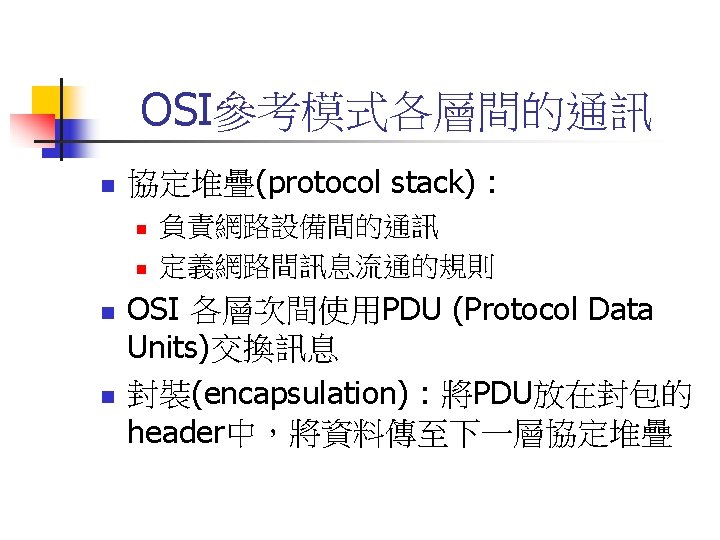
Cisco網路設備之設定與管理 台大計資中心 李美雯 Email : mli@ccms. ntu. edu. tw Phone : 3366 -5010
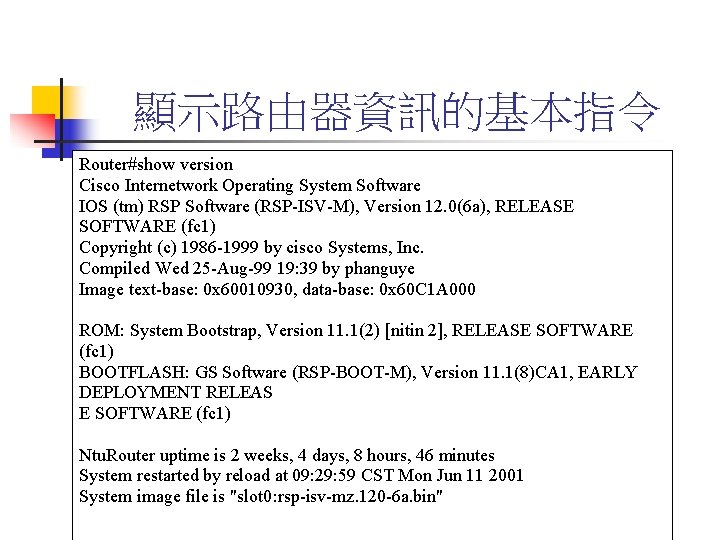
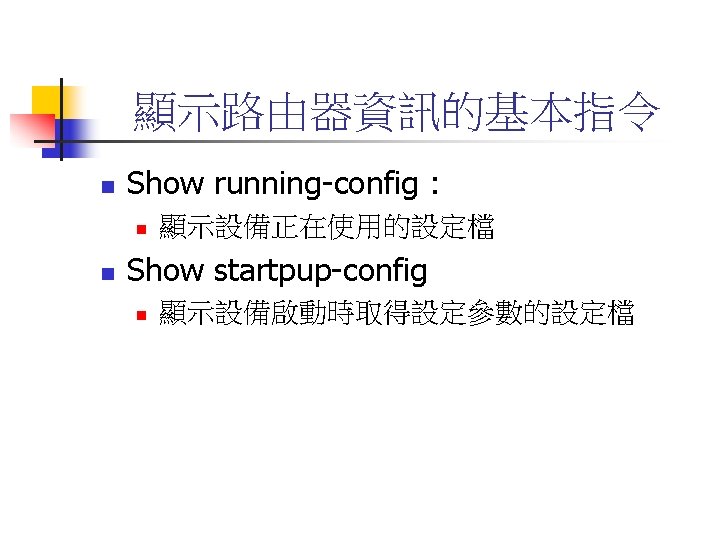
顯示路由器資訊的基本指令 Router#show version Cisco Internetwork Operating System Software IOS (tm) RSP Software (RSP-ISV-M), Version 12. 0(6 a), RELEASE SOFTWARE (fc 1) Copyright (c) 1986 -1999 by cisco Systems, Inc. Compiled Wed 25 -Aug-99 19: 39 by phanguye Image text-base: 0 x 60010930, data-base: 0 x 60 C 1 A 000 ROM: System Bootstrap, Version 11. 1(2) [nitin 2], RELEASE SOFTWARE (fc 1) BOOTFLASH: GS Software (RSP-BOOT-M), Version 11. 1(8)CA 1, EARLY DEPLOYMENT RELEAS E SOFTWARE (fc 1) Ntu. Router uptime is 2 weeks, 4 days, 8 hours, 46 minutes System restarted by reload at 09: 29: 59 CST Mon Jun 11 2001 System image file is "slot 0: rsp-isv-mz. 120 -6 a. bin"
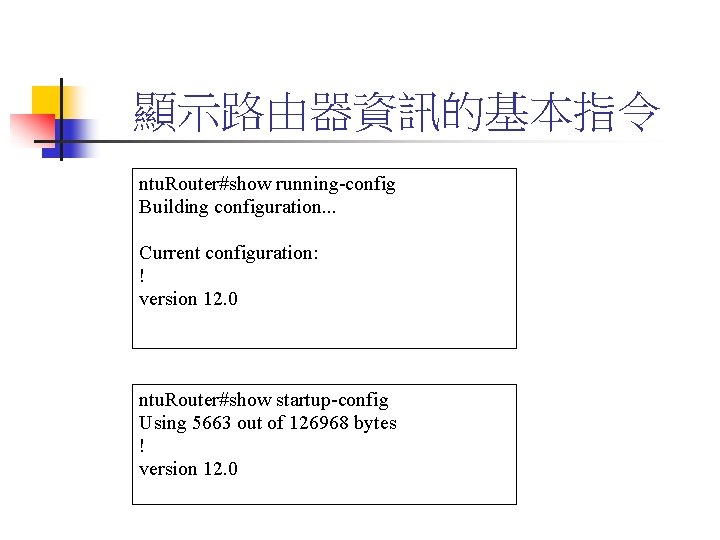
顯示路由器資訊的基本指令 ntu. Router#show running-config Building configuration. . . Current configuration: ! version 12. 0 ntu. Router#show startup-config Using 5663 out of 126968 bytes ! version 12. 0
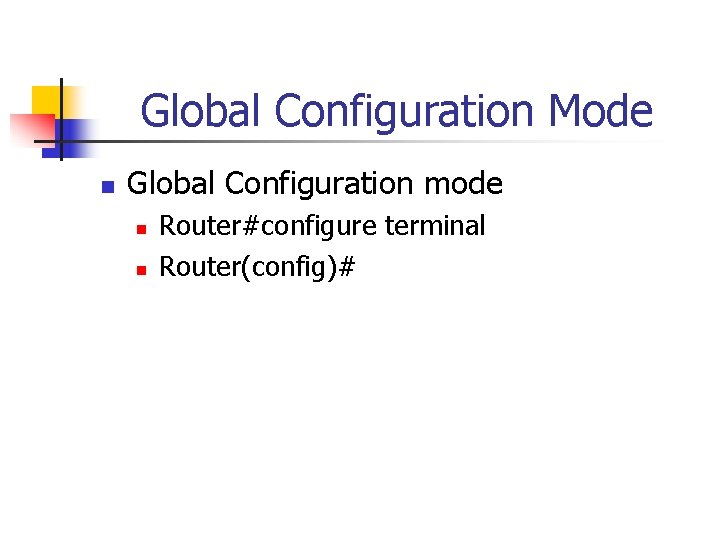
Global Configuration Mode n Global Configuration mode n n Router#configure terminal Router(config)#
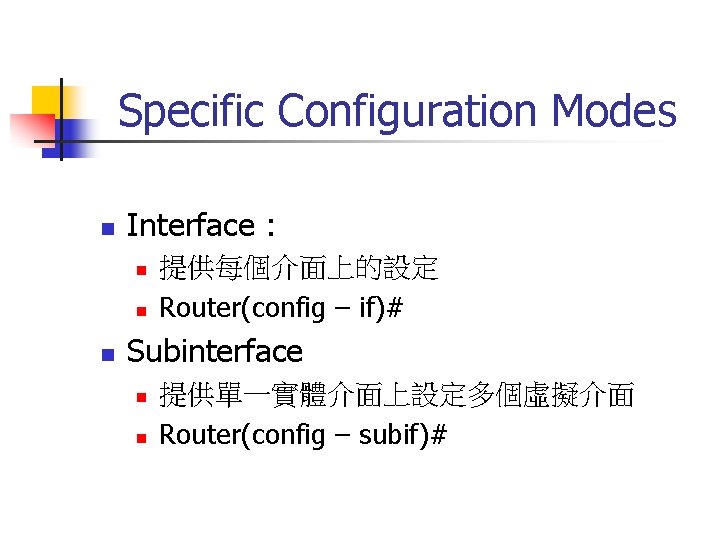
Specific Configuration Modes n Interface : n n n 提供每個介面上的設定 Router(config – if)# Subinterface n n 提供單一實體介面上設定多個虛擬介面 Router(config – subif)#
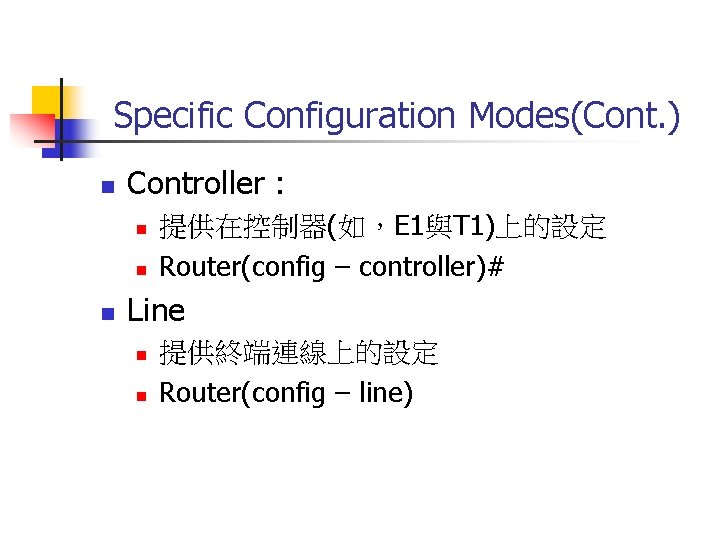
Specific Configuration Modes(Cont. ) n Controller : n n n 提供在控制器(如,E 1與T 1)上的設定 Router(config – controller)# Line n n 提供終端連線上的設定 Router(config – line)
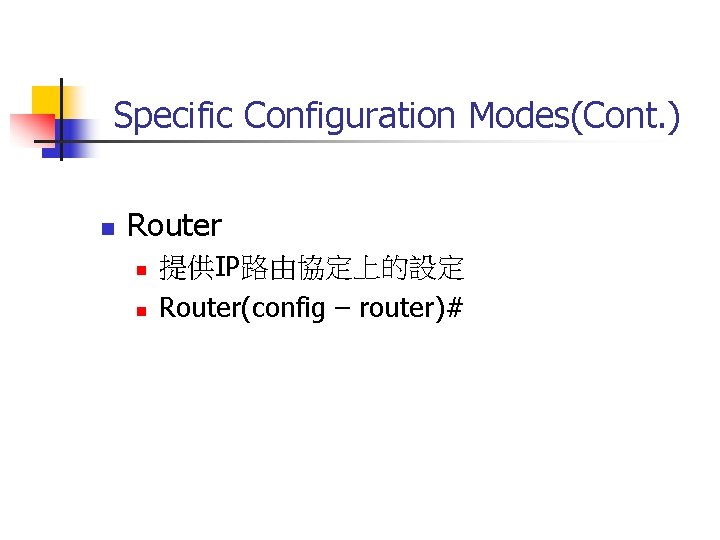
Specific Configuration Modes(Cont. ) n Router n n 提供IP路由協定上的設定 Router(config – router)#
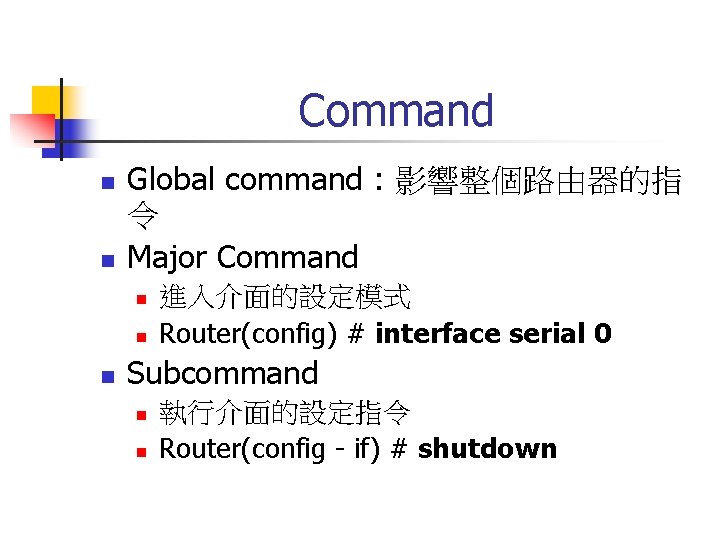
Command n n Global command : 影響整個路由器的指 令 Major Command n n n 進入介面的設定模式 Router(config) # interface serial 0 Subcommand n n 執行介面的設定指令 Router(config - if) # shutdown
為路由器命名 Router(config) # hostname ntu. Router(config) #
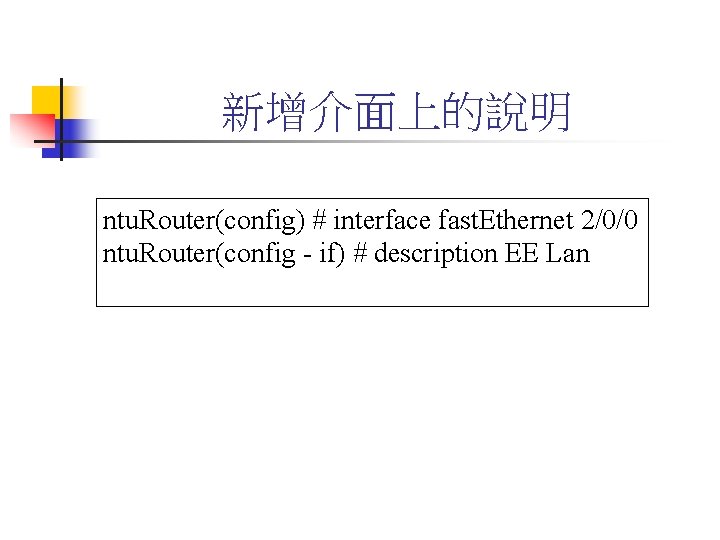
新增介面上的說明 ntu. Router(config) # interface fast. Ethernet 2/0/0 ntu. Router(config - if) # description EE Lan
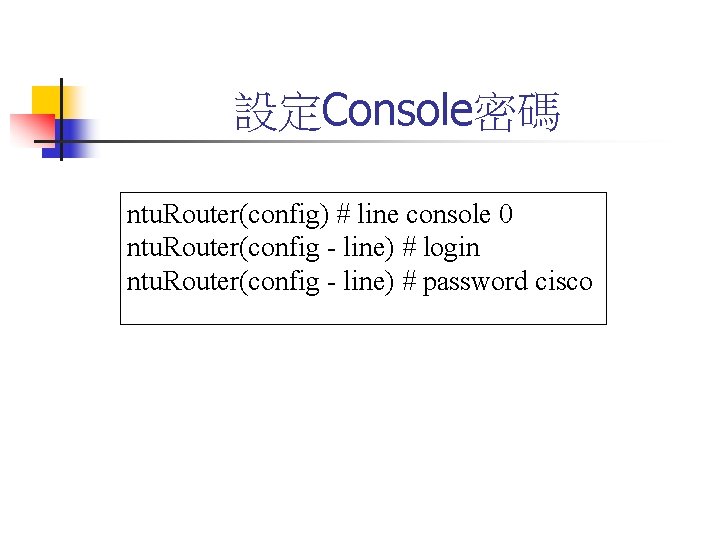
設定Console密碼 ntu. Router(config) # line console 0 ntu. Router(config - line) # login ntu. Router(config - line) # password cisco
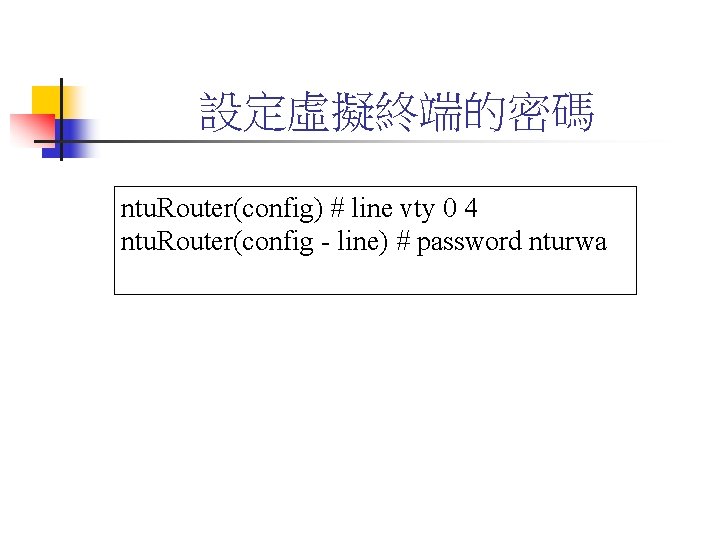
設定虛擬終端的密碼 ntu. Router(config) # line vty 0 4 ntu. Router(config - line) # password nturwa
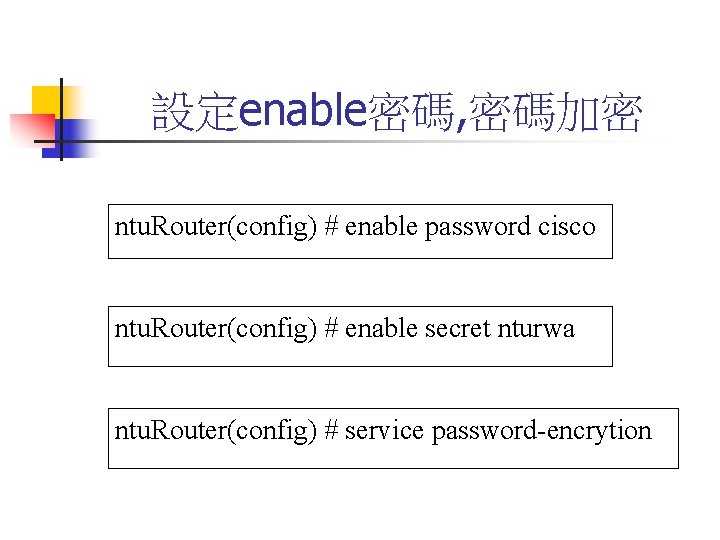
設定enable密碼, 密碼加密 ntu. Router(config) # enable password cisco ntu. Router(config) # enable secret nturwa ntu. Router(config) # service password-encrytion
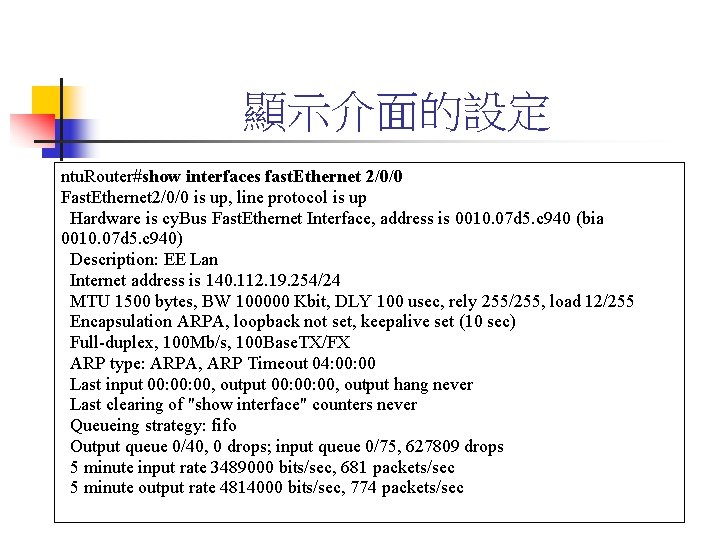
顯示介面的設定 ntu. Router#show interfaces fast. Ethernet 2/0/0 Fast. Ethernet 2/0/0 is up, line protocol is up Hardware is cy. Bus Fast. Ethernet Interface, address is 0010. 07 d 5. c 940 (bia 0010. 07 d 5. c 940) Description: EE Lan Internet address is 140. 112. 19. 254/24 MTU 1500 bytes, BW 100000 Kbit, DLY 100 usec, rely 255/255, load 12/255 Encapsulation ARPA, loopback not set, keepalive set (10 sec) Full-duplex, 100 Mb/s, 100 Base. TX/FX ARP type: ARPA, ARP Timeout 04: 00 Last input 00: 00: 00, output hang never Last clearing of "show interface" counters never Queueing strategy: fifo Output queue 0/40, 0 drops; input queue 0/75, 627809 drops 5 minute input rate 3489000 bits/sec, 681 packets/sec 5 minute output rate 4814000 bits/sec, 774 packets/sec
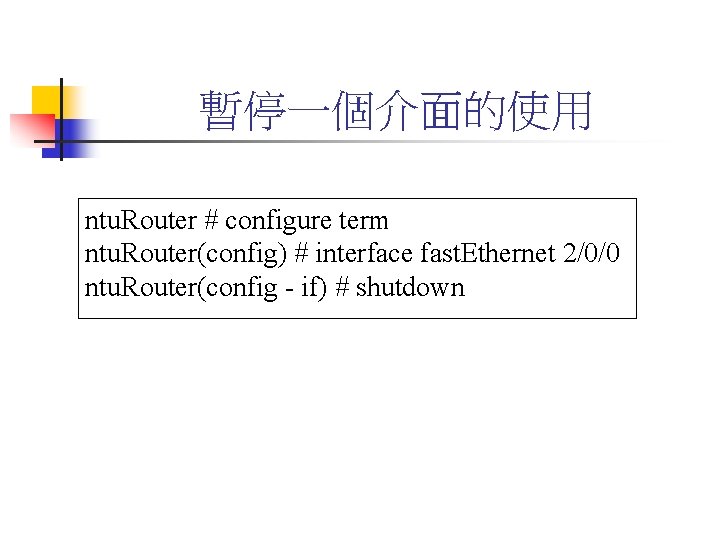
暫停一個介面的使用 ntu. Router # configure term ntu. Router(config) # interface fast. Ethernet 2/0/0 ntu. Router(config - if) # shutdown
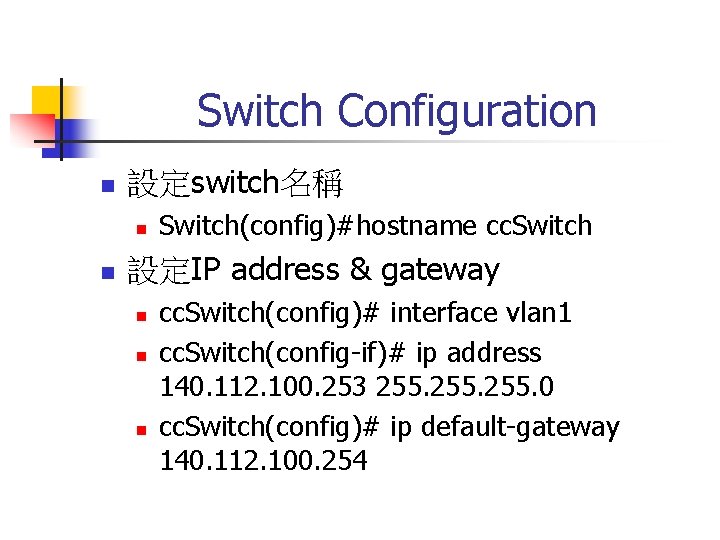
Switch Configuration n 設定switch名稱 n n Switch(config)#hostname cc. Switch 設定IP address & gateway n n n cc. Switch(config)# interface vlan 1 cc. Switch(config-if)# ip address 140. 112. 100. 253 255. 0 cc. Switch(config)# ip default-gateway 140. 112. 100. 254
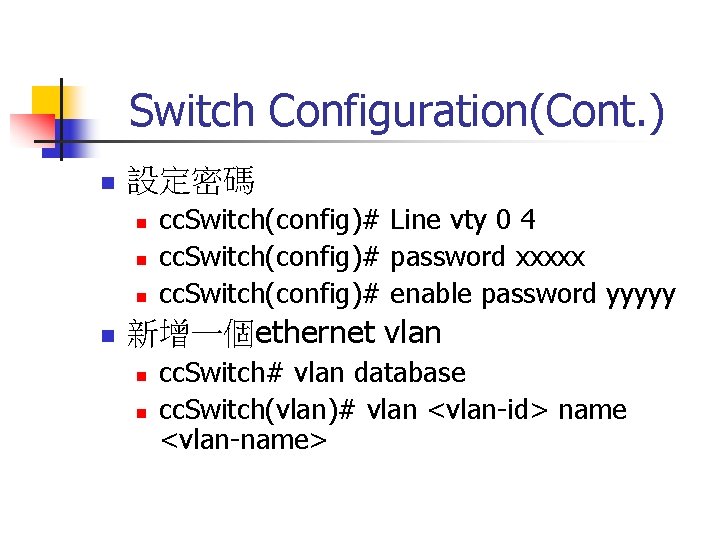
Switch Configuration(Cont. ) n 設定密碼 n n cc. Switch(config)# Line vty 0 4 cc. Switch(config)# password xxxxx cc. Switch(config)# enable password yyyyy 新增一個ethernet vlan n n cc. Switch# vlan database cc. Switch(vlan)# vlan <vlan-id> name <vlan-name>
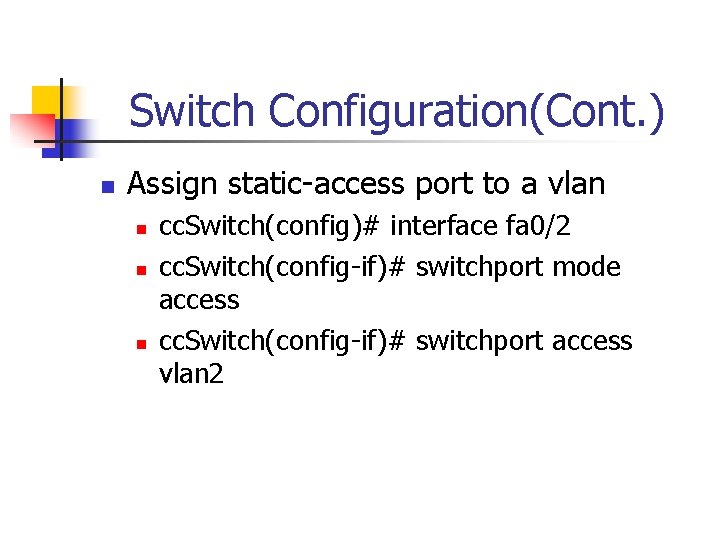
Switch Configuration(Cont. ) n Assign static-access port to a vlan n cc. Switch(config)# interface fa 0/2 cc. Switch(config-if)# switchport mode access cc. Switch(config-if)# switchport access vlan 2
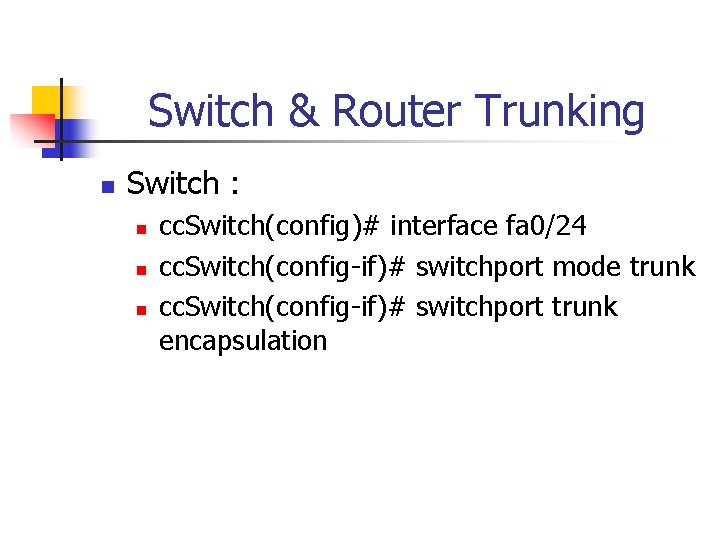
Switch & Router Trunking n Switch : n n n cc. Switch(config)# interface fa 0/24 cc. Switch(config-if)# switchport mode trunk cc. Switch(config-if)# switchport trunk encapsulation
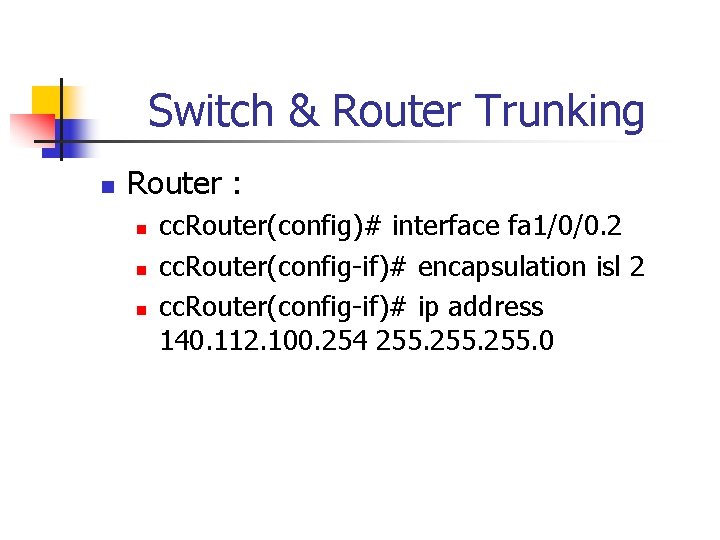
Switch & Router Trunking n Router : n n n cc. Router(config)# interface fa 1/0/0. 2 cc. Router(config-if)# encapsulation isl 2 cc. Router(config-if)# ip address 140. 112. 100. 254 255. 0
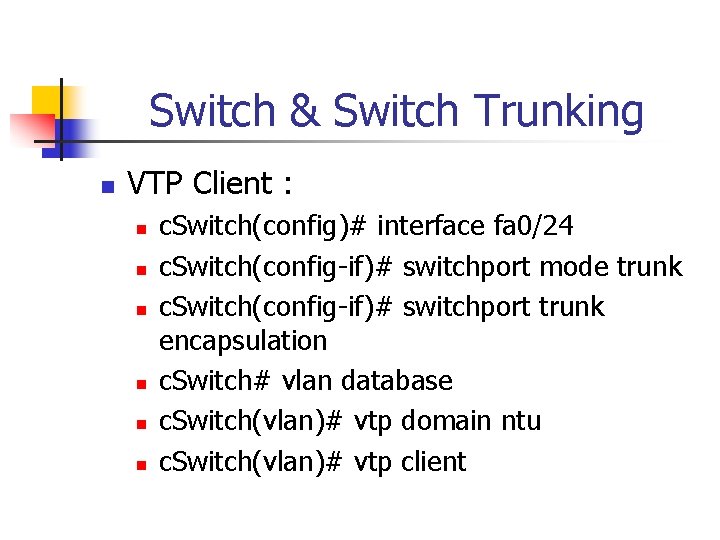
Switch & Switch Trunking n VTP Client : n n n c. Switch(config)# interface fa 0/24 c. Switch(config-if)# switchport mode trunk c. Switch(config-if)# switchport trunk encapsulation c. Switch# vlan database c. Switch(vlan)# vtp domain ntu c. Switch(vlan)# vtp client
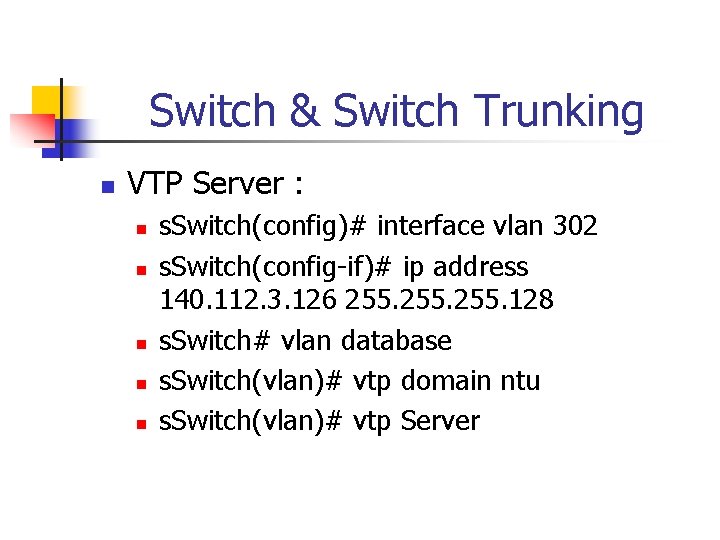
Switch & Switch Trunking n VTP Server : n n n s. Switch(config)# interface vlan 302 s. Switch(config-if)# ip address 140. 112. 3. 126 255. 128 s. Switch# vlan database s. Switch(vlan)# vtp domain ntu s. Switch(vlan)# vtp Server
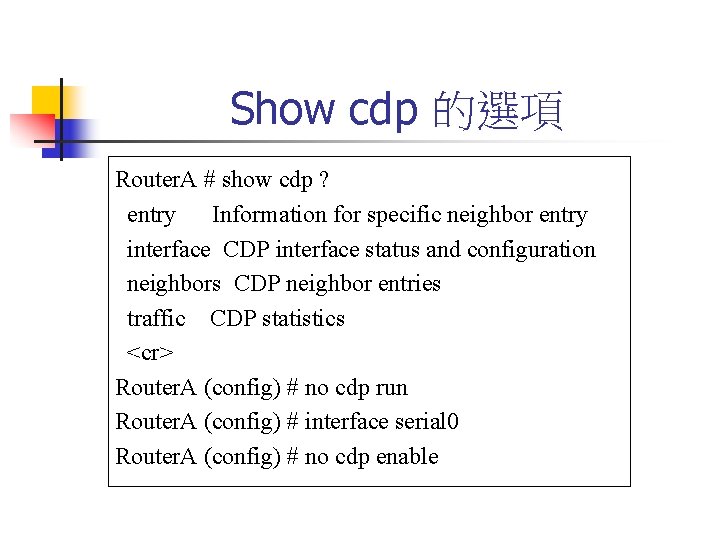
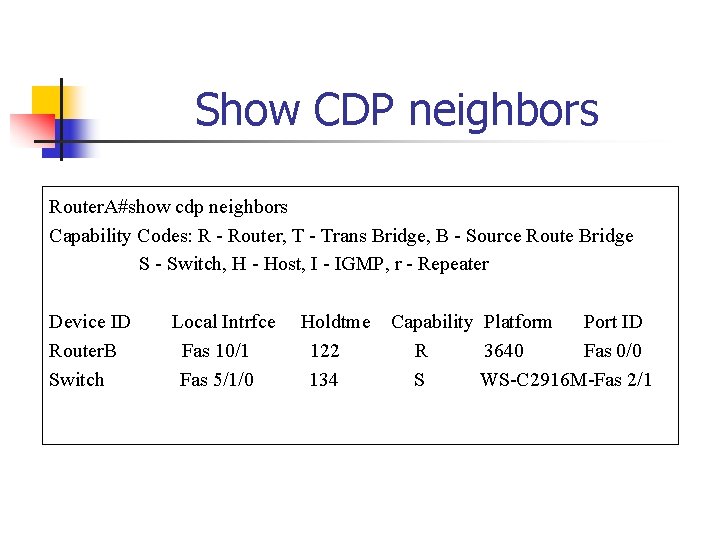
Show cdp 的選項 Router. A # show cdp ? entry Information for specific neighbor entry interface CDP interface status and configuration neighbors CDP neighbor entries traffic CDP statistics <cr> Router. A (config) # no cdp run Router. A (config) # interface serial 0 Router. A (config) # no cdp enable
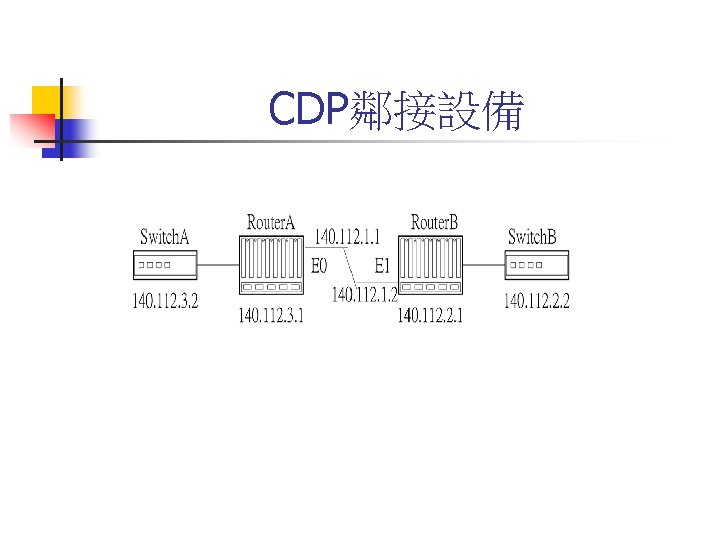
Show CDP neighbors Router. A#show cdp neighbors Capability Codes: R - Router, T - Trans Bridge, B - Source Route Bridge S - Switch, H - Host, I - IGMP, r - Repeater Device ID Router. B Switch Local Intrfce Fas 10/1 Fas 5/1/0 Holdtme 122 134 Capability Platform Port ID R 3640 Fas 0/0 S WS-C 2916 M-Fas 2/1
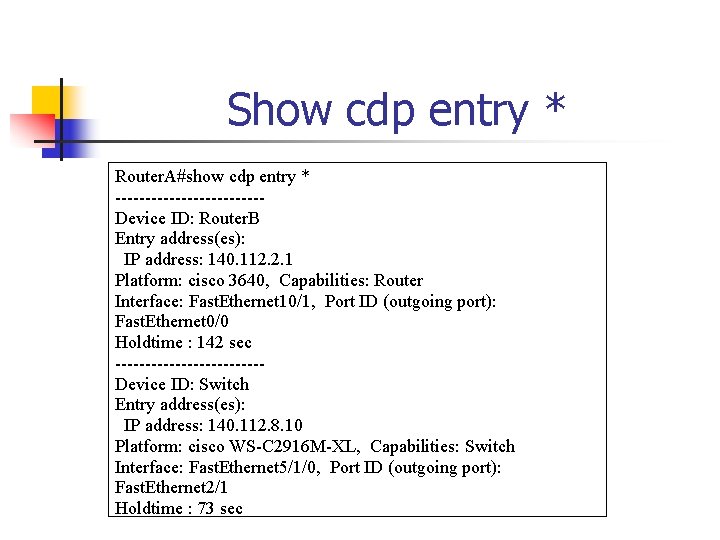
Show cdp entry * Router. A#show cdp entry * ------------Device ID: Router. B Entry address(es): IP address: 140. 112. 2. 1 Platform: cisco 3640, Capabilities: Router Interface: Fast. Ethernet 10/1, Port ID (outgoing port): Fast. Ethernet 0/0 Holdtime : 142 sec ------------Device ID: Switch Entry address(es): IP address: 140. 112. 8. 10 Platform: cisco WS-C 2916 M-XL, Capabilities: Switch Interface: Fast. Ethernet 5/1/0, Port ID (outgoing port): Fast. Ethernet 2/1 Holdtime : 73 sec
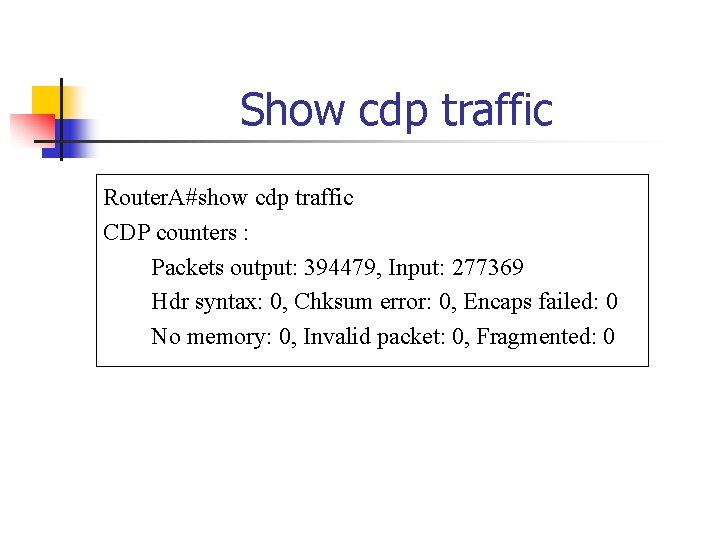
Show cdp traffic Router. A#show cdp traffic CDP counters : Packets output: 394479, Input: 277369 Hdr syntax: 0, Chksum error: 0, Encaps failed: 0 No memory: 0, Invalid packet: 0, Fragmented: 0
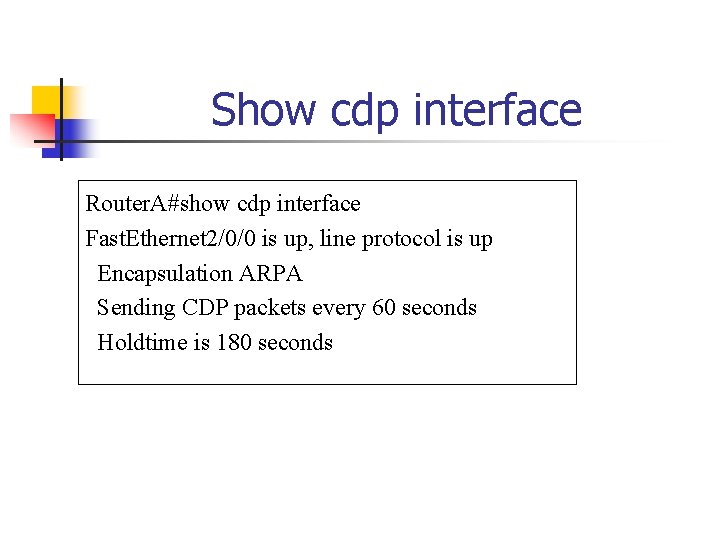
Show cdp interface Router. A#show cdp interface Fast. Ethernet 2/0/0 is up, line protocol is up Encapsulation ARPA Sending CDP packets every 60 seconds Holdtime is 180 seconds
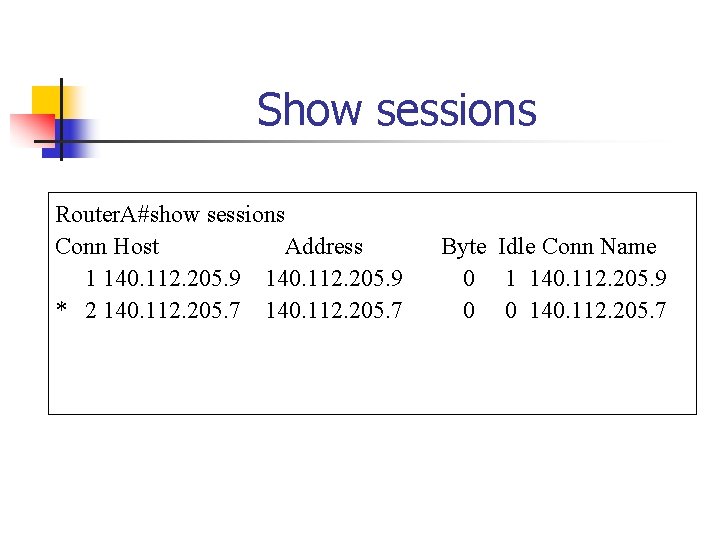
Show sessions Router. A#show sessions Conn Host Address 1 140. 112. 205. 9 * 2 140. 112. 205. 7 Byte Idle Conn Name 0 1 140. 112. 205. 9 0 0 140. 112. 205. 7
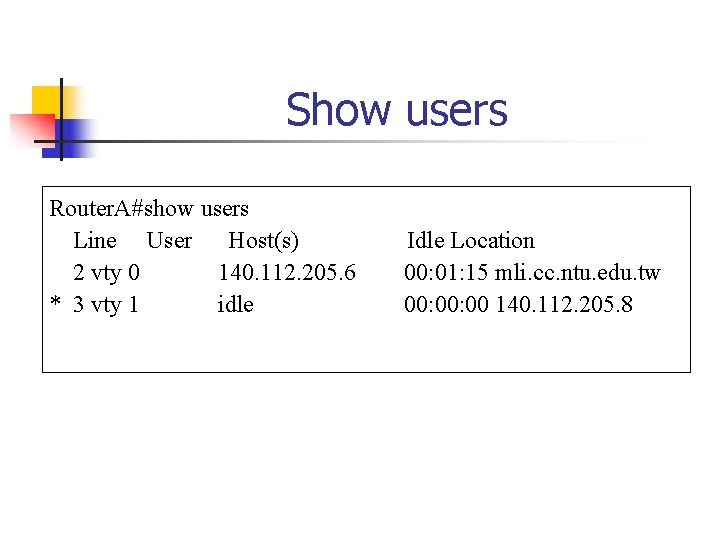
Show users Router. A#show users Line User Host(s) 2 vty 0 140. 112. 205. 6 * 3 vty 1 idle Idle Location 00: 01: 15 mli. cc. ntu. edu. tw 00: 00 140. 112. 205. 8
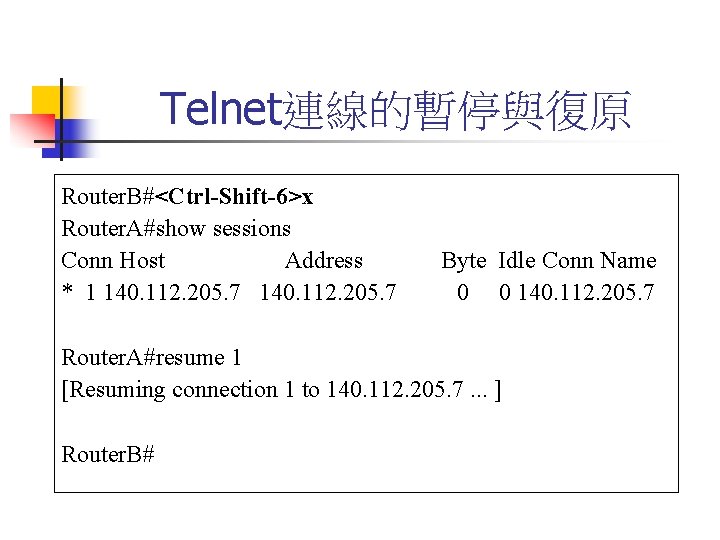
Telnet連線的暫停與復原 Router. B#<Ctrl-Shift-6>x Router. A#show sessions Conn Host Address * 1 140. 112. 205. 7 Byte Idle Conn Name 0 0 140. 112. 205. 7 Router. A#resume 1 [Resuming connection 1 to 140. 112. 205. 7. . . ] Router. B#
clear line Router. A#clear line 2 [confirm] [OK]
Router Booting Sequence n n n n Power-on self test(POST) Load and run bootstrap code Find the IOS software Load the IOS software Find the configuration Load the configuration Run
Router Major Components n n n RAM(Random-access memory) ROM(Read-only memory) Flash memory NVRAM Configuration register Interfaces
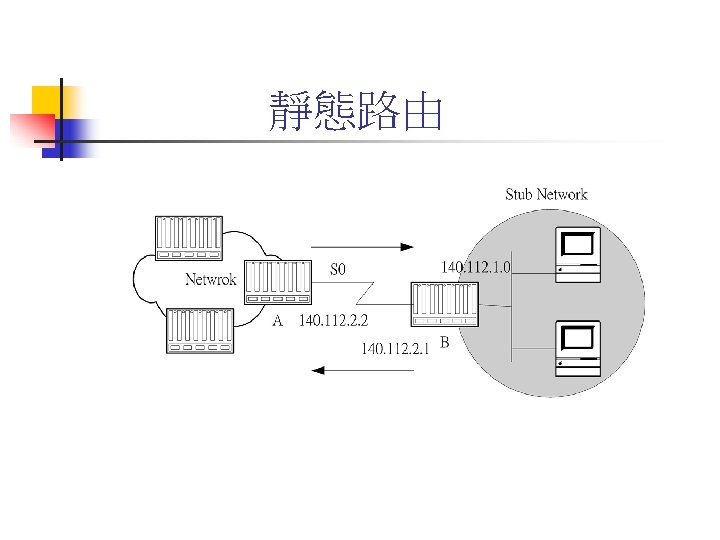
靜態路由 n n ip route network [mask] {address | interface} [distance] [permanent] Router. A(config)# ip route 140. 112. 1. 0 255. 0 140. 112. 2. 1
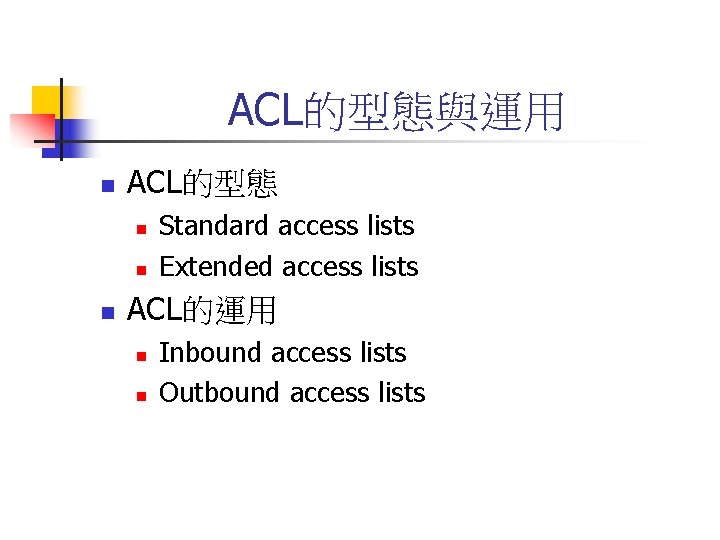
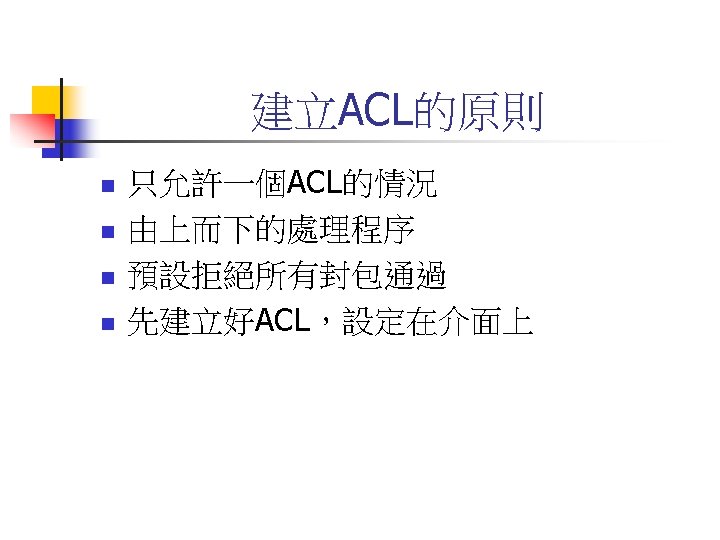
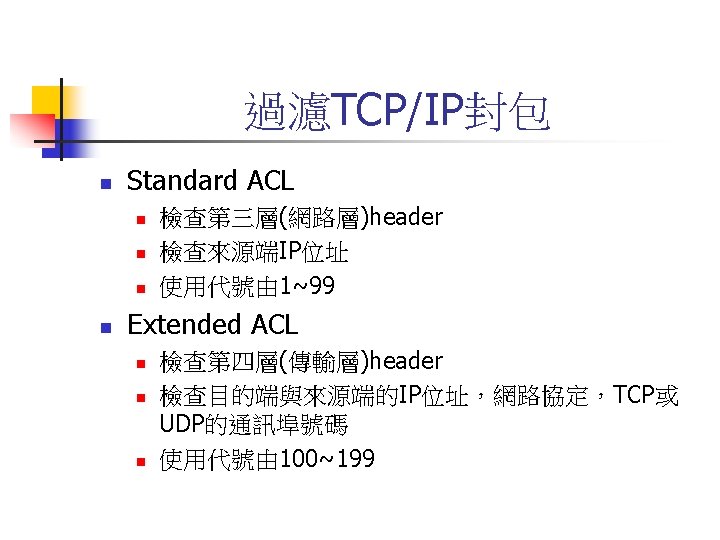
ACL的型態與運用 n ACL的型態 n n n Standard access lists Extended access lists ACL的運用 n n Inbound access lists Outbound access lists
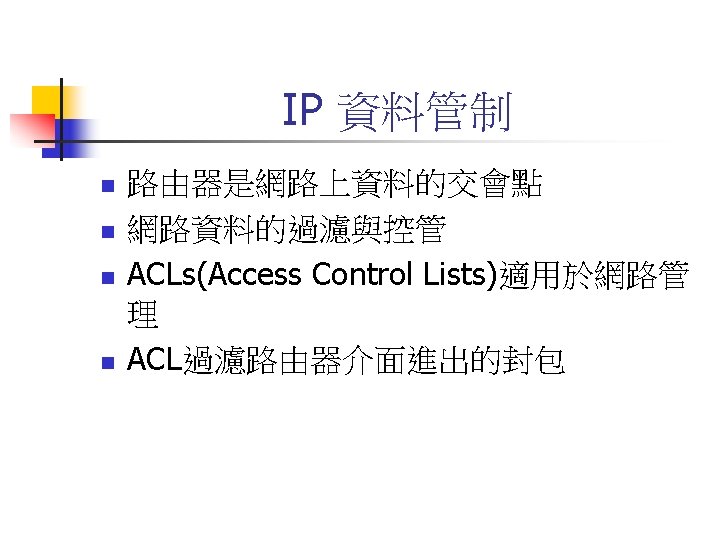
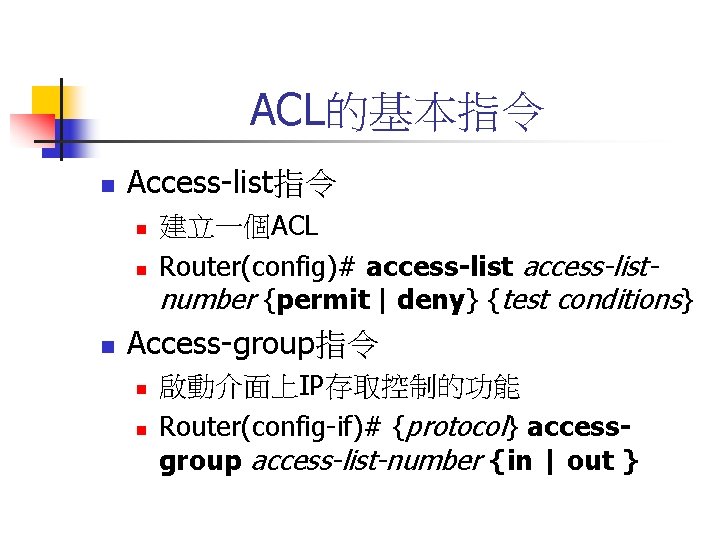
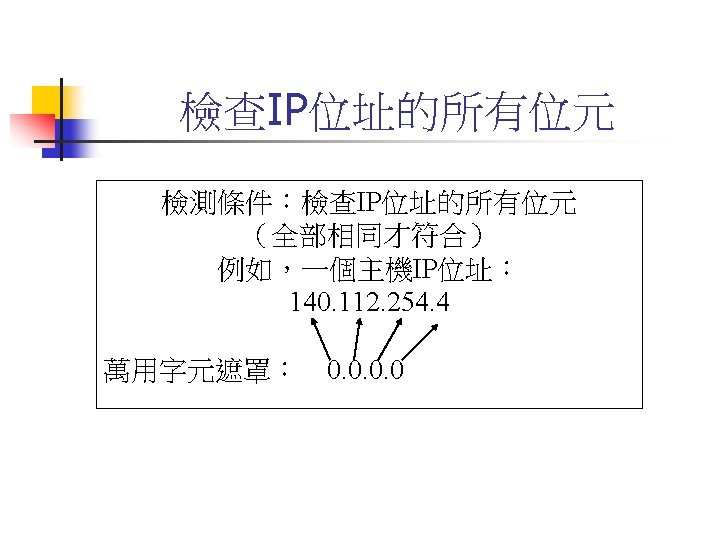
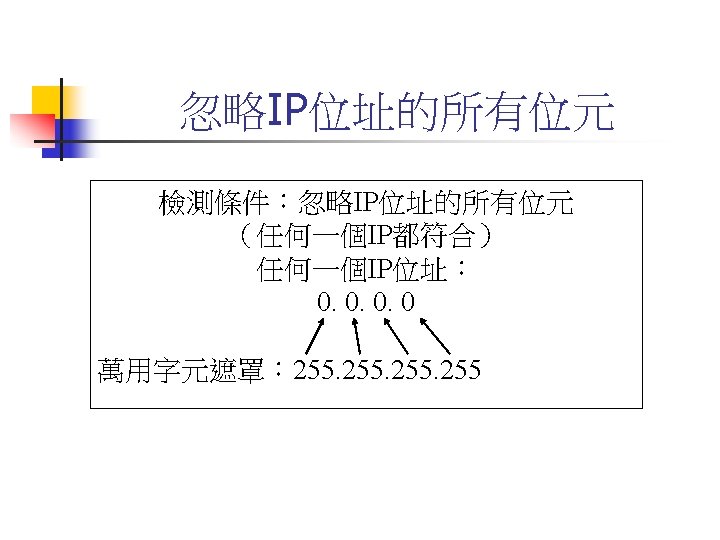
ACL的基本指令 n Access-list指令 n n n 建立一個ACL Router(config)# access-listnumber {permit | deny} {test conditions} Access-group指令 n n 啟動介面上IP存取控制的功能 Router(config-if)# {protocol} accessgroup access-list-number {in | out }
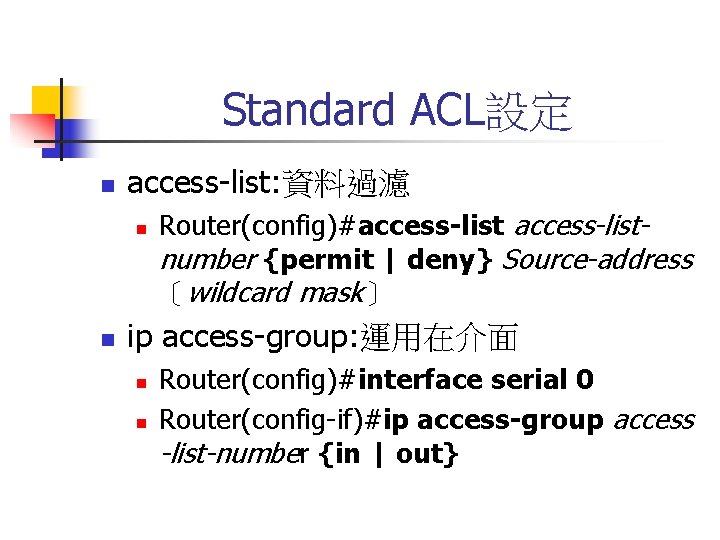
Standard ACL設定 n access-list: 資料過濾 n n Router(config)#access-listnumber {permit | deny} Source-address 〔wildcard mask〕 ip access-group: 運用在介面 n n Router(config)#interface serial 0 Router(config-if)#ip access-group access -list-number {in | out}
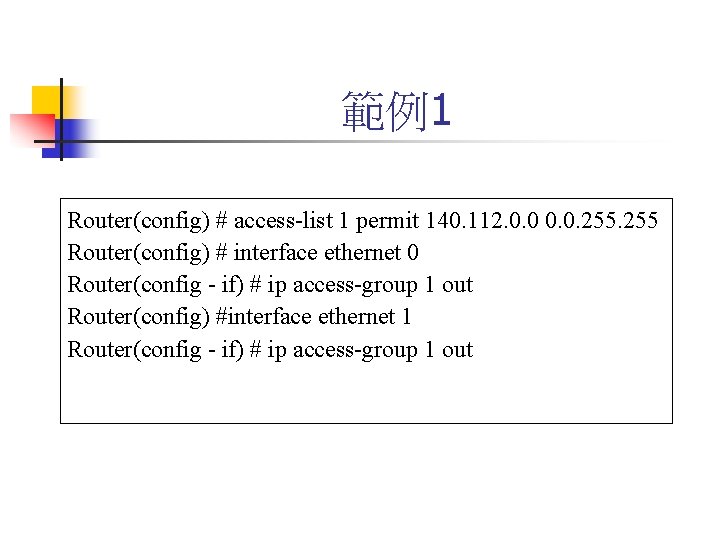
範例1 Router(config) # access-list 1 permit 140. 112. 0. 0. 255 Router(config) # interface ethernet 0 Router(config - if) # ip access-group 1 out Router(config) #interface ethernet 1 Router(config - if) # ip access-group 1 out
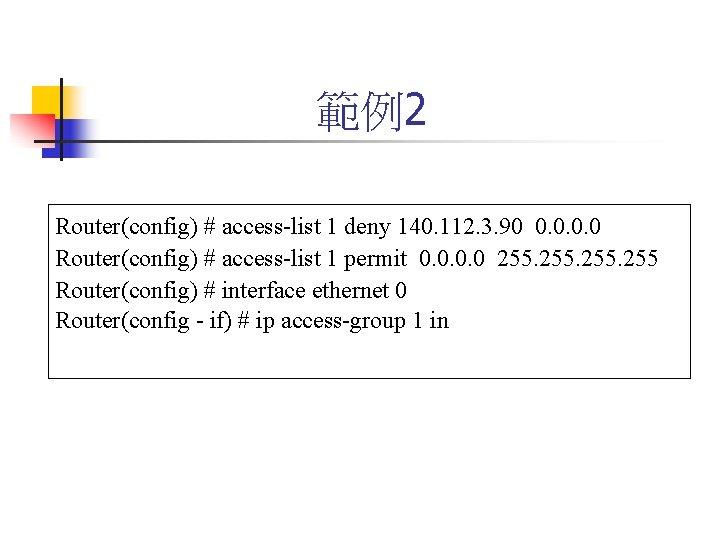
範例2 Router(config) # access-list 1 deny 140. 112. 3. 90 0. 0 Router(config) # access-list 1 permit 0. 0 255 Router(config) # interface ethernet 0 Router(config - if) # ip access-group 1 in
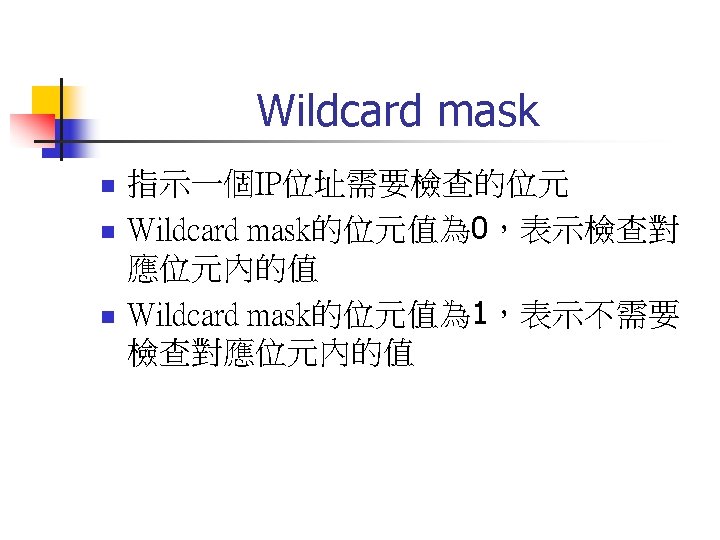
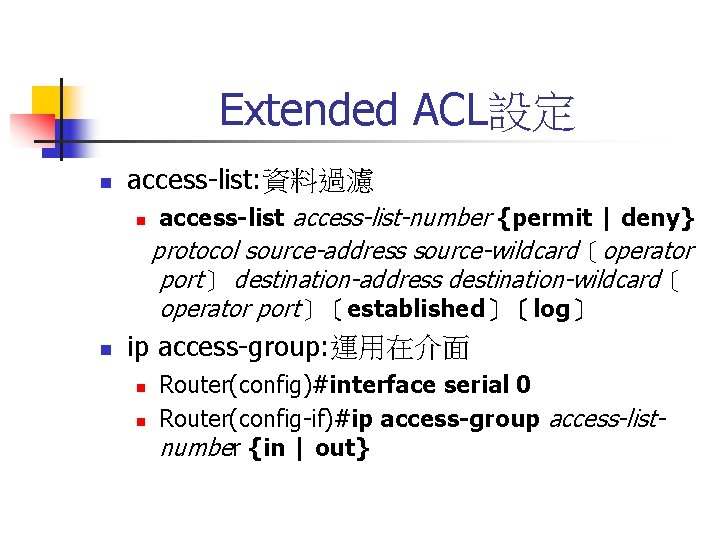
Extended ACL設定 n access-list: 資料過濾 n n access-list-number {permit | deny} protocol source-address source-wildcard〔operator port〕 destination-address destination-wildcard〔 operator port〕〔established〕〔log〕 ip access-group: 運用在介面 n n Router(config)#interface serial 0 Router(config-if)#ip access-group access-listnumber {in | out}
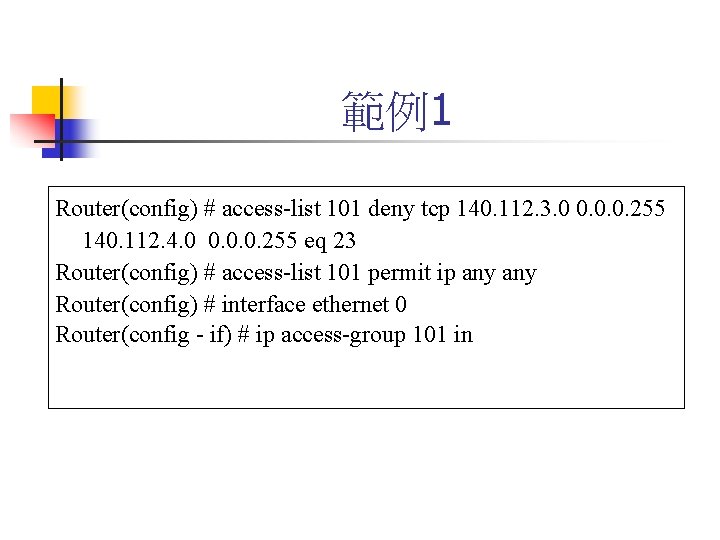
範例1 Router(config) # access-list 101 deny tcp 140. 112. 3. 0 0. 0. 0. 255 140. 112. 4. 0 0. 0. 0. 255 eq 23 Router(config) # access-list 101 permit ip any Router(config) # interface ethernet 0 Router(config - if) # ip access-group 101 in
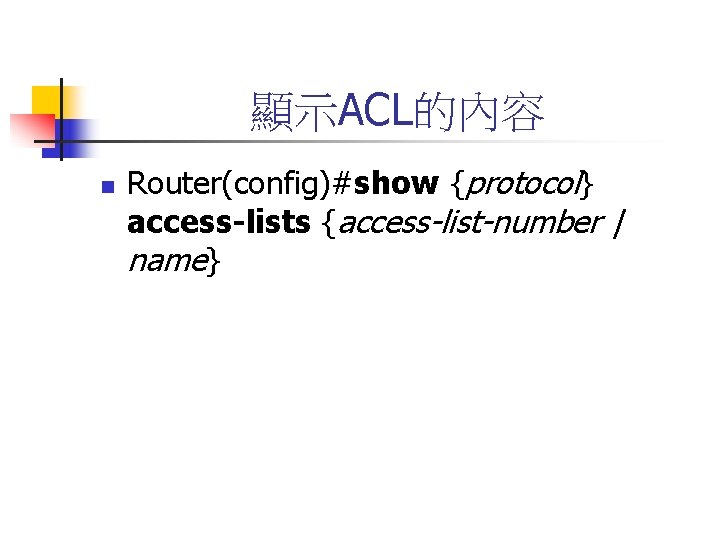
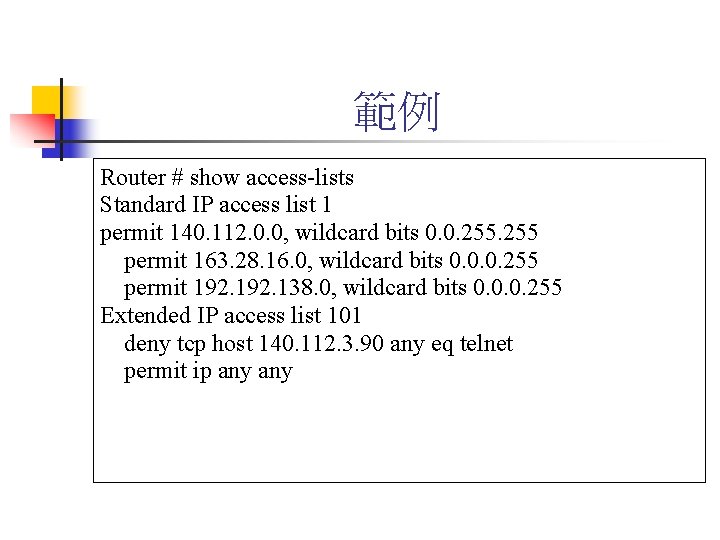
顯示ACL的內容 n Router(config)#show {protocol} access-lists {access-list-number | name}
範例 Router # show access-lists Standard IP access list 1 permit 140. 112. 0. 0, wildcard bits 0. 0. 255 permit 163. 28. 16. 0, wildcard bits 0. 0. 0. 255 permit 192. 138. 0, wildcard bits 0. 0. 0. 255 Extended IP access list 101 deny tcp host 140. 112. 3. 90 any eq telnet permit ip any