
Cisco Device Configuration To Facilitate Monitoring Network Monitoring


- Slides: 23
Cisco Device Configuration (To Facilitate Monitoring) Network Monitoring and Management Workshop@Af. NOG 2011
Topics CLI modes Accessing the configuration Basic configuration (hostname and DNS) Authentication and authorization (AAA) Log collection Time Synchronization (date/timezone) SNMP configuration Cisco Discovery Protocol (CDP)
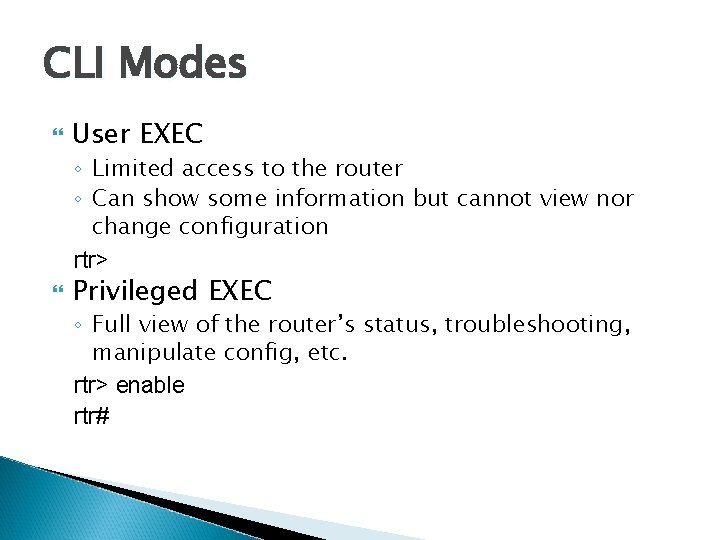
CLI Modes User EXEC ◦ Limited access to the router ◦ Can show some information but cannot view nor change configuration rtr> Privileged EXEC ◦ Full view of the router’s status, troubleshooting, manipulate config, etc. rtr> enable rtr#
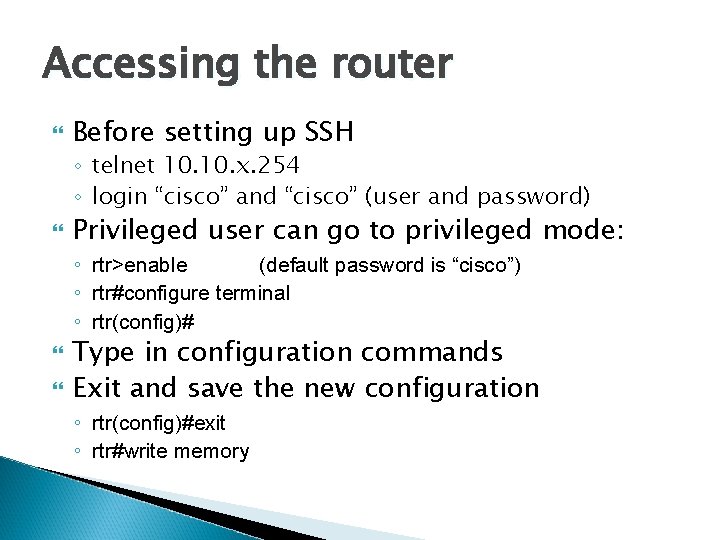
Accessing the router Before setting up SSH ◦ telnet 10. x. 254 ◦ login “cisco” and “cisco” (user and password) Privileged user can go to privileged mode: ◦ rtr>enable (default password is “cisco”) ◦ rtr#configure terminal ◦ rtr(config)# Type in configuration commands Exit and save the new configuration ◦ rtr(config)#exit ◦ rtr#write memory
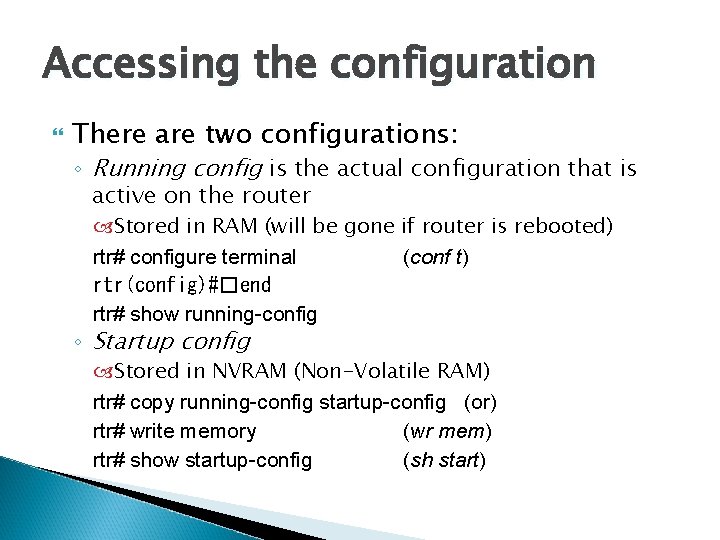
Accessing the configuration There are two configurations: ◦ Running config is the actual configuration that is active on the router Stored in RAM (will be gone if router is rebooted) rtr# configure terminal (conf t) rtr(config)#�end rtr# show running-config ◦ Startup config Stored in NVRAM (Non-Volatile RAM) rtr# copy running-config startup-config (or) rtr# write memory (wr mem) rtr# show startup-config (sh start)
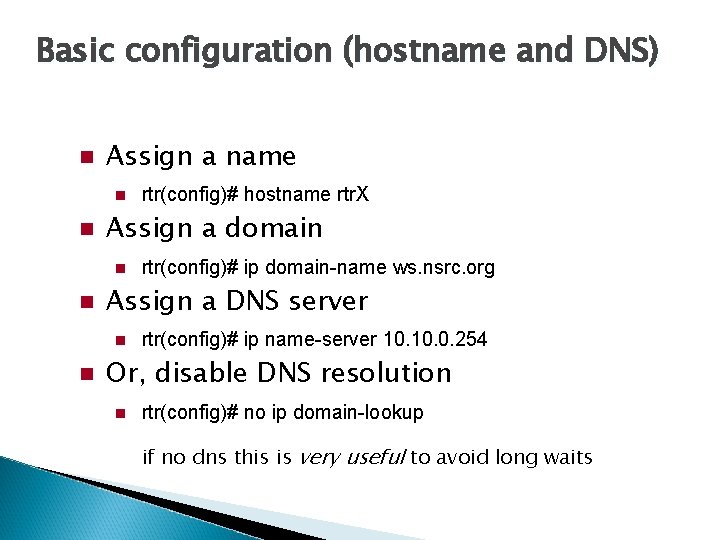
Basic configuration (hostname and DNS) Assign a name Assign a domain rtr(config)# ip domain-name ws. nsrc. org Assign a DNS server rtr(config)# hostname rtr. X rtr(config)# ip name-server 10. 0. 254 Or, disable DNS resolution rtr(config)# no ip domain-lookup if no dns this is very useful to avoid long waits
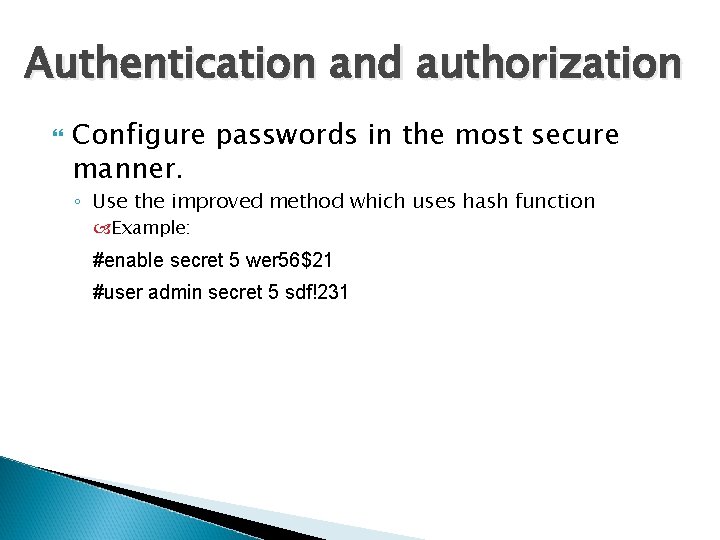
Authentication and authorization Configure passwords in the most secure manner. ◦ Use the improved method which uses hash function Example: #enable secret 5 wer 56$21 #user admin secret 5 sdf!231
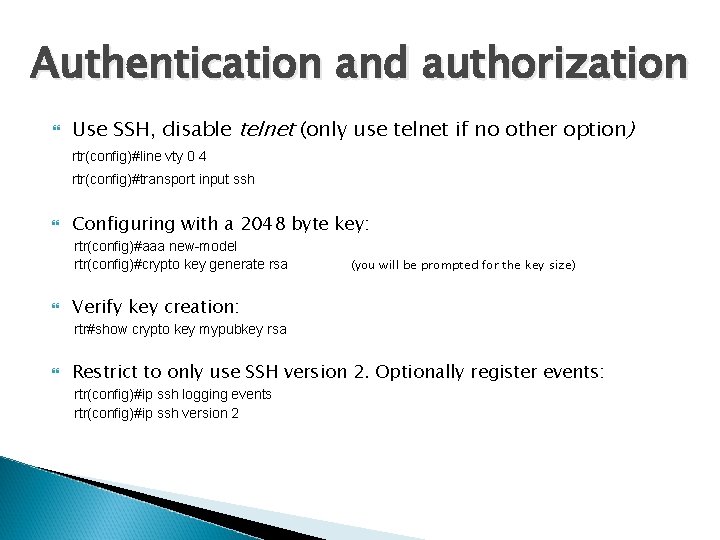
Authentication and authorization Use SSH, disable telnet (only use telnet if no other option) rtr(config)#line vty 0 4 rtr(config)#transport input ssh Configuring with a 2048 byte key: rtr(config)#aaa new-model rtr(config)#crypto key generate rsa (you will be prompted for the key size) Verify key creation: rtr#show crypto key mypubkey rsa Restrict to only use SSH version 2. Optionally register events: rtr(config)#ip ssh logging events rtr(config)#ip ssh version 2
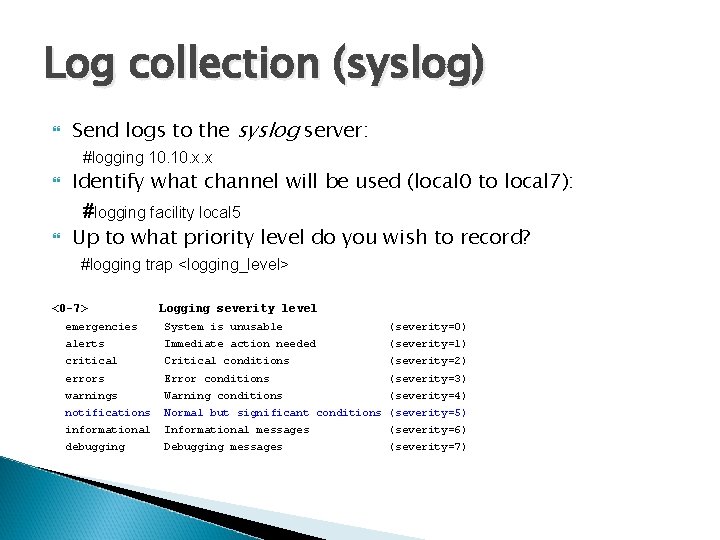
Log collection (syslog) Send logs to the syslog server: #logging 10. x. x Identify what channel will be used (local 0 to local 7): #logging facility local 5 Up to what priority level do you wish to record? #logging trap <logging_level> <0 -7> Logging severity level emergencies System is unusable (severity=0) alerts Immediate action needed (severity=1) critical Critical conditions (severity=2) errors Error conditions (severity=3) warnings Warning conditions (severity=4) notifications Normal but significant conditions (severity=5) informational Informational messages (severity=6) debugging Debugging messages (severity=7)
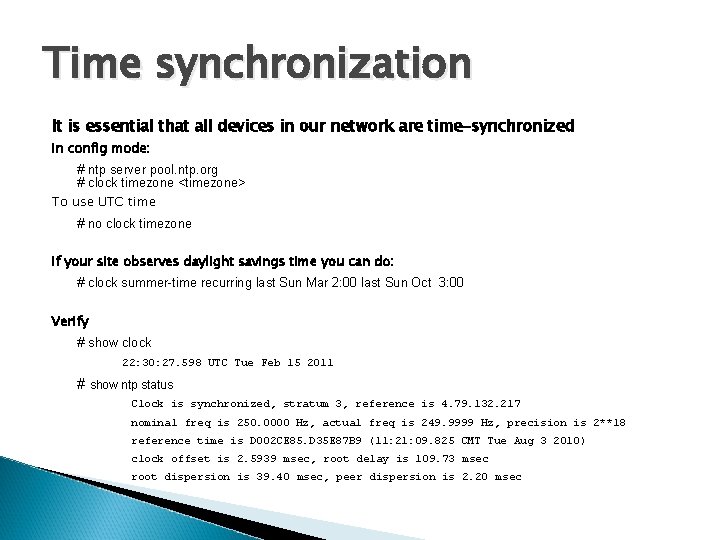
Time synchronization It is essential that all devices in our network are time-synchronized In config mode: # ntp server pool. ntp. org # clock timezone <timezone> To use UTC time # no clock timezone If your site observes daylight savings time you can do: # clock summer-time recurring last Sun Mar 2: 00 last Sun Oct 3: 00 Verify # show clock 22: 30: 27. 598 UTC Tue Feb 15 2011 # show ntp status Clock is synchronized, stratum 3, reference is 4. 79. 132. 217 nominal freq is 250. 0000 Hz, actual freq is 249. 9999 Hz, precision is 2**18 reference time is D 002 CE 85. D 35 E 87 B 9 (11: 21: 09. 825 CMT Tue Aug 3 2010) clock offset is 2. 5939 msec, root delay is 109. 73 msec root dispersion is 39. 40 msec, peer dispersion is 2. 20 msec
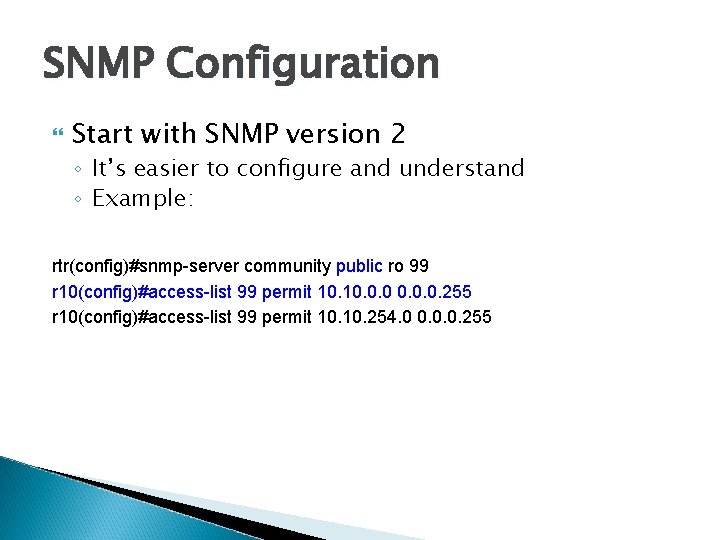
SNMP Configuration Start with SNMP version 2 ◦ It’s easier to configure and understand ◦ Example: rtr(config)#snmp-server community public ro 99 r 10(config)#access-list 99 permit 10. 0. 255 r 10(config)#access-list 99 permit 10. 254. 0 0. 0. 0. 255
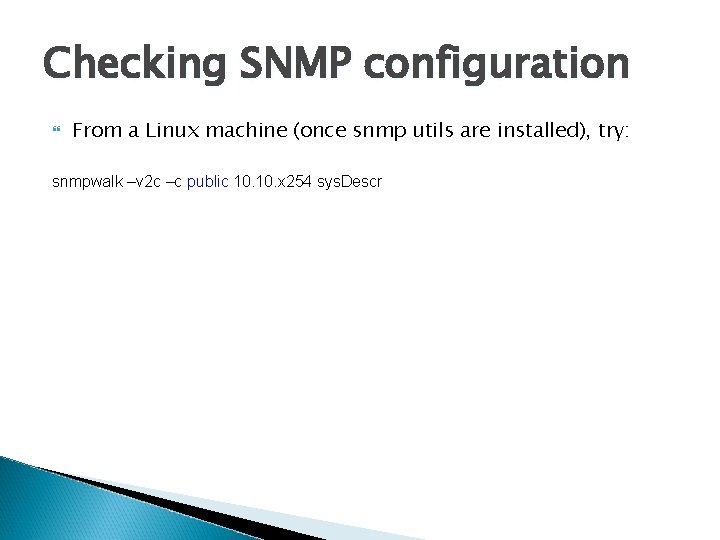
Checking SNMP configuration From a Linux machine (once snmp utils are installed), try: snmpwalk –v 2 c –c public 10. x 254 sys. Descr
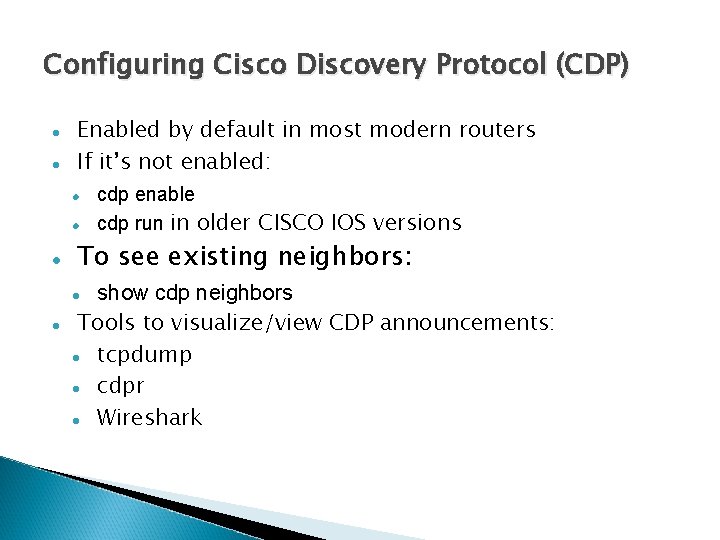
Configuring Cisco Discovery Protocol (CDP) Enabled by default in most modern routers If it’s not enabled: To see existing neighbors: show cdp neighbors Tools to visualize/view CDP announcements: tcpdump cdpr Wireshark cdp enable cdp run in older CISCO IOS versions
HP Switches
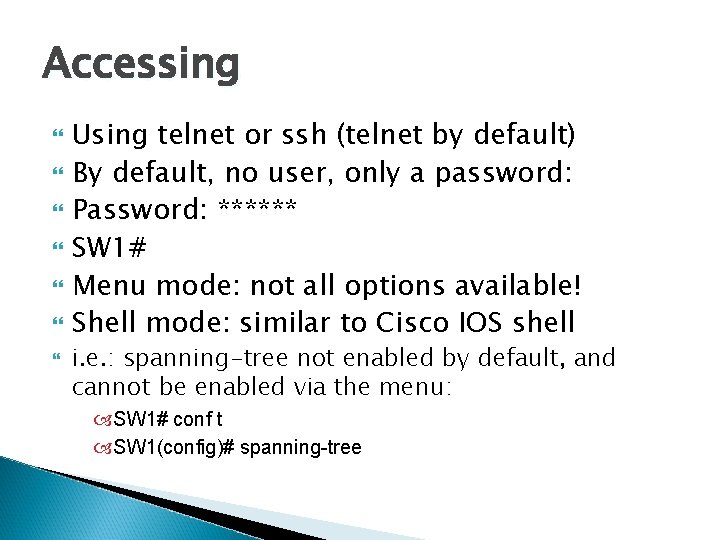
Accessing Using telnet or ssh (telnet by default) By default, no user, only a password: Password: ****** SW 1# Menu mode: not all options available! Shell mode: similar to Cisco IOS shell i. e. : spanning-tree not enabled by default, and cannot be enabled via the menu: SW 1# conf t SW 1(config)# spanning-tree
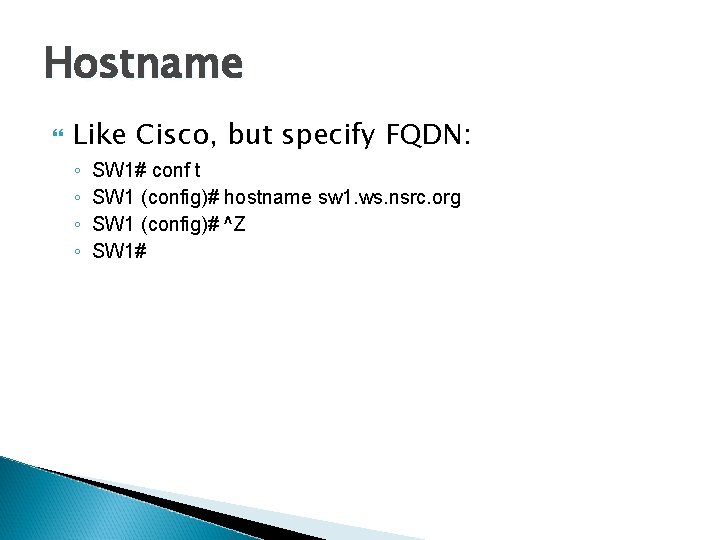
Hostname Like Cisco, but specify FQDN: ◦ ◦ SW 1# conf t SW 1 (config)# hostname sw 1. ws. nsrc. org SW 1 (config)# ^Z SW 1#
DNS HP layer 2 switches don't support DNS resolution
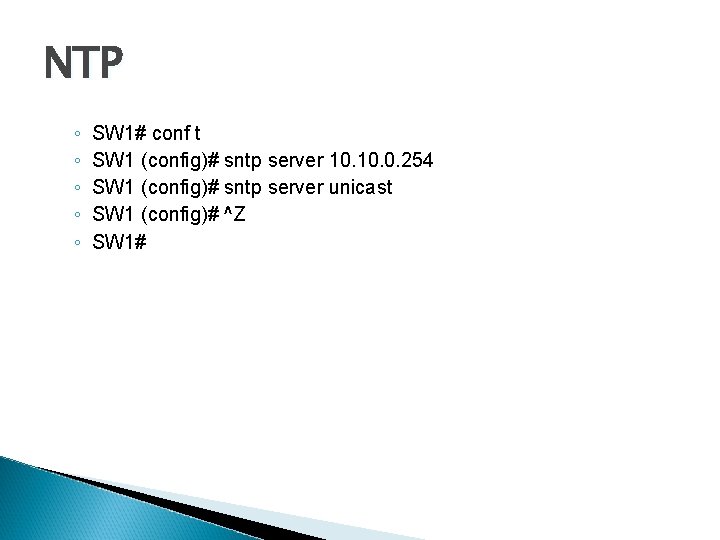
NTP ◦ ◦ ◦ SW 1# conf t SW 1 (config)# sntp server 10. 0. 254 SW 1 (config)# sntp server unicast SW 1 (config)# ^Z SW 1#
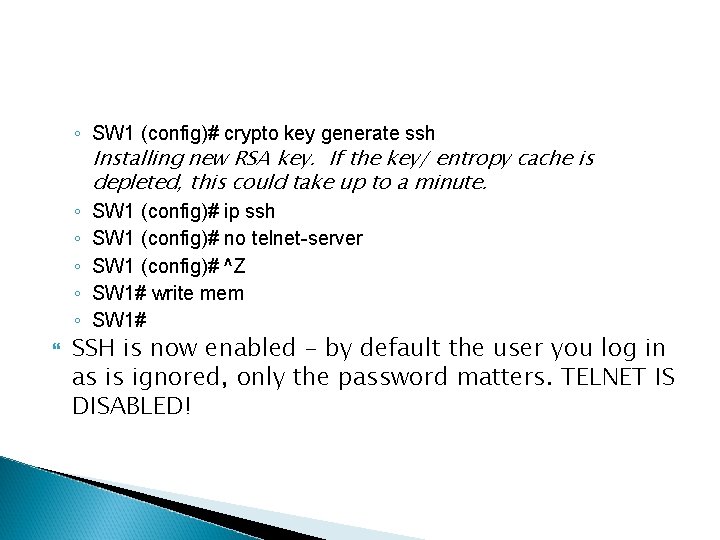
◦ SW 1 (config)# crypto key generate ssh Installing new RSA key. If the key/ entropy cache is depleted, this could take up to a minute. ◦ SW 1 (config)# ip ssh ◦ SW 1 (config)# no telnet-server ◦ SW 1 (config)# ^Z ◦ SW 1# write mem ◦ SW 1# SSH is now enabled – by default the user you log in as is ignored, only the password matters. TELNET IS DISABLED!
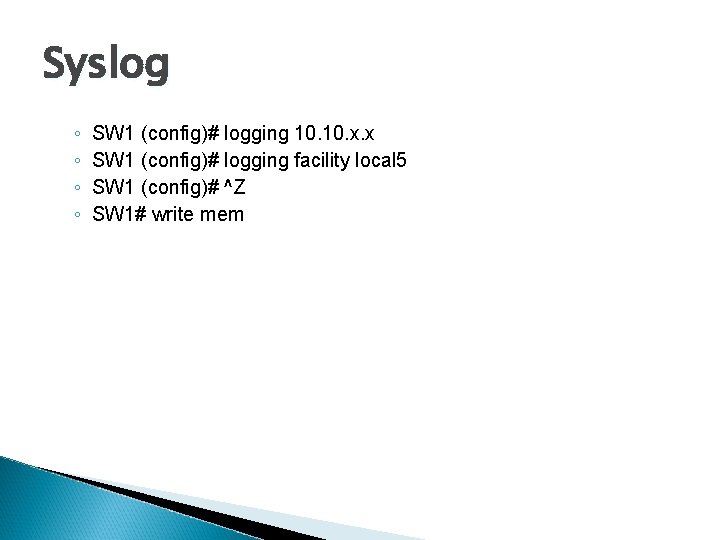
Syslog ◦ ◦ SW 1 (config)# logging 10. x. x SW 1 (config)# logging facility local 5 SW 1 (config)# ^Z SW 1# write mem
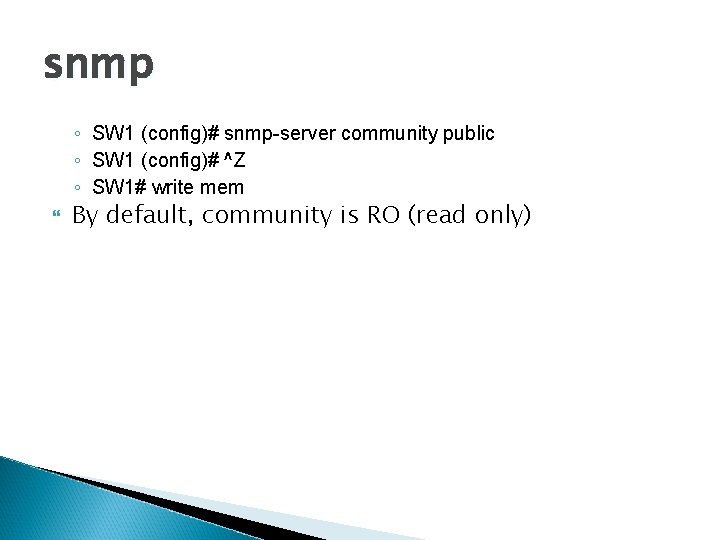
snmp ◦ SW 1 (config)# snmp-server community public ◦ SW 1 (config)# ^Z ◦ SW 1# write mem By default, community is RO (read only)
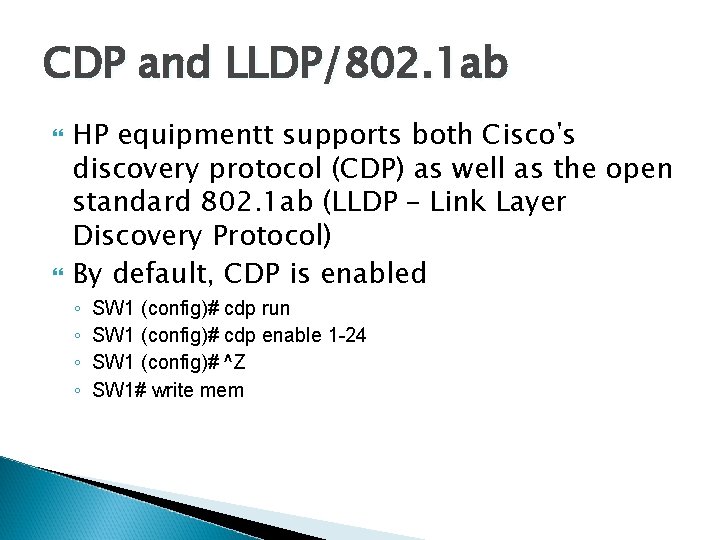
CDP and LLDP/802. 1 ab HP equipmentt supports both Cisco's discovery protocol (CDP) as well as the open standard 802. 1 ab (LLDP – Link Layer Discovery Protocol) By default, CDP is enabled ◦ ◦ SW 1 (config)# cdp run SW 1 (config)# cdp enable 1 -24 SW 1 (config)# ^Z SW 1# write mem
Questions ?