
Cisco 1941 W configuration Example By Surendra B

Cisco 1941 W configuration Example By Surendra B G TAC Engineer-Wireless, Cisco Systems
Agenda • Difference between 1941 W and rest all ISR • What is the special thing that we need to take care of while configuring 1941 W. • Configuration overview live demonstration. • Reference links and copy of the configuration.
Differences!! • 1941 W is one of the ISRs that we have, other are. . 857, 877, 861 W, 881 W, 891 W, 1811 etc. . • The below link will provide some details as well. . http: //www. cisco. com/cisco/web/psa/default. h tml? mode=prod
Differences • ISRs other than 1941 W, layer 2 switchports are available and inbuilt. • 861 W/881 W /891 W Switch ports and the “embedded” AP • 1941 W No switch ports, we need to buy the switch module and insert it in the slot.
Diff • Datasheets for 861 W, 881 W, 891 W and 1941 W > 861 W http: //www. cisco. com/en/US/prod/collateral/routers/ps 380/data_sheet_c 78_461543. html > 881 W Http: //www. cisco. com/en/US/prod/collateral/routers/ps 380/data_sheet_c 78_459542_ps 380_Products _Data_Sheet. html > 891 W http: //www. cisco. com/en/US/prod/collateral/routers/ps 380/data_sheet_c 78 -519930. html >1941 W http: //www. cisco. com/en/US/prod/collateral/routers/ps 10538/data_sheet_c 78_556319. html
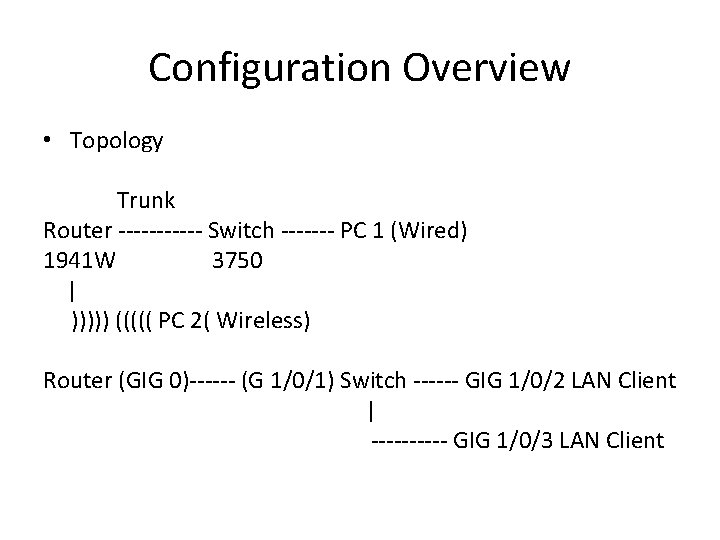
Configuration Overview • Topology Trunk Router ------ Switch ------- PC 1 (Wired) 1941 W 3750 | ))))) ((((( PC 2( Wireless) Router (GIG 0)------ (G 1/0/1) Switch ------ GIG 1/0/2 LAN Client | ----- GIG 1/0/3 LAN Client
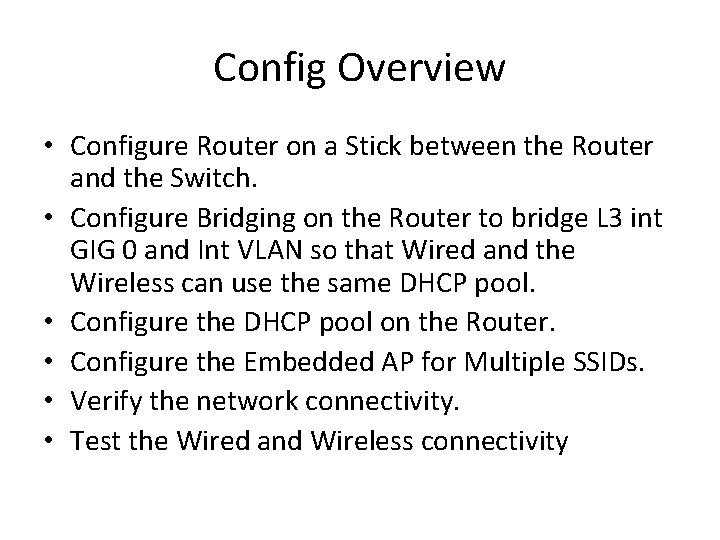
Config Overview • Configure Router on a Stick between the Router and the Switch. • Configure Bridging on the Router to bridge L 3 int GIG 0 and Int VLAN so that Wired and the Wireless can use the same DHCP pool. • Configure the DHCP pool on the Router. • Configure the Embedded AP for Multiple SSIDs. • Verify the network connectivity. • Test the Wired and Wireless connectivity
Reference Docs • http: //www. cisco. com/en/US/tech/tk 389/tk 815/ technologies_configuration_example 09186 a 0080 0949 fd. shtml • http: //www. cisco. com/en/US/products/hw/switc hes/ps 5304/products_configuration_guide_chapt er 09186 a 00800 f 0 a 86. html • http: //www. cisco. com/en/US/tech/tk 389/tk 815/ technologies_tech_note 09186 a 0080094663. shtm l

The End!! Thank you. . I Really appreciate your feedback!! Regards Surendra B. G
- Slides: 9