
CISC 105 General Computer Science Class 3 06122006
- Slides: 28
CISC 105 – General Computer Science Class 3 – 06/12/2006
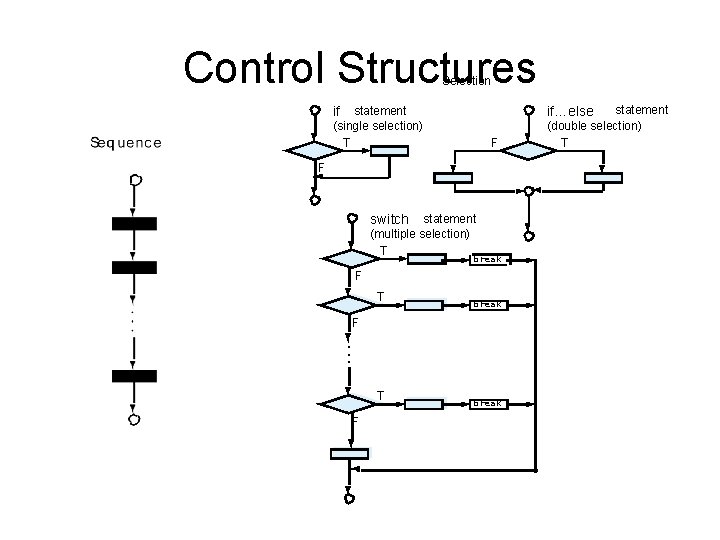
Control Structures Selection if statement (single selection) T F F switch statement (multiple selection) T break F. . . T F statement (double selection) T if…else break
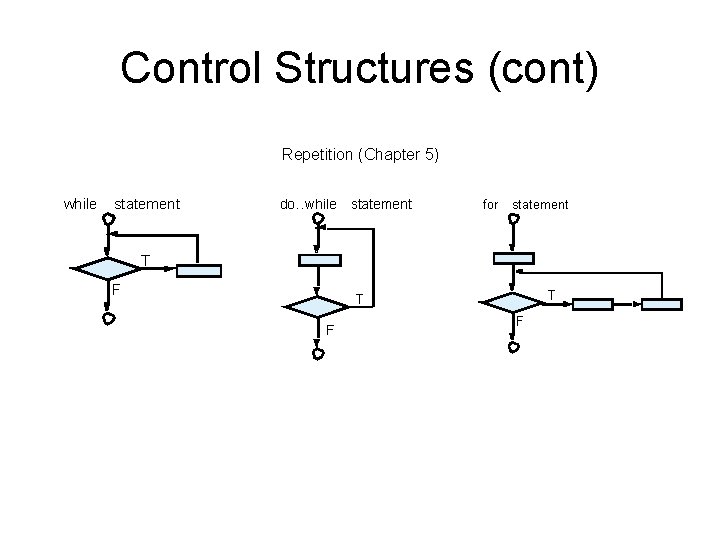
Control Structures (cont) Repetition (Chapter 5) while statement do…while statement for statement T F T T F F
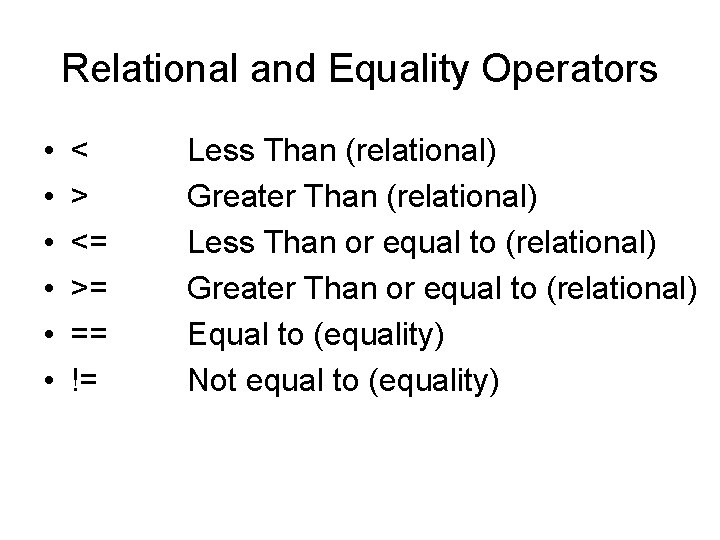
Conditions • Condition – an expression that is either true (usually represented as a 1) or false (usually represented as a 0) • Conditions are tested by either using a relational or equality operator
Relational and Equality Operators • • • < > <= >= == != Less Than (relational) Greater Than (relational) Less Than or equal to (relational) Greater Than or equal to (relational) Equal to (equality) Not equal to (equality)
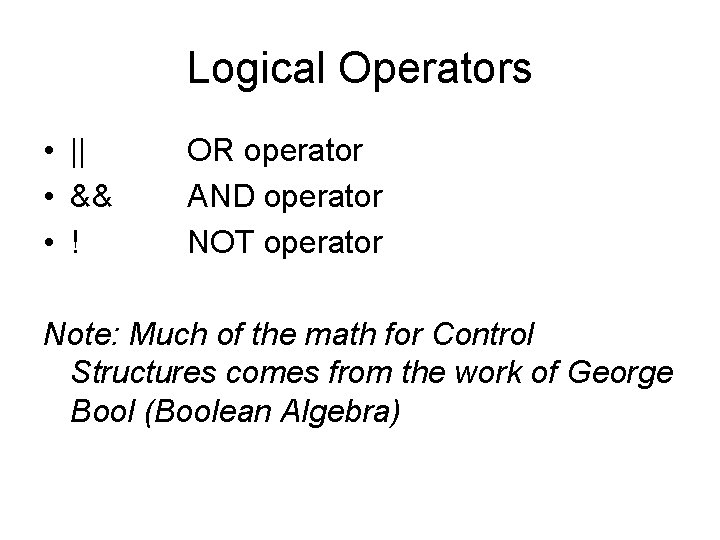
Logical Operators • || • && • ! OR operator AND operator NOT operator Note: Much of the math for Control Structures comes from the work of George Bool (Boolean Algebra)
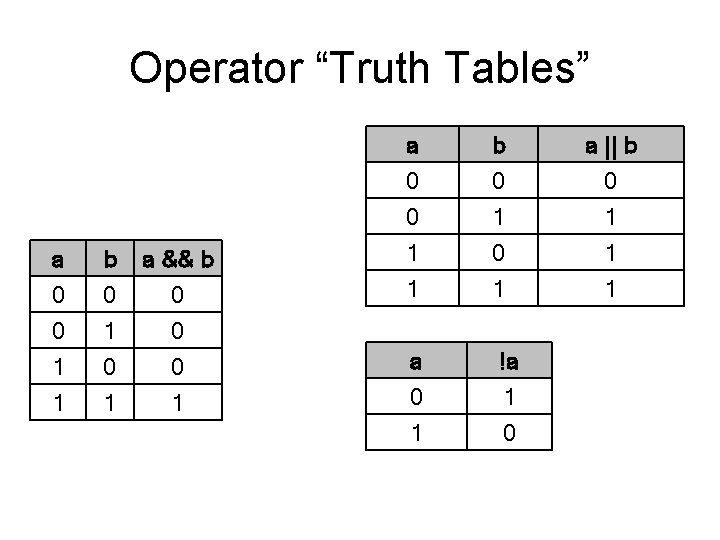
Operator “Truth Tables” a 0 0 1 b 0 1 0 a && b 0 0 0 1 1 1 a 0 0 1 b 0 1 0 a || b 0 1 1 1 a 0 1 !a 1 0
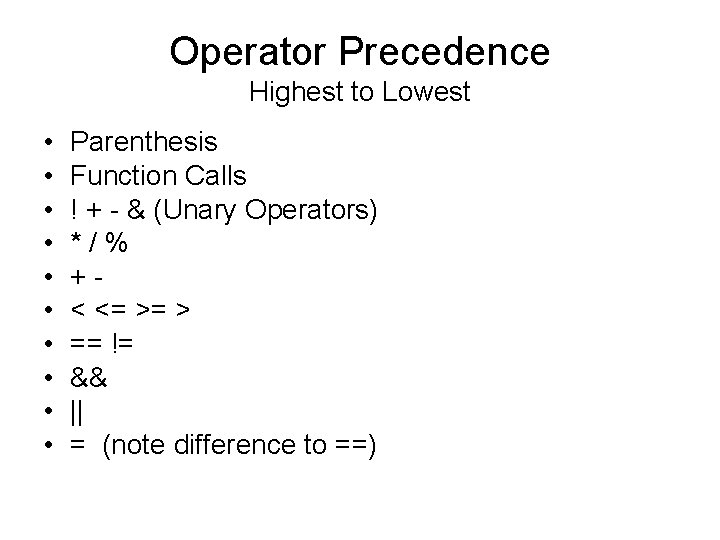
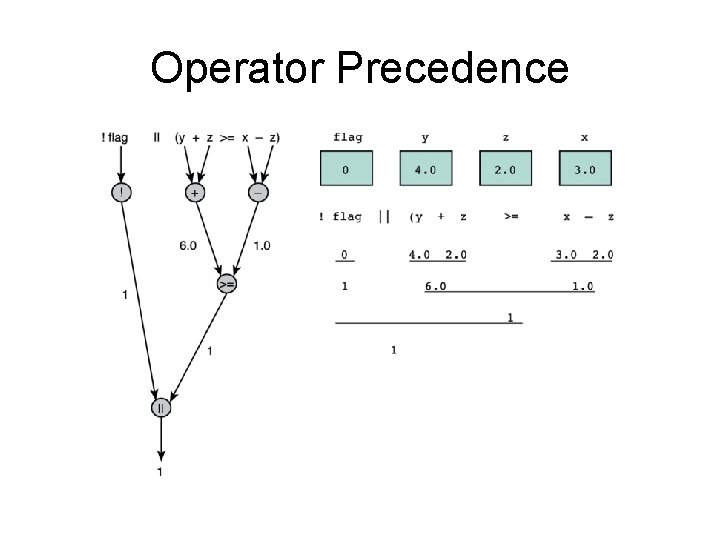
Operator Precedence Highest to Lowest • • • Parenthesis Function Calls ! + - & (Unary Operators) */% +< <= >= > == != && || = (note difference to ==)
Operator Precedence
Short Circuit Evaluation • Short-Circuit Evaluation – C will stop the evaluation of a logical expression as soon as the value can be determined – If a is true C will not evaluate b in the expression a || b – If a is false C will not evaluate b in the expression a && b
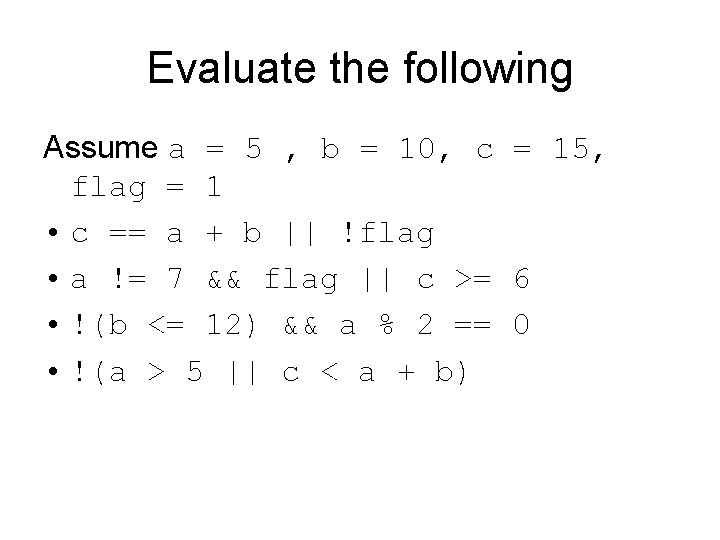
Evaluate the following Assume a = 5 , b = 10, c = 15, flag = 1 • c == a + b || !flag • a != 7 && flag || c >= 6 • !(b <= 12) && a % 2 == 0 • !(a > 5 || c < a + b)
De Morgan’s Theorem • Augustus De Morgan originally observed that in classical propositional logic the following relationships hold: – not (P and Q) = (not P) or (not Q) – not (P or Q) = (not P) and (not Q) • De Morgan's observation influenced the algebraisation of logic undertaken by George Boole, which cemented De Morgan's claim to the find, although a similar observation was made by Aristotle and was known to Greek and Medieval logicians (cf. Bocheński's History of Formal Logic). From: http: //en. wikipedia. org/wiki/De. Morgans_Law
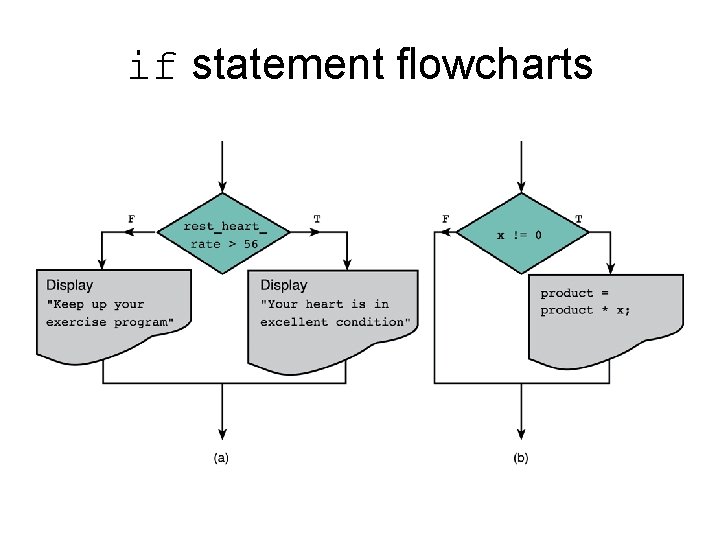
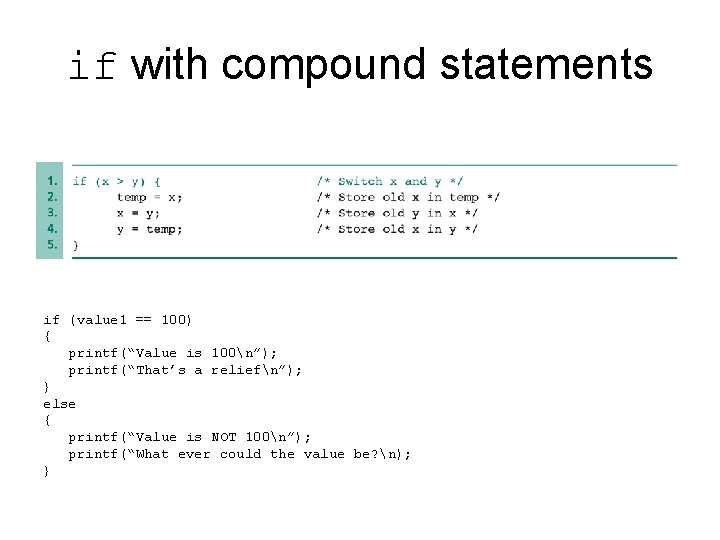
The if statement • Single Statement – execute a statement if a condition holds true • Compound Statement – execute a series of statements if a condition holds true • Statement with two (or more) alternatives – execute a statement if a condition holds true or else run a separate statement if it is false (Hint: Flowcharts will help you with the step-by-step control flow)
if statement flowcharts
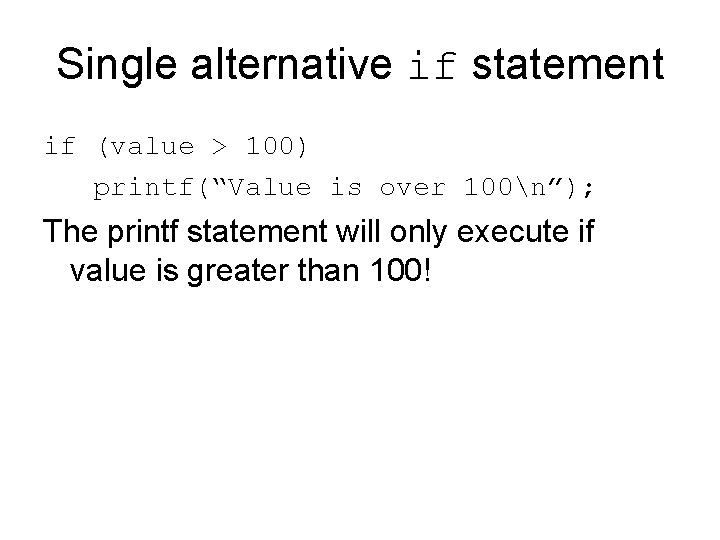
Single alternative if statement if (value > 100) printf(“Value is over 100n”); The printf statement will only execute if value is greater than 100!
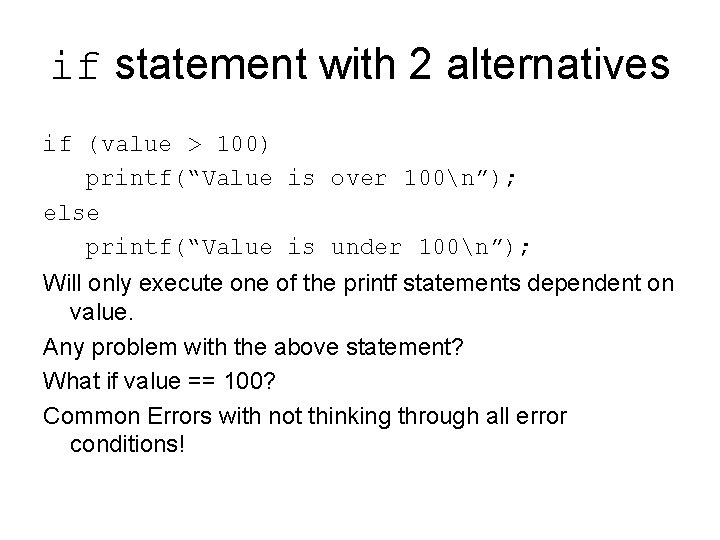
if statement with 2 alternatives if (value > 100) printf(“Value is over 100n”); else printf(“Value is under 100n”); Will only execute one of the printf statements dependent on value. Any problem with the above statement? What if value == 100? Common Errors with not thinking through all error conditions!
if with compound statements if (value 1 == 100) { printf(“Value is 100n”); printf(“That’s a reliefn”); } else { printf(“Value is NOT 100n”); printf(“What ever could the value be? n); }
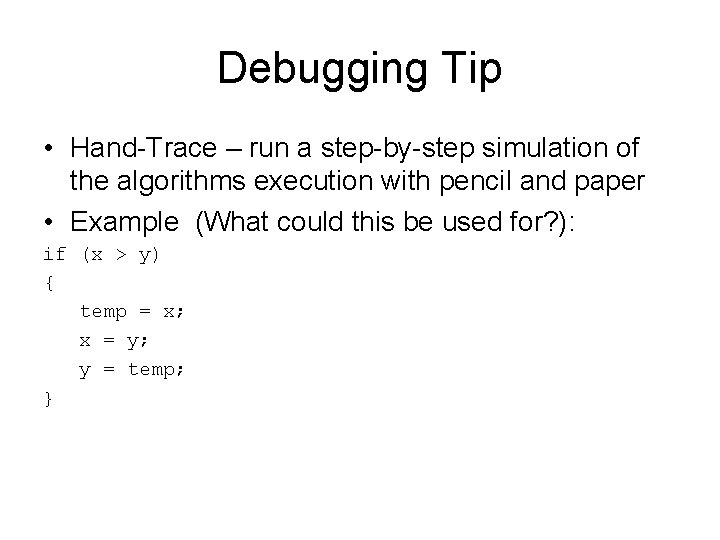
Debugging Tip • Hand-Trace – run a step-by-step simulation of the algorithms execution with pencil and paper • Example (What could this be used for? ): if (x > y) { temp = x; x = y; y = temp; }
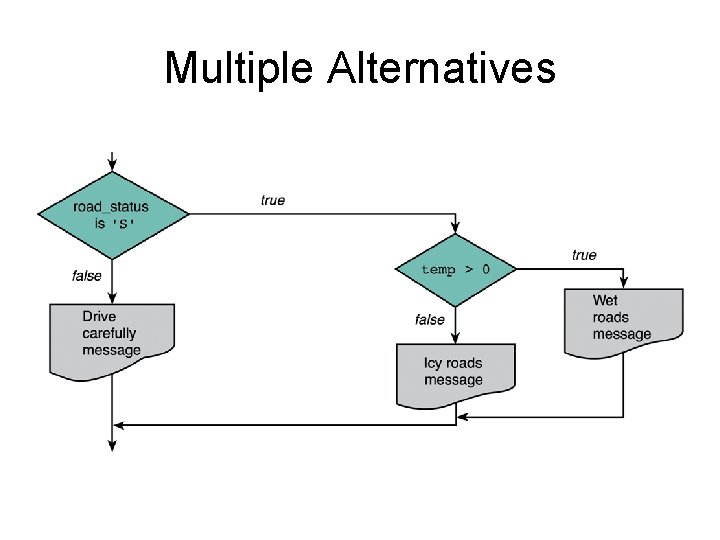
Multiple Alternatives
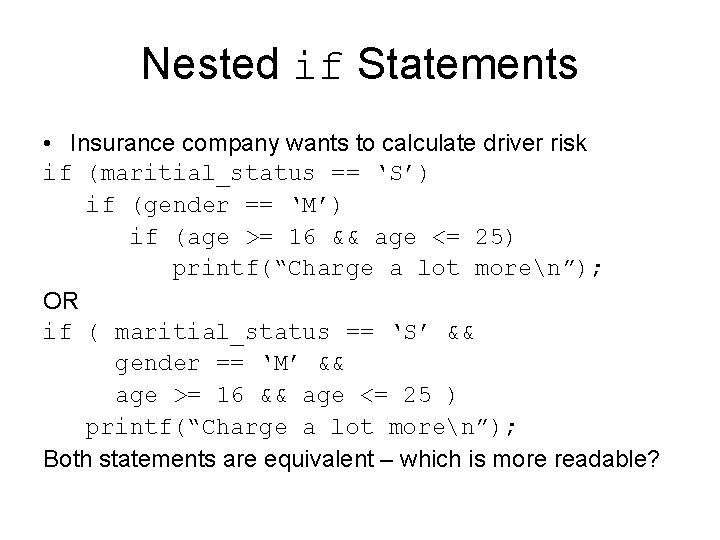
Nested if Statements • Insurance company wants to calculate driver risk if (maritial_status == ‘S’) if (gender == ‘M’) if (age >= 16 && age <= 25) printf(“Charge a lot moren”); OR if ( maritial_status == ‘S’ && gender == ‘M’ && age >= 16 && age <= 25 ) printf(“Charge a lot moren”); Both statements are equivalent – which is more readable?
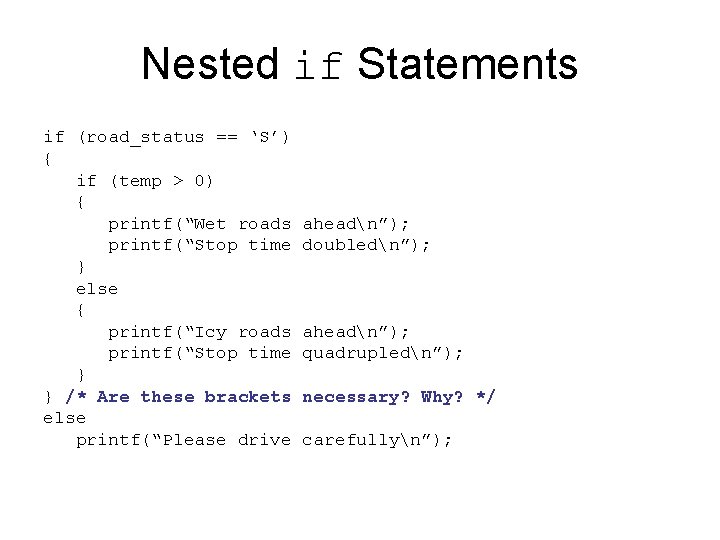
Nested if Statements if (road_status == ‘S’) { if (temp > 0) { printf(“Wet roads printf(“Stop time } else { printf(“Icy roads printf(“Stop time } } /* Are these brackets else printf(“Please drive aheadn”); doubledn”); aheadn”); quadrupledn”); necessary? Why? */ carefullyn”);
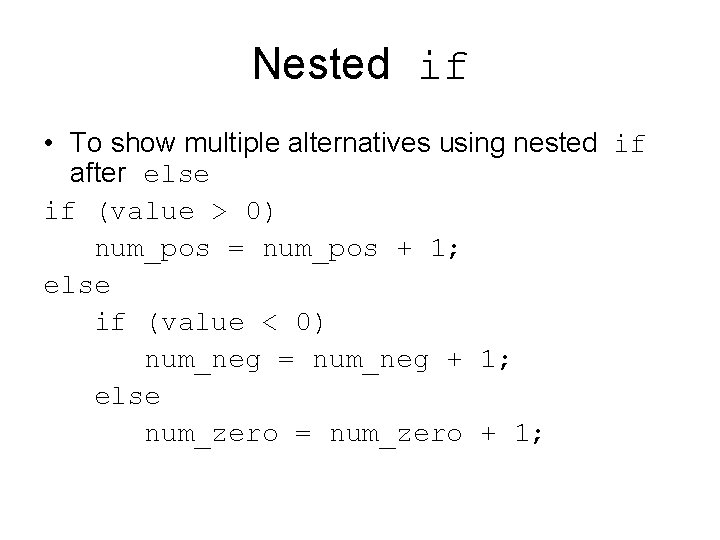
Nested if • To show multiple alternatives using nested if after else if (value > 0) num_pos = num_pos + 1; else if (value < 0) num_neg = num_neg + 1; else num_zero = num_zero + 1;
The switch statement • Switch statement can be used to select from one of several alternatives. – Useful when a controlling expressions (a simple expression or variable) value is used to determine the choice. – Commonly used for text based menus – Also known as Jump tables.
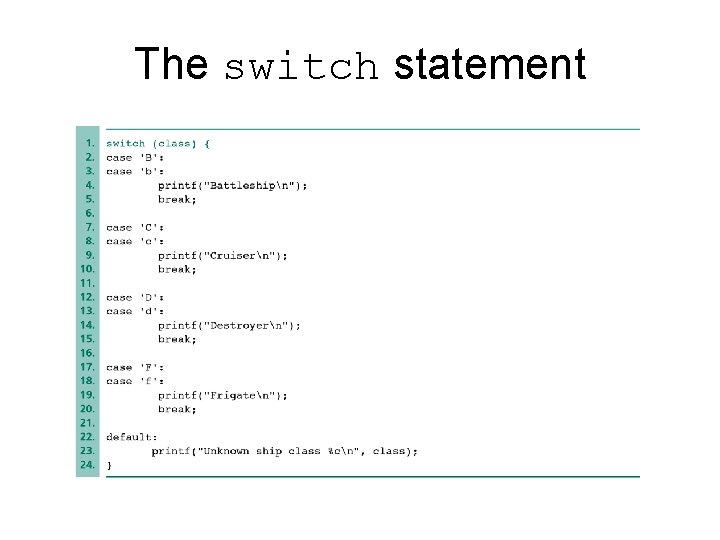
The switch statement
The default: Case • The default case is run when the input does not match any case! • Do you always need as default case?
switch vs if • You could use a series of nested if statements to write the same logic as the switch statement • switch is more readable • switch can only handle a maximum of 10 cases (if can handle unlimited) • Away use a default label in a switch statement
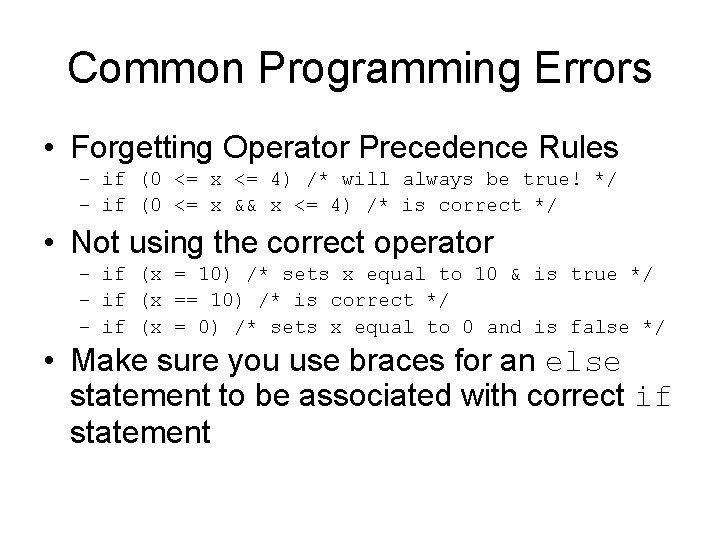
Common Programming Errors • Forgetting Operator Precedence Rules – if (0 <= x <= 4) /* will always be true! */ – if (0 <= x && x <= 4) /* is correct */ • Not using the correct operator – if (x = 10) /* sets x equal to 10 & is true */ – if (x == 10) /* is correct */ – if (x = 0) /* sets x equal to 0 and is false */ • Make sure you use braces for an else statement to be associated with correct if statement
Lab 01 • 15 short programs to write. • Programs 8, 14 & 15 require the use of repitition statements (while, do … while and/or for structures) that will be discussed next class (6/14/2006) • Questions or Concerns about the Labs?