
CIS 451 Using ASP NET Objects with SQL
CIS 451: Using ASP. NET Objects with SQL Dr. Ralph D. Westfall February, 2009

ASP. NET Database Capabilities n ASP. NET objects offer multiple ways to access data in databases n n has a number of objects, with numerous properties, that can be used to open and get data from different types of data sources ASP. NET uses SQL in different ways with some of these objects
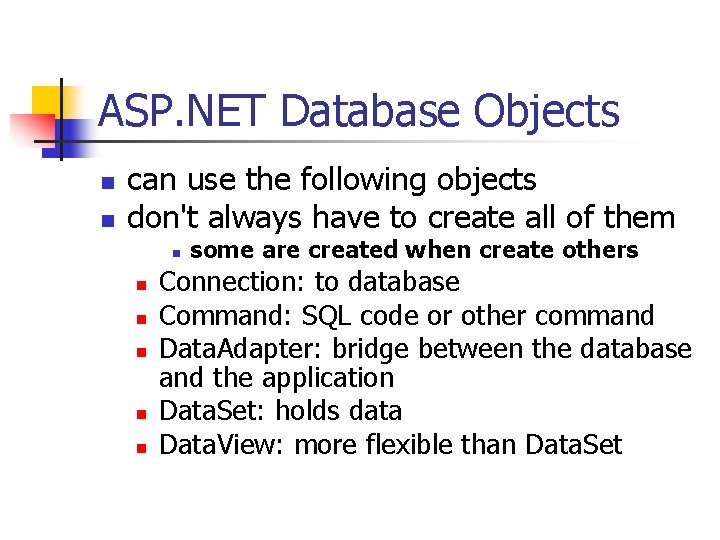
ASP. NET Database Objects n n can use the following objects don't always have to create all of them n n n some are created when create others Connection: to database Command: SQL code or other command Data. Adapter: bridge between the database and the application Data. Set: holds data Data. View: more flexible than Data. Set
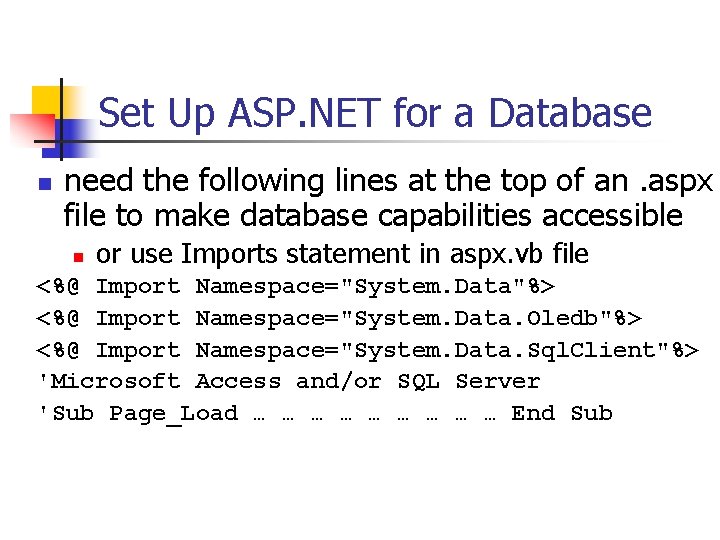
Set Up ASP. NET for a Database n need the following lines at the top of an. aspx file to make database capabilities accessible n or use Imports statement in aspx. vb file <%@ Import Namespace="System. Data"%> <%@ Import Namespace="System. Data. Oledb"%> <%@ Import Namespace="System. Data. Sql. Client"%> 'Microsoft Access and/or SQL Server 'Sub Page_Load … … … … … End Sub

Connection Object n n creating in code (prodtestbuild. aspx) semicolons in the "connection string" separate parameters (driver; path; etc. ) Dim str. Con as String str. Con = "Provider=Microsoft. Jet. OLEDB. 4. 0; " str. Con += "Data Source=" & _ "example. mdb" assumes database is in project's bin subdirectory

Connection Object - 2 n opening Dim obj. Con = New _ Oledb. Connection(str. Con) 'previous pg. obj. Con. Open() n closing obj. Con. Close() 'to free memory after database is used
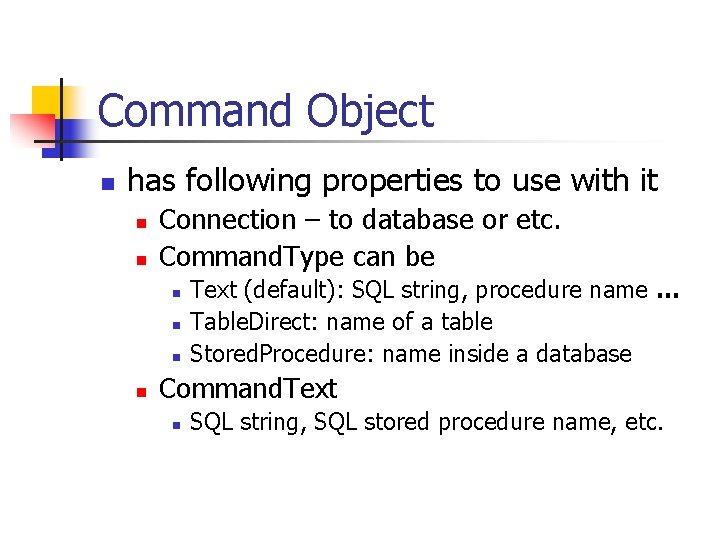
Command Object n has following properties to use with it n n Connection – to database or etc. Command. Type can be n n Text (default): SQL string, procedure name … Table. Direct: name of a table Stored. Procedure: name inside a database Command. Text n SQL string, SQL stored procedure name, etc.
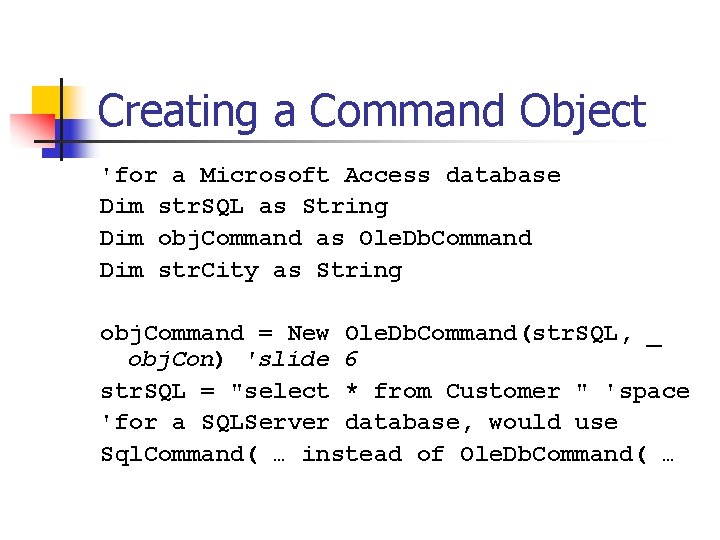
Creating a Command Object 'for a Microsoft Access database Dim str. SQL as String Dim obj. Command as Ole. Db. Command Dim str. City as String obj. Command = New Ole. Db. Command(str. SQL, _ obj. Con) 'slide 6 str. SQL = "select * from Customer " 'space 'for a SQLServer database, would use Sql. Command( … instead of Ole. Db. Command( …

Variables in SQL for Command n can limit output by using variables as conditions str. City = "Colusa" " where City <> '" & str. City & "'; " 'note space before where 'also single quotes inside quotes 'single quotes identify string data 'in SQL
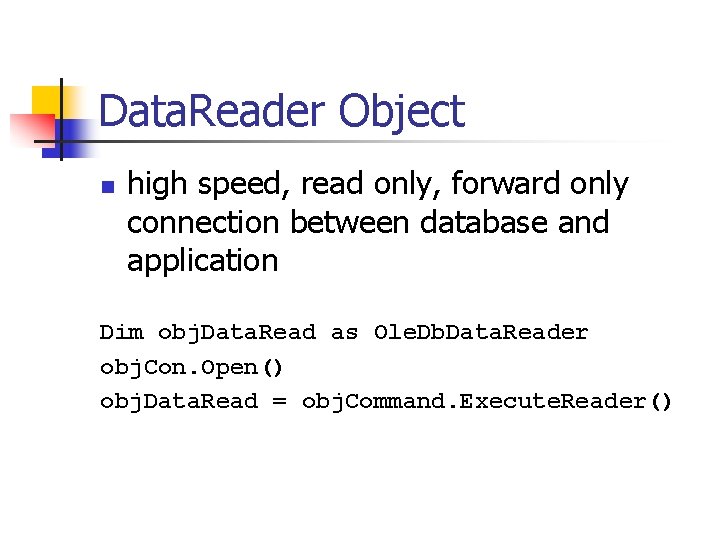
Data. Reader Object n high speed, read only, forward only connection between database and application Dim obj. Data. Read as Ole. Db. Data. Reader obj. Con. Open() obj. Data. Read = obj. Command. Execute. Reader()
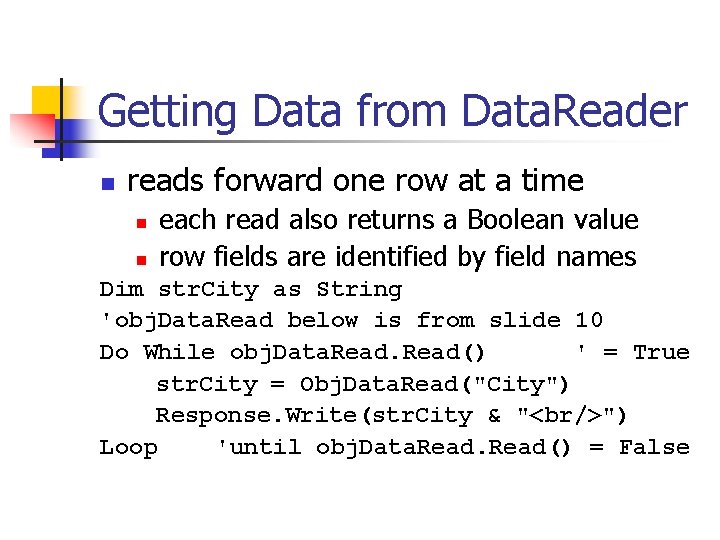
Getting Data from Data. Reader n reads forward one row at a time n n each read also returns a Boolean value row fields are identified by field names Dim str. City as String 'obj. Data. Read below is from slide 10 Do While obj. Data. Read() ' = True str. City = Obj. Data. Read("City") Response. Write(str. City & "<br/>") Loop 'until obj. Data. Read() = False
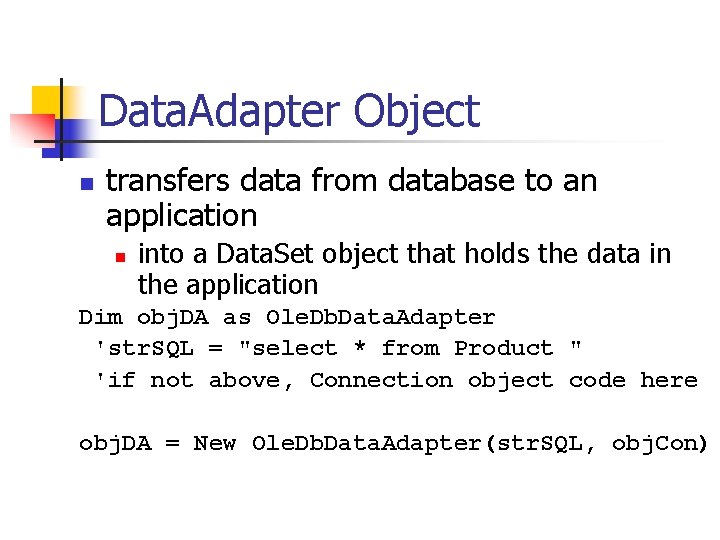
Data. Adapter Object n transfers data from database to an application n into a Data. Set object that holds the data in the application Dim obj. DA as Ole. Db. Data. Adapter 'str. SQL = "select * from Product " 'if not above, Connection object code here obj. DA = New Ole. Db. Data. Adapter(str. SQL, obj. Con)
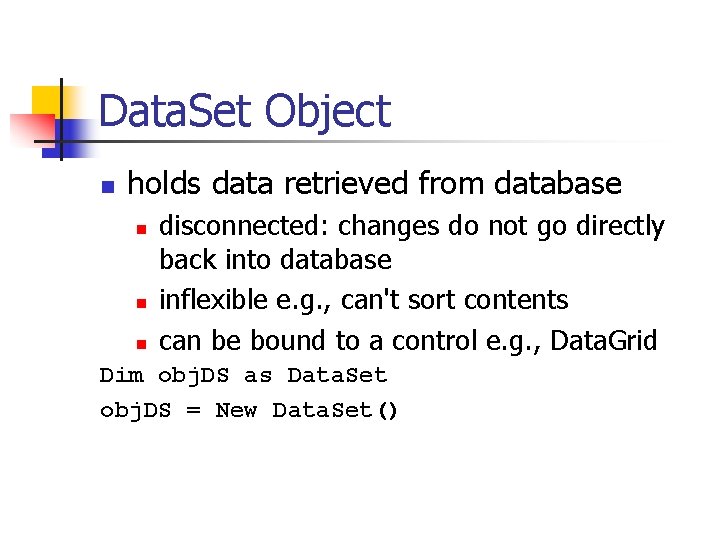
Data. Set Object n holds data retrieved from database n n n disconnected: changes do not go directly back into database inflexible e. g. , can't sort contents can be bound to a control e. g. , Data. Grid Dim obj. DS as Data. Set obj. DS = New Data. Set()
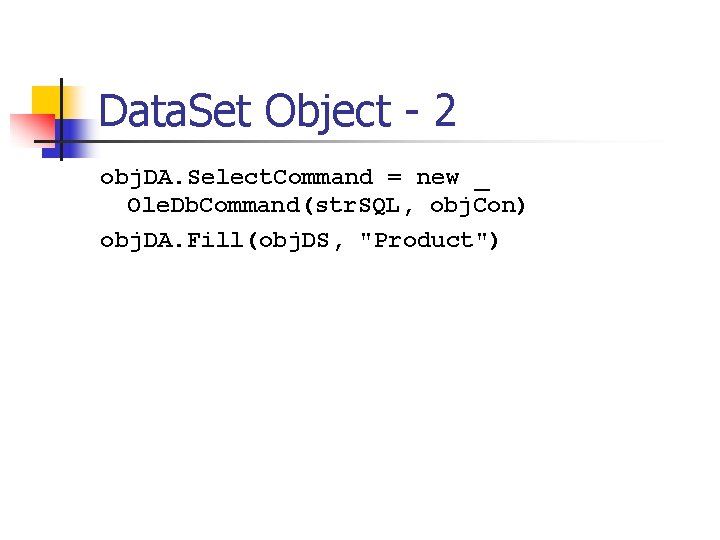
Data. Set Object - 2 obj. DA. Select. Command = new _ Ole. Db. Command(str. SQL, obj. Con) obj. DA. Fill(obj. DS, "Product")
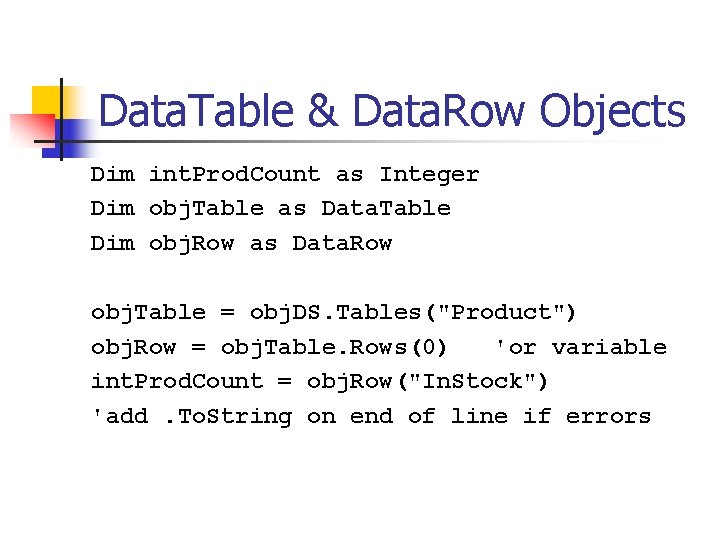
Data. Table & Data. Row Objects Dim int. Prod. Count as Integer Dim obj. Table as Data. Table Dim obj. Row as Data. Row obj. Table = obj. DS. Tables("Product") obj. Row = obj. Table. Rows(0) 'or variable int. Prod. Count = obj. Row("In. Stock") 'add. To. String on end of line if errors
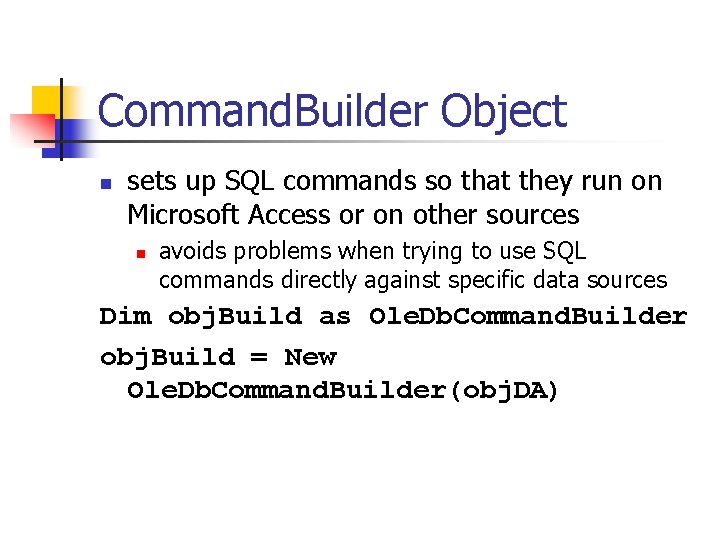
Command. Builder Object n sets up SQL commands so that they run on Microsoft Access or on other sources n avoids problems when trying to use SQL commands directly against specific data sources Dim obj. Build as Ole. Db. Command. Builder obj. Build = New Ole. Db. Command. Builder(obj. DA)
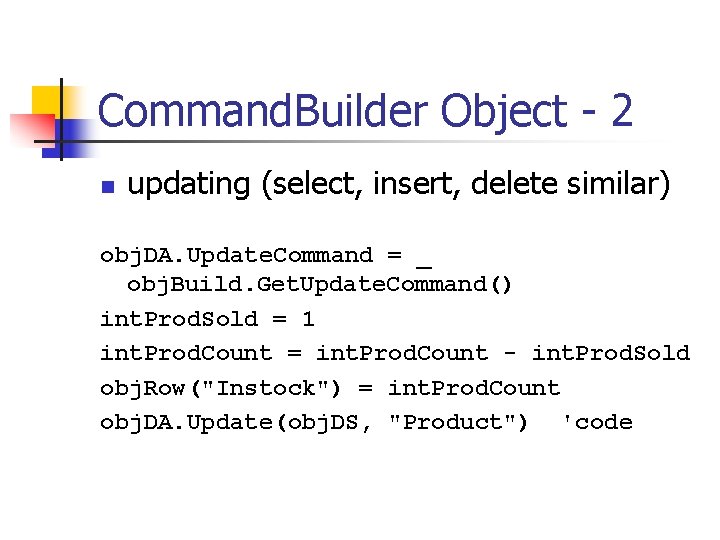
Command. Builder Object - 2 n updating (select, insert, delete similar) obj. DA. Update. Command = _ obj. Build. Get. Update. Command() int. Prod. Sold = 1 int. Prod. Count = int. Prod. Count - int. Prod. Sold obj. Row("Instock") = int. Prod. Count obj. DA. Update(obj. DS, "Product") 'code
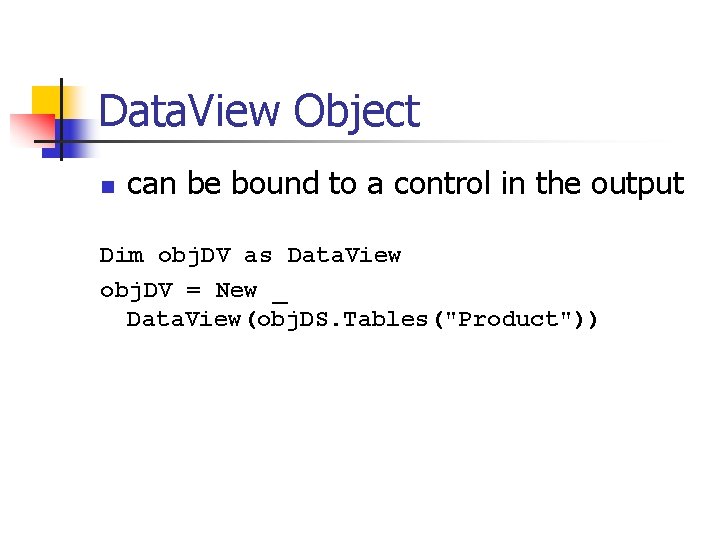
Data. View Object n can be bound to a control in the output Dim obj. DV as Data. View obj. DV = New _ Data. View(obj. DS. Tables("Product"))
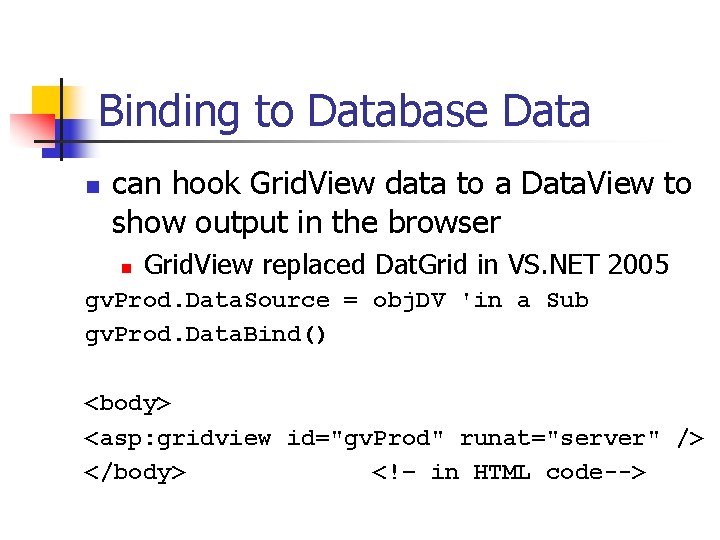
Binding to Database Data n can hook Grid. View data to a Data. View to show output in the browser n Grid. View replaced Dat. Grid in VS. NET 2005 gv. Prod. Data. Source = obj. DV 'in a Sub gv. Prod. Data. Bind() <body> <asp: gridview id="gv. Prod" runat="server" /> </body> <!– in HTML code-->
Exercise: Use Grid. View n create some code in Visual Studio and use a Data. Grid to output data from a database table onto a web page
- Slides: 20