
CIS 375Web App Dev II ASP NET 9
CIS 375—Web App Dev II ASP. NET 9 Database
ADO. NET n What is ADO. NET? n n n ADO. NET access ADO. NET is a part of the. NET Framework consists of a set of classes used to handle data is entirely based on ____ has, unlike ADO, no _____ object With ADO. NET you can work with ______. We are going to use the Northwind database in our examples. 2
Create a DB Connection First, import the "System. Data. Ole. Db" namespace. We need this namespace to work with Microsoft Access and other ____ database providers. We will create the connection to the database in the Page_Load subroutine. We create a dbconn variable as a new Ole. Db. Connection class with a connection string which identifies the OLE DB provider and the location of the database. Then we open the database ______. 3
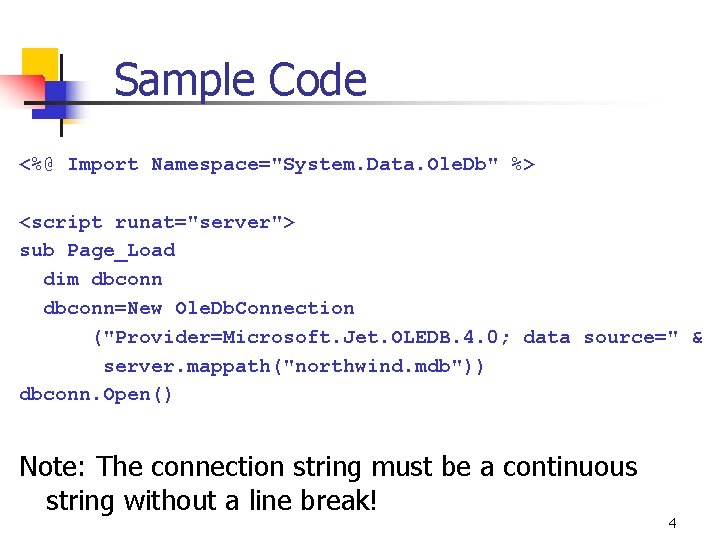
Sample Code <%@ Import Namespace="System. Data. Ole. Db" %> <script runat="server"> sub Page_Load dim dbconn=New Ole. Db. Connection ("Provider=Microsoft. Jet. OLEDB. 4. 0; data source=" & server. mappath("northwind. mdb")) dbconn. Open() Note: The connection string must be a continuous string without a line break! 4
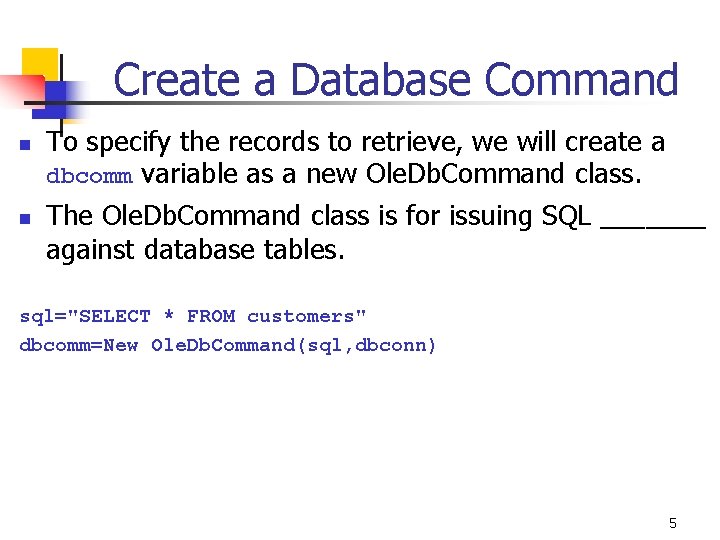
Create a Database Command n n To specify the records to retrieve, we will create a dbcomm variable as a new Ole. Db. Command class. The Ole. Db. Command class is for issuing SQL _______ against database tables. sql="SELECT * FROM customers" dbcomm=New Ole. Db. Command(sql, dbconn) 5
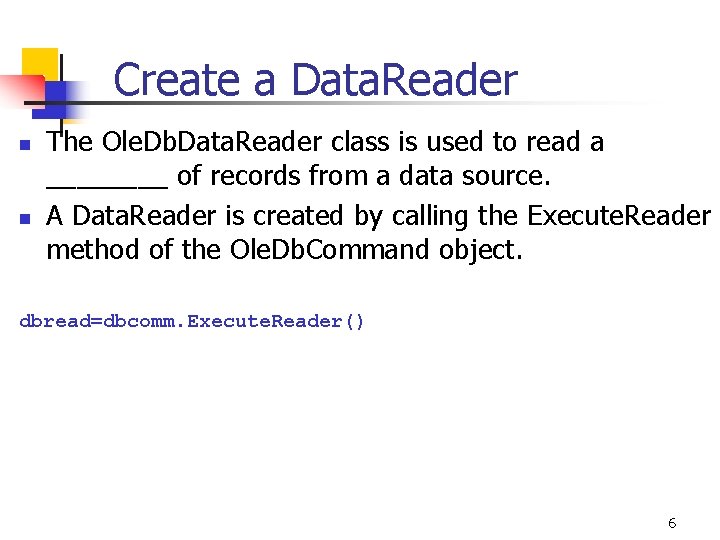
Create a Data. Reader n n The Ole. Db. Data. Reader class is used to read a ____ of records from a data source. A Data. Reader is created by calling the Execute. Reader method of the Ole. Db. Command object. dbread=dbcomm. Execute. Reader() 6
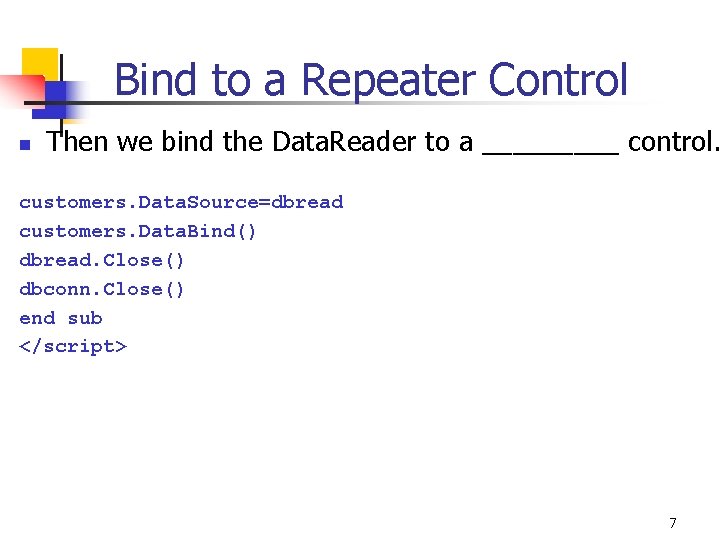
Bind to a Repeater Control n Then we bind the Data. Reader to a _____ control. customers. Data. Source=dbread customers. Data. Bind() dbread. Close() dbconn. Close() end sub </script> 7
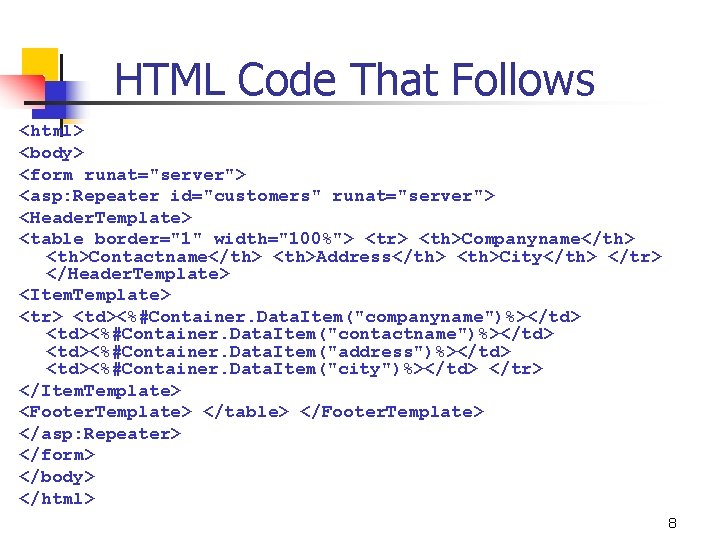
HTML Code That Follows <html> <body> <form runat="server"> <asp: Repeater id="customers" runat="server"> <Header. Template> <table border="1" width="100%"> <tr> <th>Companyname</th> <th>Contactname</th> <th>Address</th> <th>City</th> </tr> </Header. Template> <Item. Template> <tr> <td><%#Container. Data. Item("companyname")%></td> <td><%#Container. Data. Item("contactname")%></td> <td><%#Container. Data. Item("address")%></td> <td><%#Container. Data. Item("city")%></td> </tr> </Item. Template> <Footer. Template> </table> </Footer. Template> </asp: Repeater> </form> </body> </html> 8
- Slides: 8