
CIS 330 Lecture 4 Build Systems Tar Character
CIS 330: _ _ ______ _ _____ / /___ (_) __ _____/ / / ____/ _/_/ ____/__ __ / / __ / / |/_/ / __ `/ __ / __ / / / _/_// / __/ /_/ / / /> < / /_/ / / /____/_/ / /__/_ __/ ____/_/ /_/_/_/|_| __, _/_/ /_/__, _/ ____//_/ Lecture 4: Build Systems, Tar, Character Strings Lecture 5: Finish up memory overview April 9 th/11 th, 2018 Hank Childs, University of Oregon
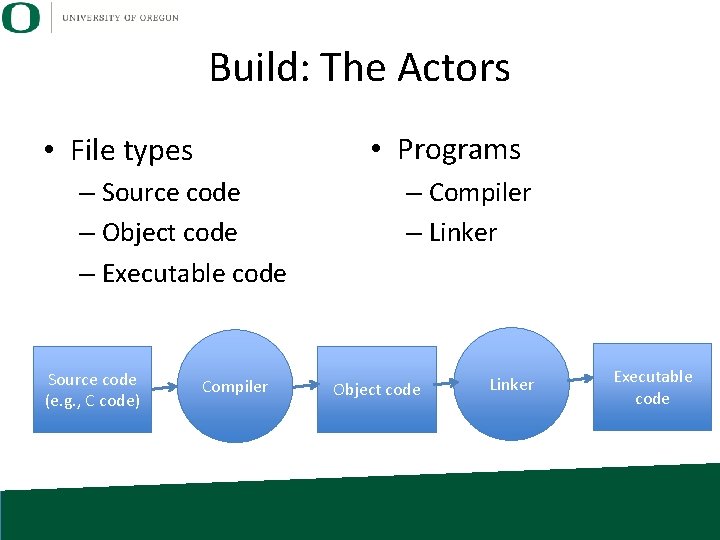
Build: The Actors • Programs • File types – Source code – Object code – Executable code Source code (e. g. , C code) Compiler – Linker Object code Linker Executable code
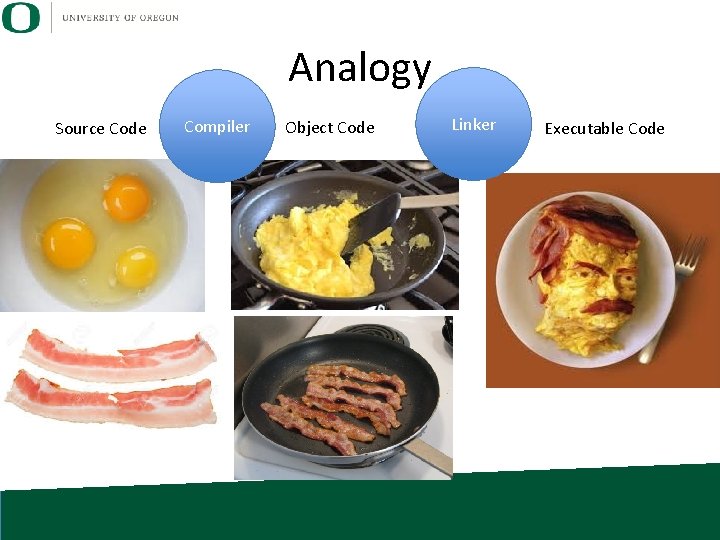
Analogy Source Code Compiler Object Code Linker Executable Code

Compilers, Object Code, and Linkers • Compilers transform source code to object code – Confusing: most compilers also secretly have access to linkers and apply the linker for you. • Object code: statements in machine code – not executable – intended to be part of a program • Linker: turns object code into executable programs
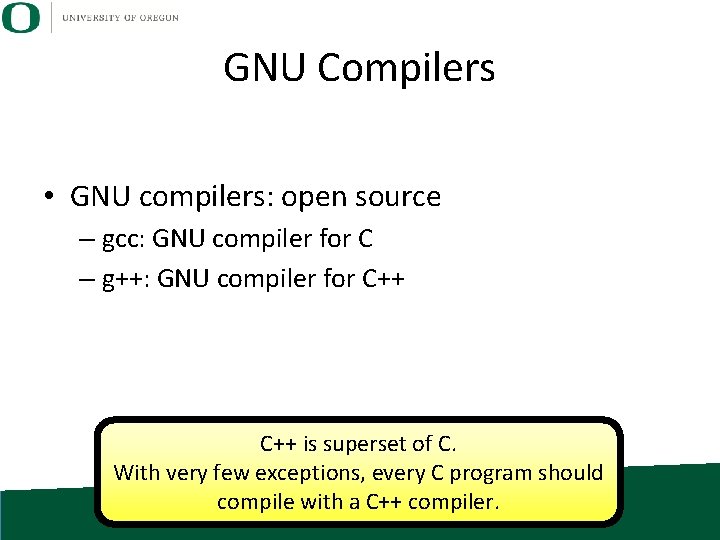
GNU Compilers • GNU compilers: open source – gcc: GNU compiler for C – g++: GNU compiler for C++ is superset of C. With very few exceptions, every C program should compile with a C++ compiler.
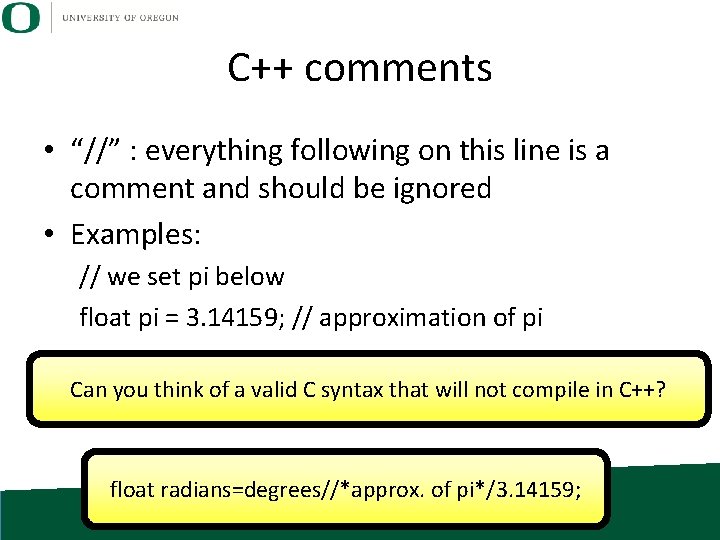
C++ comments • “//” : everything following on this line is a comment and should be ignored • Examples: // we set pi below float pi = 3. 14159; // approximation of pi Can you think of a valid C syntax that will not compile in C++? float radians=degrees//*approx. of pi*/3. 14159;
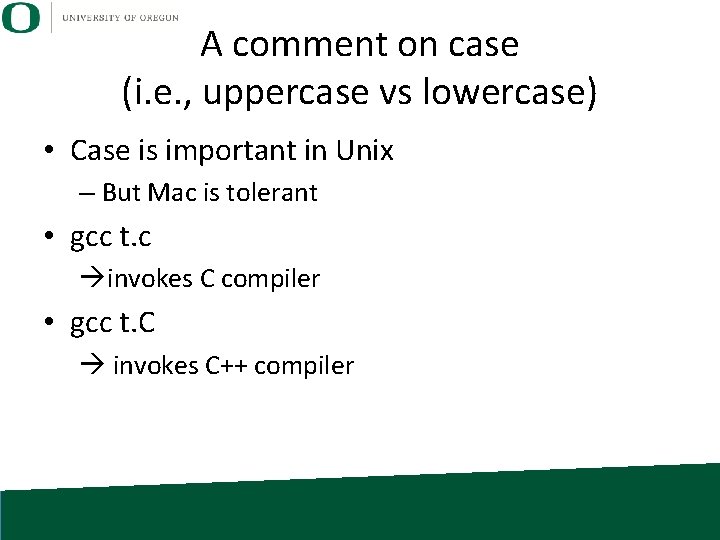
A comment on case (i. e. , uppercase vs lowercase) • Case is important in Unix – But Mac is tolerant • gcc t. c invokes C compiler • gcc t. C invokes C++ compiler
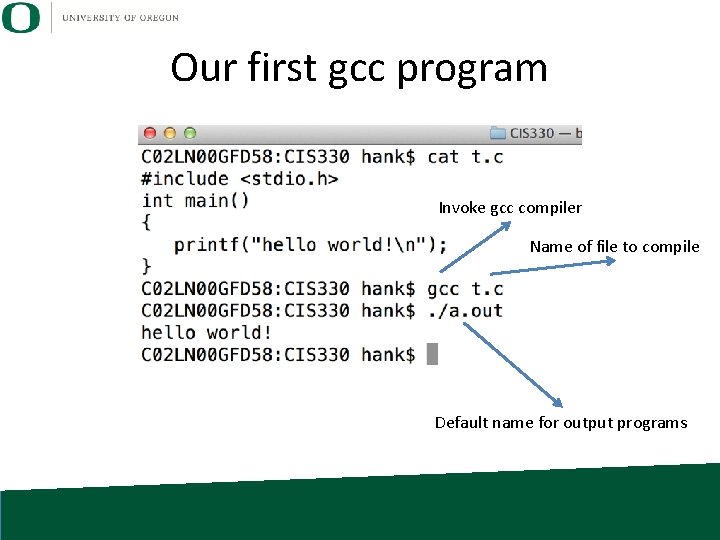
Our first gcc program Invoke gcc compiler Name of file to compile Default name for output programs
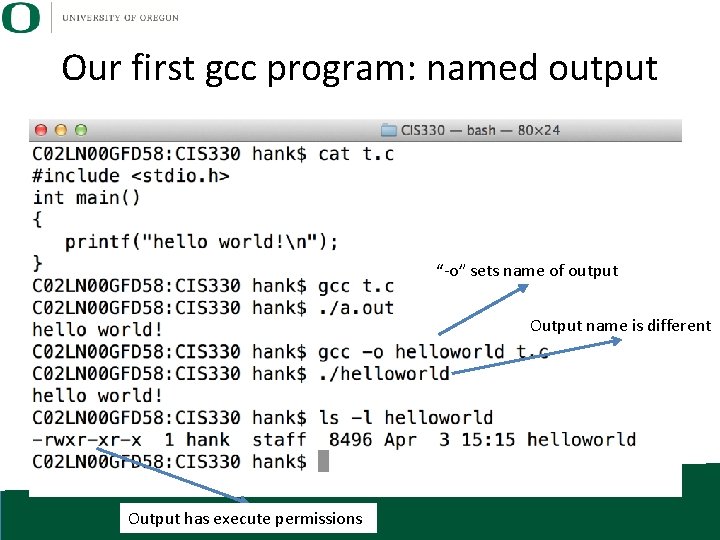
Our first gcc program: named output “-o” sets name of output Output name is different Output has execute permissions
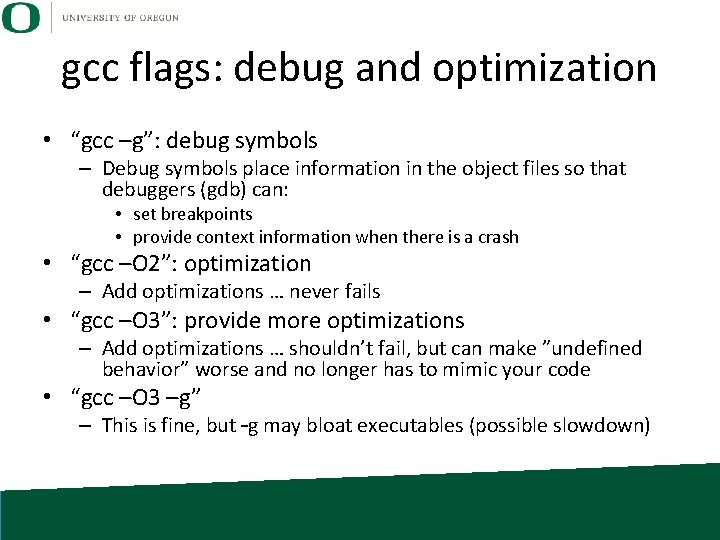
gcc flags: debug and optimization • “gcc –g”: debug symbols – Debug symbols place information in the object files so that debuggers (gdb) can: • set breakpoints • provide context information when there is a crash • “gcc –O 2”: optimization – Add optimizations … never fails • “gcc –O 3”: provide more optimizations – Add optimizations … shouldn’t fail, but can make ”undefined behavior” worse and no longer has to mimic your code • “gcc –O 3 –g” – This is fine, but –g may bloat executables (possible slowdown)
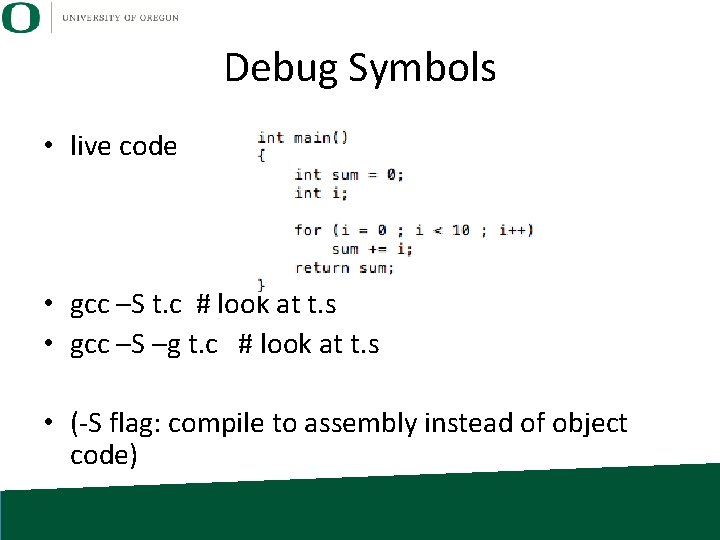
Debug Symbols • live code • gcc –S t. c # look at t. s • gcc –S –g t. c # look at t. s • (-S flag: compile to assembly instead of object code)
Object Code Symbols • Symbols associate names with variables and functions in object code. • Necessary for: – debugging – large programs
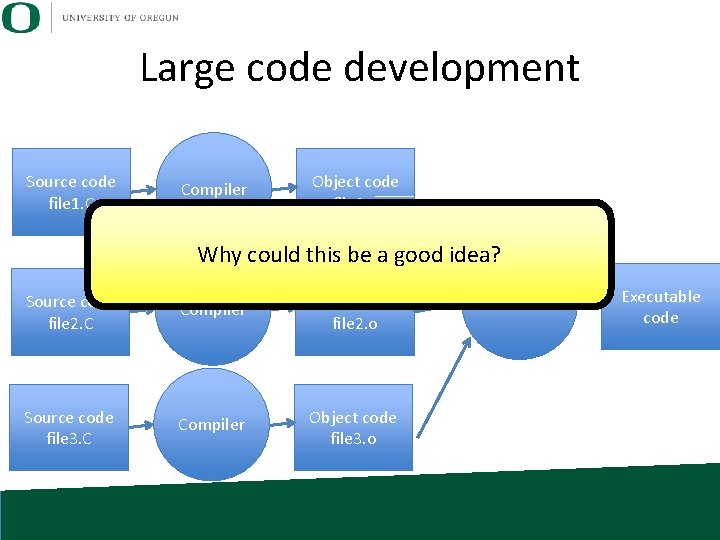
Large code development Source code file 1. C Compiler Object code file 1. o Why could this be a good idea? Source code file 2. C Compiler Object code file 2. o Source code file 3. C Compiler Object code file 3. o Linker Executable code
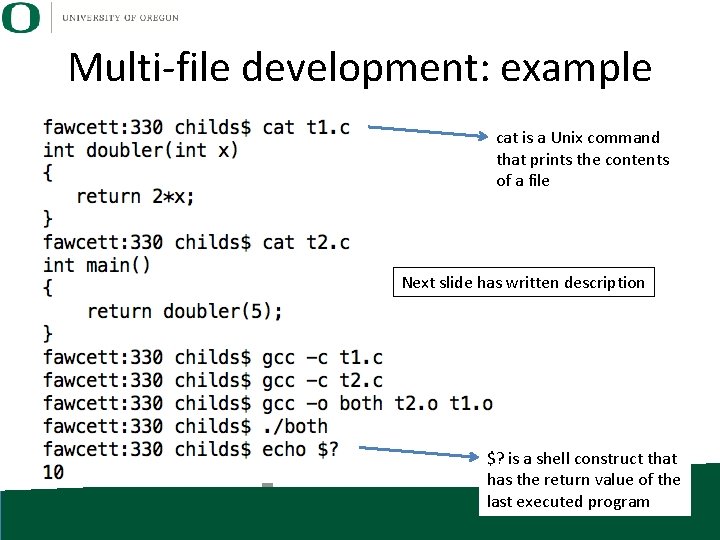
Multi-file development: example cat is a Unix command that prints the contents of a file Next slide has written description $? is a shell construct that has the return value of the last executed program
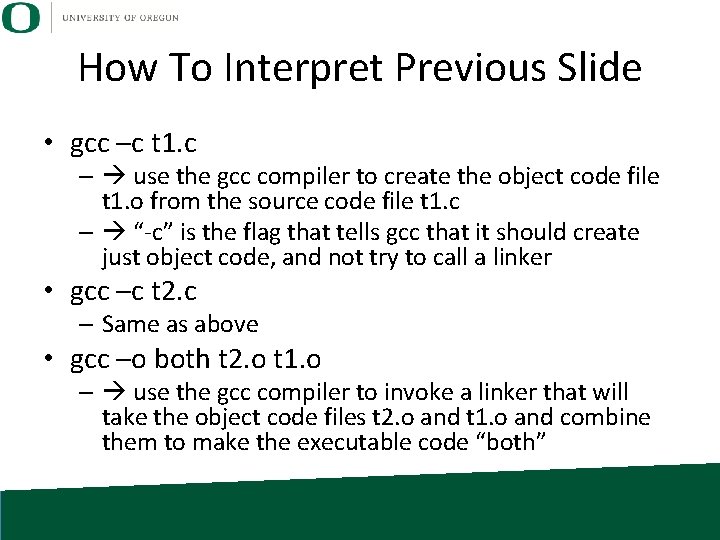
How To Interpret Previous Slide • gcc –c t 1. c – use the gcc compiler to create the object code file t 1. o from the source code file t 1. c – “-c” is the flag that tells gcc that it should create just object code, and not try to call a linker • gcc –c t 2. c – Same as above • gcc –o both t 2. o t 1. o – use the gcc compiler to invoke a linker that will take the object code files t 2. o and t 1. o and combine them to make the executable code “both”
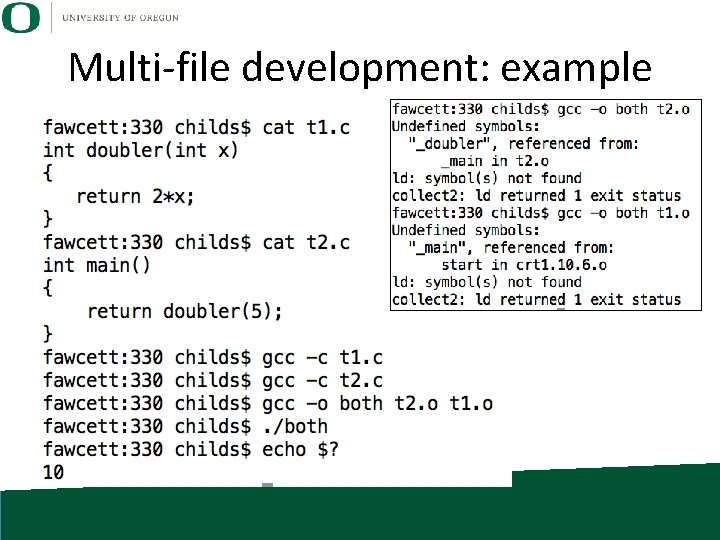
Multi-file development: example
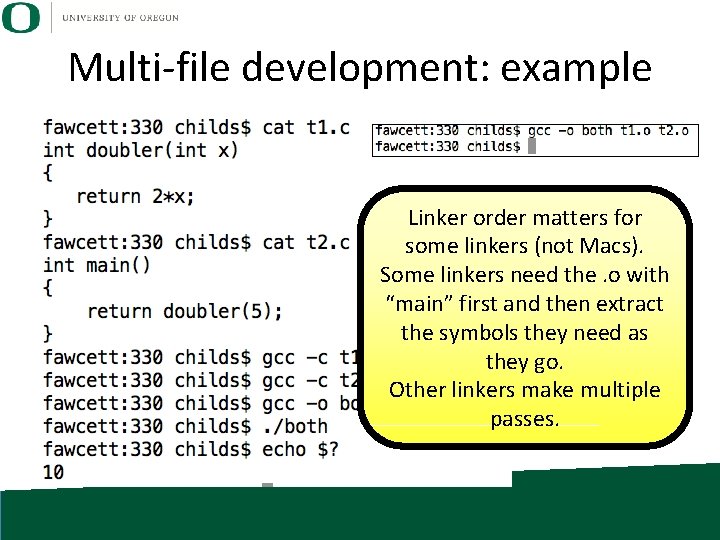
Multi-file development: example Linker order matters for some linkers (not Macs). Some linkers need the. o with “main” first and then extract the symbols they need as they go. Other linkers make multiple passes.
Libraries • Library: collection of “implementations” (functions!) with a well defined interface • Interface comes through “header” files. • In C, header files contain function prototypes and variables. – Accessed through “#include <file. h>”
Libraries • Why are libraries a good thing? • Answers: – separation • I. e. , divide and conquer – increases productivity • I. e. , simplicity • I. e. , prevents connections between modules that shouldn’t exist – encapsulation (hides details of the implementation) • “A little knowledge is a dangerous thing”… • Products – I can sell you a library and don’t have to give you the source code.
Libraries • Why are libraries a bad thing? • Answers: – separation • I. e. , makes connections between modules harder – (were the library interfaces chosen correctly? ) – complexity • need to incorporate libraries into code compilation
Includes and Libraries • gcc support for libraries – “-I”: path to headers for library • when you say “#include <file. h>, then it looks for file. h in the directories -I points at – “-L”: path to library location – “-lname”: link in library libname
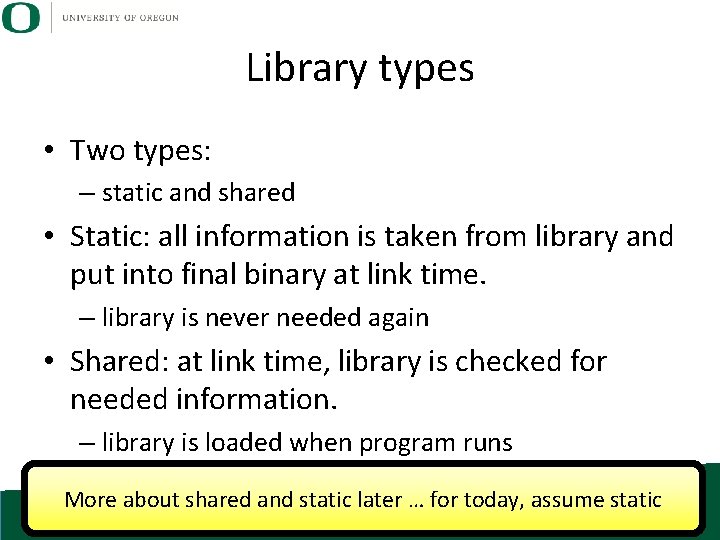
Library types • Two types: – static and shared • Static: all information is taken from library and put into final binary at link time. – library is never needed again • Shared: at link time, library is checked for needed information. – library is loaded when program runs More about shared and static later … for today, assume static
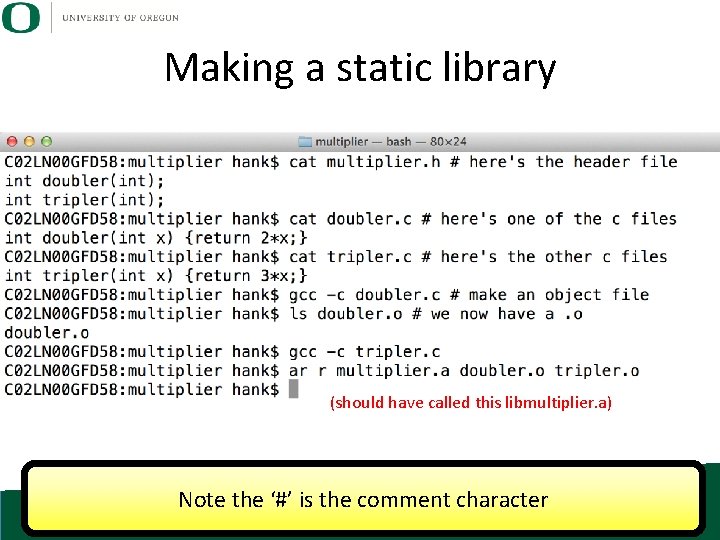
Making a static library (should have called this libmultiplier. a) Note the ‘#’ is the comment character
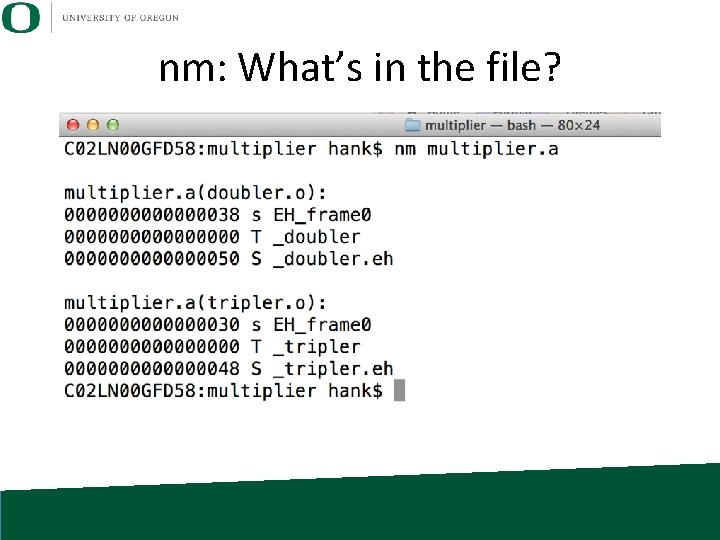
nm: What’s in the file?
Typical library installations • Convention – Header files are placed in “include” directory – Library files are placed in “lib” directory • Many standard libraries are installed in /usr – /usr/include – /usr/lib • Compilers automatically look in /usr/include and /usr/lib (and other places)
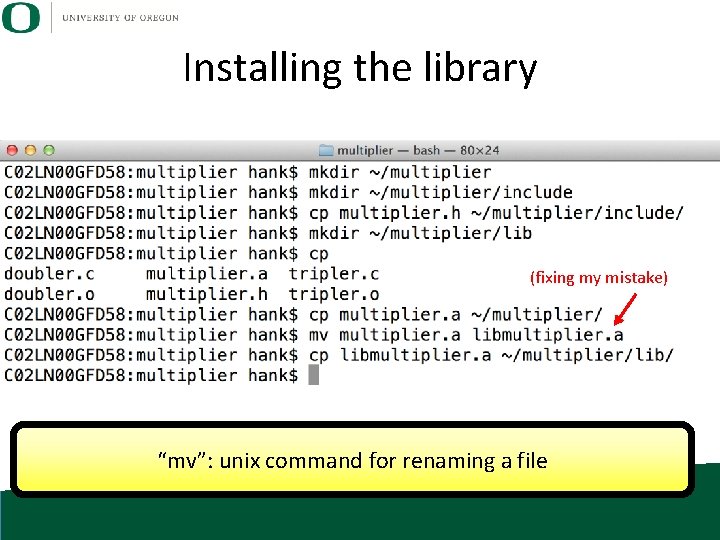
Installing the library (fixing my mistake) “mv”: unix command for renaming a file
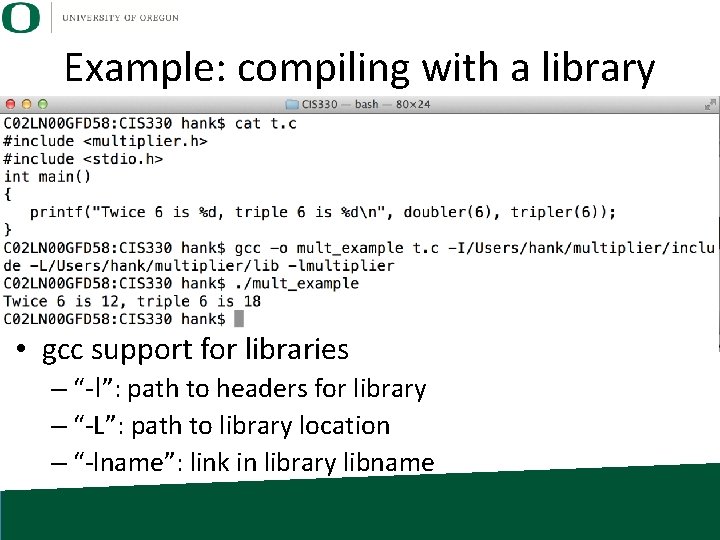
Example: compiling with a library • gcc support for libraries – “-I”: path to headers for library – “-L”: path to library location – “-lname”: link in library libname
Makefiles • There is a Unix command called “make” • make takes an input file called a “Makefile” • A Makefile allows you to specify rules – “if timestamp of A, B, or C is newer than D, then carry out this action” (to make a new version of D) • make’s functionality is broader than just compiling things, but it is mostly used for compilation Basic idea: all details for compilation are captured in a file … you just invoke “make” from a shell
Makefiles • Reasons Makefiles are great: – Difficult to type all the compilation commands at a prompt – Typical develop cycle requires frequent compilation – When sharing code, an expert developer can encapsulate the details of the compilation, and a new developer doesn’t need to know the details … just “make”
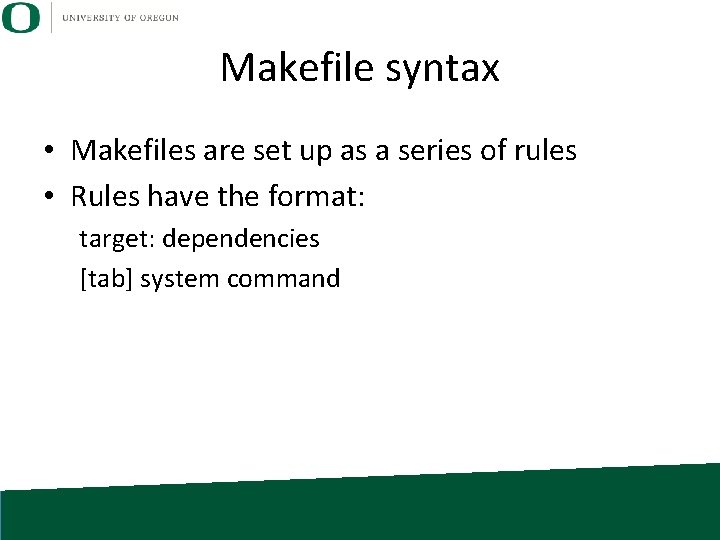
Makefile syntax • Makefiles are set up as a series of rules • Rules have the format: target: dependencies [tab] system command
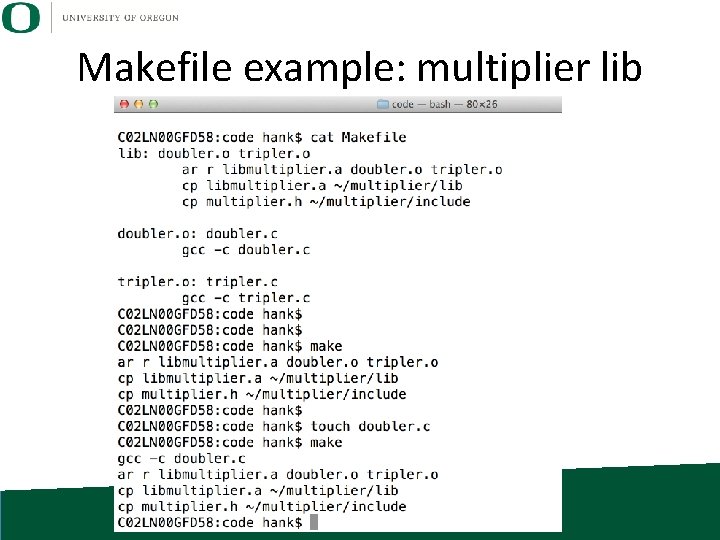
Makefile example: multiplier lib
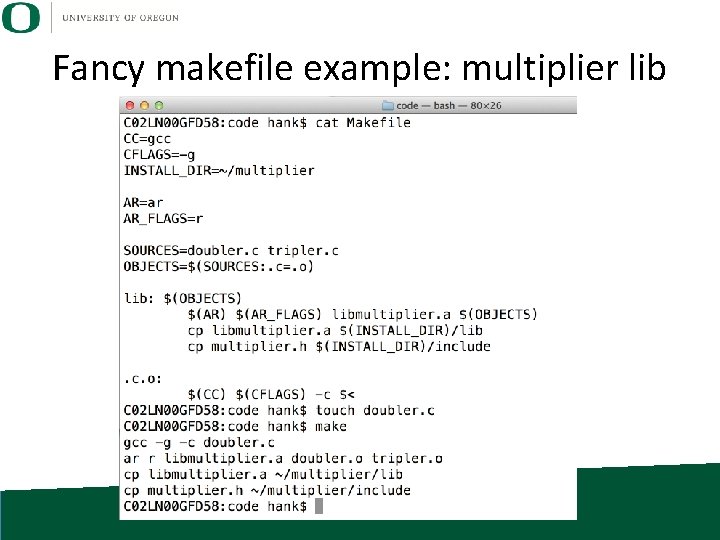
Fancy makefile example: multiplier lib
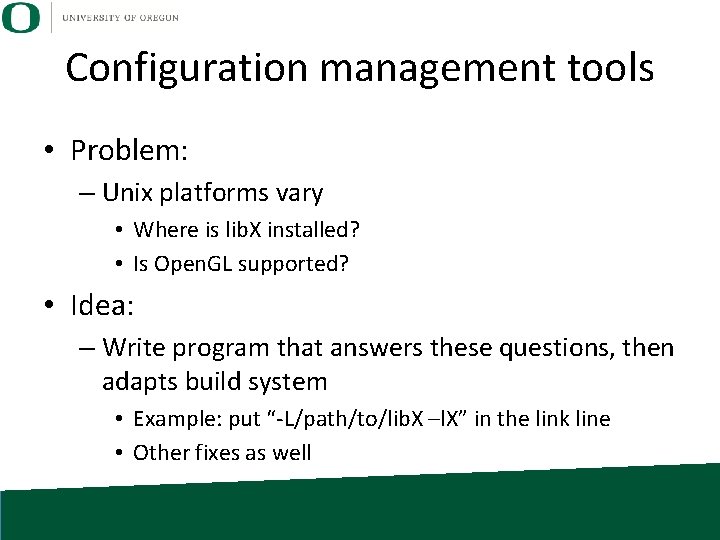
Configuration management tools • Problem: – Unix platforms vary • Where is lib. X installed? • Is Open. GL supported? • Idea: – Write program that answers these questions, then adapts build system • Example: put “-L/path/to/lib. X –l. X” in the link line • Other fixes as well
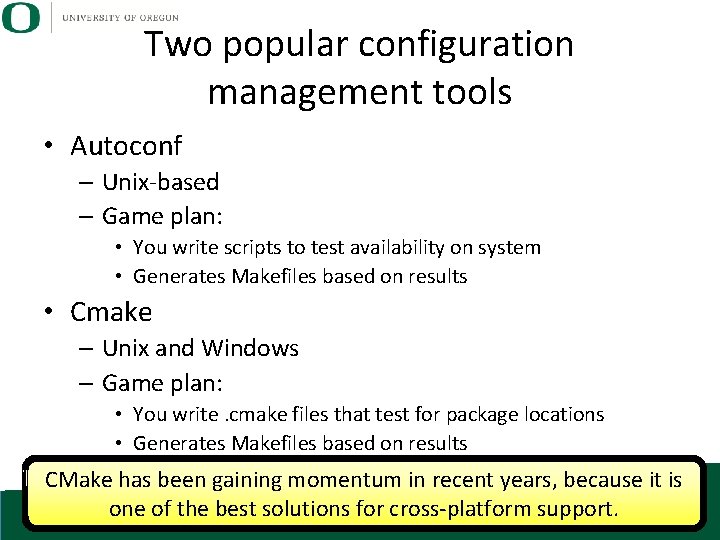
Two popular configuration management tools • Autoconf – Unix-based – Game plan: • You write scripts to test availability on system • Generates Makefiles based on results • Cmake – Unix and Windows – Game plan: • You write. cmake files that test for package locations • Generates Makefiles based on results CMake has been gaining momentum in recent years, because it is one of the best solutions for cross-platform support.
File I/O
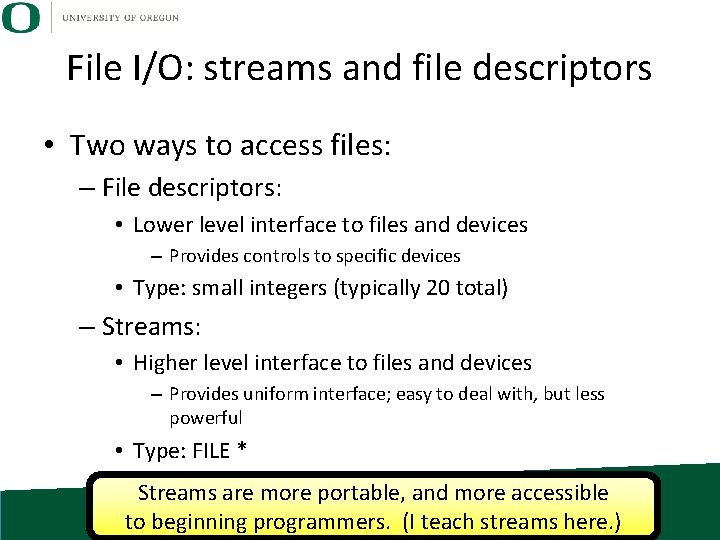
File I/O: streams and file descriptors • Two ways to access files: – File descriptors: • Lower level interface to files and devices – Provides controls to specific devices • Type: small integers (typically 20 total) – Streams: • Higher level interface to files and devices – Provides uniform interface; easy to deal with, but less powerful • Type: FILE * Streams are more portable, and more accessible to beginning programmers. (I teach streams here. )
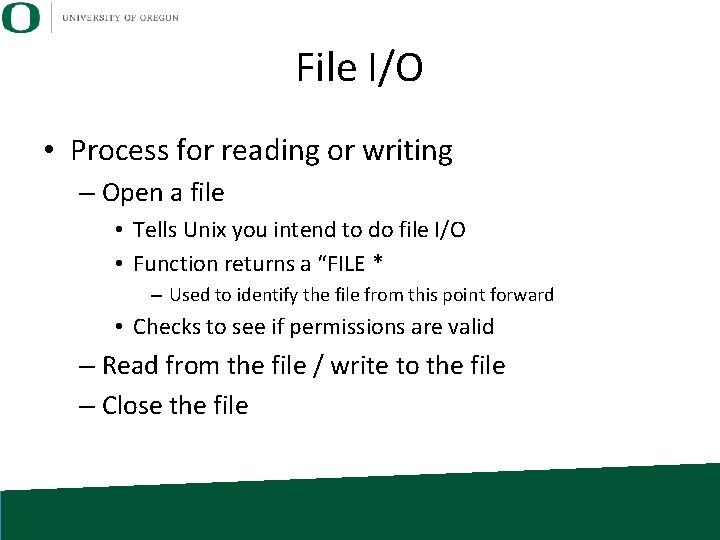
File I/O • Process for reading or writing – Open a file • Tells Unix you intend to do file I/O • Function returns a “FILE * – Used to identify the file from this point forward • Checks to see if permissions are valid – Read from the file / write to the file – Close the file
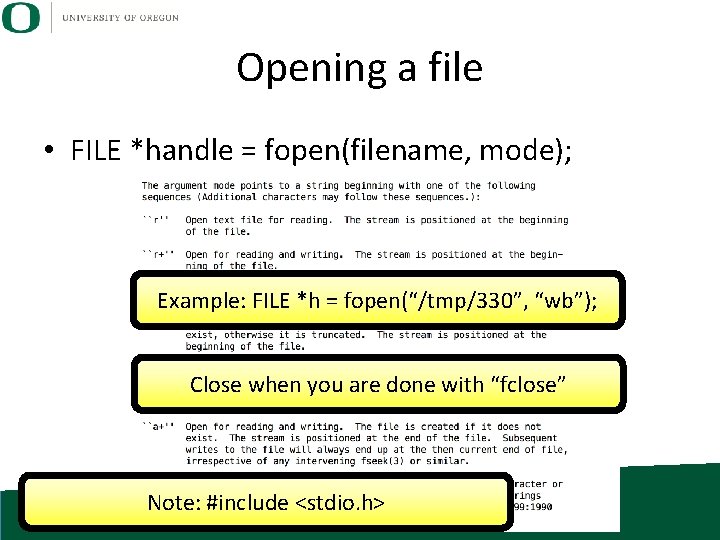
Opening a file • FILE *handle = fopen(filename, mode); Example: FILE *h = fopen(“/tmp/330”, “wb”); Close when you are done with “fclose” Note: #include <stdio. h>
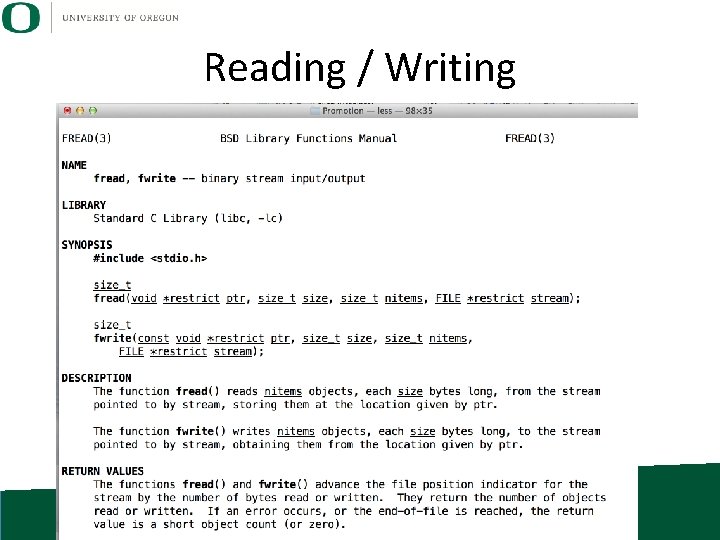
Reading / Writing
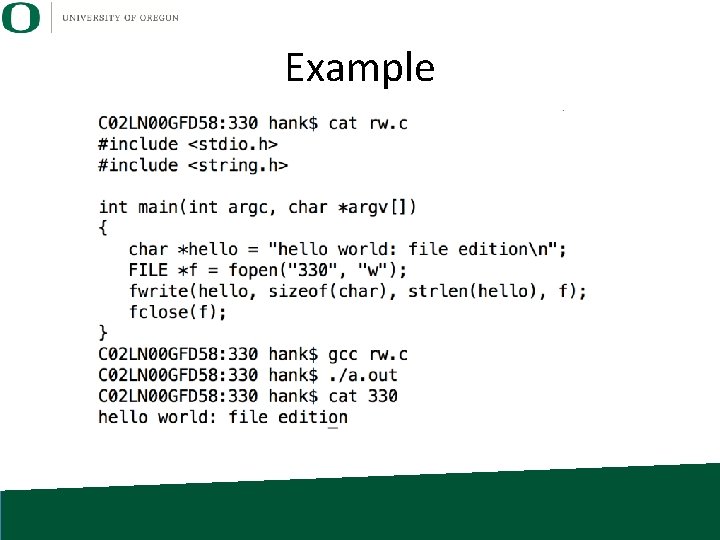
Example
File Position Indicator • File position indicator: the current location in the file • If I read one byte, the one byte you get is where the file position indicator is pointing. – And the file position indicator updates to point at the next byte – But it can be changed…
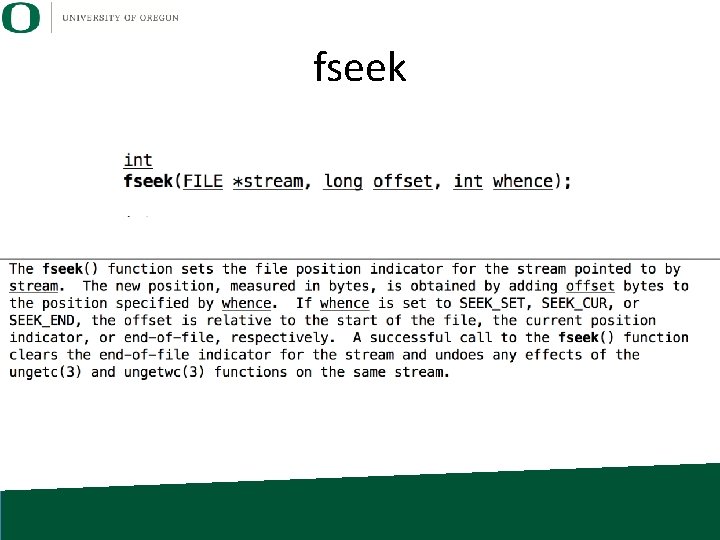
fseek
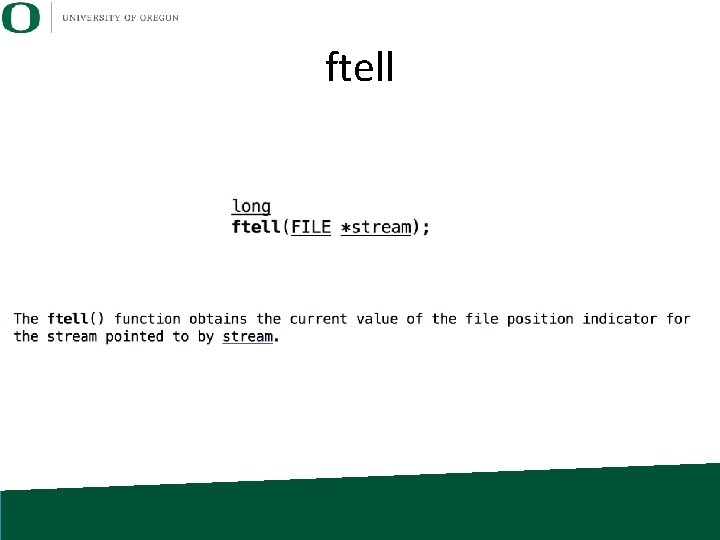
ftell
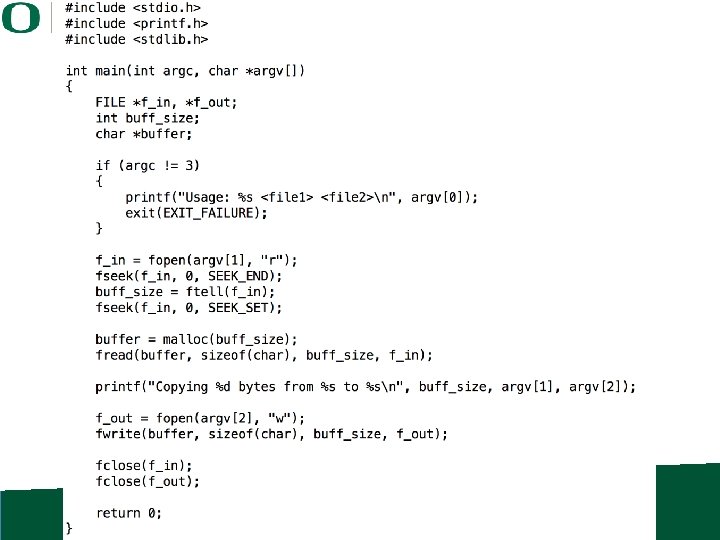
We have everything we need to make a copy command… • • • fopen fread fwrite fseek ftell Can we do this together as a class?
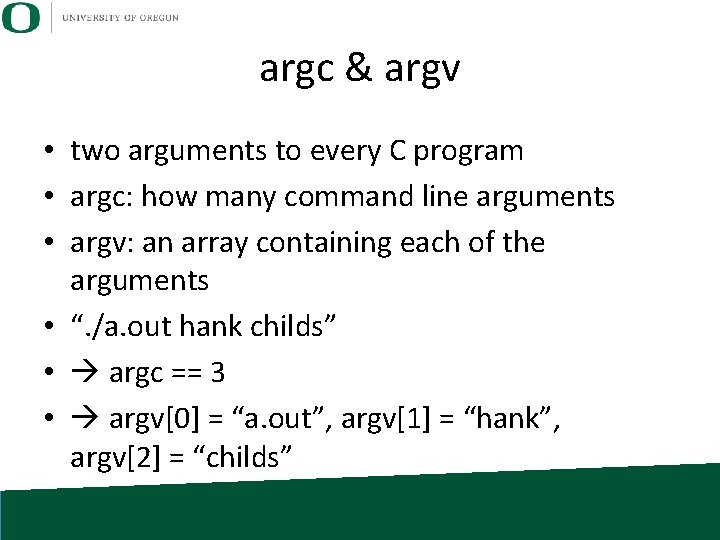
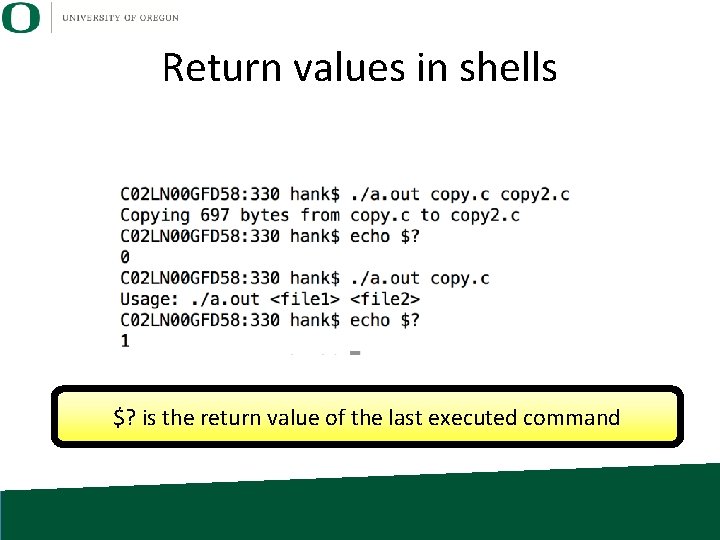
argc & argv • two arguments to every C program • argc: how many command line arguments • argv: an array containing each of the arguments • “. /a. out hank childs” • argc == 3 • argv[0] = “a. out”, argv[1] = “hank”, argv[2] = “childs”
Return values in shells $? is the return value of the last executed command
Printing to terminal and reading from terminal • In Unix, printing to terminal and reading from terminal is done with file I/O • Keyboard and screen are files in the file system! – (at least they were …)
Standard Streams • Wikipedia: “preconnected input and output channels between a computer program and its environment (typically a text terminal) when it begins execution” • Three standard streams: – stdin (standard input) – stdout (standard output) – stderr (standard error) What mechanisms in C allow you to access standard streams?
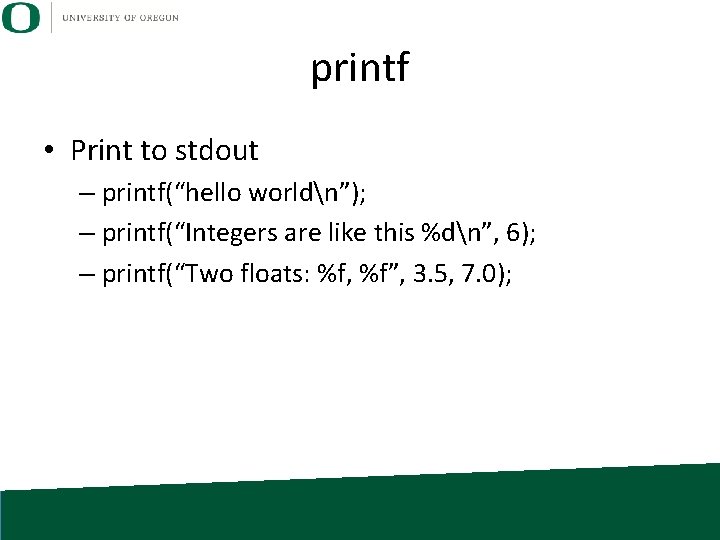
printf • Print to stdout – printf(“hello worldn”); – printf(“Integers are like this %dn”, 6); – printf(“Two floats: %f, %f”, 3. 5, 7. 0);
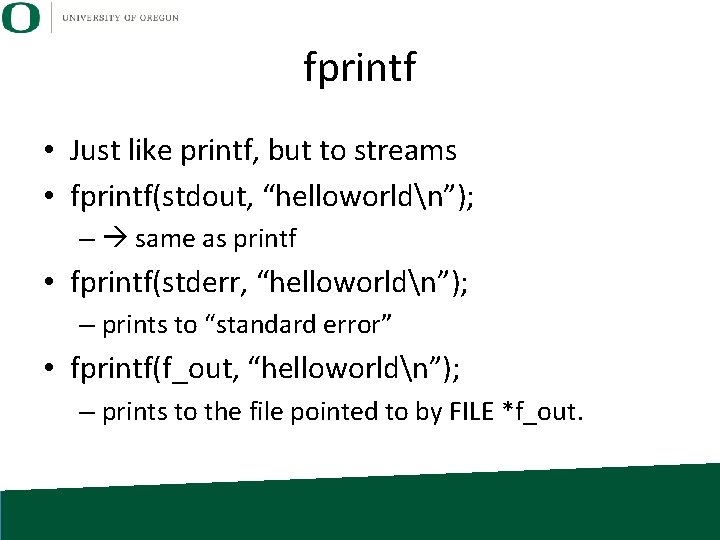
fprintf • Just like printf, but to streams • fprintf(stdout, “helloworldn”); – same as printf • fprintf(stderr, “helloworldn”); – prints to “standard error” • fprintf(f_out, “helloworldn”); – prints to the file pointed to by FILE *f_out.
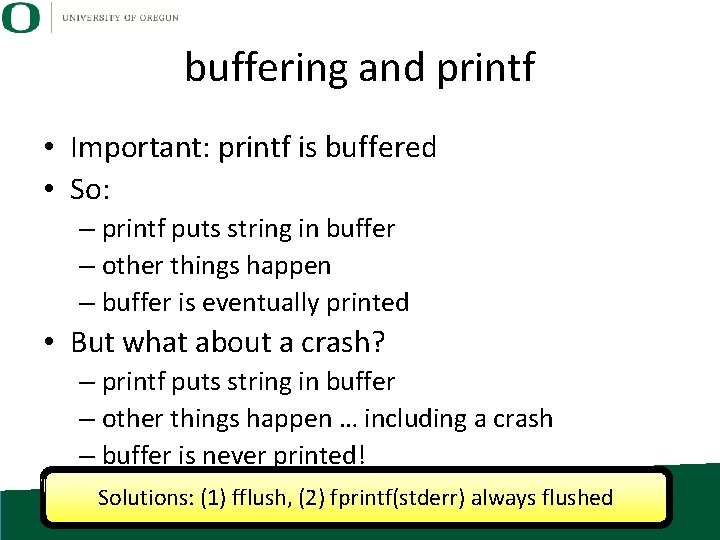
buffering and printf • Important: printf is buffered • So: – printf puts string in buffer – other things happen – buffer is eventually printed • But what about a crash? – printf puts string in buffer – other things happen … including a crash – buffer is never printed! Solutions: (1) fflush, (2) fprintf(stderr) always flushed
Outline • • • Review File I/O Project 2 B Redirection Pipes
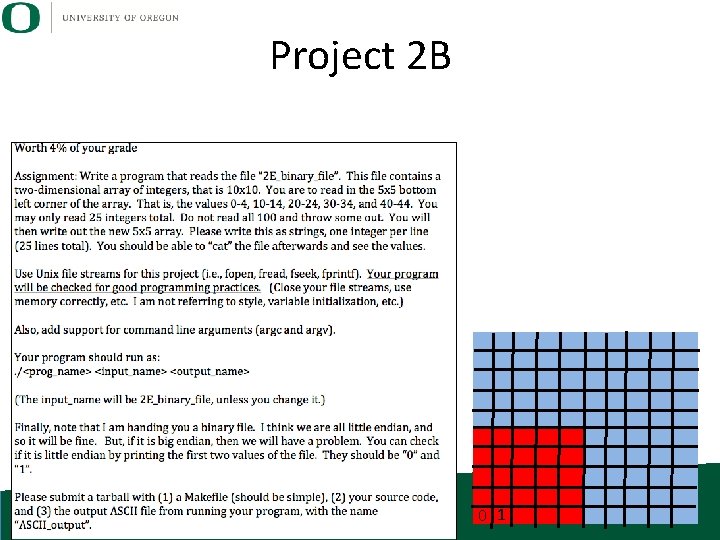
Project 2 B 0 1
Outline • • • Review File I/O Project 2 B Redirection Pipes
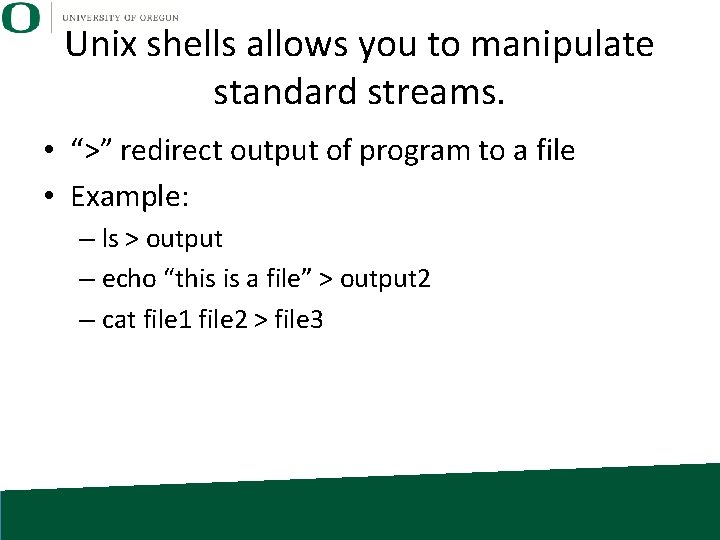
Unix shells allows you to manipulate standard streams. • “>” redirect output of program to a file • Example: – ls > output – echo “this is a file” > output 2 – cat file 1 file 2 > file 3
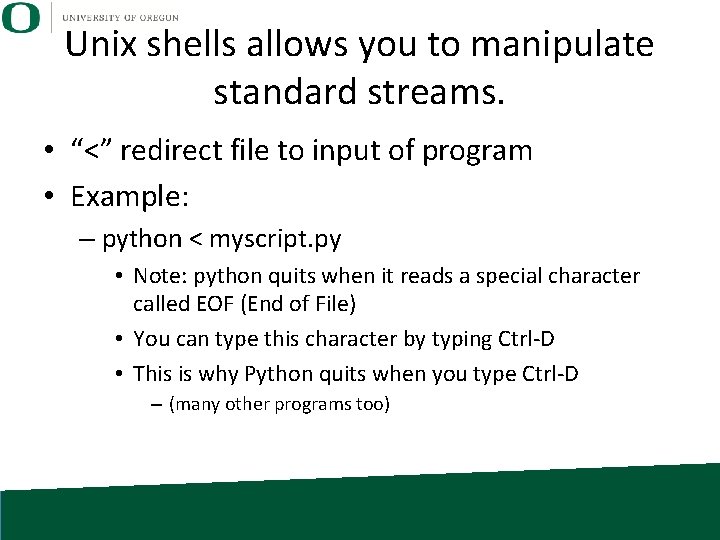
Unix shells allows you to manipulate standard streams. • “<” redirect file to input of program • Example: – python < myscript. py • Note: python quits when it reads a special character called EOF (End of File) • You can type this character by typing Ctrl-D • This is why Python quits when you type Ctrl-D – (many other programs too)
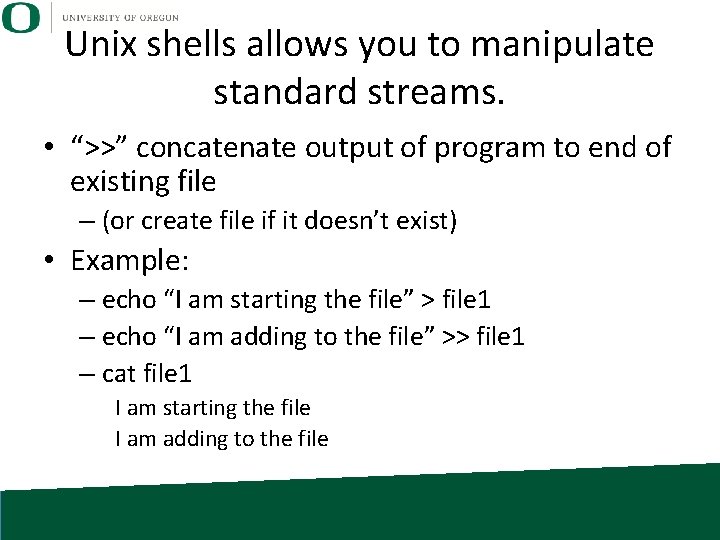
Unix shells allows you to manipulate standard streams. • “>>” concatenate output of program to end of existing file – (or create file if it doesn’t exist) • Example: – echo “I am starting the file” > file 1 – echo “I am adding to the file” >> file 1 – cat file 1 I am starting the file I am adding to the file
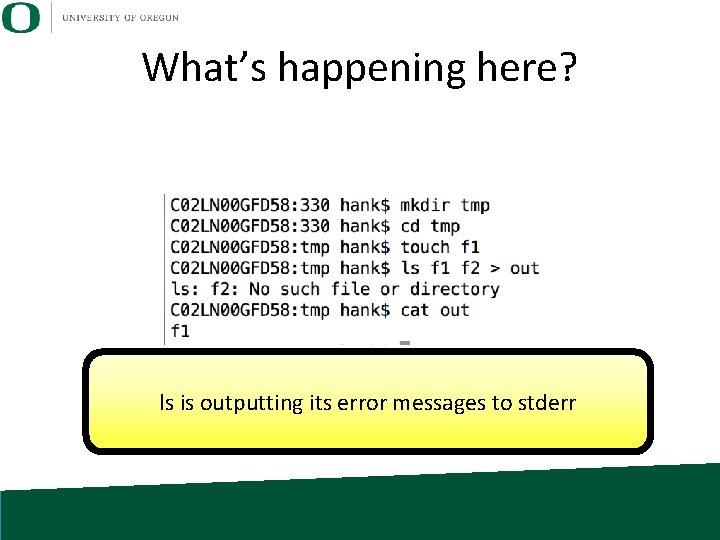
What’s happening here? ls is outputting its error messages to stderr
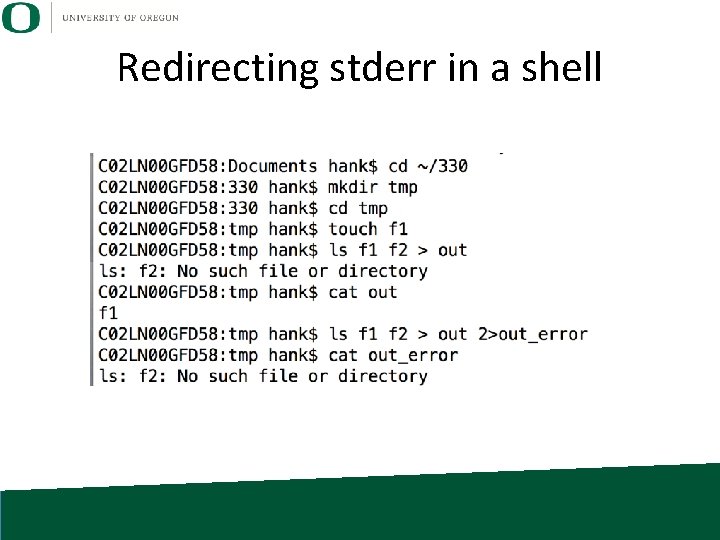
Redirecting stderr in a shell
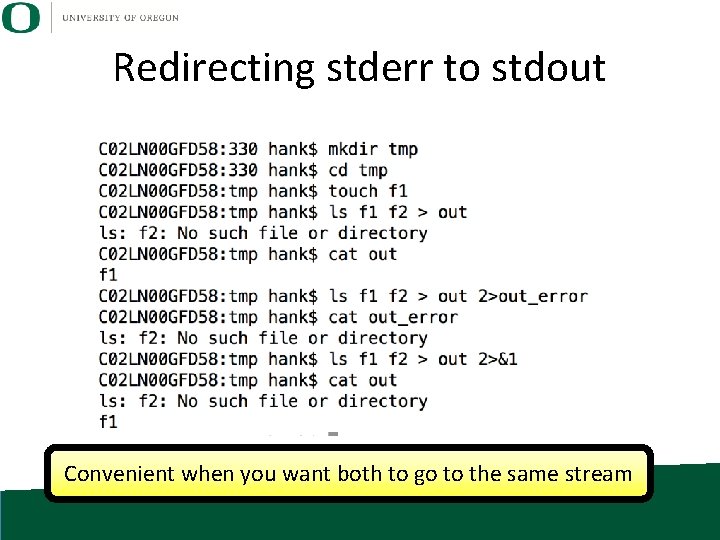
Redirecting stderr to stdout Convenient when you want both to go to the same stream
Outline • • • Review File I/O Project 2 B Redirection Pipes
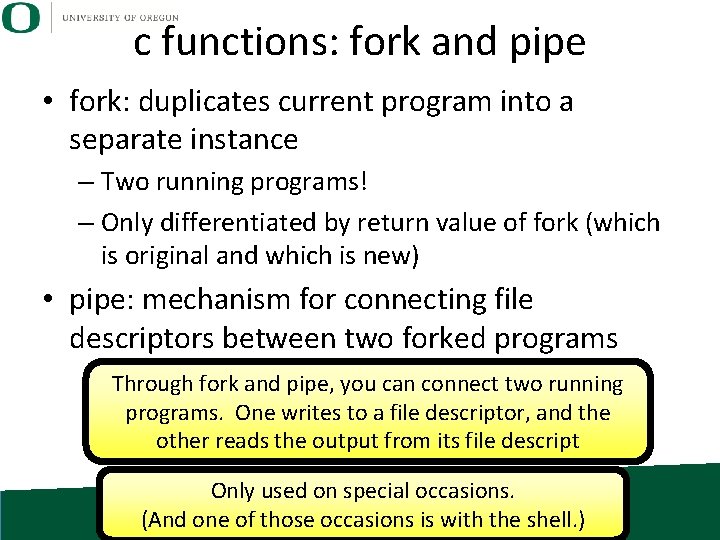
c functions: fork and pipe • fork: duplicates current program into a separate instance – Two running programs! – Only differentiated by return value of fork (which is original and which is new) • pipe: mechanism for connecting file descriptors between two forked programs Through fork and pipe, you can connect two running programs. One writes to a file descriptor, and the other reads the output from its file descript Only used on special occasions. (And one of those occasions is with the shell. )
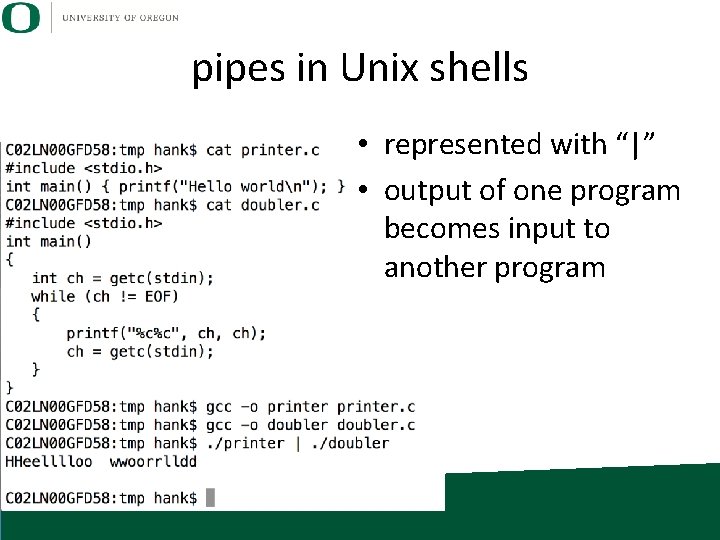
pipes in Unix shells • represented with “|” • output of one program becomes input to another program
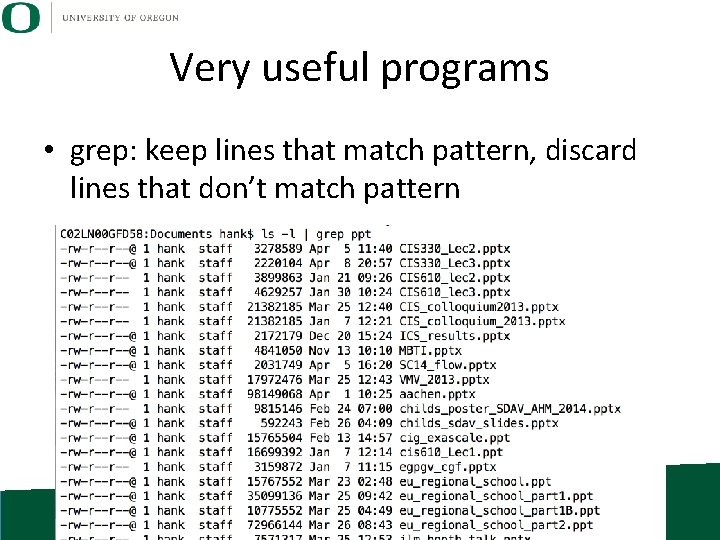
Very useful programs • grep: keep lines that match pattern, discard lines that don’t match pattern
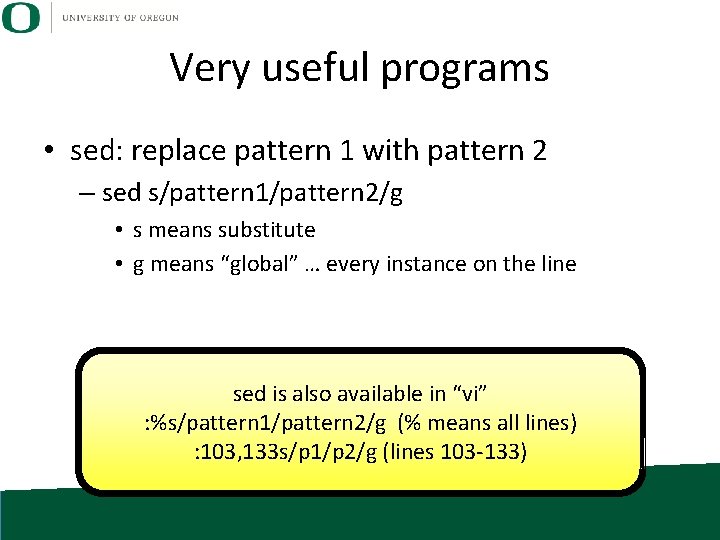
Very useful programs • sed: replace pattern 1 with pattern 2 – sed s/pattern 1/pattern 2/g • s means substitute • g means “global” … every instance on the line sed is also available in “vi” : %s/pattern 1/pattern 2/g (% means all lines) : 103, 133 s/p 1/p 2/g (lines 103 -133)
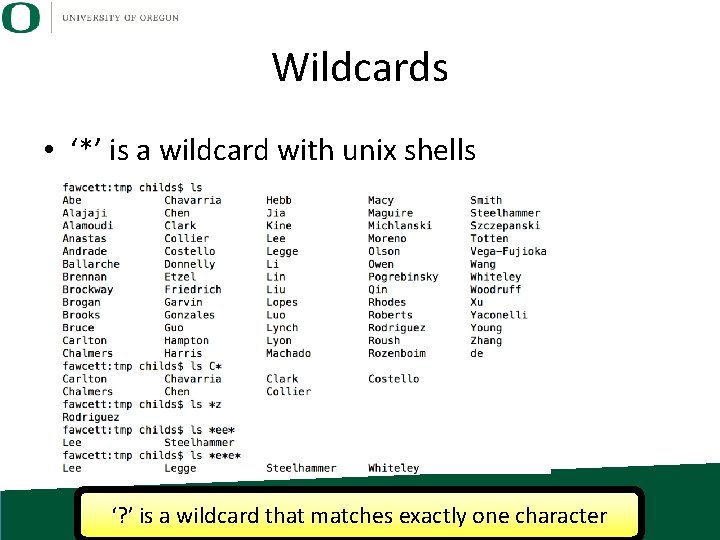
Wildcards • ‘*’ is a wildcard with unix shells ‘? ’ is a wildcard that matches exactly one character
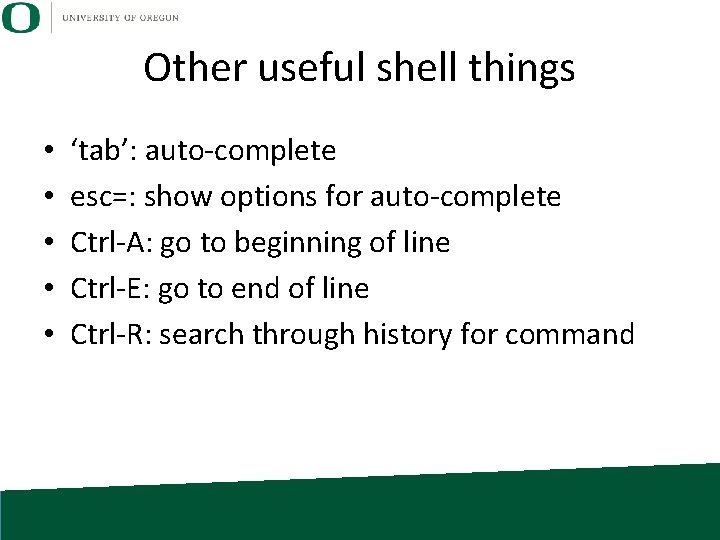
Other useful shell things • • • ‘tab’: auto-complete esc=: show options for auto-complete Ctrl-A: go to beginning of line Ctrl-E: go to end of line Ctrl-R: search through history for command
- Slides: 68