
CIS 234 Order of Operations Shortcut Other Operators
- Slides: 18
CIS 234: Order of Operations, Shortcut & Other Operators Dr. Ralph D. Westfall February, 2004
Some Things to Think About n order of operations n n type casting n n what gets calculated 1 st? changing data from one type of variable to a different type shortcut operators n doing the same calculations with less typing
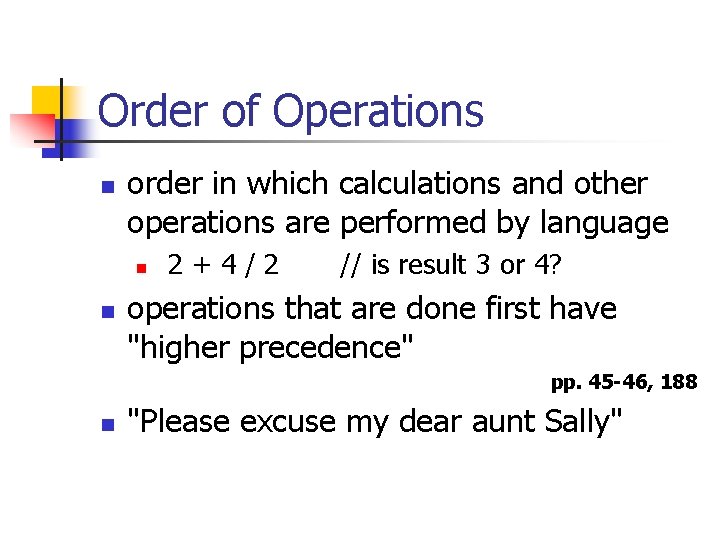
Order of Operations n order in which calculations and other operations are performed by language n n 2+4/2 // is result 3 or 4? operations that are done first have "higher precedence" pp. 45 -46, 188 n "Please excuse my dear aunt Sally"
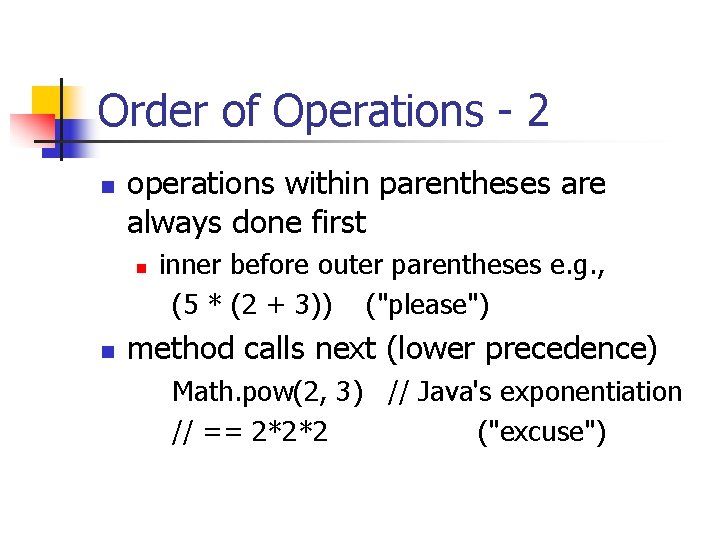
Order of Operations - 2 n operations within parentheses are always done first n n inner before outer parentheses e. g. , (5 * (2 + 3)) ("please") method calls next (lower precedence) Math. pow(2, 3) // Java's exponentiation // == 2*2*2 ("excuse")
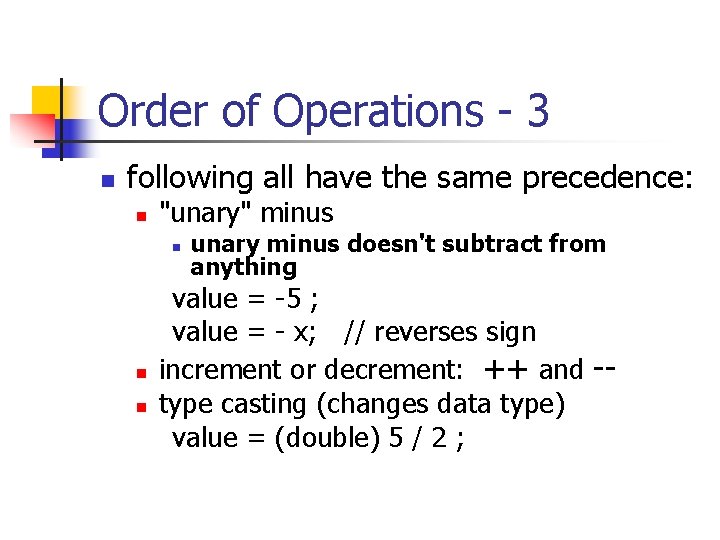
Order of Operations - 3 n following all have the same precedence: n "unary" minus n n n unary minus doesn't subtract from anything value = -5 ; value = - x; // reverses sign increment or decrement: ++ and -type casting (changes data type) value = (double) 5 / 2 ;
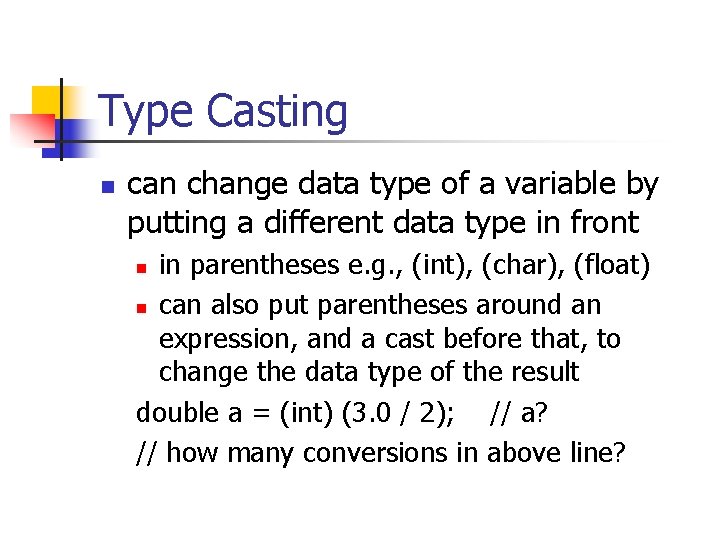
Type Casting n can change data type of a variable by putting a different data type in front in parentheses e. g. , (int), (char), (float) n can also put parentheses around an expression, and a cast before that, to change the data type of the result double a = (int) (3. 0 / 2); // a? // how many conversions in above line? n
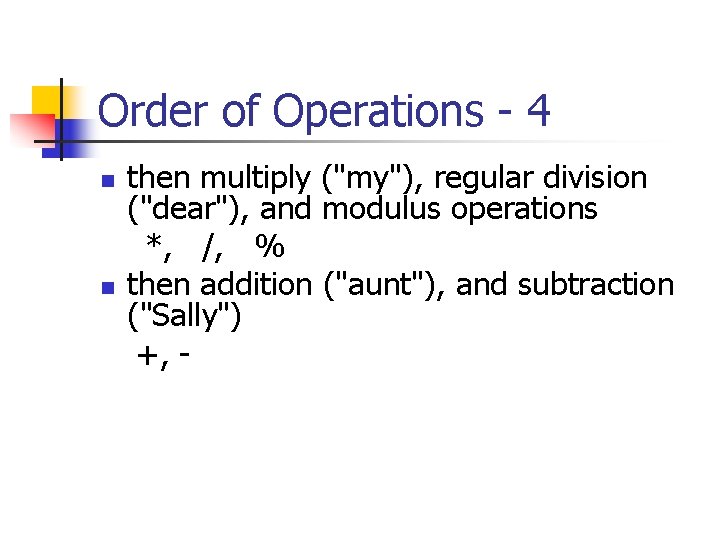
Order of Operations - 4 n n then multiply ("my"), regular division ("dear"), and modulus operations *, /, % then addition ("aunt"), and subtraction ("Sally") +, -
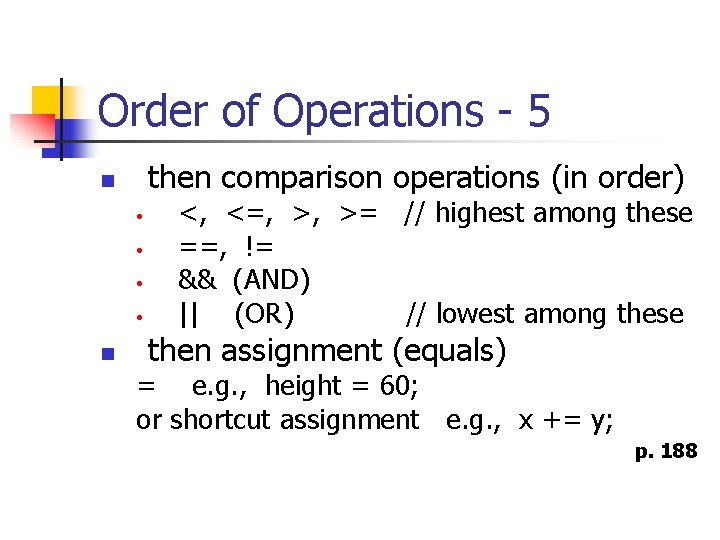
Order of Operations - 5 then comparison operations (in order) n • • n <, <=, >, >= // highest among these ==, != && (AND) || (OR) // lowest among these then assignment (equals) = e. g. , height = 60; or shortcut assignment e. g. , x += y; p. 188
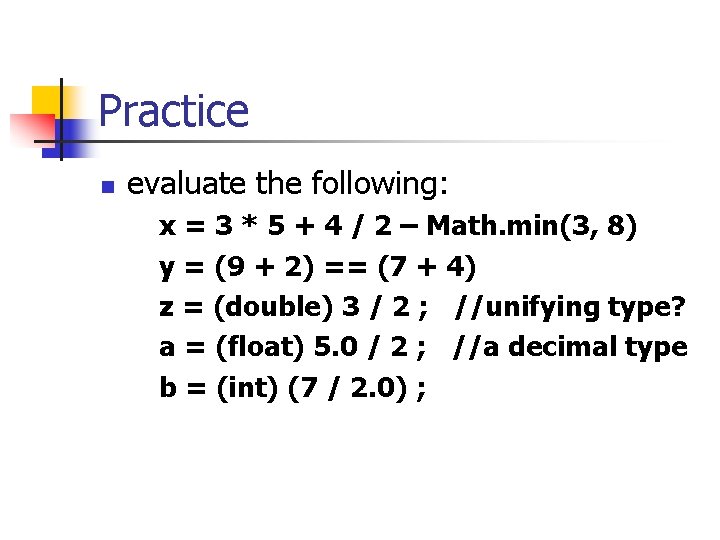
Practice n evaluate the following: x = 3 * 5 + 4 / 2 – Math. min(3, 8) y = (9 + 2) == (7 + 4) z = (double) 3 / 2 ; //unifying type? a = (float) 5. 0 / 2 ; //a decimal type b = (int) (7 / 2. 0) ;
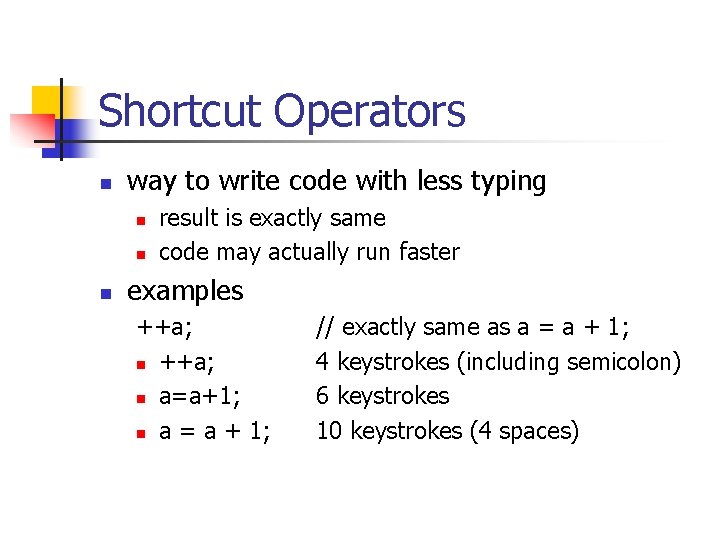
Shortcut Operators n way to write code with less typing n n n result is exactly same code may actually run faster examples ++a; n a=a+1; n a = a + 1; // exactly same as a = a + 1; 4 keystrokes (including semicolon) 6 keystrokes 10 keystrokes (4 spaces)
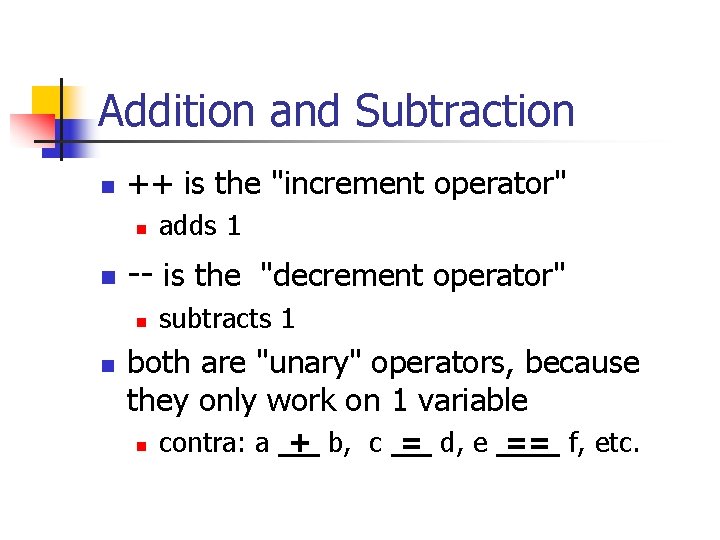
Addition and Subtraction n ++ is the "increment operator" n n -- is the "decrement operator" n n adds 1 subtracts 1 both are "unary" operators, because they only work on 1 variable n contra: a + b, c = d, e == f, etc.
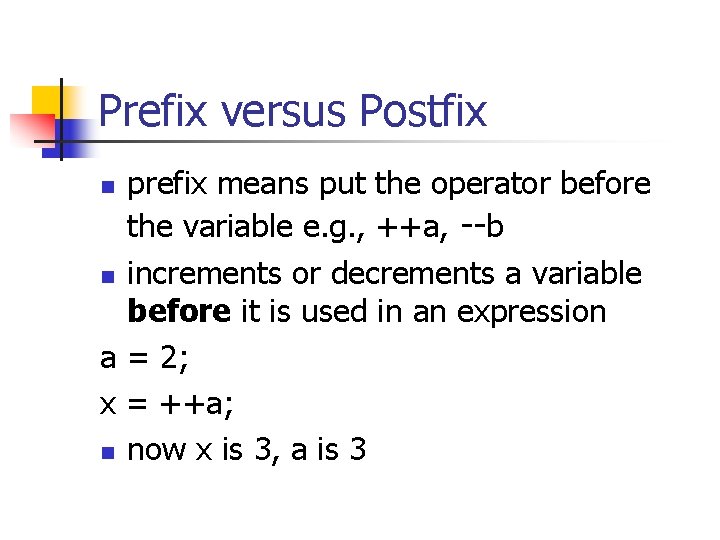
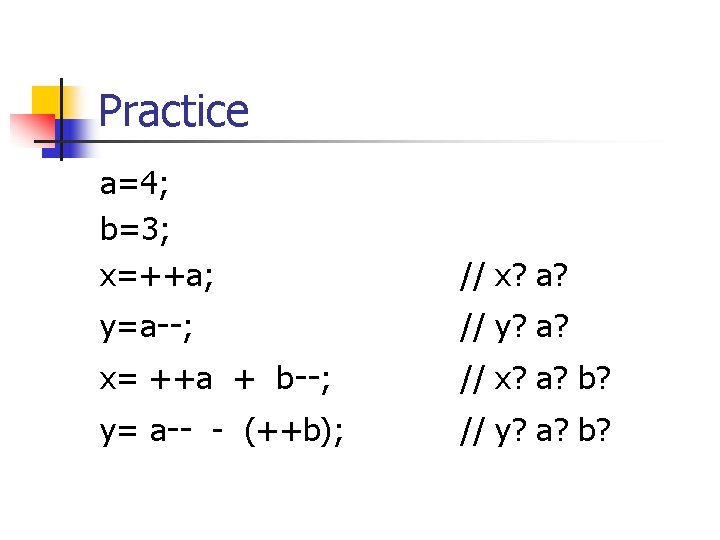
Prefix versus Postfix prefix means put the operator before the variable e. g. , ++a, --b n increments or decrements a variable before it is used in an expression a = 2; x = ++a; n now x is 3, a is 3 n
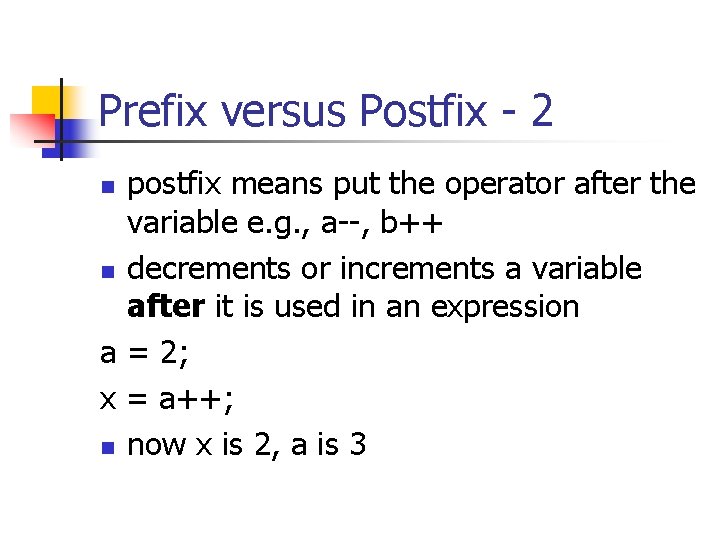
Prefix versus Postfix - 2 postfix means put the operator after the variable e. g. , a--, b++ n decrements or increments a variable after it is used in an expression a = 2; x = a++; n now x is 2, a is 3 n
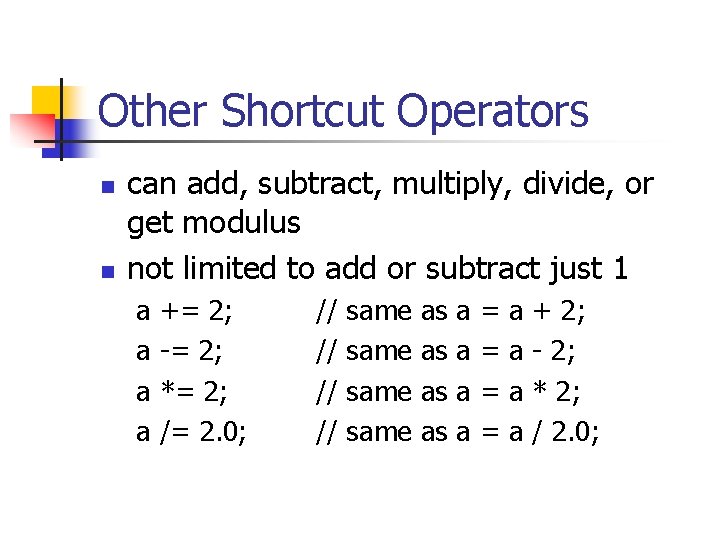
Other Shortcut Operators n n can add, subtract, multiply, divide, or get modulus not limited to add or subtract just 1 a a += 2; -= 2; *= 2; /= 2. 0; // // same as as a a = = a a + 2; - 2; * 2; / 2. 0;
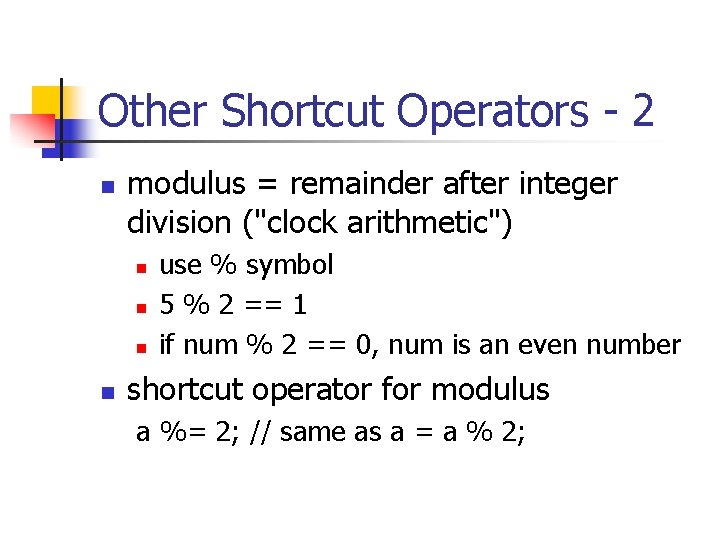
Other Shortcut Operators - 2 n modulus = remainder after integer division ("clock arithmetic") n n use % symbol 5 % 2 == 1 if num % 2 == 0, num is an even number shortcut operator for modulus a %= 2; // same as a = a % 2;
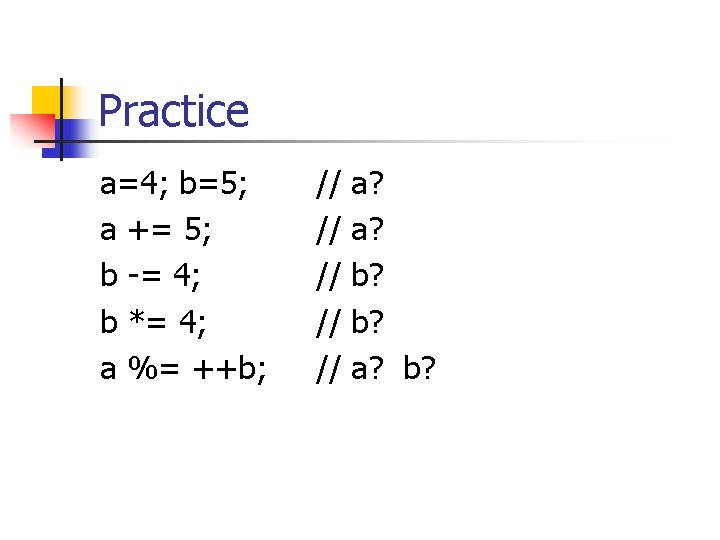
Practice a=4; b=5; a += 5; b -= 4; b *= 4; a %= ++b; // // // a? a? b? b? a? b?
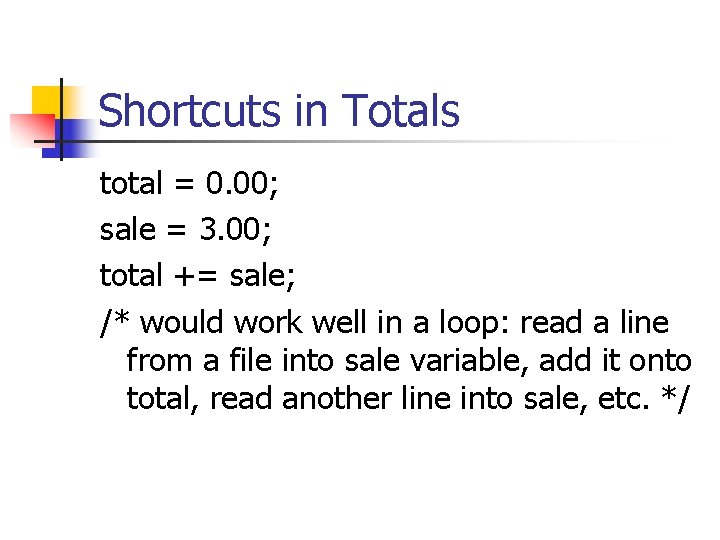
Shortcuts in Totals total = 0. 00; sale = 3. 00; total += sale; /* would work well in a loop: read a line from a file into sale variable, add it onto total, read another line into sale, etc. */