
CIS 101 Introduction to Computing Week 10 Agenda

- Slides: 45
CIS 101 Introduction to Computing Week 10
Agenda n n n Your questions Class presentations: Your Mad Libs Java. Script: Arithmetic and Events n n n Lesson 03, 04, and 05 This week online Next class
Your Mad Lib n n Students will demonstrate their Mad Lib for the class Access your Mad Lib from your Web space
Lesson 03 Topics n n n Use the arithmetic operators +, -, *, / to solve problems Use the assignment operator(=) to give a numeric value to a variable How operator precedence controls the order in which an expression is calculated Use the alert method to display information Use the Math object in calculations
Using Arithmetic Operators n n n Arithmetic operations in Java. Script are carried out with arithmetic symbols Same as math class (except multiplication is * rather than x) These symbols are called arithmetic operators
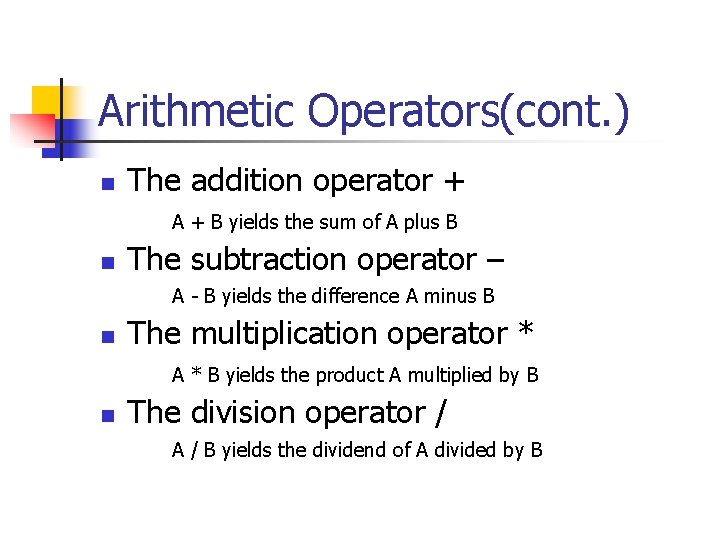
Arithmetic Operators(cont. ) n The addition operator + A + B yields the sum of A plus B n The subtraction operator – A - B yields the difference A minus B n The multiplication operator * A * B yields the product A multiplied by B n The division operator / A / B yields the dividend of A divided by B
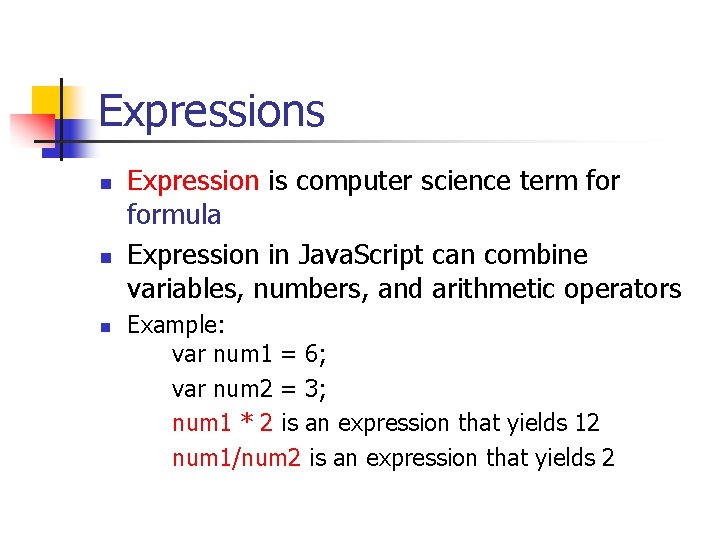
Expressions n n n Expression is computer science term formula Expression in Java. Script can combine variables, numbers, and arithmetic operators Example: var num 1 = 6; var num 2 = 3; num 1 * 2 is an expression that yields 12 num 1/num 2 is an expression that yields 2
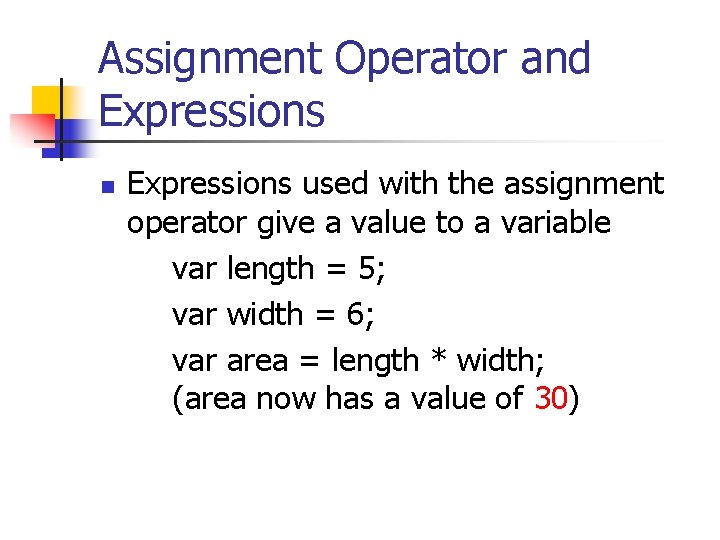
Assignment Operator and Expressions n Expressions used with the assignment operator give a value to a variable var length = 5; var width = 6; var area = length * width; (area now has a value of 30)
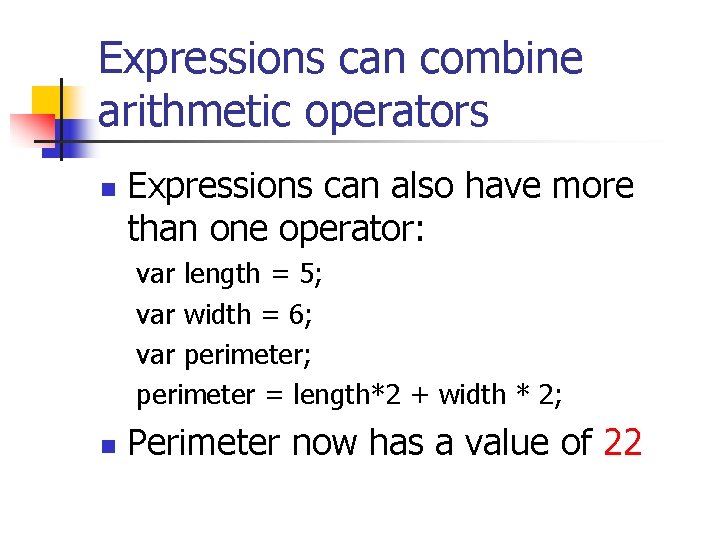
Expressions can combine arithmetic operators n Expressions can also have more than one operator: var length = 5; var width = 6; var perimeter; perimeter = length*2 + width * 2; n Perimeter now has a value of 22
Multiple operators The computer can only execute one operation at a time n When an expression has more than one operator, they have to be carried out in order determined by rule of mathematics known as “operator precedence” n
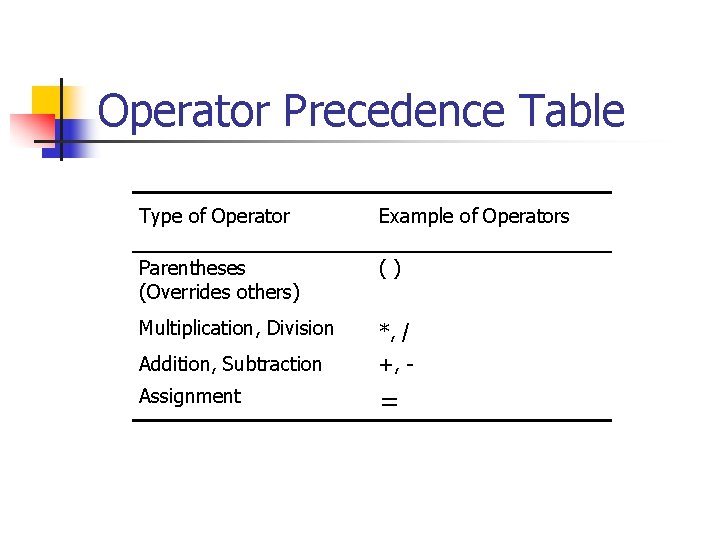
Operator precedence The operator precedence rules determine the order of evaluation n Next slide summarizes operator precedence n Operations are carried out in order from top to bottom n
Operator Precedence Table Type of Operator Example of Operators Parentheses (Overrides others) () Multiplication, Division *, / Addition, Subtraction +, - Assignment =
The alert method n n n The alert method is used to display a small pop up window See example on p. 3 -5 Syntax: alert(“message”);
In the lab n n This lab uses arithmetic operators and alert statement Create a new HTML document using 1 st Page 2000 named lesson 0301. html Enter the code on p. 3 -6 exactly as you see it Add code to calculate perimeter and display its value with alert statement (p. 3 -8)
Student Modifications n n Change the first document. write statement to an alert statement Add the following variables: base, height and triangle. Area Use assignment operator to store values in base and height Calculate and display the area of a triangle (formula is ½*base*height)
Student Modifications cont. n n n Add variables radius, circle. Area, circle. Circumference Use assignment operator to assign value to radius Calculate and display the area and circumference of a circle using the Math. PI is a defined constant that is part of Math object Math. PI stores the value of PI
Lesson 04 Topics n n n Data types String data versus numeric data How input data (from the prompt method) is stored as a string Why you need to format input data for arithmetic How to use built in Java. Script functions to format input data for arithmetic (parse. Int, parse. Float, and eval)
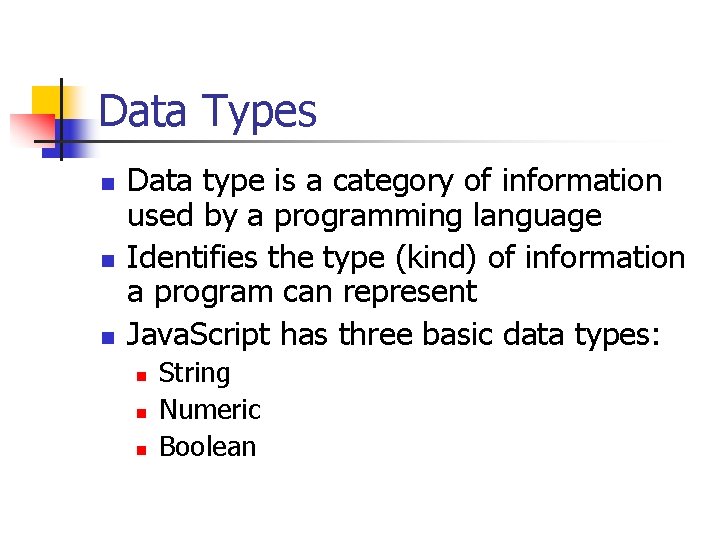
Data Types n n n Data type is a category of information used by a programming language Identifies the type (kind) of information a program can represent Java. Script has three basic data types: n n n String Numeric Boolean
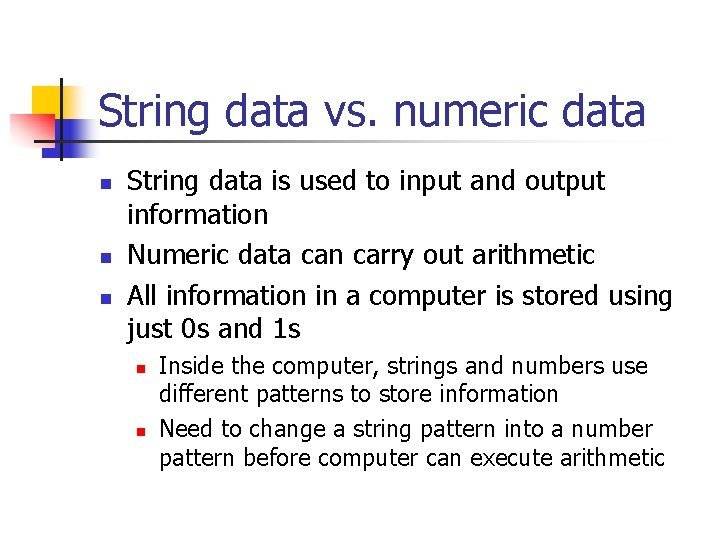
String data vs. numeric data n n n String data is used to input and output information Numeric data can carry out arithmetic All information in a computer is stored using just 0 s and 1 s n n Inside the computer, strings and numbers use different patterns to store information Need to change a string pattern into a number pattern before computer can execute arithmetic
String data versus Numeric data n n When the prompt method is used to collect data from a Web page visitor, information input is a string Information in the form of a string must be formatted as a number before it can be used for arithmetic
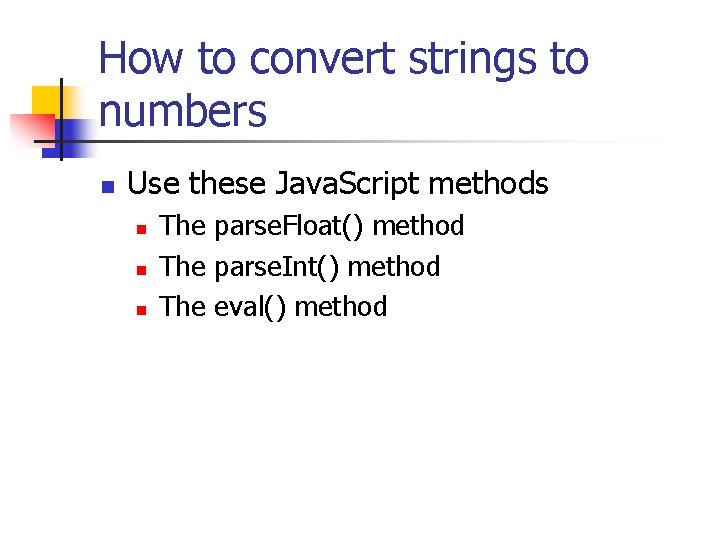
How to convert strings to numbers n Use these Java. Script methods n n n The parse. Float() method The parse. Int() method The eval() method
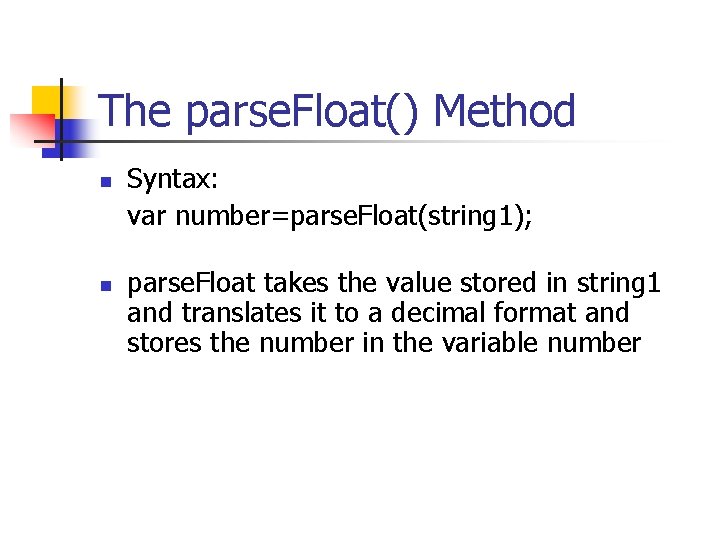
The parse. Float() Method n n Syntax: var number=parse. Float(string 1); parse. Float takes the value stored in string 1 and translates it to a decimal format and stores the number in the variable number
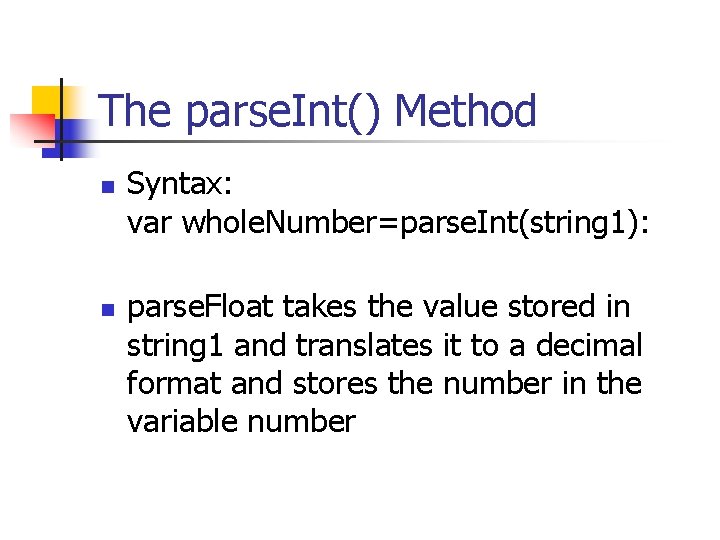
The parse. Int() Method n n Syntax: var whole. Number=parse. Int(string 1): parse. Float takes the value stored in string 1 and translates it to a decimal format and stores the number in the variable number
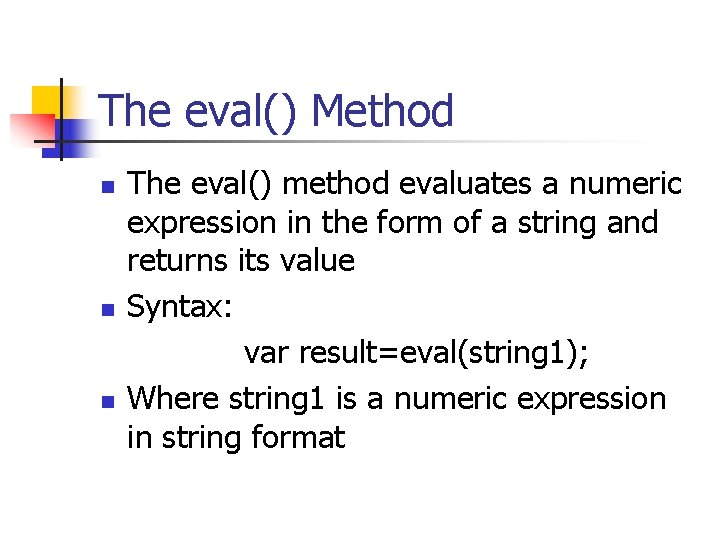
The eval() Method n n n The eval() method evaluates a numeric expression in the form of a string and returns its value Syntax: var result=eval(string 1); Where string 1 is a numeric expression in string format
In the lab n n Use Java. Script methods to convert user input from string format to numeric format and then carry out arithmetic operations Create a new HTML document using 1 st Page 2000 Enter the code on p. 4 -6 exactly as you see it Click preview button to test out the code
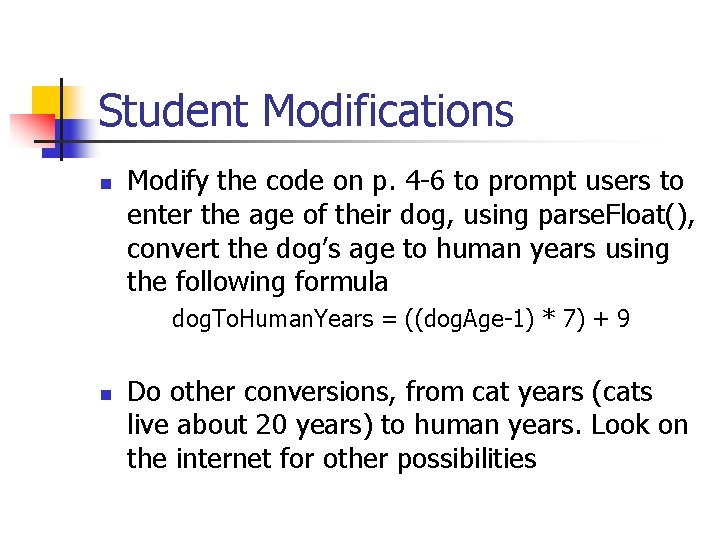
Student Modifications n Modify the code on p. 4 -6 to prompt users to enter the age of their dog, using parse. Float(), convert the dog’s age to human years using the following formula dog. To. Human. Years = ((dog. Age-1) * 7) + 9 n Do other conversions, from cat years (cats live about 20 years) to human years. Look on the internet for other possibilities
Lesson 05 Topics n n n Event driven programming Events and event handlers The on. Click event handler for hyperlinks The on. Click event handler for buttons (forms) The mouse event handlers on. Mouse. Over and on. Mouse. Out
Event Driven Programming n n Event driven programs use events as triggers for program execution Use Java. Script to create event driven Web Pages n n User actions determine the course of code execution Behavior and appearance of event driven Web page influenced by user
What are events? n n Events are actions taken by the user Examples: n n n Clicking a button Clicking a check box Entering text into a text field Moving the mouse pointer over a hyperlink Changing the contents of a text box Entering or leaving a text box
What are event handlers? n n Event handlers are the Java. Script code that handles (responds) to an event Event handlers are pre-defined keywords in Java. Script
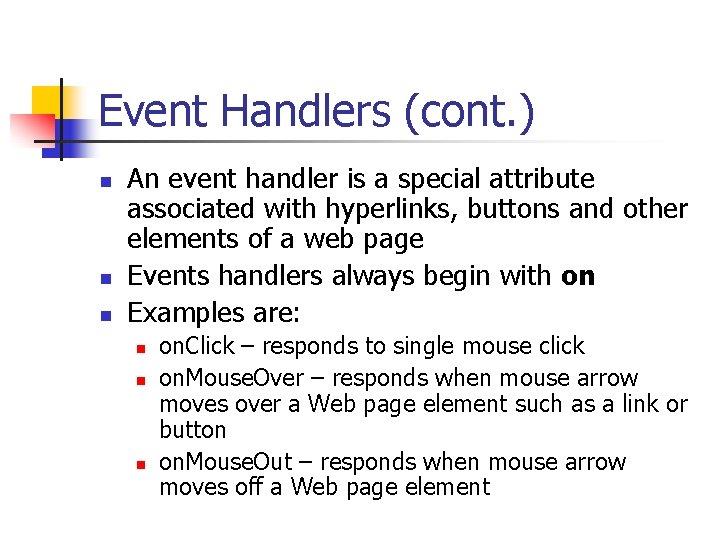
Event Handlers (cont. ) n n n An event handler is a special attribute associated with hyperlinks, buttons and other elements of a web page Events handlers always begin with on Examples are: n n n on. Click – responds to single mouse click on. Mouse. Over – responds when mouse arrow moves over a Web page element such as a link or button on. Mouse. Out – responds when mouse arrow moves off a Web page element
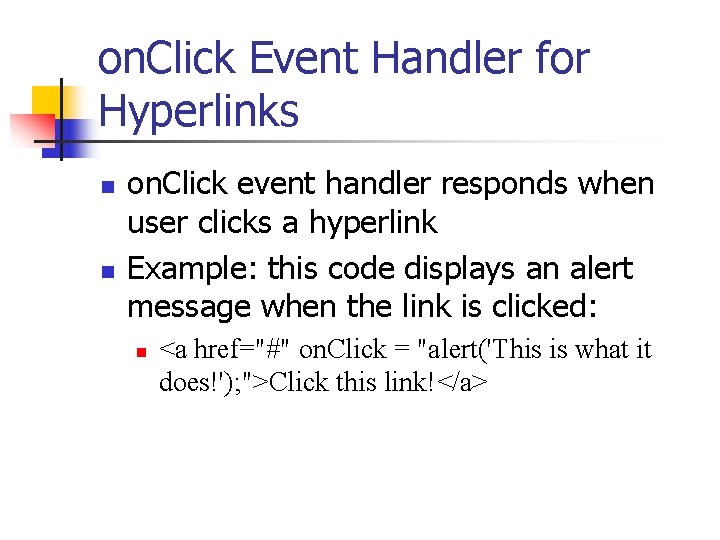
on. Click Event Handler for Hyperlinks n n on. Click event handler responds when user clicks a hyperlink Example: this code displays an alert message when the link is clicked: n <a href="#" on. Click = "alert('This is what it does!'); ">Click this link!</a>
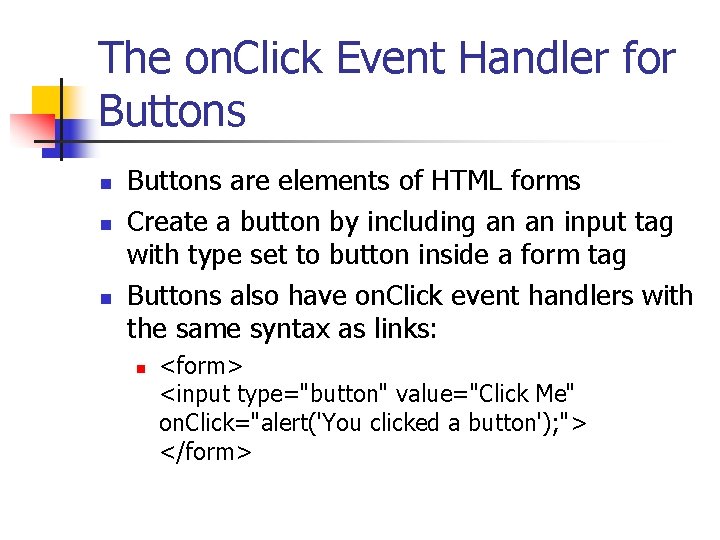
The on. Click Event Handler for Buttons n n n Buttons are elements of HTML forms Create a button by including an an input tag with type set to button inside a form tag Buttons also have on. Click event handlers with the same syntax as links: n <form> <input type="button" value="Click Me" on. Click="alert('You clicked a button'); "> </form>
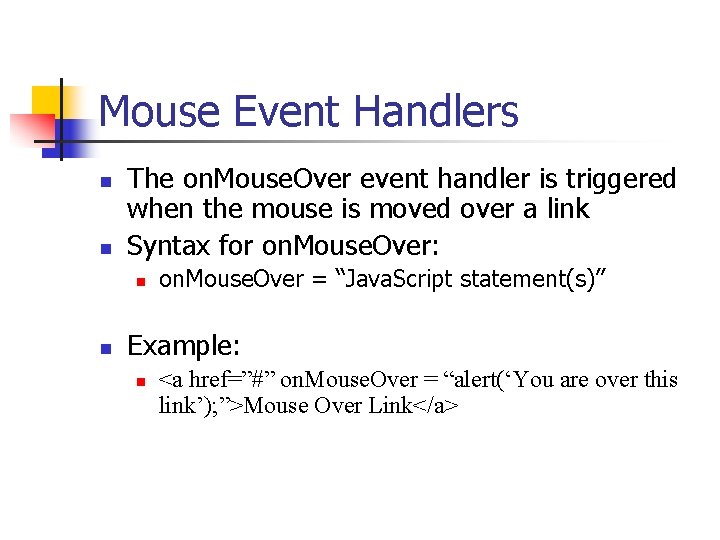
Mouse Event Handlers n n The on. Mouse. Over event handler is triggered when the mouse is moved over a link Syntax for on. Mouse. Over: n n on. Mouse. Over = “Java. Script statement(s)” Example: n <a href=”#” on. Mouse. Over = “alert(‘You are over this link’); ”>Mouse Over Link</a>
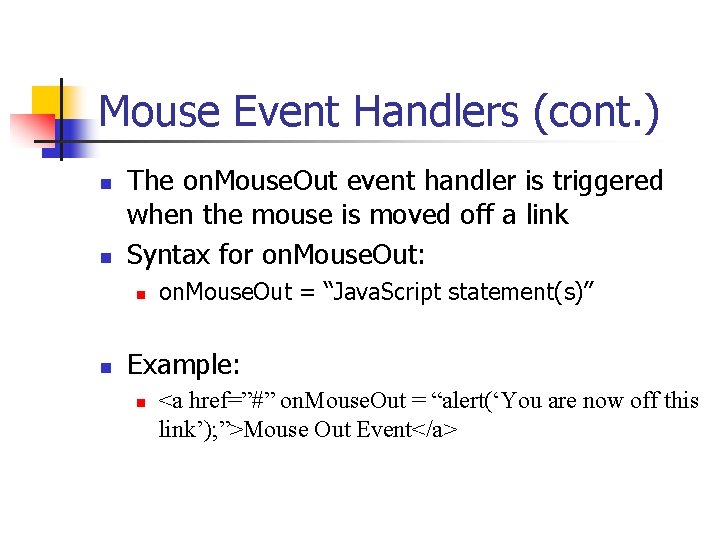
Mouse Event Handlers (cont. ) n n The on. Mouse. Out event handler is triggered when the mouse is moved off a link Syntax for on. Mouse. Out: n n on. Mouse. Out = “Java. Script statement(s)” Example: n <a href=”#” on. Mouse. Out = “alert(‘You are now off this link’); ”>Mouse Out Event</a>
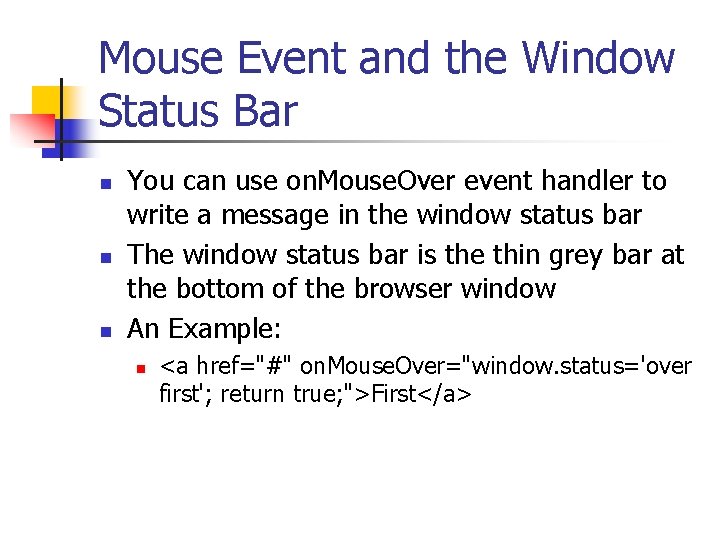
Mouse Event and the Window Status Bar n n n You can use on. Mouse. Over event handler to write a message in the window status bar The window status bar is the thin grey bar at the bottom of the browser window An Example: n <a href="#" on. Mouse. Over="window. status='over first'; return true; ">First</a>
In the lab n n n First example uses events to change the background color of your Web document Create a new HTML document using 1 st Page 2000, then enter the code on p. 511 exactly as you see it Click preview button to test each color
Now add these modifications n Add three more colors n n You will need three more links and event handlers See Appendix C for additional colors Select six contrasting colors for the fg. Color property (color of text) For all six links, insert a second statement changing the fg. Color property to the selected contrasting color
On. Click for buttons n n n This example implements on. Click event handler for buttons Nearly identical syntax to onclick event handler for hyperlinks on. Click event handler responds when visitor clicks button
On. Click button example n n Save work from previous exercise Start new html document named lesson 0502. html Enter code on p. 5 -13 Modification: add another button and use its on. Click event hander to display a different message
Swapping Images n n Common Java. Script trick swaps images when a mouse arrow passes over a link or an image When mouse arrow goes over an image the picture changes Need to first create a hyperlink using an image This is needed because mouse events are not defined for images, are only defined for links and buttons
Image Swap Example n n Save your earlier work Open up a new html document and save it with the name lesson 0502. html Download zipped file js 101 images. zip from my web site (http: //csis. pace. edu/~dwyer) Unzip these files n n blue. Arrow. gif red. Arrow. gif Enter the code on p. 5 -14 exactly as you see it Modification: find two other images on the internet, copy them into your code folder, and change the code to swap the two new images instead
Java. Script Homework n Select one of the following exercises: n n Exercise 3_1, 3_2, 3_3, 3_4 or Exercise 5_1, 5_2, 5_3, 5_4 Hand in printout of your HTML document Upload your solution to your web space
This week online n Readings n n n Concepts, chapter 5, “Input” Java. Script 101 Lesson 03, Lesson 04, Lesson 05 This week’s quiz n Concepts, chapter 5, “Input”
Next class meeting n n Bring your Java. Script book to class Continue with Java. Script