
CIS 101 Introduction to Computing Review of Charts
- Slides: 14
CIS 101 Introduction to Computing Review of Charts Excel Project Two
Review of Charts l Basic terminology – – Data series – a set of information (data) that will be plotted on a graph (same color) Legend – box that displays the relationship between a data series and its assigned color
Chart types l Displays the relationships between numbers in a series – l Displays the relationship of parts to a whole – l Column, bar, line pie Try exercise now (discussion board)
Excel Project Two l l l Produce summary of investments Use web query and real-time data to update results Basic tasks in excel: – – Formatting Spell checking Display with formulas visible Print
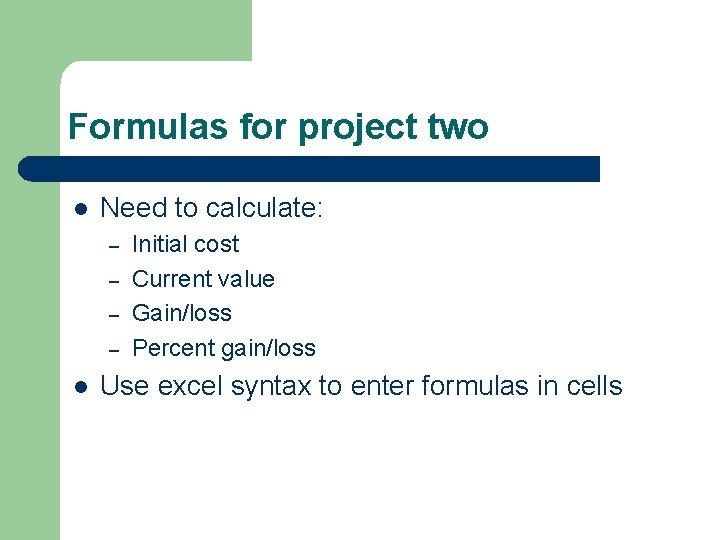
Formulas for project two l Need to calculate: – – l Initial cost Current value Gain/loss Percent gain/loss Use excel syntax to enter formulas in cells
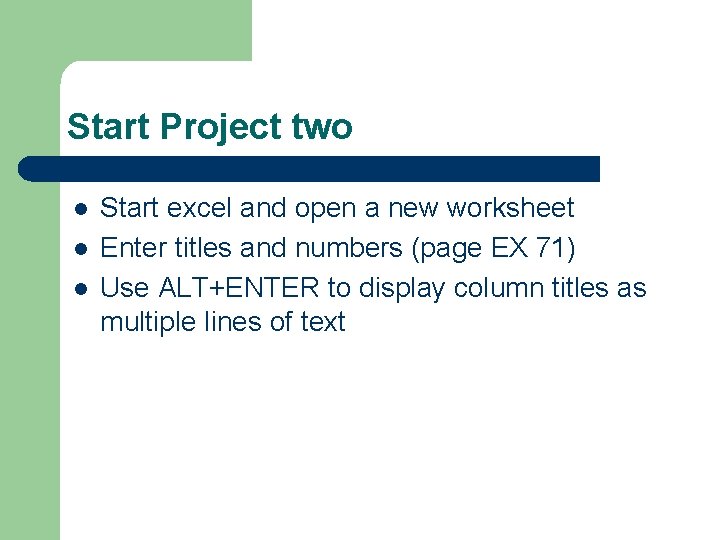
Start Project two l l l Start excel and open a new worksheet Enter titles and numbers (page EX 71) Use ALT+ENTER to display column titles as multiple lines of text
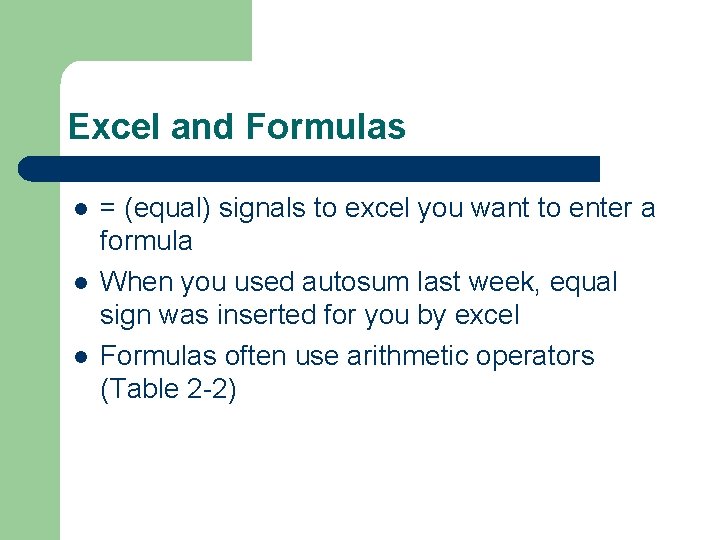
Excel and Formulas l l l = (equal) signals to excel you want to enter a formula When you used autosum last week, equal sign was inserted for you by excel Formulas often use arithmetic operators (Table 2 -2)
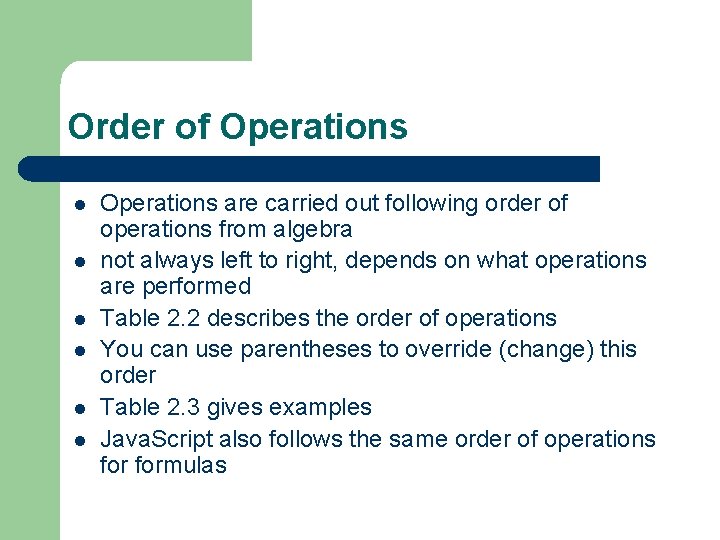
Order of Operations l l l Operations are carried out following order of operations from algebra not always left to right, depends on what operations are performed Table 2. 2 describes the order of operations You can use parentheses to override (change) this order Table 2. 3 gives examples Java. Script also follows the same order of operations formulas
Built-in functions l l l Excel includes prewritten formulas called functions Function takes a value or values, performs an operation, then returns result (answer) to the cell Values are called arguments
Format for Functions l l All functions begin with equal sign (=) and include arguments in parentheses Examples: =AVERAGE(D 3: D 10) =MAX(D 3: D 10)
What functions are available? l l l Click function icon or Click insert sub-menu, select insert function Functions are organized by category
Web queries l l l Existing web queries (included with Excel) connect to MSMoney to import stock prices Use stock symbol to look up current price Use second worksheet for Stock Quotes
Summary of Project Two l l Apply various formats to numbers (currency, comma, percent) Change height and width of columns and rows Enter formulas Use built-in functions average, min, and max
Summary cont. l l l View worksheet with formulas Print and preview spreadsheet Use a second worksheet Import data from a Web source using a Web query E-mailing a workbook