
Cincinnati Android Developers Meetup Android Data Storage SQLite
- Slides: 12
Cincinnati Android Developers Meetup Android Data Storage – SQLite 7/20/2011 Cincinnati Android Developers http: //www. meetup. com/cincy-android/ Dot. Loop, LLC. - 4445 Lake Forest Drive Suite 430 - Blue Ash, OH 45242
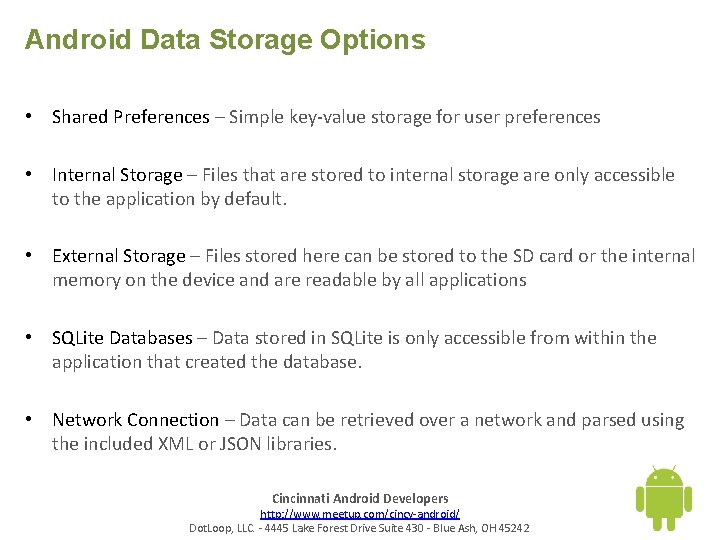
Android Data Storage Options • Shared Preferences – Simple key-value storage for user preferences • Internal Storage – Files that are stored to internal storage are only accessible to the application by default. • External Storage – Files stored here can be stored to the SD card or the internal memory on the device and are readable by all applications • SQLite Databases – Data stored in SQLite is only accessible from within the application that created the database. • Network Connection – Data can be retrieved over a network and parsed using the included XML or JSON libraries. Cincinnati Android Developers http: //www. meetup. com/cincy-android/ Dot. Loop, LLC. - 4445 Lake Forest Drive Suite 430 - Blue Ash, OH 45242
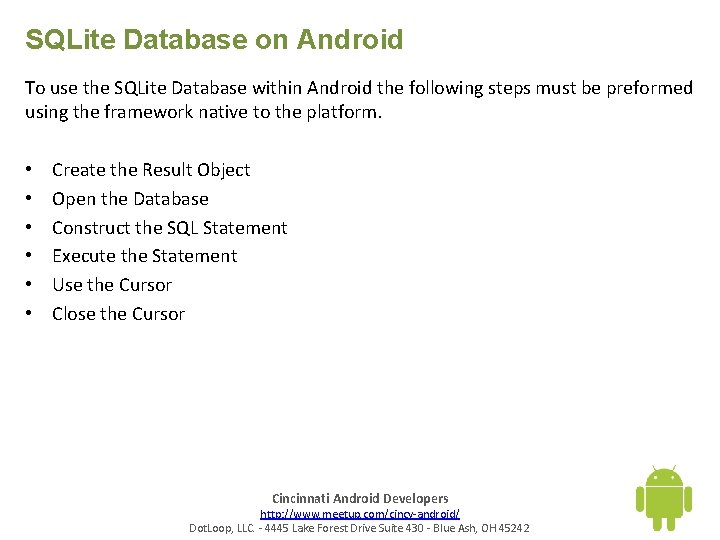
SQLite Database on Android To use the SQLite Database within Android the following steps must be preformed using the framework native to the platform. • • • Create the Result Object Open the Database Construct the SQL Statement Execute the Statement Use the Cursor Close the Cursor Cincinnati Android Developers http: //www. meetup. com/cincy-android/ Dot. Loop, LLC. - 4445 Lake Forest Drive Suite 430 - Blue Ash, OH 45242
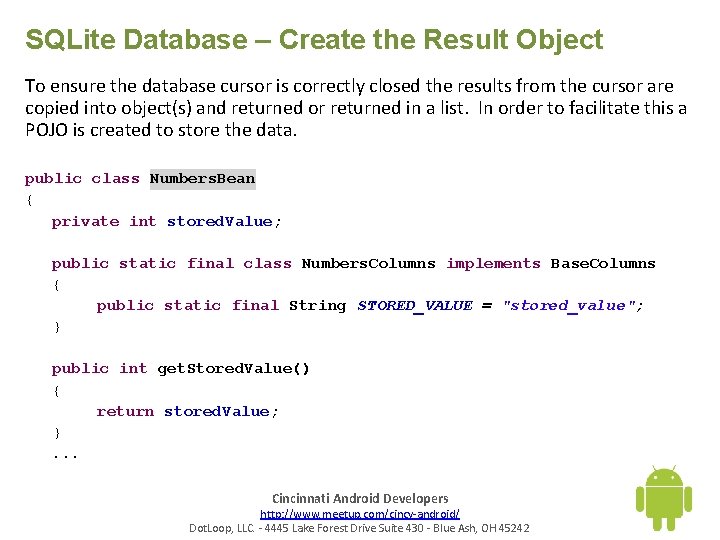
SQLite Database – Create the Result Object To ensure the database cursor is correctly closed the results from the cursor are copied into object(s) and returned or returned in a list. In order to facilitate this a POJO is created to store the data. public class Numbers. Bean { private int stored. Value; public static final class Numbers. Columns implements Base. Columns { public static final String STORED_VALUE = "stored_value"; } public int get. Stored. Value() { return stored. Value; }. . . Cincinnati Android Developers http: //www. meetup. com/cincy-android/ Dot. Loop, LLC. - 4445 Lake Forest Drive Suite 430 - Blue Ash, OH 45242
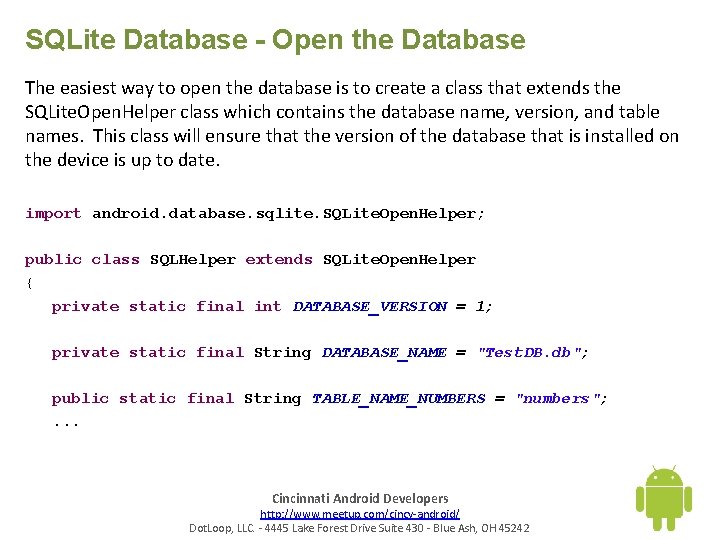
SQLite Database - Open the Database The easiest way to open the database is to create a class that extends the SQLite. Open. Helper class which contains the database name, version, and table names. This class will ensure that the version of the database that is installed on the device is up to date. import android. database. sqlite. SQLite. Open. Helper; public class SQLHelper extends SQLite. Open. Helper { private static final int DATABASE_VERSION = 1; private static final String DATABASE_NAME = "Test. DB. db"; public static final String TABLE_NAME_NUMBERS = "numbers"; . . . Cincinnati Android Developers http: //www. meetup. com/cincy-android/ Dot. Loop, LLC. - 4445 Lake Forest Drive Suite 430 - Blue Ash, OH 45242
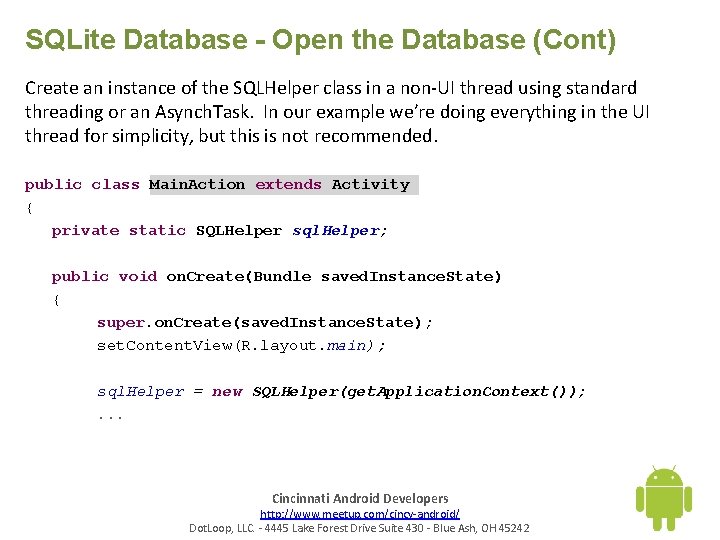
SQLite Database - Open the Database (Cont) Create an instance of the SQLHelper class in a non-UI thread using standard threading or an Asynch. Task. In our example we’re doing everything in the UI thread for simplicity, but this is not recommended. public class Main. Action extends Activity { private static SQLHelper sql. Helper; public void on. Create(Bundle saved. Instance. State) { super. on. Create(saved. Instance. State); set. Content. View(R. layout. main); sql. Helper = new SQLHelper(get. Application. Context()); . . . Cincinnati Android Developers http: //www. meetup. com/cincy-android/ Dot. Loop, LLC. - 4445 Lake Forest Drive Suite 430 - Blue Ash, OH 45242
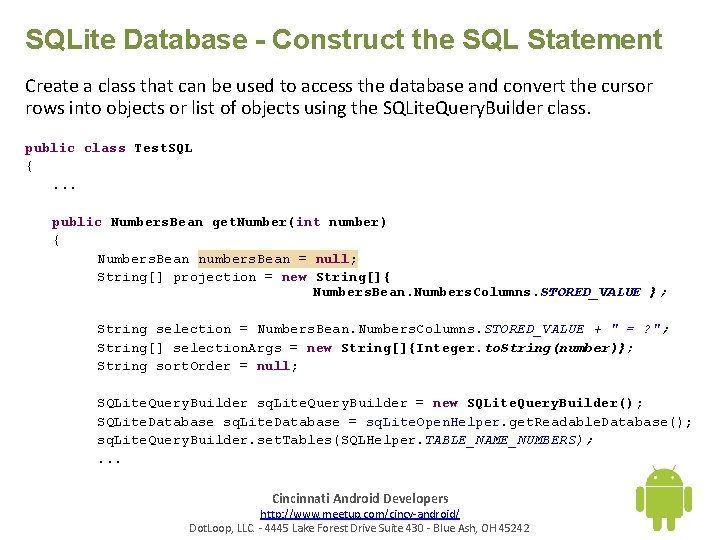
SQLite Database - Construct the SQL Statement Create a class that can be used to access the database and convert the cursor rows into objects or list of objects using the SQLite. Query. Builder class. public class Test. SQL {. . . public Numbers. Bean get. Number(int number) { Numbers. Bean numbers. Bean = null; String[] projection = new String[]{ Numbers. Bean. Numbers. Columns. STORED_VALUE }; String selection = Numbers. Bean. Numbers. Columns. STORED_VALUE + " = ? "; String[] selection. Args = new String[]{Integer. to. String(number)}; String sort. Order = null; SQLite. Query. Builder sq. Lite. Query. Builder = new SQLite. Query. Builder(); SQLite. Database sq. Lite. Database = sq. Lite. Open. Helper. get. Readable. Database(); sq. Lite. Query. Builder. set. Tables(SQLHelper. TABLE_NAME_NUMBERS); . . . Cincinnati Android Developers http: //www. meetup. com/cincy-android/ Dot. Loop, LLC. - 4445 Lake Forest Drive Suite 430 - Blue Ash, OH 45242
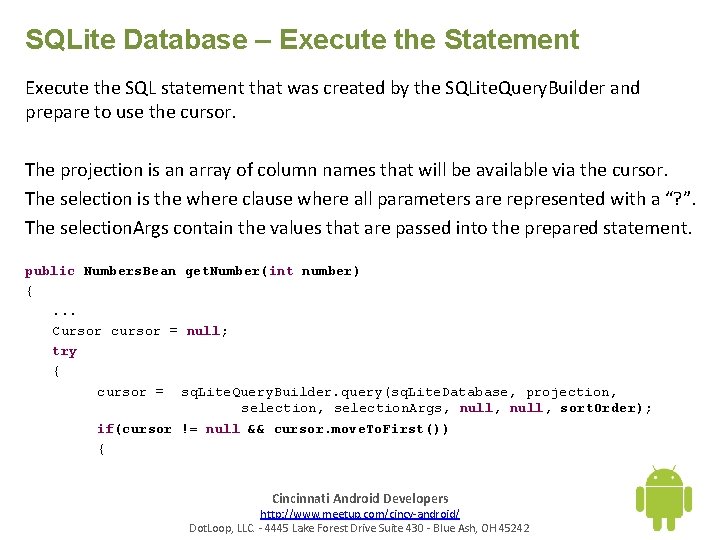
SQLite Database – Execute the Statement Execute the SQL statement that was created by the SQLite. Query. Builder and prepare to use the cursor. The projection is an array of column names that will be available via the cursor. The selection is the where clause where all parameters are represented with a “? ”. The selection. Args contain the values that are passed into the prepared statement. public Numbers. Bean get. Number(int number) {. . . Cursor cursor = null; try { cursor = sq. Lite. Query. Builder. query(sq. Lite. Database, projection, selection. Args, null, sort. Order); if(cursor != null && cursor. move. To. First()) { Cincinnati Android Developers http: //www. meetup. com/cincy-android/ Dot. Loop, LLC. - 4445 Lake Forest Drive Suite 430 - Blue Ash, OH 45242
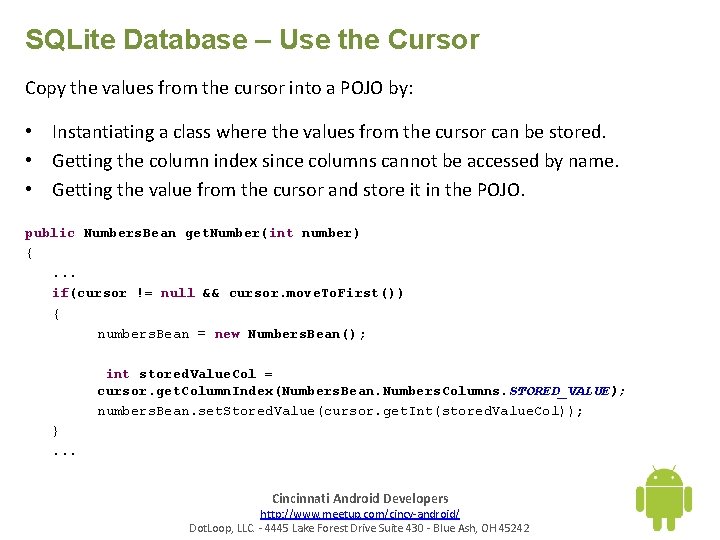
SQLite Database – Use the Cursor Copy the values from the cursor into a POJO by: • Instantiating a class where the values from the cursor can be stored. • Getting the column index since columns cannot be accessed by name. • Getting the value from the cursor and store it in the POJO. public Numbers. Bean get. Number(int number) {. . . if(cursor != null && cursor. move. To. First()) { numbers. Bean = new Numbers. Bean(); int stored. Value. Col = cursor. get. Column. Index(Numbers. Bean. Numbers. Columns. STORED_VALUE); numbers. Bean. set. Stored. Value(cursor. get. Int(stored. Value. Col)); }. . . Cincinnati Android Developers http: //www. meetup. com/cincy-android/ Dot. Loop, LLC. - 4445 Lake Forest Drive Suite 430 - Blue Ash, OH 45242
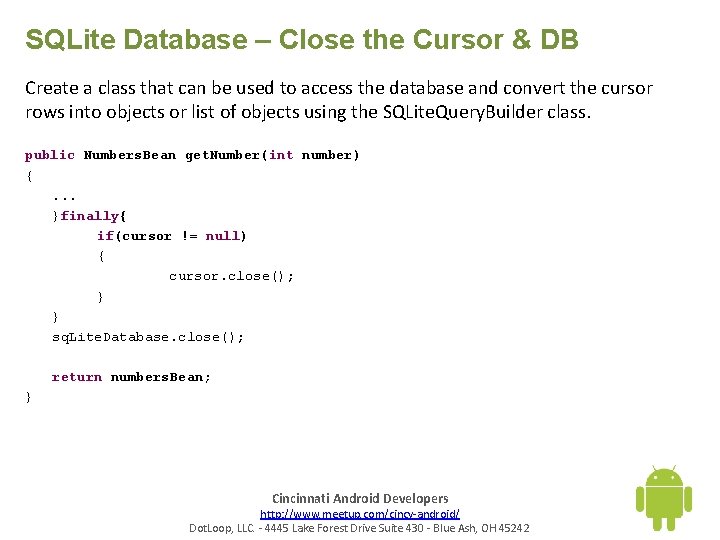
SQLite Database – Close the Cursor & DB Create a class that can be used to access the database and convert the cursor rows into objects or list of objects using the SQLite. Query. Builder class. public Numbers. Bean get. Number(int number) {. . . }finally{ if(cursor != null) { cursor. close(); } } sq. Lite. Database. close(); return numbers. Bean; } Cincinnati Android Developers http: //www. meetup. com/cincy-android/ Dot. Loop, LLC. - 4445 Lake Forest Drive Suite 430 - Blue Ash, OH 45242
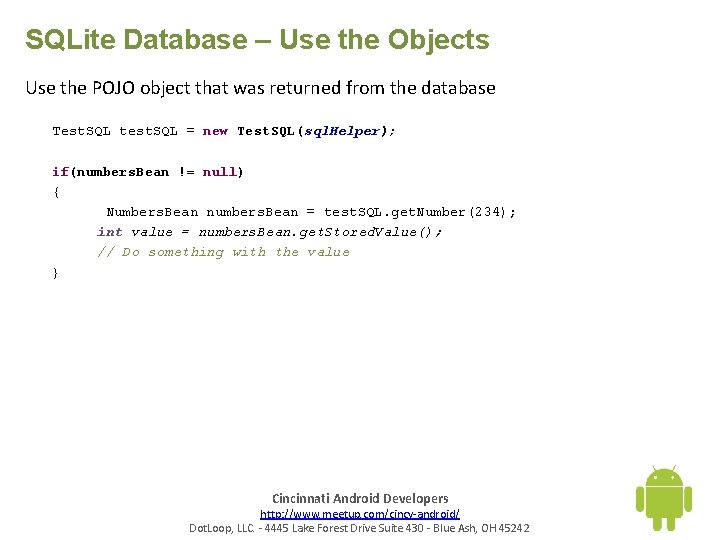
SQLite Database – Use the Objects Use the POJO object that was returned from the database Test. SQL test. SQL = new Test. SQL(sql. Helper); if(numbers. Bean != null) { Numbers. Bean numbers. Bean = test. SQL. get. Number(234); int value = numbers. Bean. get. Stored. Value(); // Do something with the value } Cincinnati Android Developers http: //www. meetup. com/cincy-android/ Dot. Loop, LLC. - 4445 Lake Forest Drive Suite 430 - Blue Ash, OH 45242
Topics • • File vs DB Performance Further Reading Cool Apps Future Meetup Topics Cincinnati Android Developers http: //www. meetup. com/cincy-android/ Dot. Loop, LLC. - 4445 Lake Forest Drive Suite 430 - Blue Ash, OH 45242