
Chronos Easy Time Attendance Management System for Small

- Slides: 32
Chronos Easy. Time Attendance Management System for Small size Office/Club/Retail Outlet/Cafeteria No. 19, Jalan 223, 46100 Petaling Jaya, Selangor, Malaysia. Tel: (603) 7960 9695 x 101 Fax: (603) 7960 8202
Chronos Easy. Time • Chronos is a Single-shift Time Attendance Software designed for small sized offices, clubs, retailer outlets, cafeterias and etc. Specifications: • Supports single time clock • Supports all types of Elid Time Clocks (ET 636, ET 630, ET 3100, ET 12 XX) • Only supports serial communication
Features Start-up Wizard • Provides a start-up wizard which leads the user to complete the basic settings easily
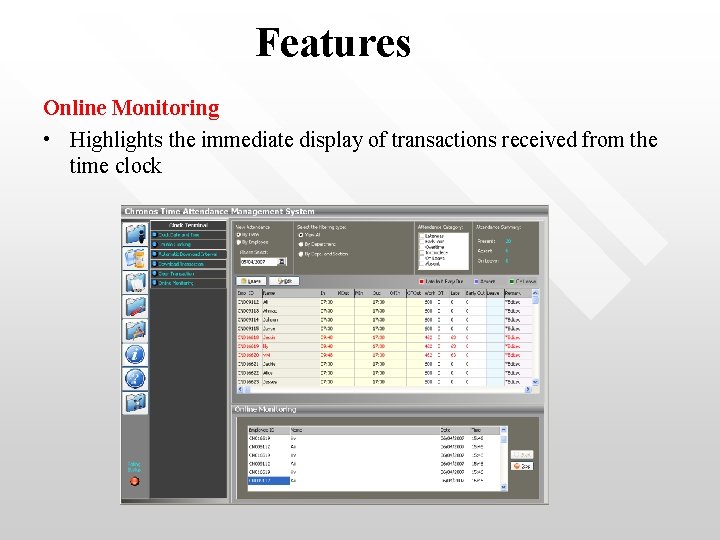
Features Online Monitoring • Highlights the immediate display of transactions received from the time clock
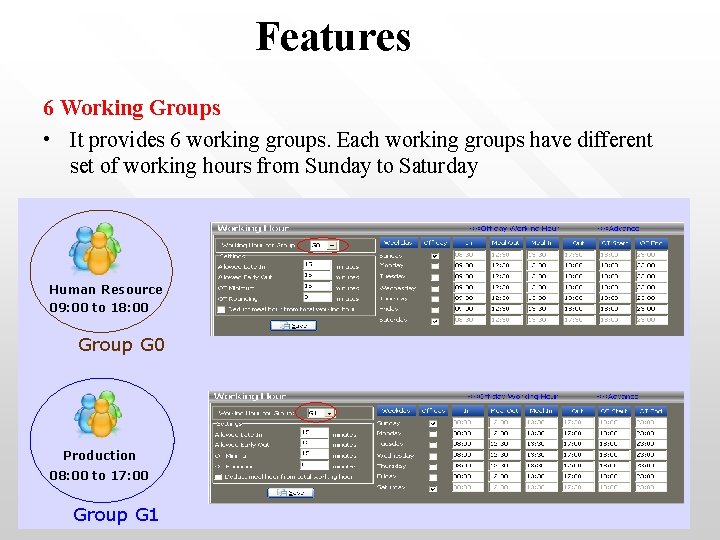
Features 6 Working Groups • It provides 6 working groups. Each working groups have different set of working hours from Sunday to Saturday Human Resource 09: 00 to 18: 00 Group G 0 Production 08: 00 to 17: 00 Group G 1
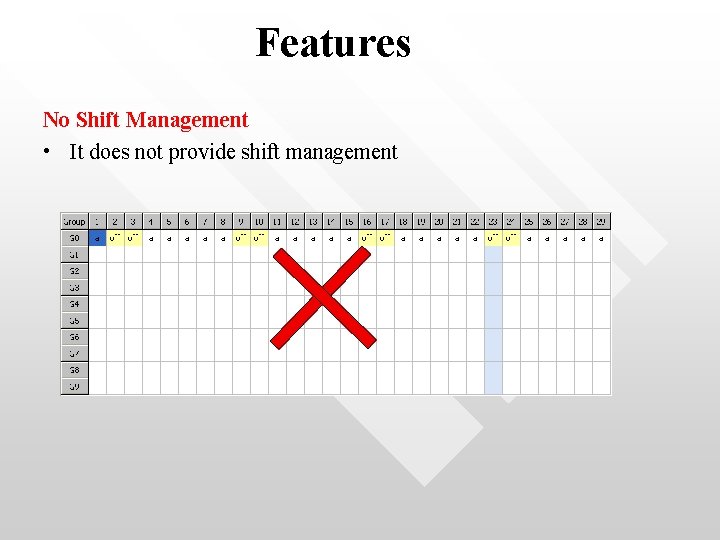
Features No Shift Management • It does not provide shift management
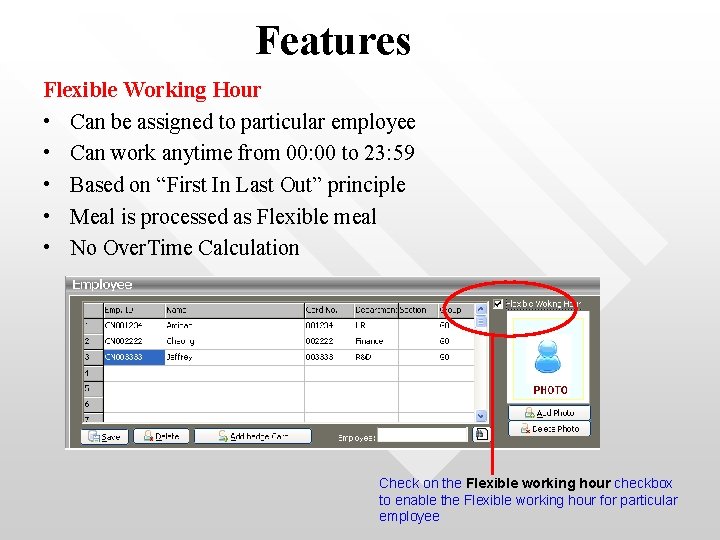
Features Flexible Working Hour • Can be assigned to particular employee • Can work anytime from 00: 00 to 23: 59 • Based on “First In Last Out” principle • Meal is processed as Flexible meal • No Over. Time Calculation Check on the Flexible working hour checkbox to enable the Flexible working hour for particular employee
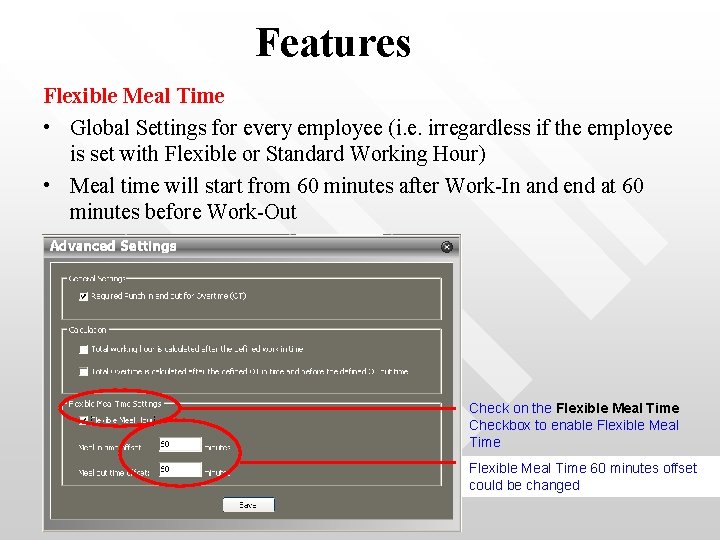
Features Flexible Meal Time • Global Settings for every employee (i. e. irregardless if the employee is set with Flexible or Standard Working Hour) • Meal time will start from 60 minutes after Work-In and end at 60 minutes before Work-Out Check on the Flexible Meal Time Checkbox to enable Flexible Meal Time 60 minutes offset could be changed
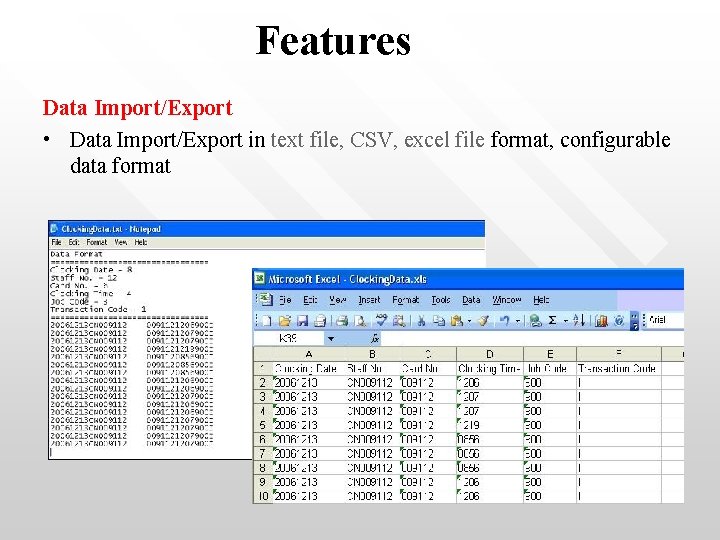
Features Data Import/Export • Data Import/Export in text file, CSV, excel file format, configurable data format
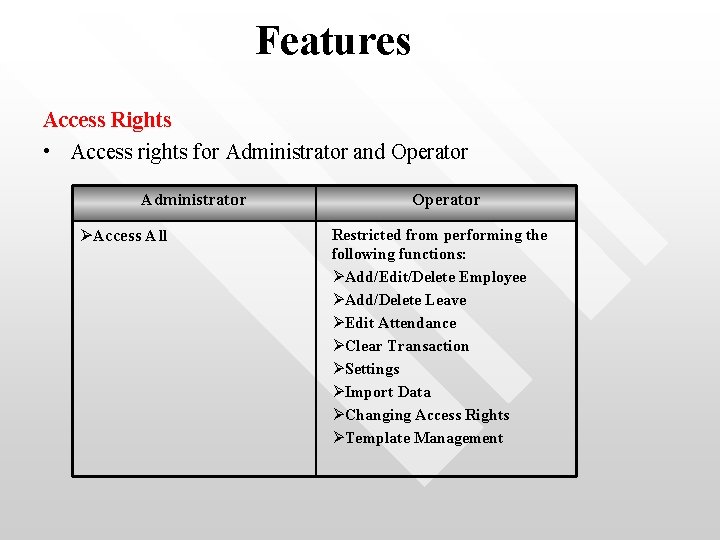
Features Access Rights • Access rights for Administrator and Operator Administrator ØAccess All Operator Restricted from performing the following functions: ØAdd/Edit/Delete Employee ØAdd/Delete Leave ØEdit Attendance ØClear Transaction ØSettings ØImport Data ØChanging Access Rights ØTemplate Management
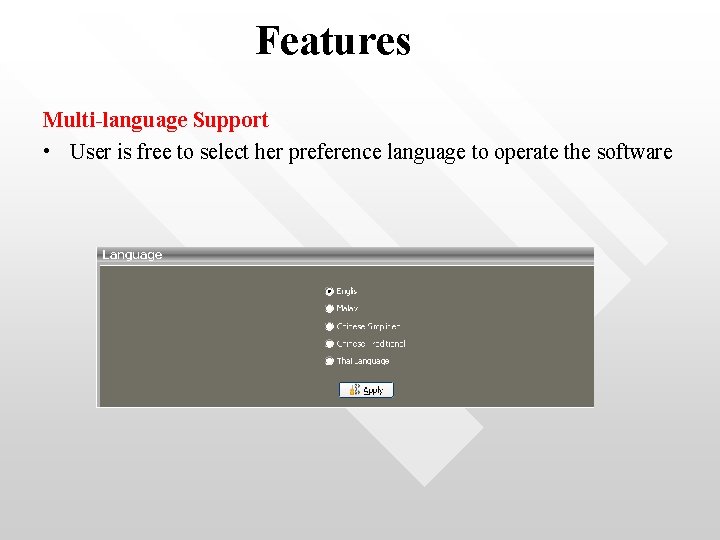
Features Multi-language Support • User is free to select her preference language to operate the software
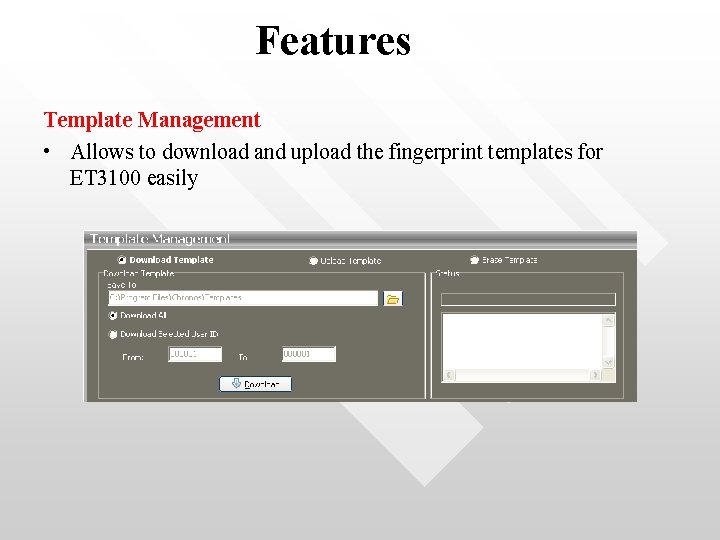
Features Template Management • Allows to download and upload the fingerprint templates for ET 3100 easily
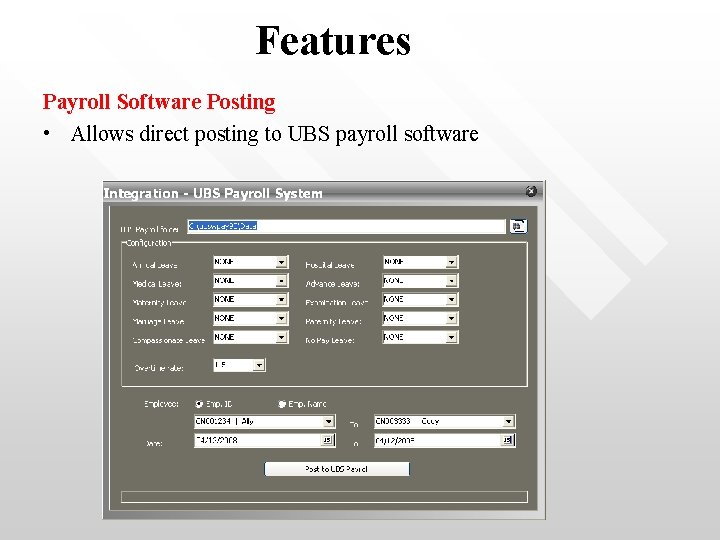
Features Payroll Software Posting • Allows direct posting to UBS payroll software
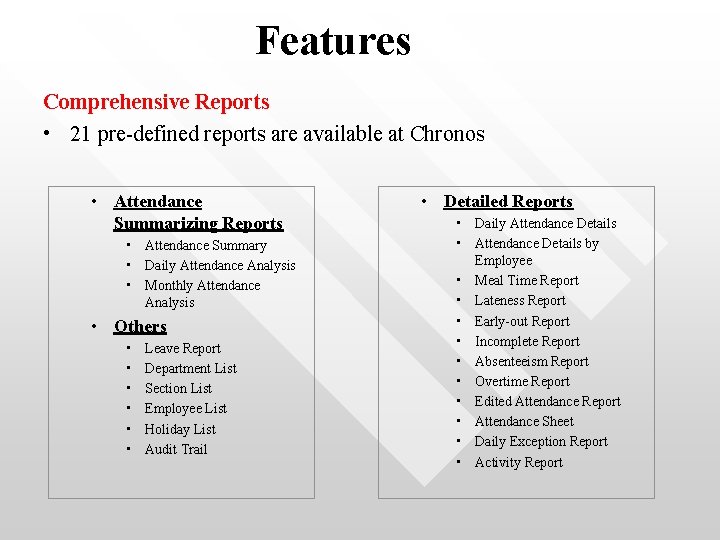
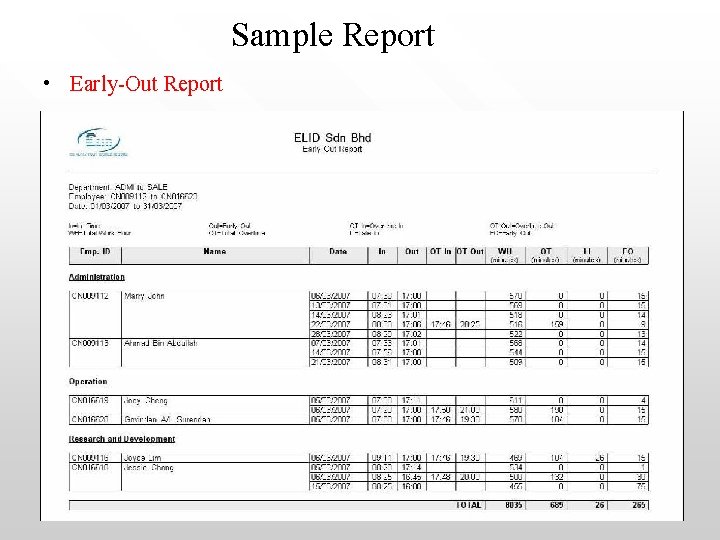
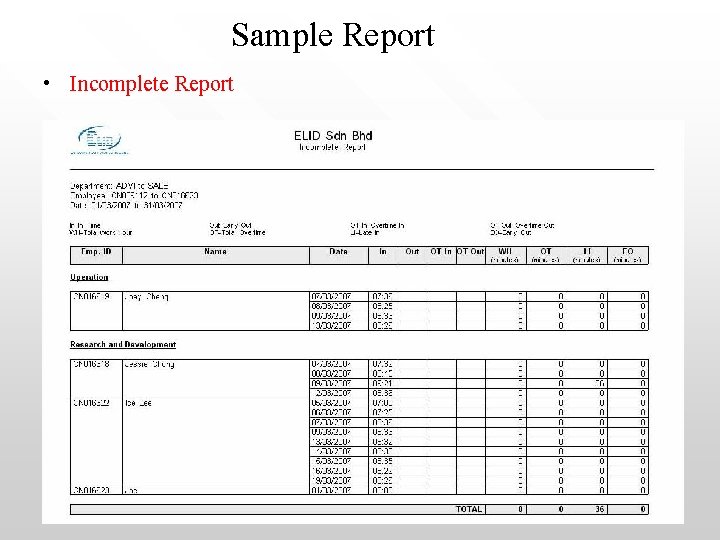
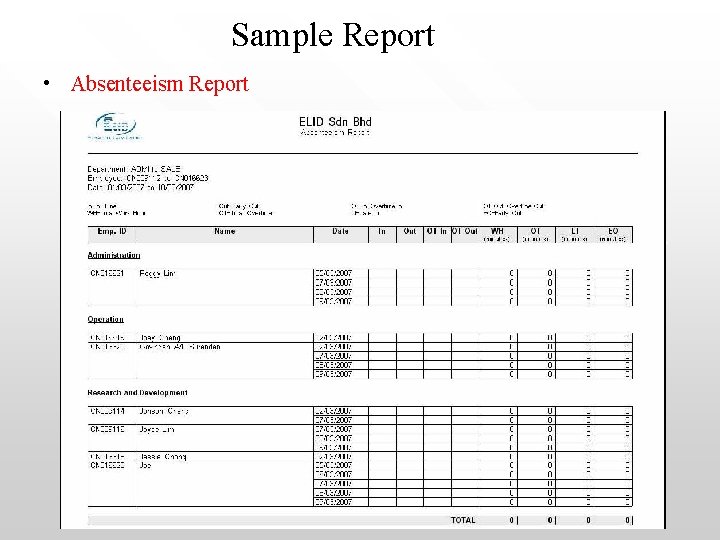
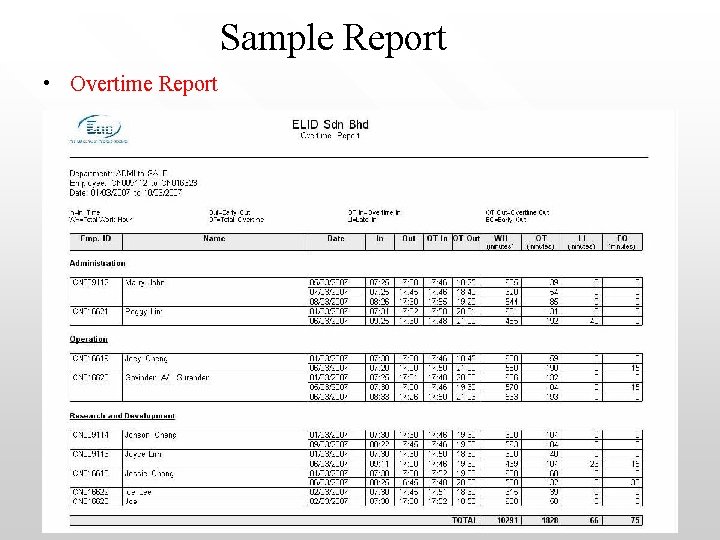
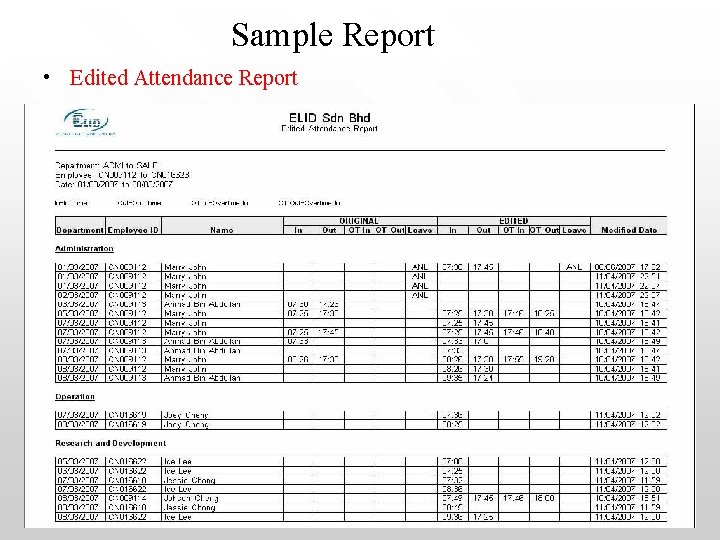
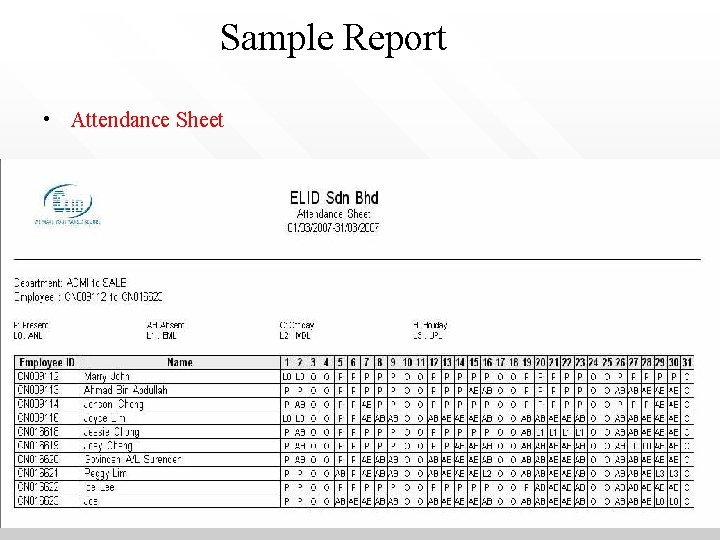
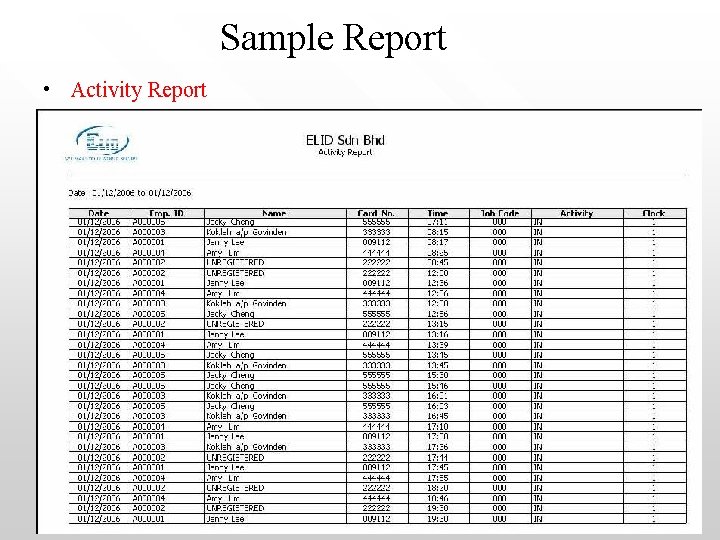
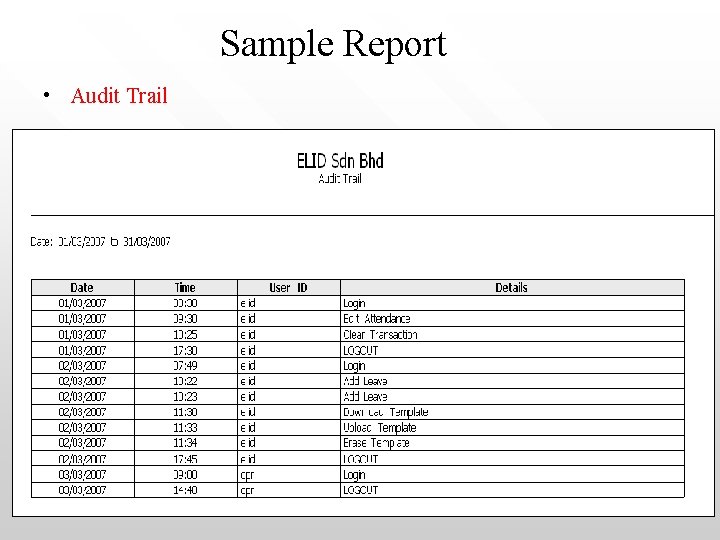
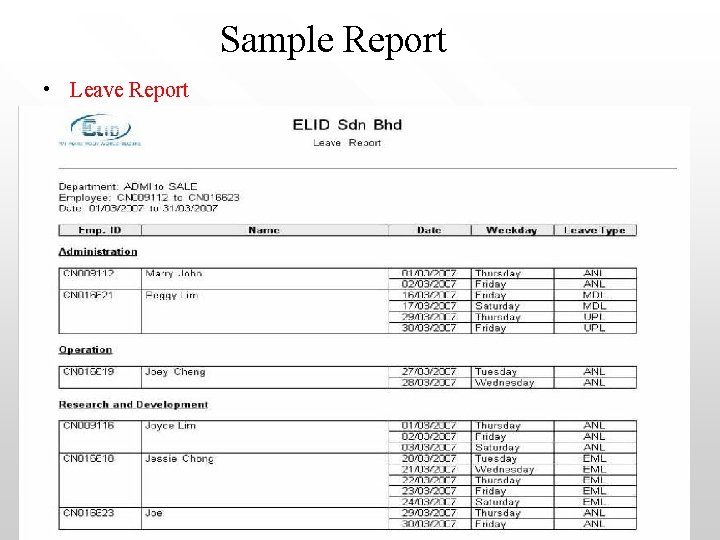
Features Comprehensive Reports • 21 pre-defined reports are available at Chronos • Attendance Summarizing Reports • Attendance Summary • Daily Attendance Analysis • Monthly Attendance Analysis • Others • • • Leave Report Department List Section List Employee List Holiday List Audit Trail • Detailed Reports • Daily Attendance Details • Attendance Details by Employee • Meal Time Report • Lateness Report • Early-out Report • Incomplete Report • Absenteeism Report • Overtime Report • Edited Attendance Report • Attendance Sheet • Daily Exception Report • Activity Report
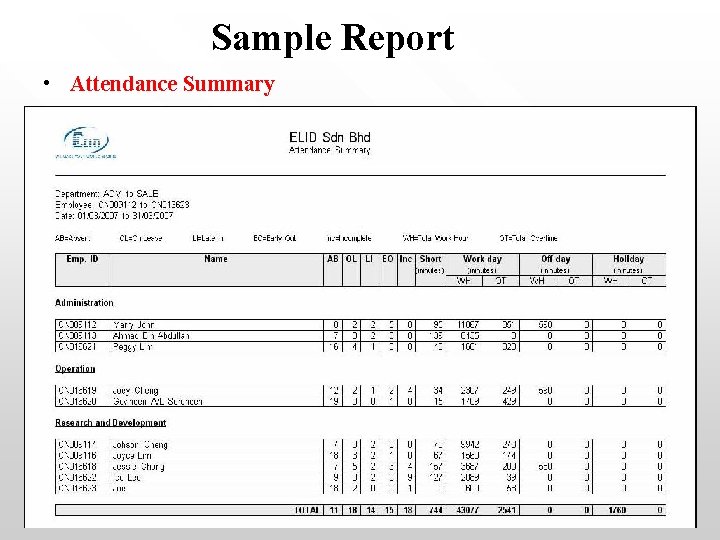
Sample Report • Attendance Summary
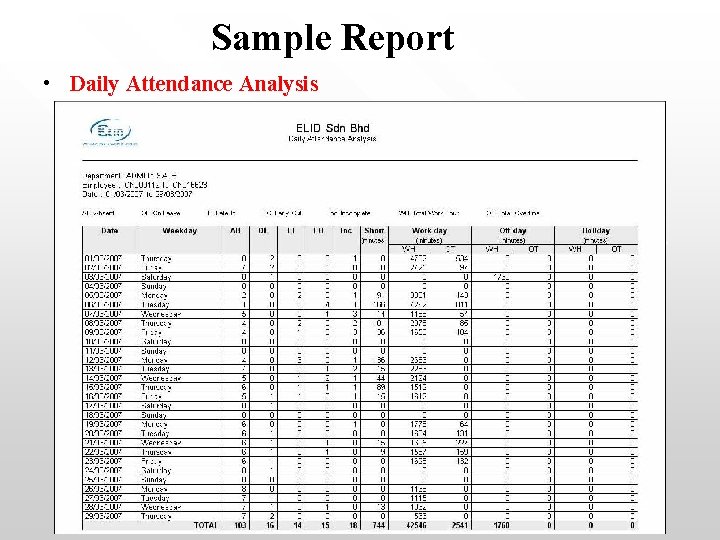
Sample Report • Daily Attendance Analysis
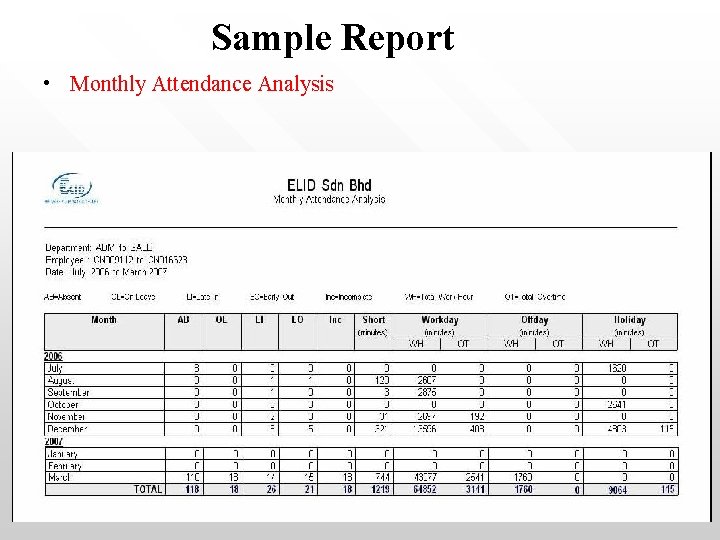
Sample Report • Monthly Attendance Analysis
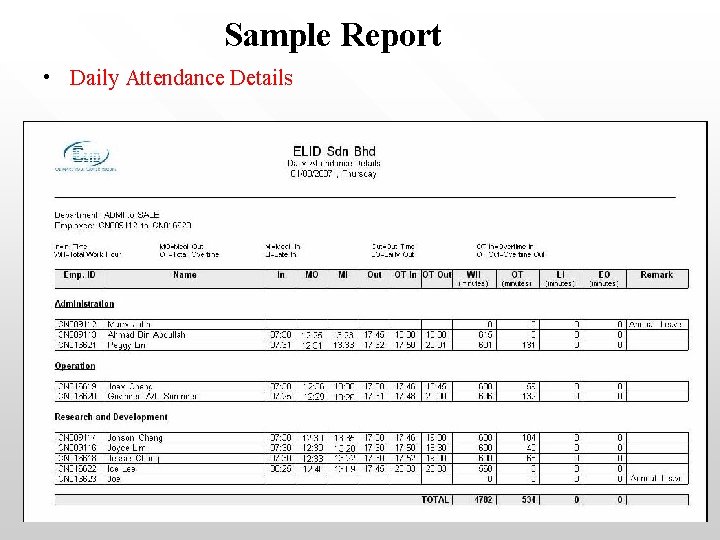
Sample Report • Daily Attendance Details
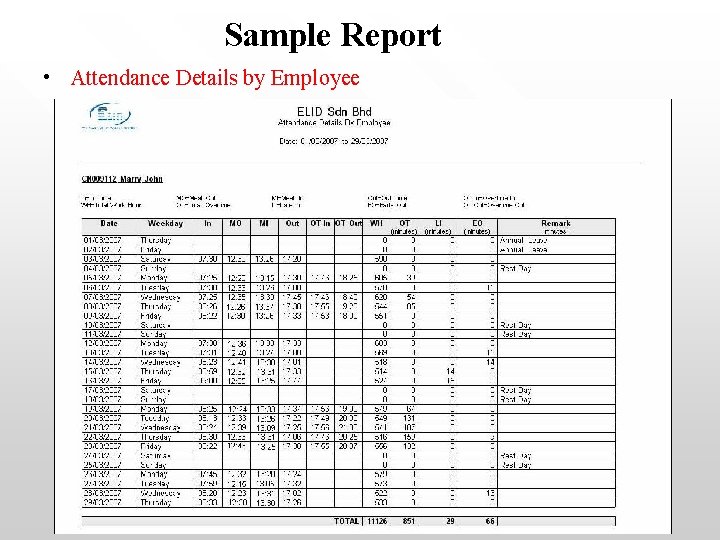
Sample Report • Attendance Details by Employee
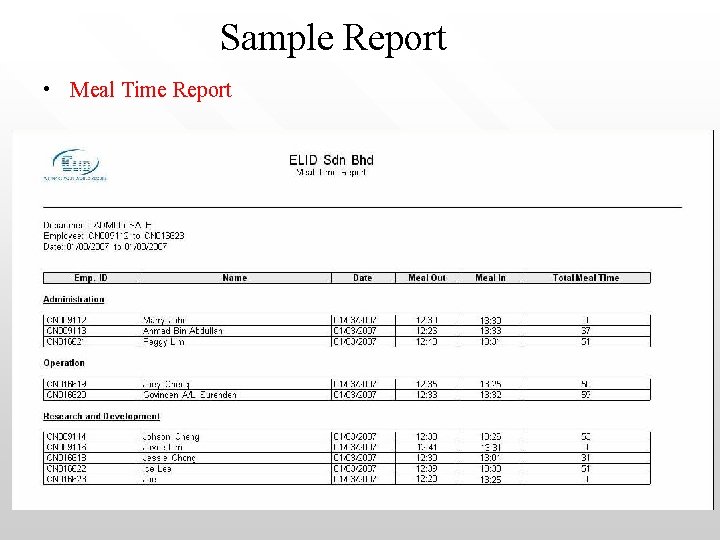
Sample Report • Meal Time Report
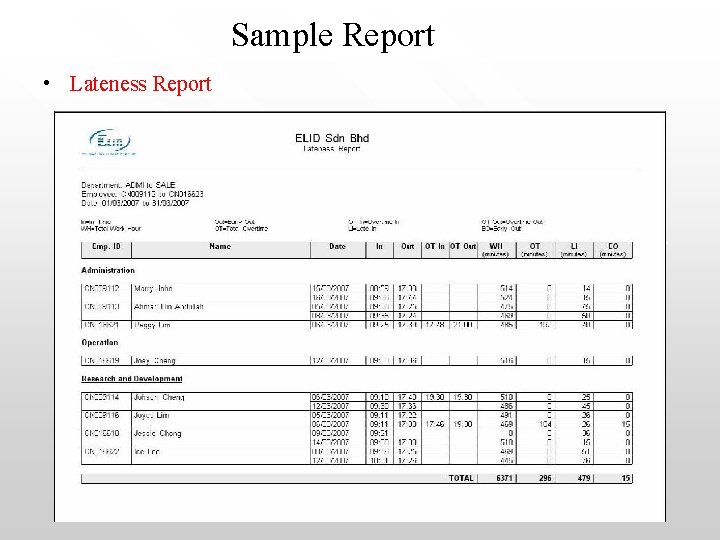
Sample Report • Lateness Report
Sample Report • Early-Out Report
Sample Report • Incomplete Report
Sample Report • Absenteeism Report
Sample Report • Overtime Report
Sample Report • Edited Attendance Report
Sample Report • Attendance Sheet
Sample Report • Activity Report
Sample Report • Audit Trail
Sample Report • Leave Report
System Requirements • • • Computer: Pentium IV or higher Operating System: Microsoft Window 2000/XP RAM: Minimum 128 MB Hard Disk Space: 30 MB (Installation), 100 MB (Operation) Communication interface: Serial/USB Display: 800 x 600 or better
The End