
Cherwell Asset and Configuration Item CI Management By
Cherwell Asset and Configuration Item (CI) Management By Andrew Nelson
Disclaimer • Over the past year AT Endpoint Support has been using the following methods and processes. These are not absolute and are constantly being updated and improved.
IT Asset Management Key Success Factors 1. Link Configuration Items (CI) to Incidents and Service Requests. A CI’s lifecycle is meaningless if there are no linked Incidents or Service Requests representing why changes to a CI record were performed. 2. Ensure all linked CIs have been updated before closing an Incident or Service Request 3. Ensure CI assignment fields are updated accurately and consistently by using Incident Asset Management One. Steps
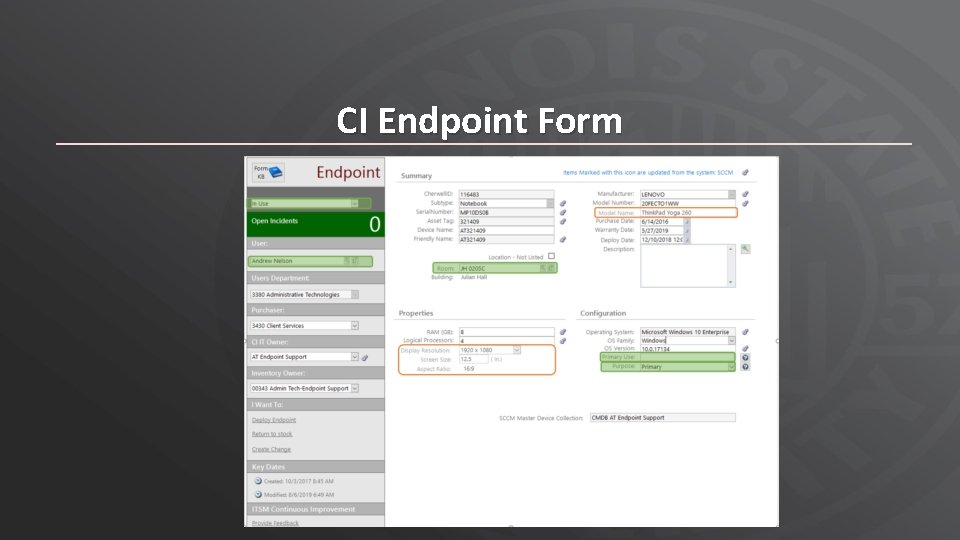
CI Endpoint Form
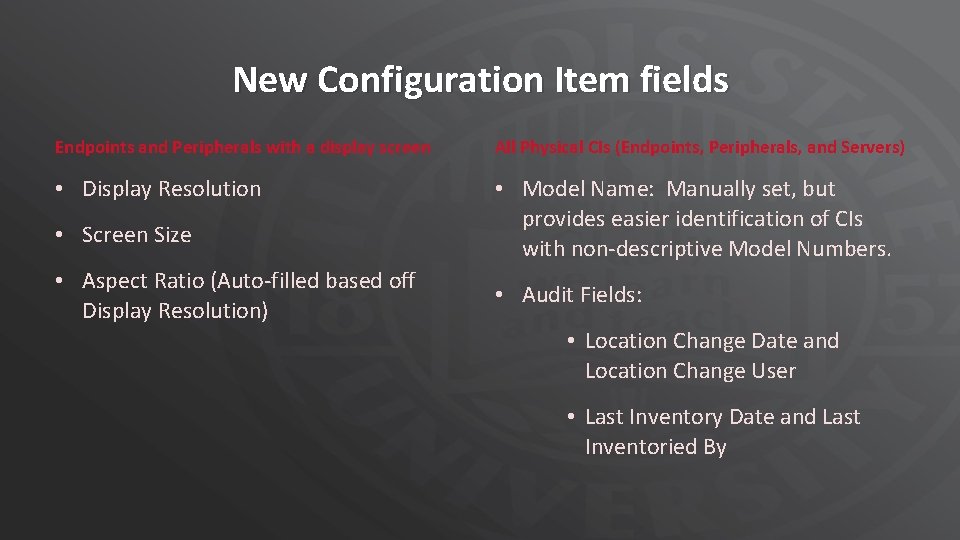
New Configuration Item fields Endpoints and Peripherals with a display screen All Physical CIs (Endpoints, Peripherals, and Servers) • Display Resolution • Model Name: Manually set, but provides easier identification of CIs with non-descriptive Model Numbers. • Screen Size • Aspect Ratio (Auto-filled based off Display Resolution) • Audit Fields: • Location Change Date and Location Change User • Last Inventory Date and Last Inventoried By
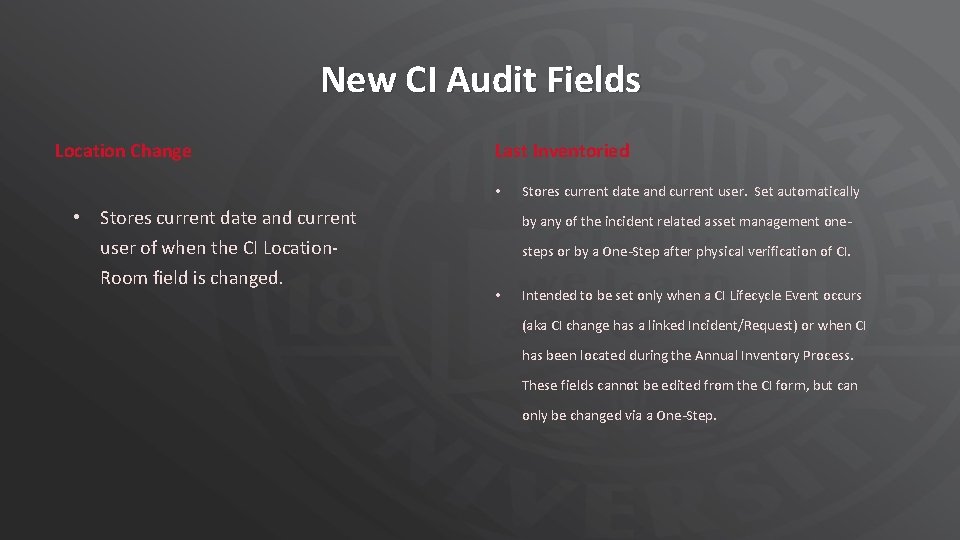
New CI Audit Fields Location Change Last Inventoried • • Stores current date and current user of when the CI Location. Room field is changed. Stores current date and current user. Set automatically by any of the incident related asset management onesteps or by a One-Step after physical verification of CI. • Intended to be set only when a CI Lifecycle Event occurs (aka CI change has a linked Incident/Request) or when CI has been located during the Annual Inventory Process. These fields cannot be edited from the CI form, but can only be changed via a One-Step.
Significance of new audit fields • Gives Inventory Stewards any easy way to see CIs that have recently changed locations. Previously, the Last Modified fields were the only way to tell when a CI changed location and this was often negated by nightly SCCM overwrites to a CI. • Provides better CI Management Oversight. By comparing Change Location fields and Last Inventory fields, validated changes to a CI are more easily seen. Validated changes represent an CI lifecycle event.
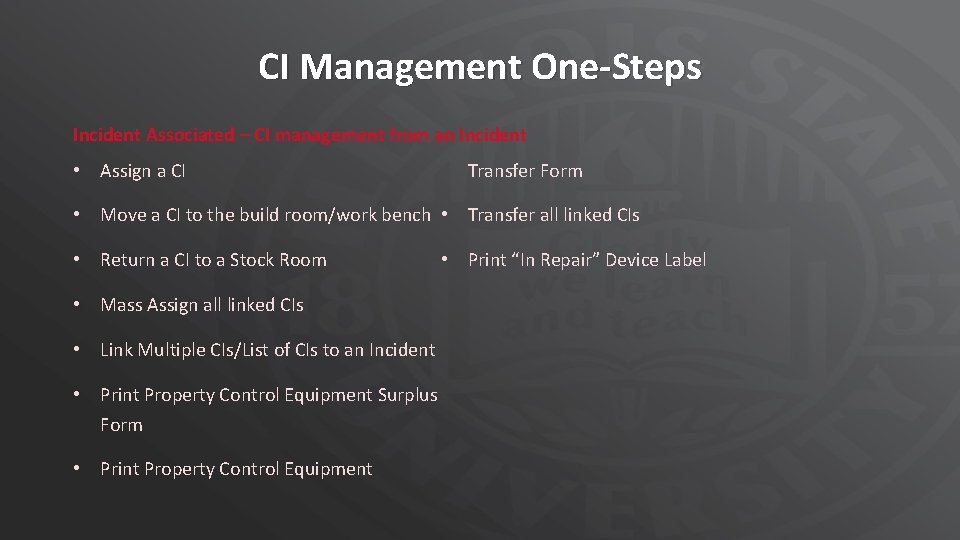
CI Management One-Steps Incident Associated – CI management from an Incident • Assign a CI Transfer Form • Move a CI to the build room/work bench • Transfer all linked CIs • Return a CI to a Stock Room • Mass Assign all linked CIs • Link Multiple CIs/List of CIs to an Incident • Print Property Control Equipment Surplus Form • Print Property Control Equipment • Print “In Repair” Device Label

CI Management One-Steps Configuration Item Associated – CI management from a CI or from CMDB grid view • Verify CI for 2019 Annual Inventory: Updates Inventory Verified fields with current user and current date. • Update Annual Inventory Found CIs: Updates CI Assignment Fields and sets Inventory Verified Fields from a XML file of physically found/scanned Assets. • Verify New CI: Sends a CI Verification email to Inventory Steward and Property Control Inventory Specialist notifying them of newly received IT equipment. This used in place of the hard-copy Property Control Receiving Report • Create CIs from Mass Purchase: Prompts once for CI Type, Asset Type, Purchase Date of Mass Purchase then repeatedly prompts for Asset Tag and Serial Number, creating a CI for each pair scanned.
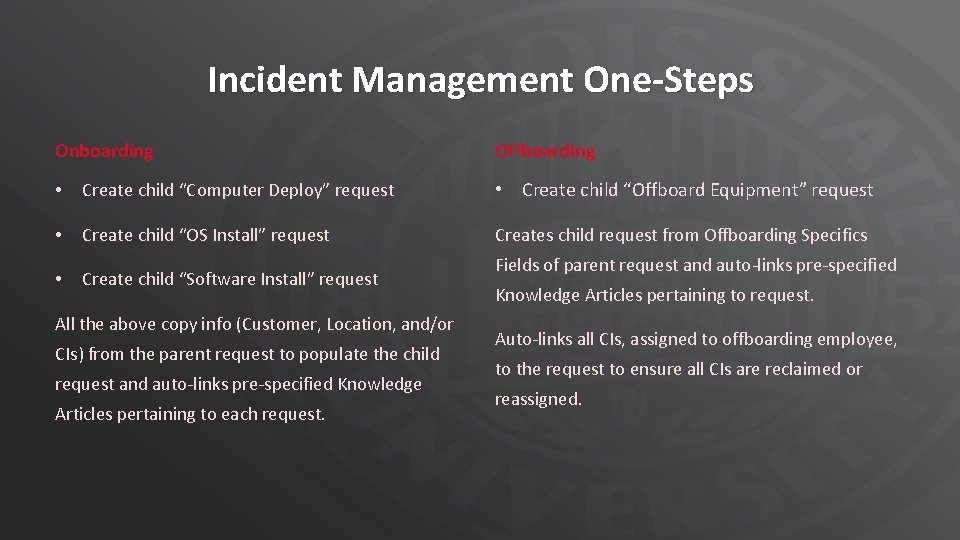
Incident Management One-Steps Onboarding Offboarding • Create child “Computer Deploy” request • Create child “Offboard Equipment” request • Create child “OS Install” request Creates child request from Offboarding Specifics • Create child “Software Install” request All the above copy info (Customer, Location, and/or CIs) from the parent request to populate the child request and auto-links pre-specified Knowledge Articles pertaining to each request. Fields of parent request and auto-links pre-specified Knowledge Articles pertaining to request. Auto-links all CIs, assigned to offboarding employee, to the request to ensure all CIs are reclaimed or reassigned.
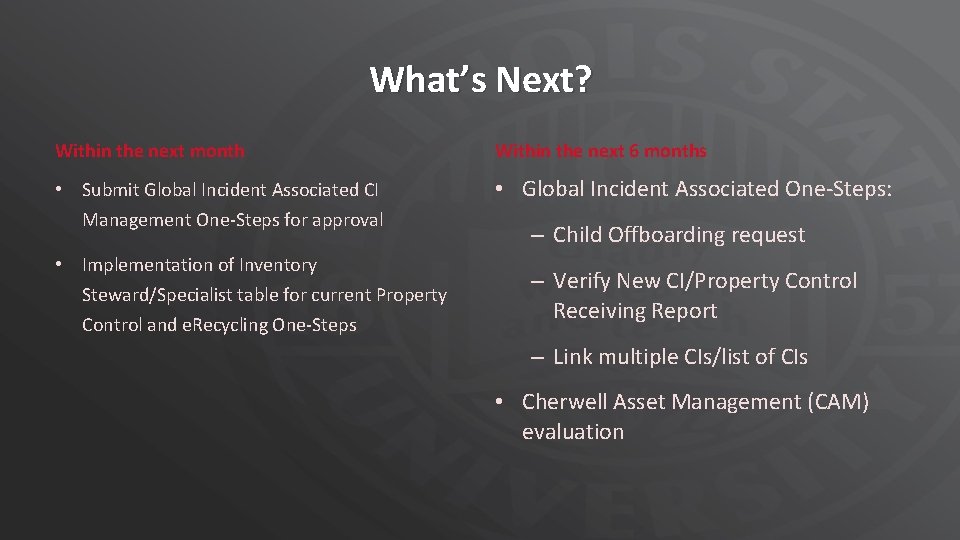
What’s Next? Within the next month Within the next 6 months • Submit Global Incident Associated CI Management One-Steps for approval • Global Incident Associated One-Steps: • Implementation of Inventory Steward/Specialist table for current Property Control and e. Recycling One-Steps – Child Offboarding request – Verify New CI/Property Control Receiving Report – Link multiple CIs/list of CIs • Cherwell Asset Management (CAM) evaluation
- Slides: 11