
CHCS II Records Reviewer Course Instructor Name Date
- Slides: 25
CHCS II Records Reviewer Course Instructor Name Date
Logistics and Introductions q q q Logistics • Cell phones • Facility information Name Clinical Background
What is CHCS II? CHCS II is a computer-based patient record (CPR) system selected by Department of Defense to meet the requirements of the Military Health System. CHCS II provides: • • A Graphical user interface that networks with existing systems Efficient means of creating, managing and retrieving medical records Anytime, anywhere delivery of patient records to the point of care Future access military records for health studies worldwide
Limitations of Paper based Medical Records q q Paper charts are lost No automatic drug interaction alerts Penmanship counts Only one person can access a record at a time
CHCS II Benefits q q q q Interfaces with existing systems Uses MEDCIN® Facilitates compliance Supports team-based health care and clinic workflow Supports problem-oriented health care Accumulates data for reports and studies Provides anywhere, anytime access Maintains security
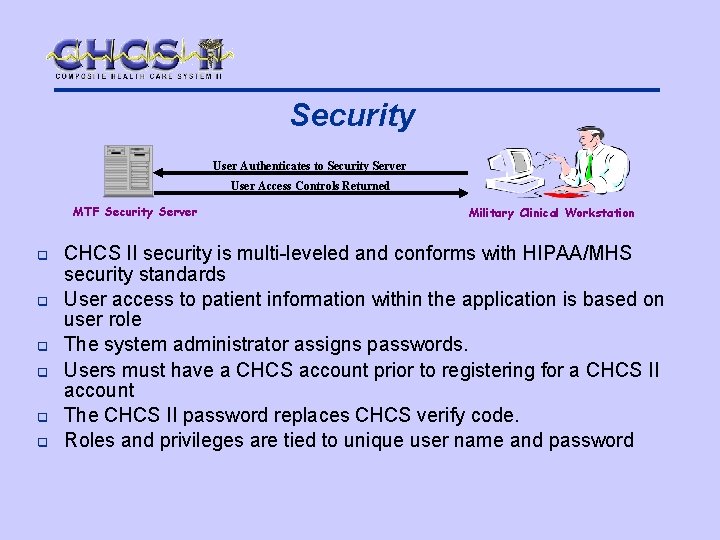
Security User Authenticates to Security Server User Access Controls Returned MTF Security Server q q q Military Clinical Workstation CHCS II security is multi-leveled and conforms with HIPAA/MHS security standards User access to patient information within the application is based on user role The system administrator assigns passwords. Users must have a CHCS account prior to registering for a CHCS II account The CHCS II password replaces CHCS verify code. Roles and privileges are tied to unique user name and password
Expectations q q q 100% of CHCS II users shall attend scheduled Classroom Training Nurses shall receive On-the-Job Training (OJT) 100% of patient encounters shall be documented in CHCS II
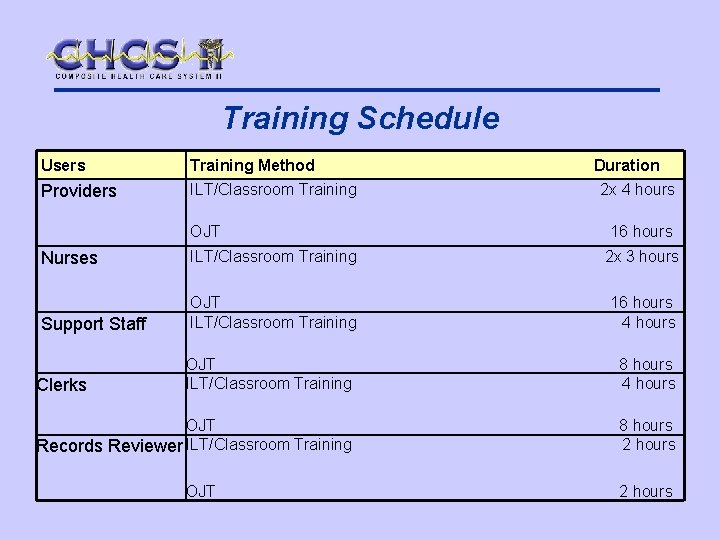
Training Schedule Users Training Method Providers ILT/Classroom Training OJT Duration 2 x 4 hours 16 hours Nurses ILT/Classroom Training 2 x 3 hours Support Staff OJT ILT/Classroom Training 16 hours 4 hours OJT ILT/Classroom Training 8 hours 4 hours OJT Records Reviewer ILT/Classroom Training 8 hours 2 hours Clerks OJT 2 hours
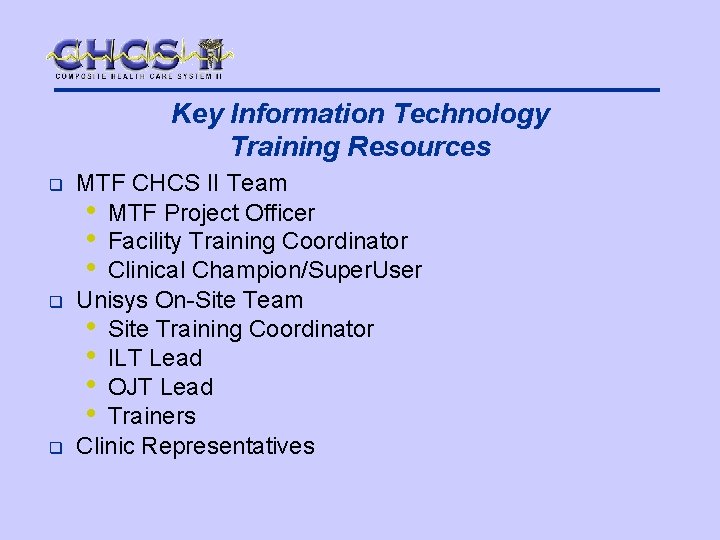
Key Information Technology Training Resources q q q MTF CHCS II Team • MTF Project Officer • Facility Training Coordinator • Clinical Champion/Super. User Unisys On-Site Team • Site Training Coordinator • ILT Lead • OJT Lead • Trainers Clinic Representatives
System Demonstration
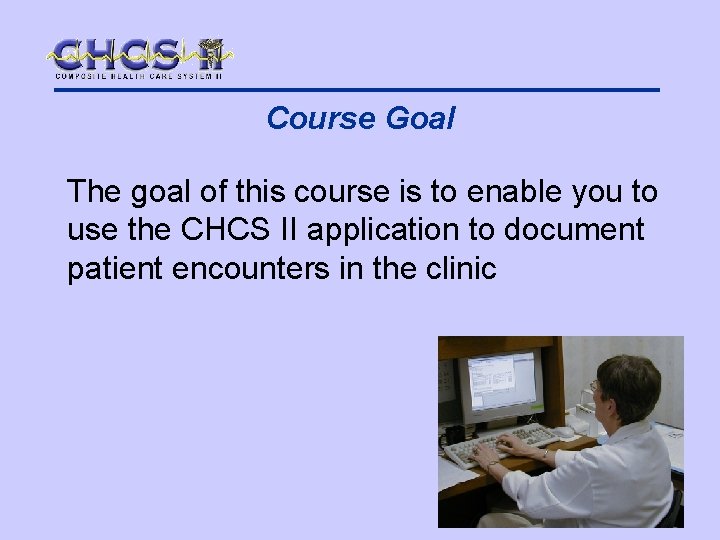
Course Goal The goal of this course is to enable you to use the CHCS II application to document patient encounters in the clinic
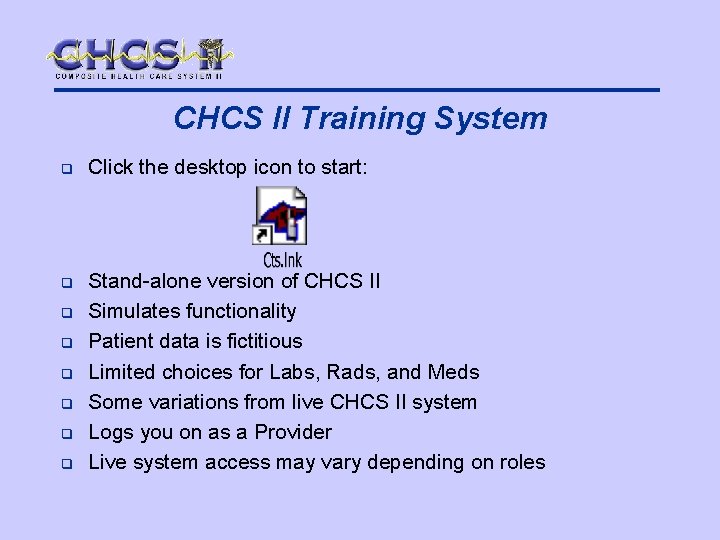
CHCS II Training System q Click the desktop icon to start: q Stand-alone version of CHCS II Simulates functionality Patient data is fictitious Limited choices for Labs, Rads, and Meds Some variations from live CHCS II system Logs you on as a Provider Live system access may vary depending on roles q q q
Training and MTF Business Rules q q Training exercises do not imply that your clinical role or privileges change Training scenarios represent user’s role Roles and privileges vary from MTF or clinic MTF and service-specific business rules are to be followed when using CHCS II
Course Agenda q q q q Navigation Patient Search and Appointments Telephone Consults Demographics Previous Encounters Health History Folder Readiness Reports
Navigation Learning Objectives q Log in to the CHCS II application Access modules quickly using Folder List Open and close an application module Exit the CHCS II application q Lock CHCS II session q q q
Patient Search and Appointments Learning Objectives q q q q Search for a patient Set search selections for the Appointments module Change and save the column order View and Add appointment comments Create a walk-in appointment Check-in a patient and Check-out a patient Cancel an appointment Transfer an appointment
Telephone Consults Learning Objectives q q Set search selections for the Telephone Consults module Create a Telcon Transfer a Telcon to a different provider Edit a call back phone number
Demographics Learning Objectives q Verify patient demographic information
Previous Encounters Learning Objectives q Display a previous patient encounter
Health History Folder Learning Objectives q q q Setup Health History patient data modules View Problems View Lab results View Radiology results View Medications View Allergies
Readiness Learning Objectives q Access and view the readiness module
Reports Learning Objectives q q Run a report View a report
Course Summary q q q q Navigation Patient Search and Appointments Telephone Consults Demographics Previous Encounters Health History Folder Readiness Reports
What do I do if I encounter a problem while working with CHCS II? q q Write down any error message received Remember what action was taken before the error message was received Take screen shots Report the problem to your local Help Desk
Other Help Resources q q q Quick Reference Cards CHCS II User Manual. Should be available in each clinic Application Help menu • Detailed information on use of modules • Step-by-step procedures