
Charity Hub Content Style Guide Creating your Content

Charity Hub Content Style Guide
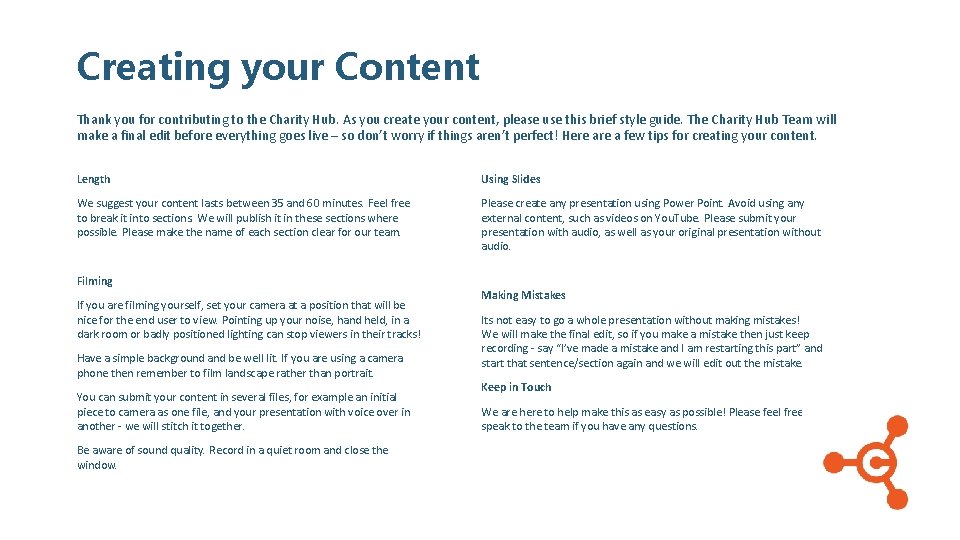
Creating your Content Thank you for contributing to the Charity Hub. As you create your content, please use this brief style guide. The Charity Hub Team will make a final edit before everything goes live – so don’t worry if things aren’t perfect! Here a few tips for creating your content. Length Using Slides We suggest your content lasts between 35 and 60 minutes. Feel free to break it into sections. We will publish it in these sections where possible. Please make the name of each section clear for our team. Please create any presentation using Power Point. Avoid using any external content, such as videos on You. Tube. Please submit your presentation with audio, as well as your original presentation without audio. Filming If you are filming yourself, set your camera at a position that will be nice for the end user to view. Pointing up your noise, hand held, in a dark room or badly positioned lighting can stop viewers in their tracks! Have a simple background and be well lit. If you are using a camera phone then remember to film landscape rather than portrait. You can submit your content in several files, for example an initial piece to camera as one file, and your presentation with voice over in another - we will stitch it together. Be aware of sound quality. Record in a quiet room and close the window. Making Mistakes Its not easy to go a whole presentation without making mistakes! We will make the final edit, so if you make a mistake then just keep recording - say “I’ve made a mistake and I am restarting this part” and start that sentence/section again and we will edit out the mistake. Keep in Touch We are here to help make this as easy as possible! Please feel free to speak to the team if you have any questions.
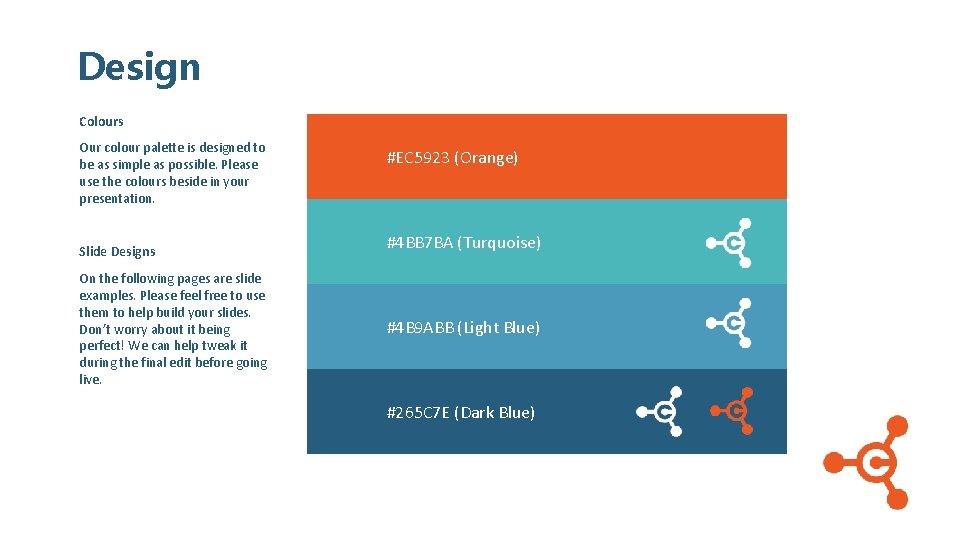
Design Colours Our colour palette is designed to be as simple as possible. Please use the colours beside in your presentation. Slide Designs On the following pages are slide examples. Please feel free to use them to help build your slides. Don’t worry about it being perfect! We can help tweak it during the final edit before going live. #EC 5923 (Orange) #4 BB 7 BA (Turquoise) #4 B 9 ABB (Light Blue) #265 C 7 E (Dark Blue)

Presentation Title Subheading
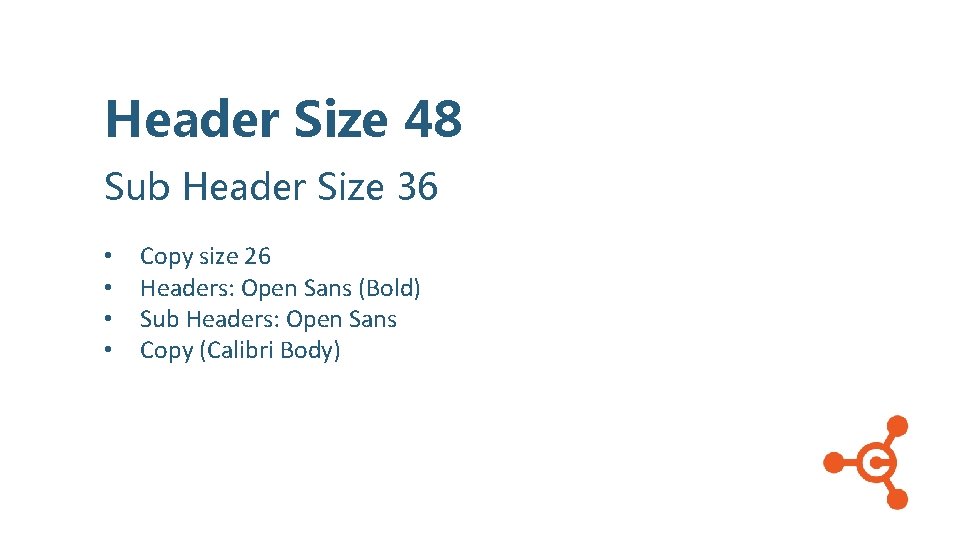
Header Size 48 Sub Header Size 36 • • Copy size 26 Headers: Open Sans (Bold) Sub Headers: Open Sans Copy (Calibri Body)
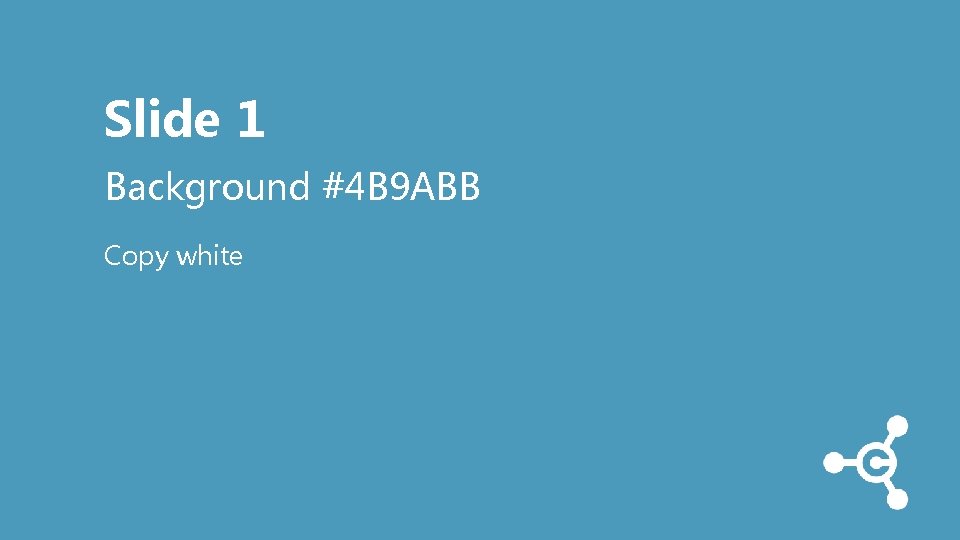
Slide 1 Background #4 B 9 ABB Copy white
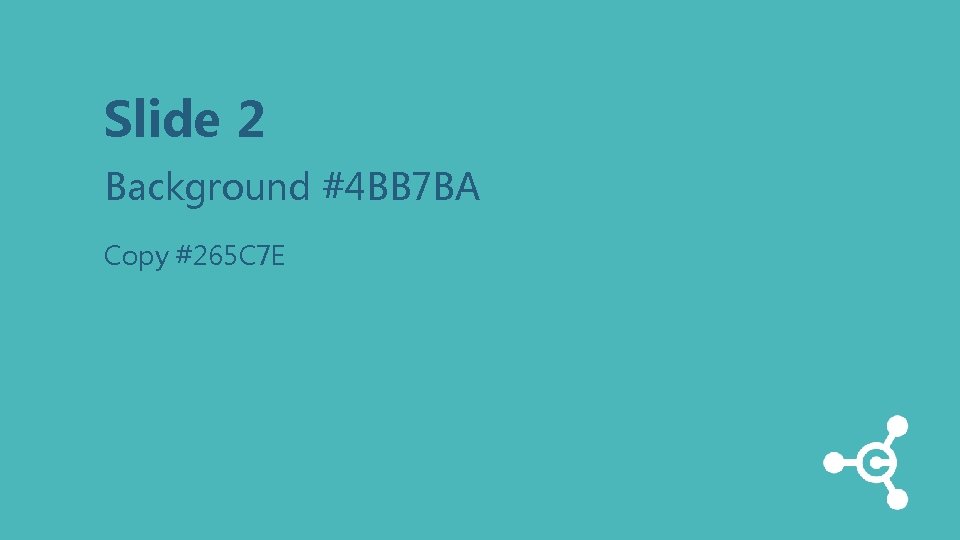
Slide 2 Background #4 BB 7 BA Copy #265 C 7 E
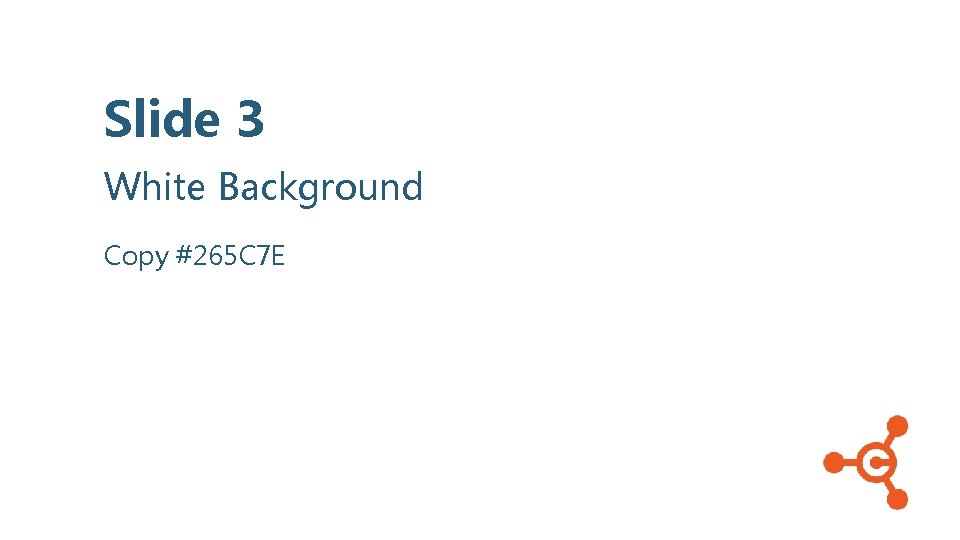
Slide 3 White Background Copy #265 C 7 E
Charity Hub info@mycharityhub. co. uk www. mycharityhub. co. uk The Charity Hub is powered by Donor. Care Solutions Ltd. Registered with the Fundraising Regulator and Information Commissioners Office. One Pancras Square, London N 1 C 4 AG. Company reg no. 11205918.
- Slides: 9