
Chapters 10 and 31 System Sequence Diagrams CS
- Slides: 15
Chapters 10 and 31 System Sequence Diagrams CS 6359 Fall 2011 John Cole 1
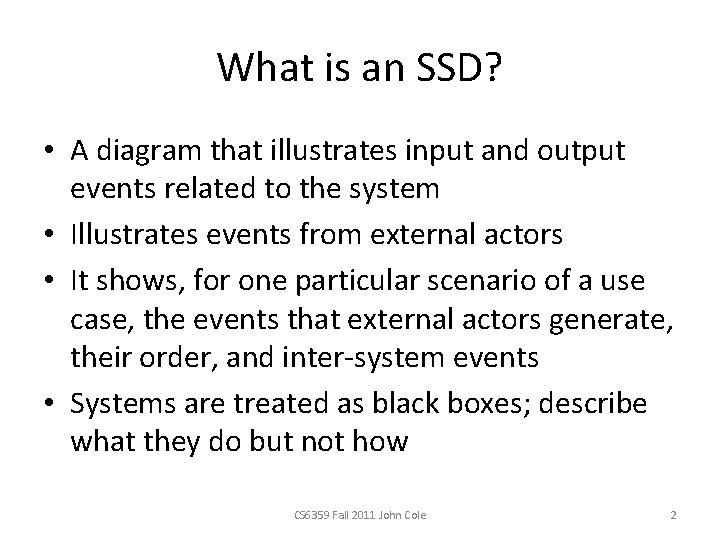
What is an SSD? • A diagram that illustrates input and output events related to the system • Illustrates events from external actors • It shows, for one particular scenario of a use case, the events that external actors generate, their order, and inter-system events • Systems are treated as black boxes; describe what they do but not how CS 6359 Fall 2011 John Cole 2
Why use SSDs? • Software systems respond to events. • Systems react to 3 things: External events, timer events, and faults or exceptions • Therefore, identify precisely the external events CS 6359 Fall 2011 John Cole 3
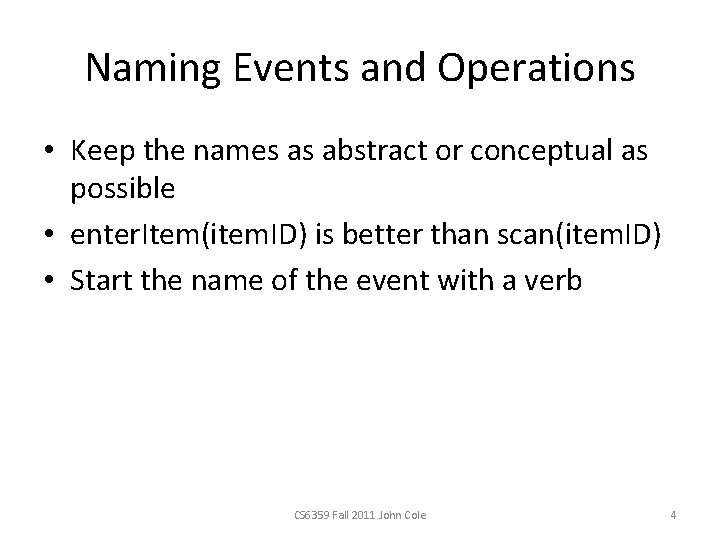
Naming Events and Operations • Keep the names as abstract or conceptual as possible • enter. Item(item. ID) is better than scan(item. ID) • Start the name of the event with a verb CS 6359 Fall 2011 John Cole 4
What SSD Info in the Glossary? • Since SSD elements are terse, include details such as the operation name, parameters, and return data. E. g. , in the Process Sale example, “receipt” is shown. However, a receipt can be a complex document that should be defined. CS 6359 Fall 2011 John Cole 5
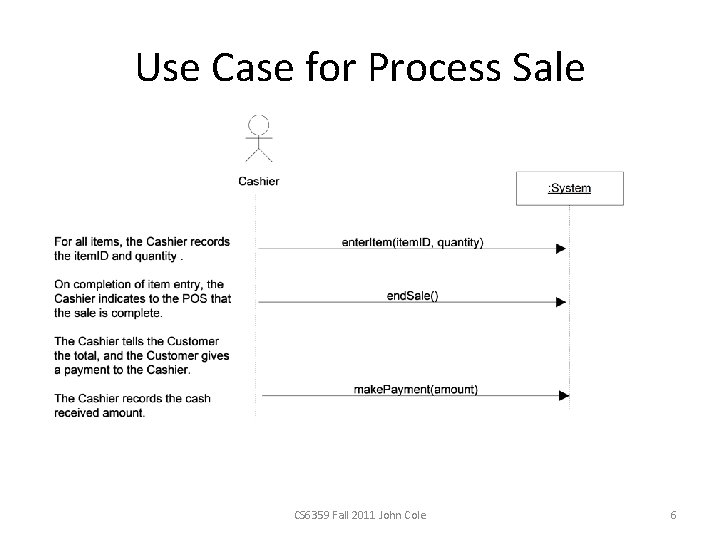
Use Case for Process Sale CS 6359 Fall 2011 John Cole 6
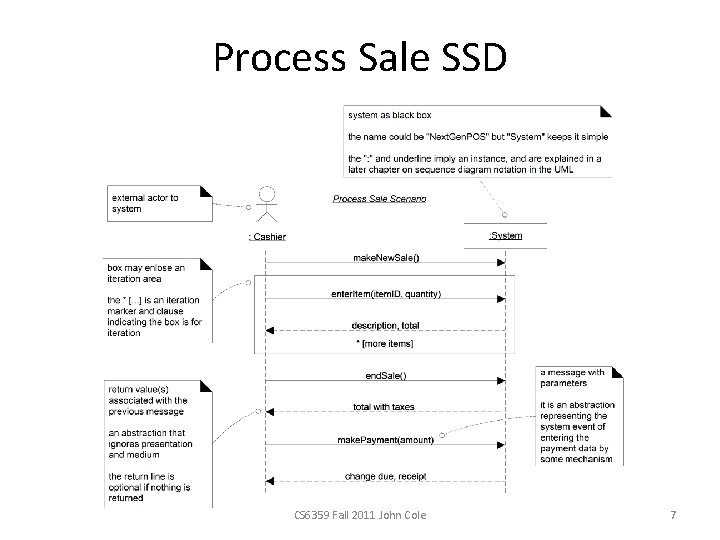
Process Sale SSD CS 6359 Fall 2011 John Cole 7
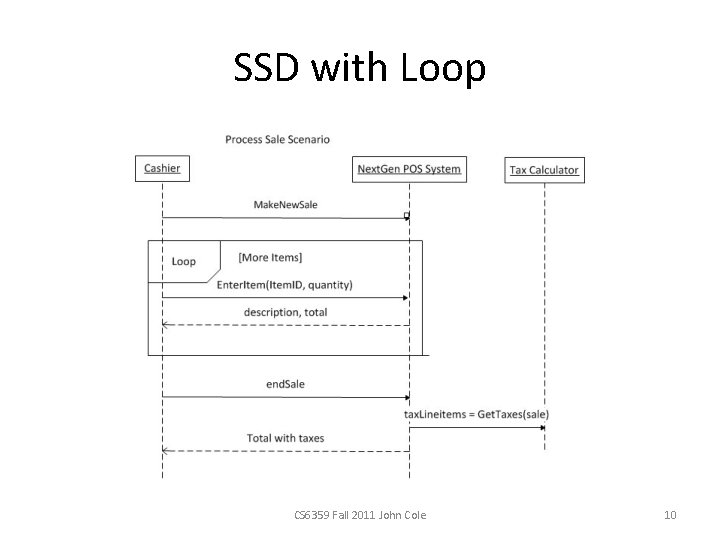
Discussion of Process Sale • There is a loop for getting more items that returns a description and a total • The cashier can end the sale. The system returns the total with taxes CS 6359 Fall 2011 John Cole 8
Iterative and Evolutionary SSDs • Don’t create them for all scenarios unless necessary • Use them to clarify a complex process • Have lots of explanatory text with the diagram • Create most of them during elaboration CS 6359 Fall 2011 John Cole 9
SSD with Loop CS 6359 Fall 2011 John Cole 10
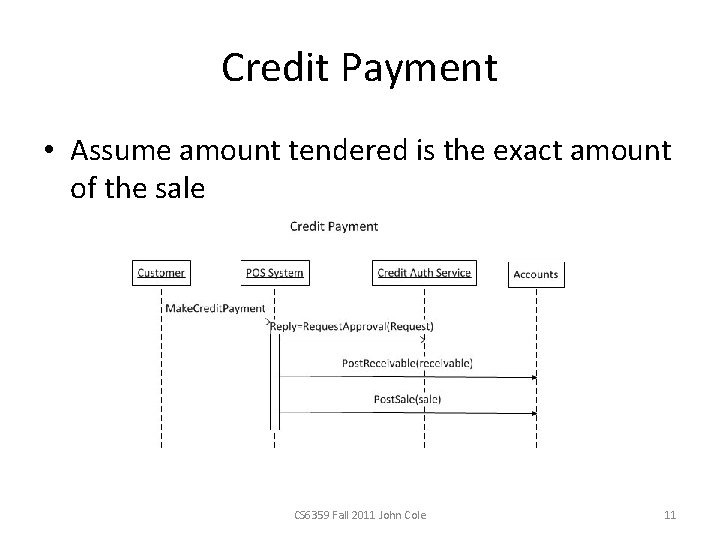
Credit Payment • Assume amount tendered is the exact amount of the sale CS 6359 Fall 2011 John Cole 11
Credit Payment • Card number and expiry date come from the card • The messages are synchronous, although they could be calls to Web services, AJAX, etc. CS 6359 Fall 2011 John Cole 12
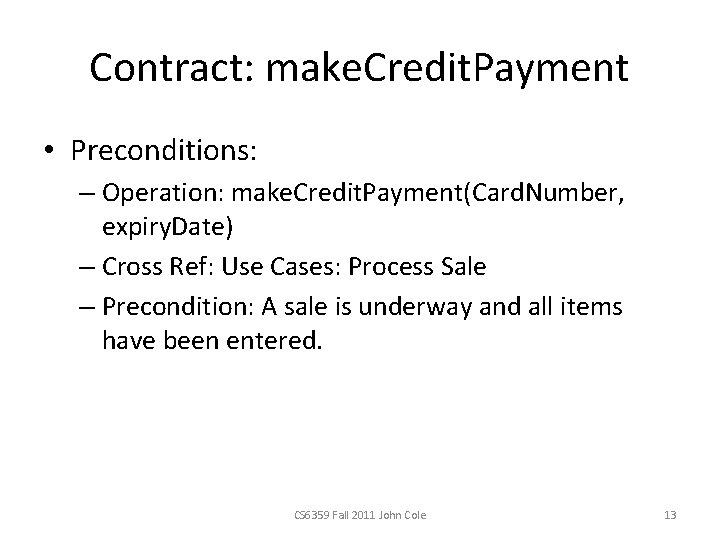
Contract: make. Credit. Payment • Preconditions: – Operation: make. Credit. Payment(Card. Number, expiry. Date) – Cross Ref: Use Cases: Process Sale – Precondition: A sale is underway and all items have been entered. CS 6359 Fall 2011 John Cole 13
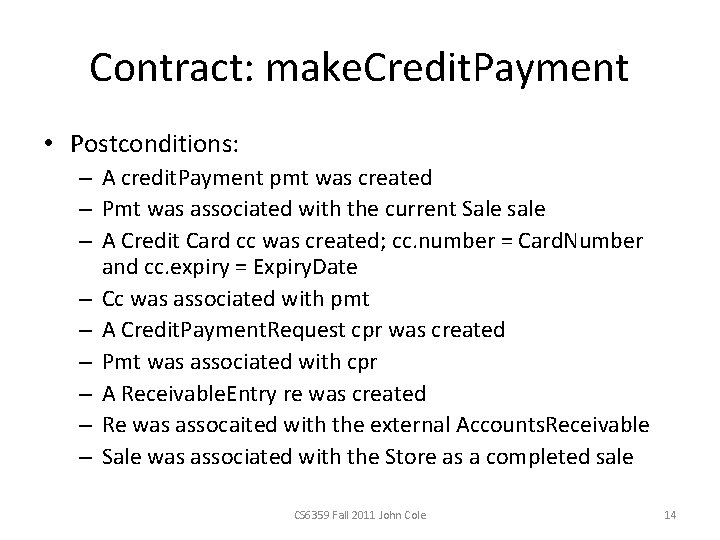
Contract: make. Credit. Payment • Postconditions: – A credit. Payment pmt was created – Pmt was associated with the current Sale sale – A Credit Card cc was created; cc. number = Card. Number and cc. expiry = Expiry. Date – Cc was associated with pmt – A Credit. Payment. Request cpr was created – Pmt was associated with cpr – A Receivable. Entry re was created – Re was assocaited with the external Accounts. Receivable – Sale was associated with the Store as a completed sale CS 6359 Fall 2011 John Cole 14
Monopoly SSD • P. 179 CS 6359 Fall 2011 John Cole 15