
CHAPTER NO 1 BASIC NETWORKING CONCEPTS WHAT IS
CHAPTER NO. 1 BASIC NETWORKING CONCEPTS
WHAT IS NETWORK ? � Network is a collection of hardware and software that permit a group of computers to communicate with each other and share resources. �A Network is set of Devices connected by Communication Links.
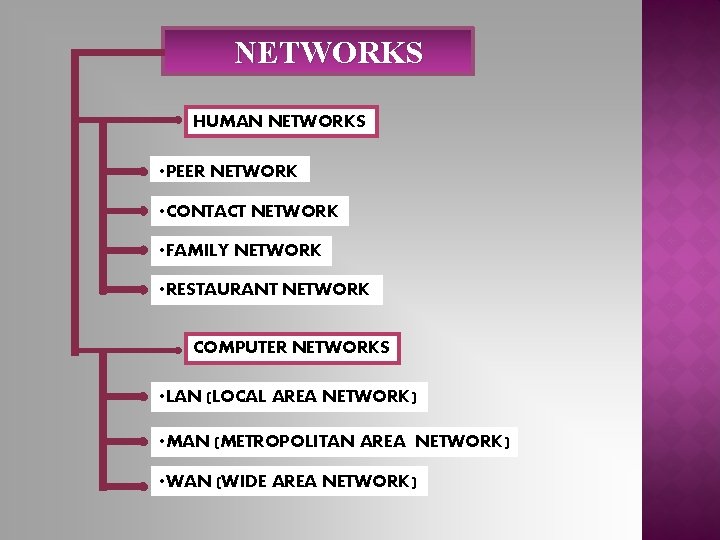
NETWORKS HUMAN NETWORKS • PEER NETWORK • CONTACT NETWORK • FAMILY NETWORK • RESTAURANT NETWORK COMPUTER NETWORKS • LAN (LOCAL AREA NETWORK) • MAN (METROPOLITAN AREA NETWORK) • WAN (WIDE AREA NETWORK)
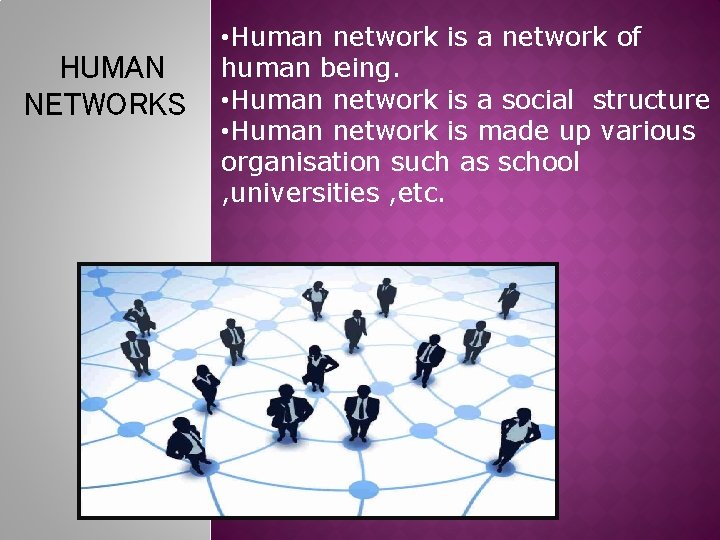
HUMAN NETWORKS • Human network is a network of human being. • Human network is a social structure • Human network is made up various organisation such as school , universities , etc.
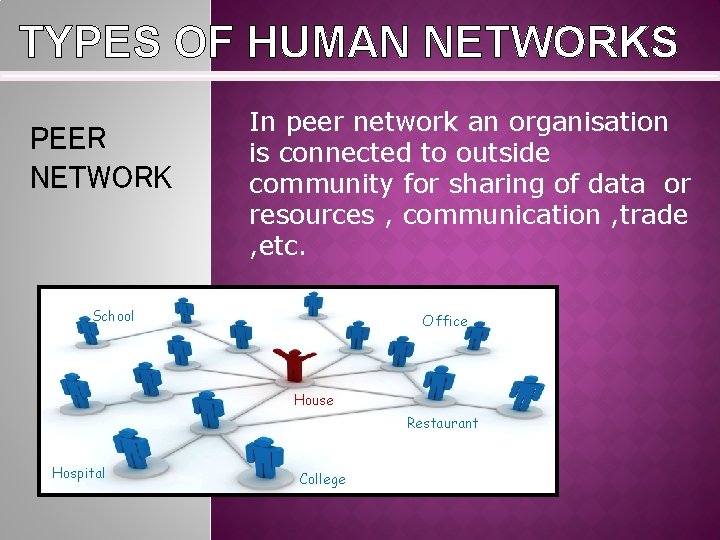
TYPES OF HUMAN NETWORKS PEER NETWORK In peer network an organisation is connected to outside community for sharing of data or resources , communication , trade , etc. School Office House Restaurant Hospital College
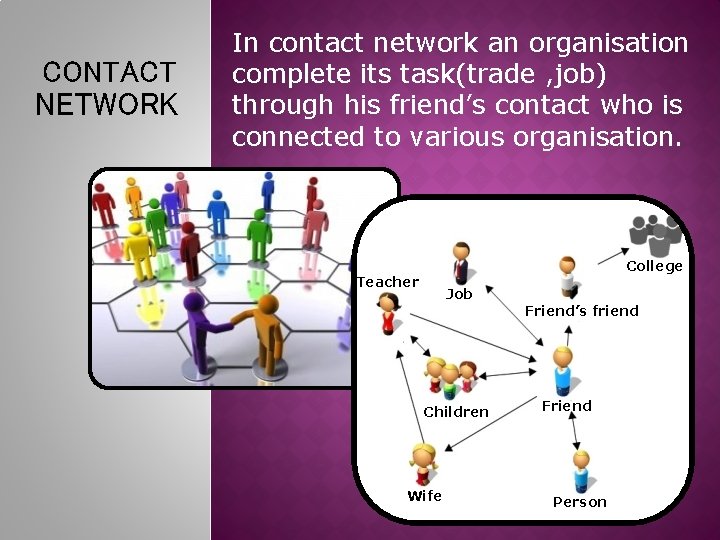
CONTACT NETWORK In contact network an organisation complete its task(trade , job) through his friend’s contact who is connected to various organisation. College Teacher Job Children Wife Friend’s friend Friend Person
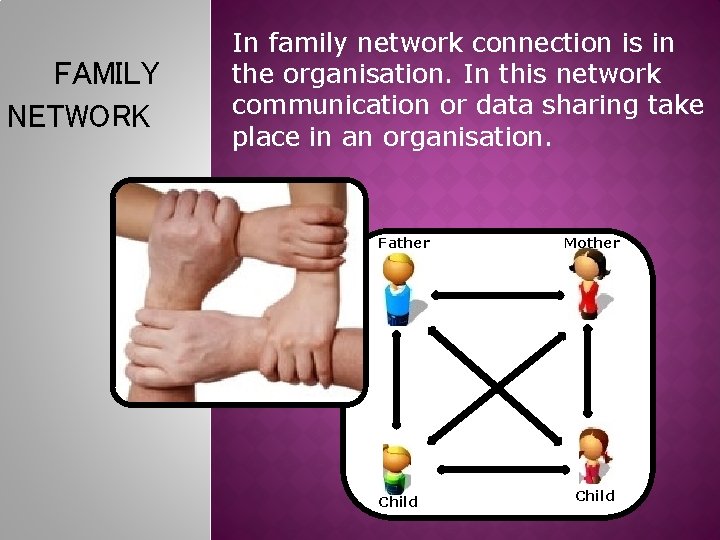
FAMILY NETWORK In family network connection is in the organisation. In this network communication or data sharing take place in an organisation. Father Child Mother Child
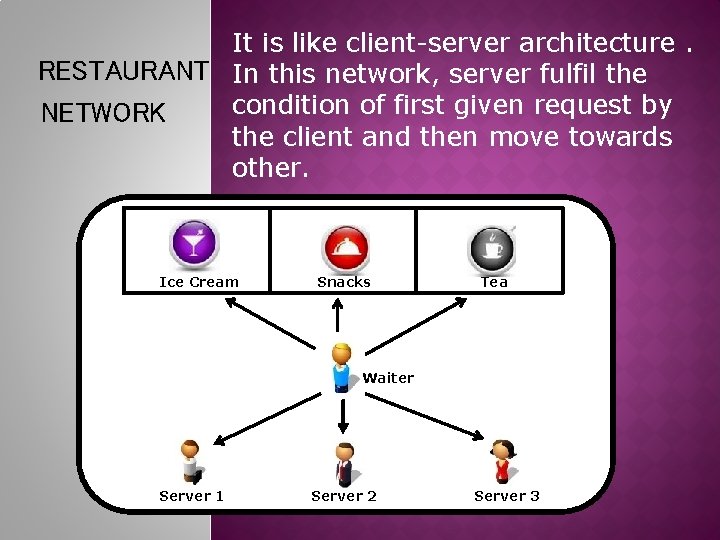
It is like client-server architecture. RESTAURANT In this network, server fulfil the condition of first given request by NETWORK the client and then move towards other. Ice Cream Snacks Tea Waiter Server 1 Server 2 Server 3
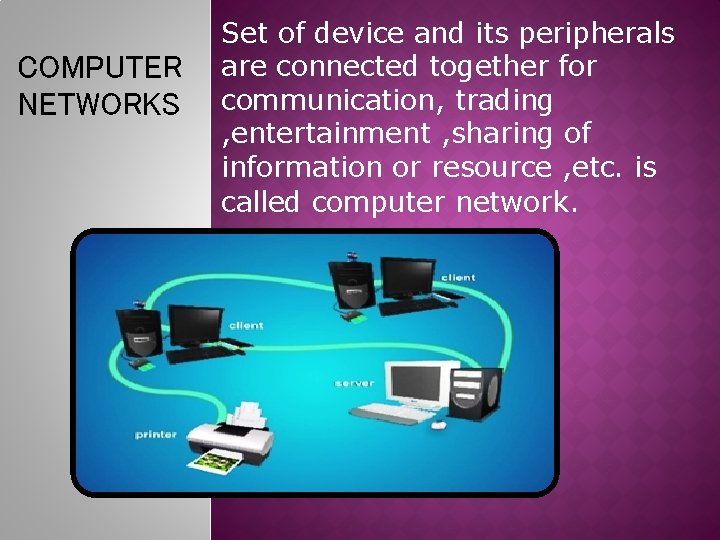
COMPUTER NETWORKS Set of device and its peripherals are connected together for communication, trading , entertainment , sharing of information or resource , etc. is called computer network.

TYPICAL NETWORKS Here workstation sends the request( print command , copy command, download command) to the server , It accept the request and fulfil its condition if it is free. If server is not free then it wait for the server to be free and then fulfil its condition.
NEED OF COMPUTER NETWORKS 1. Sharing of devices such as printer and scanner. 2. Sharing of program/software. 3. Sharing of files. 4. Sharing of data 5. Sharing of information. 6. Sharing of resources. 7. Communication using internet services such as email, mailing list.
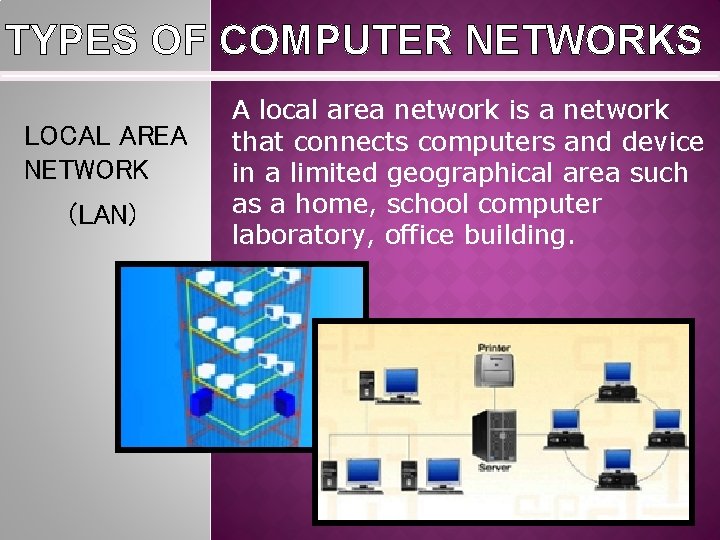
TYPES OF COMPUTER NETWORKS LOCAL AREA NETWORK (LAN) A local area network is a network that connects computers and device in a limited geographical area such as a home, school computer laboratory, office building.
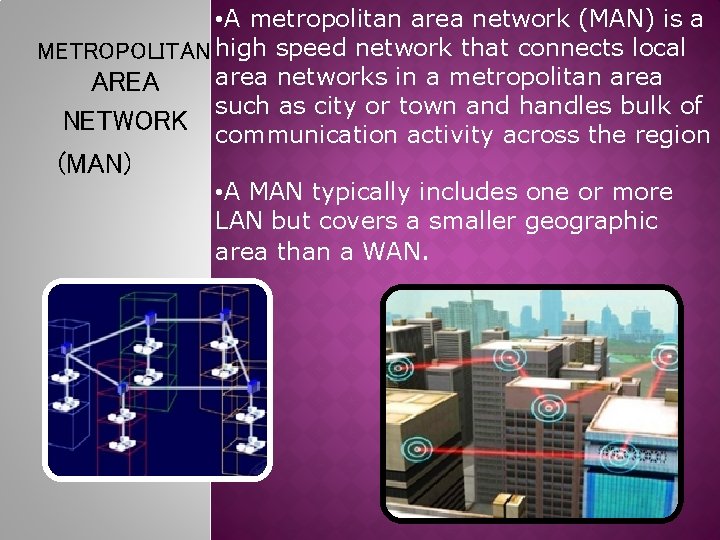
• A metropolitan area network (MAN) is a METROPOLITAN high speed network that connects local area networks in a metropolitan area AREA such as city or town and handles bulk of NETWORK communication activity across the region (MAN) • A MAN typically includes one or more LAN but covers a smaller geographic area than a WAN.
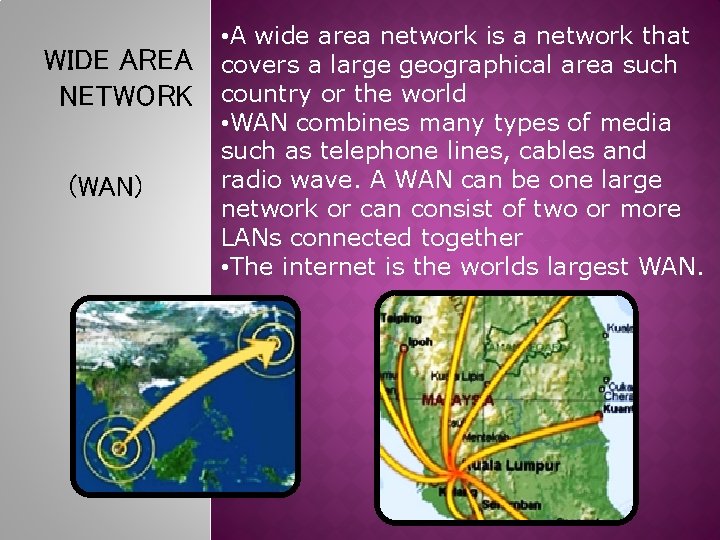
WIDE AREA NETWORK (WAN) • A wide area network is a network that covers a large geographical area such country or the world • WAN combines many types of media such as telephone lines, cables and radio wave. A WAN can be one large network or can consist of two or more LANs connected together • The internet is the worlds largest WAN.
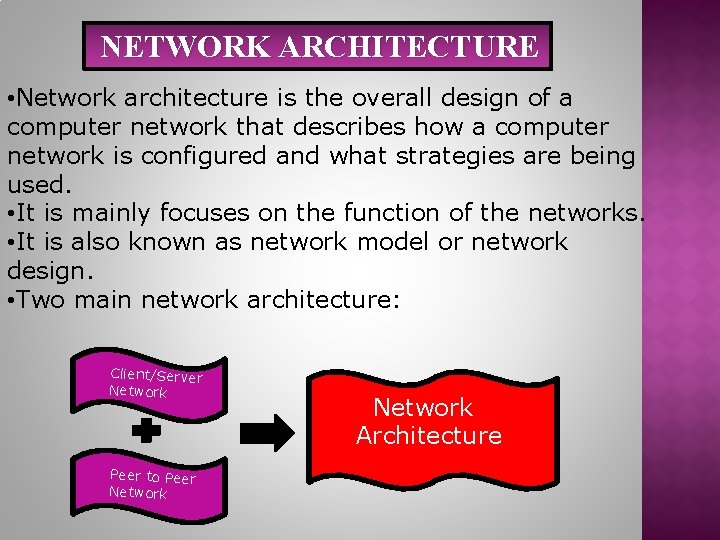
NETWORK ARCHITECTURE • Network architecture is the overall design of a computer network that describes how a computer network is configured and what strategies are being used. • It is mainly focuses on the function of the networks. • It is also known as network model or network design. • Two main network architecture: Client/Server Network Peer to Peer Network Architecture
Client/Server • On a client/server network, one computer act as a server that provides services and the other computers (client) on the network request services from the server. • A server is a computer that controls access to the hardware, software and other resources on the network and provides a centralized storage area for program. • A client is a computer that request services from a server computer.
Peer to Peer • Peer-to-peer is a simple, inexpensive network that typically connects fewer than 10 computers. • All computers in the network have equal capabilities to use the resources (hardware, software, data and file) available on the network. • With peer-to-peer networks, there is no central server.
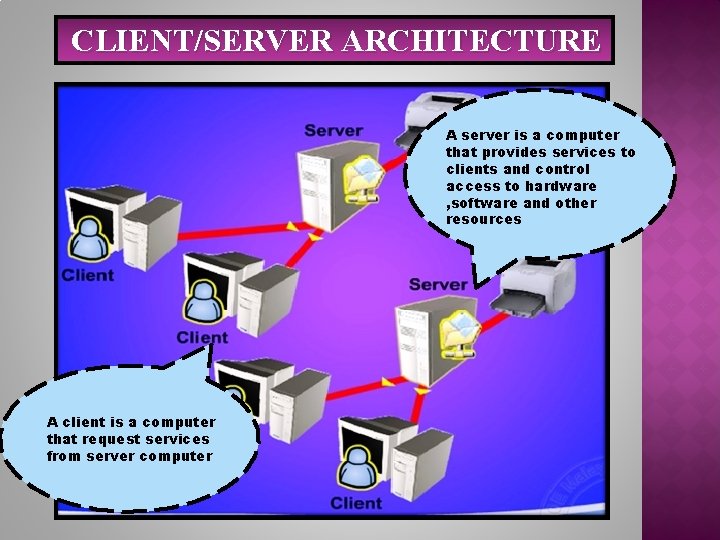
CLIENT/SERVER ARCHITECTURE A server is a computer that provides services to clients and control access to hardware , software and other resources A client is a computer that request services from server computer
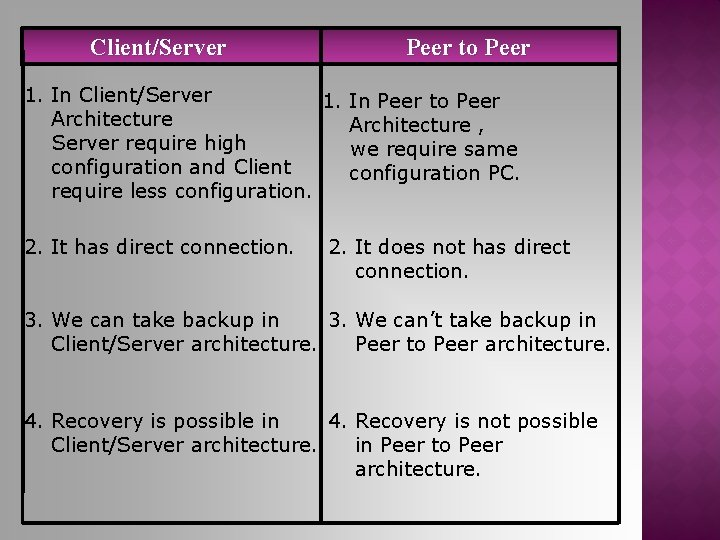
Client/Server Peer to Peer 1. In Client/Server 1. In Peer to Peer Architecture , Server require high we require same configuration and Client configuration PC. require less configuration. 2. It has direct connection. 2. It does not has direct connection. 3. We can take backup in 3. We can’t take backup in Client/Server architecture. Peer to Peer architecture. 4. Recovery is possible in 4. Recovery is not possible Client/Server architecture. in Peer to Peer architecture.
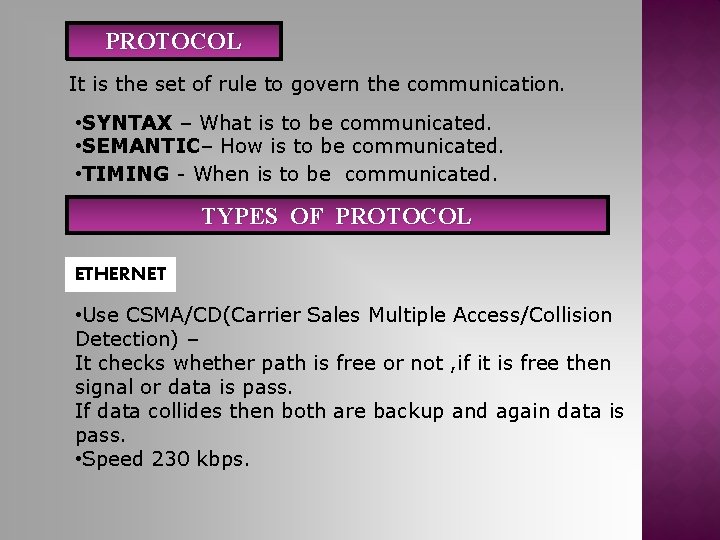
PROTOCOL It is the set of rule to govern the communication. • SYNTAX – What is to be communicated. • SEMANTIC– How is to be communicated. • TIMING - When is to be communicated. TYPES OF PROTOCOL ETHERNET • Use CSMA/CD(Carrier Sales Multiple Access/Collision Detection) – It checks whether path is free or not , if it is free then signal or data is pass. If data collides then both are backup and again data is pass. • Speed 230 kbps.
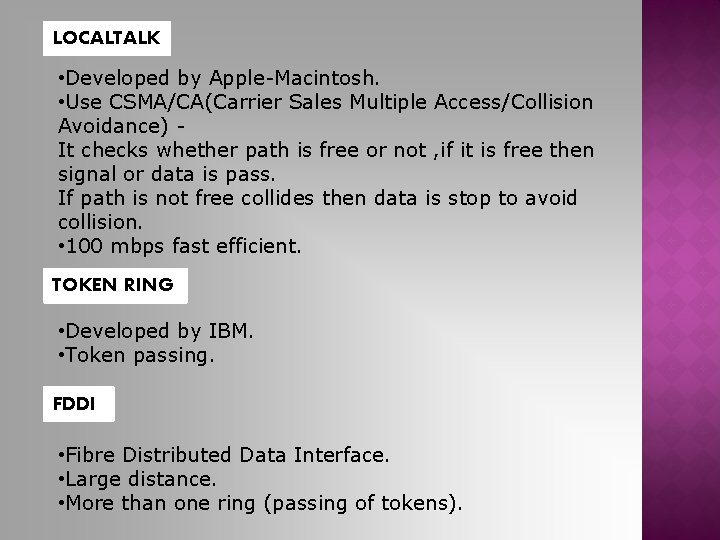
LOCALTALK • Developed by Apple-Macintosh. • Use CSMA/CA(Carrier Sales Multiple Access/Collision Avoidance) It checks whether path is free or not , if it is free then signal or data is pass. If path is not free collides then data is stop to avoid collision. • 100 mbps fast efficient. TOKEN RING • Developed by IBM. • Token passing. FDDI • Fibre Distributed Data Interface. • Large distance. • More than one ring (passing of tokens).
ATM • Asynchronous Transfer Mode. • 155 mbps and higher. • Small packs of fix size for fast sending. • Audio and Video.
NETWORK FEATURES FILE SHARING ADVANTAGES - File transfer. Storage and Migration. File update synchronization. Record locking. PRINTER SHARING ADVANTAGES - Allow to share costly network. - Reduce cost.
APPLICATION SERVICE ADVANTAGES - Reduce disk space. - Provides centralised access. - Secure and reliable. -Without CD-ROM install Application E-MAIL - File based. - Client-Server based. REMOTE ACCESS

- Slides: 25