
Chapter III Desktop Imaging Systems and Issues Lesson
- Slides: 16
Chapter III, Desktop Imaging Systems and Issues: Lesson III Moving Image Data http: //www. kodak. com/country/US/en/digital/dlc/book 3/chapter 3/desk. Img. M 3_1. shtml
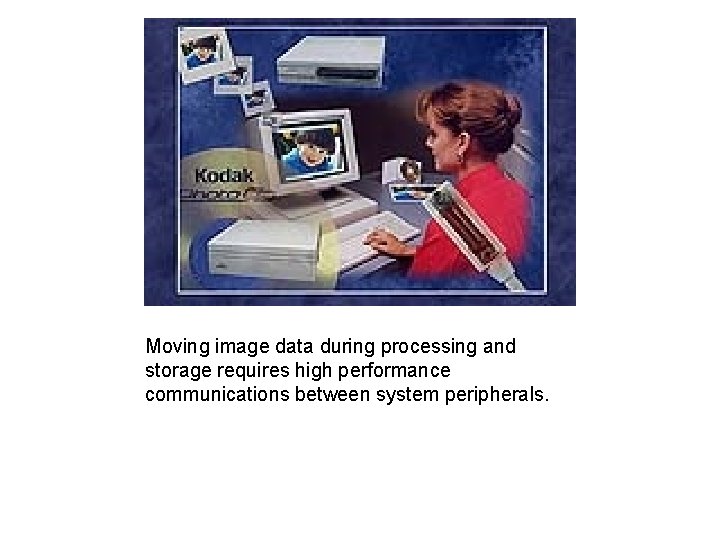
Moving image data during processing and storage requires high performance communications between system peripherals.
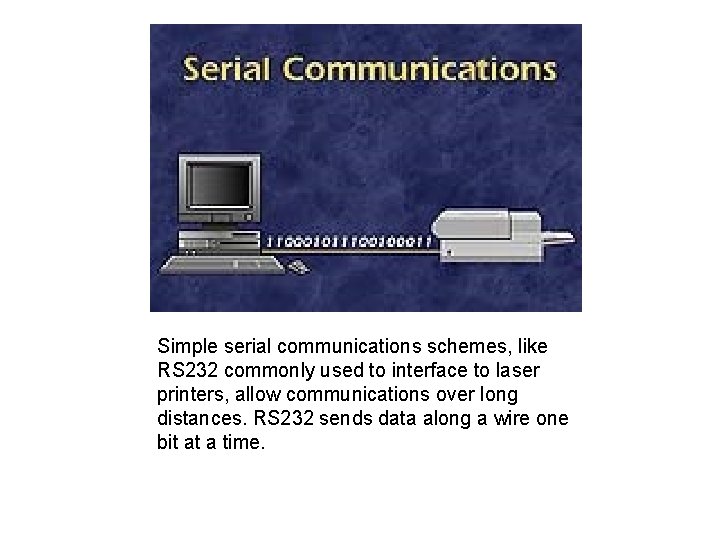
Simple serial communications schemes, like RS 232 commonly used to interface to laser printers, allow communications over long distances. RS 232 sends data along a wire one bit at a time.
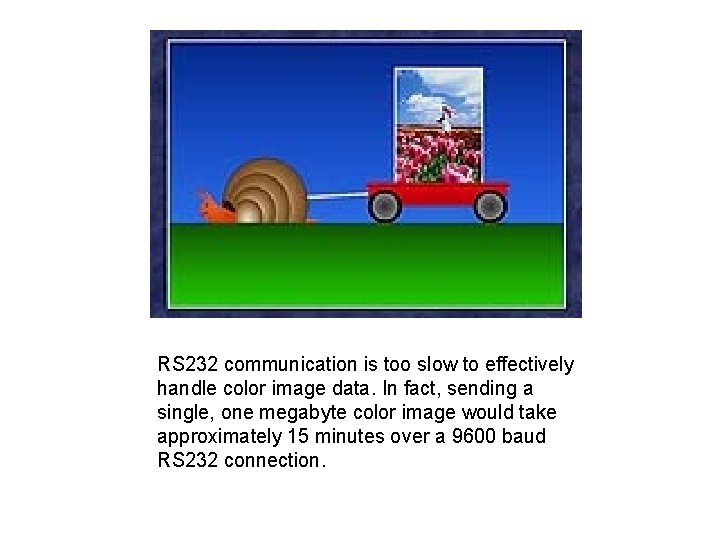
RS 232 communication is too slow to effectively handle color image data. In fact, sending a single, one megabyte color image would take approximately 15 minutes over a 9600 baud RS 232 connection.
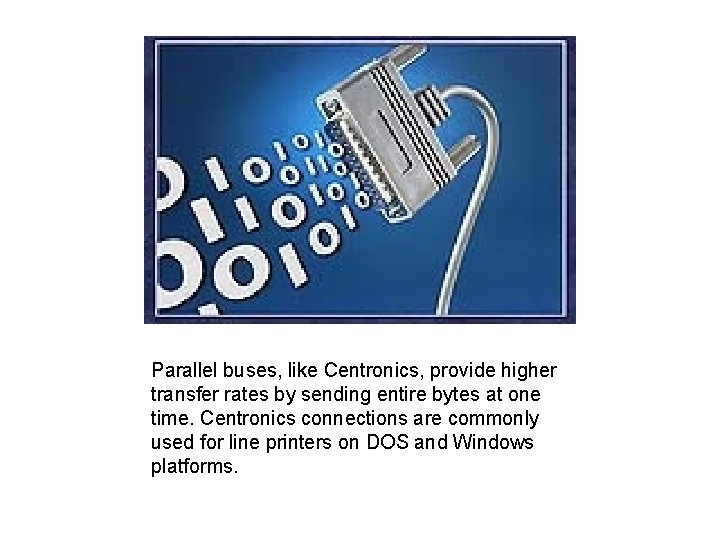
Parallel buses, like Centronics, provide higher transfer rates by sending entire bytes at one time. Centronics connections are commonly used for line printers on DOS and Windows platforms.
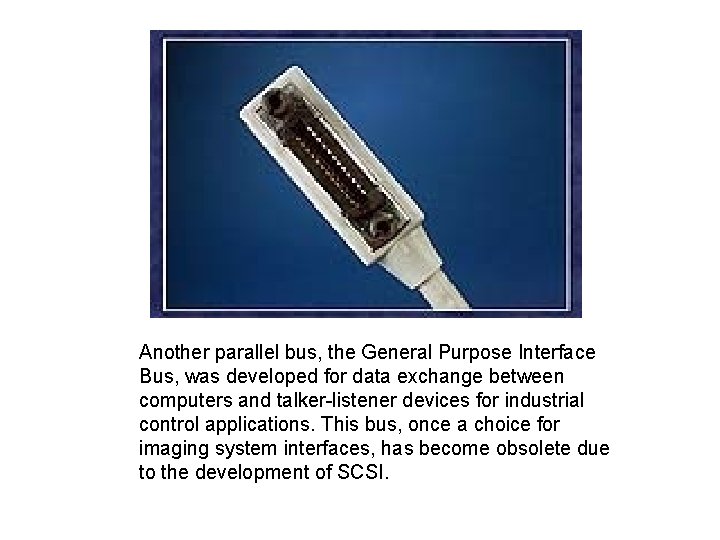
Another parallel bus, the General Purpose Interface Bus, was developed for data exchange between computers and talker-listener devices for industrial control applications. This bus, once a choice for imaging system interfaces, has become obsolete due to the development of SCSI.
The small computer systems interface, or SCSI, is preferred for digital imaging systems because of its high speed and standard interface.
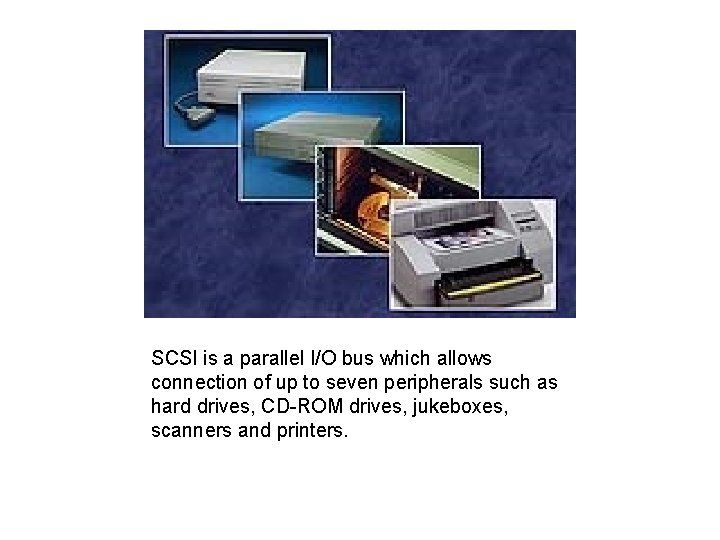
SCSI is a parallel I/O bus which allows connection of up to seven peripherals such as hard drives, CD-ROM drives, jukeboxes, scanners and printers.
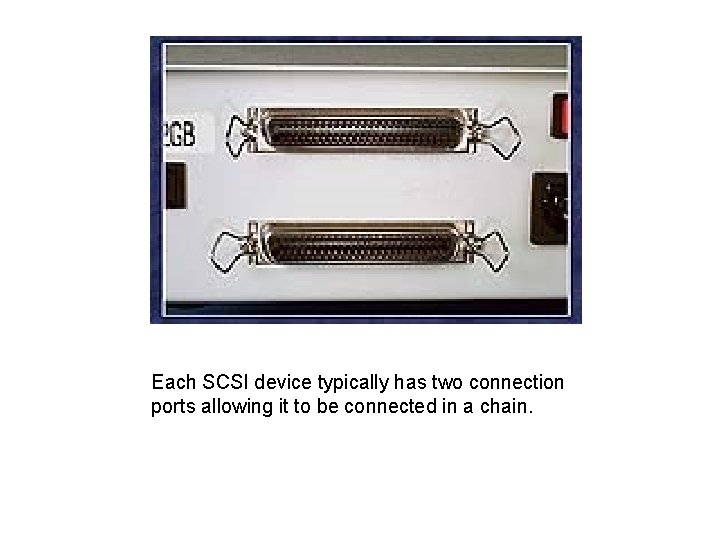
Each SCSI device typically has two connection ports allowing it to be connected in a chain.
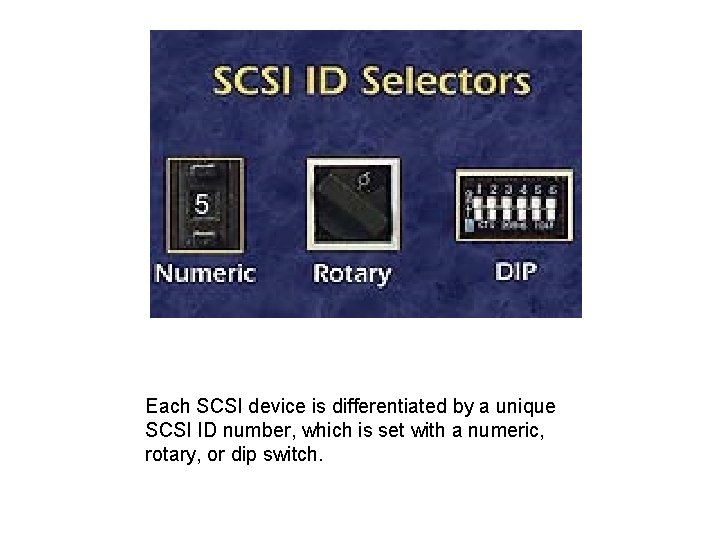
Each SCSI device is differentiated by a unique SCSI ID number, which is set with a numeric, rotary, or dip switch.
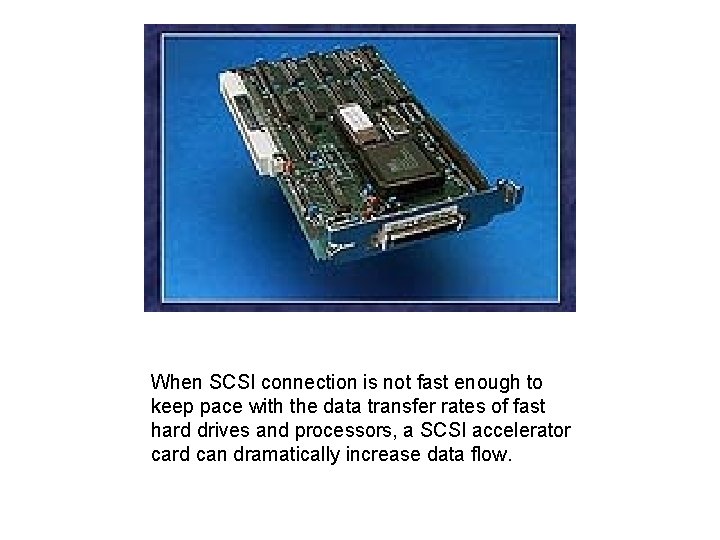
When SCSI connection is not fast enough to keep pace with the data transfer rates of fast hard drives and processors, a SCSI accelerator card can dramatically increase data flow.
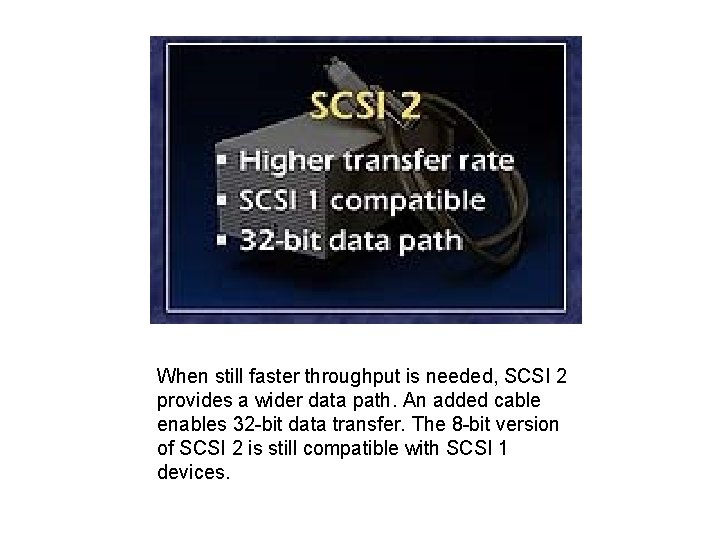
When still faster throughput is needed, SCSI 2 provides a wider data path. An added cable enables 32 -bit data transfer. The 8 -bit version of SCSI 2 is still compatible with SCSI 1 devices.
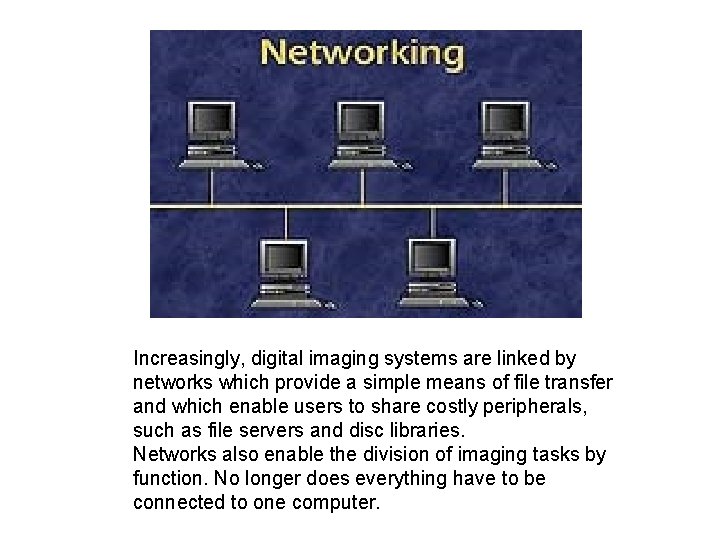
Increasingly, digital imaging systems are linked by networks which provide a simple means of file transfer and which enable users to share costly peripherals, such as file servers and disc libraries. Networks also enable the division of imaging tasks by function. No longer does everything have to be connected to one computer.
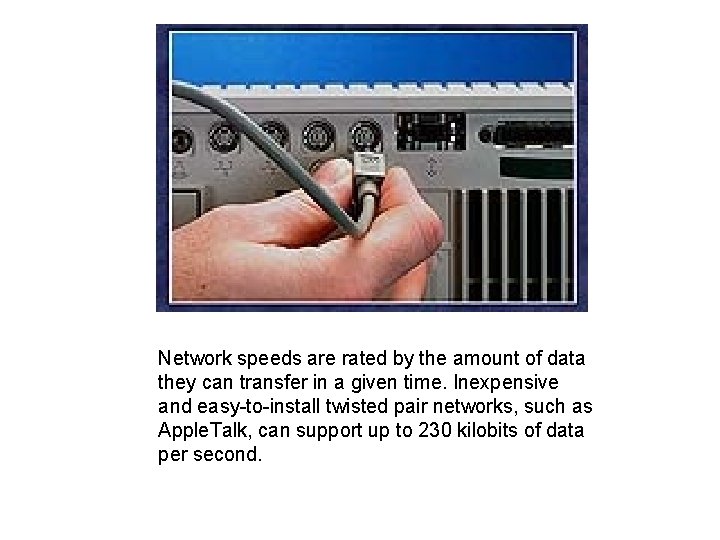
Network speeds are rated by the amount of data they can transfer in a given time. Inexpensive and easy-to-install twisted pair networks, such as Apple. Talk, can support up to 230 kilobits of data per second.
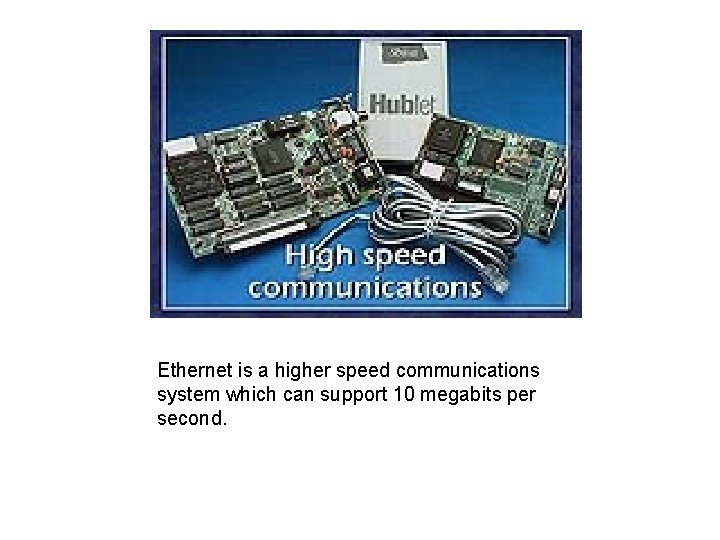
Ethernet is a higher speed communications system which can support 10 megabits per second.
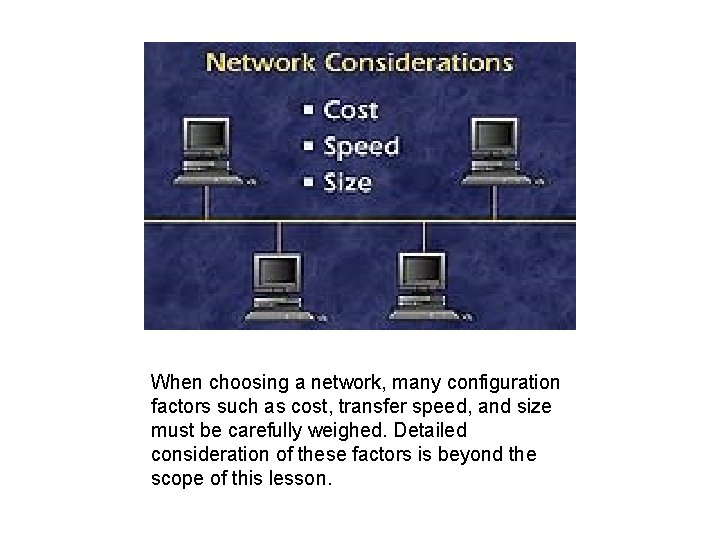
When choosing a network, many configuration factors such as cost, transfer speed, and size must be carefully weighed. Detailed consideration of these factors is beyond the scope of this lesson.