
Chapter 9 Visual Aids Learning Objectives After reading
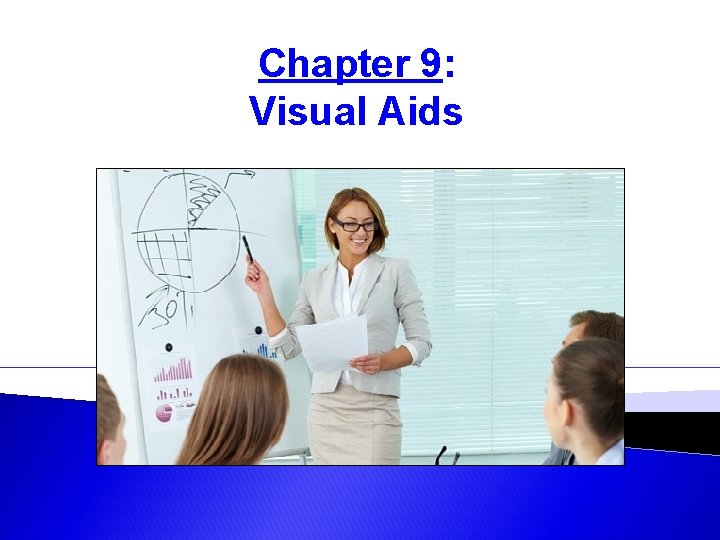
Chapter 9: Visual Aids
Learning Objectives After reading your chapter, you will be able to: 1. 2. 3. 4. 5. Identify when and how visual aids will enhance a presentation Identify the different types of visual aids Identify effective and ineffective use of visual aids Apply basic design principles to slide design Identify best practices to incorporating visual aids in a presentation 2
What Makes an Effective Visual Aid? 3
Types of Visual Aids: 1. 2. 3. 4. 5. 6. 7. Personal Appearance Objects and Props Demonstration Posters and Flip Charts Audio and Video Handouts Slideware • • Pecha Kucha Prezi 4
Design Principles: 1. Slide Layout • • • White Space Rule of Thirds Z Pattern 2. Backgrounds and Effects 3. Colors • Greyscale 5
Design Principles: 4. Fonts • (Sans) Serif 5. Text 6. Images • • • Pixelation Watermarks Creative Commons 7. Graphs and Charts 6
Visual Aid Tips: 1. 2. 3. 4. Select only visual aids that enhance or clarify your message. Select visual aids that will have the greatest impact on your audience. Speak to your audience not to your visual aid or the screen. Reveal your visuals only when they are relevant to your current point, and take them away when they are no longer being talked about. 5. Practice with your visual aids and make sure all demonstrations work smoothly. 6. Design visuals so they can be understood within three seconds. 7. Keep your visuals as simple as possible while still conveying your message. 8. When presenting text to your audience, give them time to read before you begin speaking again. 9. Be prepared to move on with your presentation should any of the visual aids falter or fail. 10. Be prepared to speak with your visual aids, if need be. 7
- Slides: 7