
Chapter 9 TCPIP Reference Model Overview of TCPIP
- Slides: 38
Chapter 9 TCP/IP Reference Model Overview of TCP/IP 1
TCP/IP • A highly standardized protocol used widely on the Internet • Standards area available in the form of RFC documents v. Request for Comment (RFC) • Standards are overseen by the Internet Engineering Task Force (IETF) 2
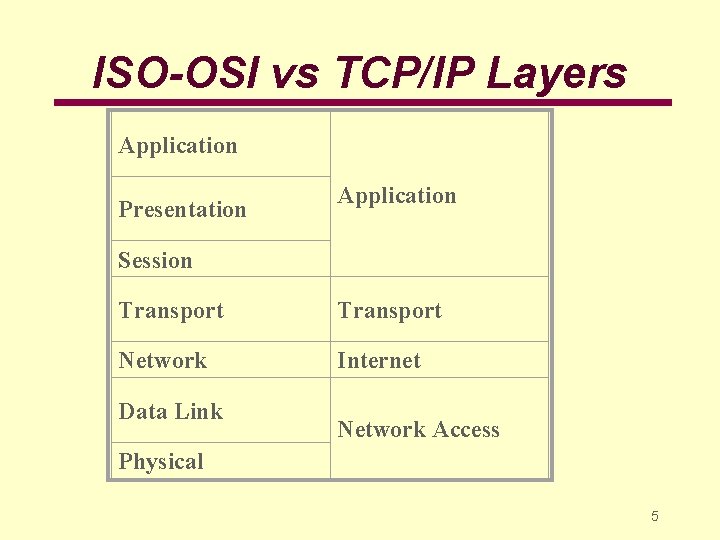
Layers of TCP/IP Reference Model • There are four layers of the TCP/IP reference model v. The ISO-OSI reference model is composed of seven layers • The next slide shows the mapping of the ISO/OSI model to the TCP/IP model • Note that the ISO/OSI model is more widely used and accepted but the TCP/IP model is easy to comprehend 3
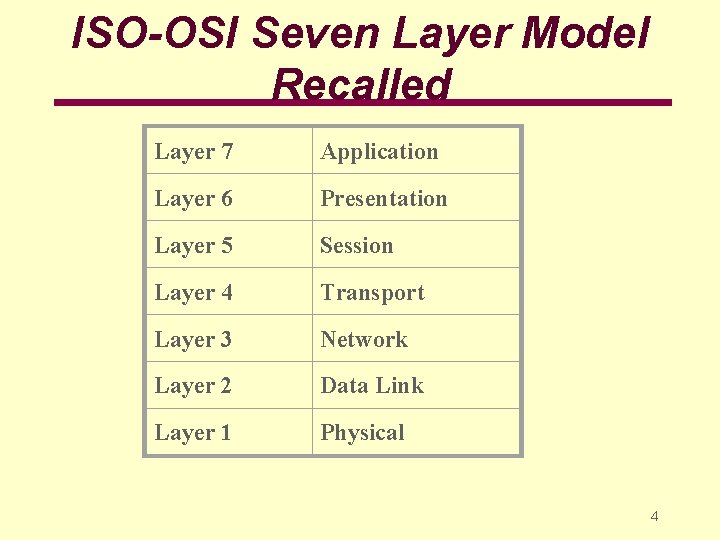
ISO-OSI Seven Layer Model Recalled Layer 7 Application Layer 6 Presentation Layer 5 Session Layer 4 Transport Layer 3 Network Layer 2 Data Link Layer 1 Physical 4
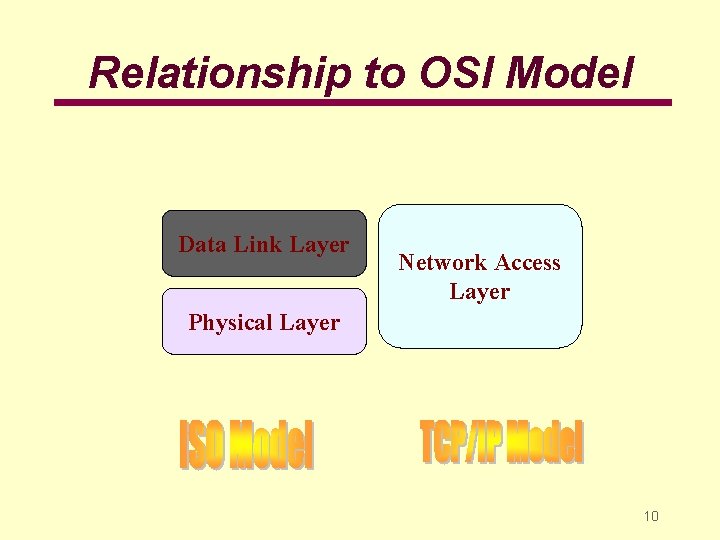
ISO-OSI vs TCP/IP Layers Application Presentation Application Session Transport Network Internet Data Link Network Access Physical 5
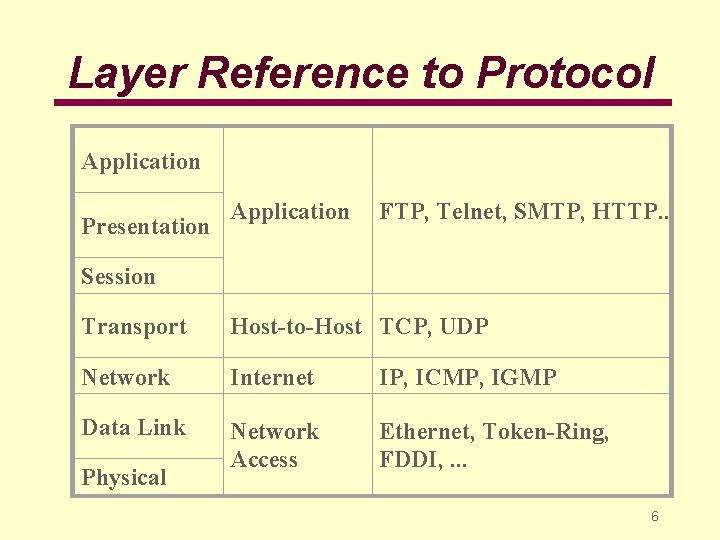
Layer Reference to Protocol Application Presentation Application FTP, Telnet, SMTP, HTTP. . Session Transport Host-to-Host TCP, UDP Network Internet IP, ICMP, IGMP Data Link Network Access Ethernet, Token-Ring, FDDI, . . . Physical 6
Layer Properties • In the following slides, the following is described for each layer v. Layer function v. Core protocols v. Relationship to ISO/OSI model 7
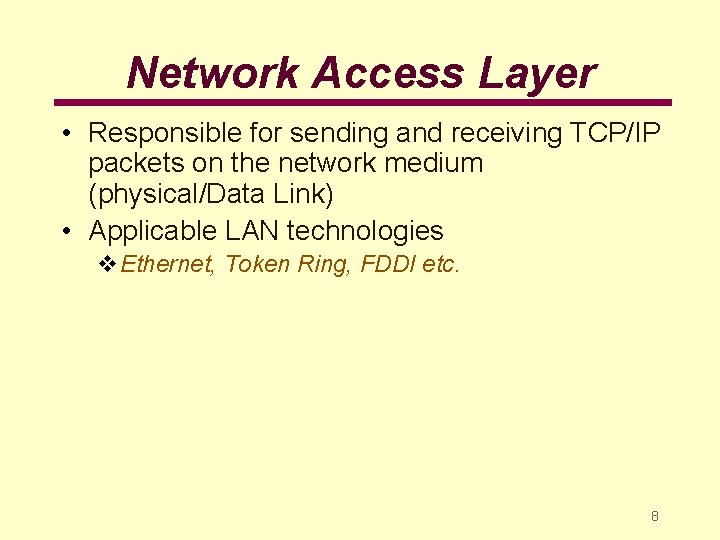
Network Access Layer • Responsible for sending and receiving TCP/IP packets on the network medium (physical/Data Link) • Applicable LAN technologies v. Ethernet, Token Ring, FDDI etc. 8
Some Core Protocols • IEEE 802. 3, IEEE 802. 5 and IEEE 802. 11 series of protocols 9
Relationship to OSI Model Data Link Layer Network Access Layer Physical Layer 10
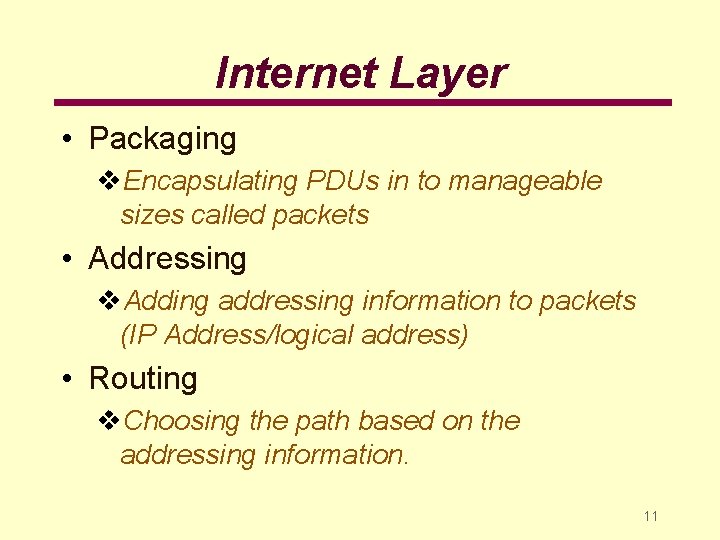
Internet Layer • Packaging v. Encapsulating PDUs in to manageable sizes called packets • Addressing v. Adding addressing information to packets (IP Address/logical address) • Routing v. Choosing the path based on the addressing information. 11
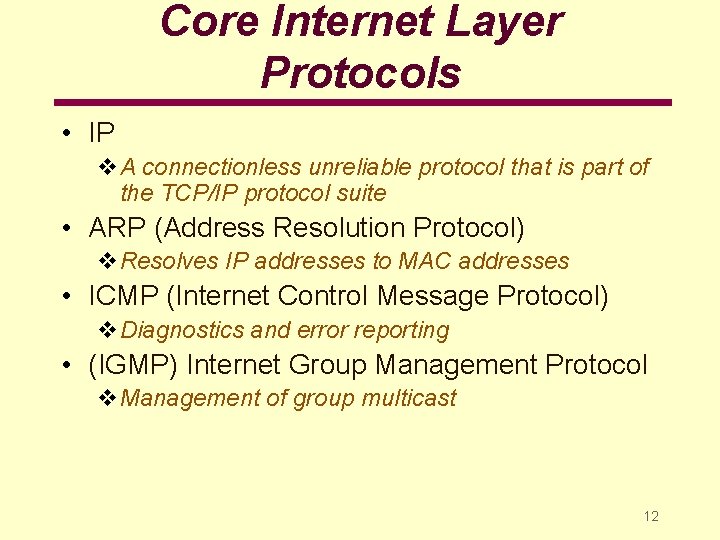
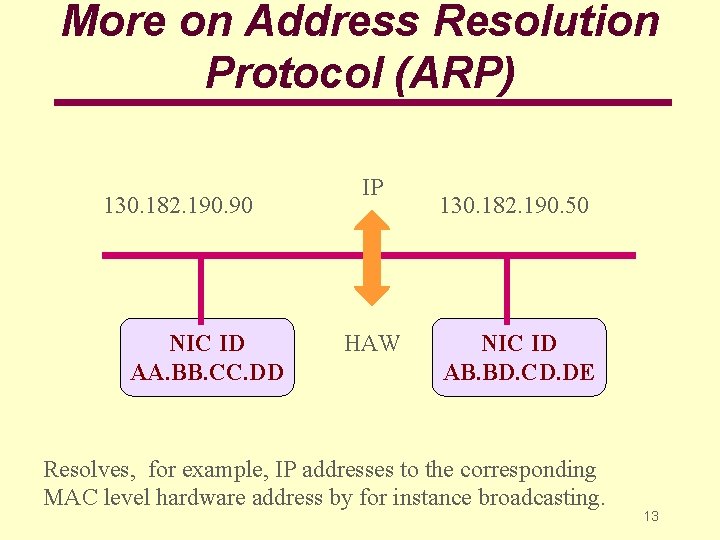
Core Internet Layer Protocols • IP v. A connectionless unreliable protocol that is part of the TCP/IP protocol suite • ARP (Address Resolution Protocol) v. Resolves IP addresses to MAC addresses • ICMP (Internet Control Message Protocol) v. Diagnostics and error reporting • (IGMP) Internet Group Management Protocol v. Management of group multicast 12
More on Address Resolution Protocol (ARP) 130. 182. 190. 90 NIC ID AA. BB. CC. DD IP HAW 130. 182. 190. 50 NIC ID AB. BD. CD. DE Resolves, for example, IP addresses to the corresponding MAC level hardware address by for instance broadcasting. 13
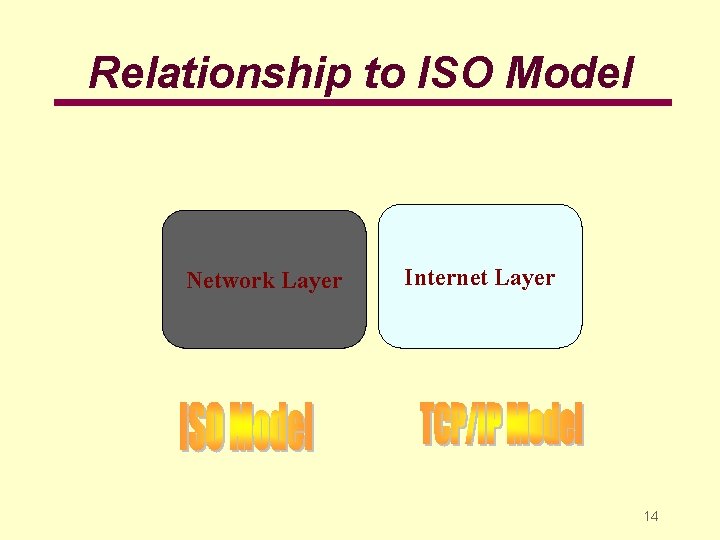
Relationship to ISO Model Network Layer Internet Layer 14
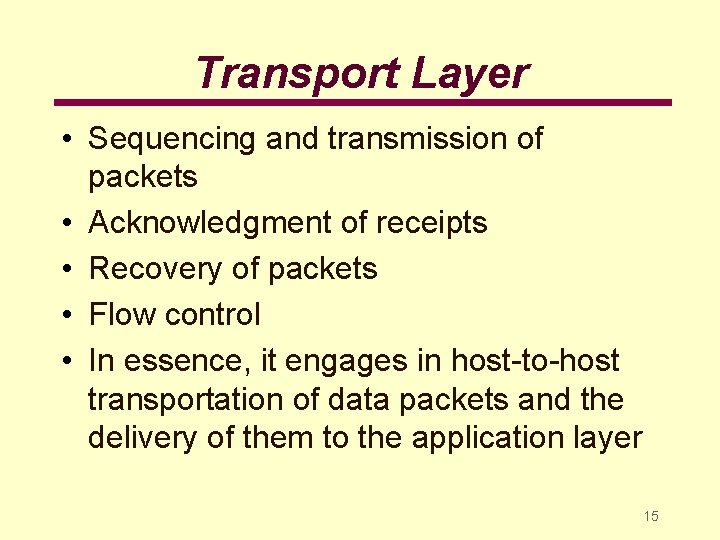
Transport Layer • Sequencing and transmission of packets • Acknowledgment of receipts • Recovery of packets • Flow control • In essence, it engages in host-to-host transportation of data packets and the delivery of them to the application layer 15
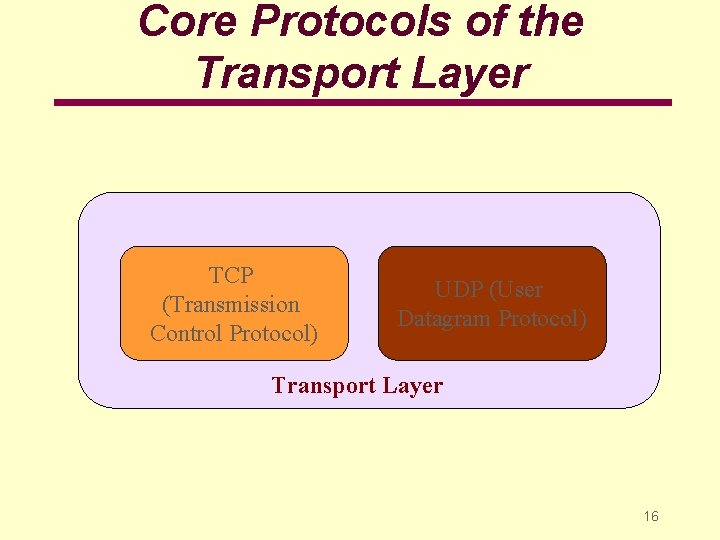
Core Protocols of the Transport Layer TCP (Transmission Control Protocol) UDP (User Datagram Protocol) Transport Layer 16
TCP • Transmission Control Protocol (TCP) • One-to-one and connection-oriented reliable protocol • Used in the accurate transmission of large amount of data • Slower compared to UDP because of additional error checking being performed 17
UDP • User Datagram Protocol (UDP) • One-to-one or one-to-many, connectionless and unreliable protocol • Used for the transmission of small amount of data v Accuracy is not of prime concern v The overhead of establishing a TCP connection is not warranted • Used in video and audio casting v Multicasting v Broadcasting • Also used for multimedia transmission • Faster compared to TCP 18
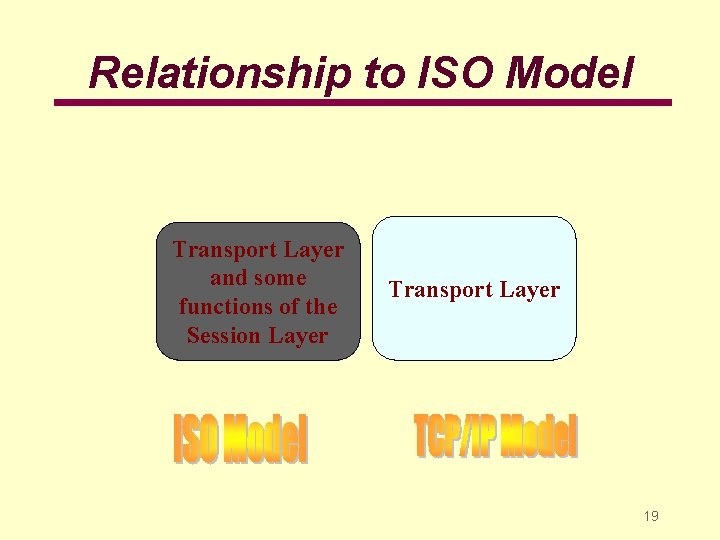
Relationship to ISO Model Transport Layer and some functions of the Session Layer Transport Layer 19
Application Layer • Provides applications with the ability to access the services of the other layers • New protocols and services are always being developed in this category 20
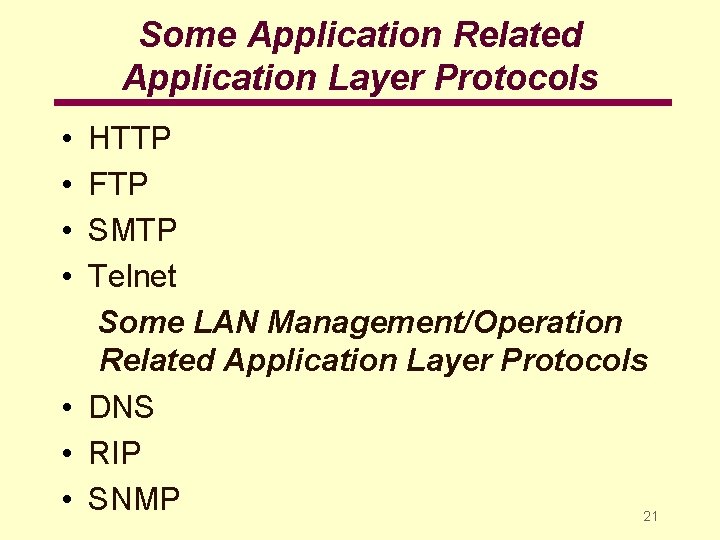
Some Application Related Application Layer Protocols • • HTTP FTP SMTP Telnet Some LAN Management/Operation Related Application Layer Protocols • DNS • RIP • SNMP 21
Hyper Text Transfer Protocol (HTTP) • Protocol relating to web applications • Current version of HTTP 1. 1 has additional features v. Upload information to the server • Default port number is 80 22
File Transfer Protocol (FTP) • File Transfer Protocol v. Used for downloading from most MP 3 sites, for example • Designed for faster file transfer over the Internet compared to using the HTTP protocol • FTP sites can be configured alongside a web site to support FTP file transfer • FTP default ports are 20 and 21 23
HTTP and FTP • File transfer under FTP is faster than file transfer under HTTP • Choose an FTP site if there is one for downloading files etc. 24
Simple Mail Transfer Protocol (SMTP) • Governs the transmission of mail messages and attachments • SMTP is used in the case of outgoing messages • More powerful protocols such as POP 3 and IMAP 4 are needed and available to manage incoming messages 25
POP 3/IMAP 4 • Used for incoming mail • POP 3 is the older protocol • IMAP 4 is the more advanced protocol 26
Telnet • Supports terminal emulation or host sessions • For example, Telnet can be used for accessing a Unix machine and emulating a terminal attached to the Unix computer 27
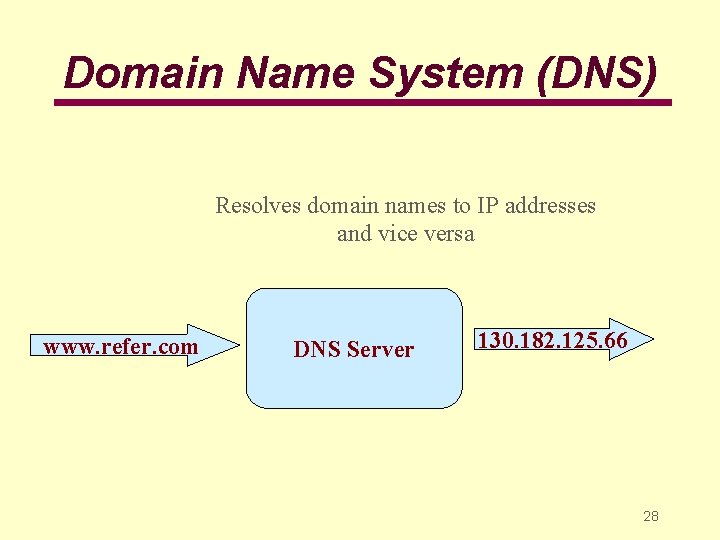
Domain Name System (DNS) Resolves domain names to IP addresses and vice versa www. refer. com DNS Server 130. 182. 125. 66 28
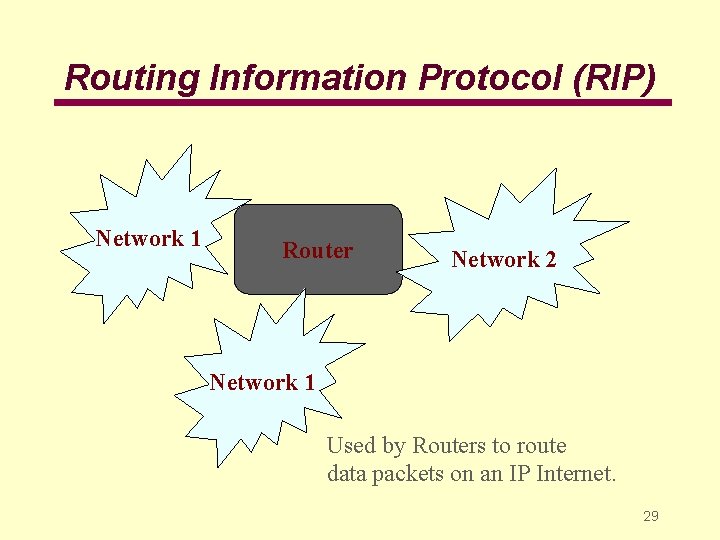
Routing Information Protocol (RIP) Network 1 Router Network 2 Network 1 Used by Routers to route data packets on an IP Internet. 29
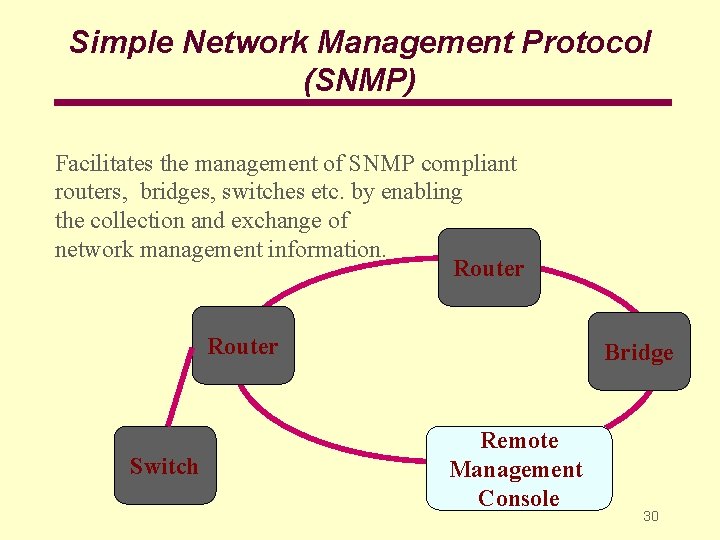
Simple Network Management Protocol (SNMP) Facilitates the management of SNMP compliant routers, bridges, switches etc. by enabling the collection and exchange of network management information. Router Switch Bridge Remote Management Console 30
SNMP • Used by network management utilities to manage network devices • For example, a manageable hub that support SNMP can be managed from a remote location using a SNMP based LAN management software 31
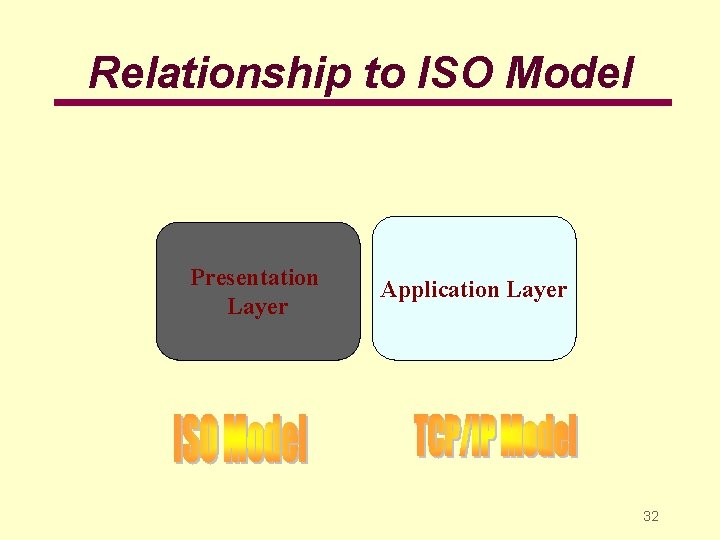
Relationship to ISO Model Presentation Layer Application Layer 32
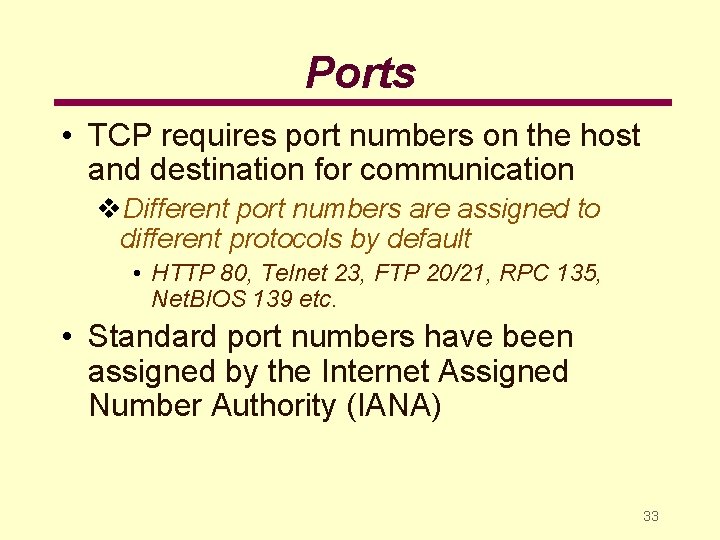
Ports • TCP requires port numbers on the host and destination for communication v. Different port numbers are assigned to different protocols by default • HTTP 80, Telnet 23, FTP 20/21, RPC 135, Net. BIOS 139 etc. • Standard port numbers have been assigned by the Internet Assigned Number Authority (IANA) 33
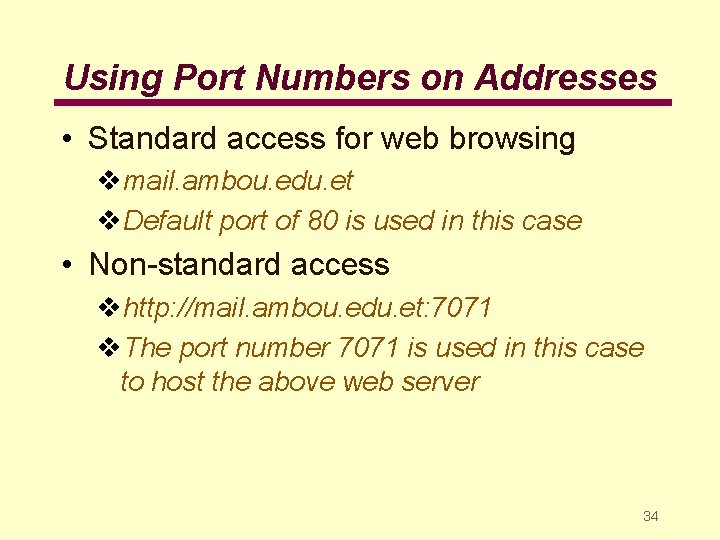
Using Port Numbers on Addresses • Standard access for web browsing vmail. ambou. edu. et v. Default port of 80 is used in this case • Non-standard access vhttp: //mail. ambou. edu. et: 7071 v. The port number 7071 is used in this case to host the above web server 34
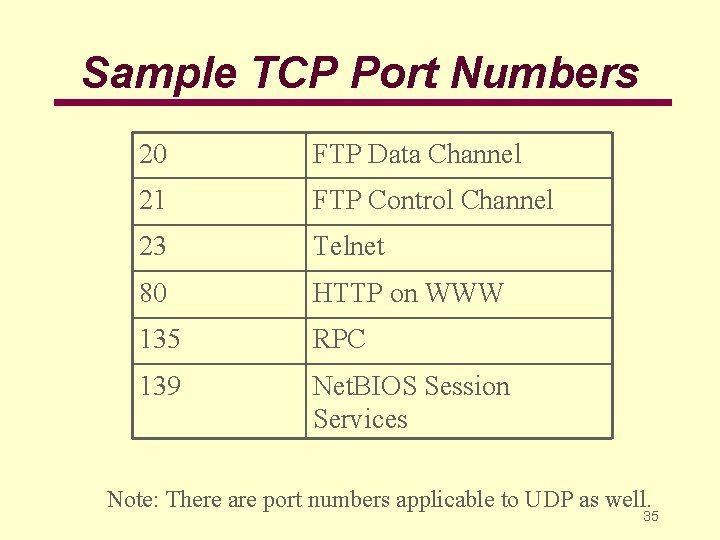
Sample TCP Port Numbers 20 FTP Data Channel 21 FTP Control Channel 23 Telnet 80 HTTP on WWW 135 RPC 139 Net. BIOS Session Services Note: There are port numbers applicable to UDP as well. 35
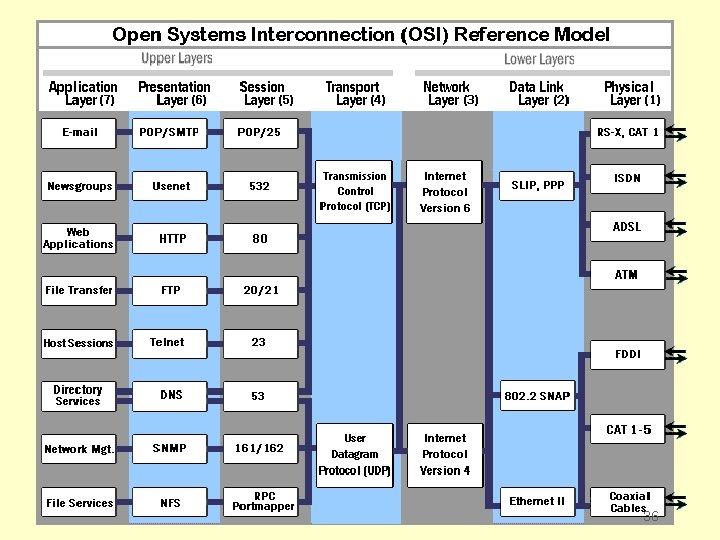
36
TCP/IP Application Interface • Applications require an Application Programming Interface (API) to use the services of TCP/IP • API is a standardized interface between the applications and the TCP/IP services • Windows Sockets interface and Net. BIOS interface are two of the prominent examples of Windows API 37
Windows APIs • Windows socket v. Protocol, IP Address and Port number • Net. BIOS interface v. Net. BIOS over TCP/IP (Net. BT) v. Supports Net. BIOS Name Management, Net. BIOS Datagram and Net. BIOS sessions v. If support is required for older Net. BIOS applications, then Net. BIOS over TCP/IP must be invoked in the TCP/IP properties tab 38