
Chapter 9 Productivity Software Word Processors Spreadsheets Databases
Chapter 9: Productivity Software – Word Processors, Spreadsheets, Databases, and Presentation Software Computer Literacy Chapter 9: Productivity Software – Word Processors, Spreadsheets, Databases, and Presentation Software
Introduction • Mincing Words: Creating Text Documents with Word Processors, Desktop Publishing, and Web Software • Adding It Up: Making Charts, Tables, and Graphs with Spreadsheet Software • Everything in Its Place: Using Database Software • Making Your Point: Creating Slideshows with Presentation Software Computer Literacy Chapter 9: Productivity Software – Word Processors, Spreadsheets, Databases, and Presentation Software
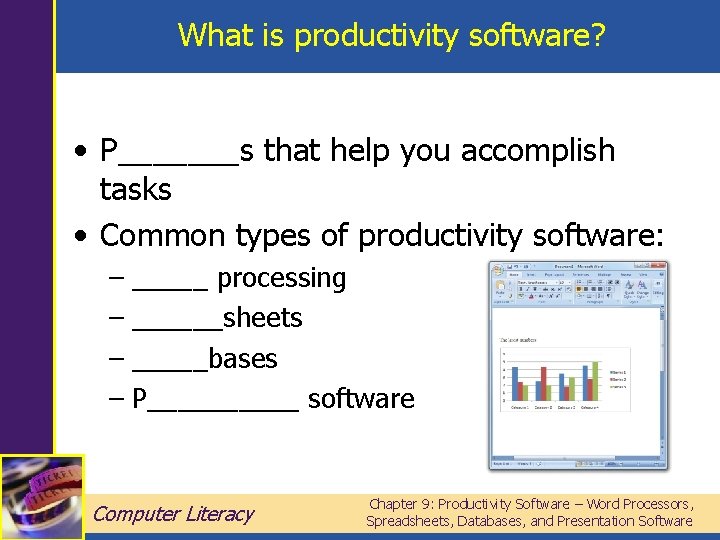
What is productivity software? • P_______s that help you accomplish tasks • Common types of productivity software: – _____ processing – ______sheets – _____bases – P_____ software Computer Literacy Chapter 9: Productivity Software – Word Processors, Spreadsheets, Databases, and Presentation Software
Documents • Files you create with word processing software called d_____ • Documents can contain not only t___, but also c___ art, p_____, and more • Changing a document is known as e_______ Computer Literacy Chapter 9: Productivity Software – Word Processors, Spreadsheets, Databases, and Presentation Software
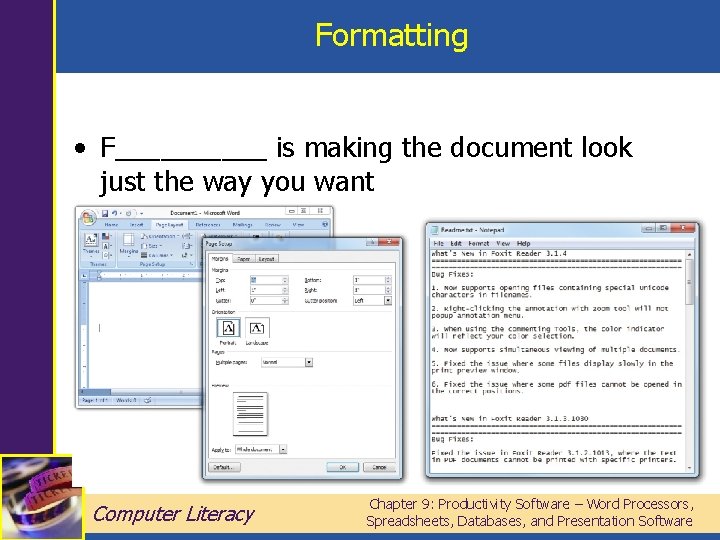
Formatting • F_____ is making the document look just the way you want Computer Literacy Chapter 9: Productivity Software – Word Processors, Spreadsheets, Databases, and Presentation Software
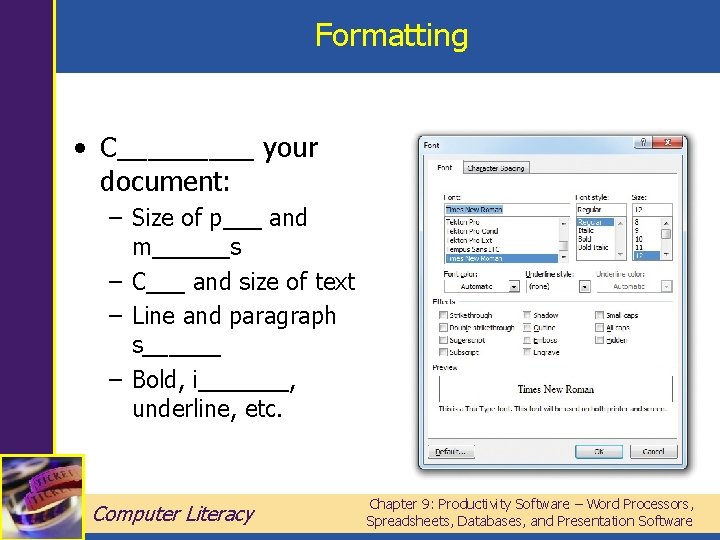
Formatting • C_____ your document: – Size of p___ and m______s – C___ and size of text – Line and paragraph s______ – Bold, i_______, underline, etc. Computer Literacy Chapter 9: Productivity Software – Word Processors, Spreadsheets, Databases, and Presentation Software
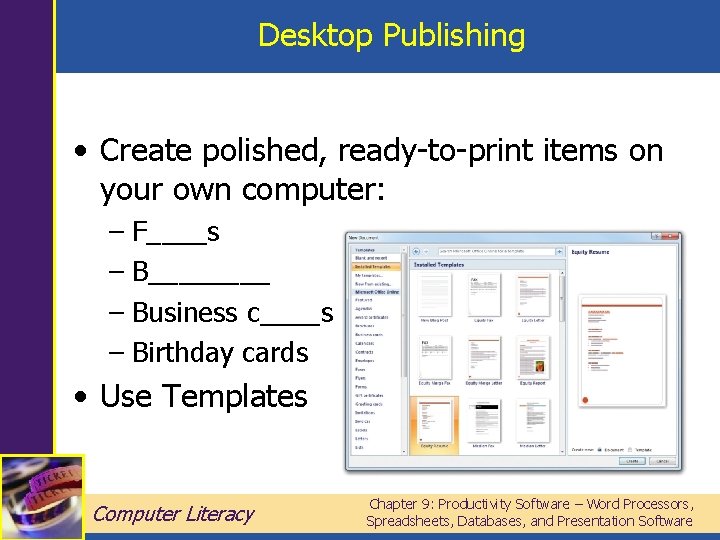
Desktop Publishing • Create polished, ready-to-print items on your own computer: – F____s – B____ – Business c____s – Birthday cards • Use Templates Computer Literacy Chapter 9: Productivity Software – Word Processors, Spreadsheets, Databases, and Presentation Software
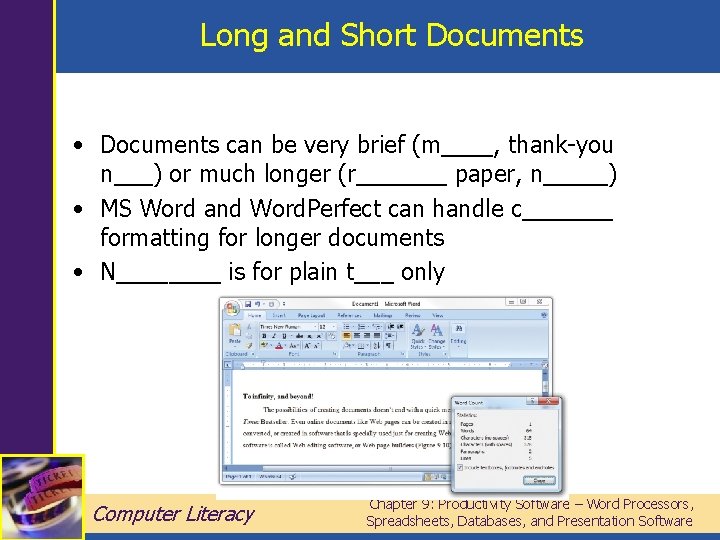
Long and Short Documents • Documents can be very brief (m____, thank-you n___) or much longer (r_______ paper, n_____) • MS Word and Word. Perfect can handle c_______ formatting for longer documents • N____ is for plain t___ only Computer Literacy Chapter 9: Productivity Software – Word Processors, Spreadsheets, Databases, and Presentation Software
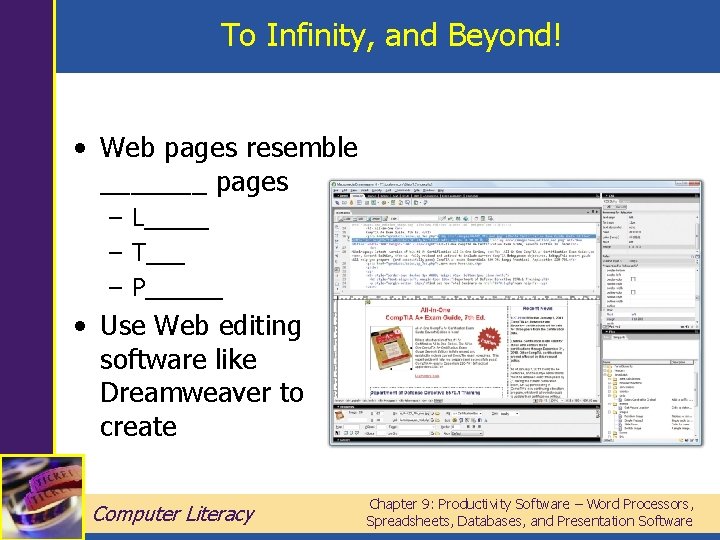
To Infinity, and Beyond! • Web pages resemble _______ pages – L_____ – T___ – P______ • Use Web editing software like Dreamweaver to create Computer Literacy Chapter 9: Productivity Software – Word Processors, Spreadsheets, Databases, and Presentation Software
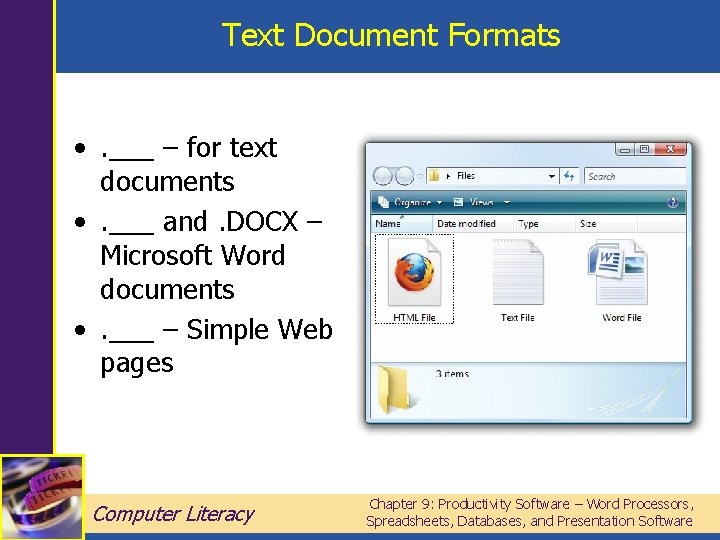
Text Document Formats • . ___ – for text documents • . ___ and. DOCX – Microsoft Word documents • . ___ – Simple Web pages Computer Literacy Chapter 9: Productivity Software – Word Processors, Spreadsheets, Databases, and Presentation Software
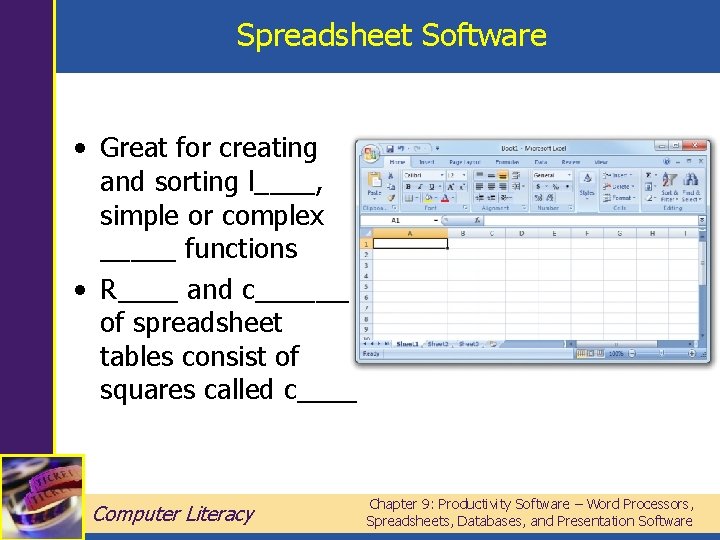
Spreadsheet Software • Great for creating and sorting l____, simple or complex _____ functions • R____ and c_______ of spreadsheet tables consist of squares called c____ Computer Literacy Chapter 9: Productivity Software – Word Processors, Spreadsheets, Databases, and Presentation Software
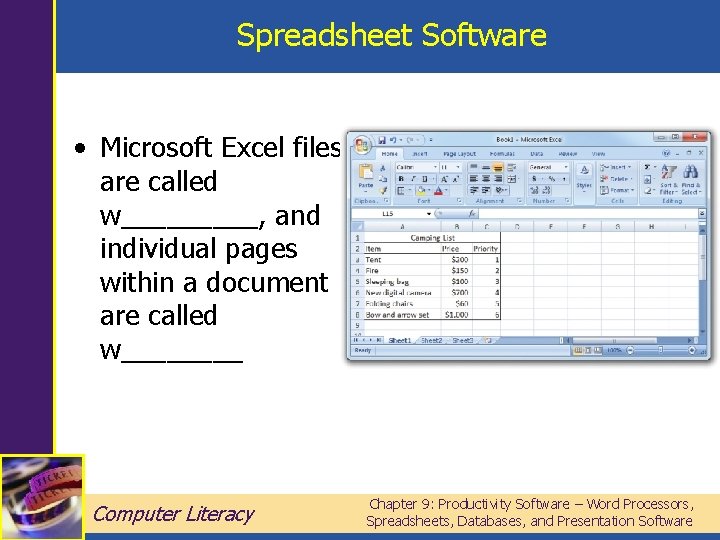
Spreadsheet Software • Microsoft Excel files are called w_____, and individual pages within a document are called w____ Computer Literacy Chapter 9: Productivity Software – Word Processors, Spreadsheets, Databases, and Presentation Software
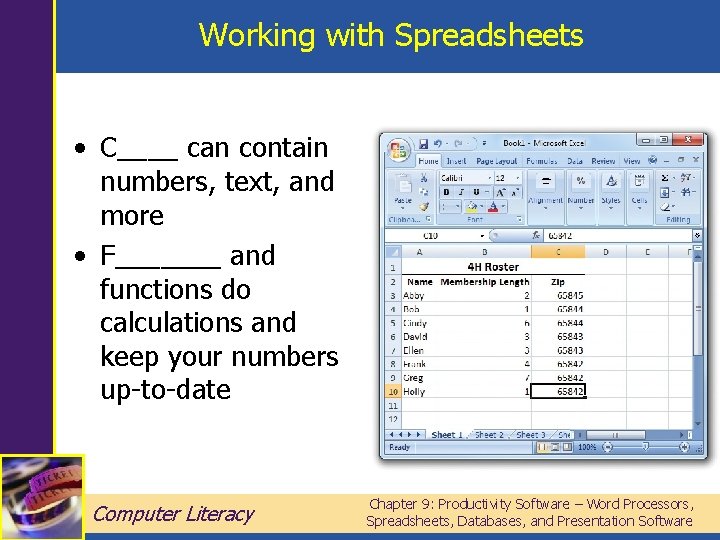
Working with Spreadsheets • C____ can contain numbers, text, and more • F_______ and functions do calculations and keep your numbers up-to-date Computer Literacy Chapter 9: Productivity Software – Word Processors, Spreadsheets, Databases, and Presentation Software
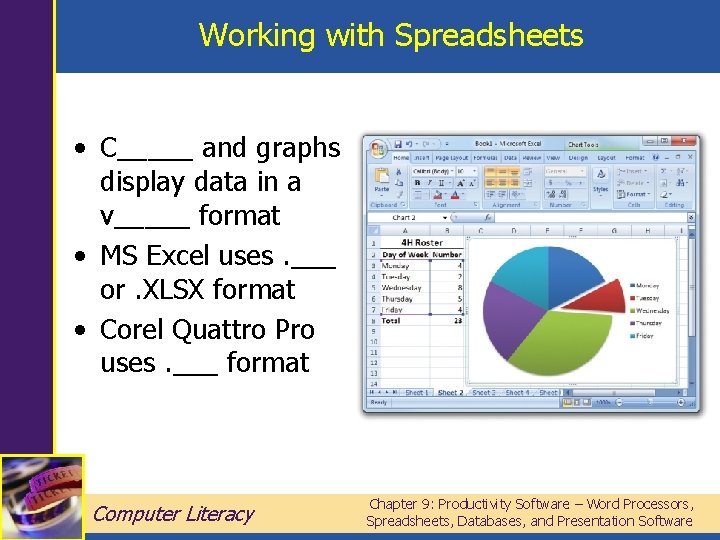
Working with Spreadsheets • C_____ and graphs display data in a v_____ format • MS Excel uses. ___ or. XLSX format • Corel Quattro Pro uses. ___ format Computer Literacy Chapter 9: Productivity Software – Word Processors, Spreadsheets, Databases, and Presentation Software
D_____ Software • Even more sophisticated than spreadsheets for manipulating data • Individual bits of data are called f______ • Related fields are grouped into r______ • Records are kept in t______ Computer Literacy Chapter 9: Productivity Software – Word Processors, Spreadsheets, Databases, and Presentation Software
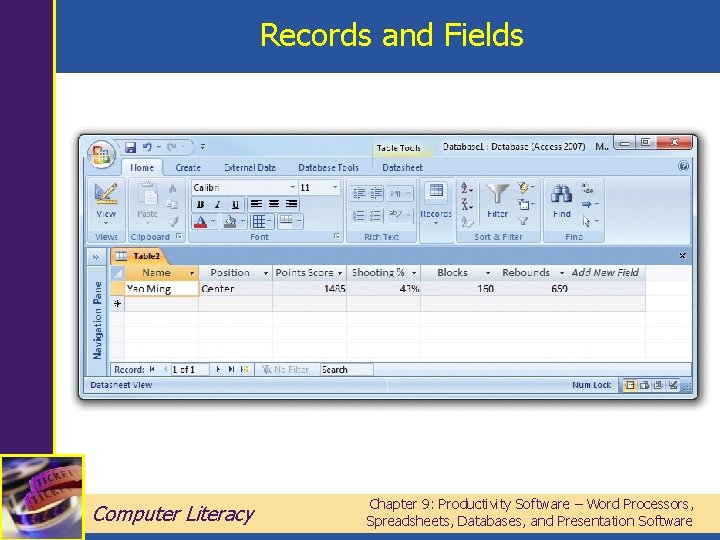
Records and Fields Computer Literacy Chapter 9: Productivity Software – Word Processors, Spreadsheets, Databases, and Presentation Software
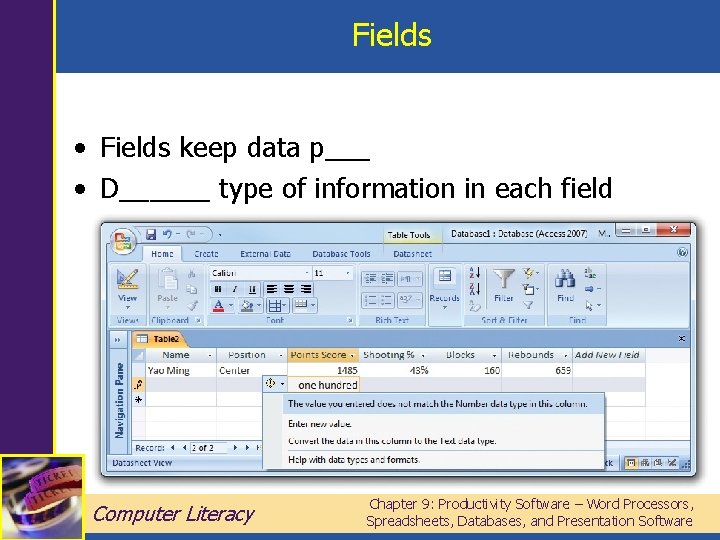
Fields • Fields keep data p___ • D______ type of information in each field Computer Literacy Chapter 9: Productivity Software – Word Processors, Spreadsheets, Databases, and Presentation Software
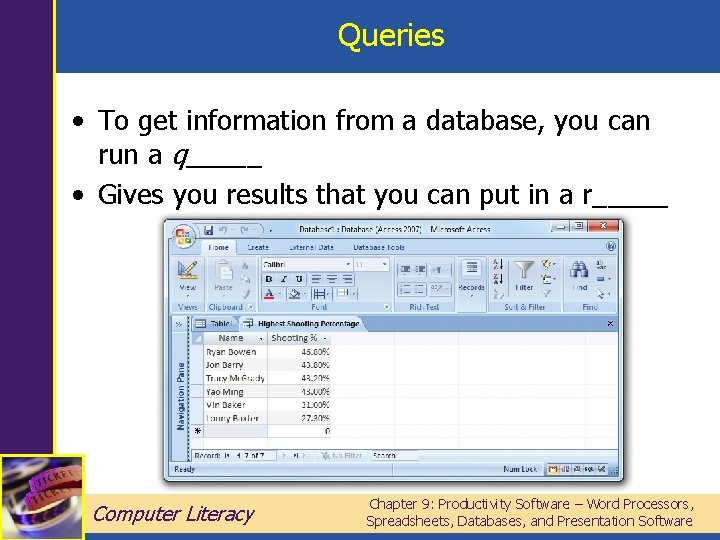
Queries • To get information from a database, you can run a q_____ • Gives you results that you can put in a r_____ Computer Literacy Chapter 9: Productivity Software – Word Processors, Spreadsheets, Databases, and Presentation Software
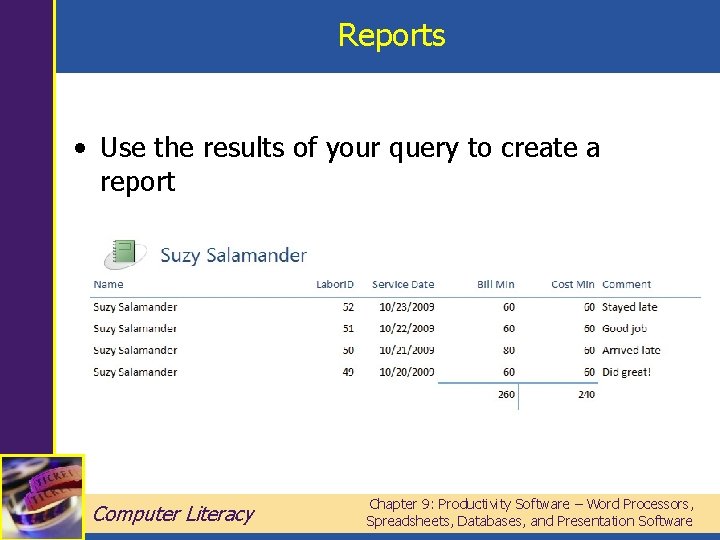
Reports • Use the results of your query to create a report Computer Literacy Chapter 9: Productivity Software – Word Processors, Spreadsheets, Databases, and Presentation Software
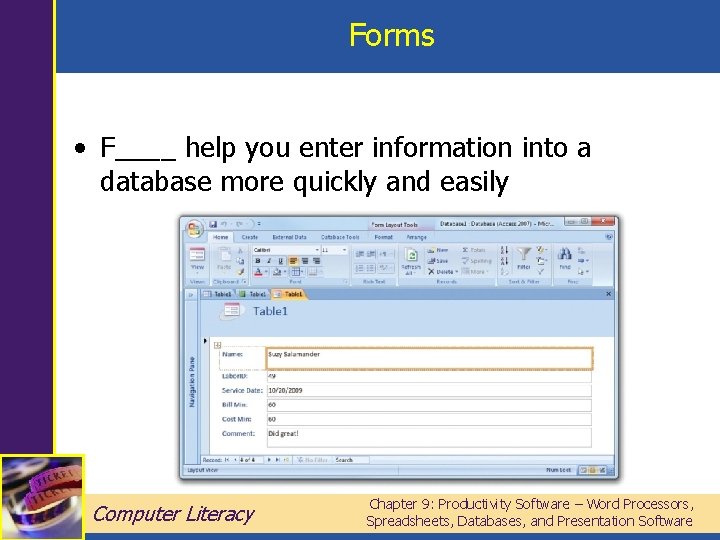
Forms • F____ help you enter information into a database more quickly and easily Computer Literacy Chapter 9: Productivity Software – Word Processors, Spreadsheets, Databases, and Presentation Software
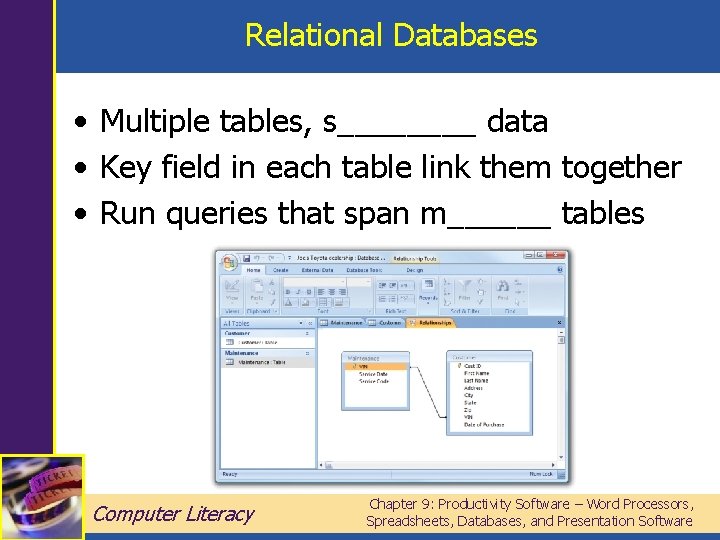
Relational Databases • Multiple tables, s____ data • Key field in each table link them together • Run queries that span m______ tables Computer Literacy Chapter 9: Productivity Software – Word Processors, Spreadsheets, Databases, and Presentation Software
Databases in Daily Life • Business uses – ______ reservations – Credit card t_____s • Personal uses – Organizing m_______ addresses – Listing household i____ Computer Literacy Chapter 9: Productivity Software – Word Processors, Spreadsheets, Databases, and Presentation Software
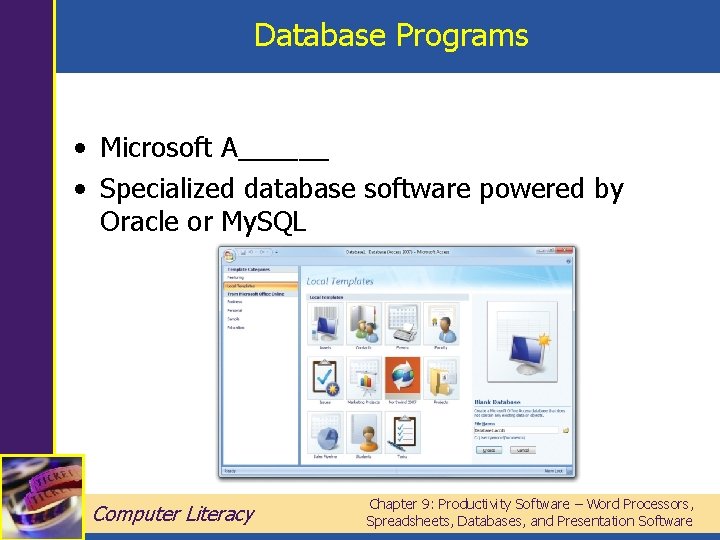
Database Programs • Microsoft A______ • Specialized database software powered by Oracle or My. SQL Computer Literacy Chapter 9: Productivity Software – Word Processors, Spreadsheets, Databases, and Presentation Software
Presentation Software • Create s_____s to accompany a speech or presentation • You’re looking at a Power. Point presentation right now! • Individual slides can include speaker n____, for use by the speaker or for audience handouts Computer Literacy Chapter 9: Productivity Software – Word Processors, Spreadsheets, Databases, and Presentation Software
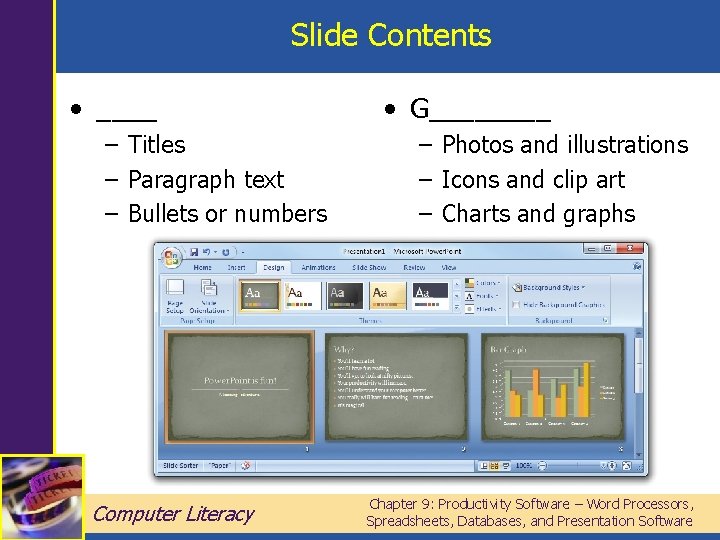
Slide Contents • ____ – Titles – Paragraph text – Bullets or numbers Computer Literacy • G____ – Photos and illustrations – Icons and clip art – Charts and graphs Chapter 9: Productivity Software – Word Processors, Spreadsheets, Databases, and Presentation Software
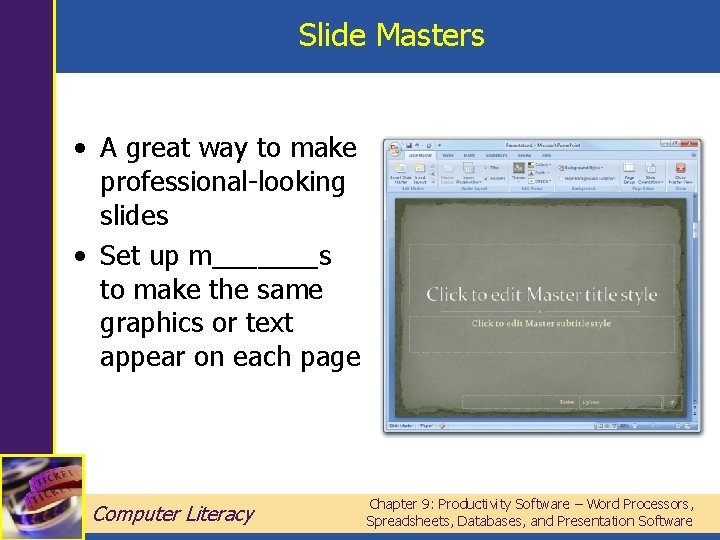
Slide Masters • A great way to make professional-looking slides • Set up m_______s to make the same graphics or text appear on each page Computer Literacy Chapter 9: Productivity Software – Word Processors, Spreadsheets, Databases, and Presentation Software
Slide Masters • The colored “frame” on this slide was created using a slide m_____r • When you change the master, __l of your slides instantly reflect that change Computer Literacy Chapter 9: Productivity Software – Word Processors, Spreadsheets, Databases, and Presentation Software
Giving a Presentation • Know ahead of time what hardware you have to work with, and whether the room has a p______ • For a long-distance presentation, you can ______ a copy of the file • Presentation mode removes all toolbars, the Start menu, and status bar so that the slides are all you see Computer Literacy Chapter 9: Productivity Software – Word Processors, Spreadsheets, Databases, and Presentation Software
Presentation Software • Power. Point, the most commonly used presentation program, creates. ___ and. PPTX files • Other programs include Lotus Freelance, Corel Presentations, and Apple Keynote for Macintosh computers Computer Literacy Chapter 9: Productivity Software – Word Processors, Spreadsheets, Databases, and Presentation Software
Summary • Mincing Words: Creating Text Documents with Word Processors, Desktop Publishing, and Web Software • Adding It Up: Making Charts, Tables, and Graphs with Spreadsheet Software • Everything in Its Place: Using Database Software • Making Your Point: Creating Slideshows with Presentation Software Computer Literacy Chapter 9: Productivity Software – Word Processors, Spreadsheets, Databases, and Presentation Software
- Slides: 30