
Chapter 9 Iteration Beyond the Basic PERFORM Simple
Chapter 9 Iteration: Beyond the Basic PERFORM
![Simple PERFORM Format PERFORM [paragraph-name-1] • • Executes all instructions in named paragraph Then](http://slidetodoc.com/presentation_image_h2/58fc73f9e1f658f6b8bdbdbaccee506a/image-2.jpg "Simple PERFORM Format PERFORM [paragraph-name-1] • • Executes all instructions in named paragraph Then")
Simple PERFORM Format PERFORM [paragraph-name-1] • • Executes all instructions in named paragraph Then transfers control to instruction following PERFORM
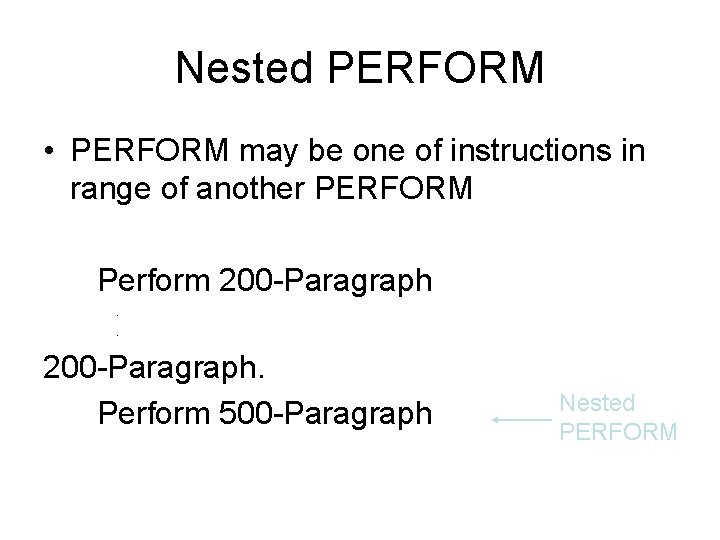
Nested PERFORM • PERFORM may be one of instructions in range of another PERFORM Perform 200 -Paragraph. Perform 500 -Paragraph Nested PERFORM
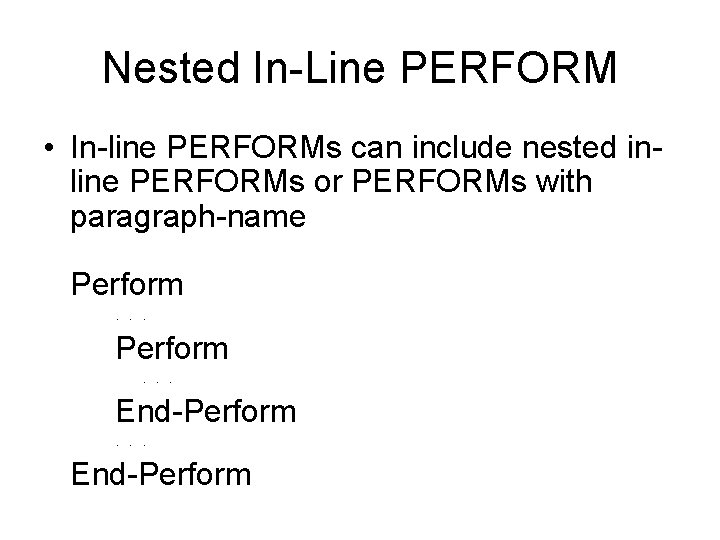
Nested In-Line PERFORM • In-line PERFORMs can include nested inline PERFORMs or PERFORMs with paragraph-name Perform. . . End-Perform

Control Structures • Sequence – instructions executed in order in which they appear • IF-THEN-ELSE or selection – instructions executed depending on value of condition • Iteration or looping – series of instructions executed repeatedly – either in-line or in different module
![PERFORM UNTIL Format PERFORM [paragraph-name-1] UNTIL condition-1 • Repeats statements in paragraph until condition](http://slidetodoc.com/presentation_image_h2/58fc73f9e1f658f6b8bdbdbaccee506a/image-6.jpg "PERFORM UNTIL Format PERFORM [paragraph-name-1] UNTIL condition-1 • Repeats statements in paragraph until condition")
PERFORM UNTIL Format PERFORM [paragraph-name-1] UNTIL condition-1 • Repeats statements in paragraph until condition is true • Called iteration or loop
Coding a Loop with PERFORM • Often want to perform some action a certain number of times • Use a field as a counter to count number of times action is repeated • Set field to zero initially, then increment it by 1 each time action repeated • When field equals number of times action is to be repeated, condition is met and loop ends
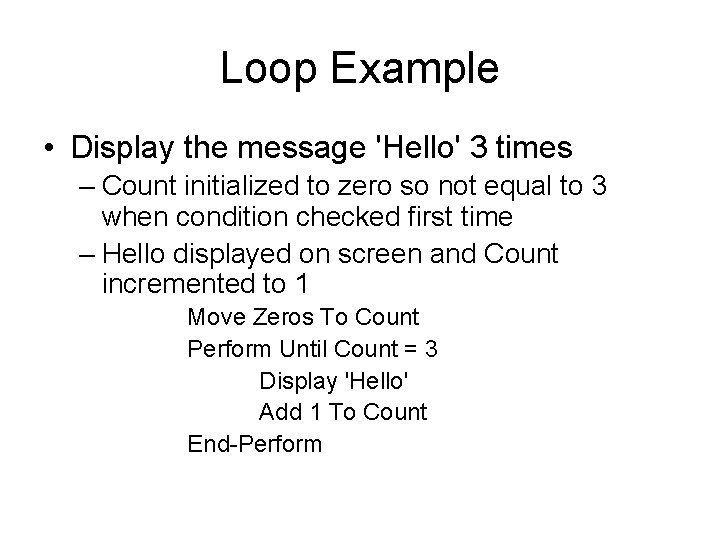
Loop Example • Display the message 'Hello' 3 times – Count initialized to zero so not equal to 3 when condition checked first time – Hello displayed on screen and Count incremented to 1 Move Zeros To Count Perform Until Count = 3 Display 'Hello' Add 1 To Count End-Perform
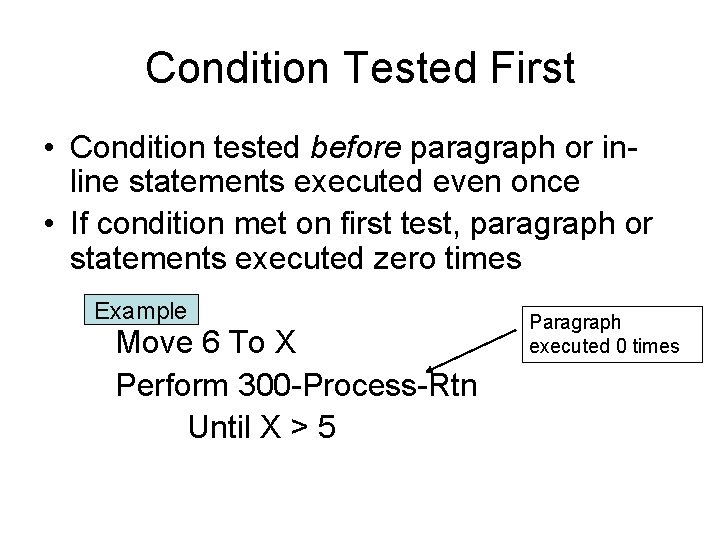
Condition Tested First • Condition tested before paragraph or inline statements executed even once • If condition met on first test, paragraph or statements executed zero times Example Move 6 To X Perform 300 -Process-Rtn Until X > 5 Paragraph executed 0 times
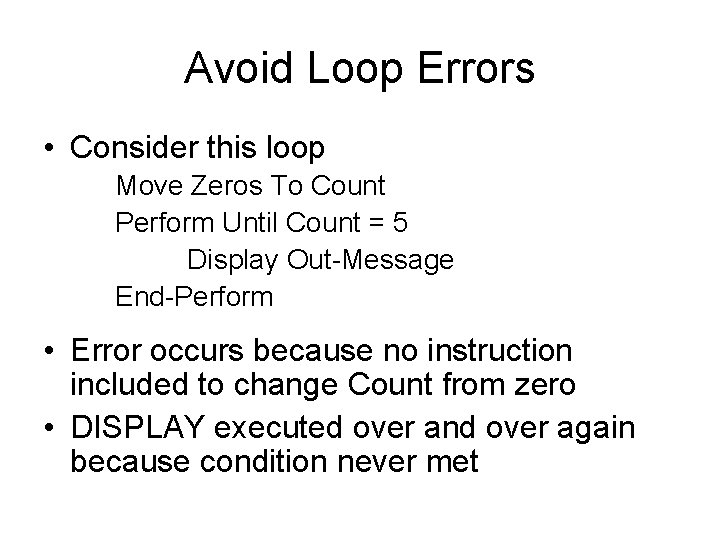
Avoid Loop Errors • Consider this loop Move Zeros To Count Perform Until Count = 5 Display Out-Message End-Perform • Error occurs because no instruction included to change Count from zero • DISPLAY executed over and over again because condition never met
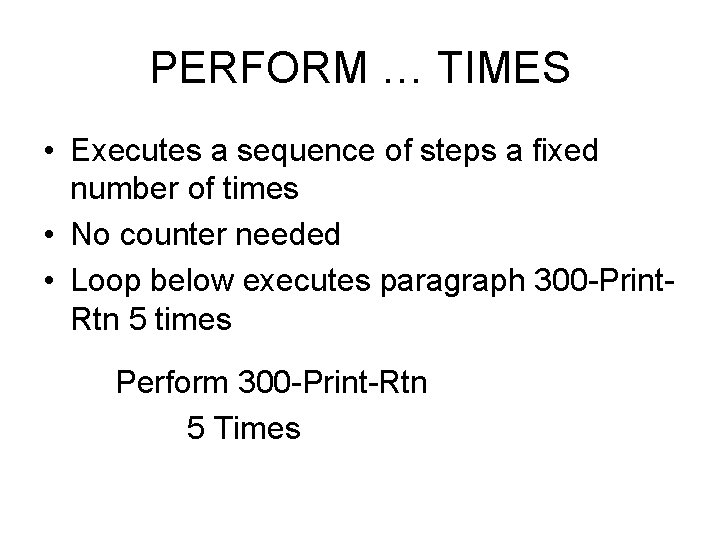
PERFORM … TIMES • Executes a sequence of steps a fixed number of times • No counter needed • Loop below executes paragraph 300 -Print. Rtn 5 times Perform 300 -Print-Rtn 5 Times
Nested PERFORMs • One of statements in PERFORM loop may be another PERFORM loop • A loop within another loop is called a nested loop
Nested PERFORM Example • Assume 50 records will be read in as 5 groups of 10 records • Amount fields of each group are to be added and a total printed • Five totals, one for each group of 10 records will be printed
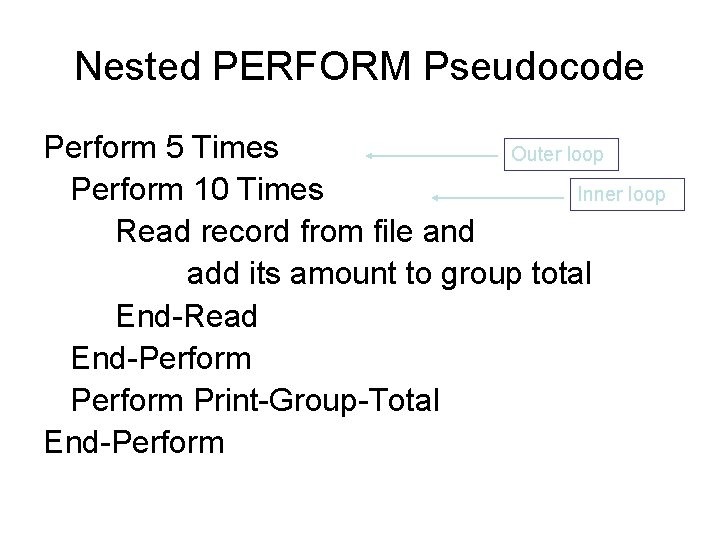
Nested PERFORM Pseudocode Perform 5 Times Outer loop Perform 10 Times Inner loop Read record from file and add its amount to group total End-Read End-Perform Print-Group-Total End-Perform
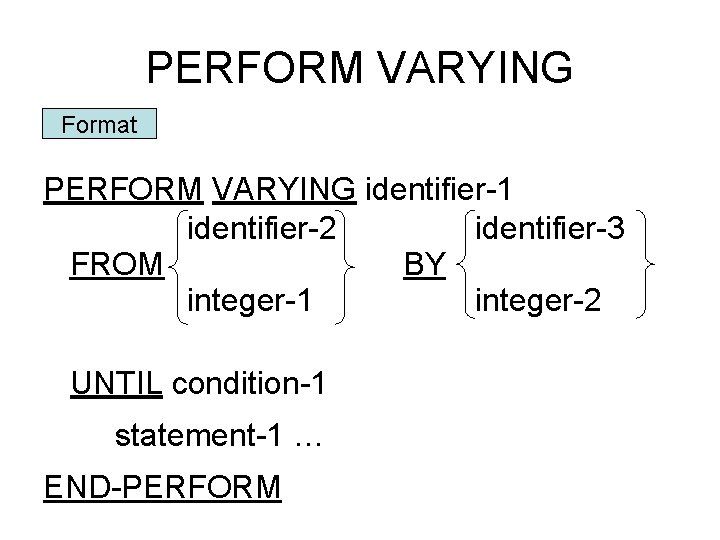
PERFORM VARYING Format PERFORM VARYING identifier-1 identifier-2 identifier-3 FROM BY integer-1 integer-2 UNTIL condition-1 statement-1 … END-PERFORM
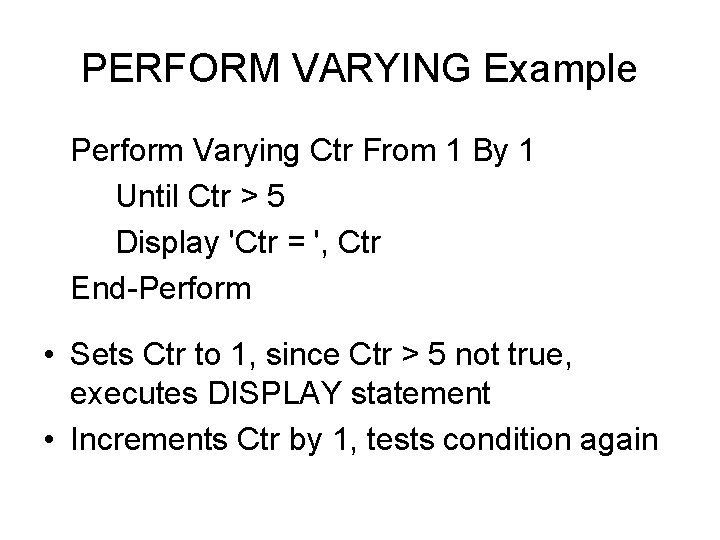
PERFORM VARYING Example Perform Varying Ctr From 1 By 1 Until Ctr > 5 Display 'Ctr = ', Ctr End-Perform • Sets Ctr to 1, since Ctr > 5 not true, executes DISPLAY statement • Increments Ctr by 1, tests condition again
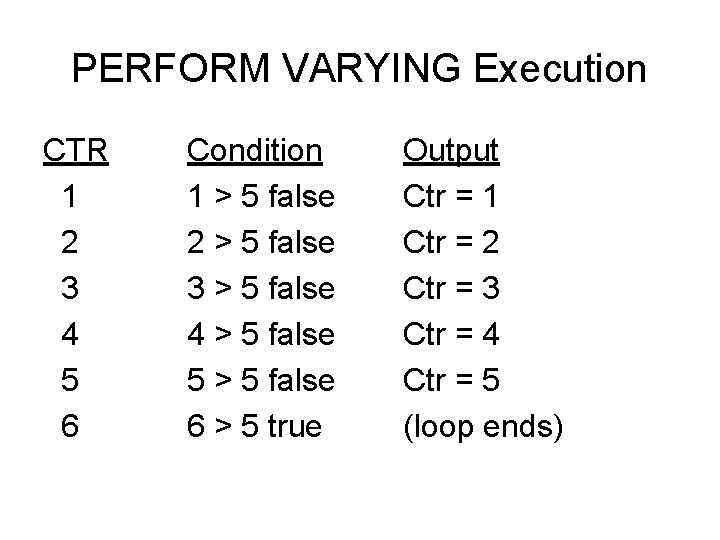
PERFORM VARYING Execution CTR 1 2 3 4 5 6 Condition 1 > 5 false 2 > 5 false 3 > 5 false 4 > 5 false 5 > 5 false 6 > 5 true Output Ctr = 1 Ctr = 2 Ctr = 3 Ctr = 4 Ctr = 5 (loop ends)
- Slides: 17