
Chapter 9 Arrays Java Programming from Thomson Course
![One-Dimensional Arrays • Syntax to instantiate an array: – data. Type[ ] array. Name;](https://slidetodoc.com/presentation_image_h2/eb7c030692bb564f925f2e9703056cff/image-3.jpg "One-Dimensional Arrays • Syntax to instantiate an array: – data. Type[ ] array. Name;")
![Array num: int[] num = new int[5]; 4](https://slidetodoc.com/presentation_image_h2/eb7c030692bb564f925f2e9703056cff/image-4.jpg "Array num: int[] num = new int[5]; 4")
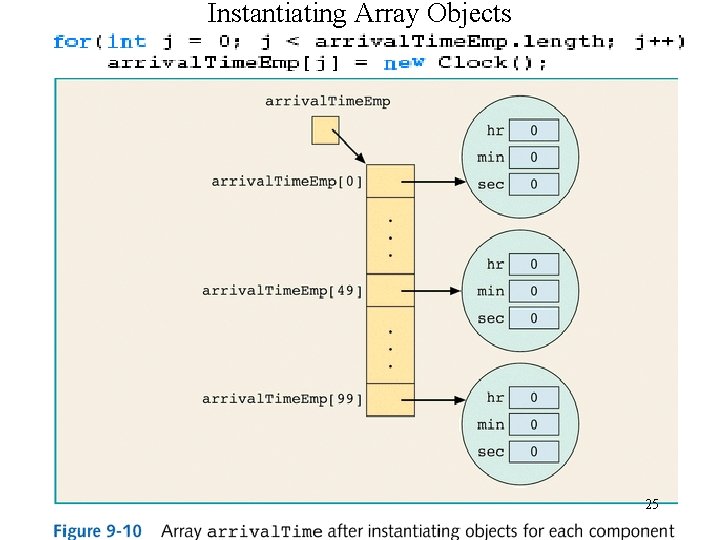
![Arrays of Objects: Clock[] arrival. Time. Emp =new Clock [100]; 24](https://slidetodoc.com/presentation_image_h2/eb7c030692bb564f925f2e9703056cff/image-24.jpg "Arrays of Objects: Clock[] arrival. Time. Emp =new Clock [100]; 24")
![Two-Dimensional Arrays double[][]sales = new double[10][5]; 28](https://slidetodoc.com/presentation_image_h2/eb7c030692bb564f925f2e9703056cff/image-28.jpg "Two-Dimensional Arrays double[][]sales = new double[10][5]; 28")
![Loops to Process Multidimensional Arrays double[][][] car. Dealers = new double [10][5][7]; for(i =](https://slidetodoc.com/presentation_image_h2/eb7c030692bb564f925f2e9703056cff/image-32.jpg "Loops to Process Multidimensional Arrays double[][][] car. Dealers = new double [10][5][7]; for(i =")
- Slides: 36
Chapter 9 Arrays Java Programming from Thomson Course Tech, adopted by kcluk 1
Array • Definition: structured data type with a fixed number of components • Every component is of the same type • Components are accessed using their relative positions in the array 2
One-Dimensional Arrays • Syntax to instantiate an array: – data. Type[ ] array. Name; array. Name = new data. Type[int. Exp] – data. Type[ ] array. Name 1, array. Name 2; • Syntax to access an array component: – array. Name[index. Exp] • int. Exp = number of components in array >= 0 • 0 <= index. Exp <= int. Exp 3
Array num: int[] num = new int[5]; 4
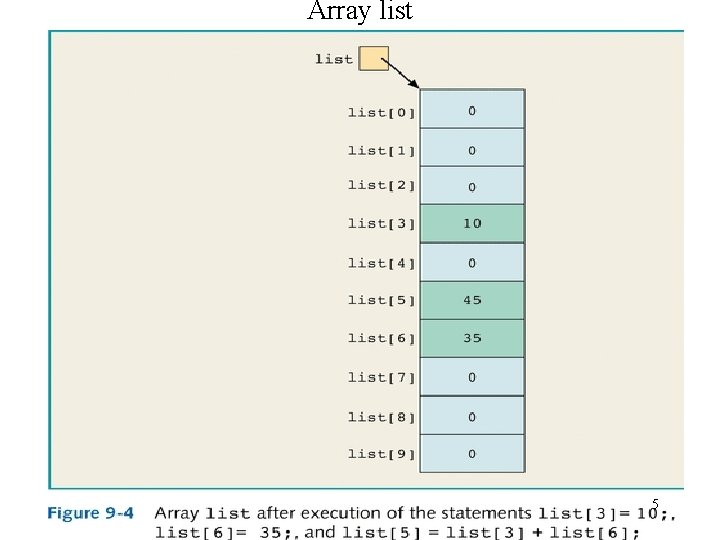
Array list 5
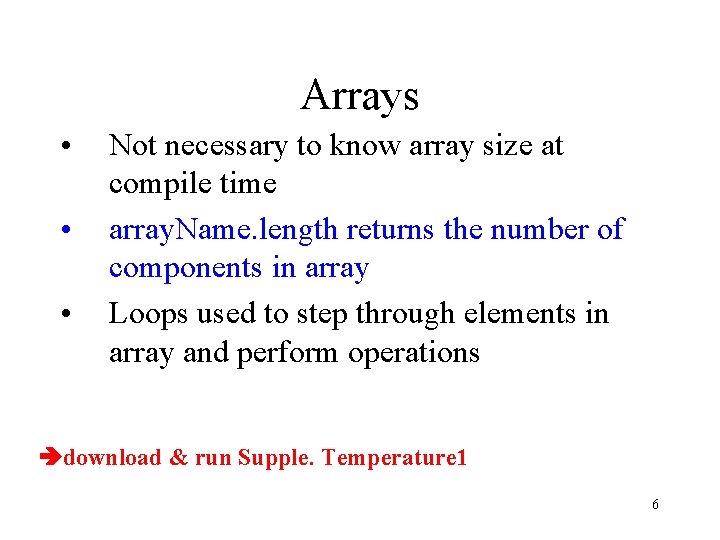
Arrays • • • Not necessary to know array size at compile time array. Name. length returns the number of components in array Loops used to step through elements in array and perform operations download & run Supple. Temperature 1 6
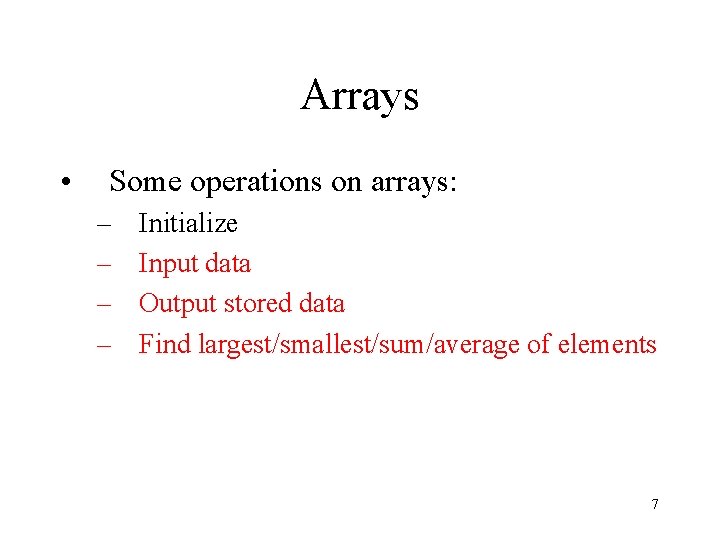
Arrays • Some operations on arrays: – – Initialize Input data Output stored data Find largest/smallest/sum/average of elements 7
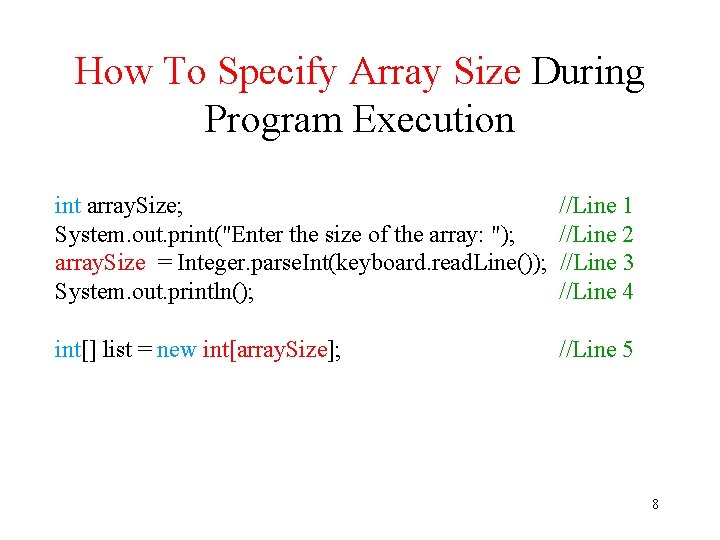
How To Specify Array Size During Program Execution int array. Size; System. out. print("Enter the size of the array: "); array. Size = Integer. parse. Int(keyboard. read. Line()); System. out. println(); //Line 1 //Line 2 //Line 3 //Line 4 int[] list = new int[array. Size]; //Line 5 8
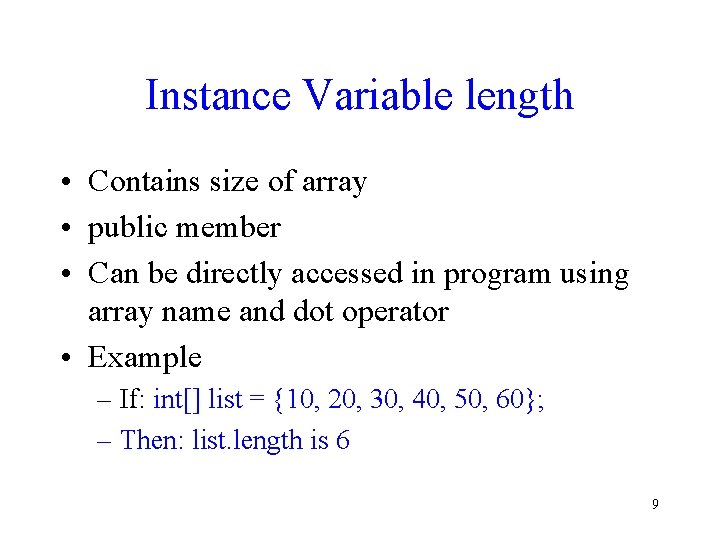
Instance Variable length • Contains size of array • public member • Can be directly accessed in program using array name and dot operator • Example – If: int[] list = {10, 20, 30, 40, 50, 60}; – Then: list. length is 6 9
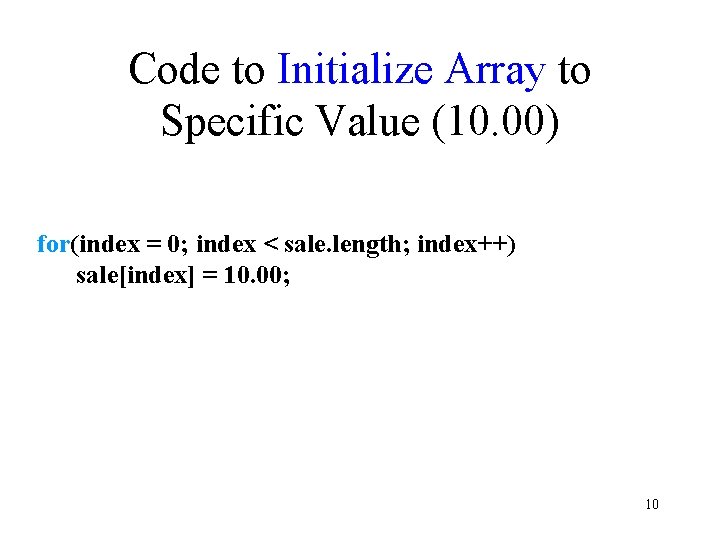
Code to Initialize Array to Specific Value (10. 00) for(index = 0; index < sale. length; index++) sale[index] = 10. 00; 10
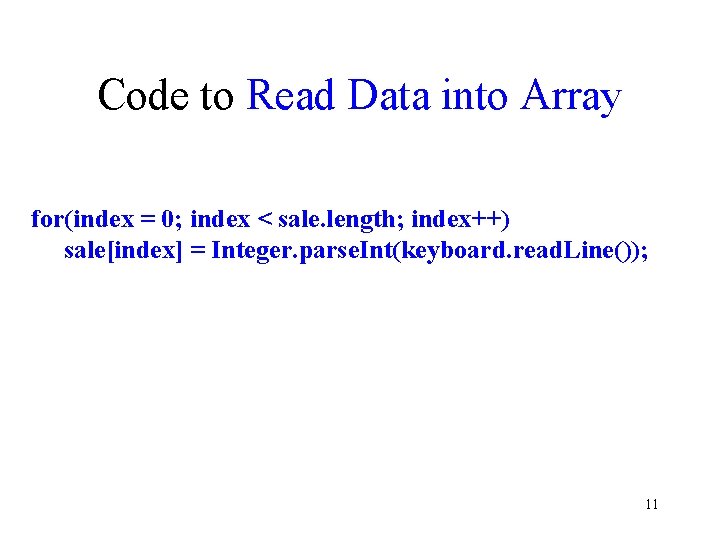
Code to Read Data into Array for(index = 0; index < sale. length; index++) sale[index] = Integer. parse. Int(keyboard. read. Line()); 11
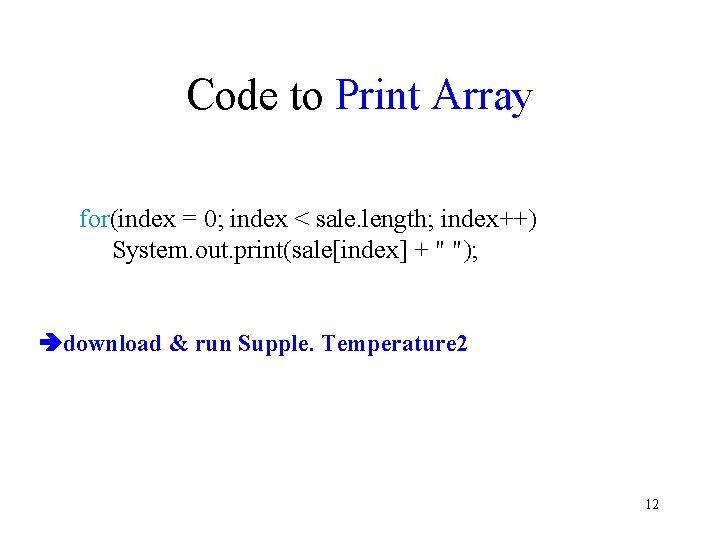
Code to Print Array for(index = 0; index < sale. length; index++) System. out. print(sale[index] + " "); download & run Supple. Temperature 2 12
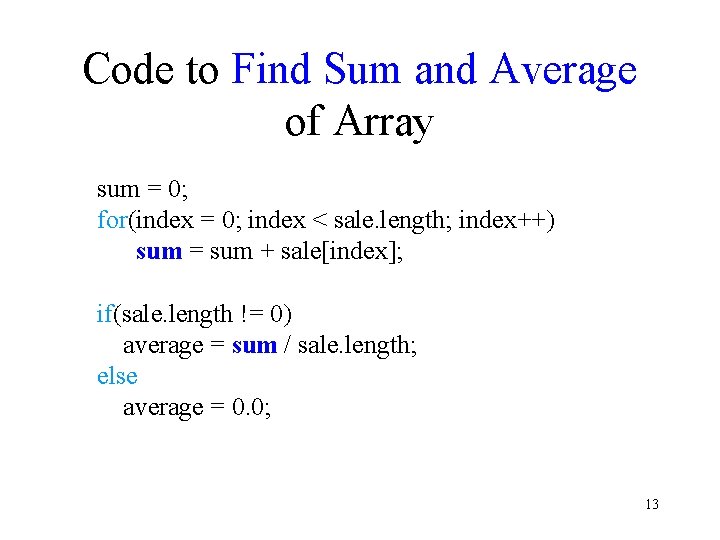
Code to Find Sum and Average of Array sum = 0; for(index = 0; index < sale. length; index++) sum = sum + sale[index]; if(sale. length != 0) average = sum / sale. length; else average = 0. 0; 13
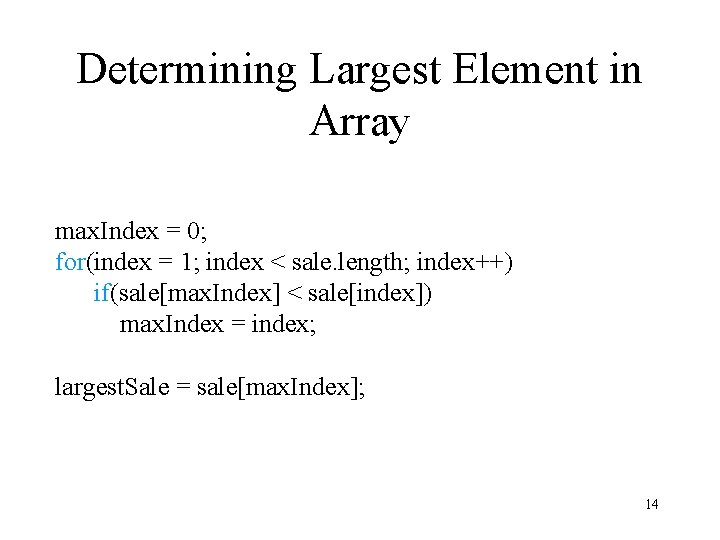
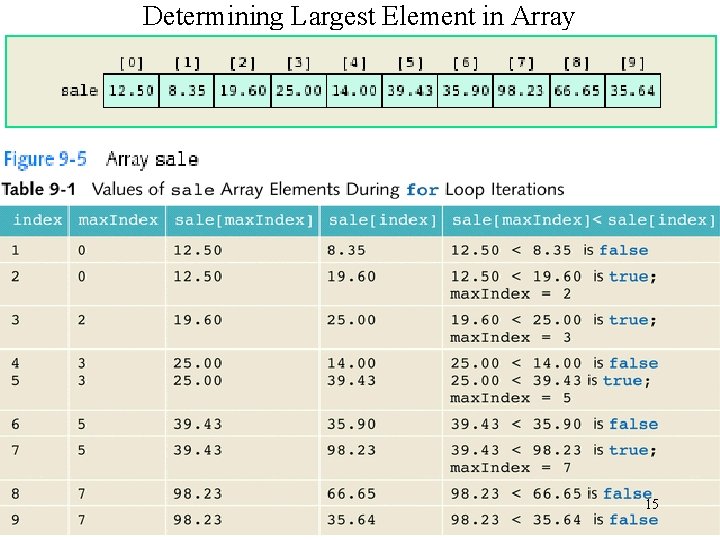
Determining Largest Element in Array max. Index = 0; for(index = 1; index < sale. length; index++) if(sale[max. Index] < sale[index]) max. Index = index; largest. Sale = sale[max. Index]; 14
Determining Largest Element in Array 15
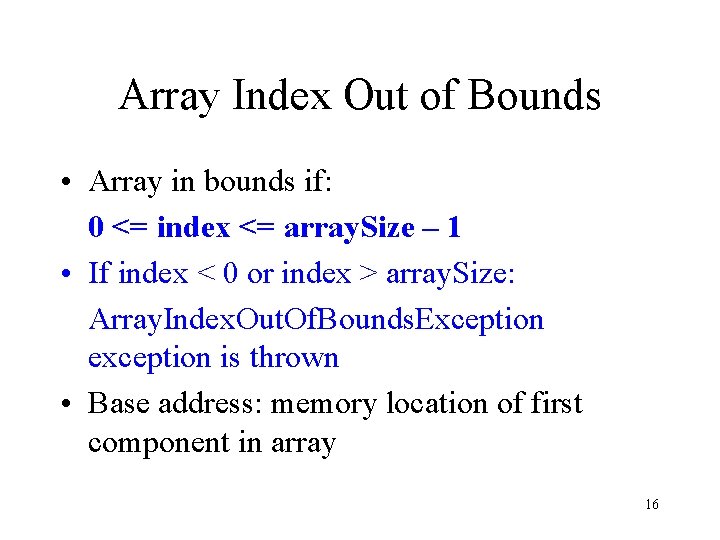
Array Index Out of Bounds • Array in bounds if: 0 <= index <= array. Size – 1 • If index < 0 or index > array. Size: Array. Index. Out. Of. Bounds. Exception exception is thrown • Base address: memory location of first component in array 16
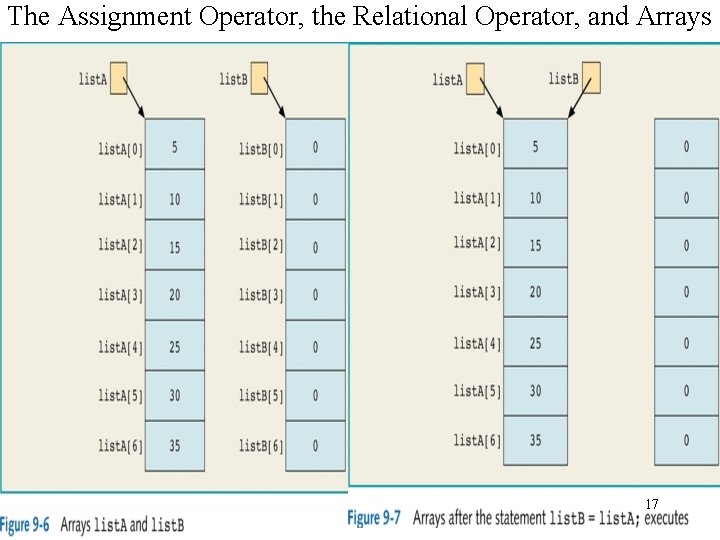
The Assignment Operator, the Relational Operator, and Arrays 17
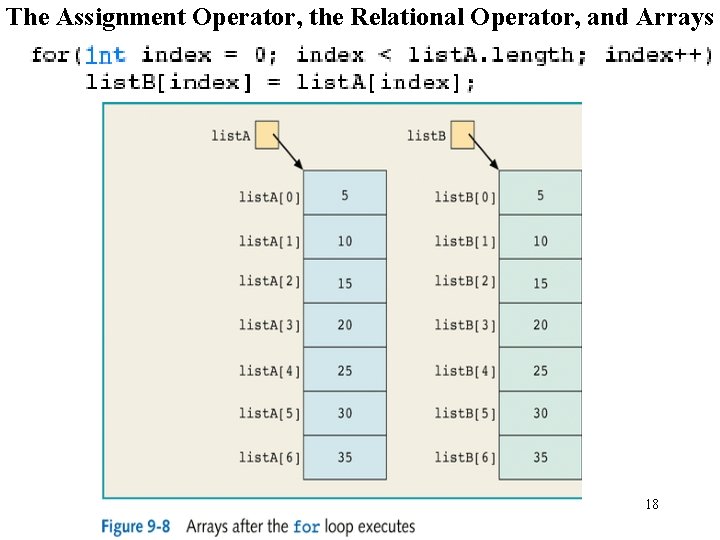
The Assignment Operator, the Relational Operator, and Arrays 18
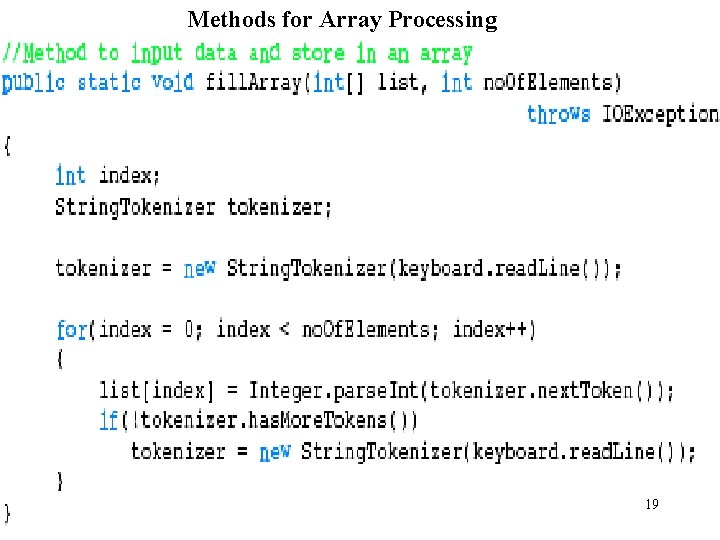
Methods for Array Processing 19
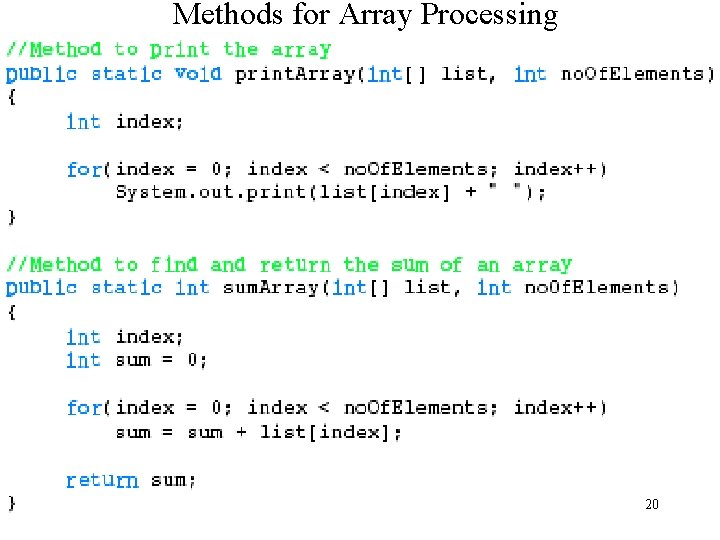
Methods for Array Processing 20
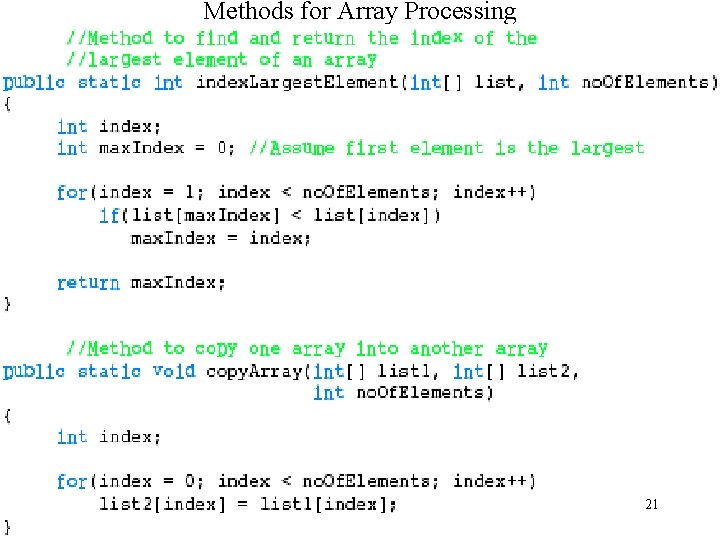
Methods for Array Processing 21
download & run the prog on ~cim Parallel Arrays • Arrays are parallel if corresponding components hold related information 22
Arrays of Objects • Can use arrays to manipulate objects • Example: create array named array 1 with N objects of type T T [ ] array 1 = new T[N] • Can instantiate array 1 as follows: for(int j=0; j <array 1. length; j++) array 1[j] = new T(); 23
Arrays of Objects: Clock[] arrival. Time. Emp =new Clock [100]; 24
Instantiating Array Objects 25
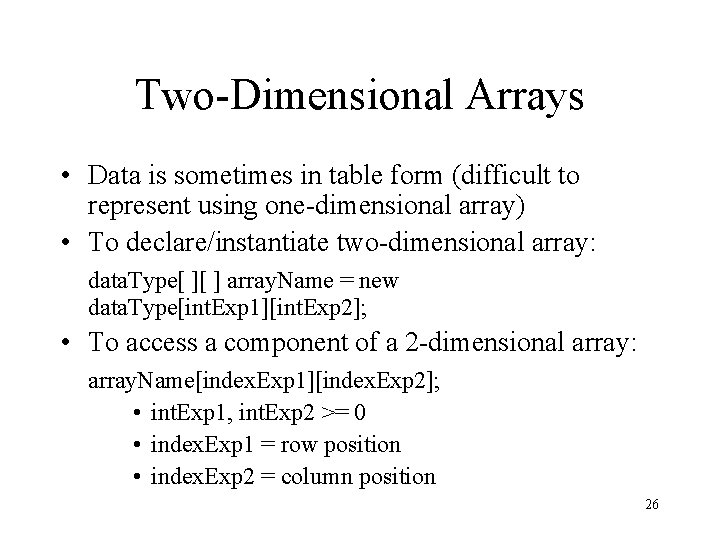
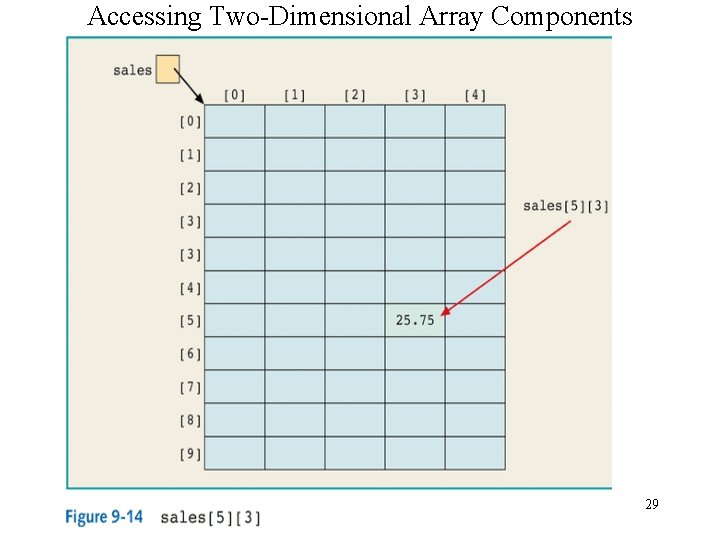
Two-Dimensional Arrays • Data is sometimes in table form (difficult to represent using one-dimensional array) • To declare/instantiate two-dimensional array: data. Type[ ][ ] array. Name = new data. Type[int. Exp 1][int. Exp 2]; • To access a component of a 2 -dimensional array: array. Name[index. Exp 1][index. Exp 2]; • int. Exp 1, int. Exp 2 >= 0 • index. Exp 1 = row position • index. Exp 2 = column position 26
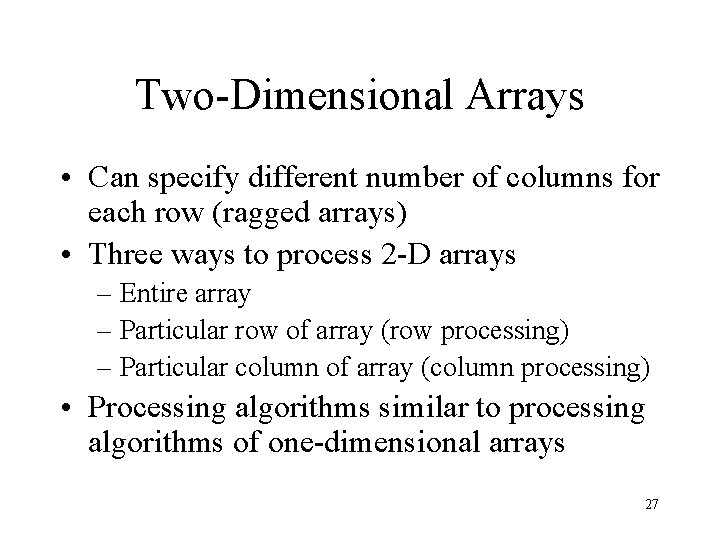
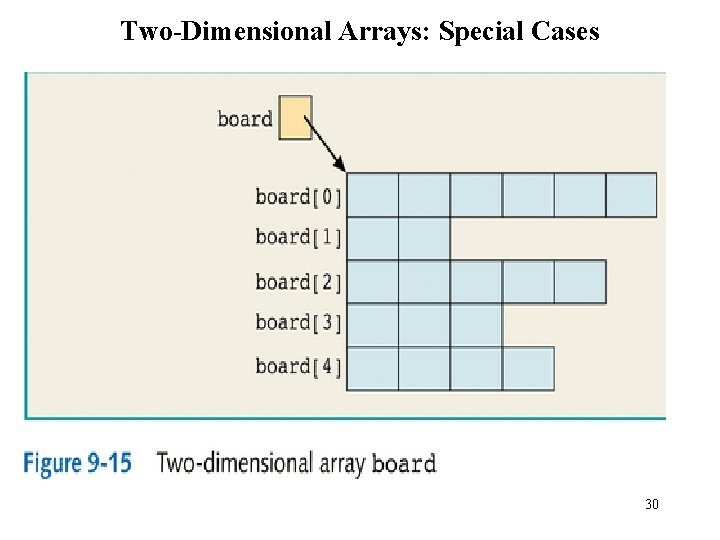
Two-Dimensional Arrays • Can specify different number of columns for each row (ragged arrays) • Three ways to process 2 -D arrays – Entire array – Particular row of array (row processing) – Particular column of array (column processing) • Processing algorithms similar to processing algorithms of one-dimensional arrays 27
Two-Dimensional Arrays double[][]sales = new double[10][5]; 28
Accessing Two-Dimensional Array Components 29
Two-Dimensional Arrays: Special Cases 30
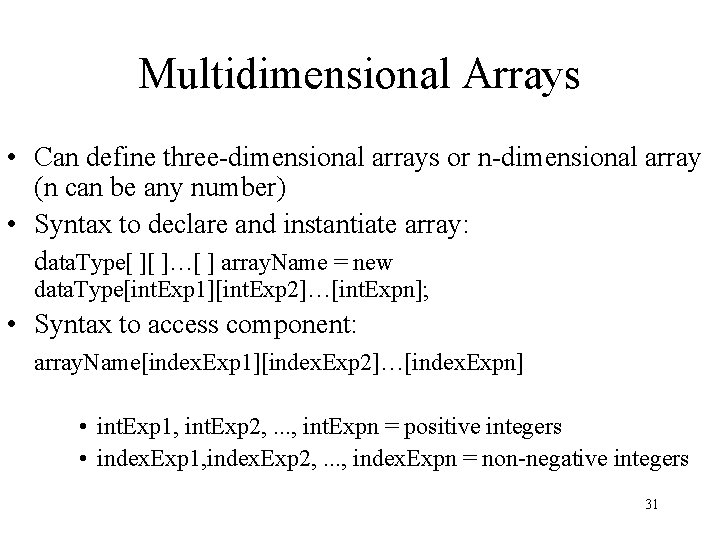
Multidimensional Arrays • Can define three-dimensional arrays or n-dimensional array (n can be any number) • Syntax to declare and instantiate array: data. Type[ ][ ]…[ ] array. Name = new data. Type[int. Exp 1][int. Exp 2]…[int. Expn]; • Syntax to access component: array. Name[index. Exp 1][index. Exp 2]…[index. Expn] • int. Exp 1, int. Exp 2, . . . , int. Expn = positive integers • index. Exp 1, index. Exp 2, . . . , index. Expn = non-negative integers 31
Loops to Process Multidimensional Arrays double[][][] car. Dealers = new double [10][5][7]; for(i = 0; i < 10; i++) for(j = 0; j < 5; j++) for(k = 0; k < 7; k++) car. Dealers[i][j][k] = 10. 00; 32
Programming Example: Text Processing • Program: reads given text; outputs the text as is; prints number of lines and number of times each letter appears in text • Input: file containing text to be processed • Output: file containing text, number of lines, number of times letter appears in text 33
Programming Example Solution: Text Processing • An array of 26 representing the letters in the alphabet • Three methods: – copy. Text – character. Count – write. Total • Value in appropriate index incremented using methods and depending on character read from text 34
Chapter Summary • Arrays – Definition – Uses • Different Arrays – – – One-dimensional Two-dimensional Multidimensional (n-dimensional) Arrays of objects Parallel arrays 35
Chapter Summary • Declaring arrays • Instantiating arrays • Processing arrays – Entire array – Row processing – Column processing • Common operations and methods performed on arrays • Manipulating data in arrays 36