
Chapter 9 ARRAYS 1 INTRODUCTION TO ARRAYS The
![INTRODUCTION TO ARRAYS Accessing Array Elements final int DAYS = 7; double[ ] daily.](https://slidetodoc.com/presentation_image_h2/eb36e9e0d566178680a8216a3f755165/image-13.jpg "INTRODUCTION TO ARRAYS Accessing Array Elements final int DAYS = 7; double[ ] daily.")
![INTRODUCTION TO ARRAYS Accessing Array Elements final int DAYS = 7; double[ ] daily.](https://slidetodoc.com/presentation_image_h2/eb36e9e0d566178680a8216a3f755165/image-17.jpg "INTRODUCTION TO ARRAYS Accessing Array Elements final int DAYS = 7; double[ ] daily.")
- Slides: 29
Chapter 9 ARRAYS 1
INTRODUCTION TO ARRAYS The following variable declarations each allocate enough storage to hold one value of the specified data type. int number; double income; char letter; 2
INTRODUCTION TO ARRAYS • An array is an object containing a list of elements of the same data type. 3
INTRODUCTION TO ARRAYS • We can create an array by: – Declaring an array reference variable to store the address of an array object. – Creating an array object using the new operator and assigning the address of the array to the array reference variable. 4
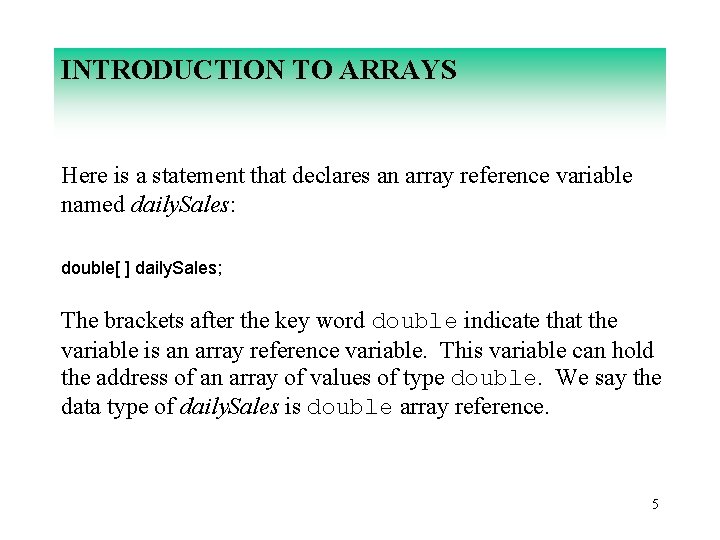
INTRODUCTION TO ARRAYS Here is a statement that declares an array reference variable named daily. Sales: double[ ] daily. Sales; The brackets after the key word double indicate that the variable is an array reference variable. This variable can hold the address of an array of values of type double. We say the data type of daily. Sales is double array reference. 5
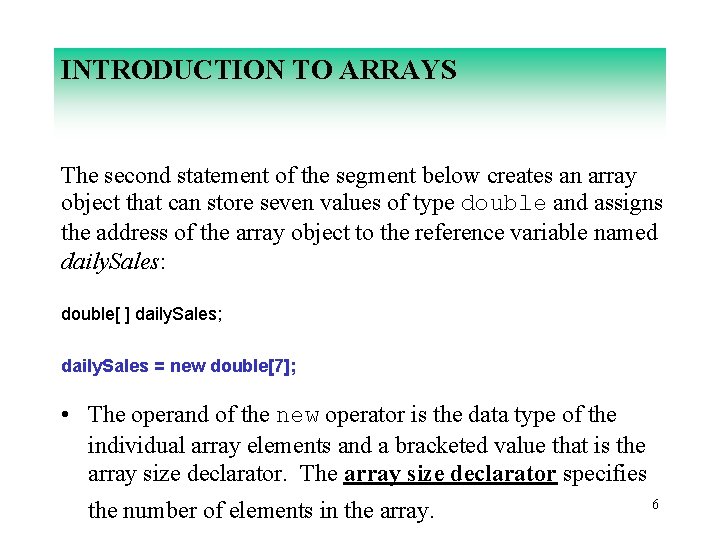
INTRODUCTION TO ARRAYS The second statement of the segment below creates an array object that can store seven values of type double and assigns the address of the array object to the reference variable named daily. Sales: double[ ] daily. Sales; daily. Sales = new double[7]; • The operand of the new operator is the data type of the individual array elements and a bracketed value that is the array size declarator. The array size declarator specifies 6 the number of elements in the array.
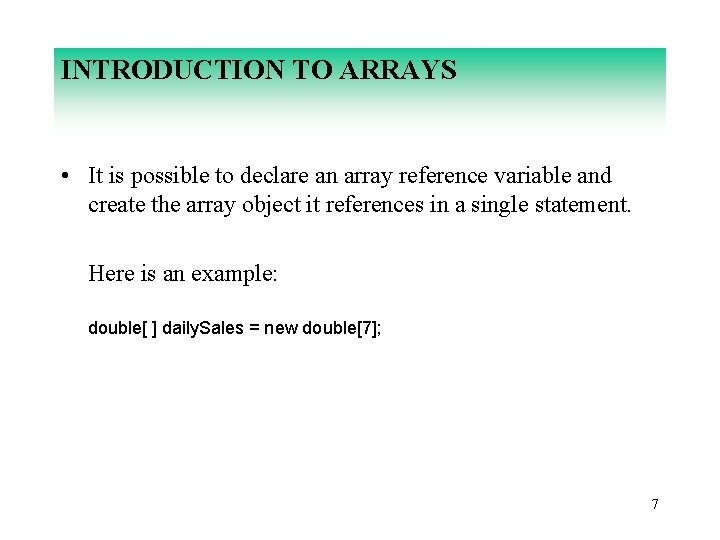
INTRODUCTION TO ARRAYS • It is possible to declare an array reference variable and create the array object it references in a single statement. Here is an example: double[ ] daily. Sales = new double[7]; 7
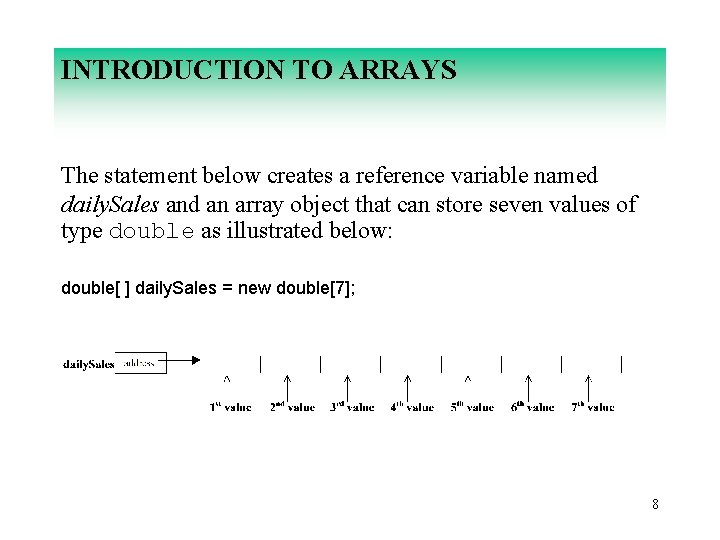
INTRODUCTION TO ARRAYS The statement below creates a reference variable named daily. Sales and an array object that can store seven values of type double as illustrated below: double[ ] daily. Sales = new double[7]; 8
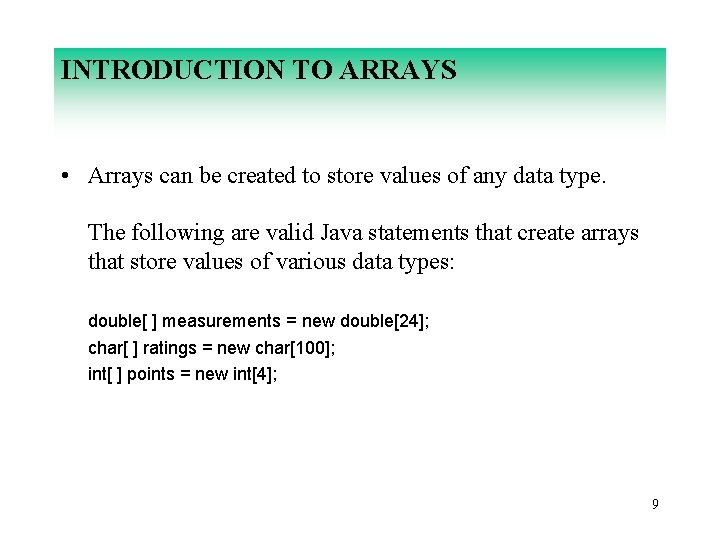
INTRODUCTION TO ARRAYS • Arrays can be created to store values of any data type. The following are valid Java statements that create arrays that store values of various data types: double[ ] measurements = new double[24]; char[ ] ratings = new char[100]; int[ ] points = new int[4]; 9
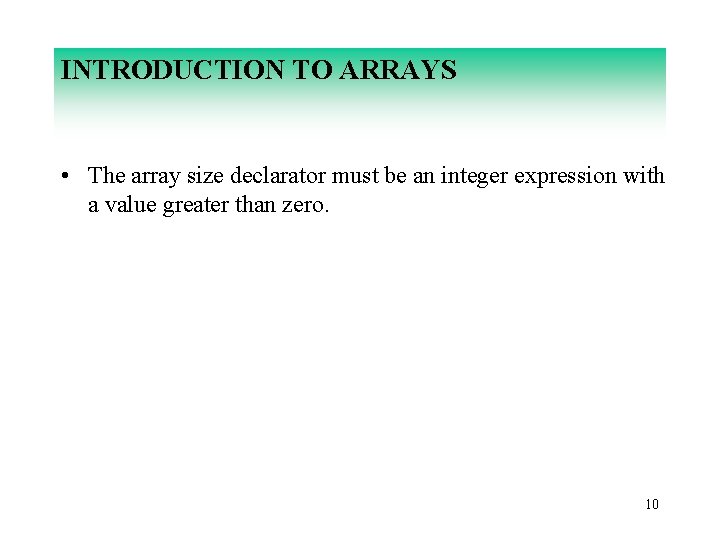
INTRODUCTION TO ARRAYS • The array size declarator must be an integer expression with a value greater than zero. 10
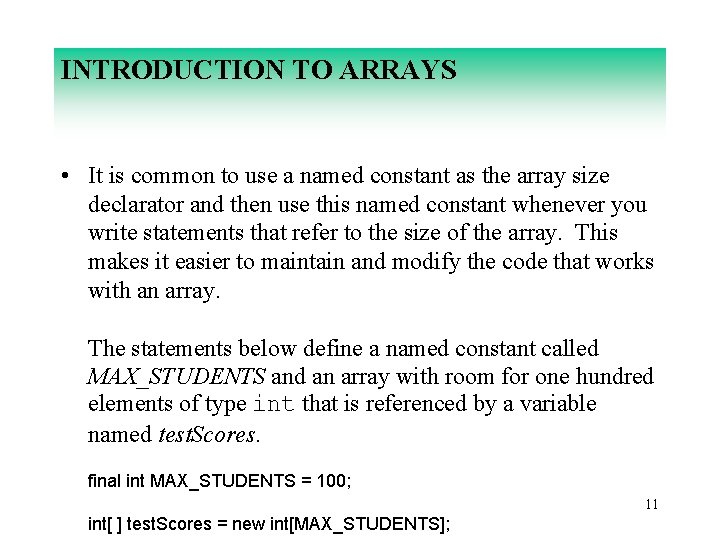
INTRODUCTION TO ARRAYS • It is common to use a named constant as the array size declarator and then use this named constant whenever you write statements that refer to the size of the array. This makes it easier to maintain and modify the code that works with an array. The statements below define a named constant called MAX_STUDENTS and an array with room for one hundred elements of type int that is referenced by a variable named test. Scores. final int MAX_STUDENTS = 100; 11 int[ ] test. Scores = new int[MAX_STUDENTS];
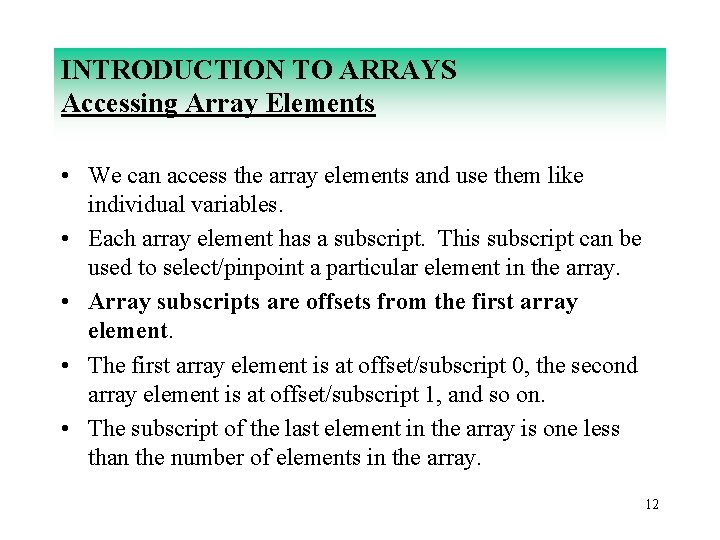
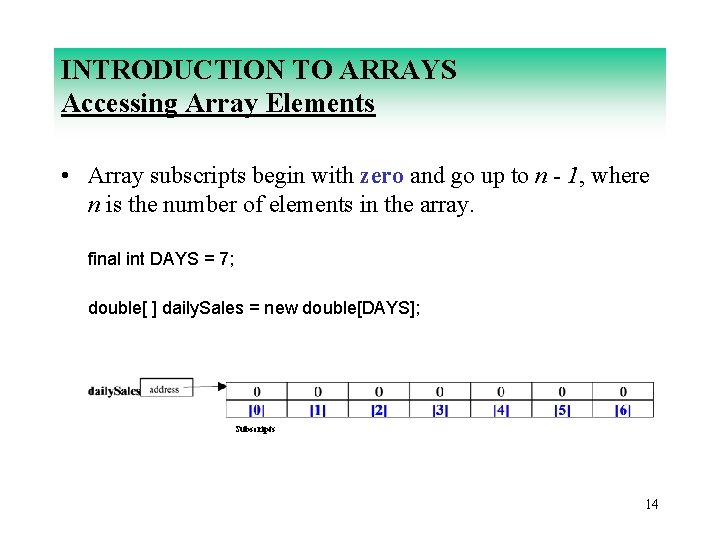
INTRODUCTION TO ARRAYS Accessing Array Elements • We can access the array elements and use them like individual variables. • Each array element has a subscript. This subscript can be used to select/pinpoint a particular element in the array. • Array subscripts are offsets from the first array element. • The first array element is at offset/subscript 0, the second array element is at offset/subscript 1, and so on. • The subscript of the last element in the array is one less than the number of elements in the array. 12
INTRODUCTION TO ARRAYS Accessing Array Elements final int DAYS = 7; double[ ] daily. Sales = new double[DAYS]; Subscripts daily. Sales[0], pronounced daily. Sales sub zero, is the first element of the array. daily. Sales[1], pronounced daily. Sales sub one, is the second element of the array. daily. Sales[6], pronounced daily. Sales sub six, is the last element of the array. 13
INTRODUCTION TO ARRAYS Accessing Array Elements • Array subscripts begin with zero and go up to n - 1, where n is the number of elements in the array. final int DAYS = 7; double[ ] daily. Sales = new double[DAYS]; Subscripts 14
INTRODUCTION TO ARRAYS Accessing Array Elements • The value inside the brackets when the array is created is the array size declarator. • The value inside the brackets of any other statement that works with the contents of an array is the array subscript. 15
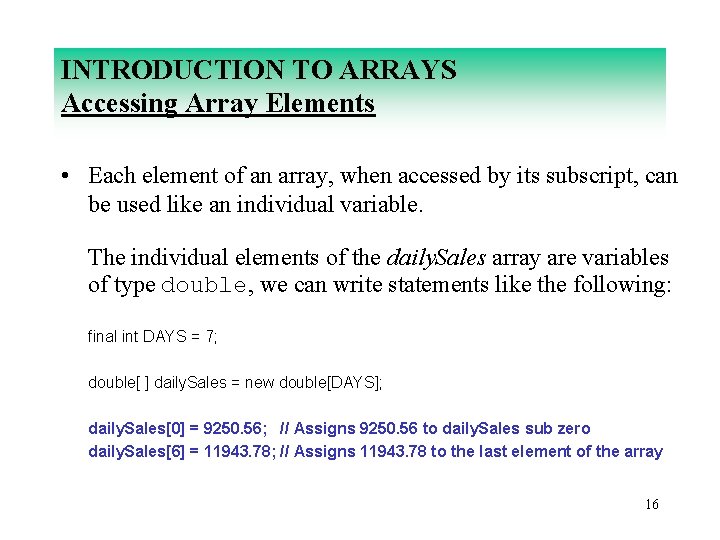
INTRODUCTION TO ARRAYS Accessing Array Elements • Each element of an array, when accessed by its subscript, can be used like an individual variable. The individual elements of the daily. Sales array are variables of type double, we can write statements like the following: final int DAYS = 7; double[ ] daily. Sales = new double[DAYS]; daily. Sales[0] = 9250. 56; // Assigns 9250. 56 to daily. Sales sub zero daily. Sales[6] = 11943. 78; // Assigns 11943. 78 to the last element of the array 16
INTRODUCTION TO ARRAYS Accessing Array Elements final int DAYS = 7; double[ ] daily. Sales = new double[DAYS]; daily. Sales[0] = 9250. 56; // Assigns 9250. 56 to daily. Sales sub zero daily. Sales[6] = 11943. 78; // Assigns 11943. 78 to the last element of the array System. out. print("Enter the daily sales for Monday: "); daily. Sales[1] = keyboard. next. Double( ); // Stores the value entered in daily. Sales sub 1 double sum = daily. Sales[0] + daily. Sales[1]; elements // Adds the values of the first two System. out. println("The sum of the daily sales for Sunday and Monday are " + sum + ". "); System. out. println("The sales for Monday were: " + daily. Sales[1]); 17 Subscripts
INTRODUCTION TO ARRAYS Accessing Array Elements • The values stored in the array must be accessed via the array subscripts. 18
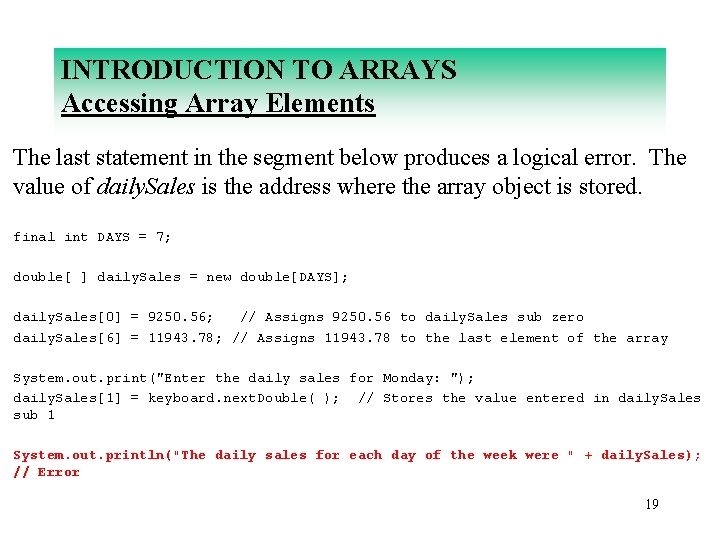
INTRODUCTION TO ARRAYS Accessing Array Elements The last statement in the segment below produces a logical error. The value of daily. Sales is the address where the array object is stored. final int DAYS = 7; double[ ] daily. Sales = new double[DAYS]; daily. Sales[0] = 9250. 56; // Assigns 9250. 56 to daily. Sales sub zero daily. Sales[6] = 11943. 78; // Assigns 11943. 78 to the last element of the array System. out. print("Enter the daily sales for Monday: "); daily. Sales[1] = keyboard. next. Double( ); // Stores the value entered in daily. Sales sub 1 System. out. println("The daily sales for each day of the week were " + daily. Sales); // Error 19
INTRODUCTION TO ARRAYS Accessing Array Elements • Subscript numbers can be stored in variables. • Typically, we use a loop to cycle through all the subscripts in the array to process the data in the array. 20
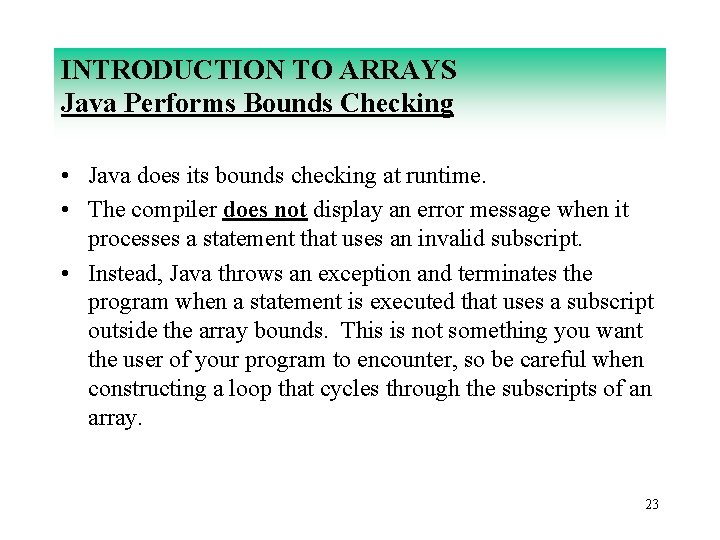
INTRODUCTION TO ARRAYS Java Performs Bounds Checking • Java performs bounds checking, which means it does not allow a statement to use a subscript that is outside the range 0 through n - 1, where n is the value of the array size declarator. 21
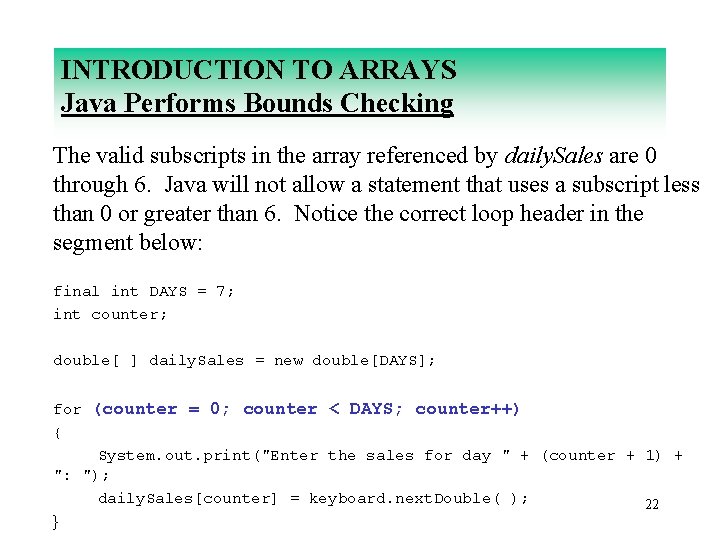
INTRODUCTION TO ARRAYS Java Performs Bounds Checking The valid subscripts in the array referenced by daily. Sales are 0 through 6. Java will not allow a statement that uses a subscript less than 0 or greater than 6. Notice the correct loop header in the segment below: final int DAYS = 7; int counter; double[ ] daily. Sales = new double[DAYS]; for (counter = 0; counter < DAYS; counter++) { System. out. print("Enter the sales for day " + (counter + 1) + ": "); daily. Sales[counter] = keyboard. next. Double( ); 22 }
INTRODUCTION TO ARRAYS Java Performs Bounds Checking • Java does its bounds checking at runtime. • The compiler does not display an error message when it processes a statement that uses an invalid subscript. • Instead, Java throws an exception and terminates the program when a statement is executed that uses a subscript outside the array bounds. This is not something you want the user of your program to encounter, so be careful when constructing a loop that cycles through the subscripts of an array. 23
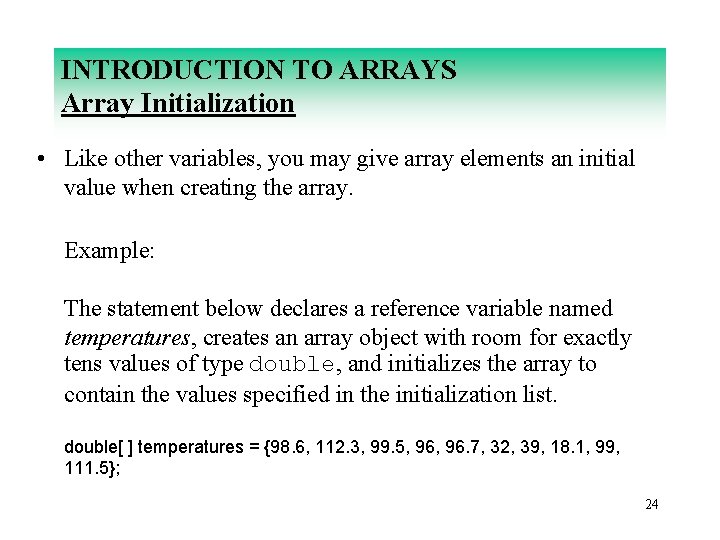
INTRODUCTION TO ARRAYS Array Initialization • Like other variables, you may give array elements an initial value when creating the array. Example: The statement below declares a reference variable named temperatures, creates an array object with room for exactly tens values of type double, and initializes the array to contain the values specified in the initialization list. double[ ] temperatures = {98. 6, 112. 3, 99. 5, 96. 7, 32, 39, 18. 1, 99, 111. 5}; 24
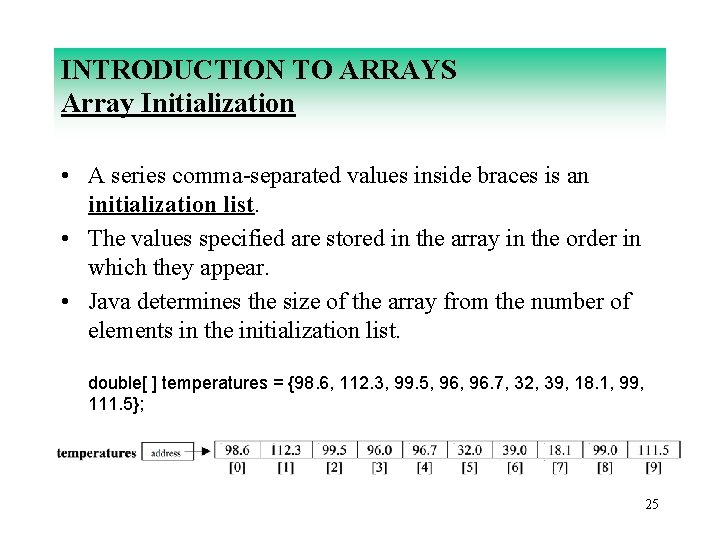
INTRODUCTION TO ARRAYS Array Initialization • A series comma-separated values inside braces is an initialization list. • The values specified are stored in the array in the order in which they appear. • Java determines the size of the array from the number of elements in the initialization list. double[ ] temperatures = {98. 6, 112. 3, 99. 5, 96. 7, 32, 39, 18. 1, 99, 111. 5}; 25
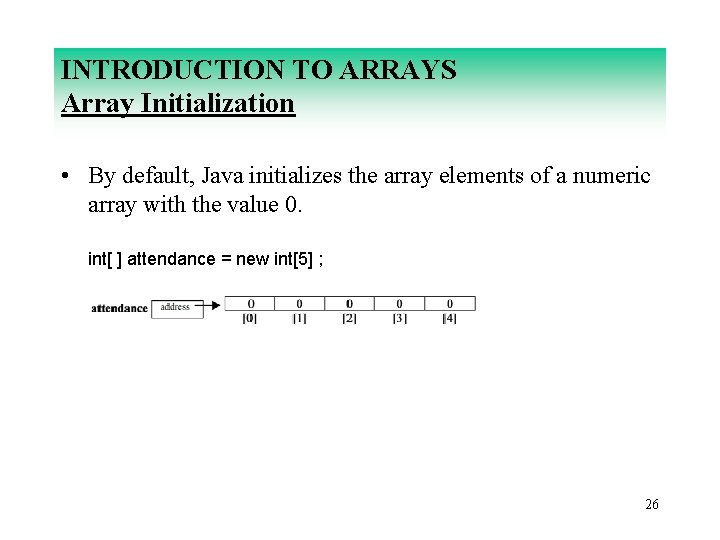
INTRODUCTION TO ARRAYS Array Initialization • By default, Java initializes the array elements of a numeric array with the value 0. int[ ] attendance = new int[5] ; 26
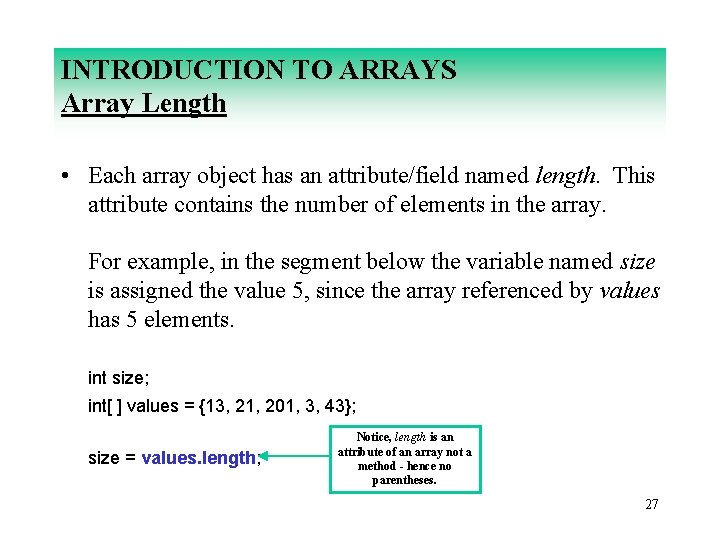
INTRODUCTION TO ARRAYS Array Length • Each array object has an attribute/field named length. This attribute contains the number of elements in the array. For example, in the segment below the variable named size is assigned the value 5, since the array referenced by values has 5 elements. int size; int[ ] values = {13, 21, 201, 3, 43}; size = values. length; Notice, length is an attribute of an array not a method - hence no parentheses. 27
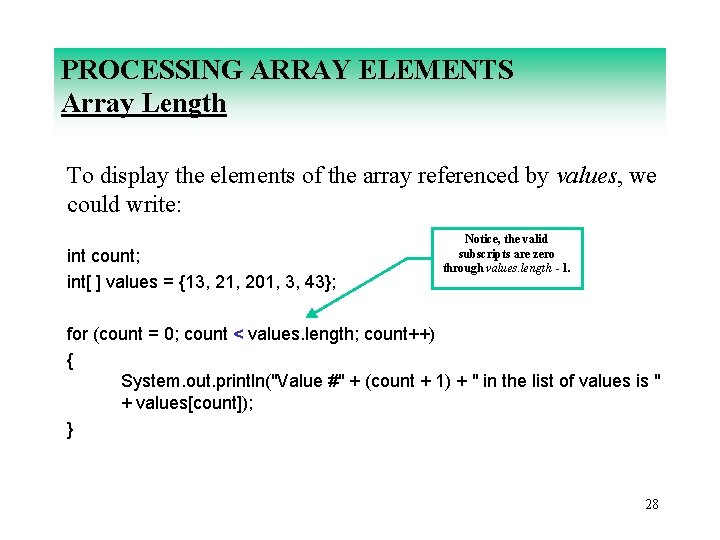
PROCESSING ARRAY ELEMENTS Array Length To display the elements of the array referenced by values, we could write: int count; int[ ] values = {13, 21, 201, 3, 43}; Notice, the valid subscripts are zero through values. length - 1. for (count = 0; count < values. length; count++) { System. out. println("Value #" + (count + 1) + " in the list of values is " + values[count]); } 28
PROCESSING ARRAY ELEMENTS Reassigning Array Reference Variables • The assignment operator does not copy the contents of one array to another array. 29