
Chapter 8 User Support Contents Requirements of user
- Slides: 7
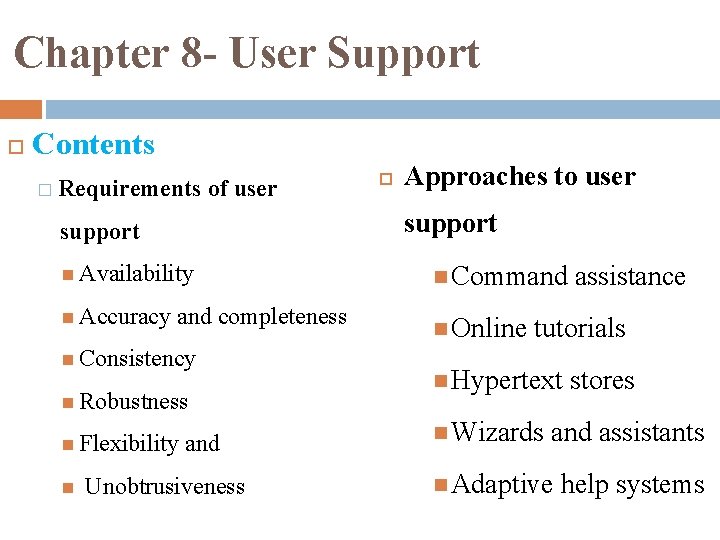
Chapter 8 - User Support Contents � Requirements of user Approaches to user support Availability Command Accuracy Online and completeness Consistency Robustness Flexibility and Unobtrusiveness assistance tutorials Hypertext Wizards stores and assistants Adaptive help systems
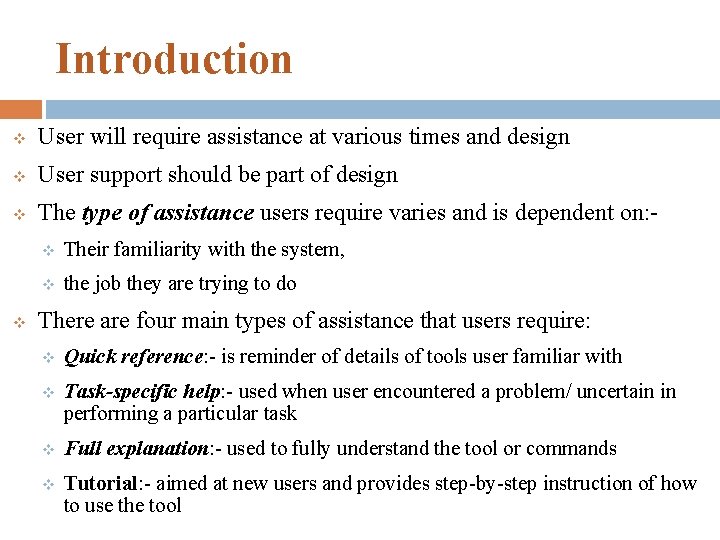
Introduction v User will require assistance at various times and design v User support should be part of design v The type of assistance users require varies and is dependent on: - v v Their familiarity with the system, v the job they are trying to do There are four main types of assistance that users require: v Quick reference: - is reminder of details of tools user familiar with v Task-specific help: - used when user encountered a problem/ uncertain in performing a particular task v Full explanation: - used to fully understand the tool or commands v Tutorial: - aimed at new users and provides step-by-step instruction of how to use the tool
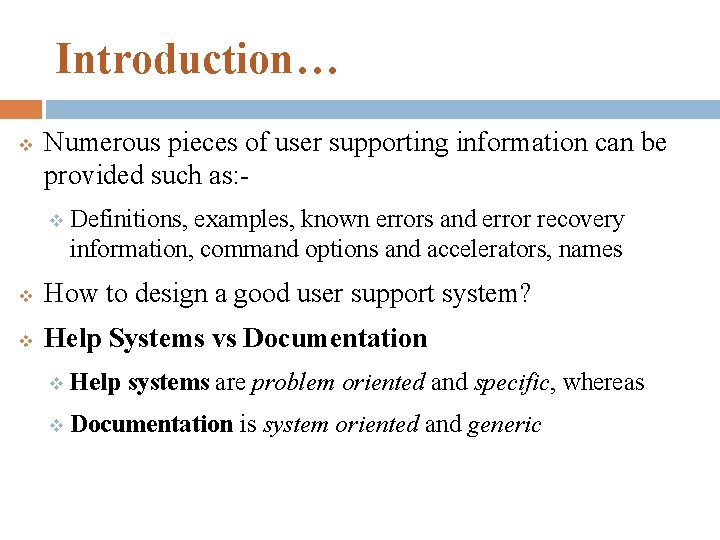
Introduction… v Numerous pieces of user supporting information can be provided such as: v Definitions, examples, known errors and error recovery information, command options and accelerators, names v How to design a good user support system? v Help Systems vs Documentation v Help systems are problem oriented and specific, whereas v Documentation is system oriented and generic
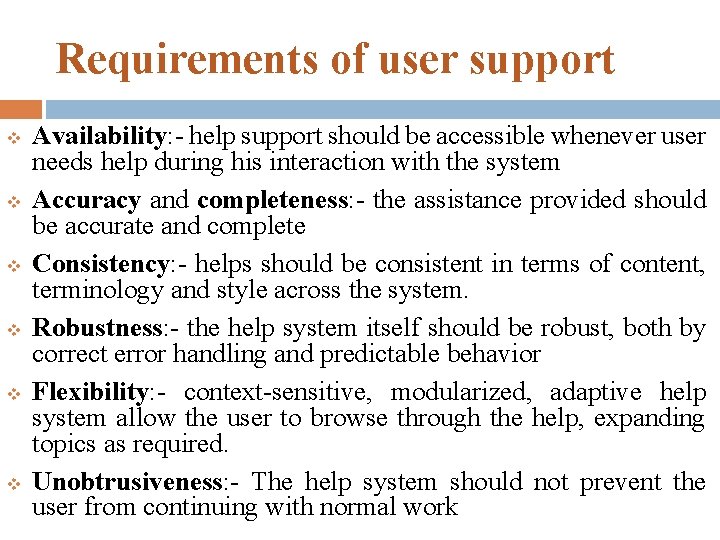
Requirements of user support v v v Availability: - help support should be accessible whenever user needs help during his interaction with the system Accuracy and completeness: - the assistance provided should be accurate and complete Consistency: - helps should be consistent in terms of content, terminology and style across the system. Robustness: - the help system itself should be robust, both by correct error handling and predictable behavior Flexibility: - context-sensitive, modularized, adaptive help system allow the user to browse through the help, expanding topics as required. Unobtrusiveness: - The help system should not prevent the user from continuing with normal work
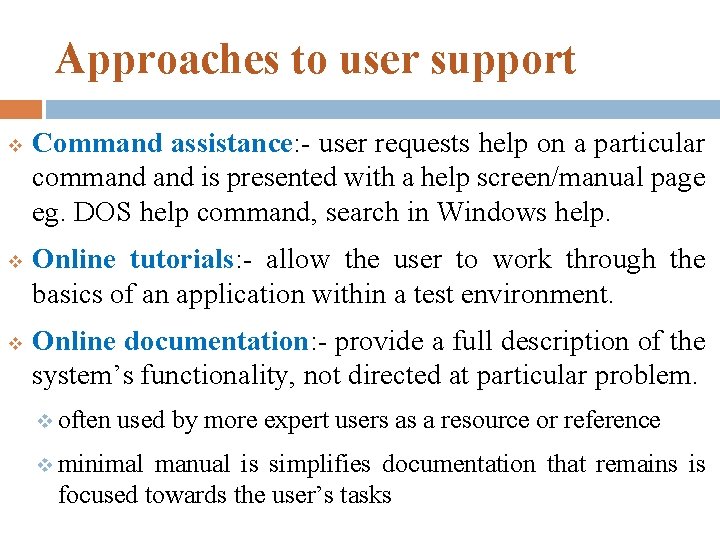
Approaches to user support v v v Command assistance: - user requests help on a particular command is presented with a help screen/manual page eg. DOS help command, search in Windows help. Online tutorials: - allow the user to work through the basics of an application within a test environment. Online documentation: - provide a full description of the system’s functionality, not directed at particular problem. v often used by more expert users as a resource or reference v minimal manual is simplifies documentation that remains is focused towards the user’s tasks
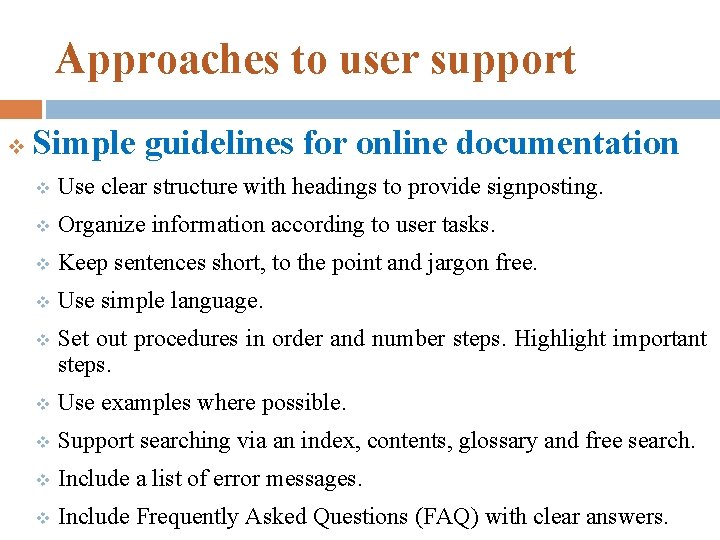
Approaches to user support v Simple guidelines for online documentation v Use clear structure with headings to provide signposting. v Organize information according to user tasks. v Keep sentences short, to the point and jargon free. v Use simple language. v Set out procedures in order and number steps. Highlight important steps. v Use examples where possible. v Support searching via an index, contents, glossary and free search. v Include a list of error messages. v Include Frequently Asked Questions (FAQ) with clear answers.
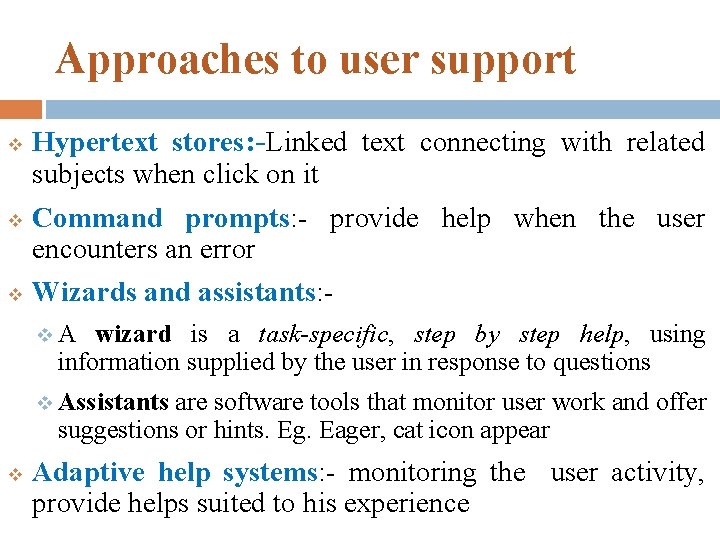
Approaches to user support v v v Hypertext stores: -Linked text connecting with related subjects when click on it Command prompts: - provide help when the user encounters an error Wizards and assistants: v. A wizard is a task-specific, step by step help, using information supplied by the user in response to questions v Assistants are software tools that monitor user work and offer suggestions or hints. Eg. Eager, cat icon appear v Adaptive help systems: - monitoring the user activity, provide helps suited to his experience