
CHAPTER 8 SYSTEM IMPLEMENTATION Phase Description 2 Systems
![Documentation 34 Documentation [1] Program Documentation Systems analyst usually verifies that program documentation is](https://slidetodoc.com/presentation_image_h2/e8f3561a5cd285771ff3d1f09c5fc626/image-34.jpg "Documentation 34 Documentation [1] Program Documentation Systems analyst usually verifies that program documentation is")
![Documentation 35 [2] System Documentation Includes data dictionary entries, data flow diagrams, object models,](https://slidetodoc.com/presentation_image_h2/e8f3561a5cd285771ff3d1f09c5fc626/image-35.jpg "Documentation 35 [2] System Documentation Includes data dictionary entries, data flow diagrams, object models,")
![Documentation 36 [3] Operations Documentation Includes the following information: Program, systems analyst, programmer, and](https://slidetodoc.com/presentation_image_h2/e8f3561a5cd285771ff3d1f09c5fc626/image-36.jpg "Documentation 36 [3] Operations Documentation Includes the following information: Program, systems analyst, programmer, and")
![Documentation 37 [3] Operations Documentation Includes the following information: Special forms required, including online](https://slidetodoc.com/presentation_image_h2/e8f3561a5cd285771ff3d1f09c5fc626/image-37.jpg "Documentation 37 [3] Operations Documentation Includes the following information: Special forms required, including online")
![Documentation 38 [4] User Documentation Programmers or systems analysts usually create program and system](https://slidetodoc.com/presentation_image_h2/e8f3561a5cd285771ff3d1f09c5fc626/image-38.jpg "Documentation 38 [4] User Documentation Programmers or systems analysts usually create program and system")
![Documentation 39 [4] User Documentation Includes A the following: system overview that clearly describes](https://slidetodoc.com/presentation_image_h2/e8f3561a5cd285771ff3d1f09c5fc626/image-39.jpg "Documentation 39 [4] User Documentation Includes A the following: system overview that clearly describes")
![Documentation 40 [4] User Documentation Includes the following: Security and audit trail information Explanation](https://slidetodoc.com/presentation_image_h2/e8f3561a5cd285771ff3d1f09c5fc626/image-40.jpg "Documentation 40 [4] User Documentation Includes the following: Security and audit trail information Explanation")
![Documentation 41 [4] User Documentation Online documentation Must determine whether the documentation will be](https://slidetodoc.com/presentation_image_h2/e8f3561a5cd285771ff3d1f09c5fc626/image-41.jpg "Documentation 41 [4] User Documentation Online documentation Must determine whether the documentation will be")
![Documentation 42 [4] User Documentation Written documentation material also is valuable The time between](https://slidetodoc.com/presentation_image_h2/e8f3561a5cd285771ff3d1f09c5fc626/image-42.jpg "Documentation 42 [4] User Documentation Written documentation material also is valuable The time between")
![Documentation 43 [4] User Documentation Neglecting user documentation issues until after all the program](https://slidetodoc.com/presentation_image_h2/e8f3561a5cd285771ff3d1f09c5fc626/image-43.jpg "Documentation 43 [4] User Documentation Neglecting user documentation issues until after all the program")
![Training 52 [1] Vendor Training If the system includes the purchase of software or](https://slidetodoc.com/presentation_image_h2/e8f3561a5cd285771ff3d1f09c5fc626/image-52.jpg "Training 52 [1] Vendor Training If the system includes the purchase of software or")
![Training 54 [2] Outside Training Resources Many training consultants, institutes, and firms are available](https://slidetodoc.com/presentation_image_h2/e8f3561a5cd285771ff3d1f09c5fc626/image-54.jpg "Training 54 [2] Outside Training Resources Many training consultants, institutes, and firms are available")
![Training 55 [3] In-House Training The IT staff and user departments often share responsibility](https://slidetodoc.com/presentation_image_h2/e8f3561a5cd285771ff3d1f09c5fc626/image-55.jpg "Training 55 [3] In-House Training The IT staff and user departments often share responsibility")
![Training 56 [3] In-House Training When developing a training program, you should keep the](https://slidetodoc.com/presentation_image_h2/e8f3561a5cd285771ff3d1f09c5fc626/image-56.jpg "Training 56 [3] In-House Training When developing a training program, you should keep the")
![Training 57 [3] In-House Training When developing a training program, you should keep the](https://slidetodoc.com/presentation_image_h2/e8f3561a5cd285771ff3d1f09c5fc626/image-57.jpg "Training 57 [3] In-House Training When developing a training program, you should keep the")
![System Changeover 62 [1] Direct Cutover Involves more risk than other changeover methods Companies](https://slidetodoc.com/presentation_image_h2/e8f3561a5cd285771ff3d1f09c5fc626/image-62.jpg "System Changeover 62 [1] Direct Cutover Involves more risk than other changeover methods Companies")
![System Changeover 63 [2] Parallel Operation Easier to verify that the new system is](https://slidetodoc.com/presentation_image_h2/e8f3561a5cd285771ff3d1f09c5fc626/image-63.jpg "System Changeover 63 [2] Parallel Operation Easier to verify that the new system is")
![System Changeover 64 [3] Pilot Operation The group that uses the new system first](https://slidetodoc.com/presentation_image_h2/e8f3561a5cd285771ff3d1f09c5fc626/image-64.jpg "System Changeover 64 [3] Pilot Operation The group that uses the new system first")
![System Changeover 65 [4] Phased Operation You give a part of the system to](https://slidetodoc.com/presentation_image_h2/e8f3561a5cd285771ff3d1f09c5fc626/image-65.jpg "System Changeover 65 [4] Phased Operation You give a part of the system to")
- Slides: 75
CHAPTER 8 SYSTEM IMPLEMENTATION
Phase Description 2 Systems Implementation is the fourth of five phases in the systems development life cycle Includes application development, documentation, testing, training, data conversion, and system changeover The deliverable for this phase is a completely functioning information system
Chapter Objectives 3 Explain the importance of software quality assurance and software engineering Describe the application development process for structured, object-oriented, and agile methods Draw a structure chart showing top-down design, modular design, cohesion, and coupling
Chapter Objectives 4 Explain the coding process Explain unit, integration, and system testing Differentiate between program, system, operations, and user documentation List the main steps in system installation and evaluation
Chapter Objectives 5 Develop a training plan for each group of participants, compare in-house and outside training, and describe effective training techniques Describe data conversion and changeover methods Explain post-implementation evaluation and the final report to management
Introduction 6 The system design specification serves as a blueprint for constructing the new system The initial task is application development Before a changeover can occur, the system must be tested and documented carefully, users must be trained, and existing data must be converted A formal evaluation of the results takes place as part of a final report to management
Software Quality Assurance 7 In today’s competitive business environment, companies are intensely concerned with the quality of their products and services Rigorous testing catches errors in the implementation stage Quality assurance
Software Quality Assurance 8 Software Engineering Capability Maturity Model (CMM) Capability Maturity Model Integration (CMMI) Process improvement CMMI tracks an organization's processes, using five maturity layers
Software Quality Assurance 9 International Organization for Standardization (ISO) Many firms seek assurance that software systems will meet rigid quality standards In 1991, ISO established a set of guidelines called ISO 9000 -3 ISO requires a specific development plan
10 Overview of Application Development Application development Objective is to translate the design into program and code modules that will function properly Review the System Design Tasks produced an overall design and a plan for physical implementation
11 Overview of Application Development Tasks Tradition methods Module Start by reviewing documentation from prior SDLC phases and creating a set of program designs At this point, coding and testing tasks begin
12 Overview of Application Development Tasks Agile Methods Intense communication and collaboration will now begin between the IT team and the users or customers Objective is to create the system through an iterative process Agile projects use various models
13 Overview of Application Development System Development Tools Entity-relationship diagrams Flowcharts Pseudocode Decision tables and decision trees
14 Overview of Application Development Project Management Even a modest-sized project might have hundreds or even thousands of modules Important to set realistic schedules, meet project deadlines, control costs, and maintain quality Should use project management tools and techniques
15 Structured Application Development Top-down approach Partitioning Modular design Must proceed carefully, with constant input from programmers and IT management to achieve a sound, well-integrated structure Must ensure that integration capability is built into each design and thoroughly tested
16 Structured Application Development Structure Charts Structure charts show the program modules and the relationships among them Control module Subordinate modules
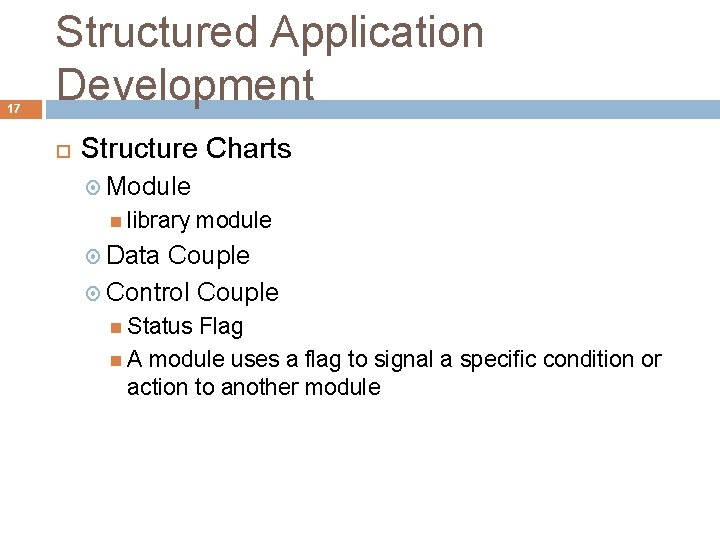
17 Structured Application Development Structure Charts Module library module Data Couple Control Couple Status Flag A module uses a flag to signal a specific condition or action to another module
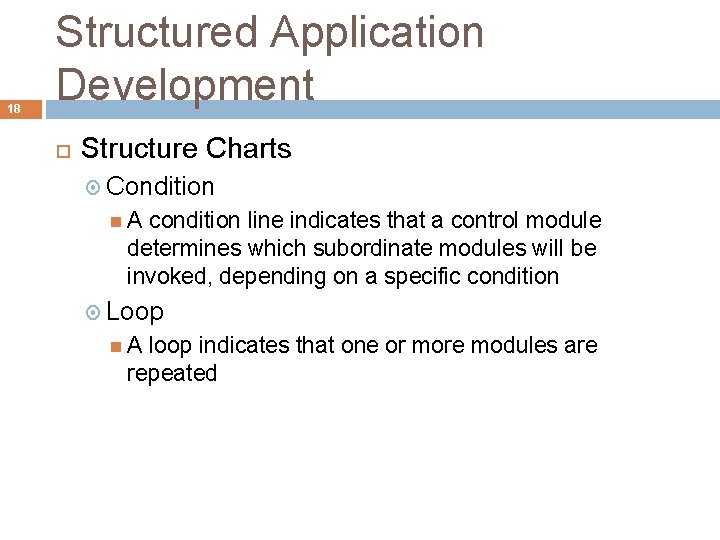
18 Structured Application Development Structure Charts Condition A condition line indicates that a control module determines which subordinate modules will be invoked, depending on a specific condition Loop A loop indicates that one or more modules are repeated
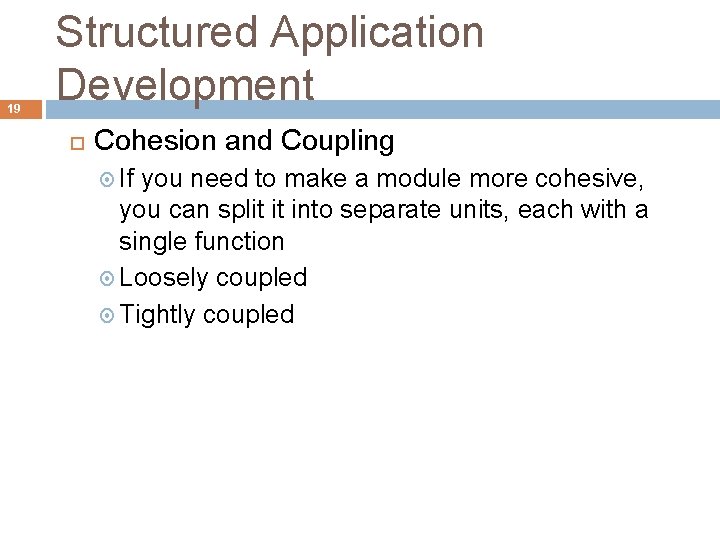
19 Structured Application Development Cohesion and Coupling If you need to make a module more cohesive, you can split it into separate units, each with a single function Loosely coupled Tightly coupled
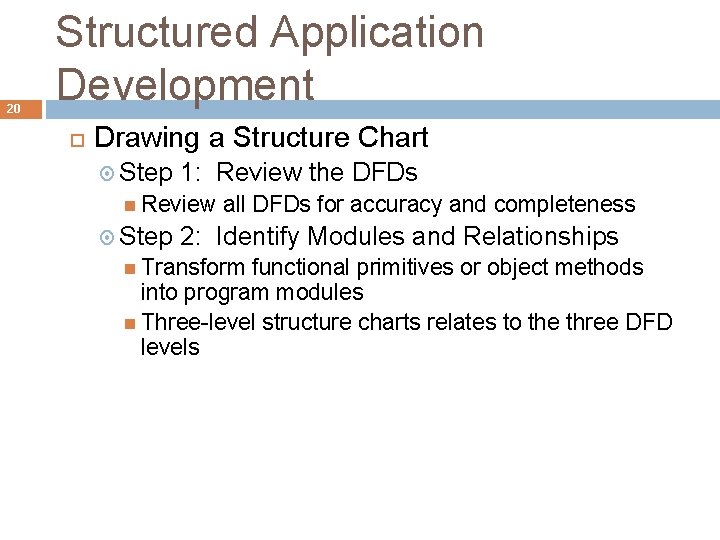
20 Structured Application Development Drawing a Structure Chart Step 1: Review the DFDs Review Step all DFDs for accuracy and completeness 2: Identify Modules and Relationships Transform functional primitives or object methods into program modules Three-level structure charts relates to the three DFD levels
21 Structured Application Development Steps in Drawing a Structure Chart Step 3: Add Couples, Loops, and Conditions Identify the data elements that pass from one module to another Step 4: Analyze the Structure Chart and the Data Dictionary Ensure that the chart reflects all previous documentation and that the logic is correct
22 Object-Oriented Application Development Object-oriented development (OOD) Characteristics of Object-Oriented Application Development The application's structure is represented by the object model itself Attributes Methods
23 Object-Oriented Application Development Implementation of Object-Oriented Designs Main objective is to translate object methods into program code modules and determine what event or message will trigger the execution of each module Object-Oriented Cohesion and Coupling Classes – loosely coupled Methods – loosely coupled and highly cohesive
Agile Application Development 24 Is a distinctly different systems development Development team is in constant communication with the customer Focuses on small teams, intense communication, and rapid development iterations Extreme Programming (XP) is one of the newest agile methods
Agile Application Development 25 An extreme programming (XP) Example User story Release plan Iteration cycle Iteration planning meeting Parallel programming Test-driven design
Agile Application Development 26 The Future of Agile Development Critics claim it lacks discipline and produces systems of questionable quality before implementing agile development, the proposed system and development methods should be examined carefully A one-size-fits-all solution does not exist
Coding 27 Coding Programming Environments Each IT departments has its own programming environment and standards Integrated development environment (IDE) Generating Code Can generate editable program code directly from macros, keystrokes, or mouse actions
Testing the System 28 After coding, a programmer must test each program to make sure that it functions correctly Syntax errors Desk checking Logic errors Structured walkthrough, or code review Design walkthrough
Testing the System 29 Unit Testing Required test data Programmers must test programs that interact with other programs and files individually Stub testing Regardless of who creates the test plan, the project manager or a designated analyst also reviews the final test results
Testing the System 30 Integration Testing Integration testing, or link testing Testing the programs independently does not guarantee that the data passed between them is correct A testing sequence should not move to the integration stage unless it has performed properly in all unit tests
Testing the System 31 System Testing Major objectives: Perform a final test of all programs Verify that the system will handle all input data properly, both valid and invalid Ensure that the IT staff has the documentation and instructions needed to operate the system properly and that backup and restart capabilities of the system are adequate
Testing the System 32 System Testing Major objectives: Demonstrate that users can interact with the system successfully Verify that all system components are integrated properly and that actual processing situations will be handled correctly Confirm that the information system can handle predicted volumes of data in a timely and efficient manner
Testing the System 33 System Testing Acceptance tests/User Acceptance Test (UAT) You should regard thorough testing as a costeffective means of providing a quality product If conflicting views exist, management will decide whether or not to install the system after a full discussion of the options
Documentation 34 Documentation [1] Program Documentation Systems analyst usually verifies that program documentation is complete and accurate Defect tracking software/bug tracking software Patches
Documentation 35 [2] System Documentation Includes data dictionary entries, data flow diagrams, object models, screen layouts, source documents, and the systems request that initiated the project An analyst must review prior documentation to verify that it is complete, accurate, and up-to-date, including any changes made during the implementation process
Documentation 36 [3] Operations Documentation Includes the following information: Program, systems analyst, programmer, and system identification Scheduling information for printed output, such as report run frequency and deadlines Input files and where they originate; and output files and destinations E-mail and report distribution lists
Documentation 37 [3] Operations Documentation Includes the following information: Special forms required, including online forms Error and informational messages to operators and restart procedures Special instructions, such as security requirements Operations documentation should be clear, concise, and available online if possible
Documentation 38 [4] User Documentation Programmers or systems analysts usually create program and system documentation You need someone with expert skills in this area doing the development, just as you need someone with expert skills developing the software Systems analysts usually are responsible for preparing documentation to help users learn the system
Documentation 39 [4] User Documentation Includes A the following: system overview that clearly describes all major system features, capabilities, and limitations Description of source document content, preparation, processing, and samples Overview of menu and data entry screen options, contents, and processing instructions Examples of reports that are produced regularly or available at the user’s request, including samples
Documentation 40 [4] User Documentation Includes the following: Security and audit trail information Explanation of responsibility for specific input, output, or processing requirements Procedures for requesting changes and reporting problems Examples of exceptions and error situations Frequently asked questions (FAQs) Explanation of how to get help and procedures for updating the user manual
Documentation 41 [4] User Documentation Online documentation Must determine whether the documentation will be available from within the program, or as a separate entity in the form of a tutorial, slide presentation, reference manual, or Web site Effective online documentation is an important productivity tool
Documentation 42 [4] User Documentation Written documentation material also is valuable The time between finishing software coding and the time when a complete package – including documentation – can be released to users is entirely dependent on how well the documentation is thought out in advance
Documentation 43 [4] User Documentation Neglecting user documentation issues until after all the program is complete often leads to one of two things: (1) the documentation will be thrown together as quickly as possible just to get it out the door on time, and it more than likely will be inadequate or (2) it will be done correctly, and the product release will be delayed considerably
Management Approval 44 After system testing is complete, you present the results to management If system testing produced no technical, economical, or operational problems, management determines a schedule for system installation and evaluation
45 System Installation and Evaluation Remaining steps in systems implementation: Prepare a separate operational and test environment Provide training for users, managers, and IT staff Perform data conversion and system changeover
46 System Installation and Evaluation Remaining steps in systems implementation: Carry out post-implementation evaluation of the system Present a final report to management
47 Operational and Test Environments The environment for the actual system operation is called the operational environment or production environment The environment that analysts and programmers use to develop and maintain programs is called the test environment A separate test environment is necessary to maintain system security and integrity and protect the operational environment
48 Operational and Test Environments Access to the operational environment is limited to users and must be strictly controlled The test environment for an information system contains copies of all programs, procedures, and test data files After any modification, you should repeat the same acceptance tests you ran when the system was developed
49 Operational and Test Environments The operational environment includes hardware and software configurations and settings, system utilities, telecommunications resources, and any other components that might affect system performance If you have to build or upgrade network resources to support the new system, you must test the platform rigorously before system installation begins
Training 50 A successful information system requires training for users, managers, and IT staff members The entire systems development effort can depend on whether or not people understand the system and know how to use it effectively
Training 51 Training Plan The first step is to identify who should receive training and what training is needed The three main groups for training are users, managers, and IT staff You must determine how the company will provide training
Training 52 [1] Vendor Training If the system includes the purchase of software or hardware, then vendor-supplied training is one of the features you should investigate in the RFPs (requests for proposal) and RFQs (requests for quotation) that you send to potential vendors Often gives the best return on your training dollars
Training 53 Webinars, Podcasts, and Tutorials Webcast Subscribers As technology continues to advance, other wireless devices such as PDAs and cell phones will be able to receive podcasts Tutorials can be developed by software vendors, or by a company’s IT team
Training 54 [2] Outside Training Resources Many training consultants, institutes, and firms are available that provide either standardized or customized training packages You can contact a training provider and obtain references from clients
Training 55 [3] In-House Training The IT staff and user departments often share responsibility When developing a training program, you should keep the following guidelines in mind: Train people in groups, with separate training programs for distinct groups Select the most effective place to conduct the training
Training 56 [3] In-House Training When developing a training program, you should keep the following guidelines in mind: Provide for learning by hearing, seeing, and doing Prepare effective training materials, including interactive tutorials
Training 57 [3] In-House Training When developing a training program, you should keep the following guidelines in mind: Rely When on previous trainees - Train-the-trainer strategy Training is complete, many organizations conduct a full-scale test, or simulation
Data Conversion 58 Data Conversion During data conversion, existing data is loaded into the new system You should develop a data conversion plan as early as possible, and the conversion process should be tested when the test environment is developed
Data Conversion 59 Data Conversion Strategies The old system might be capable of exporting data in an acceptable format for the new system or in a standard format such as ASCII or ODBC If a standard format is not available, you must develop a program to extract the data and convert it Often requires additional data items, which might require manual entry
Data Conversion 60 Data Conversion Security and Controls You must ensure that all system control measures are in place and operational to protect data from unauthorized access and to help prevent erroneous input Some errors will occur It is essential that the new system be loaded with accurate, error-free data
System Changeover 61 System changeover is the process of putting the new information system online and retiring the old system The four changeover methods are direct cutover, parallel operation, pilot operation, and phased operation
System Changeover 62 [1] Direct Cutover Involves more risk than other changeover methods Companies often choose the direct cutover method for implementing commercial software packages Cyclical information systems usually are converted using the direct cutover method at the beginning of a quarter, calendar year, or fiscal year
System Changeover 63 [2] Parallel Operation Easier to verify that the new system is working properly under parallel operation than under direct cutover Running both systems might place a burden on the operating environment and cause processing delay Is not practical if the old and new systems are incompatible technically Also is inappropriate when the two systems perform different functions
System Changeover 64 [3] Pilot Operation The group that uses the new system first is called the pilot site The old system continues to operate for the entire organization After they system proves successful at the pilot site, it is implemented in the rest of the organization, usually using the direct cutover method Is a combination of parallel operation and direct cutover methods
System Changeover 65 [4] Phased Operation You give a part of the system to all users The risk of errors or failures is limited to the implemented module only Is less expensive than full parallel operation Is not possible, however, if the system cannot be separated easily into logical modules or segments
Post-Implementation Tasks 66 Post-Implementation Evaluation Includes feedback for the following areas: Accuracy, completeness, and timeliness of information system output User satisfaction System reliability and maintainability Adequacy of system controls and security measures Hardware efficiency and platform performance
Post-Implementation Tasks 67 Post-Implementation Evaluation Includes feedback for the following areas: Effectiveness of data base implementation Performance of the IT team (support) Completeness and quality of documentation Quality and effectiveness of training Accuracy of cost-benefit estimates and development schedules
Post-Implementation Tasks 68 Post-Implementation Evaluation When evaluating a system, you should: Interview members of management and key users Observe users and computer operations personnel actually working with the new information system Read all documentation and training materials
Post-Implementation Tasks 69 Post-Implementation Evaluation When evaluating a system, you should: Examine all source documents, output reports, and screen displays Use questionnaires to gather information and opinions form a large number of users Analyze maintenance and help desk logs Whenever possible, people who were not directly involved in developing the system should conduct the post-implementation evaluation
Post-Implementation Tasks 70 Post-Implementation Evaluation Users can forget details of the developmental effort if too much time elapses Pressure to finish the project sooner usually results in an earlier evaluation in order to allow the IT department to move on to other tasks Ideally, conducting a post-implementation evaluation should be standard practice for all information systems projects
Post-Implementation Tasks 71 Final Report to Management Your report should include the following: Final versions of all system documentation Planned modifications and enhancements to the system that have been identified Recap of all systems development costs and schedules
Post-Implementation Tasks 72 Final Report to Management Your report should include the following: Comparison of actual costs and schedules to the original estimates Post-implementation evaluation, if it has been performed Marks the end of systems development work
Chapter Summary 73 The systems implementation phase consists of application development, testing, installation, and evaluation of the new system Analysts and technical writers also prepare operations documentation and user documentation
Chapter Summary 74 Develop a training program Data conversion often is necessary when installing a new information system System changeover is the process of putting the new system into operation A post-implementation evaluation assesses and reports on the quality of the new system and the work done by the project team
Chapter Summary 75 The final report to management includes the final system documentation, describes any future system enhancements that already have been identified, and details the project costs The report represents the end of the development effort and the beginning of the new system’s operational life