
Chapter 8 SQL99 Schema Definition Basic Constraints Queries
Chapter 8 SQL-99: Schema Definition, Basic Constraints, Queries, and Views Copyright © 2004 Pearson Education, Inc.
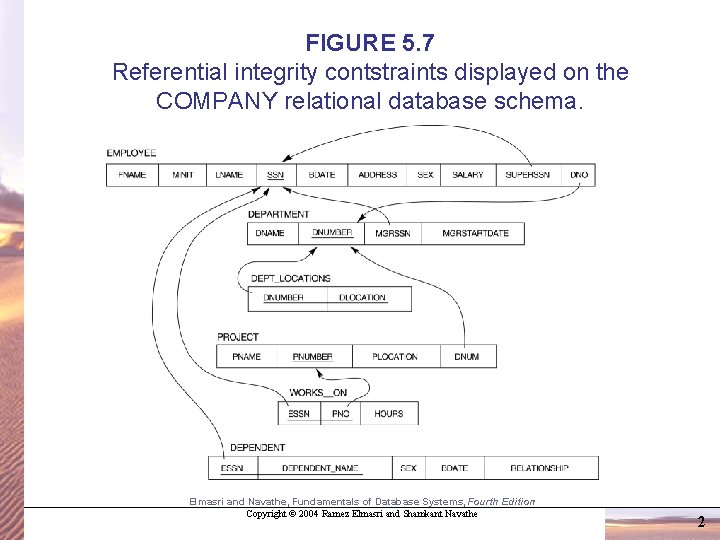
FIGURE 5. 7 Referential integrity contstraints displayed on the COMPANY relational database schema. Elmasri and Navathe, Fundamentals of Database Systems, Fourth Edition Copyright © 2004 Ramez Elmasri and Shamkant Navathe 2
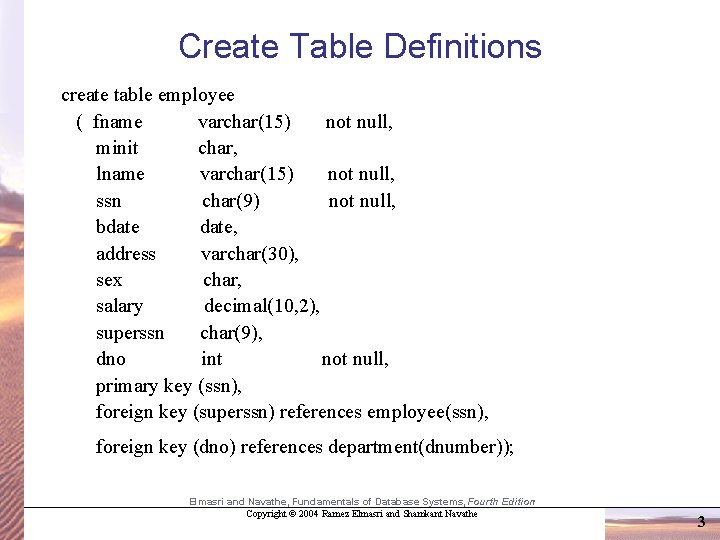
Create Table Definitions create table employee ( fname varchar(15) not null, minit char, lname varchar(15) not null, ssn char(9) not null, bdate, address varchar(30), sex char, salary decimal(10, 2), superssn char(9), dno int not null, primary key (ssn), foreign key (superssn) references employee(ssn), foreign key (dno) references department(dnumber)); Elmasri and Navathe, Fundamentals of Database Systems, Fourth Edition Copyright © 2004 Ramez Elmasri and Shamkant Navathe 3
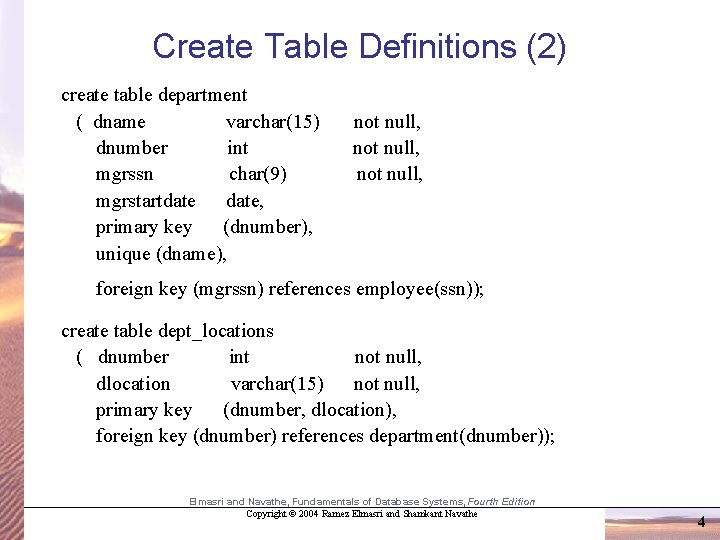
Create Table Definitions (2) create table department ( dname varchar(15) dnumber int mgrssn char(9) mgrstartdate, primary key (dnumber), unique (dname), not null, foreign key (mgrssn) references employee(ssn)); create table dept_locations ( dnumber int not null, dlocation varchar(15) not null, primary key (dnumber, dlocation), foreign key (dnumber) references department(dnumber)); Elmasri and Navathe, Fundamentals of Database Systems, Fourth Edition Copyright © 2004 Ramez Elmasri and Shamkant Navathe 4
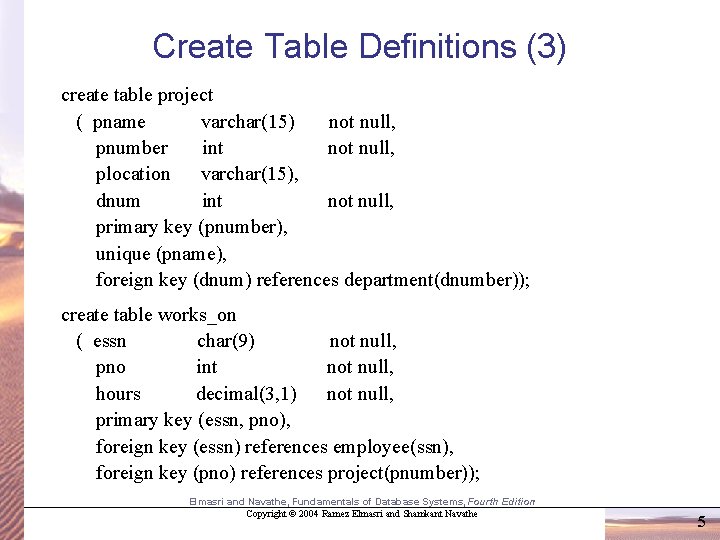
Create Table Definitions (3) create table project ( pname varchar(15) not null, pnumber int not null, plocation varchar(15), dnum int not null, primary key (pnumber), unique (pname), foreign key (dnum) references department(dnumber)); create table works_on ( essn char(9) not null, pno int not null, hours decimal(3, 1) not null, primary key (essn, pno), foreign key (essn) references employee(ssn), foreign key (pno) references project(pnumber)); Elmasri and Navathe, Fundamentals of Database Systems, Fourth Edition Copyright © 2004 Ramez Elmasri and Shamkant Navathe 5
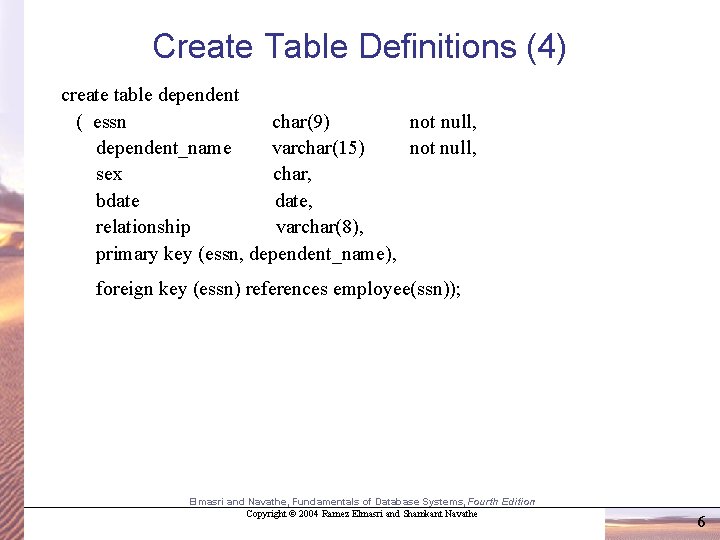
Create Table Definitions (4) create table dependent ( essn char(9) not null, dependent_name varchar(15) not null, sex char, bdate, relationship varchar(8), primary key (essn, dependent_name), foreign key (essn) references employee(ssn)); Elmasri and Navathe, Fundamentals of Database Systems, Fourth Edition Copyright © 2004 Ramez Elmasri and Shamkant Navathe 6
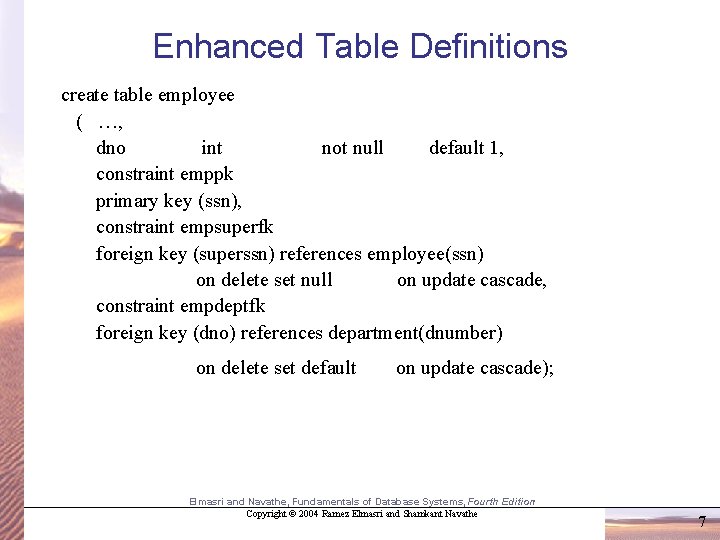
Enhanced Table Definitions create table employee ( …, dno int not null default 1, constraint emppk primary key (ssn), constraint empsuperfk foreign key (superssn) references employee(ssn) on delete set null on update cascade, constraint empdeptfk foreign key (dno) references department(dnumber) on delete set default on update cascade); Elmasri and Navathe, Fundamentals of Database Systems, Fourth Edition Copyright © 2004 Ramez Elmasri and Shamkant Navathe 7
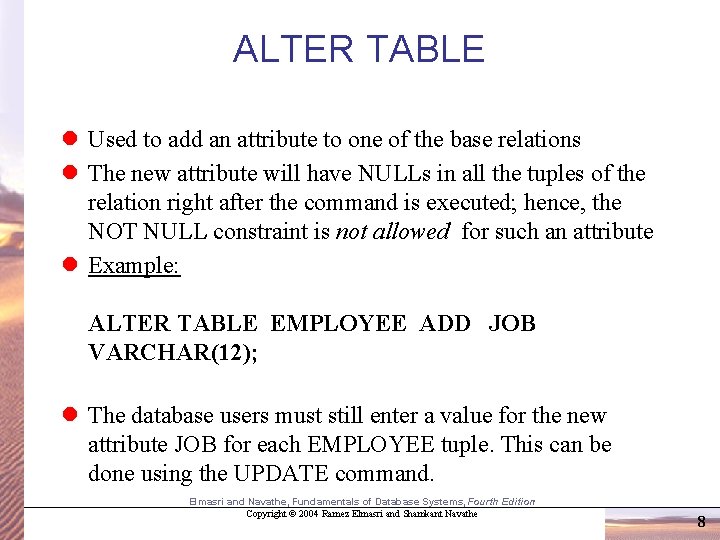
ALTER TABLE l Used to add an attribute to one of the base relations l The new attribute will have NULLs in all the tuples of the relation right after the command is executed; hence, the NOT NULL constraint is not allowed for such an attribute l Example: ALTER TABLE EMPLOYEE ADD JOB VARCHAR(12); l The database users must still enter a value for the new attribute JOB for each EMPLOYEE tuple. This can be done using the UPDATE command. Elmasri and Navathe, Fundamentals of Database Systems, Fourth Edition Copyright © 2004 Ramez Elmasri and Shamkant Navathe 8
ALTER TABLE (cont. ) • Some DBMS’s will allow you to drop a column Ex: alter table employee drop sex restrict; alter table employee drop sex cascade; • If your constraints are named, you can drop them later Ex: alter table employee drop constraint empsuperfk cascade; • Some DBMS’s will allow you to drop or set a default Ex: alter table employee alter dno drop default; alter table employee alter minit set default = ‘X’; • Before your table is filled with data, it’s easiest to just drop it and then create it again. Elmasri and Navathe, Fundamentals of Database Systems, Fourth Edition Copyright © 2004 Ramez Elmasri and Shamkant Navathe 9
DROP TABLE l Used to remove a relation (base table) and its definition l The relation can no longer be used in queries, updates, or any other commands since its description no longer exists l Example: DROP TABLE DEPENDENT; Elmasri and Navathe, Fundamentals of Database Systems, Fourth Edition Copyright © 2004 Ramez Elmasri and Shamkant Navathe 10
Retrieval Queries in SQL l SQL has one basic statement for retrieving information from a database; the SELECT statement l This is not the same as the SELECT operation of the relational algebra l Important distinction between SQL and the formal relational model; SQL allows a table (relation) to have two or more tuples that are identical in all their attribute values l Hence, an SQL relation (table) is a multi-set (sometimes called a bag) of tuples; it is not a set of tuples l SQL relations can be constrained to be sets by specifying PRIMARY KEY or UNIQUE attributes, or by using the DISTINCT option in a query Elmasri and Navathe, Fundamentals of Database Systems, Fourth Edition Copyright © 2004 Ramez Elmasri and Shamkant Navathe 11
Retrieval Queries in SQL (cont. ) l Basic form of the SQL SELECT statement is called a mapping or a SELECT-FROM-WHERE block SELECT FROM WHERE <attribute list> <table list> <condition list> – <attribute list> is a list of attribute names whose values are to be retrieved by the query – <table list> is a list of the relation names required to process the query – <condition> is a conditional (Boolean) expression that identifies the tuples to be retrieved by the query Elmasri and Navathe, Fundamentals of Database Systems, Fourth Edition Copyright © 2004 Ramez Elmasri and Shamkant Navathe 12
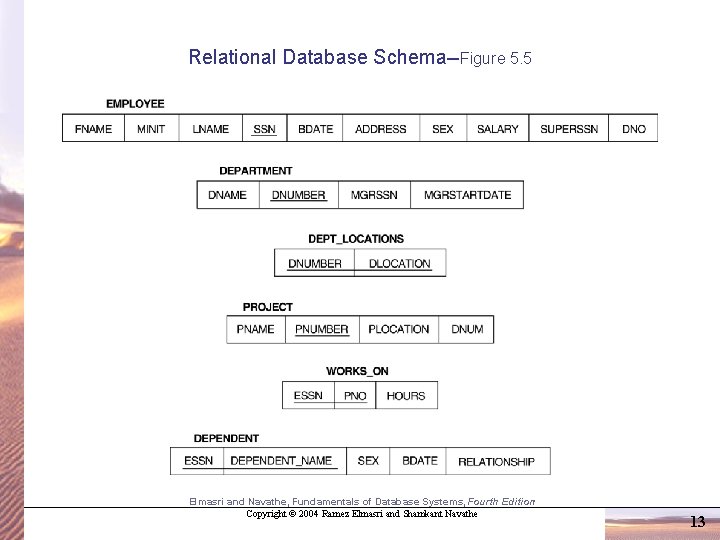
Relational Database Schema--Figure 5. 5 Elmasri and Navathe, Fundamentals of Database Systems, Fourth Edition Copyright © 2004 Ramez Elmasri and Shamkant Navathe 13
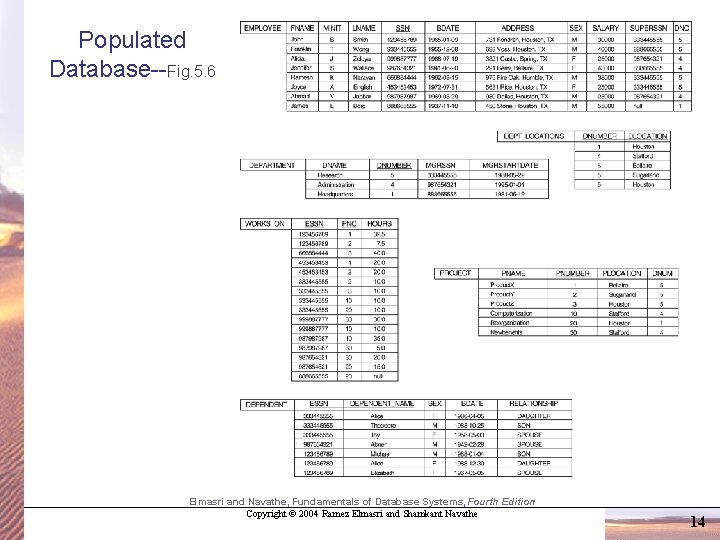
Populated Database--Fig. 5. 6 Elmasri and Navathe, Fundamentals of Database Systems, Fourth Edition Copyright © 2004 Ramez Elmasri and Shamkant Navathe 14
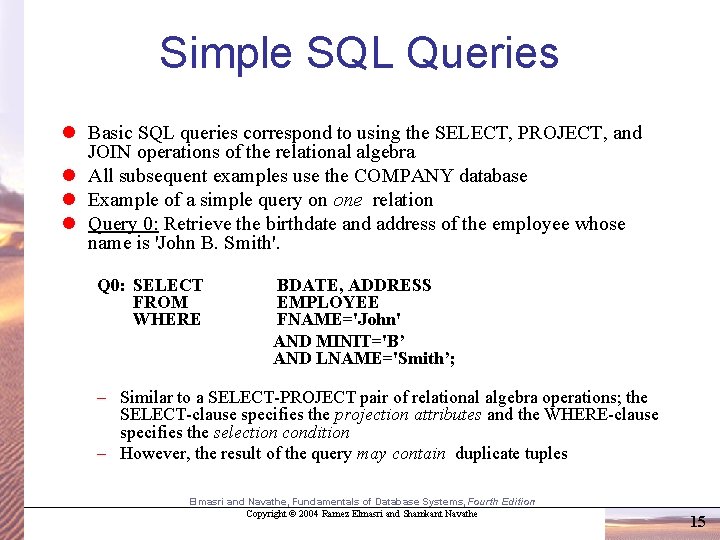
Simple SQL Queries l Basic SQL queries correspond to using the SELECT, PROJECT, and JOIN operations of the relational algebra l All subsequent examples use the COMPANY database l Example of a simple query on one relation l Query 0: Retrieve the birthdate and address of the employee whose name is 'John B. Smith'. Q 0: SELECT FROM WHERE BDATE, ADDRESS EMPLOYEE FNAME='John' AND MINIT='B’ AND LNAME='Smith’; – Similar to a SELECT-PROJECT pair of relational algebra operations; the SELECT-clause specifies the projection attributes and the WHERE-clause specifies the selection condition – However, the result of the query may contain duplicate tuples Elmasri and Navathe, Fundamentals of Database Systems, Fourth Edition Copyright © 2004 Ramez Elmasri and Shamkant Navathe 15
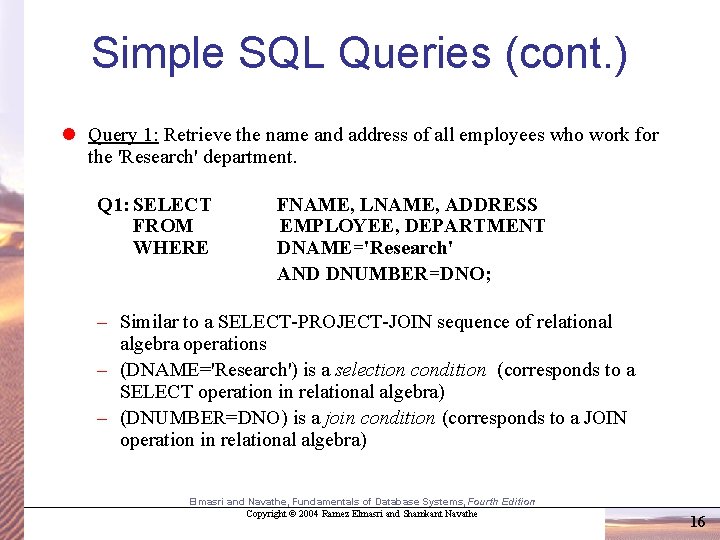
Simple SQL Queries (cont. ) l Query 1: Retrieve the name and address of all employees who work for the 'Research' department. Q 1: SELECT FROM WHERE FNAME, LNAME, ADDRESS EMPLOYEE, DEPARTMENT DNAME='Research' AND DNUMBER=DNO; – Similar to a SELECT-PROJECT-JOIN sequence of relational algebra operations – (DNAME='Research') is a selection condition (corresponds to a SELECT operation in relational algebra) – (DNUMBER=DNO) is a join condition (corresponds to a JOIN operation in relational algebra) Elmasri and Navathe, Fundamentals of Database Systems, Fourth Edition Copyright © 2004 Ramez Elmasri and Shamkant Navathe 16
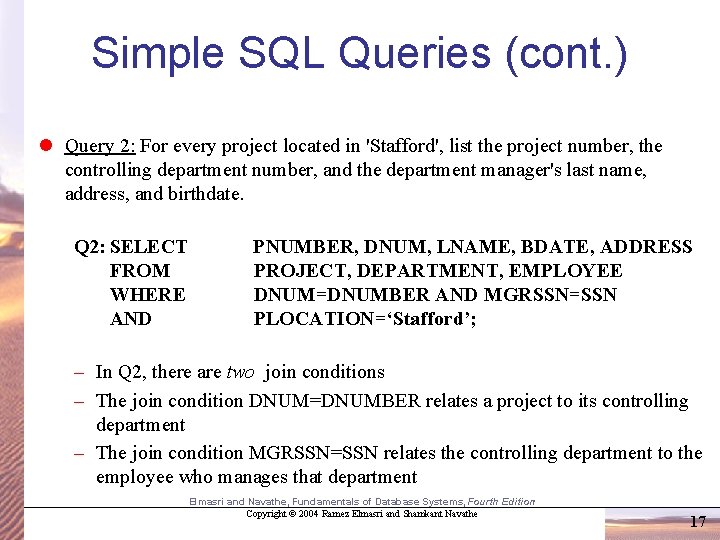
Simple SQL Queries (cont. ) l Query 2: For every project located in 'Stafford', list the project number, the controlling department number, and the department manager's last name, address, and birthdate. Q 2: SELECT FROM WHERE AND PNUMBER, DNUM, LNAME, BDATE, ADDRESS PROJECT, DEPARTMENT, EMPLOYEE DNUM=DNUMBER AND MGRSSN=SSN PLOCATION=‘Stafford’; – In Q 2, there are two join conditions – The join condition DNUM=DNUMBER relates a project to its controlling department – The join condition MGRSSN=SSN relates the controlling department to the employee who manages that department Elmasri and Navathe, Fundamentals of Database Systems, Fourth Edition Copyright © 2004 Ramez Elmasri and Shamkant Navathe 17
You Try It! 1. Who earns $25, 000 a year? 2. How much money does James Borg make? 3. Who has a son named Theodore? 4. Who works on Reorganization? Elmasri and Navathe, Fundamentals of Database Systems, Fourth Edition Copyright © 2004 Ramez Elmasri and Shamkant Navathe 18
Aliases, * and DISTINCT, Empty WHERE-clause l In SQL, we can use the same name for two (or more) attributes as long as the attributes are in different relations A query that refers to two or more attributes with the same name must qualify the attribute name with the relation name by prefixing the relation name to the attribute name Example: l EMPLOYEE. DNAME, DEPARTMENT. DNAME Elmasri and Navathe, Fundamentals of Database Systems, Fourth Edition Copyright © 2004 Ramez Elmasri and Shamkant Navathe 19
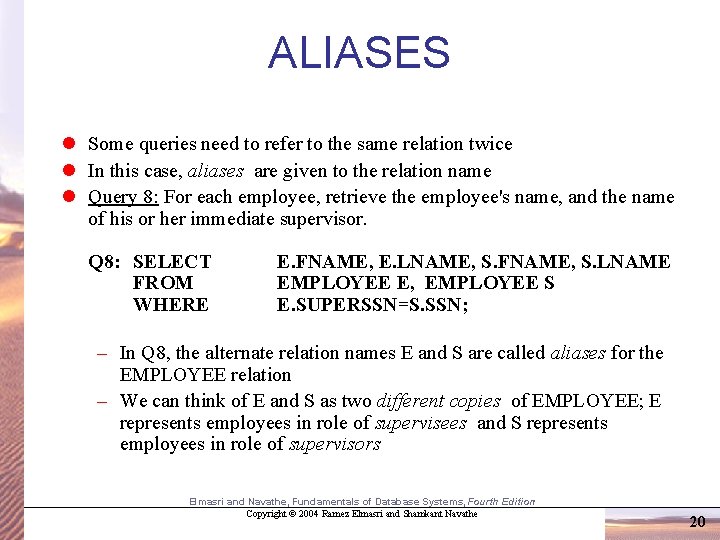
ALIASES l Some queries need to refer to the same relation twice l In this case, aliases are given to the relation name l Query 8: For each employee, retrieve the employee's name, and the name of his or her immediate supervisor. Q 8: SELECT FROM WHERE E. FNAME, E. LNAME, S. FNAME, S. LNAME EMPLOYEE E, EMPLOYEE S E. SUPERSSN=S. SSN; – In Q 8, the alternate relation names E and S are called aliases for the EMPLOYEE relation – We can think of E and S as two different copies of EMPLOYEE; E represents employees in role of supervisees and S represents employees in role of supervisors Elmasri and Navathe, Fundamentals of Database Systems, Fourth Edition Copyright © 2004 Ramez Elmasri and Shamkant Navathe 20
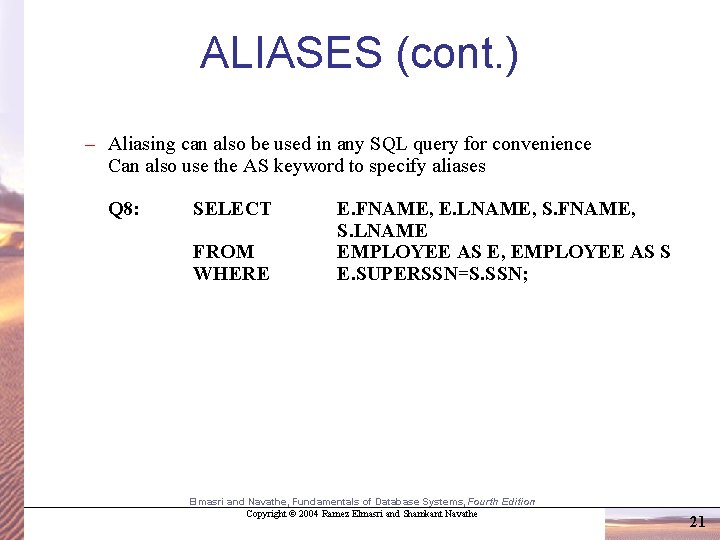
ALIASES (cont. ) – Aliasing can also be used in any SQL query for convenience Can also use the AS keyword to specify aliases Q 8: SELECT FROM WHERE E. FNAME, E. LNAME, S. FNAME, S. LNAME EMPLOYEE AS E, EMPLOYEE AS S E. SUPERSSN=S. SSN; Elmasri and Navathe, Fundamentals of Database Systems, Fourth Edition Copyright © 2004 Ramez Elmasri and Shamkant Navathe 21
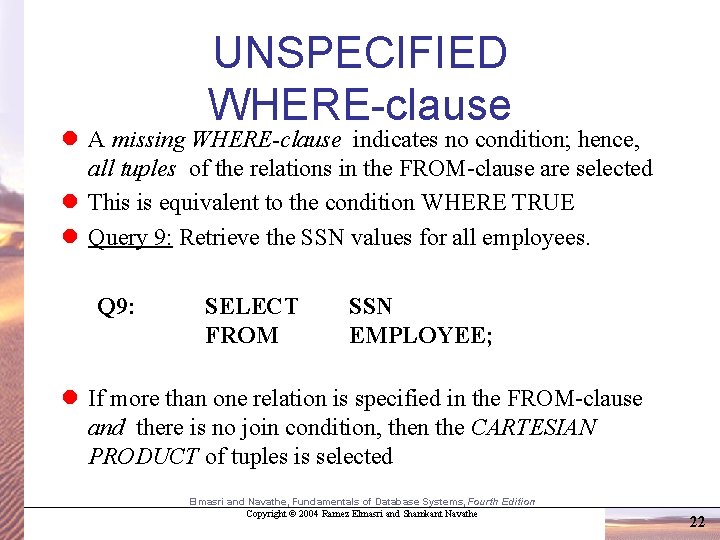
UNSPECIFIED WHERE-clause l A missing WHERE-clause indicates no condition; hence, all tuples of the relations in the FROM-clause are selected l This is equivalent to the condition WHERE TRUE l Query 9: Retrieve the SSN values for all employees. Q 9: SELECT FROM SSN EMPLOYEE; l If more than one relation is specified in the FROM-clause and there is no join condition, then the CARTESIAN PRODUCT of tuples is selected Elmasri and Navathe, Fundamentals of Database Systems, Fourth Edition Copyright © 2004 Ramez Elmasri and Shamkant Navathe 22
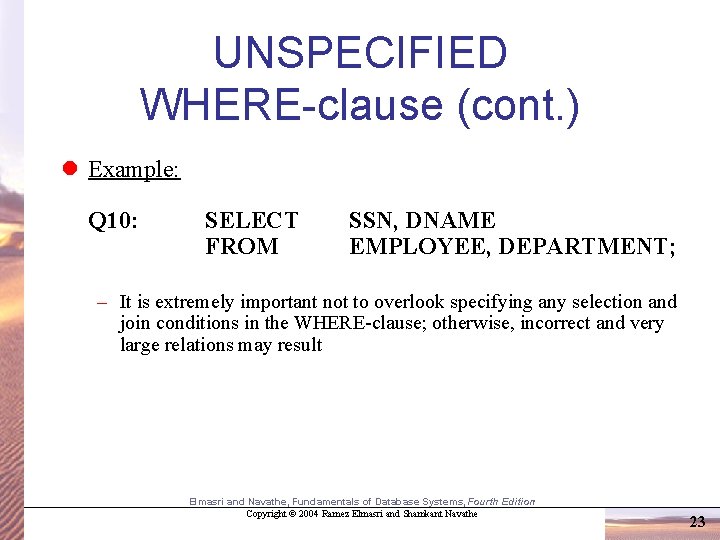
UNSPECIFIED WHERE-clause (cont. ) l Example: Q 10: SELECT FROM SSN, DNAME EMPLOYEE, DEPARTMENT; – It is extremely important not to overlook specifying any selection and join conditions in the WHERE-clause; otherwise, incorrect and very large relations may result Elmasri and Navathe, Fundamentals of Database Systems, Fourth Edition Copyright © 2004 Ramez Elmasri and Shamkant Navathe 23
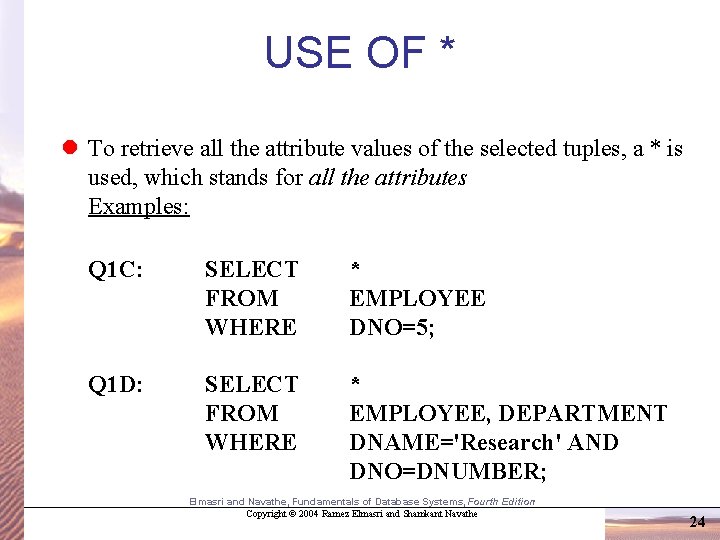
USE OF * l To retrieve all the attribute values of the selected tuples, a * is used, which stands for all the attributes Examples: Q 1 C: SELECT FROM WHERE * EMPLOYEE DNO=5; Q 1 D: SELECT FROM WHERE * EMPLOYEE, DEPARTMENT DNAME='Research' AND DNO=DNUMBER; Elmasri and Navathe, Fundamentals of Database Systems, Fourth Edition Copyright © 2004 Ramez Elmasri and Shamkant Navathe 24
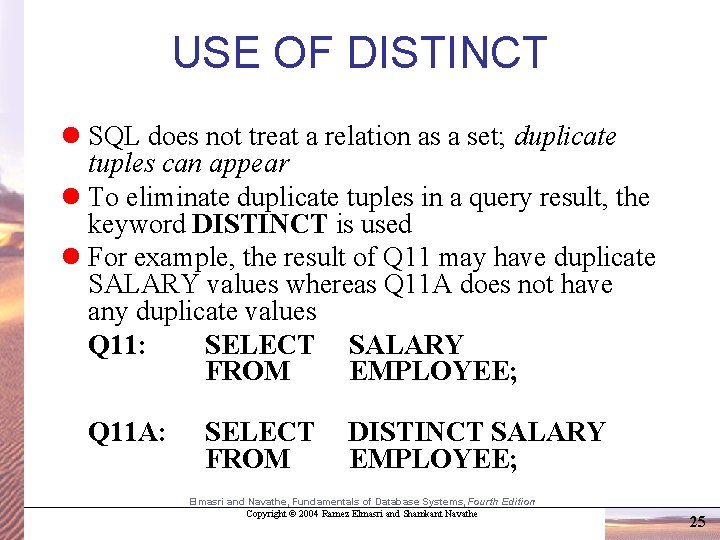
USE OF DISTINCT l SQL does not treat a relation as a set; duplicate tuples can appear l To eliminate duplicate tuples in a query result, the keyword DISTINCT is used l For example, the result of Q 11 may have duplicate SALARY values whereas Q 11 A does not have any duplicate values Q 11: SELECT SALARY FROM EMPLOYEE; Q 11 A: SELECT FROM DISTINCT SALARY EMPLOYEE; Elmasri and Navathe, Fundamentals of Database Systems, Fourth Edition Copyright © 2004 Ramez Elmasri and Shamkant Navathe 25
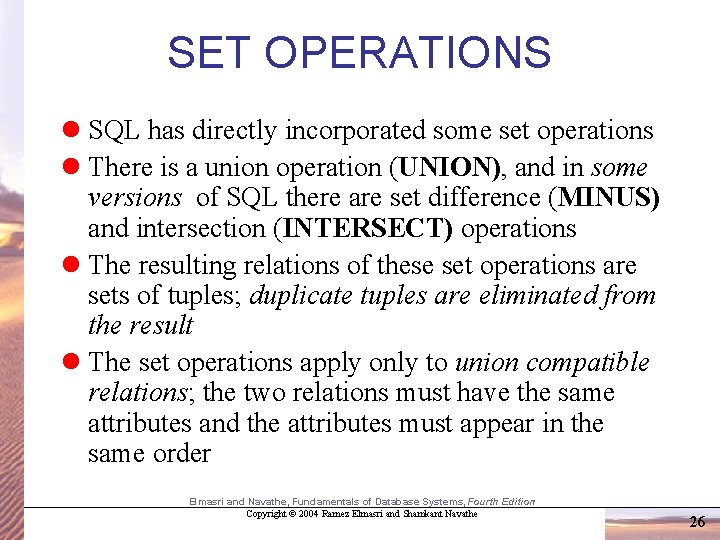
SET OPERATIONS l SQL has directly incorporated some set operations l There is a union operation (UNION), and in some versions of SQL there are set difference (MINUS) and intersection (INTERSECT) operations l The resulting relations of these set operations are sets of tuples; duplicate tuples are eliminated from the result l The set operations apply only to union compatible relations; the two relations must have the same attributes and the attributes must appear in the same order Elmasri and Navathe, Fundamentals of Database Systems, Fourth Edition Copyright © 2004 Ramez Elmasri and Shamkant Navathe 26
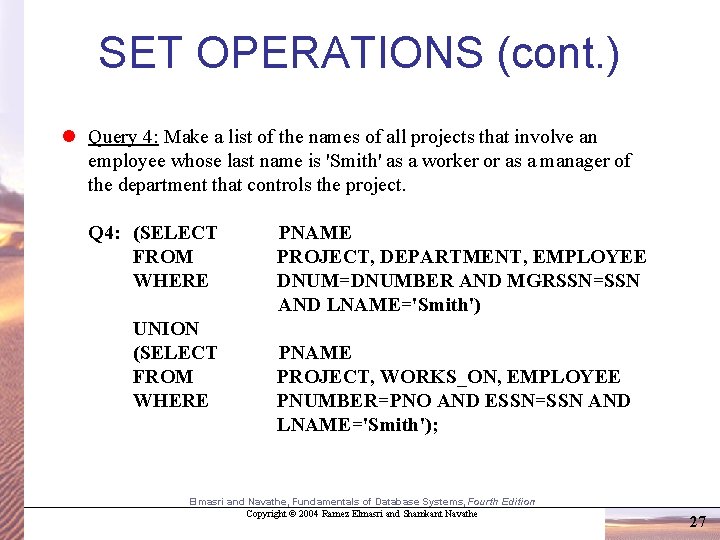
SET OPERATIONS (cont. ) l Query 4: Make a list of the names of all projects that involve an employee whose last name is 'Smith' as a worker or as a manager of the department that controls the project. Q 4: (SELECT FROM WHERE UNION (SELECT FROM WHERE PNAME PROJECT, DEPARTMENT, EMPLOYEE DNUM=DNUMBER AND MGRSSN=SSN AND LNAME='Smith') PNAME PROJECT, WORKS_ON, EMPLOYEE PNUMBER=PNO AND ESSN=SSN AND LNAME='Smith'); Elmasri and Navathe, Fundamentals of Database Systems, Fourth Edition Copyright © 2004 Ramez Elmasri and Shamkant Navathe 27
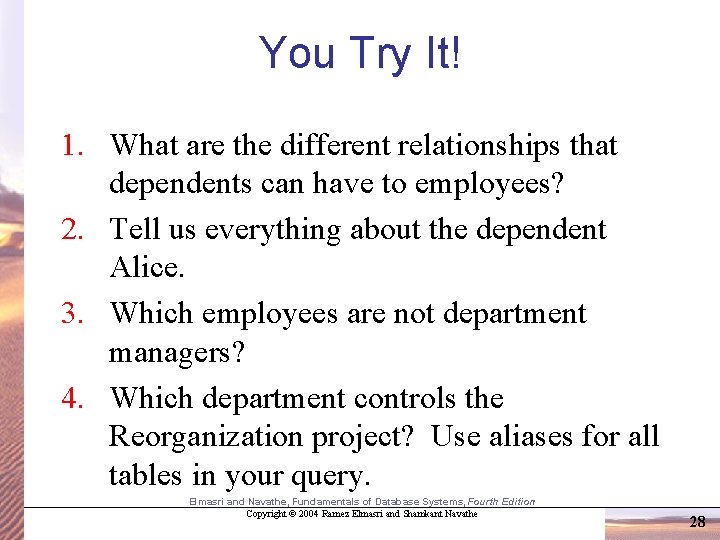
You Try It! 1. What are the different relationships that dependents can have to employees? 2. Tell us everything about the dependent Alice. 3. Which employees are not department managers? 4. Which department controls the Reorganization project? Use aliases for all tables in your query. Elmasri and Navathe, Fundamentals of Database Systems, Fourth Edition Copyright © 2004 Ramez Elmasri and Shamkant Navathe 28
NESTING OF QUERIES l A complete SELECT query, called a nested query , can be specified within the WHERE-clause of another query, called the outer query l Many of the previous queries can be specified in an alternative form using nesting l Query 1: Retrieve the name and address of all employees who work for the 'Research' department. Q 1: SELECT FROM WHERE FNAME, LNAME, ADDRESS EMPLOYEE DNO IN (SELECT DNUMBER FROM DEPARTMENT WHERE DNAME='Research' ); Elmasri and Navathe, Fundamentals of Database Systems, Fourth Edition Copyright © 2004 Ramez Elmasri and Shamkant Navathe 29
Using ANY and ALL l There’s an alternate way of seeing if a value is IN some table l IN is equivalent to = ANY l Since we often want to known if a value is equal to any other, IN is a nice shortcut l Other uses of ANY are <> ANY, < ANY, >= ANY, <= ANY l The evaluation of ANY expressions is not always intuitive l Examples: 4 = ANY (1, 2, 3, 4) Yes, because it’s equal to the 4. 4 <> ANY (1, 2, 3, 4) Yes, because it’s not equal to the 1. Elmasri and Navathe, Fundamentals of Database Systems, Fourth Edition Copyright © 2004 Ramez Elmasri and Shamkant Navathe 30
Using ANY and ALL (continued) l Similarly, we can use ALL to see how a value compares to all values in a table l We can use = ALL, <> ALL, < ALL, >= ALL, <= ALL l Again, the evaluation of ALL expressions is not always intuitive l Examples: 4 = ALL (1, 2, 3, 4) No, because it’s not equal to the 1. 4 <> ALL (1, 2, 3, 4) No, because it’s equal to the 4. 4 = ALL (4, 4, 4, 4) Yes, because all of the values are equal to 4 Elmasri and Navathe, Fundamentals of Database Systems, Fourth Edition Copyright © 2004 Ramez Elmasri and Shamkant Navathe 31
CORRELATED NESTED QUERIES l If a condition in the WHERE-clause of a nested query references an attribute of a relation declared in the outer query , the two queries are said to be correlated l The result of a correlated nested query is different for each tuple (or combination of tuples) of the relation(s) the outer query l Query 12: Retrieve the name of each employee who has a dependent with the same first name as the employee. Q 12: SELECT FROM WHERE E. FNAME, E. LNAME EMPLOYEE AS E E. SSN IN (SELECT ESSN FROM DEPENDENT WHERE ESSN=E. SSN AND E. FNAME=DEPENDENT_NAME); Elmasri and Navathe, Fundamentals of Database Systems, Fourth Edition Copyright © 2004 Ramez Elmasri and Shamkant Navathe 32
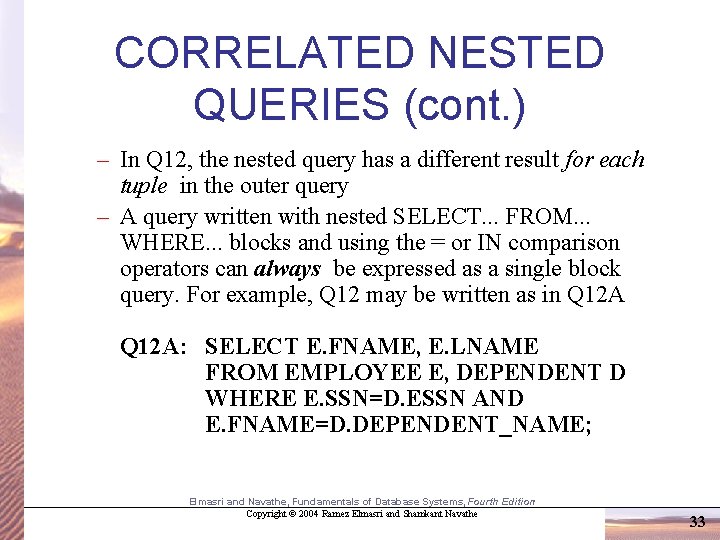
CORRELATED NESTED QUERIES (cont. ) – In Q 12, the nested query has a different result for each tuple in the outer query – A query written with nested SELECT. . . FROM. . . WHERE. . . blocks and using the = or IN comparison operators can always be expressed as a single block query. For example, Q 12 may be written as in Q 12 A: SELECT E. FNAME, E. LNAME FROM EMPLOYEE E, DEPENDENT D WHERE E. SSN=D. ESSN AND E. FNAME=D. DEPENDENT_NAME; Elmasri and Navathe, Fundamentals of Database Systems, Fourth Edition Copyright © 2004 Ramez Elmasri and Shamkant Navathe 33
THE EXISTS FUNCTION l EXISTS is used to check whether the result of a correlated nested query is empty (contains no tuples) or not l We can formulate Query 12 in an alternative form that uses EXISTS as Q 12 B below Elmasri and Navathe, Fundamentals of Database Systems, Fourth Edition Copyright © 2004 Ramez Elmasri and Shamkant Navathe 34
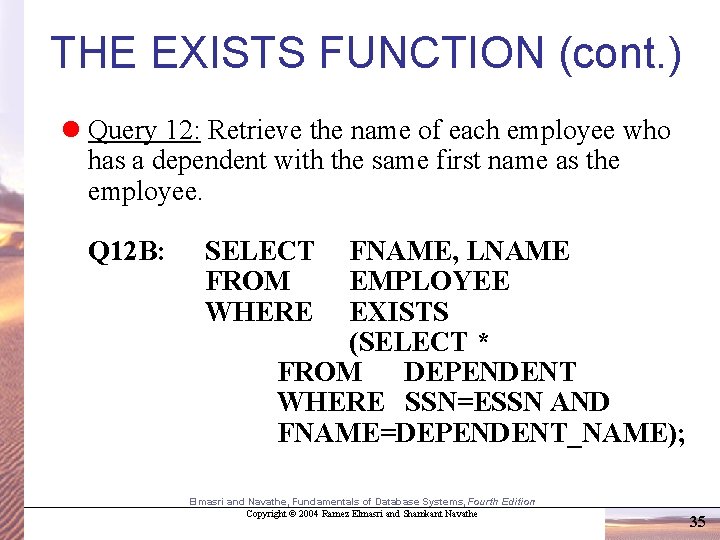
THE EXISTS FUNCTION (cont. ) l Query 12: Retrieve the name of each employee who has a dependent with the same first name as the employee. Q 12 B: SELECT FROM WHERE FNAME, LNAME EMPLOYEE EXISTS (SELECT * FROM DEPENDENT WHERE SSN=ESSN AND FNAME=DEPENDENT_NAME); Elmasri and Navathe, Fundamentals of Database Systems, Fourth Edition Copyright © 2004 Ramez Elmasri and Shamkant Navathe 35
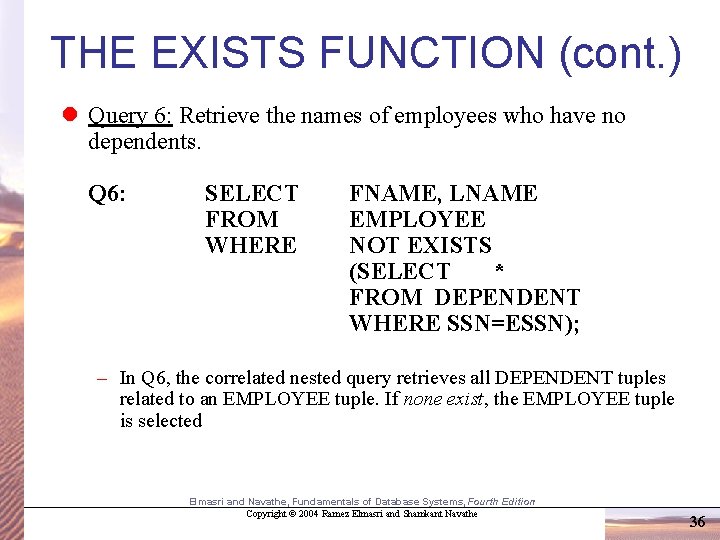
THE EXISTS FUNCTION (cont. ) l Query 6: Retrieve the names of employees who have no dependents. Q 6: SELECT FROM WHERE FNAME, LNAME EMPLOYEE NOT EXISTS (SELECT * FROM DEPENDENT WHERE SSN=ESSN); – In Q 6, the correlated nested query retrieves all DEPENDENT tuples related to an EMPLOYEE tuple. If none exist, the EMPLOYEE tuple is selected Elmasri and Navathe, Fundamentals of Database Systems, Fourth Edition Copyright © 2004 Ramez Elmasri and Shamkant Navathe 36
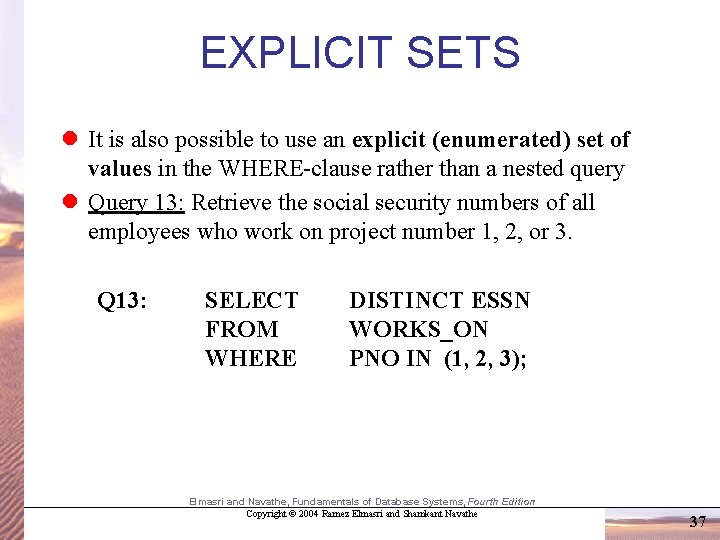
EXPLICIT SETS l It is also possible to use an explicit (enumerated) set of values in the WHERE-clause rather than a nested query l Query 13: Retrieve the social security numbers of all employees who work on project number 1, 2, or 3. Q 13: SELECT FROM WHERE DISTINCT ESSN WORKS_ON PNO IN (1, 2, 3); Elmasri and Navathe, Fundamentals of Database Systems, Fourth Edition Copyright © 2004 Ramez Elmasri and Shamkant Navathe 37
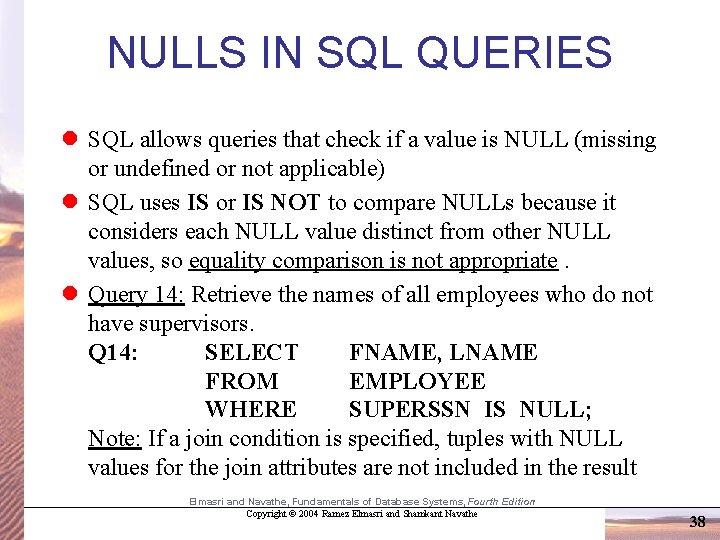
NULLS IN SQL QUERIES l SQL allows queries that check if a value is NULL (missing or undefined or not applicable) l SQL uses IS or IS NOT to compare NULLs because it considers each NULL value distinct from other NULL values, so equality comparison is not appropriate. l Query 14: Retrieve the names of all employees who do not have supervisors. Q 14: SELECT FNAME, LNAME FROM EMPLOYEE WHERE SUPERSSN IS NULL; Note: If a join condition is specified, tuples with NULL values for the join attributes are not included in the result Elmasri and Navathe, Fundamentals of Database Systems, Fourth Edition Copyright © 2004 Ramez Elmasri and Shamkant Navathe 38
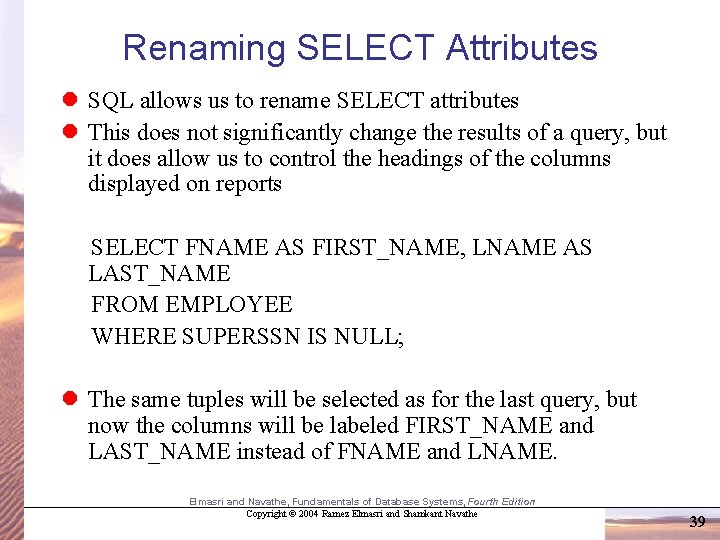
Renaming SELECT Attributes l SQL allows us to rename SELECT attributes l This does not significantly change the results of a query, but it does allow us to control the headings of the columns displayed on reports SELECT FNAME AS FIRST_NAME, LNAME AS LAST_NAME FROM EMPLOYEE WHERE SUPERSSN IS NULL; l The same tuples will be selected as for the last query, but now the columns will be labeled FIRST_NAME and LAST_NAME instead of FNAME and LNAME. Elmasri and Navathe, Fundamentals of Database Systems, Fourth Edition Copyright © 2004 Ramez Elmasri and Shamkant Navathe 39
Joined Relations Feature in SQL 2 l Can specify a "joined relation" in the FROM-clause l Looks like any other relation but is the result of a join l Allows the user to specify different types of joins (regular "theta" JOIN, NATURAL JOIN, LEFT OUTER JOIN, RIGHT OUTER JOIN) Elmasri and Navathe, Fundamentals of Database Systems, Fourth Edition Copyright © 2004 Ramez Elmasri and Shamkant Navathe 40
Joined Relations Feature in SQL 2 (cont. ) Q 1: SELECT FROM WHERE FNAME, LNAME, ADDRESS EMPLOYEE, DEPARTMENT DNAME='Research' AND DNUMBER=DNO; could be written as: Q 1: SELECT FNAME, LNAME, ADDRESS FROM (EMPLOYEE JOIN DEPARTMENT ON DNUMBER=DNO) WHERE DNAME='Research’; or as: Q 1: SELECT FNAME, LNAME, ADDRESS FROM (EMPLOYEE NATURAL JOIN DEPARTMENT AS DEPT(DNAME, DNO, MSSN, MSDATE)) WHERE DNAME='Research’ Elmasri and Navathe, Fundamentals of Database Systems, Fourth Edition Copyright © 2004 Ramez Elmasri and Shamkant Navathe 41
Joined Relations Feature in SQL 2 (cont. ) l Another Example; – Q 2 could be written as follows; this illustrates multiple joins in the joined tables Q 2: SELECT FROM WHERE PNUMBER, DNUM, LNAME, BDATE, ADDRESS ((PROJECT JOIN DEPARTMENT ON DNUM=DNUMBER) JOIN EMPLOYEE ON MGRSSN=SSN) PLOCATION='Stafford’; Elmasri and Navathe, Fundamentals of Database Systems, Fourth Edition Copyright © 2004 Ramez Elmasri and Shamkant Navathe 42
AGGREGATE FUNCTIONS l Include COUNT, SUM, MAX, MIN, and AVG l Query 15: Find the maximum salary, the minimum salary, and the average salary among all employees. Q 15: SELECT FROM MAX(SALARY), MIN(SALARY), AVG(SALARY) EMPLOYEE; – Some SQL implementations may not allow more than one function in the SELECT-clause Elmasri and Navathe, Fundamentals of Database Systems, Fourth Edition Copyright © 2004 Ramez Elmasri and Shamkant Navathe 43
AGGREGATE FUNCTIONS (cont. ) l Query 16: Find the maximum salary, the minimum salary, and the average salary among employees who work for the 'Research' department. Q 16: SELECT MAX(SALARY), MIN(SALARY), AVG(SALARY) FROM EMPLOYEE, DEPARTMENT WHERE DNO=DNUMBER AND DNAME='Research’; Elmasri and Navathe, Fundamentals of Database Systems, Fourth Edition Copyright © 2004 Ramez Elmasri and Shamkant Navathe 44
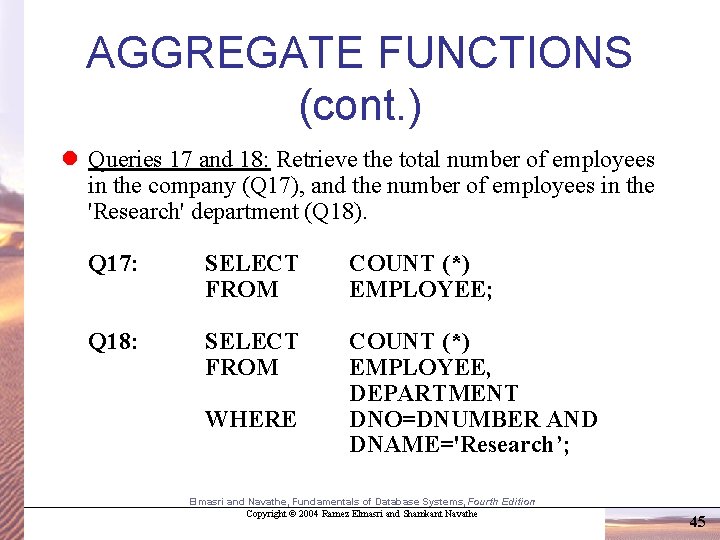
AGGREGATE FUNCTIONS (cont. ) l Queries 17 and 18: Retrieve the total number of employees in the company (Q 17), and the number of employees in the 'Research' department (Q 18). Q 17: SELECT FROM COUNT (*) EMPLOYEE; Q 18: SELECT FROM COUNT (*) EMPLOYEE, DEPARTMENT DNO=DNUMBER AND DNAME='Research’; WHERE Elmasri and Navathe, Fundamentals of Database Systems, Fourth Edition Copyright © 2004 Ramez Elmasri and Shamkant Navathe 45
GROUPING l In many cases, we want to apply the aggregate functions to subgroups of tuples in a relation l Each subgroup of tuples consists of the set of tuples that have the same value for the grouping attribute(s) l The function is applied to each subgroup independently l SQL has a GROUP BY-clause for specifying the grouping attributes, which must also appear in the SELECT-clause Elmasri and Navathe, Fundamentals of Database Systems, Fourth Edition Copyright © 2004 Ramez Elmasri and Shamkant Navathe 46
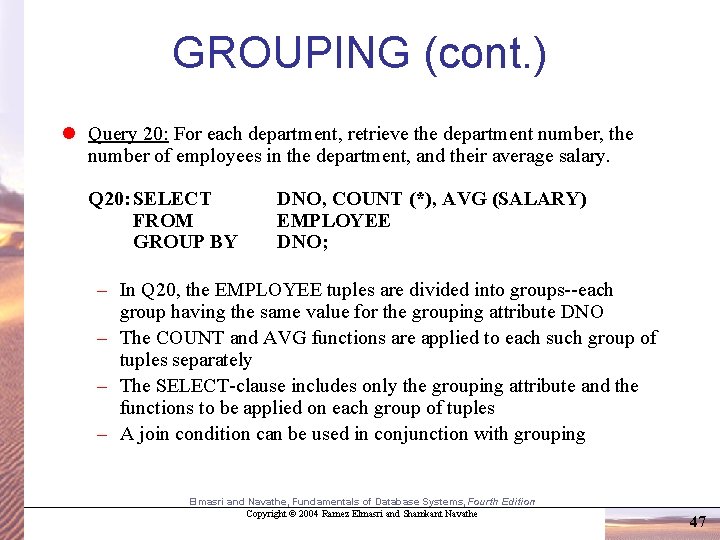
GROUPING (cont. ) l Query 20: For each department, retrieve the department number, the number of employees in the department, and their average salary. Q 20: SELECT FROM GROUP BY DNO, COUNT (*), AVG (SALARY) EMPLOYEE DNO; – In Q 20, the EMPLOYEE tuples are divided into groups--each group having the same value for the grouping attribute DNO – The COUNT and AVG functions are applied to each such group of tuples separately – The SELECT-clause includes only the grouping attribute and the functions to be applied on each group of tuples – A join condition can be used in conjunction with grouping Elmasri and Navathe, Fundamentals of Database Systems, Fourth Edition Copyright © 2004 Ramez Elmasri and Shamkant Navathe 47
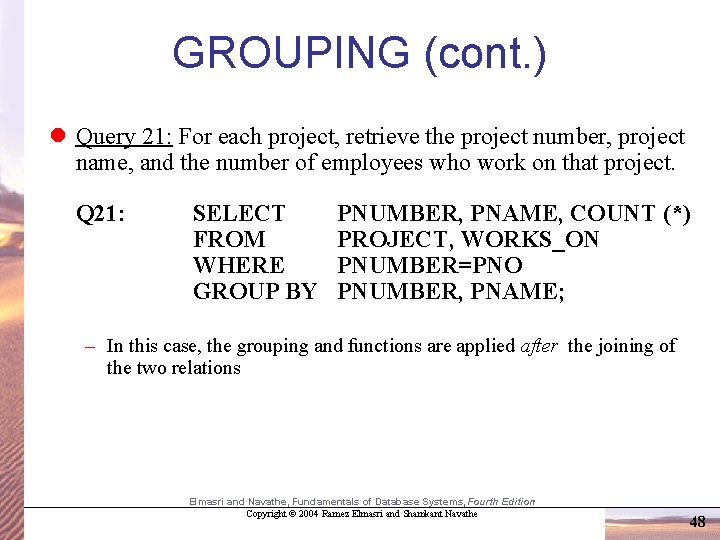
GROUPING (cont. ) l Query 21: For each project, retrieve the project number, project name, and the number of employees who work on that project. Q 21: SELECT FROM WHERE GROUP BY PNUMBER, PNAME, COUNT (*) PROJECT, WORKS_ON PNUMBER=PNO PNUMBER, PNAME; – In this case, the grouping and functions are applied after the joining of the two relations Elmasri and Navathe, Fundamentals of Database Systems, Fourth Edition Copyright © 2004 Ramez Elmasri and Shamkant Navathe 48
THE HAVING-CLAUSE l Sometimes we want to retrieve the values of these functions for only those groups that satisfy certain conditions l The HAVING-clause is used for specifying a selection condition on groups (rather than on individual tuples) Elmasri and Navathe, Fundamentals of Database Systems, Fourth Edition Copyright © 2004 Ramez Elmasri and Shamkant Navathe 49
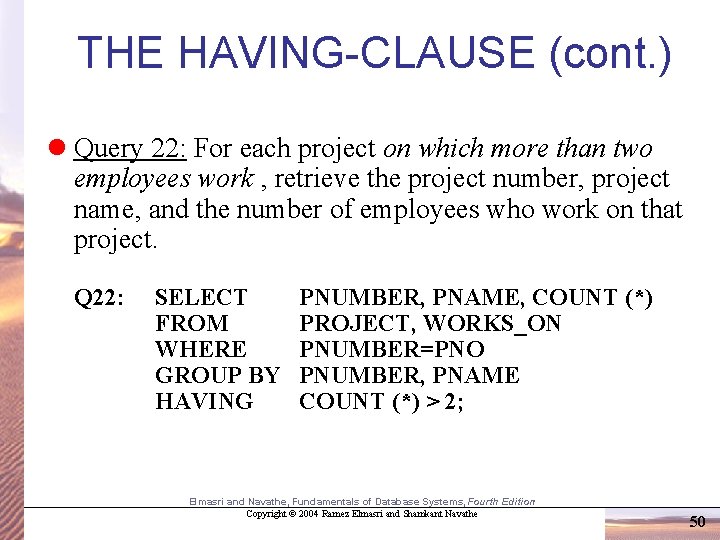
THE HAVING-CLAUSE (cont. ) l Query 22: For each project on which more than two employees work , retrieve the project number, project name, and the number of employees who work on that project. Q 22: SELECT FROM WHERE GROUP BY HAVING PNUMBER, PNAME, COUNT (*) PROJECT, WORKS_ON PNUMBER=PNO PNUMBER, PNAME COUNT (*) > 2; Elmasri and Navathe, Fundamentals of Database Systems, Fourth Edition Copyright © 2004 Ramez Elmasri and Shamkant Navathe 50
More on Aggregate Functions l In SQL, aggregate functions can be used like ordinary numbers l This query names all employees who have more than two dependents SELECT LNAME, FNAME FROM EMPLOYEE WHERE (SELECT COUNT(*) FROM DEPENDENT WHERE SSN = ESSN) >= 2; l Note that order matters in SQL. The nested query must come before the number it’s compared to. We could not test to see if 2 <= the nested select statement without getting an error message. Elmasri and Navathe, Fundamentals of Database Systems, Fourth Edition Copyright © 2004 Ramez Elmasri and Shamkant Navathe 51
SUBSTRING COMPARISON l The LIKE comparison operator is used to compare partial strings l Two reserved characters are used: '%' (or '*' in some implementations) replaces an arbitrary number of characters, and '_' replaces a single arbitrary character Elmasri and Navathe, Fundamentals of Database Systems, Fourth Edition Copyright © 2004 Ramez Elmasri and Shamkant Navathe 52
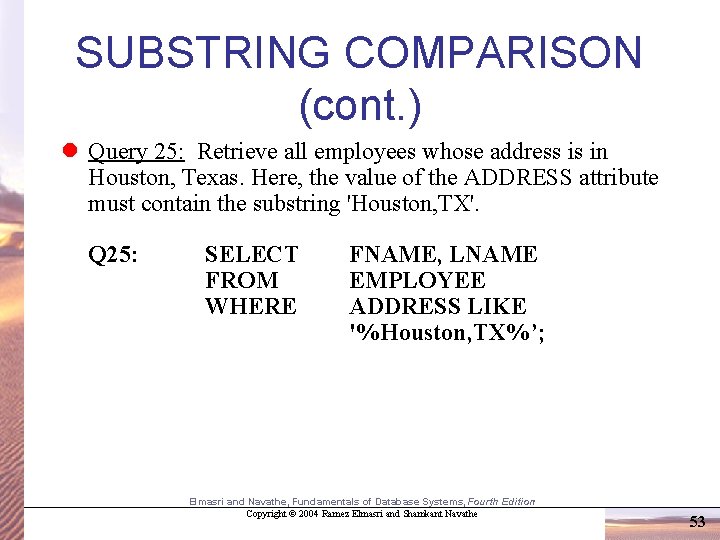
SUBSTRING COMPARISON (cont. ) l Query 25: Retrieve all employees whose address is in Houston, Texas. Here, the value of the ADDRESS attribute must contain the substring 'Houston, TX'. Q 25: SELECT FROM WHERE FNAME, LNAME EMPLOYEE ADDRESS LIKE '%Houston, TX%’; Elmasri and Navathe, Fundamentals of Database Systems, Fourth Edition Copyright © 2004 Ramez Elmasri and Shamkant Navathe 53
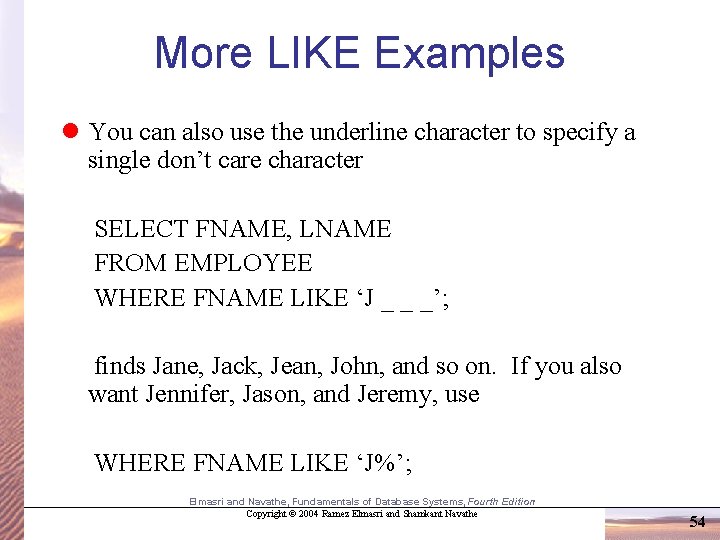
More LIKE Examples l You can also use the underline character to specify a single don’t care character SELECT FNAME, LNAME FROM EMPLOYEE WHERE FNAME LIKE ‘J _ _ _’; finds Jane, Jack, Jean, John, and so on. If you also want Jennifer, Jason, and Jeremy, use WHERE FNAME LIKE ‘J%’; Elmasri and Navathe, Fundamentals of Database Systems, Fourth Edition Copyright © 2004 Ramez Elmasri and Shamkant Navathe 54
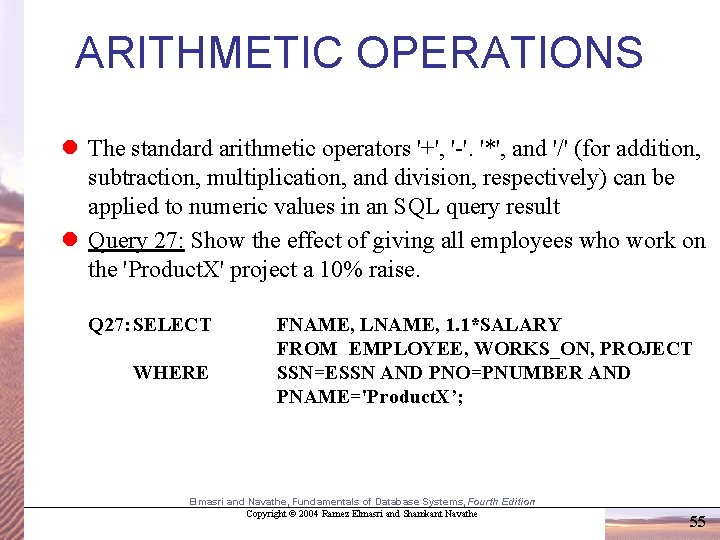
ARITHMETIC OPERATIONS l The standard arithmetic operators '+', '-'. '*', and '/' (for addition, subtraction, multiplication, and division, respectively) can be applied to numeric values in an SQL query result l Query 27: Show the effect of giving all employees who work on the 'Product. X' project a 10% raise. Q 27: SELECT WHERE FNAME, LNAME, 1. 1*SALARY FROM EMPLOYEE, WORKS_ON, PROJECT SSN=ESSN AND PNO=PNUMBER AND PNAME='Product. X’; Elmasri and Navathe, Fundamentals of Database Systems, Fourth Edition Copyright © 2004 Ramez Elmasri and Shamkant Navathe 55
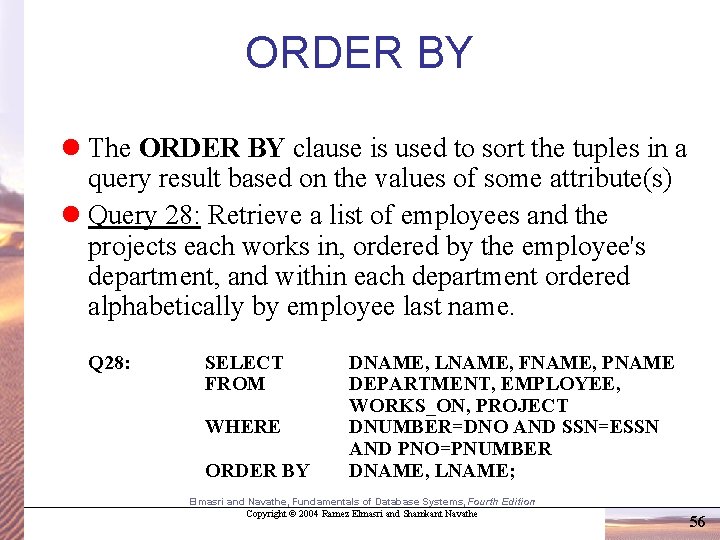
ORDER BY l The ORDER BY clause is used to sort the tuples in a query result based on the values of some attribute(s) l Query 28: Retrieve a list of employees and the projects each works in, ordered by the employee's department, and within each department ordered alphabetically by employee last name. Q 28: SELECT FROM WHERE ORDER BY DNAME, LNAME, FNAME, PNAME DEPARTMENT, EMPLOYEE, WORKS_ON, PROJECT DNUMBER=DNO AND SSN=ESSN AND PNO=PNUMBER DNAME, LNAME; Elmasri and Navathe, Fundamentals of Database Systems, Fourth Edition Copyright © 2004 Ramez Elmasri and Shamkant Navathe 56
ORDER BY (cont. ) l The default order is in ascending order of values l We can specify the keyword DESC if we want a descending order; the keyword ASC can be used to explicitly specify ascending order, even though it is the default Elmasri and Navathe, Fundamentals of Database Systems, Fourth Edition Copyright © 2004 Ramez Elmasri and Shamkant Navathe 57
Summary of SQL Queries l A query in SQL can consist of up to six clauses, but only the first two, SELECT and FROM, are mandatory. The clauses are specified in the following order: SELECT <attribute list> FROM <table list> [WHERE <condition>] [GROUP BY <grouping attribute(s)>] [HAVING <group condition>] [ORDER BY <attribute list>] Elmasri and Navathe, Fundamentals of Database Systems, Fourth Edition Copyright © 2004 Ramez Elmasri and Shamkant Navathe 58
Summary of SQL Queries (cont. ) l The SELECT-clause lists the attributes or functions to be retrieved l The FROM-clause specifies all relations (or aliases) needed in the query but not those needed in nested queries l The WHERE-clause specifies the conditions for selection and join of tuples from the relations specified in the FROM-clause l GROUP BY specifies grouping attributes l HAVING specifies a condition for selection of groups l ORDER BY specifies an order for displaying the result of a query l A query is evaluated by first applying the WHERE-clause, then GROUP BY and HAVING, and finally the SELECT-clause Elmasri and Navathe, Fundamentals of Database Systems, Fourth Edition Copyright © 2004 Ramez Elmasri and Shamkant Navathe 59
You Try It! 1. Find the names of departments located in Houston. Use a natural join. a) Rename the column header to Department. Name. 2. Find the total number of hours worked on each project. a) Omit projects worked on for less than 20 hours. 3. Name the employees whose dependents have names beginning with the letter ‘A’. a) Print out this list of employee names in alphabetical order, last name first. Elmasri and Navathe, Fundamentals of Database Systems, Fourth Edition Copyright © 2004 Ramez Elmasri and Shamkant Navathe 60
Specifying Updates in SQL l There are three SQL commands to modify the database: INSERT, DELETE, and UPDATE Elmasri and Navathe, Fundamentals of Database Systems, Fourth Edition Copyright © 2004 Ramez Elmasri and Shamkant Navathe 61
INSERT l INSERT is used to add one or more tuples to a relation l Integrity constraints will be enforced by the DBMS, so that only valid tuples will be inserted l In the simplest form of INSERT, attribute values are listed in the same order as the attributes were specified in the CREATE TABLE command Elmasri and Navathe, Fundamentals of Database Systems, Fourth Edition Copyright © 2004 Ramez Elmasri and Shamkant Navathe 62
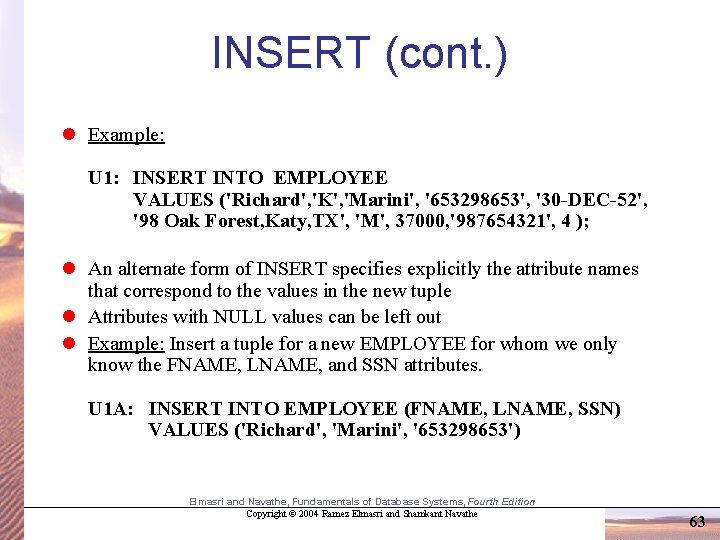
INSERT (cont. ) l Example: U 1: INSERT INTO EMPLOYEE VALUES ('Richard', 'K', 'Marini', '653298653', '30 -DEC-52', '98 Oak Forest, Katy, TX', 'M', 37000, '987654321', 4 ); l An alternate form of INSERT specifies explicitly the attribute names that correspond to the values in the new tuple l Attributes with NULL values can be left out l Example: Insert a tuple for a new EMPLOYEE for whom we only know the FNAME, LNAME, and SSN attributes. U 1 A: INSERT INTO EMPLOYEE (FNAME, LNAME, SSN) VALUES ('Richard', 'Marini', '653298653') Elmasri and Navathe, Fundamentals of Database Systems, Fourth Edition Copyright © 2004 Ramez Elmasri and Shamkant Navathe 63
DELETE l Removes tuples from a relation l Includes a WHERE-clause to select the tuples to be deleted l Tuples are deleted from only one table at a time (unless CASCADE is specified on a referential integrity constraint) l A missing WHERE-clause specifies that all tuples in the relation are to be deleted; the table then becomes an empty table l The number of tuples deleted depends on the number of tuples in the relation that satisfy the WHERE-clause l Referential integrity should be enforced Elmasri and Navathe, Fundamentals of Database Systems, Fourth Edition Copyright © 2004 Ramez Elmasri and Shamkant Navathe 64
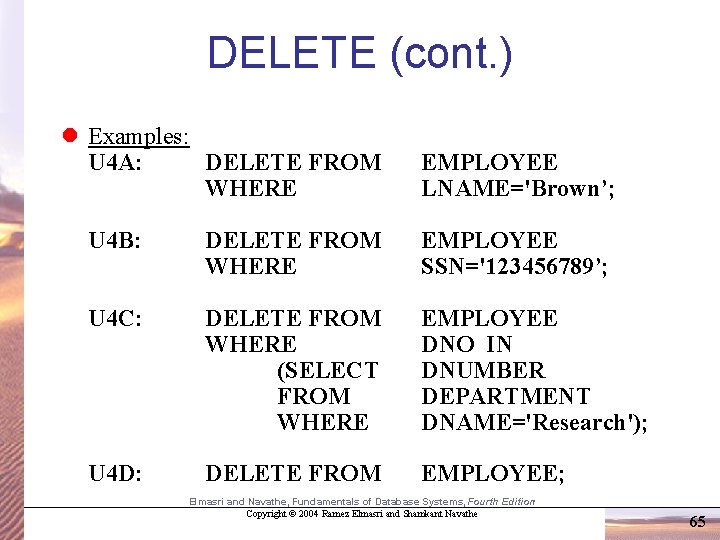
DELETE (cont. ) l Examples: U 4 A: DELETE FROM WHERE EMPLOYEE LNAME='Brown’; U 4 B: DELETE FROM WHERE EMPLOYEE SSN='123456789’; U 4 C: DELETE FROM WHERE (SELECT FROM WHERE EMPLOYEE DNO IN DNUMBER DEPARTMENT DNAME='Research'); U 4 D: DELETE FROM EMPLOYEE; Elmasri and Navathe, Fundamentals of Database Systems, Fourth Edition Copyright © 2004 Ramez Elmasri and Shamkant Navathe 65
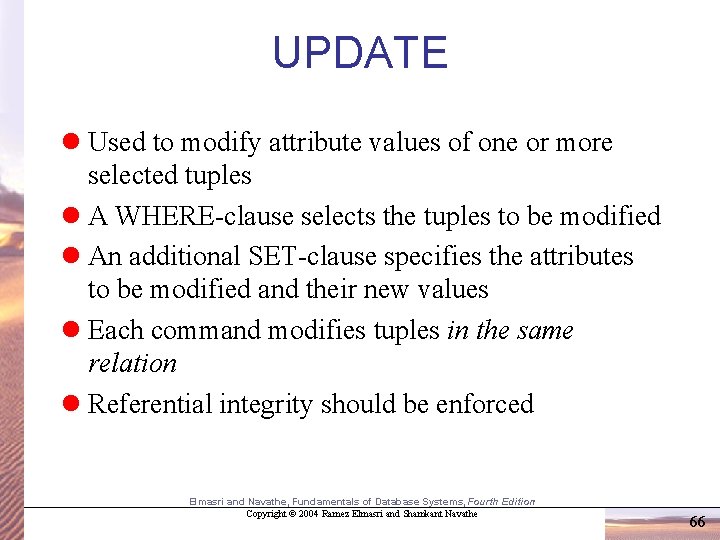
UPDATE l Used to modify attribute values of one or more selected tuples l A WHERE-clause selects the tuples to be modified l An additional SET-clause specifies the attributes to be modified and their new values l Each command modifies tuples in the same relation l Referential integrity should be enforced Elmasri and Navathe, Fundamentals of Database Systems, Fourth Edition Copyright © 2004 Ramez Elmasri and Shamkant Navathe 66
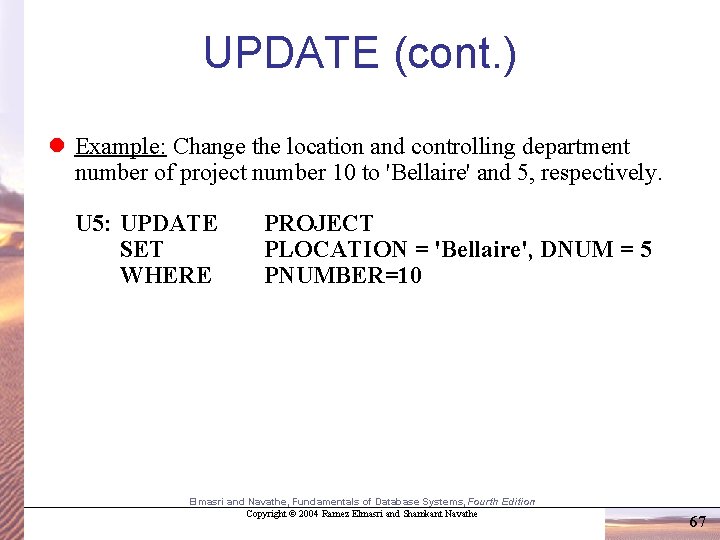
UPDATE (cont. ) l Example: Change the location and controlling department number of project number 10 to 'Bellaire' and 5, respectively. U 5: UPDATE SET WHERE PROJECT PLOCATION = 'Bellaire', DNUM = 5 PNUMBER=10 Elmasri and Navathe, Fundamentals of Database Systems, Fourth Edition Copyright © 2004 Ramez Elmasri and Shamkant Navathe 67
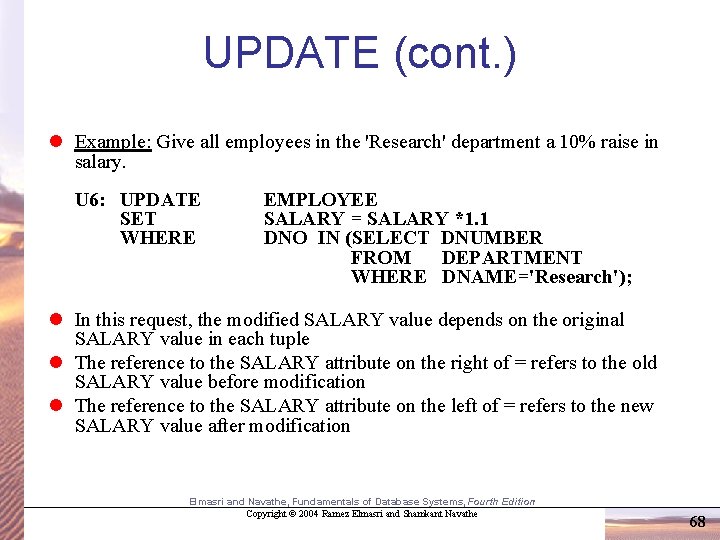
UPDATE (cont. ) l Example: Give all employees in the 'Research' department a 10% raise in salary. U 6: UPDATE SET WHERE EMPLOYEE SALARY = SALARY *1. 1 DNO IN (SELECT DNUMBER FROM DEPARTMENT WHERE DNAME='Research'); l In this request, the modified SALARY value depends on the original SALARY value in each tuple l The reference to the SALARY attribute on the right of = refers to the old SALARY value before modification l The reference to the SALARY attribute on the left of = refers to the new SALARY value after modification Elmasri and Navathe, Fundamentals of Database Systems, Fourth Edition Copyright © 2004 Ramez Elmasri and Shamkant Navathe 68
Constraints as Assertions l General constraints: additional constraints beyond those defined in the CREATE TABLE statement l Mechanism: CREATE ASSERTION – components include: a constraint name, followed by CHECK, followed by a condition Elmasri and Navathe, Fundamentals of Database Systems, Fourth Edition Copyright © 2004 Ramez Elmasri and Shamkant Navathe 69
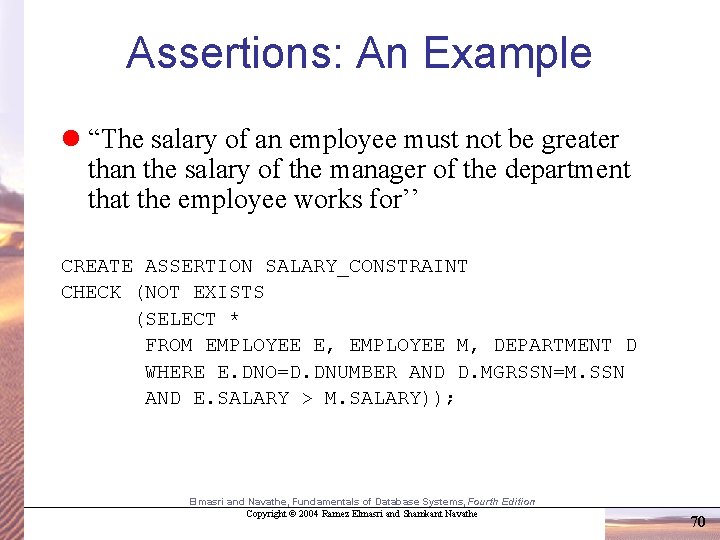
Assertions: An Example l “The salary of an employee must not be greater than the salary of the manager of the department that the employee works for’’ CREATE ASSERTION SALARY_CONSTRAINT CHECK (NOT EXISTS (SELECT * FROM EMPLOYEE E, EMPLOYEE M, DEPARTMENT D WHERE E. DNO=D. DNUMBER AND D. MGRSSN=M. SSN AND E. SALARY > M. SALARY)); Elmasri and Navathe, Fundamentals of Database Systems, Fourth Edition Copyright © 2004 Ramez Elmasri and Shamkant Navathe 70
SQL Triggers l Objective: to monitor a database and take action when a condition occurs l Triggers are expressed in a syntax similar to assertions and include the following: – event (e. g. , an update operation) – condition – action (to be taken when the condition is satisfied) l Triggers allow for the creation of active DBs Elmasri and Navathe, Fundamentals of Database Systems, Fourth Edition Copyright © 2004 Ramez Elmasri and Shamkant Navathe 71
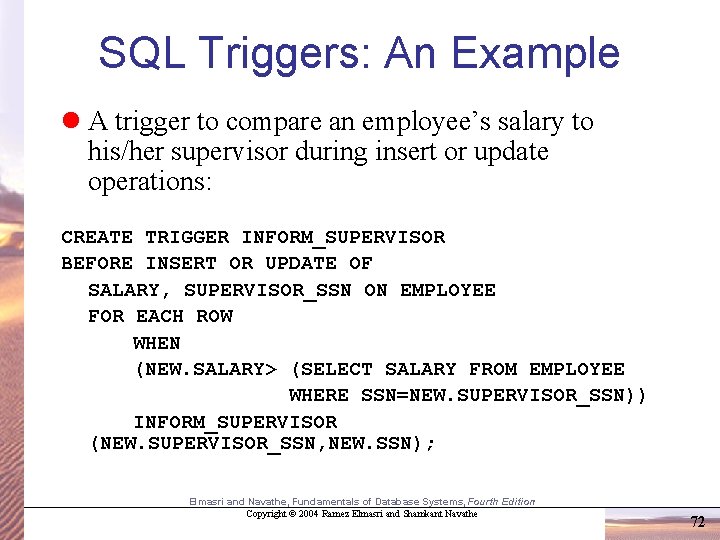
SQL Triggers: An Example l A trigger to compare an employee’s salary to his/her supervisor during insert or update operations: CREATE TRIGGER INFORM_SUPERVISOR BEFORE INSERT OR UPDATE OF SALARY, SUPERVISOR_SSN ON EMPLOYEE FOR EACH ROW WHEN (NEW. SALARY> (SELECT SALARY FROM EMPLOYEE WHERE SSN=NEW. SUPERVISOR_SSN)) INFORM_SUPERVISOR (NEW. SUPERVISOR_SSN, NEW. SSN); Elmasri and Navathe, Fundamentals of Database Systems, Fourth Edition Copyright © 2004 Ramez Elmasri and Shamkant Navathe 72
Views in SQL l A view is a “virtual” table that is derived from other tables l Allows for limited update operations (since the table may not physically be stored) l Allows full query operations l A convenience for expressing certain operations Elmasri and Navathe, Fundamentals of Database Systems, Fourth Edition Copyright © 2004 Ramez Elmasri and Shamkant Navathe 73
Specification of Views l SQL command: CREATE VIEW – a table (view) name – a possible list of attribute names (for example, when arithmetic operations are specified or when we want the names to be different from the attributes in the base relations) – a query to specify the table contents Elmasri and Navathe, Fundamentals of Database Systems, Fourth Edition Copyright © 2004 Ramez Elmasri and Shamkant Navathe 74
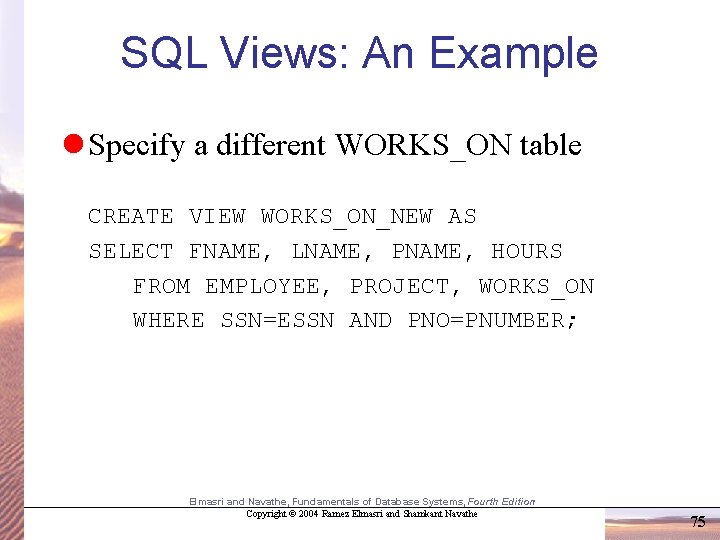
SQL Views: An Example l Specify a different WORKS_ON table CREATE VIEW WORKS_ON_NEW AS SELECT FNAME, LNAME, PNAME, HOURS FROM EMPLOYEE, PROJECT, WORKS_ON WHERE SSN=ESSN AND PNO=PNUMBER; Elmasri and Navathe, Fundamentals of Database Systems, Fourth Edition Copyright © 2004 Ramez Elmasri and Shamkant Navathe 75
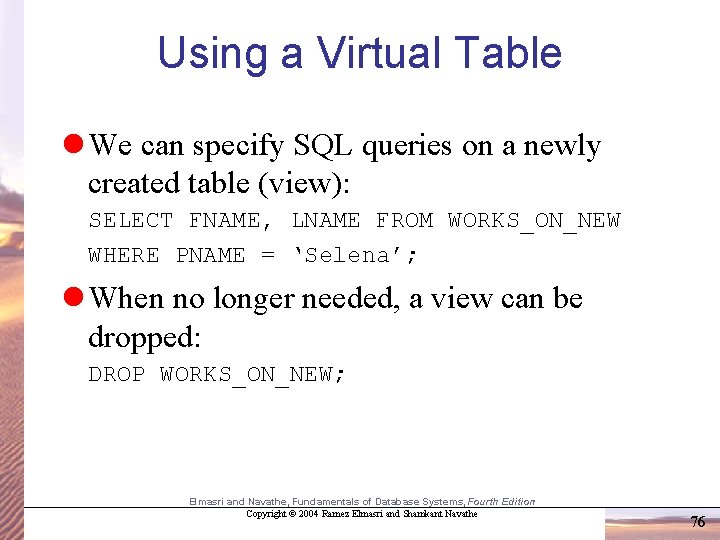
Using a Virtual Table l We can specify SQL queries on a newly created table (view): SELECT FNAME, LNAME FROM WORKS_ON_NEW WHERE PNAME = ‘Selena’; l When no longer needed, a view can be dropped: DROP WORKS_ON_NEW; Elmasri and Navathe, Fundamentals of Database Systems, Fourth Edition Copyright © 2004 Ramez Elmasri and Shamkant Navathe 76
- Slides: 76