
Chapter 8 Decision Making Using the IF and
![IF Statement Format IF condition-1 [THEN] imperative statement-1 … [ELSE imperative statement-2 …] [END-IF]](https://slidetodoc.com/presentation_image_h/f3e85f2d6c7151d4ac55c146a1b97f39/image-3.jpg "IF Statement Format IF condition-1 [THEN] imperative statement-1 … [ELSE imperative statement-2 …] [END-IF]")
![EVALUATE Statement Format EVALUATE identifier-1 expression-1 WHEN condition-1 imperative-statement-1 … [WHEN OTHER imperative-statement-2 …]](https://slidetodoc.com/presentation_image_h/f3e85f2d6c7151d4ac55c146a1b97f39/image-20.jpg "EVALUATE Statement Format EVALUATE identifier-1 expression-1 WHEN condition-1 imperative-statement-1 … [WHEN OTHER imperative-statement-2 …]")
- Slides: 23
Chapter 8 Decision Making Using the IF and EVALUATE Statements
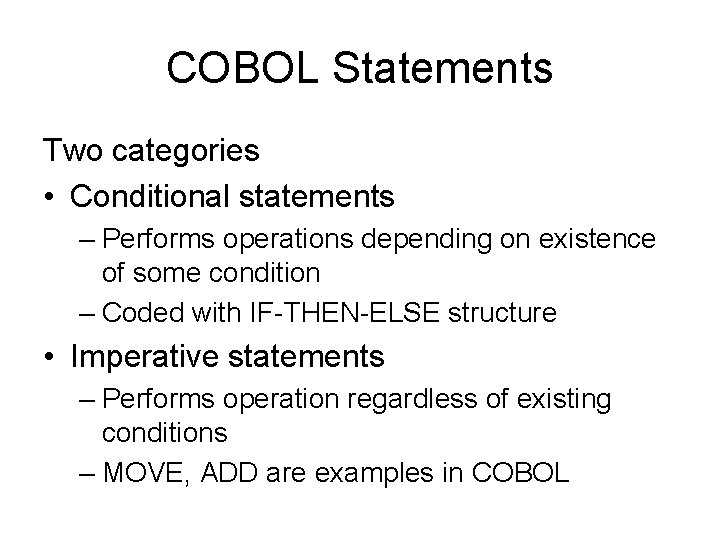
COBOL Statements Two categories • Conditional statements – Performs operations depending on existence of some condition – Coded with IF-THEN-ELSE structure • Imperative statements – Performs operation regardless of existing conditions – MOVE, ADD are examples in COBOL
IF Statement Format IF condition-1 [THEN] imperative statement-1 … [ELSE imperative statement-2 …] [END-IF]
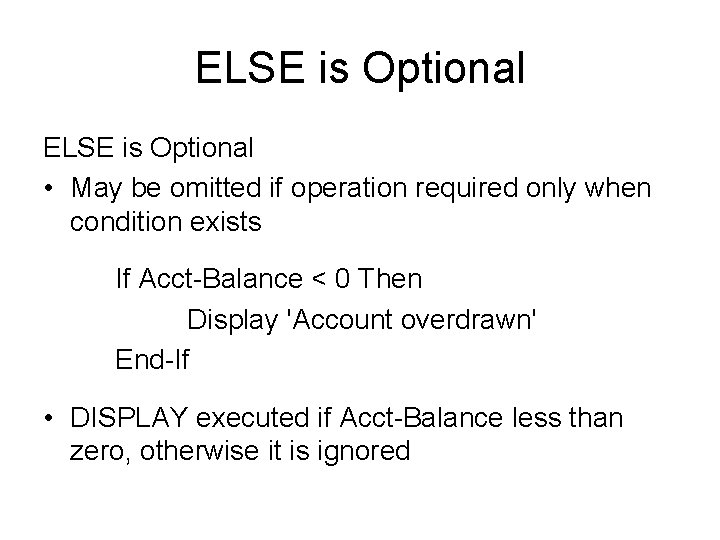
ELSE is Optional • May be omitted if operation required only when condition exists If Acct-Balance < 0 Then Display 'Account overdrawn' End-If • DISPLAY executed if Acct-Balance less than zero, otherwise it is ignored
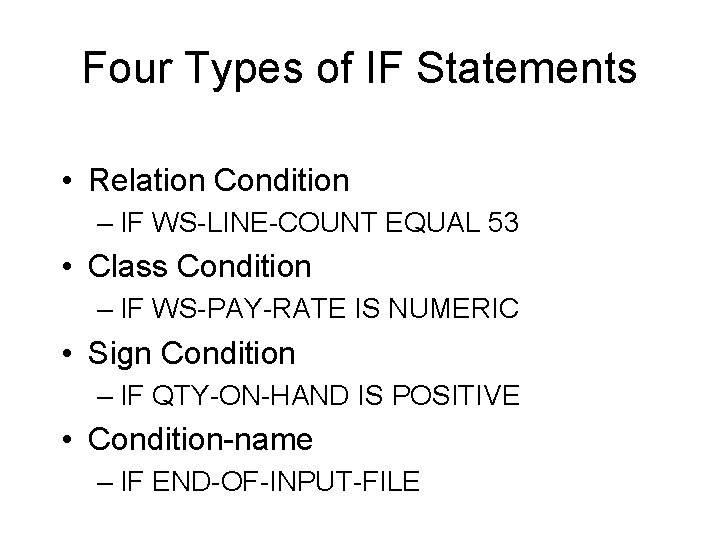
Four Types of IF Statements • Relation Condition – IF WS-LINE-COUNT EQUAL 53 • Class Condition – IF WS-PAY-RATE IS NUMERIC • Sign Condition – IF QTY-ON-HAND IS POSITIVE • Condition-name – IF END-OF-INPUT-FILE
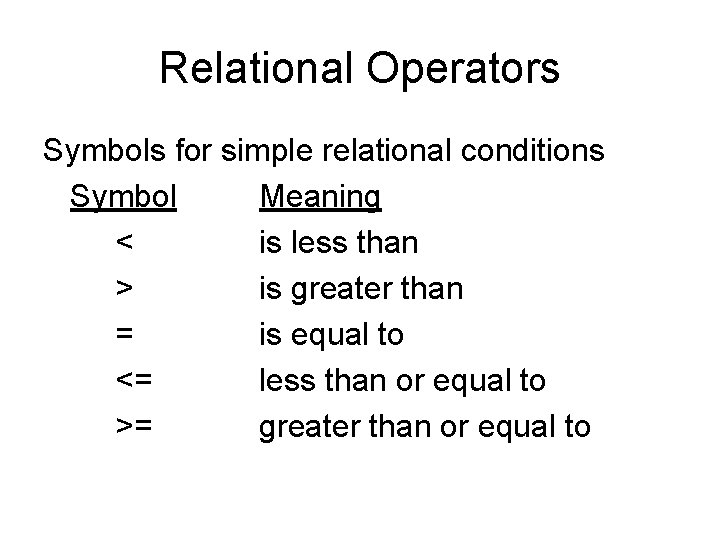
Relational Operators Symbols for simple relational conditions Symbol Meaning < is less than > is greater than = is equal to <= less than or equal to >= greater than or equal to
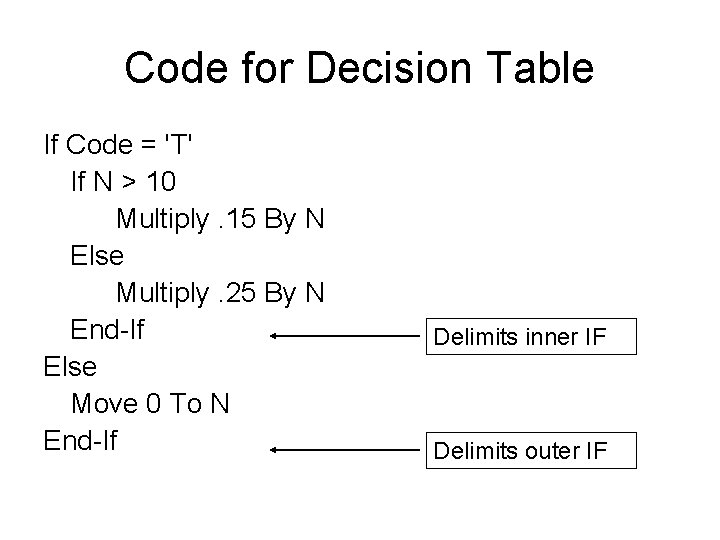
Nested Conditional • IF statement itself can contain additional IF statements • Pair each IF with an END-IF • Used when more than two conditions need to be tested
Compound Conditional • To test for several conditions with one statement • Code multiple conditions separated by ORs or ANDs
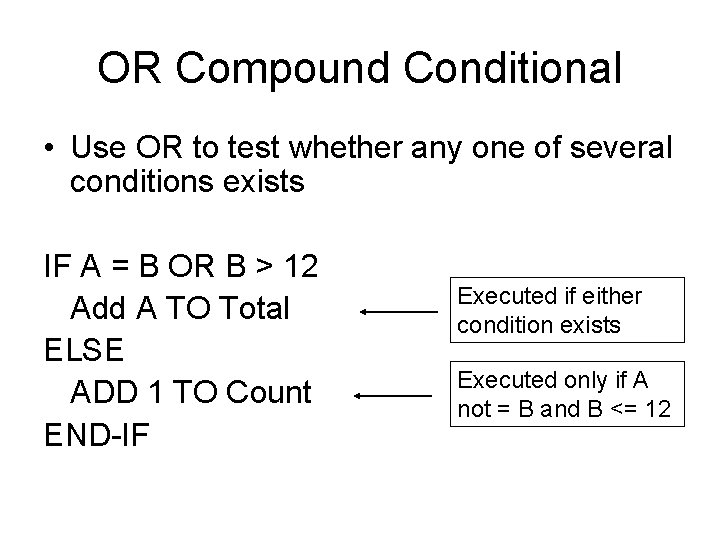
OR Compound Conditional • Use OR to test whether any one of several conditions exists IF A = B OR B > 12 Add A TO Total ELSE ADD 1 TO Count END-IF Executed if either condition exists Executed only if A not = B and B <= 12
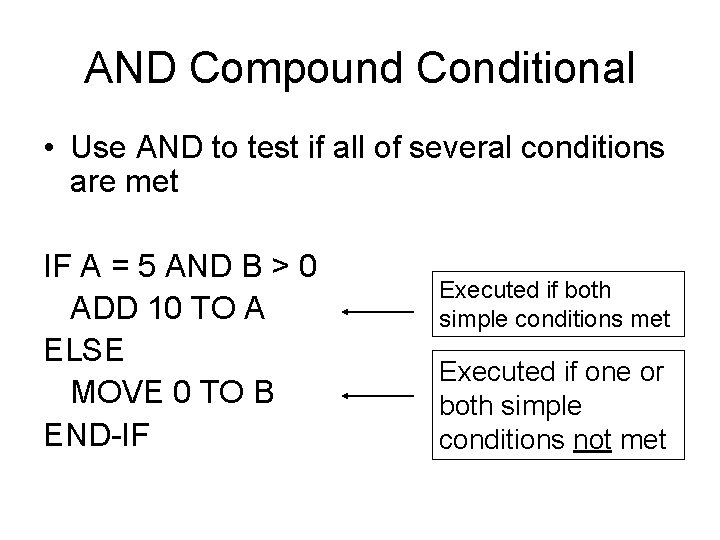
AND Compound Conditional • Use AND to test if all of several conditions are met IF A = 5 AND B > 0 ADD 10 TO A ELSE MOVE 0 TO B END-IF Executed if both simple conditions met Executed if one or both simple conditions not met
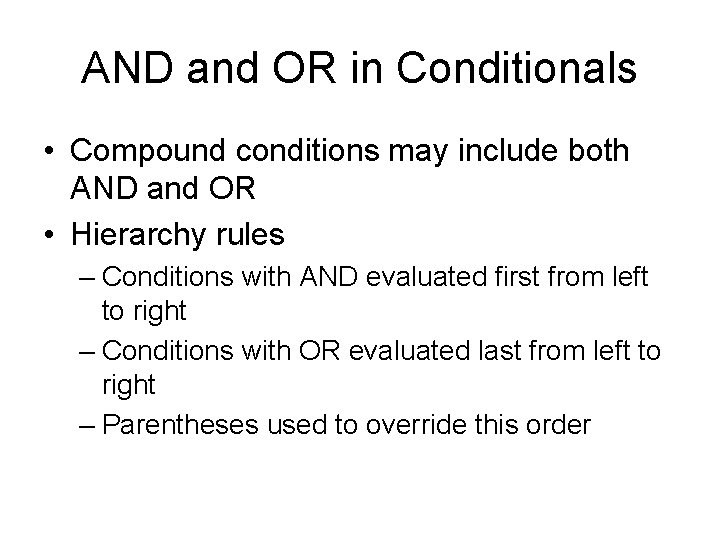
AND and OR in Conditionals • Compound conditions may include both AND and OR • Hierarchy rules – Conditions with AND evaluated first from left to right – Conditions with OR evaluated last from left to right – Parentheses used to override this order
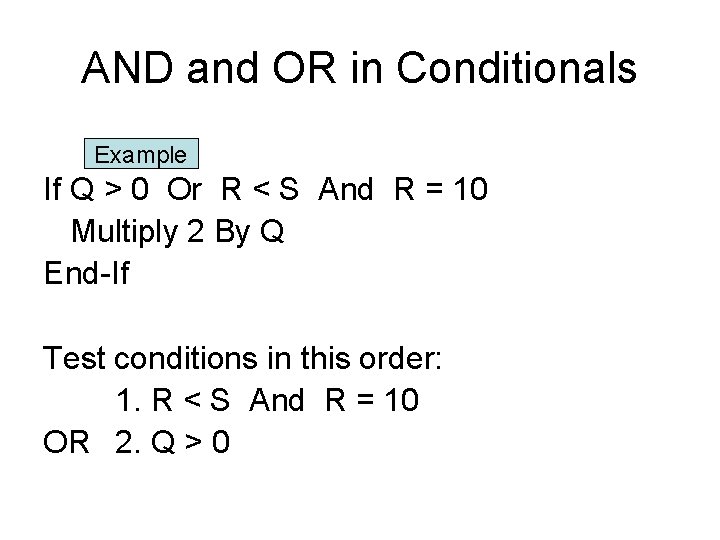
AND and OR in Conditionals Example If Q > 0 Or R < S And R = 10 Multiply 2 By Q End-If Test conditions in this order: 1. R < S And R = 10 OR 2. Q > 0
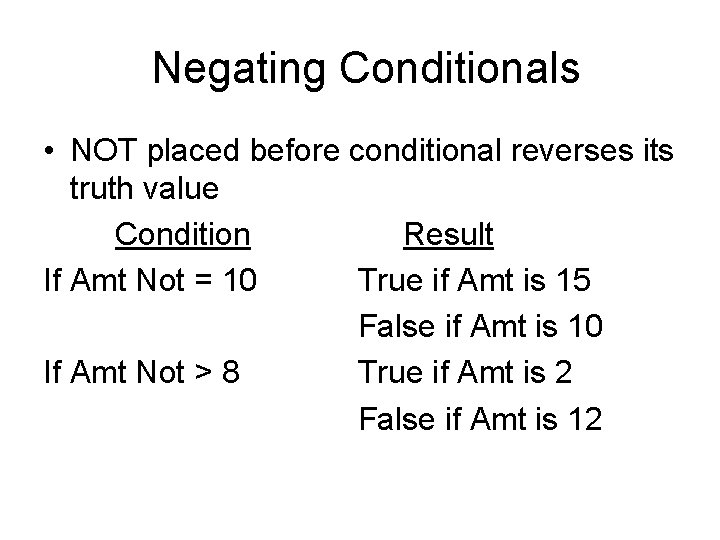
Negating Conditionals • NOT placed before conditional reverses its truth value Condition Result If Amt Not = 10 True if Amt is 15 False if Amt is 10 If Amt Not > 8 True if Amt is 2 False if Amt is 12
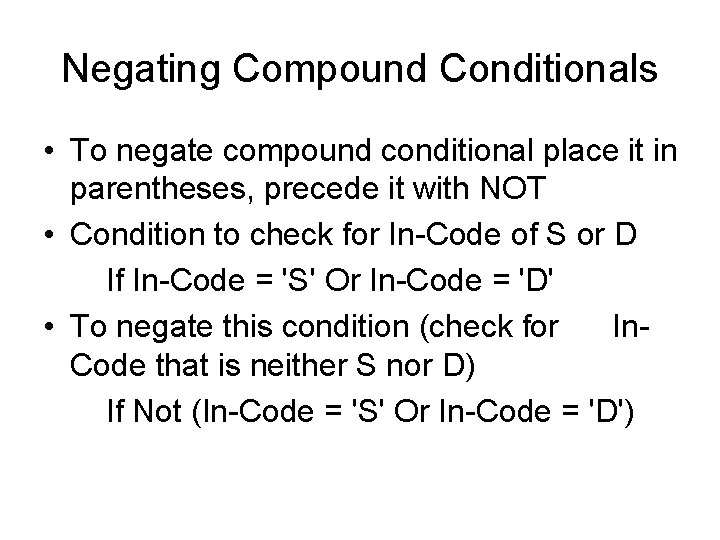
Negating Compound Conditionals • To negate compound conditional place it in parentheses, precede it with NOT • Condition to check for In-Code of S or D If In-Code = 'S' Or In-Code = 'D' • To negate this condition (check for In. Code that is neither S nor D) If Not (In-Code = 'S' Or In-Code = 'D')
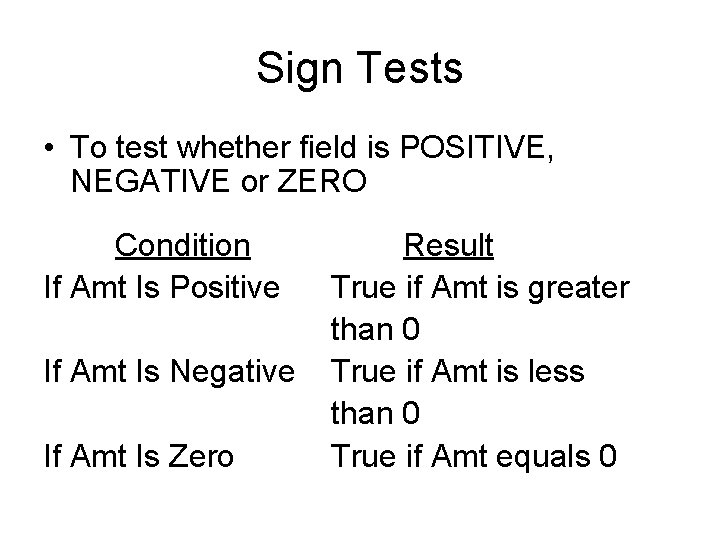
Sign Tests • To test whether field is POSITIVE, NEGATIVE or ZERO Condition If Amt Is Positive If Amt Is Negative If Amt Is Zero Result True if Amt is greater than 0 True if Amt is less than 0 True if Amt equals 0
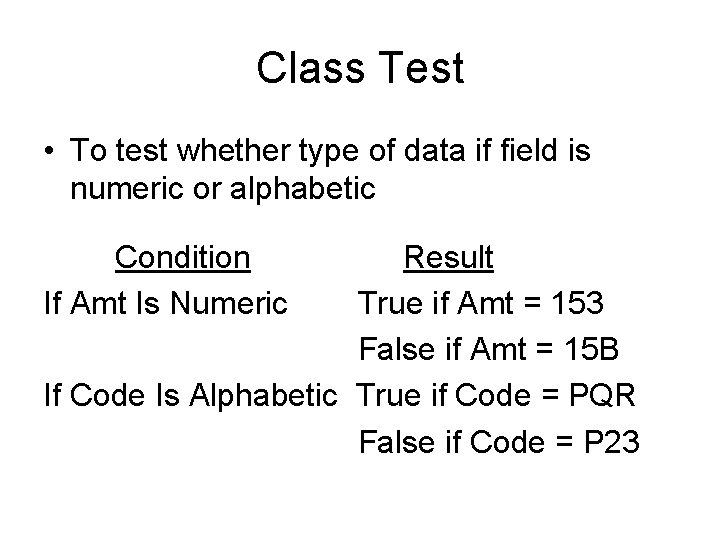
Class Test • To test whether type of data if field is numeric or alphabetic Condition If Amt Is Numeric Result True if Amt = 153 False if Amt = 15 B If Code Is Alphabetic True if Code = PQR False if Code = P 23
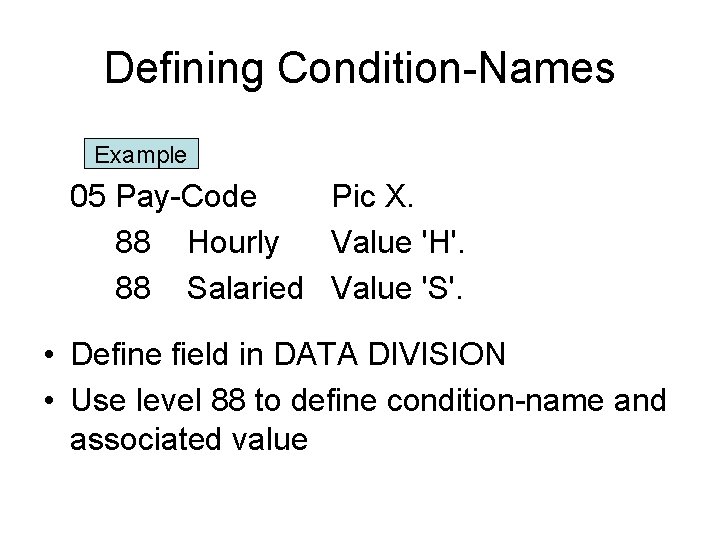
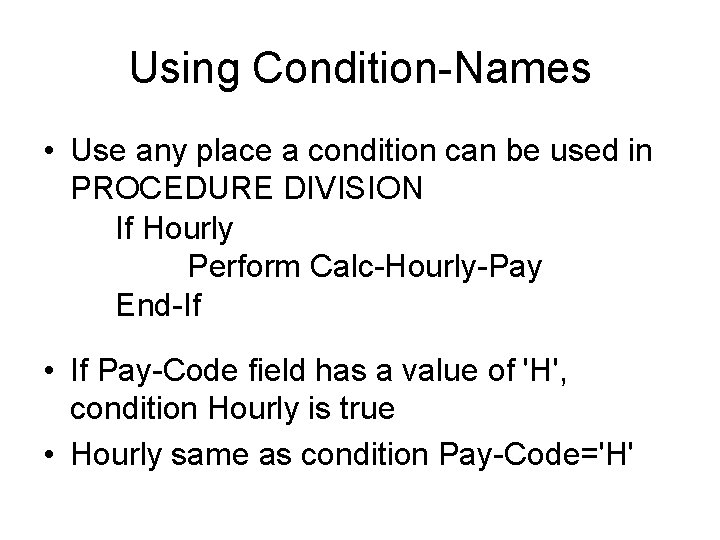
Defining Condition-Names Example 05 Pay-Code Pic X. 88 Hourly Value 'H'. 88 Salaried Value 'S'. • Define field in DATA DIVISION • Use level 88 to define condition-name and associated value
Using Condition-Names • Use any place a condition can be used in PROCEDURE DIVISION If Hourly Perform Calc-Hourly-Pay End-If • If Pay-Code field has a value of 'H', condition Hourly is true • Hourly same as condition Pay-Code='H'
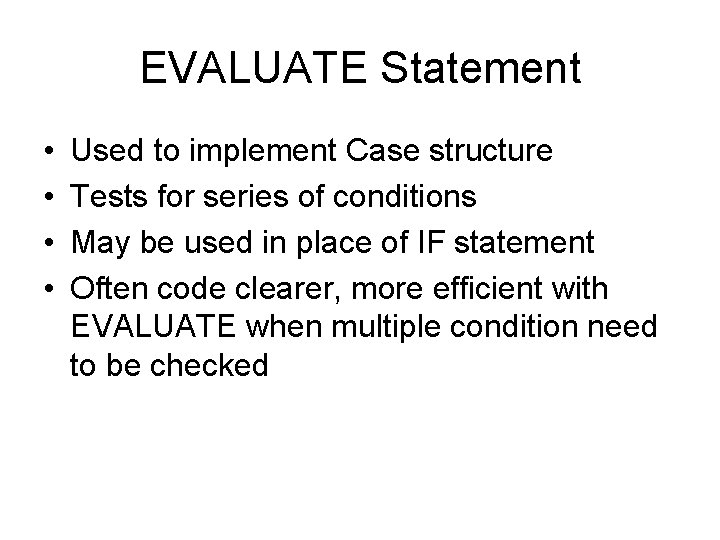
EVALUATE Statement • • Used to implement Case structure Tests for series of conditions May be used in place of IF statement Often code clearer, more efficient with EVALUATE when multiple condition need to be checked
EVALUATE Statement Format EVALUATE identifier-1 expression-1 WHEN condition-1 imperative-statement-1 … [WHEN OTHER imperative-statement-2 …] [END-EVALUATE]
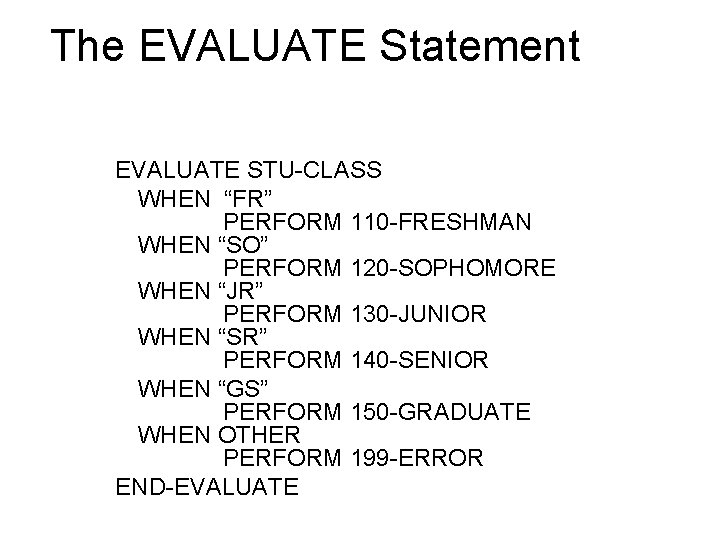
The EVALUATE Statement EVALUATE STU-CLASS WHEN “FR” PERFORM 110 -FRESHMAN WHEN “SO” PERFORM 120 -SOPHOMORE WHEN “JR” PERFORM 130 -JUNIOR WHEN “SR” PERFORM 140 -SENIOR WHEN “GS” PERFORM 150 -GRADUATE WHEN OTHER PERFORM 199 -ERROR END-EVALUATE
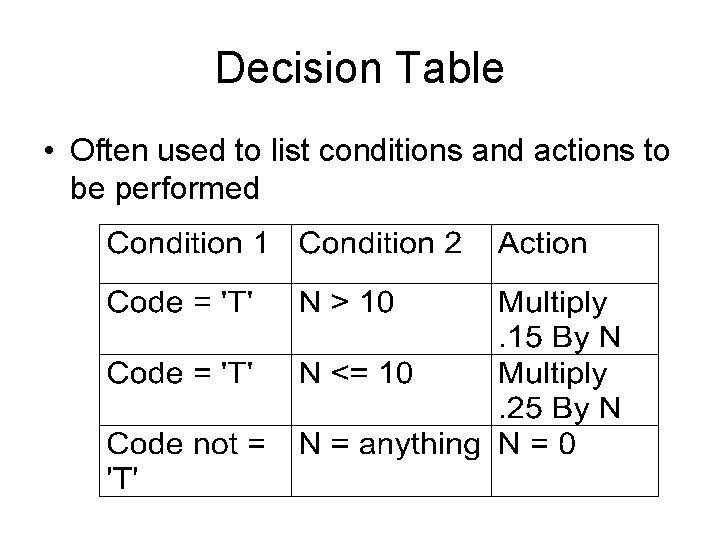
Decision Table • Often used to list conditions and actions to be performed
Code for Decision Table If Code = 'T' If N > 10 Multiply. 15 By N Else Multiply. 25 By N End-If Else Move 0 To N End-If Delimits inner IF Delimits outer IF