
Chapter 8 Communications and Operations Security Program and

- Slides: 32
Chapter 8: Communications and Operations Security Program and Policies Principles and Practices Updated 03/2018 by Sari Stern Greene
Objectives q q q q q Author useful standard operating procedures Implement change control processes Understand the importance of patch management Protect information systems against malware Consider data backup and replication strategies Recognize the security requirements of email and email systems Appreciate the value of log data and analysis Evaluate service provider relationships Write policies and procedures to support operational and communications security Copyright 2014 Pearson Education, Inc. 2
Introduction Communication and operations security focuses on Information technology (IT) and Security functions: q q q Standard operating procedures Change management Malware protection Data replication Secure management Activity monitoring These functions are carried out by IT and information security data custodians (e. g. network administrations security engineers) Copyright 2014 Pearson Education, Inc. 3
Standard Operating Procedures (SOPs) SOPs are detailed explanations of how to perform a task SOPs Effective SOPS include: provide; standardized direction, improved communication, reduced training time and improved work consistency q q q Who performs the task What materials are necessary Where the task takes place When the task should be performed How the person is to execute the task Copyright 2014 Pearson Education, Inc. 4
SOPs Documentation SOPs should be properly documented to protect the company q Documented SOPs standardize the target process and provide sufficient information q A critical task/business process is only known by one employee and is not documented, if that employee becomes unavailable, the organization could be seriously injured someone with limited experience can successfully perform the procedure unsupervised SOPs should be written in detail by someone with sufficient experience of the targeted process Copyright 2014 Pearson Education, Inc. 5
Authorizing SOP Documentation Documented procedure must be: q Reviewed q Verified q The reviewer should check the SOP for clarity and reliability The verifier should test the procedure and ensure they are correct and not missing any steps Authorized (before publication) The process owner is responsible for authorization, publication and distribution of the document Copyright 2014 Pearson Education, Inc. 6
Protecting SOP Documentation The integrity of the SOP document should be protected through: Access controls q Should be applied to protect the procedure document from any tampering Version controls q Employees should use the latest revision of the procedure Copyright 2014 Pearson Education, Inc. 7
Developing SOPs should be: q q q Concise & clear Logical step-by-step order Plain language format Exceptions are noted and explained Warnings are clear and standout Choosing the format of a SOP is based on: q q How many decisions the user will make How many steps are in the procedure Copyright 2014 Pearson Education, Inc. 8
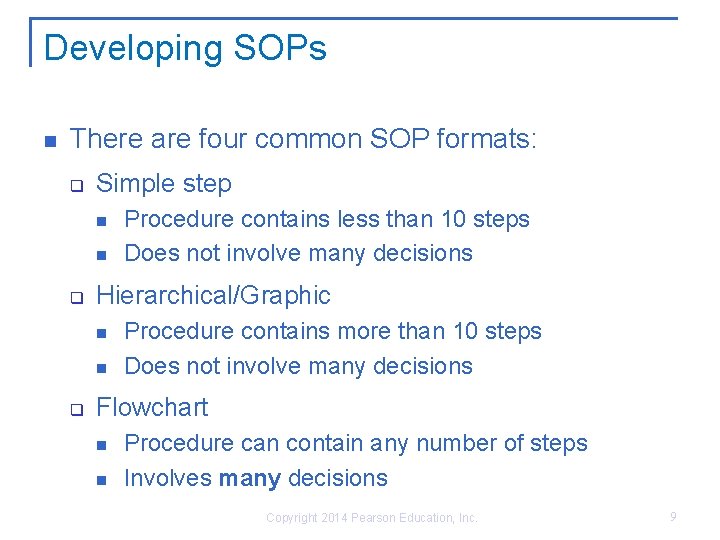
Developing SOPs There are four common SOP formats: q Simple step q Hierarchical/Graphic q Procedure contains less than 10 steps Does not involve many decisions Procedure contains more than 10 steps Does not involve many decisions Flowchart Procedure can contain any number of steps Involves many decisions Copyright 2014 Pearson Education, Inc. 9
Operational Change Control Change control: An internal procedure in which authorized changes are made Managing change allows organizations to be productive and spend less time in crisis mode. q E. g. An operating system fails to be updated completely to the new version nor is it still original version, this results in an unstable platform hindering the productivity of the entire company The change control process: Submitting a Request For Change (RFC) 2. Developing a change control plan 3. Communicating change 4. Implementing & monitoring change 1. Copyright 2014 Pearson Education, Inc. 10
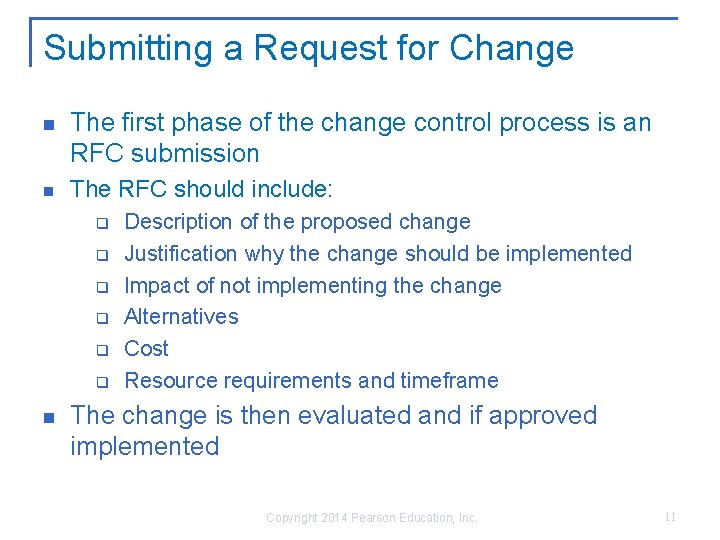
Submitting a Request for Change The first phase of the change control process is an RFC submission The RFC should include: q q q Description of the proposed change Justification why the change should be implemented Impact of not implementing the change Alternatives Cost Resource requirements and timeframe The change is then evaluated and if approved implemented Copyright 2014 Pearson Education, Inc. 11
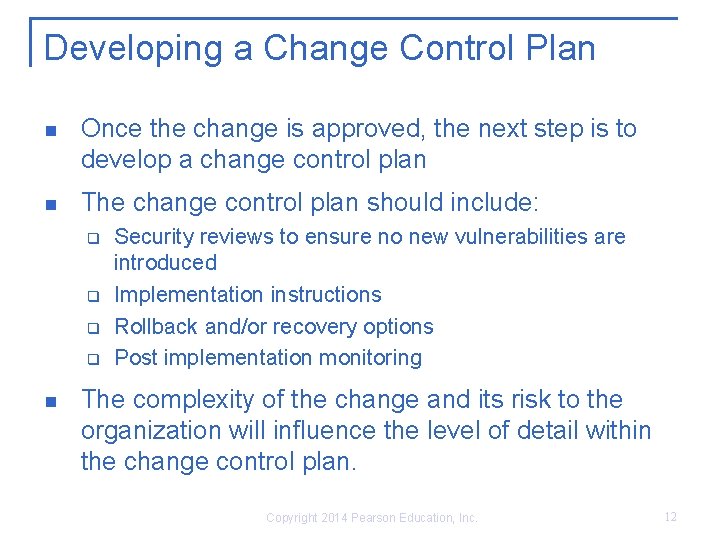
Developing a Change Control Plan Once the change is approved, the next step is to develop a change control plan The change control plan should include: q q Security reviews to ensure no new vulnerabilities are introduced Implementation instructions Rollback and/or recovery options Post implementation monitoring The complexity of the change and its risk to the organization will influence the level of detail within the change control plan. Copyright 2014 Pearson Education, Inc. 12
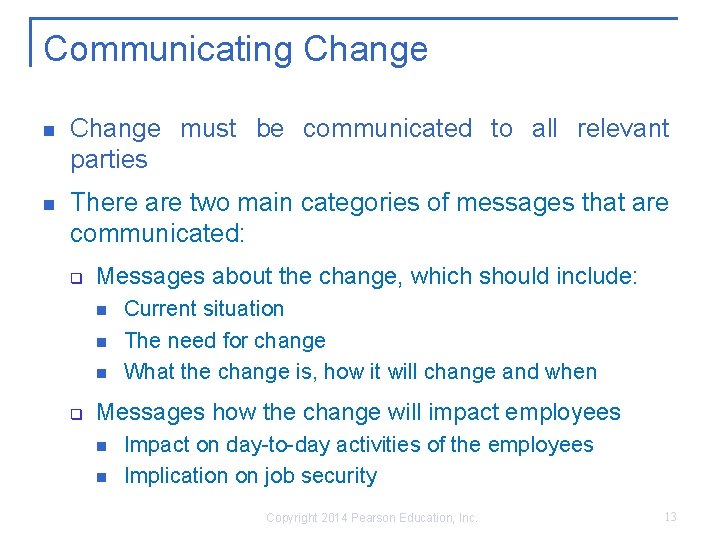
Communicating Change must be communicated to all relevant parties There are two main categories of messages that are communicated: q Messages about the change, which should include: q Current situation The need for change What the change is, how it will change and when Messages how the change will impact employees Impact on day-to-day activities of the employees Implication on job security Copyright 2014 Pearson Education, Inc. 13
Implementing & Monitoring Change can be unpredictable q q If possible change should be applied to a test environment to check and monitor its impact. A plan must be in place to roll back or recover from failed implementation All actions and steps taken to implement the change should be recorded and documented Change should be continuously monitored for any flaws and unexpected impacts Copyright 2014 Pearson Education, Inc. 14
Why Is Patching Handled Differently? Patch is software or code designed to fix a problem Applying security patches is the primary method of fixing security vulnerabilities in software Patches need to be applied quickly to prevent attackers from exploiting code and information Patch management is the process of scheduling, testing, approving, and applying security patches q q Patching can be unpredictable and disruptive User should be notified of potential downtime due to patch installation Copyright 2014 Pearson Education, Inc. 15
Malware Protection Malware (malicious software) is designed to: q q q disrupt computer operation gather sensitive information or gain unauthorized access to computer systems and mobile devices Malware can infect system by being bundled with other programs or self-replicated Most malware typically requires user interaction such as: q q Clicking an email Connecting to the internet Copyright 2014 Pearson Education, Inc. 16
Different Types of Malware can be categorized as: q q Viruses: malicious code that attaches to become part of another program Worm: a piece of code that spreads from one computer to another without requiring a host file Trojans: malicious code that masks itself as an application Bots: Snippets of code designed to automate tasks and respond to instructions Copyright 2014 Pearson Education, Inc. 17
Different Types of Malware Cont. Malware can be categorized as: q q q Ransomware: a type of malware that take computer or its data as hostage Rootkits: a set of software tools that hides its presence on the computer, using some of the lower layers of the operating system Spyware/adware: general term describing software that tracks internet activity and searches without user knowledge Copyright 2014 Pearson Education, Inc. 18
How Is Malware Controlled? Prevention controls q Stop an attack before it occurs Disable remote desktop connection Configure the firewall to restrict access Disallow users to install software on company device Detection controls q Identify the presence of malware, alert the user, and prevent the malware from carrying out its mission Real-time firewall detection of suspicious files download and of suspicious network connections Copyright 2014 Pearson Education, Inc. 19
What Is Antivirus Software? Antivirus software is used to detect, contain, and in some cases eliminate malicious software Most AV software employs two techniques q q Signature-based recognition Behavior-based (heuristic) recognition AV software is not 100% effective due to three factors q q q The volume of new malware Single-instance malware Blended threats (malware put together) Copyright 2014 Pearson Education, Inc. 20
Data Replication The impact of malware, hardware failure, accidental deletion is reduced by effective: q Data Replication q Data backup is the process of copying data to a second location that is available for immediate use is the process of copying/storing data that can be restored to its original location Replicating and backing up data protects data’s integrity and availability Copyright 2014 Pearson Education, Inc. 21
Recommended Backup/Replication Strategy? Decision to backup/replicate and how often should be based on the impact of not being able to access the data Several factors should be considered when the strategy is designed: q q Reliability Speed and efficiency Simplicity and ease of use Cost Backed-up or replicated data should be stored in a offsite location, secure from theft, the elements, and natural disasters Copyright 2014 Pearson Education, Inc. 22
The Importance of Testing The point of replicating and backing-up data is so the data can be accessed/restored if lost or tampered with The accessibility or restore strategy must be: q q q Carefully designed Tested before being approved Documented Copyright 2014 Pearson Education, Inc. 23
Secure Messaging Emails take complex routes with processing and sorting at several locations before arriving at its destination q It’s hard to tell if someone has read or manipulated your message in transit making it an insecure way to transmit information Conserving the confidentiality of the content and metadata of a message is extremely difficult Email can be used to distribute malware Encryption protects the privacy of the message by converting it from readable plain text to ciphers text Copyright 2014 Pearson Education, Inc. 24
Securing Messaging Cont. Sent document may contain metadata that the sender didn’t intend to share Metadata are hidden information about a file: q q Creator of the document Deleted, reformatted or hidden content Recycling documents, using documents created by other people can be ways in which metadata is shared Copyright 2014 Pearson Education, Inc. 25
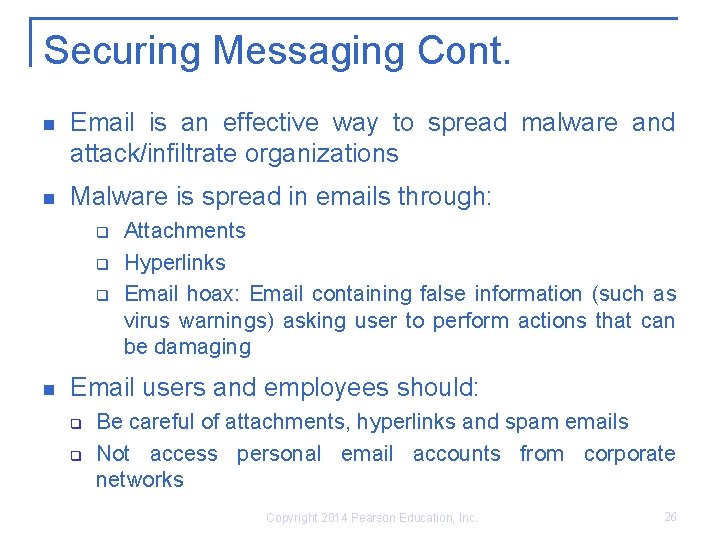
Securing Messaging Cont. Email is an effective way to spread malware and attack/infiltrate organizations Malware is spread in emails through: q q q Attachments Hyperlinks Email hoax: Email containing false information (such as virus warnings) asking user to perform actions that can be damaging Email users and employees should: q q Be careful of attachments, hyperlinks and spam emails Not access personal email accounts from corporate networks Copyright 2014 Pearson Education, Inc. 26
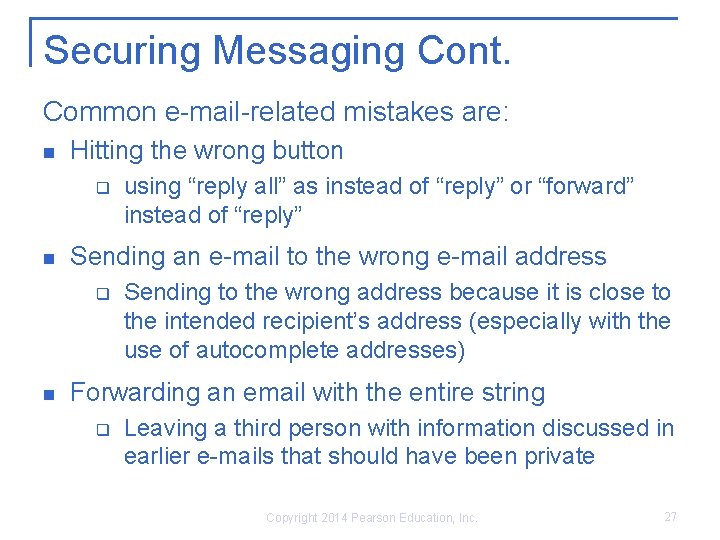
Securing Messaging Cont. Common e-mail-related mistakes are: Hitting the wrong button q Sending an e-mail to the wrong e-mail address q using “reply all” as instead of “reply” or “forward” instead of “reply” Sending to the wrong address because it is close to the intended recipient’s address (especially with the use of autocomplete addresses) Forwarding an email with the entire string q Leaving a third person with information discussed in earlier e-mails that should have been private Copyright 2014 Pearson Education, Inc. 27
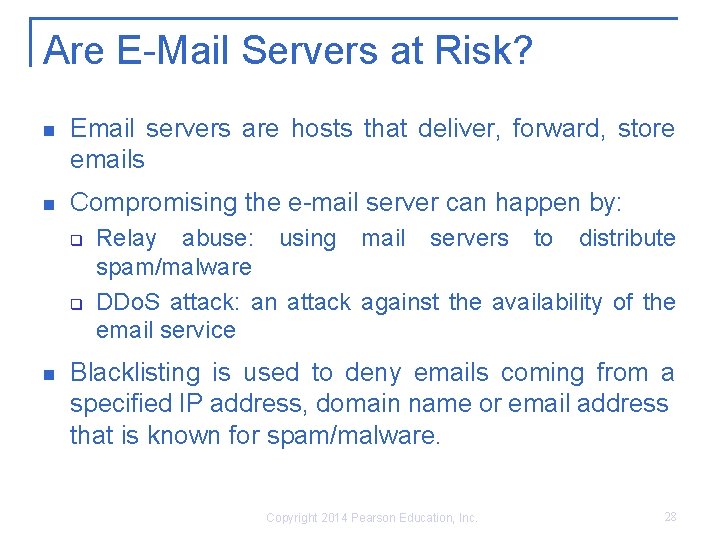
Are E-Mail Servers at Risk? Email servers are hosts that deliver, forward, store emails Compromising the e-mail server can happen by: q q Relay abuse: using mail servers to distribute spam/malware DDo. S attack: an attack against the availability of the email service Blacklisting is used to deny emails coming from a specified IP address, domain name or email address that is known for spam/malware. Copyright 2014 Pearson Education, Inc. 28
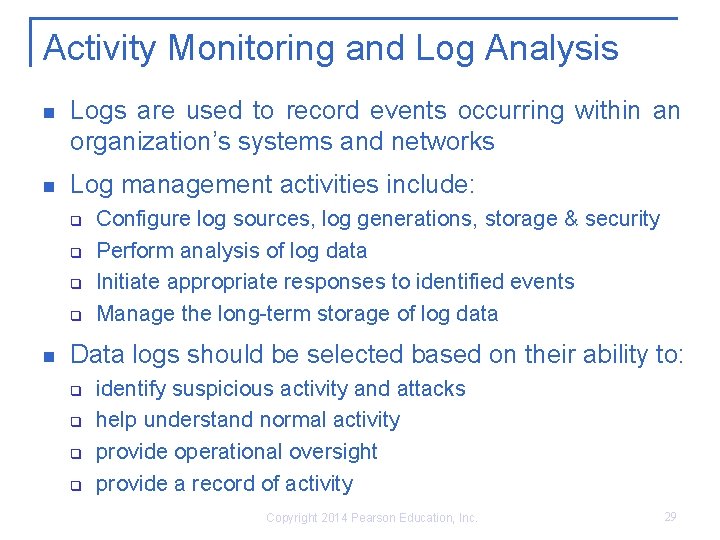
Activity Monitoring and Log Analysis Logs are used to record events occurring within an organization’s systems and networks Log management activities include: q q Configure log sources, log generations, storage & security Perform analysis of log data Initiate appropriate responses to identified events Manage the long-term storage of log data Data logs should be selected based on their ability to: q q identify suspicious activity and attacks help understand normal activity provide operational oversight provide a record of activity Copyright 2014 Pearson Education, Inc. 29
Analyzing Logs Data log analysis can be a reliable way to discover, potential threats, malicious activity and provide operational oversight Log analysis techniques include: q q Correlation: ties individual log entries together based on related information Sequencing: examines activity based on patterns Signature: compares log data to “known bad” activity Trend analysis: identifies activity overtime that alone might seem normal Copyright 2014 Pearson Education, Inc. 30
Service Provider Oversight Companies may outsource aspects operations, introducing vulnerabilities CIA requirements must extend to all service providers who store, process, transmit, or access information on company systems Due diligence is a process used to assess adequacy of service providers and is documentation of: q q of their Corporate history and financial status Qualifications and backgrounds etc. Even if the due diligence documentation (SSAE 16 - most common) is done and approved, ongoing monitoring should be continued Copyright 2014 Pearson Education, Inc. 31
Summary Day-to-day activities can have a huge impact on the security of the network and the data it contains. SOPs are important in providing a consistent framework across the company. Change must be managed. Two mandatory components of a change management process are RFC documents and a change control plan. Malware is becoming the tool of choice for criminals to exploit devices, operating systems, applications, and user vulnerabilities. Many types of malware exist and companies should protect against them. Sound backup strategies should be developed, tested, authorized and implemented. E-mail, while being a fantastic business tool, is also a double-edge sword because of its inherent lack of built-in security and must be treated as such. Operational security extends to service providers. Service provider controls should meet or exceed those of the company. Copyright 2014 Pearson Education, Inc. 32