
Chapter 8 Arrays Objectives Establish an array and
Chapter 8 Arrays
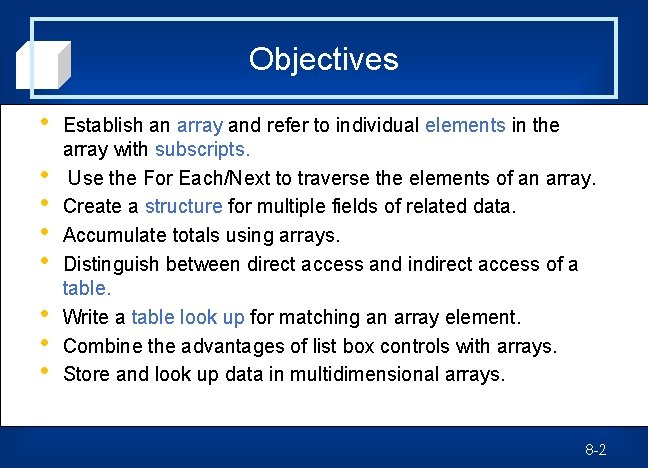
Objectives • • Establish an array and refer to individual elements in the array with subscripts. Use the For Each/Next to traverse the elements of an array. Create a structure for multiple fields of related data. Accumulate totals using arrays. Distinguish between direct access and indirect access of a table. Write a table look up for matching an array element. Combine the advantages of list box controls with arrays. Store and look up data in multidimensional arrays. 8 -2
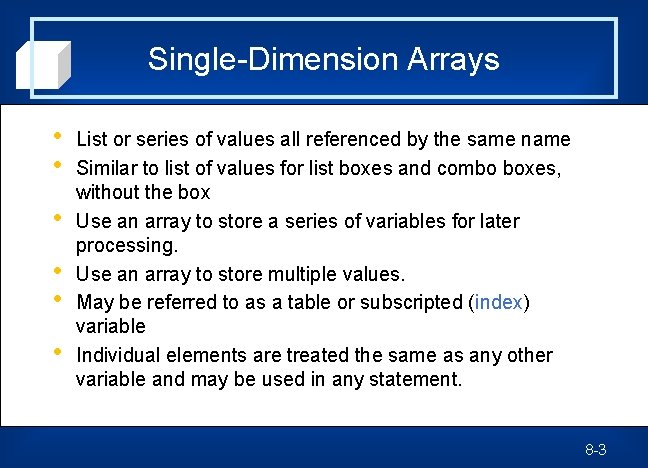
Single-Dimension Arrays • • • List or series of values all referenced by the same name Similar to list of values for list boxes and combo boxes, without the box Use an array to store a series of variables for later processing. Use an array to store multiple values. May be referred to as a table or subscripted (index) variable Individual elements are treated the same as any other variable and may be used in any statement. 8 -3
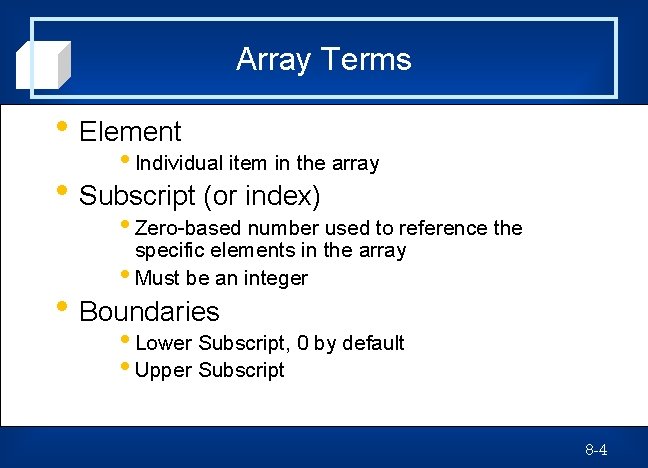
Array Terms • Element • Individual item in the array • Subscript (or index) • Zero-based number used to reference the specific elements in the array • Must be an integer • Boundaries • Lower Subscript, 0 by default • Upper Subscript 8 -4
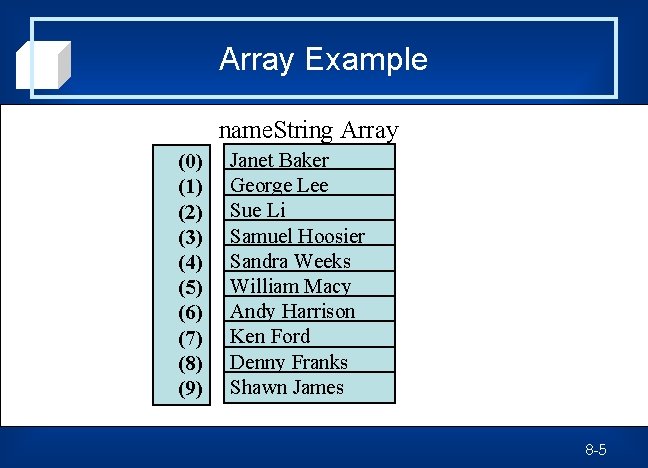
Array Example name. String Array (0) (1) (2) (3) (4) (5) (6) (7) (8) (9) Janet Baker George Lee Sue Li Samuel Hoosier Sandra Weeks William Macy Andy Harrison Ken Ford Denny Franks Shawn James 8 -5

Subscripts • Subscripts may be constants, variables, or numeric expressions. • Subscripts must be integers — VB rounds any noninteger subscript. 8 -6
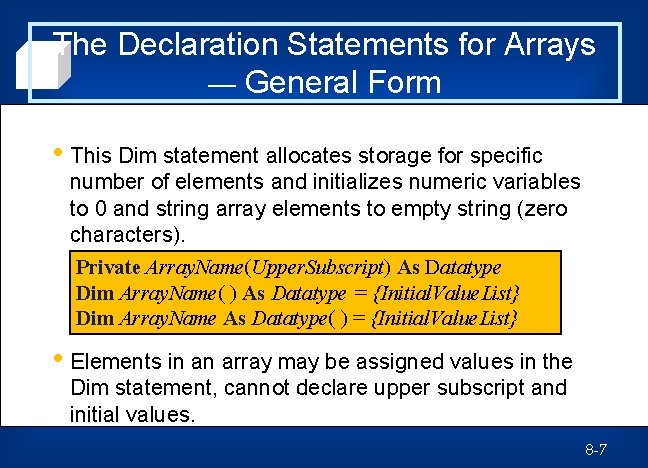
The Declaration Statements for Arrays — General Form • This Dim statement allocates storage for specific number of elements and initializes numeric variables to 0 and string array elements to empty string (zero characters). Private Array. Name(Upper. Subscript) As Datatype Dim Array. Name( ) As Datatype = {Initial. Value. List} Dim Array. Name As Datatype( ) = {Initial. Value. List} • Elements in an array may be assigned values in the Dim statement, cannot declare upper subscript and initial values. 8 -7
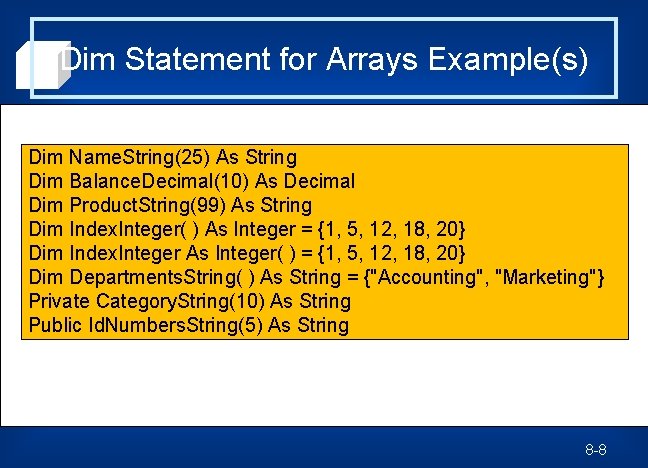
Dim Statement for Arrays Example(s) Dim Name. String(25) As String Dim Balance. Decimal(10) As Decimal Dim Product. String(99) As String Dim Index. Integer( ) As Integer = {1, 5, 12, 18, 20} Dim Index. Integer As Integer( ) = {1, 5, 12, 18, 20} Dim Departments. String( ) As String = {"Accounting", "Marketing"} Private Category. String(10) As String Public Id. Numbers. String(5) As String 8 -8
Valid Subscripts • Subscript must reference a valid element of • • an array. VB rounds fractional subscripts. VB throws exceptions for subscripts that are out of range. 8 -9
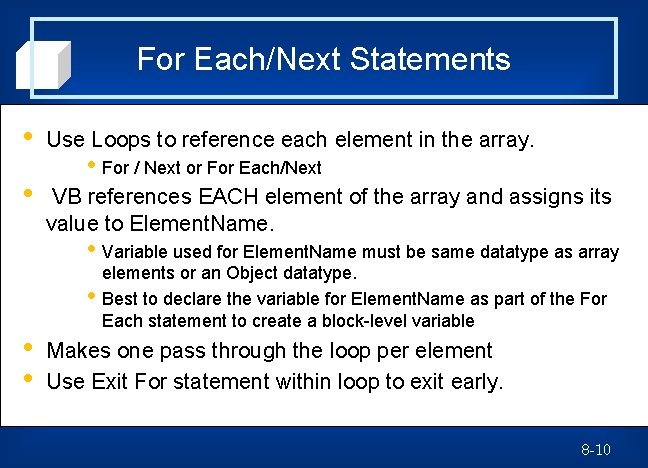
For Each/Next Statements • Use Loops to reference each element in the array. • VB references EACH element of the array and assigns its value to Element. Name. • For / Next or For Each/Next • Variable used for Element. Name must be same datatype as array • • • elements or an Object datatype. Best to declare the variable for Element. Name as part of the For Each statement to create a block-level variable Makes one pass through the loop per element Use Exit For statement within loop to exit early. 8 -10
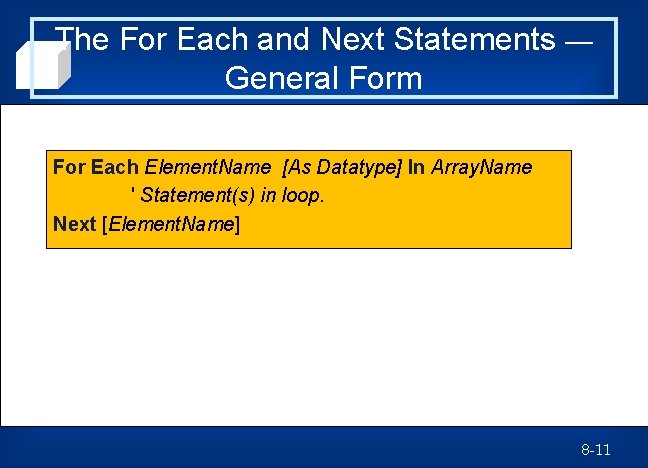
The For Each and Next Statements — General Form For Each Element. Name [As Datatype] In Array. Name ' Statement(s) in loop. Next [Element. Name] 8 -11
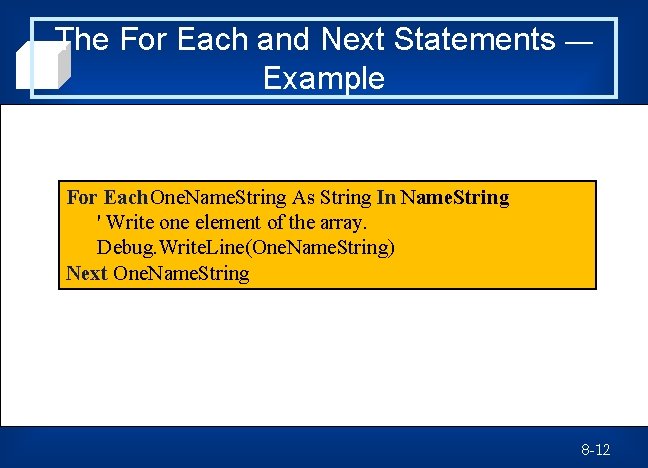
The For Each and Next Statements — Example For Each One. Name. String As String In Name. String ' Write one element of the array. Debug. Write. Line(One. Name. String) Next One. Name. String 8 -12
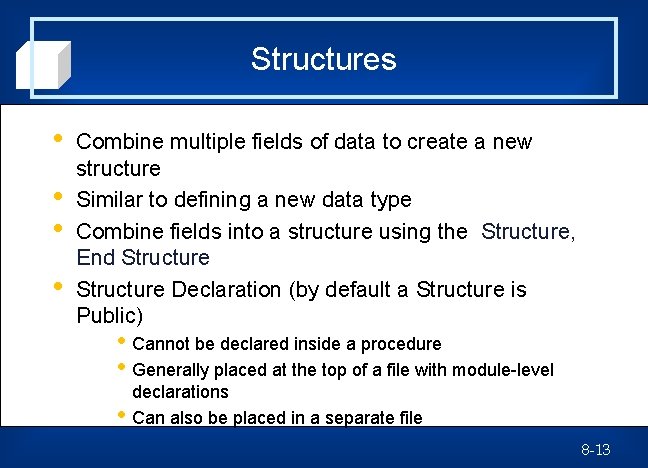
Structures • • Combine multiple fields of data to create a new structure Similar to defining a new data type Combine fields into a structure using the Structure, End Structure Declaration (by default a Structure is Public) • Cannot be declared inside a procedure • Generally placed at the top of a file with module-level • declarations Can also be placed in a separate file 8 -13
![The Structure and End Structure Statements — General Form [Public|Private|Friend] Structure Name. Of. Structure](http://slidetodoc.com/presentation_image_h/11b4e96f300047dc3b1bff108ac62a53/image-14.jpg "The Structure and End Structure Statements — General Form [Public|Private|Friend] Structure Name. Of. Structure")
The Structure and End Structure Statements — General Form [Public|Private|Friend] Structure Name. Of. Structure Dim First. Field As Datatype Dim Second. Field As Datatype. . . End Structure 8 -14
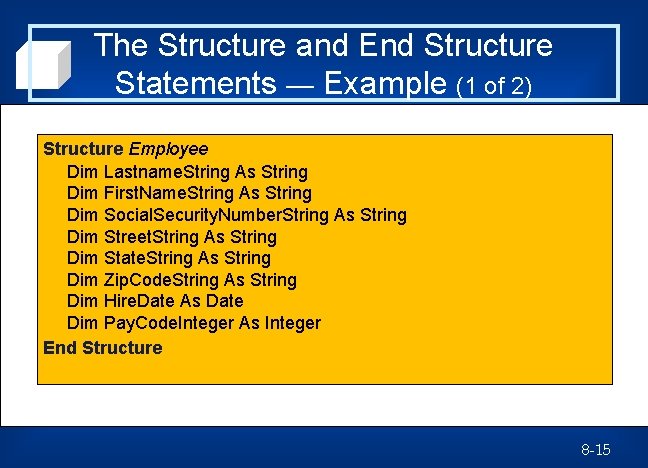
The Structure and End Structure Statements — Example (1 of 2) Structure Employee Dim Lastname. String As String Dim First. Name. String As String Dim Social. Security. Number. String As String Dim Street. String As String Dim State. String As String Dim Zip. Code. String As String Dim Hire. Date As Date Dim Pay. Code. Integer As Integer End Structure 8 -15
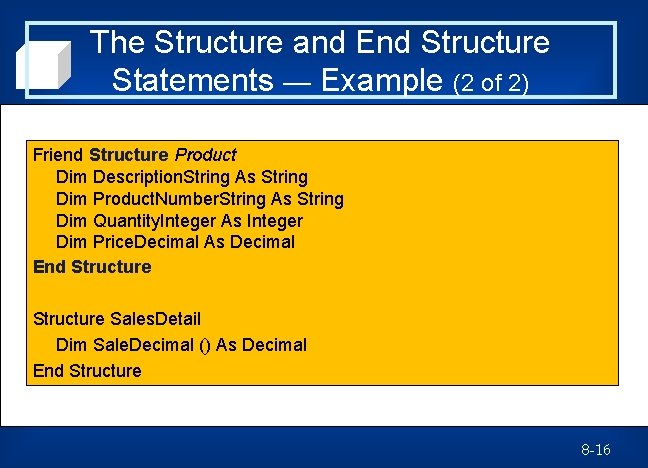
The Structure and End Structure Statements — Example (2 of 2) Friend Structure Product Dim Description. String As String Dim Product. Number. String As String Dim Quantity. Integer As Integer Dim Price. Decimal As Decimal End Structure Sales. Detail Dim Sale. Decimal () As Decimal End Structure 8 -16
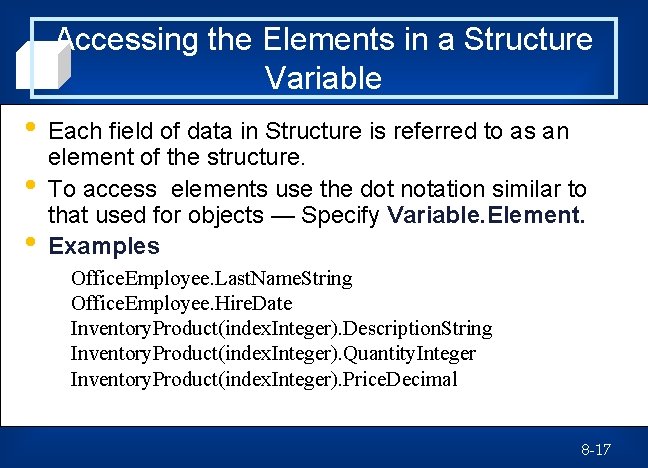
Accessing the Elements in a Structure Variable • • • Each field of data in Structure is referred to as an element of the structure. To access elements use the dot notation similar to that used for objects — Specify Variable. Element. Examples Office. Employee. Last. Name. String Office. Employee. Hire. Date Inventory. Product(index. Integer). Description. String Inventory. Product(index. Integer). Quantity. Integer Inventory. Product(index. Integer). Price. Decimal 8 -17
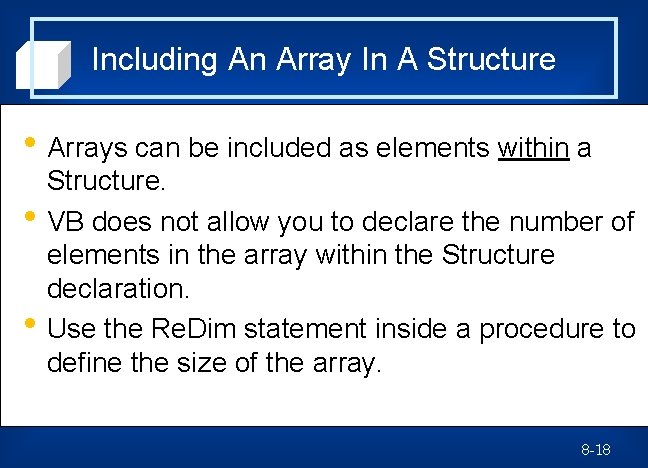
Including An Array In A Structure • Arrays can be included as elements within a • • Structure. VB does not allow you to declare the number of elements in the array within the Structure declaration. Use the Re. Dim statement inside a procedure to define the size of the array. 8 -18
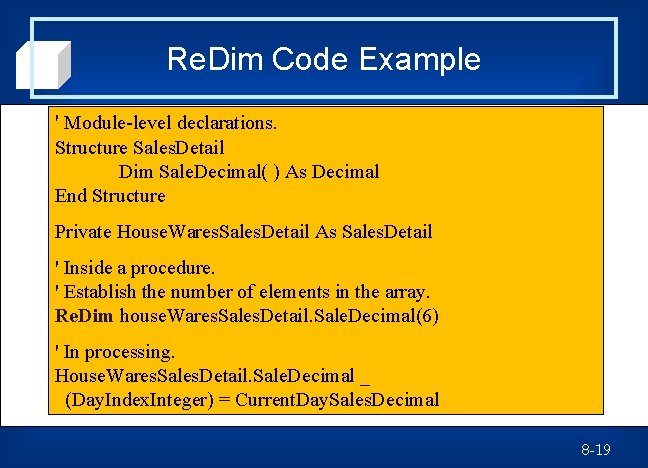
Re. Dim Code Example ' Module-level declarations. Structure Sales. Detail Dim Sale. Decimal( ) As Decimal End Structure Private House. Wares. Sales. Detail As Sales. Detail ' Inside a procedure. ' Establish the number of elements in the array. Re. Dim house. Wares. Sales. Detail. Sale. Decimal(6) ' In processing. House. Wares. Sales. Detail. Sale. Decimal _ (Day. Index. Integer) = Current. Day. Sales. Decimal 8 -19
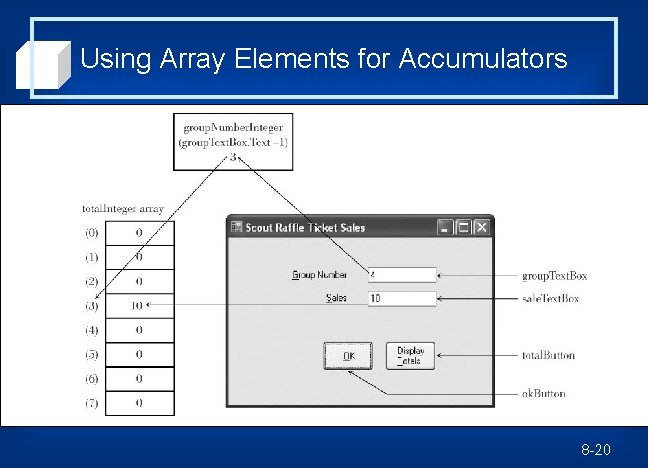
Using Array Elements for Accumulators 8 -20
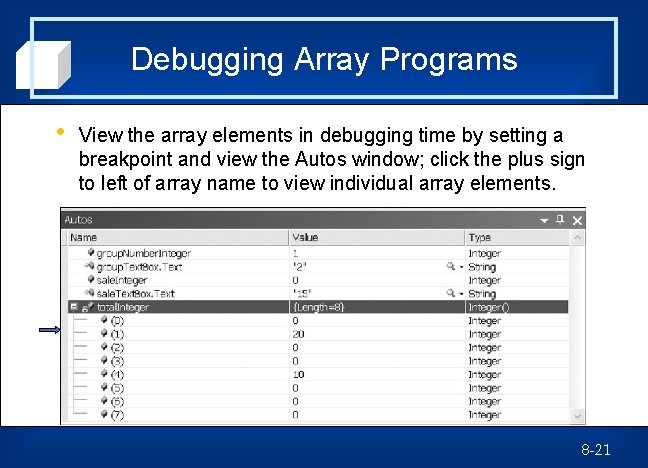
Debugging Array Programs • View the array elements in debugging time by setting a breakpoint and view the Autos window; click the plus sign to left of array name to view individual array elements. 8 -21
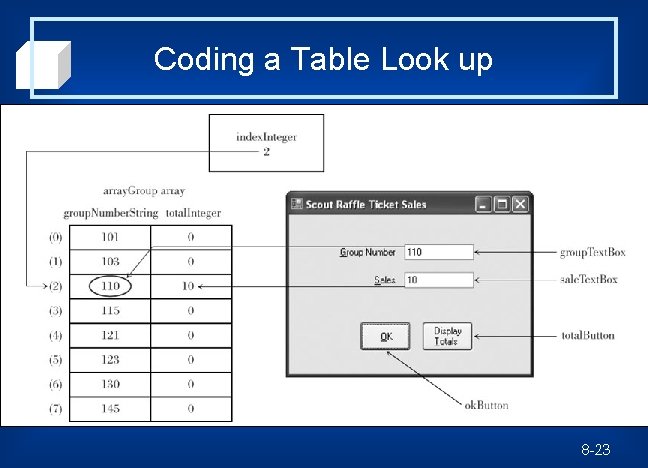
Table Look up • • Often, values used to identify a series of elements are not sequential. Use a table look up process to find the correct element in the array. Establish a structure and dimension an array of the structure. Use the Form_Load event procedure to put numbers in table — executed once as the form is loaded into memory. 8 -22
Coding a Table Look up 8 -23
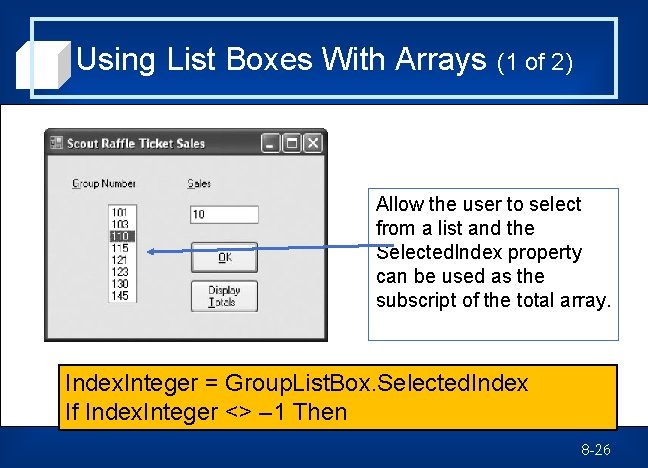
Using List Boxes With Arrays (1 of 2) • Use List Boxes or Combo Boxes rather than • text boxes to look up information in the array. Use the list's Selected. Index property to determine the array subscript. • Selected. Index property holds the position or index of the selected list item. 8 -25
Using List Boxes With Arrays (1 of 2) Allow the user to select from a list and the Selected. Index property can be used as the subscript of the total array. Index. Integer = Group. List. Box. Selected. Index If Index. Integer <> – 1 Then 8 -26
Using List Boxes With Arrays (2 of 2) Sale. Integer = Integer. Parse(Sale. Text. Box. Text) Total. Integer(Index. Integer) += Sale. Integer ' Clear the screen fields. Group. List. Box. Selected. Index = – 1 Sale. Text. Box. Text = "" Else Message. Box. Show("Select a group number from the list. ", "Data Entry Error", Message. Box. Buttons. OK, Message. Box. Icon. Exclamation) End If 8 -27
Multidimensional Arrays To define a two-dimensional array or table — • Dim statement specifies number of rows and columns. • The row is horizontal and the column is vertical. • May specify number of elements initial values • Specify row with first subscript, column with second subscript, and use a comma to specify the dimensions. 8 -28
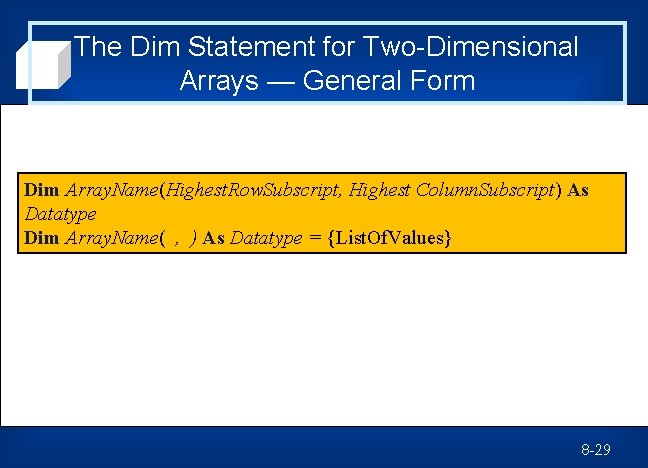
The Dim Statement for Two-Dimensional Arrays — General Form Dim Array. Name(Highest. Row. Subscript, Highest Column. Subscript) As Datatype Dim Array. Name( , ) As Datatype = {List. Of. Values} 8 -29
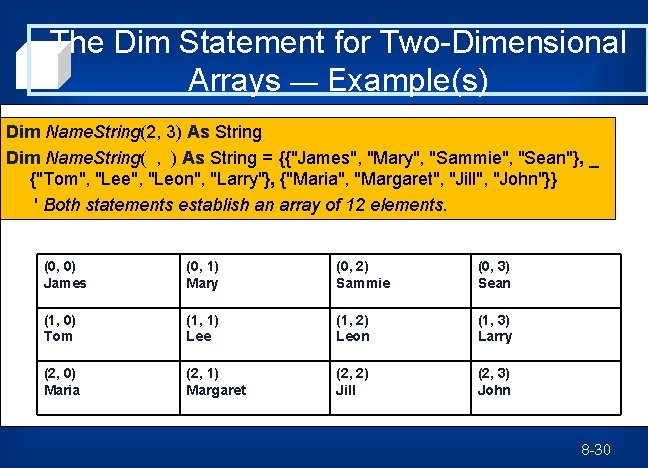
The Dim Statement for Two-Dimensional Arrays — Example(s) Dim Name. String(2, 3) As String Dim Name. String( , ) As String = {{"James", "Mary", "Sammie", "Sean"}, _ {"Tom", "Lee", "Leon", "Larry"}, {"Maria", "Margaret", "Jill", "John"}} ' Both statements establish an array of 12 elements. (0, 0) James (0, 1) Mary (0, 2) Sammie (0, 3) Sean (1, 0) Tom (1, 1) Lee (1, 2) Leon (1, 3) Larry (2, 0) Maria (2, 1) Margaret (2, 2) Jill (2, 3) John 8 -30
Initializing Two-Dimensional Arrays • Initializing/Reinitializing • Printing a Two-Dimensional Table • Summing a Two-Dimensional Table • Use nested For/Next loop. • Use For Each/Next loop. • Include a total field for each row and each column. • Sum the figures in both directions (double-check totals). 8 -31
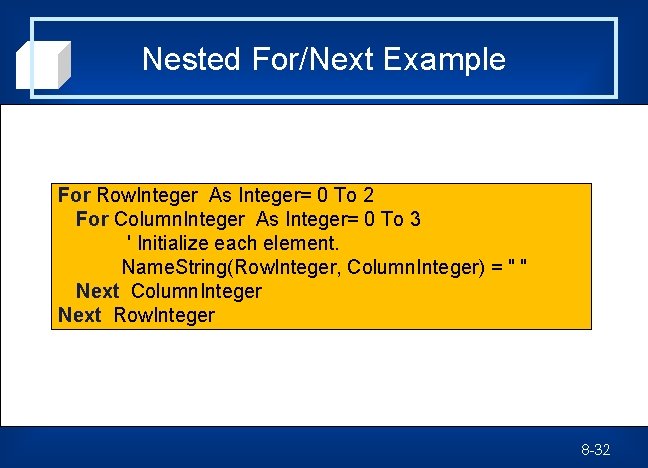
Nested For/Next Example For Row. Integer As Integer= 0 To 2 For Column. Integer As Integer= 0 To 3 ' Initialize each element. Name. String(Row. Integer, Column. Integer) = " " Next Column. Integer Next Row. Integer 8 -32
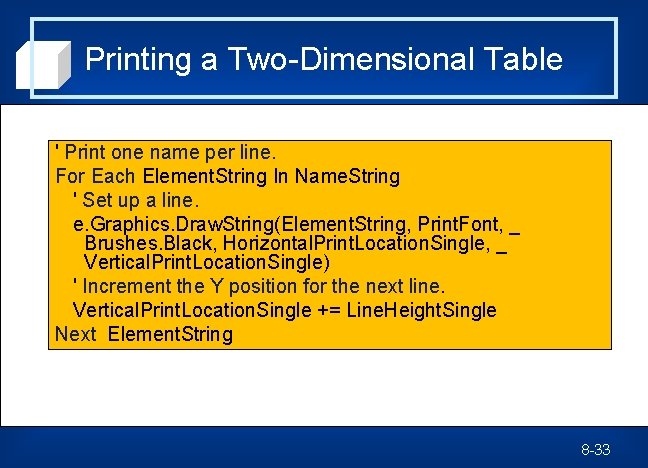
Printing a Two-Dimensional Table ' Print one name per line. For Each Element. String In Name. String ' Set up a line. e. Graphics. Draw. String(Element. String, Print. Font, _ Brushes. Black, Horizontal. Print. Location. Single, _ Vertical. Print. Location. Single) ' Increment the Y position for the next line. Vertical. Print. Location. Single += Line. Height. Single Next Element. String 8 -33
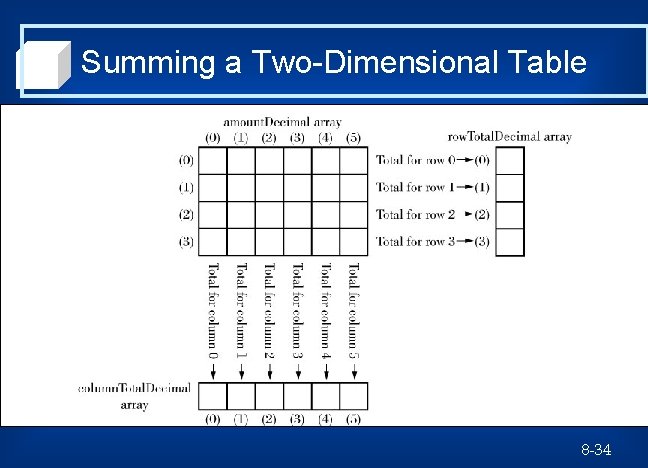
Summing a Two-Dimensional Table 8 -34
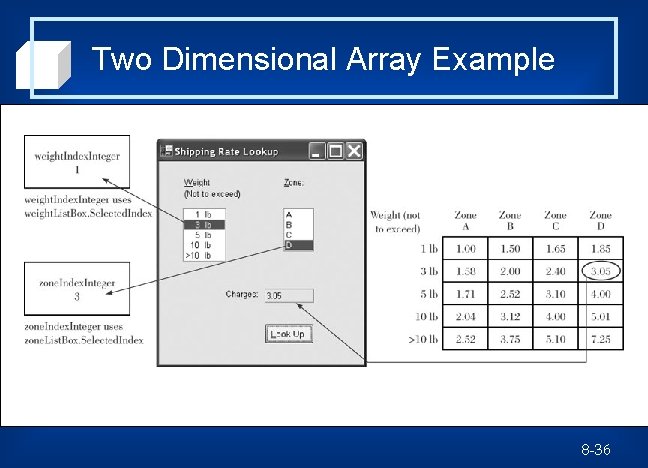
Look-up Operations for Two. Dimensional Tables • Use same techniques as for single • dimensional arrays –Direct Reference (if meaningful row and column subscripts are available) –Table Look up Many 2 D tables used for look up will require additional one-dimensional arrays or lists to aid in the look-up process. 8 -35
Two Dimensional Array Example 8 -36
- Slides: 35