
Chapter 8 Adding a Disk Disk Interface SCSI
- Slides: 24
Chapter 8 Adding a Disk
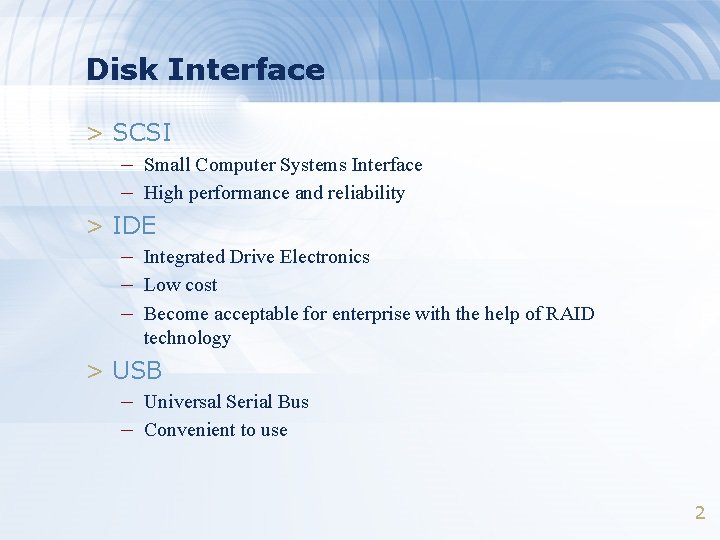
Disk Interface > SCSI – Small Computer Systems Interface – High performance and reliability > IDE – Integrated Drive Electronics – Low cost – Become acceptable for enterprise with the help of RAID technology > USB – Universal Serial Bus – Convenient to use 2
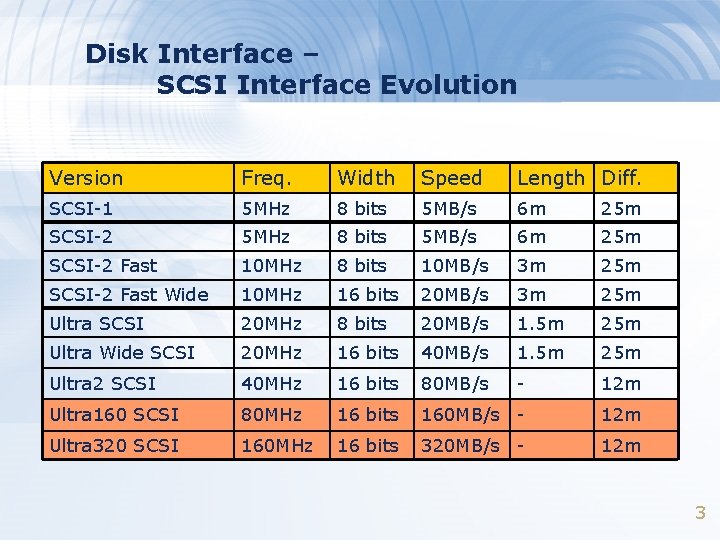
Disk Interface – SCSI Interface Evolution Version Freq. Width Speed Length Diff. SCSI-1 5 MHz 8 bits 5 MB/s 6 m 25 m SCSI-2 Fast 10 MHz 8 bits 10 MB/s 3 m 25 m SCSI-2 Fast Wide 10 MHz 16 bits 20 MB/s 3 m 25 m Ultra SCSI 20 MHz 8 bits 20 MB/s 1. 5 m 25 m Ultra Wide SCSI 20 MHz 16 bits 40 MB/s 1. 5 m 25 m Ultra 2 SCSI 40 MHz 16 bits 80 MB/s - 12 m Ultra 160 SCSI 80 MHz 16 bits 160 MB/s - 12 m Ultra 320 SCSI 160 MHz 16 bits 320 MB/s - 12 m 3
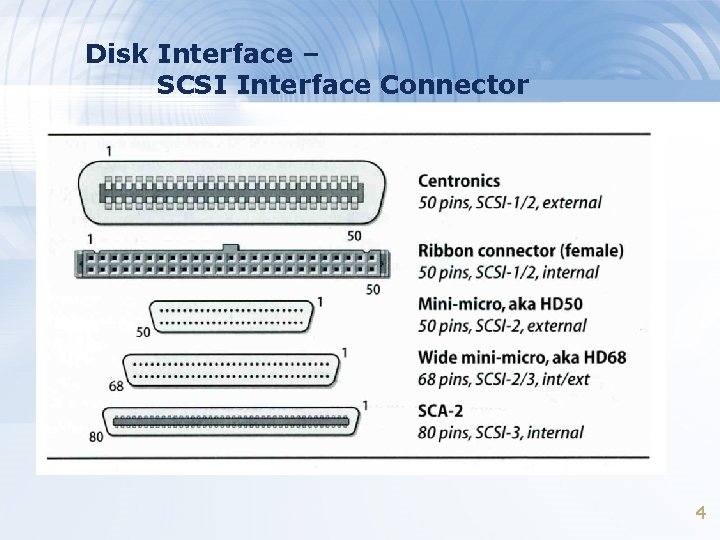
Disk Interface – SCSI Interface Connector 4
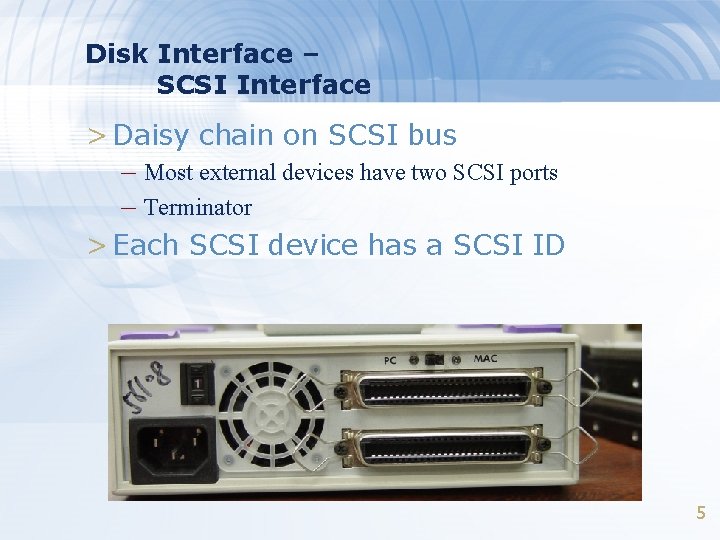
Disk Interface – SCSI Interface > Daisy chain on SCSI bus – Most external devices have two SCSI ports – Terminator > Each SCSI device has a SCSI ID 5
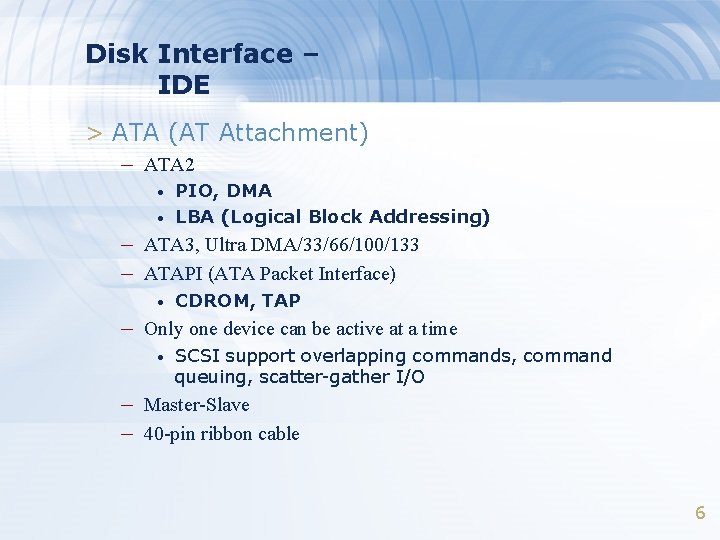
Disk Interface – IDE > ATA (AT Attachment) – ATA 2 • • PIO, DMA LBA (Logical Block Addressing) – ATA 3, Ultra DMA/33/66/100/133 – ATAPI (ATA Packet Interface) • CDROM, TAP – Only one device can be active at a time • SCSI support overlapping commands, command queuing, scatter-gather I/O – Master-Slave – 40 -pin ribbon cable 6
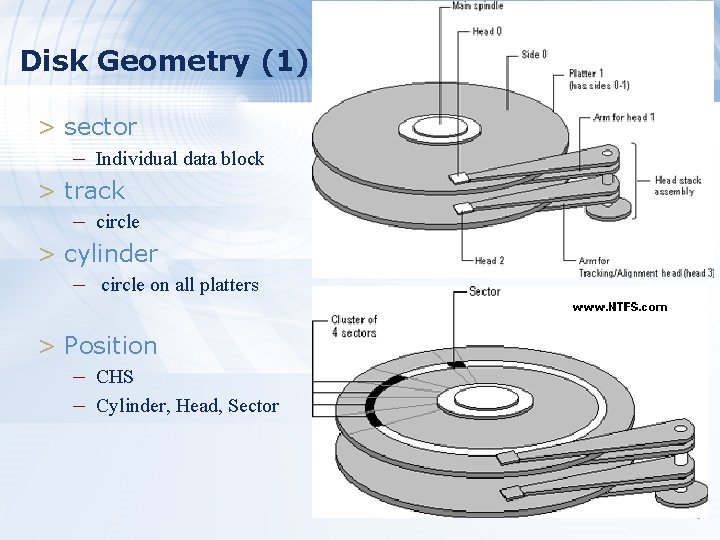
Disk Geometry (1) > sector – Individual data block > track – circle > cylinder – circle on all platters > Position – CHS – Cylinder, Head, Sector 7
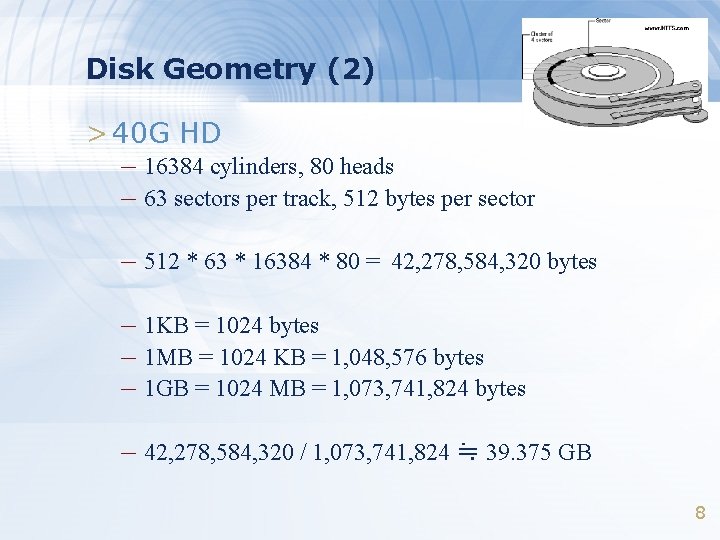
Disk Geometry (2) > 40 G HD – 16384 cylinders, 80 heads – 63 sectors per track, 512 bytes per sector – 512 * 63 * 16384 * 80 = 42, 278, 584, 320 bytes – 1 KB = 1024 bytes – 1 MB = 1024 KB = 1, 048, 576 bytes – 1 GB = 1024 MB = 1, 073, 741, 824 bytes – 42, 278, 584, 320 / 1, 073, 741, 824 ≒ 39. 375 GB 8
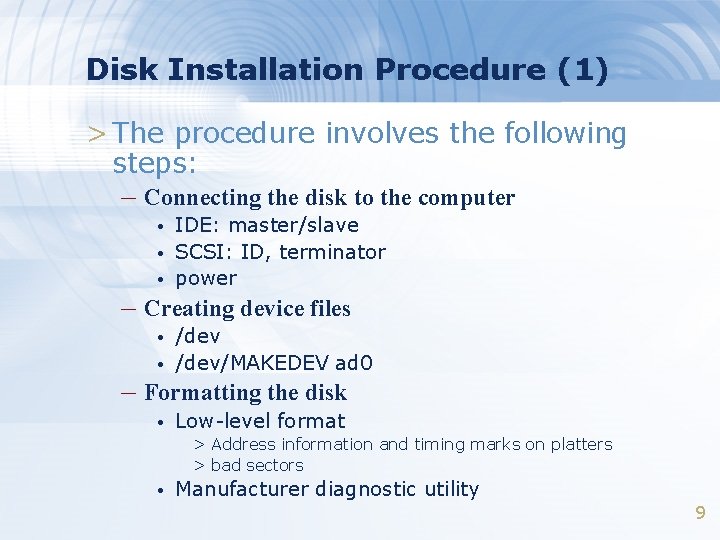
Disk Installation Procedure (1) > The procedure involves the following steps: – Connecting the disk to the computer • • • IDE: master/slave SCSI: ID, terminator power – Creating device files • • /dev/MAKEDEV ad 0 – Formatting the disk • Low-level format > Address information and timing marks on platters > bad sectors • Manufacturer diagnostic utility 9
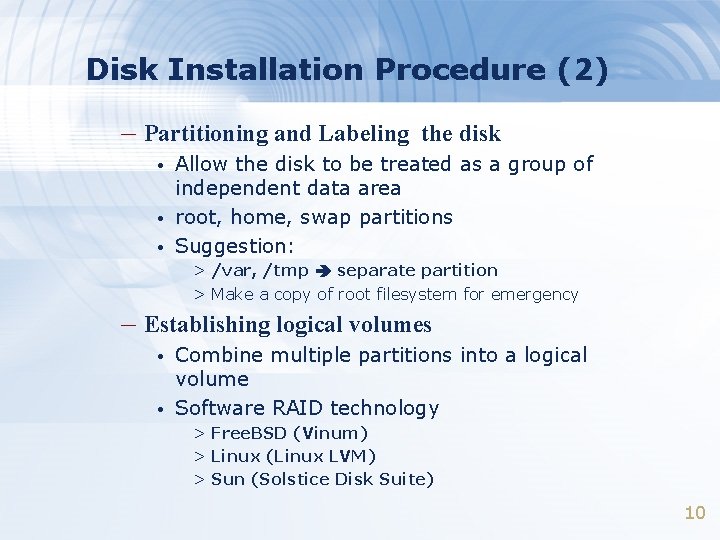
Disk Installation Procedure (2) – Partitioning and Labeling the disk • • • Allow the disk to be treated as a group of independent data area root, home, swap partitions Suggestion: > /var, /tmp separate partition > Make a copy of root filesystem for emergency – Establishing logical volumes • • Combine multiple partitions into a logical volume Software RAID technology > Free. BSD (Vinum) > Linux (Linux LVM) > Sun (Solstice Disk Suite) 10
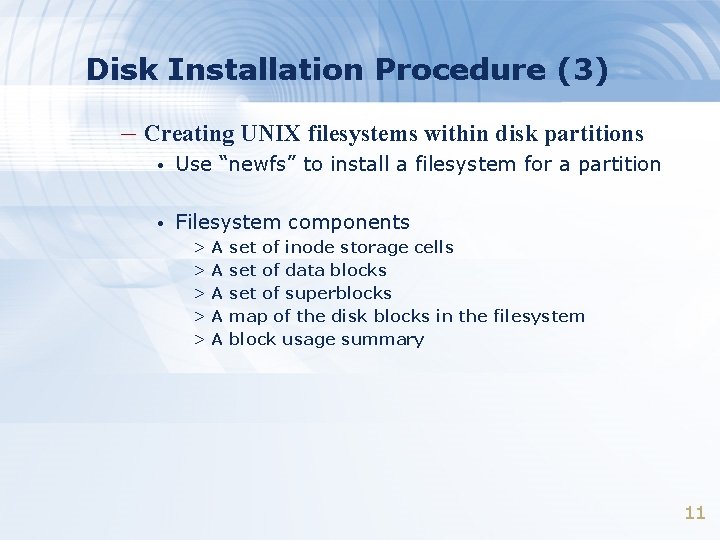
Disk Installation Procedure (3) – Creating UNIX filesystems within disk partitions • Use “newfs” to install a filesystem for a partition • Filesystem components >A >A >A set of inode storage cells set of data blocks set of superblocks map of the disk blocks in the filesystem block usage summary 11
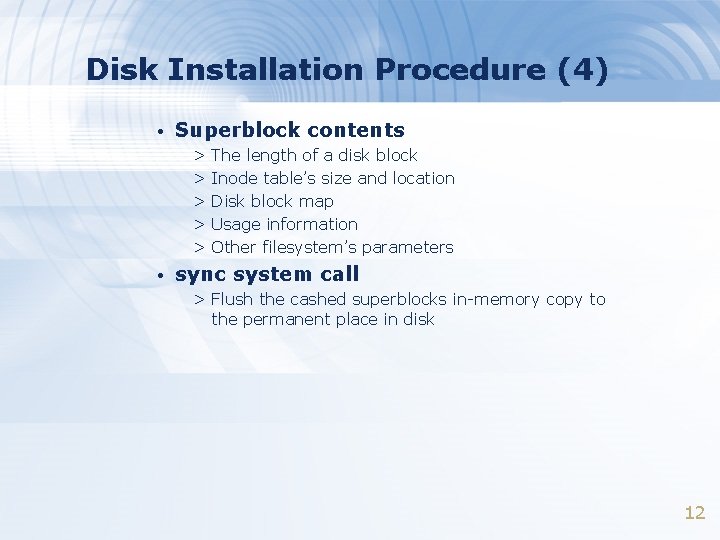
Disk Installation Procedure (4) • Superblock contents > The length of a disk block > Inode table’s size and location > Disk block map > Usage information > Other filesystem’s parameters • sync system call > Flush the cashed superblocks in-memory copy to the permanent place in disk 12
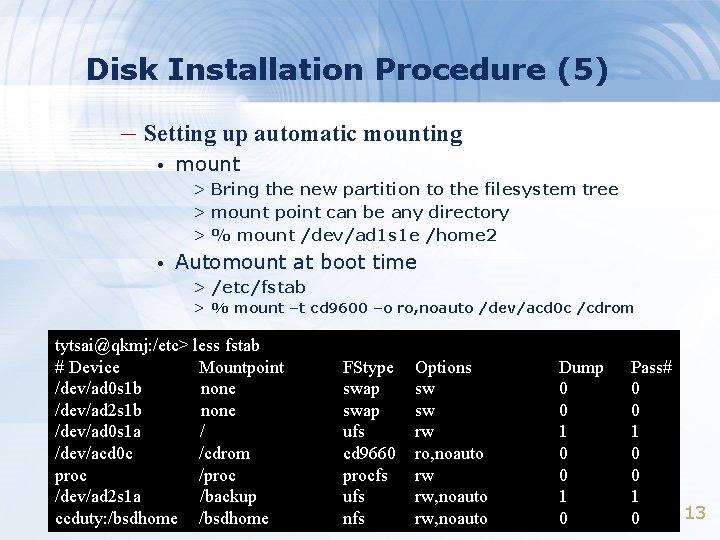
Disk Installation Procedure (5) – Setting up automatic mounting • mount > Bring the new partition to the filesystem tree > mount point can be any directory > % mount /dev/ad 1 s 1 e /home 2 • Automount at boot time > /etc/fstab > % mount –t cd 9600 –o ro, noauto /dev/acd 0 c /cdrom tytsai@qkmj: /etc> less fstab # Device Mountpoint /dev/ad 0 s 1 b none /dev/ad 2 s 1 b none /dev/ad 0 s 1 a / /dev/acd 0 c /cdrom proc /dev/ad 2 s 1 a /backup ccduty: /bsdhome FStype swap ufs cd 9660 procfs ufs nfs Options sw sw rw ro, noauto rw rw, noauto Dump 0 0 1 0 Pass# 0 0 1 13 0
Disk Installation Procedure (6) – Setting up swapping on swap partitions • swapon command 14
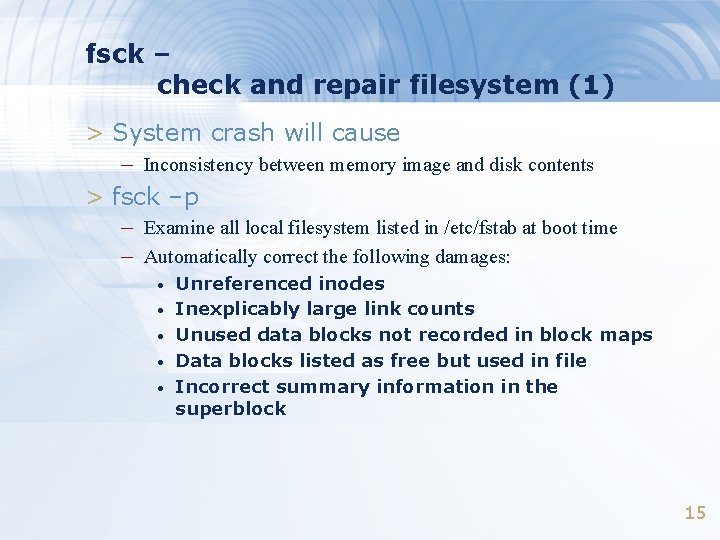
fsck – check and repair filesystem (1) > System crash will cause – Inconsistency between memory image and disk contents > fsck –p – Examine all local filesystem listed in /etc/fstab at boot time – Automatically correct the following damages: • • • Unreferenced inodes Inexplicably large link counts Unused data blocks not recorded in block maps Data blocks listed as free but used in file Incorrect summary information in the superblock 15
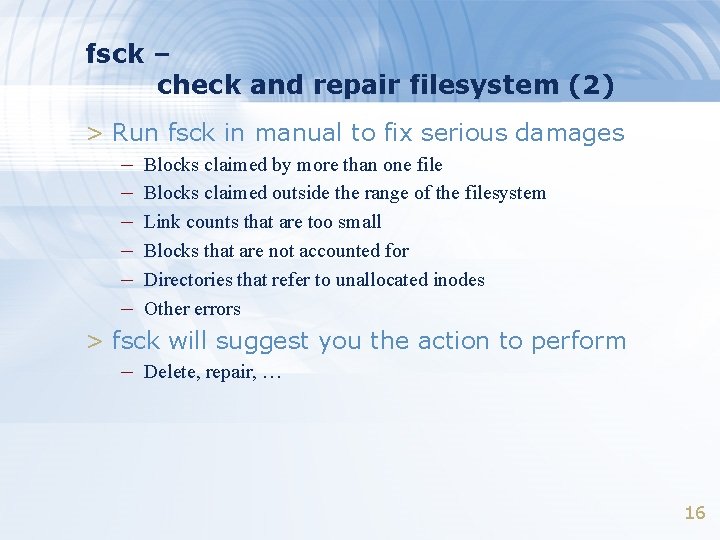
fsck – check and repair filesystem (2) > Run fsck in manual to fix serious damages – Blocks claimed by more than one file – Blocks claimed outside the range of the filesystem – Link counts that are too small – Blocks that are not accounted for – Directories that refer to unallocated inodes – Other errors > fsck will suggest you the action to perform – Delete, repair, … 16
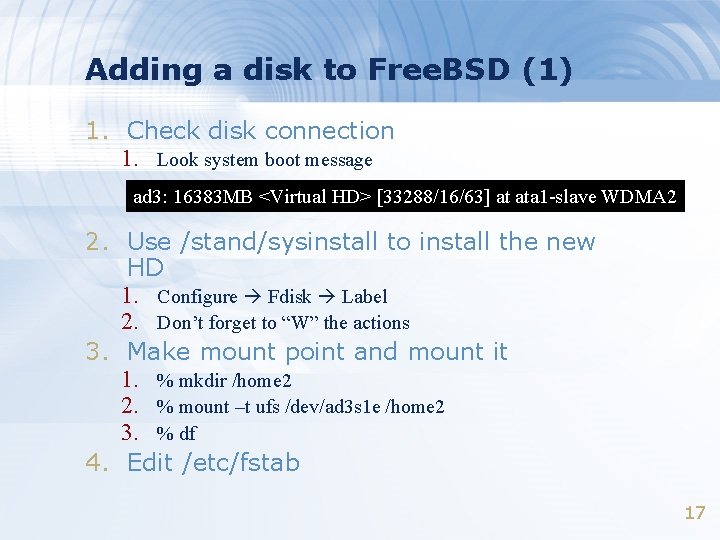
Adding a disk to Free. BSD (1) 1. Check disk connection 1. Look system boot message ad 3: 16383 MB <Virtual HD> [33288/16/63] at ata 1 -slave WDMA 2 2. Use /stand/sysinstall to install the new HD 1. Configure Fdisk Label 2. Don’t forget to “W” the actions 3. Make mount point and mount it 1. % mkdir /home 2 2. % mount –t ufs /dev/ad 3 s 1 e /home 2 3. % df 4. Edit /etc/fstab 17
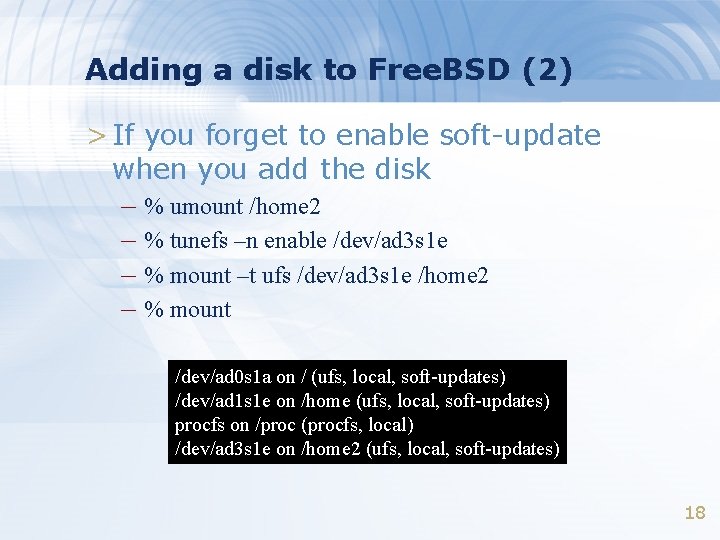
Adding a disk to Free. BSD (2) > If you forget to enable soft-update when you add the disk – % umount /home 2 – % tunefs –n enable /dev/ad 3 s 1 e – % mount –t ufs /dev/ad 3 s 1 e /home 2 – % mount /dev/ad 0 s 1 a on / (ufs, local, soft-updates) /dev/ad 1 s 1 e on /home (ufs, local, soft-updates) procfs on /proc (procfs, local) /dev/ad 3 s 1 e on /home 2 (ufs, local, soft-updates) 18
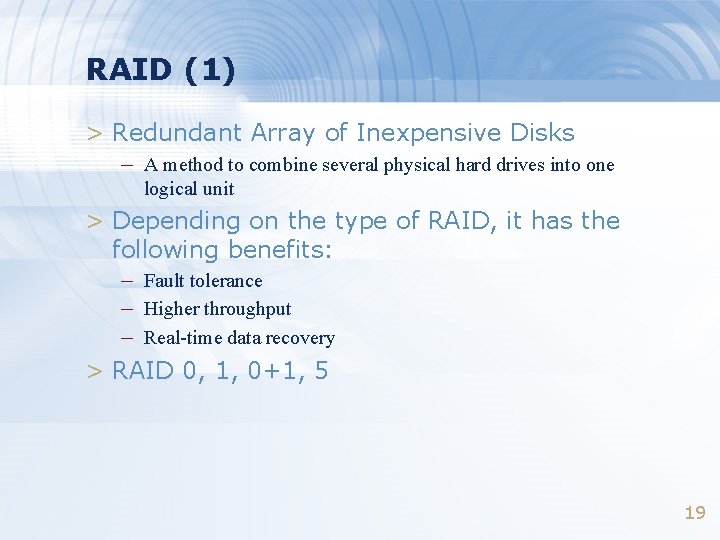
RAID (1) > Redundant Array of Inexpensive Disks – A method to combine several physical hard drives into one logical unit > Depending on the type of RAID, it has the following benefits: – Fault tolerance – Higher throughput – Real-time data recovery > RAID 0, 1, 0+1, 5 19
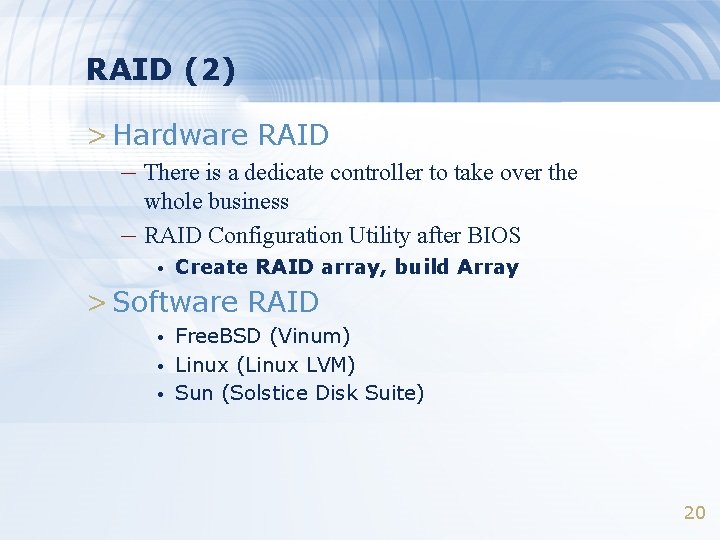
RAID (2) > Hardware RAID – There is a dedicate controller to take over the – whole business RAID Configuration Utility after BIOS • Create RAID array, build Array > Software RAID • • • Free. BSD (Vinum) Linux (Linux LVM) Sun (Solstice Disk Suite) 20
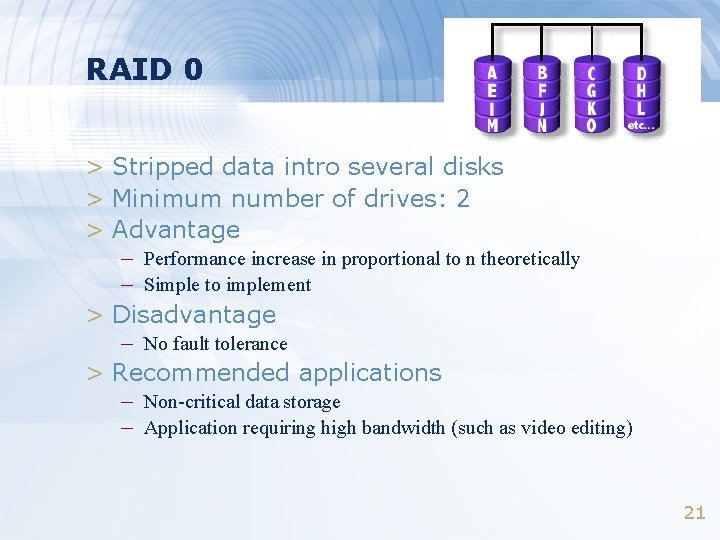
RAID 0 > Stripped data intro several disks > Minimum number of drives: 2 > Advantage – Performance increase in proportional to n theoretically – Simple to implement > Disadvantage – No fault tolerance > Recommended applications – Non-critical data storage – Application requiring high bandwidth (such as video editing) 21
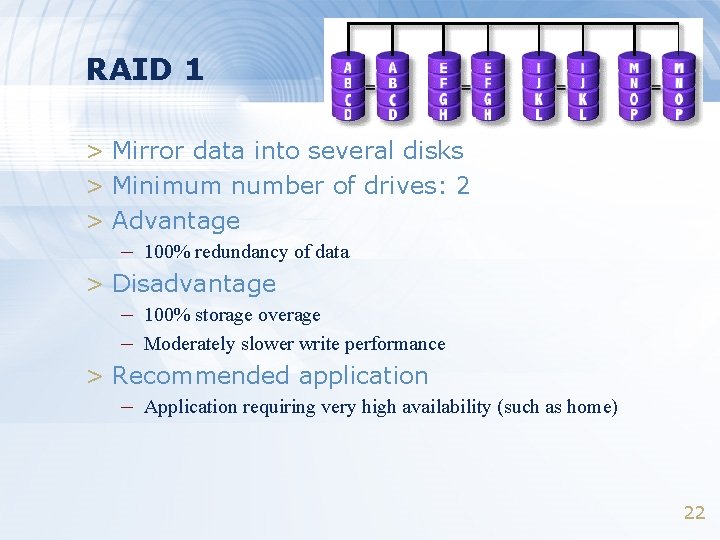
RAID 1 > Mirror data into several disks > Minimum number of drives: 2 > Advantage – 100% redundancy of data > Disadvantage – 100% storage overage – Moderately slower write performance > Recommended application – Application requiring very high availability (such as home) 22
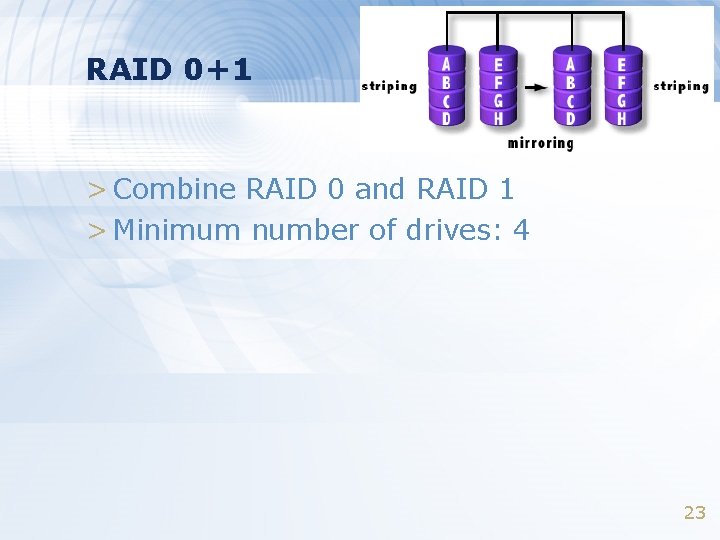
RAID 0+1 > Combine RAID 0 and RAID 1 > Minimum number of drives: 4 23
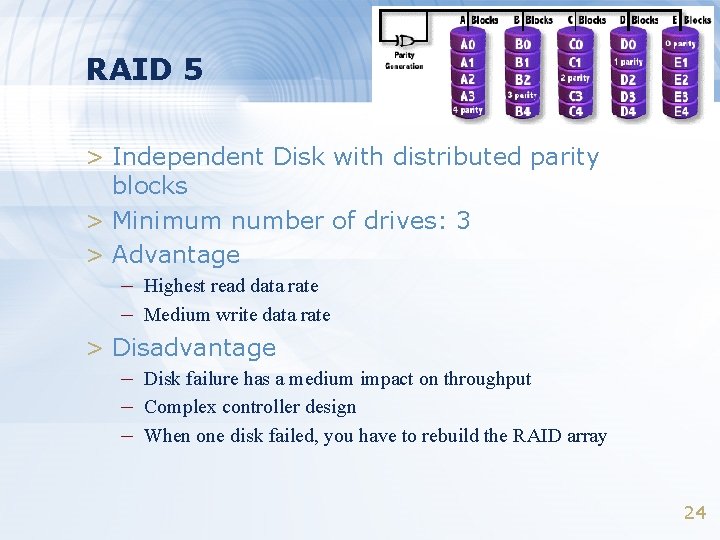
RAID 5 > Independent Disk with distributed parity blocks > Minimum number of drives: 3 > Advantage – Highest read data rate – Medium write data rate > Disadvantage – Disk failure has a medium impact on throughput – Complex controller design – When one disk failed, you have to rebuild the RAID array 24