
Chapter 7 The Web and Email Computer Concepts
Chapter 7 The Web and E-mail Computer Concepts 2014
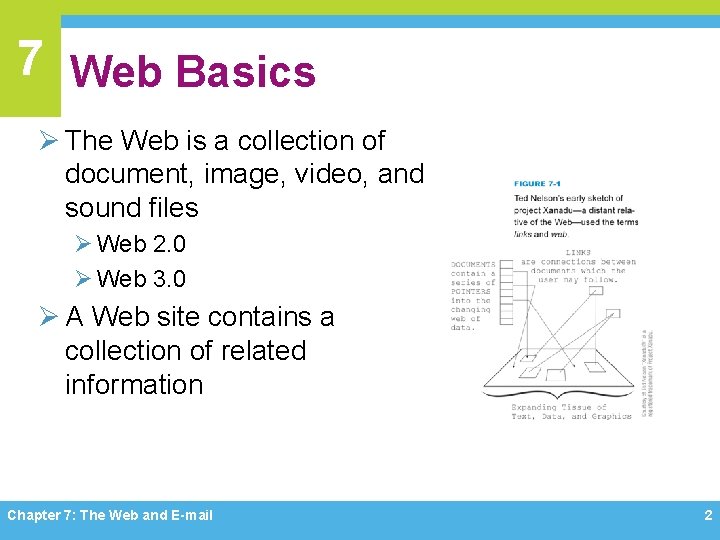
7 Web Basics Ø The Web is a collection of document, image, video, and sound files Ø Web 2. 0 Ø Web 3. 0 Ø A Web site contains a collection of related information Chapter 7: The Web and E-mail 2
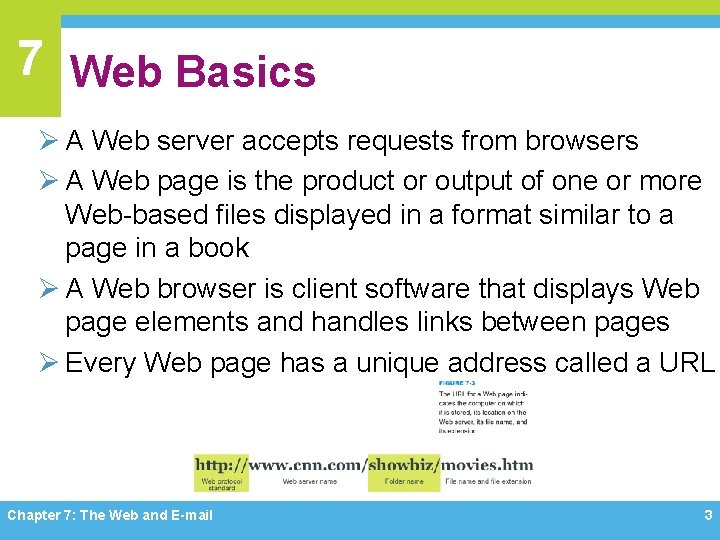
7 Web Basics Ø A Web server accepts requests from browsers Ø A Web page is the product or output of one or more Web-based files displayed in a format similar to a page in a book Ø A Web browser is client software that displays Web page elements and handles links between pages Ø Every Web page has a unique address called a URL Chapter 7: The Web and E-mail 3
7 HTML Ø Set of specifications for creating documents that a browser can display as a Web page Ø Markup language Ø HTML tags Ø HTML 5 Ø XHTML Ø Source document Chapter 7: The Web and E-mail 4
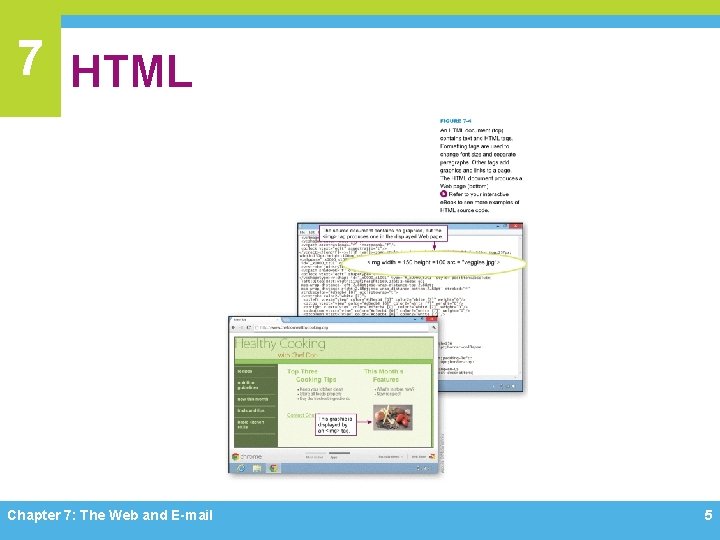
7 HTML Chapter 7: The Web and E-mail 5
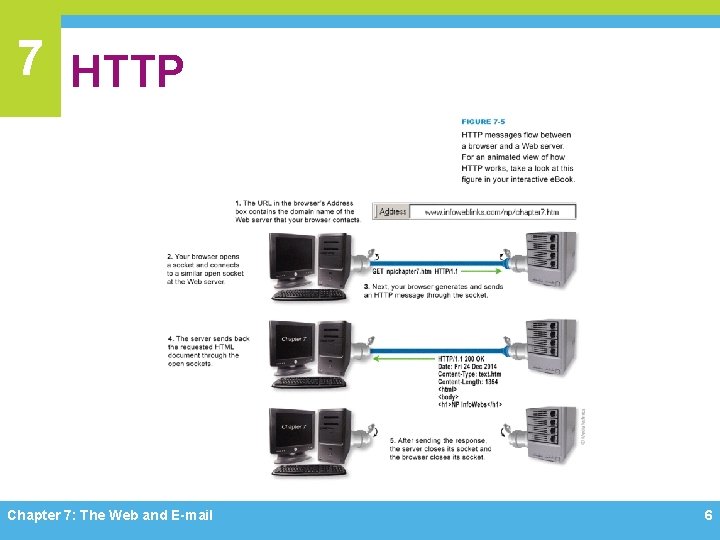
7 HTTP Chapter 7: The Web and E-mail 6
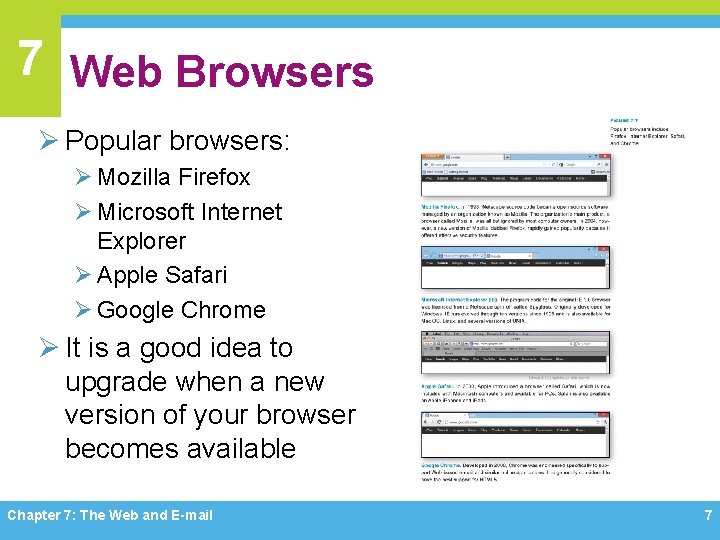
7 Web Browsers Ø Popular browsers: Ø Mozilla Firefox Ø Microsoft Internet Explorer Ø Apple Safari Ø Google Chrome Ø It is a good idea to upgrade when a new version of your browser becomes available Chapter 7: The Web and E-mail 7
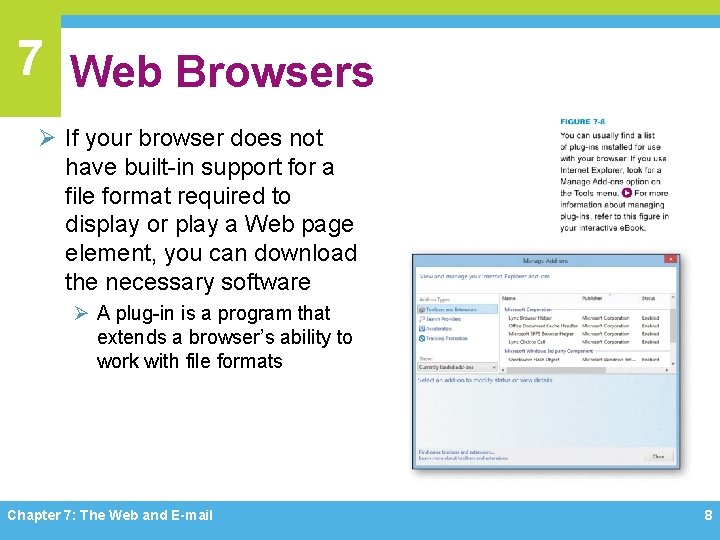
7 Web Browsers Ø If your browser does not have built-in support for a file format required to display or play a Web page element, you can download the necessary software Ø A plug-in is a program that extends a browser’s ability to work with file formats Chapter 7: The Web and E-mail 8
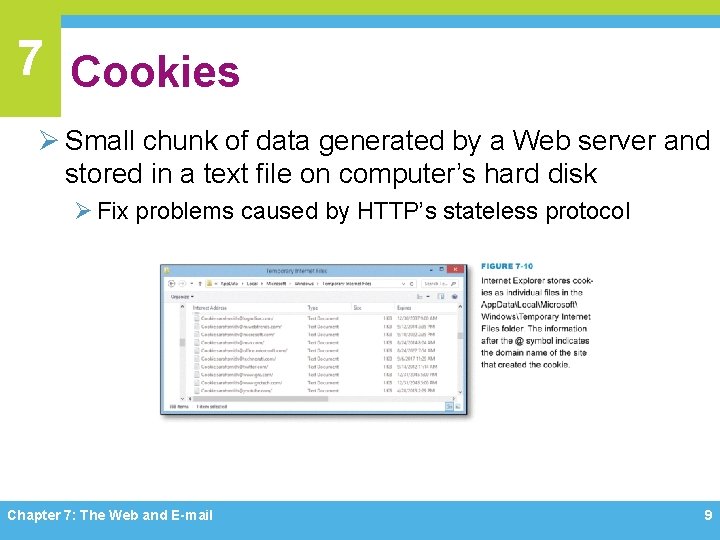
7 Cookies Ø Small chunk of data generated by a Web server and stored in a text file on computer’s hard disk Ø Fix problems caused by HTTP’s stateless protocol Chapter 7: The Web and E-mail 9
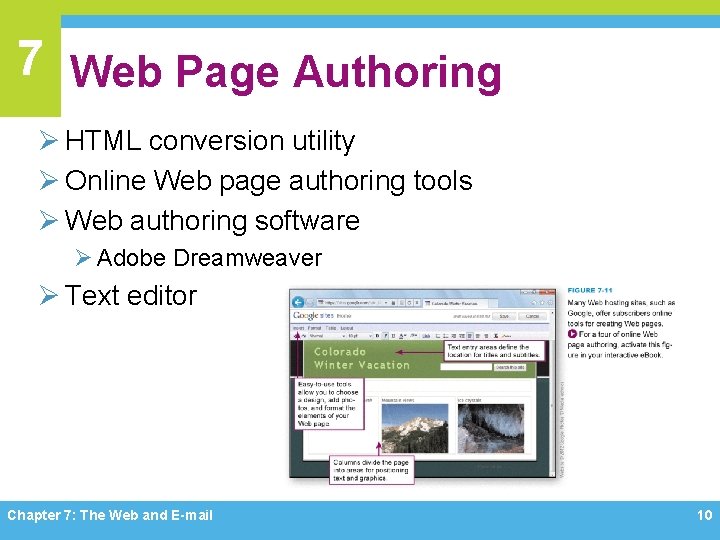
7 Web Page Authoring Ø HTML conversion utility Ø Online Web page authoring tools Ø Web authoring software Ø Adobe Dreamweaver Ø Text editor Chapter 7: The Web and E-mail 10
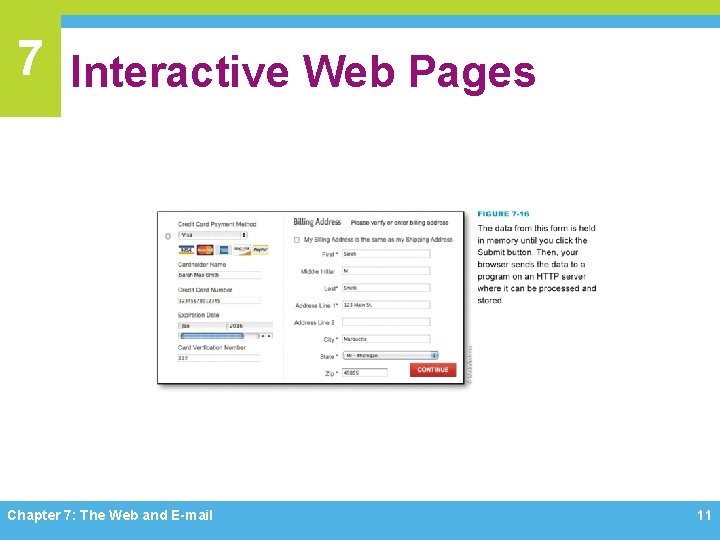
7 Interactive Web Pages Chapter 7: The Web and E-mail 11
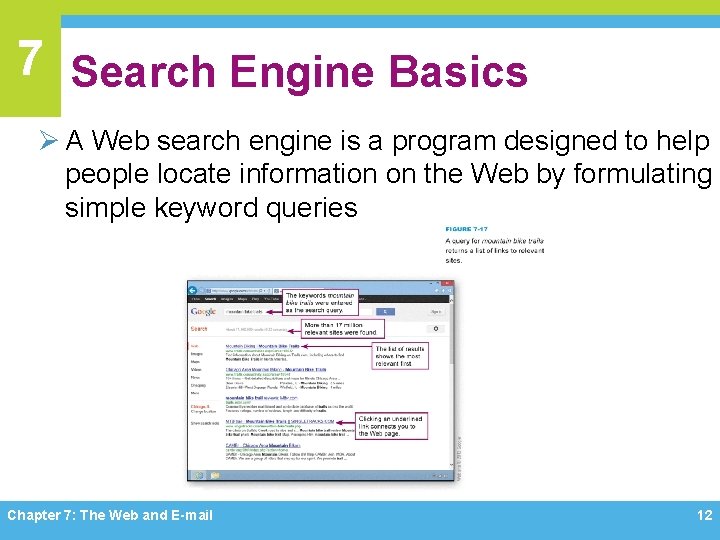
7 Search Engine Basics Ø A Web search engine is a program designed to help people locate information on the Web by formulating simple keyword queries Chapter 7: The Web and E-mail 12
7 Search Engine Basics Ø A Web crawler is a computer program that is automated to methodically visit Web sites Ø A search engine indexer is software that pulls keywords from a Web page and stores them in an index database Ø A search engine’s query processor looks for your search terms in search engine’s indexed database and returns a list of relevant Web sites Ø Link popularity is measured by quality and quantity of links from one Web page to others Ø A meta keyword is entered into a header section of a Web page when it is created and is supposed to describe the page contents Ø Keyword stuffing Chapter 7: The Web and E-mail 13
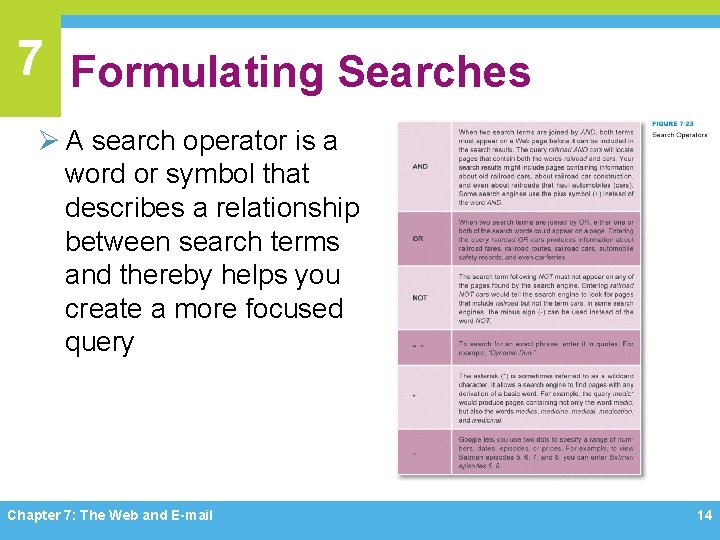
7 Formulating Searches Ø A search operator is a word or symbol that describes a relationship between search terms and thereby helps you create a more focused query Chapter 7: The Web and E-mail 14
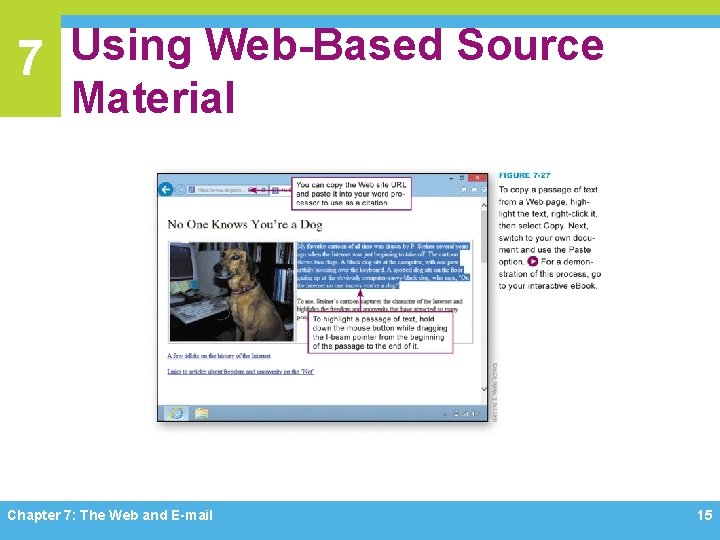
7 Using Web-Based Source Material Chapter 7: The Web and E-mail 15
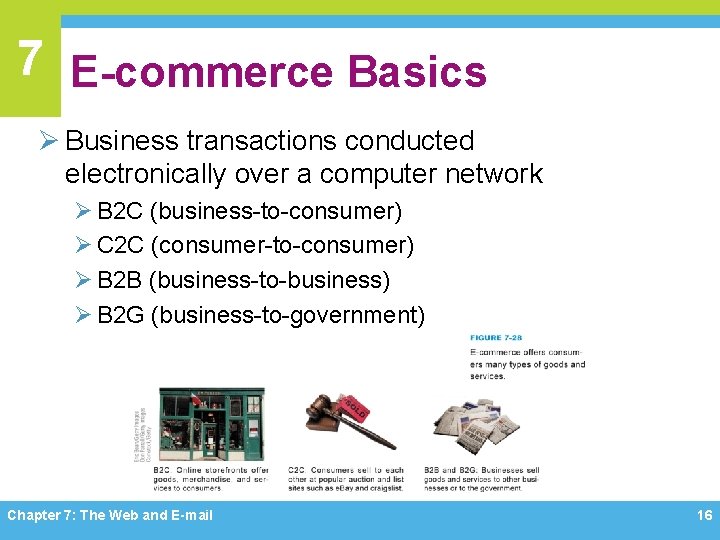
7 E-commerce Basics Ø Business transactions conducted electronically over a computer network Ø B 2 C (business-to-consumer) Ø C 2 C (consumer-to-consumer) Ø B 2 B (business-to-business) Ø B 2 G (business-to-government) Chapter 7: The Web and E-mail 16
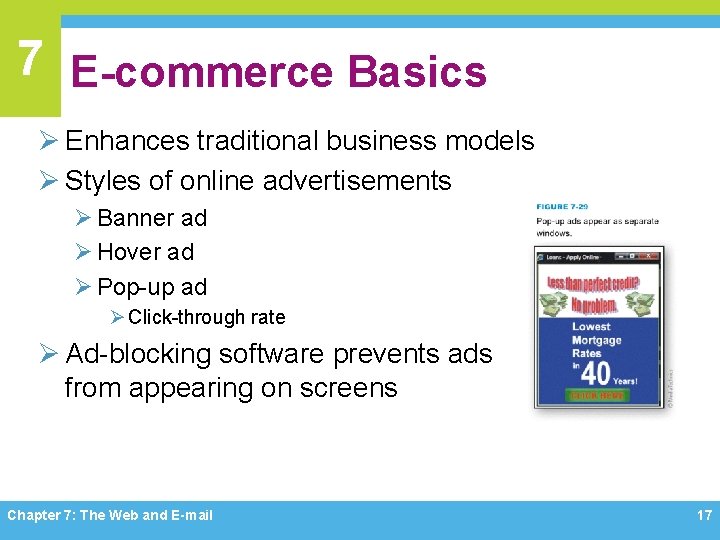
7 E-commerce Basics Ø Enhances traditional business models Ø Styles of online advertisements Ø Banner ad Ø Hover ad Ø Pop-up ad Ø Click-through rate Ø Ad-blocking software prevents ads from appearing on screens Chapter 7: The Web and E-mail 17
7 E-commerce Site Technology Ø E-commerce offers some unique advantages over brick-and-mortar stores and mail-order catalogs Ø Easily search for merchandise Ø Easily compare prices and products Ø Two popular models Ø B 2 C Ø C 2 C Chapter 7: The Web and E-mail 18
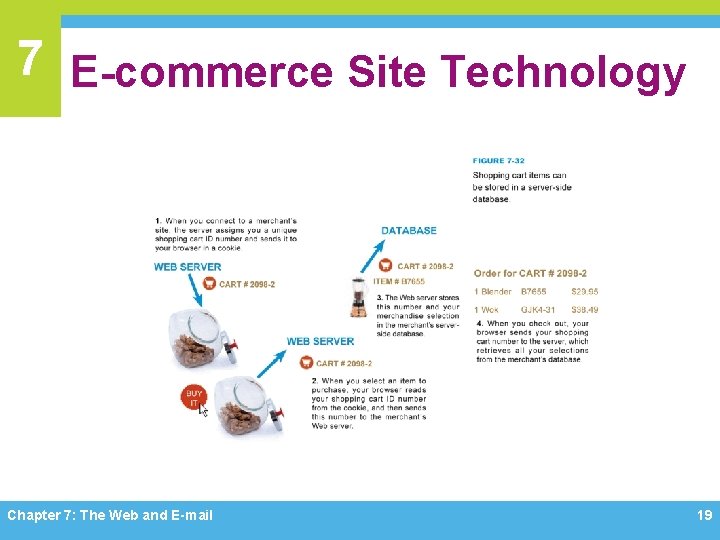
7 E-commerce Site Technology Chapter 7: The Web and E-mail 19
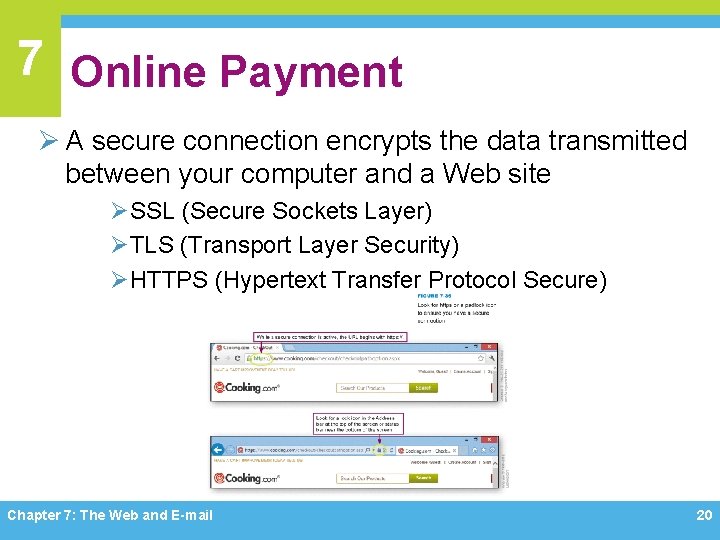
7 Online Payment Ø A secure connection encrypts the data transmitted between your computer and a Web site ØSSL (Secure Sockets Layer) ØTLS (Transport Layer Security) ØHTTPS (Hypertext Transfer Protocol Secure) Chapter 7: The Web and E-mail 20
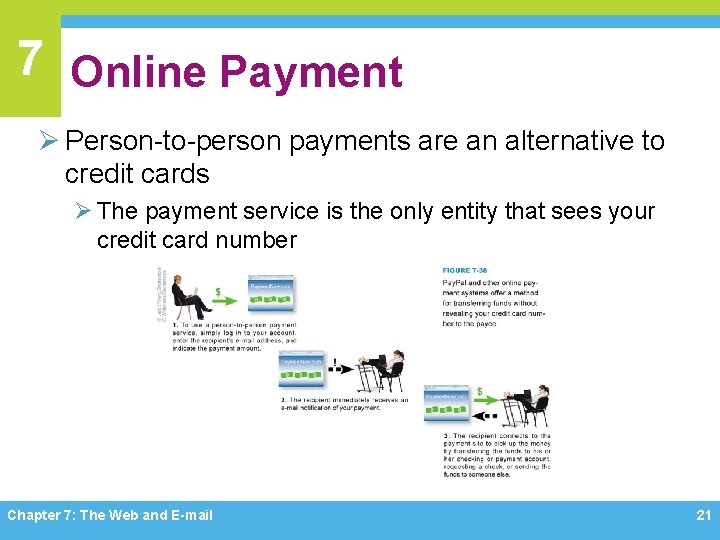
7 Online Payment Ø Person-to-person payments are an alternative to credit cards Ø The payment service is the only entity that sees your credit card number Chapter 7: The Web and E-mail 21
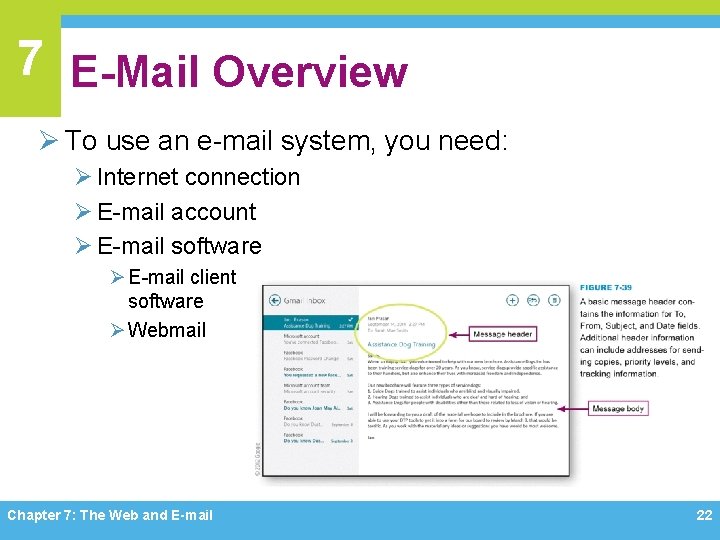
7 E-Mail Overview Ø To use an e-mail system, you need: Ø Internet connection Ø E-mail account Ø E-mail software Ø E-mail client software Ø Webmail Chapter 7: The Web and E-mail 22
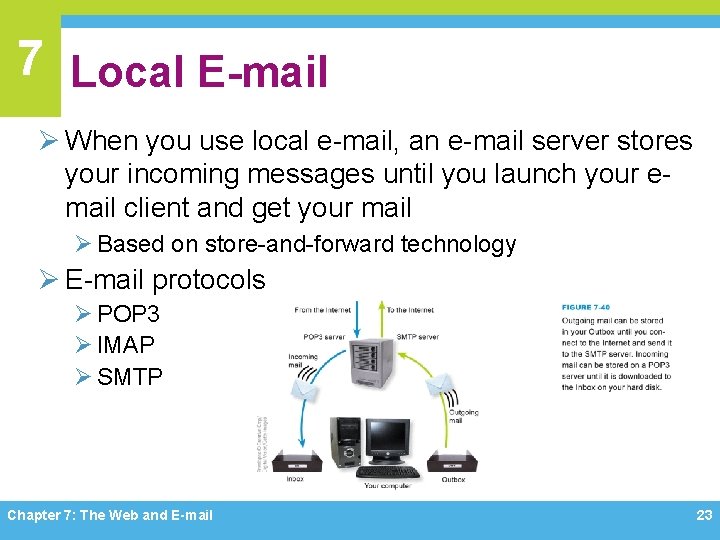
7 Local E-mail Ø When you use local e-mail, an e-mail server stores your incoming messages until you launch your email client and get your mail Ø Based on store-and-forward technology Ø E-mail protocols Ø POP 3 Ø IMAP Ø SMTP Chapter 7: The Web and E-mail 23
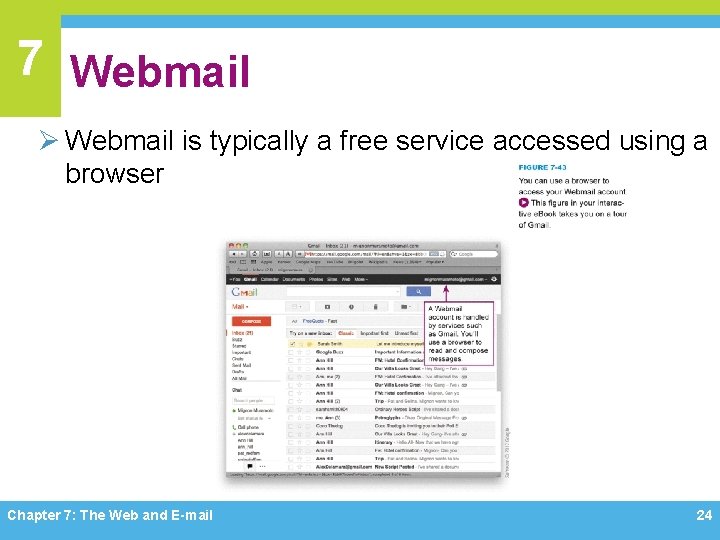
7 Webmail Ø Webmail is typically a free service accessed using a browser Chapter 7: The Web and E-mail 24
7 E-Mail Attachments Ø E-mail attachments are files that travel with an email message Ø E-mail software converts e-mail attachments using a conversion process called MIME Ø When working with attachments, keep the following points in mind: Ø Ø Ø Don’t send huge attachments Explain all attachments Don’t open suspicious attachments You can save attachments You might have to download a plug-in or player Chapter 7: The Web and E-mail 25
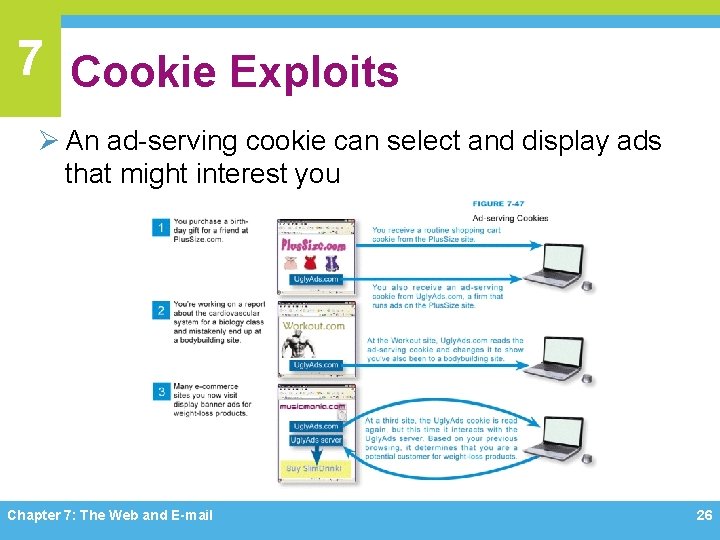
7 Cookie Exploits Ø An ad-serving cookie can select and display ads that might interest you Chapter 7: The Web and E-mail 26
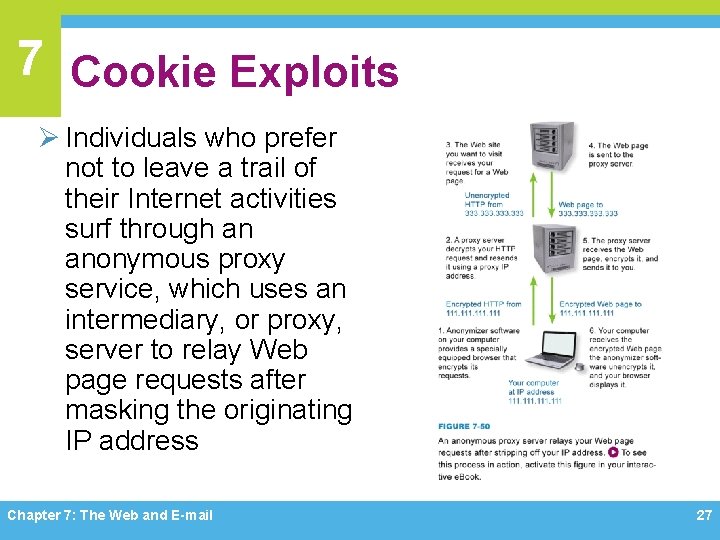
7 Cookie Exploits Ø Individuals who prefer not to leave a trail of their Internet activities surf through an anonymous proxy service, which uses an intermediary, or proxy, server to relay Web page requests after masking the originating IP address Chapter 7: The Web and E-mail 27
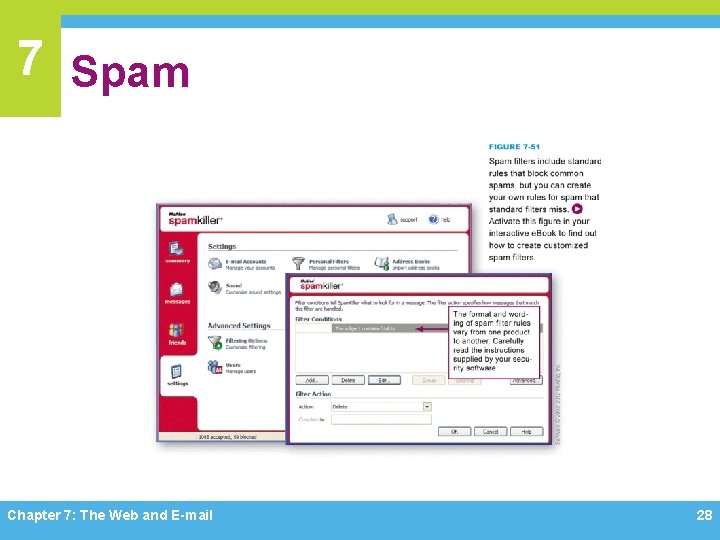
7 Spam Chapter 7: The Web and E-mail 28
7 Phishing Ø Phishing is an e-mail based scam designed to persuade you to reveal confidential information, such as your bank account number or Social Security number Ø If you don’t want to become a phishing victim, be suspicious of e-mail messages that supposedly come from banks, ISPs, online payment services, operating system publishers, and online merchants Chapter 7: The Web and E-mail 29
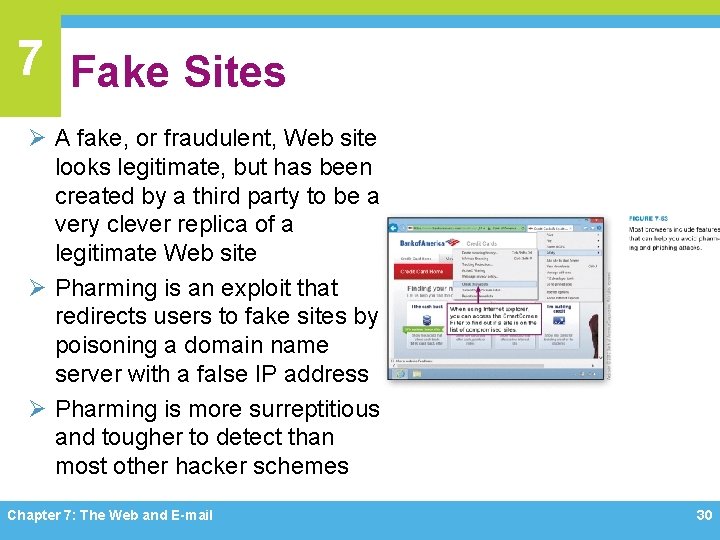
7 Fake Sites Ø A fake, or fraudulent, Web site looks legitimate, but has been created by a third party to be a very clever replica of a legitimate Web site Ø Pharming is an exploit that redirects users to fake sites by poisoning a domain name server with a false IP address Ø Pharming is more surreptitious and tougher to detect than most other hacker schemes Chapter 7: The Web and E-mail 30
Chapter 7 Complete Computer Concepts 2014
- Slides: 31