
Chapter 7 SQL Data Definition Pearson Education 2014
![CREATE SCHEMA [Name | AUTHORIZATION Creator. Id ] DROP SCHEMA Name [RESTRICT | CASCADE](https://slidetodoc.com/presentation_image/4a0e46cc517f3384f1287c7300a6d50f/image-6.jpg "CREATE SCHEMA [Name | AUTHORIZATION Creator. Id ] DROP SCHEMA Name [RESTRICT | CASCADE")
![CREATE TABLE Table. Name ( {(col. Name data. Type [NOT NULL] [UNIQUE] [DEFAULT default.](https://slidetodoc.com/presentation_image/4a0e46cc517f3384f1287c7300a6d50f/image-7.jpg "CREATE TABLE Table. Name ( {(col. Name data. Type [NOT NULL] [UNIQUE] [DEFAULT default.")
![Integrity Enhancement Feature (b) CREATE DOMAIN Domain. Name [AS] data. Type [DEFAULT default. Option]](https://slidetodoc.com/presentation_image/4a0e46cc517f3384f1287c7300a6d50f/image-16.jpg "Integrity Enhancement Feature (b) CREATE DOMAIN Domain. Name [AS] data. Type [DEFAULT default. Option]")
![DROP TABLE Table. Name [RESTRICT | CASCADE] e. g. DROP TABLE Property. For. Rent;](https://slidetodoc.com/presentation_image/4a0e46cc517f3384f1287c7300a6d50f/image-30.jpg "DROP TABLE Table. Name [RESTRICT | CASCADE] e. g. DROP TABLE Property. For. Rent;")
![SQL - DROP VIEW View. Name [RESTRICT | CASCADE] Causes definition of view to](https://slidetodoc.com/presentation_image/4a0e46cc517f3384f1287c7300a6d50f/image-37.jpg "SQL - DROP VIEW View. Name [RESTRICT | CASCADE] Causes definition of view to")
![REVOKE takes away privileges granted with GRANT. REVOKE [GRANT OPTION FOR] {Privilege. List |](https://slidetodoc.com/presentation_image/4a0e46cc517f3384f1287c7300a6d50f/image-55.jpg "REVOKE takes away privileges granted with GRANT. REVOKE [GRANT OPTION FOR] {Privilege. List |")
- Slides: 56
Chapter 7 SQL – Data Definition Pearson Education © 2014
Chapter 7 - Objectives Data types supported by SQL standard. Purpose of integrity enhancement feature of SQL. How to define integrity constraints using SQL. How to use the integrity enhancement feature in the CREATE and ALTER TABLE statements. Pearson Education © 2014 2
Chapter 7 - Objectives Purpose of views. How to create and delete views using SQL. How the DBMS performs operations on views. Under what conditions views are updatable. Advantages and disadvantages of views. How the ISO transaction model works. How to use the GRANT and REVOKE statements as a level of security. Pearson Education © 2014 3
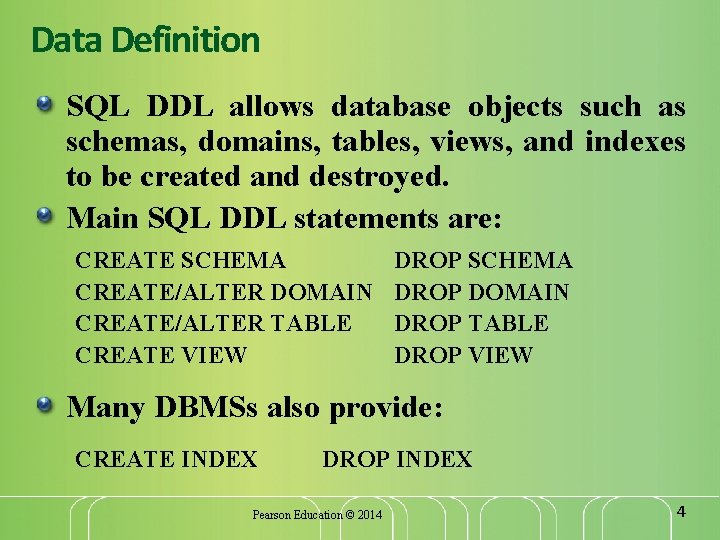
Data Definition SQL DDL allows database objects such as schemas, domains, tables, views, and indexes to be created and destroyed. Main SQL DDL statements are: CREATE SCHEMA CREATE/ALTER DOMAIN CREATE/ALTER TABLE CREATE VIEW DROP SCHEMA DROP DOMAIN DROP TABLE DROP VIEW Many DBMSs also provide: CREATE INDEX DROP INDEX Pearson Education © 2014 4
Data Definition Relations and other database objects exist in an environment. Each environment contains one or more catalogs, and each catalog consists of set of schemas. Schema is named collection of related database objects. Objects in a schema can be tables, views, domains, assertions, collations, translations, and character sets. All have same owner. Pearson Education © 2014 5
CREATE SCHEMA [Name | AUTHORIZATION Creator. Id ] DROP SCHEMA Name [RESTRICT | CASCADE ] With RESTRICT (default), schema must be empty or operation fails. With CASCADE, operation cascades to drop all objects associated with schema in order defined above. If any of these operations fail, DROP SCHEMA fails. Pearson Education © 2014 6
CREATE TABLE Table. Name ( {(col. Name data. Type [NOT NULL] [UNIQUE] [DEFAULT default. Option] [CHECK search. Condition] [, . . . ]} [PRIMARY KEY (list. Of. Columns), ] {[UNIQUE (list. Of. Columns), ] […, ]} {[FOREIGN KEY (list. Of. FKColumns) REFERENCES Parent. Table. Name [(list. Of. CKColumns)], [ON UPDATE referential. Action] [ON DELETE referential. Action ]] [, …]} {[CHECK (search. Condition)] [, …] }); Pearson Education © 2014 7
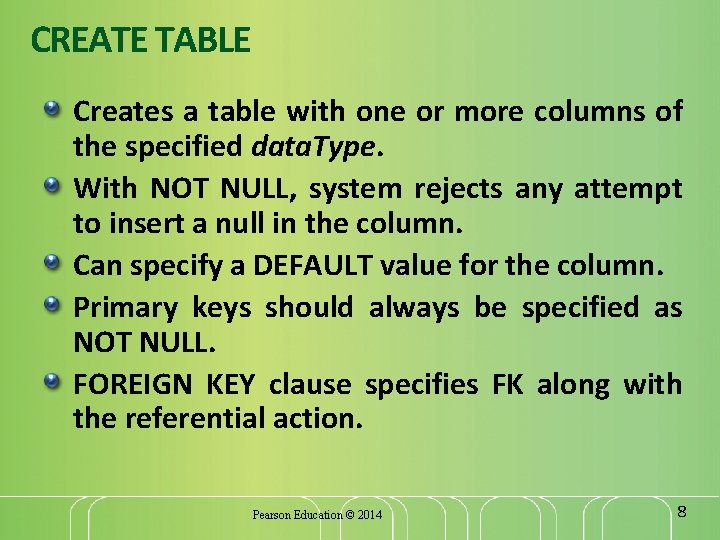
CREATE TABLE Creates a table with one or more columns of the specified data. Type. With NOT NULL, system rejects any attempt to insert a null in the column. Can specify a DEFAULT value for the column. Primary keys should always be specified as NOT NULL. FOREIGN KEY clause specifies FK along with the referential action. Pearson Education © 2014 8
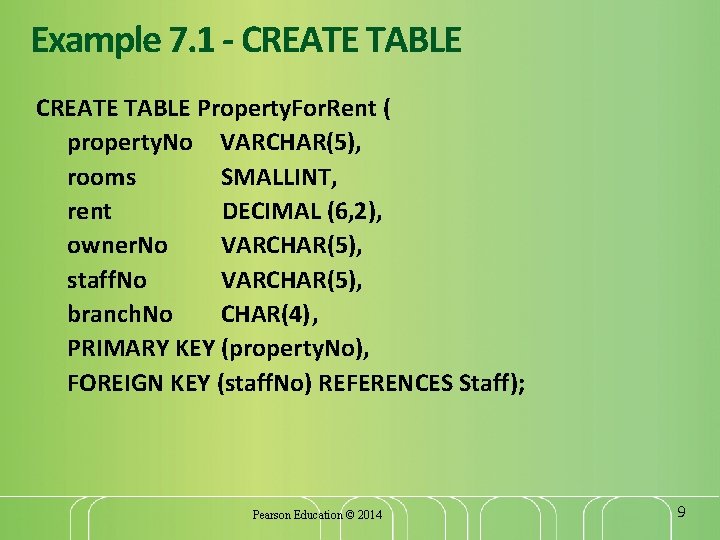
Example 7. 1 - CREATE TABLE Property. For. Rent ( property. No VARCHAR(5), rooms SMALLINT, rent DECIMAL (6, 2), owner. No VARCHAR(5), staff. No VARCHAR(5), branch. No CHAR(4), PRIMARY KEY (property. No), FOREIGN KEY (staff. No) REFERENCES Staff); Pearson Education © 2014 9
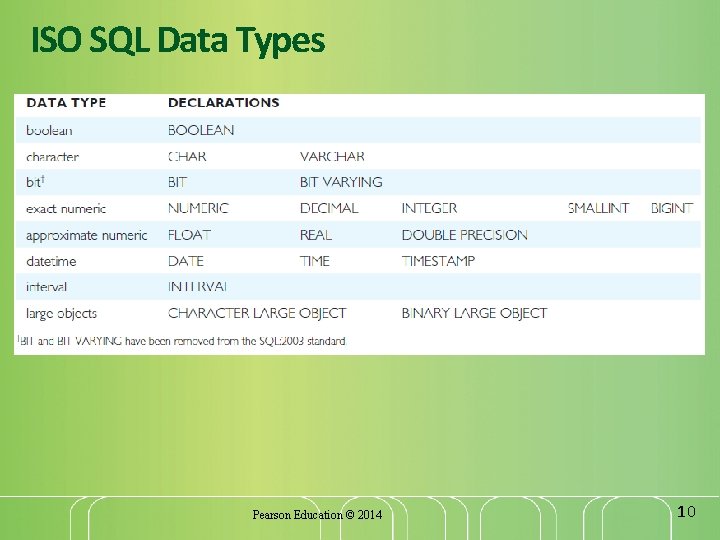
ISO SQL Data Types Pearson Education © 2014 10
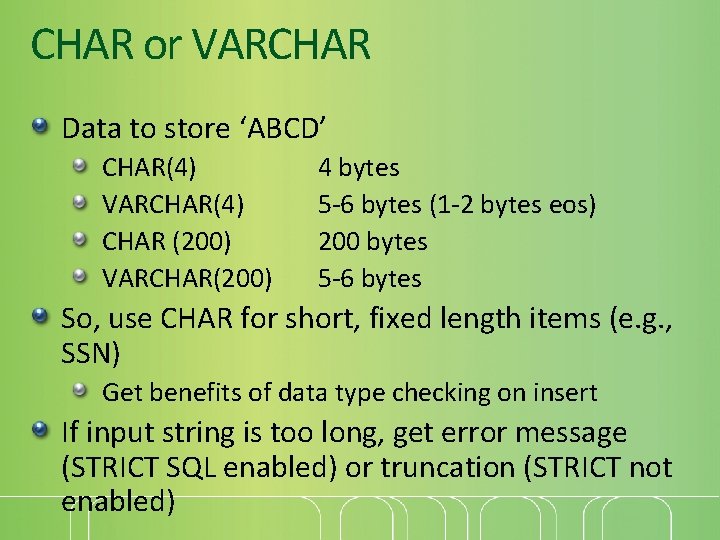
CHAR or VARCHAR Data to store ‘ABCD’ CHAR(4) VARCHAR(4) CHAR (200) VARCHAR(200) 4 bytes 5 -6 bytes (1 -2 bytes eos) 200 bytes 5 -6 bytes So, use CHAR for short, fixed length items (e. g. , SSN) Get benefits of data type checking on insert If input string is too long, get error message (STRICT SQL enabled) or truncation (STRICT not enabled)
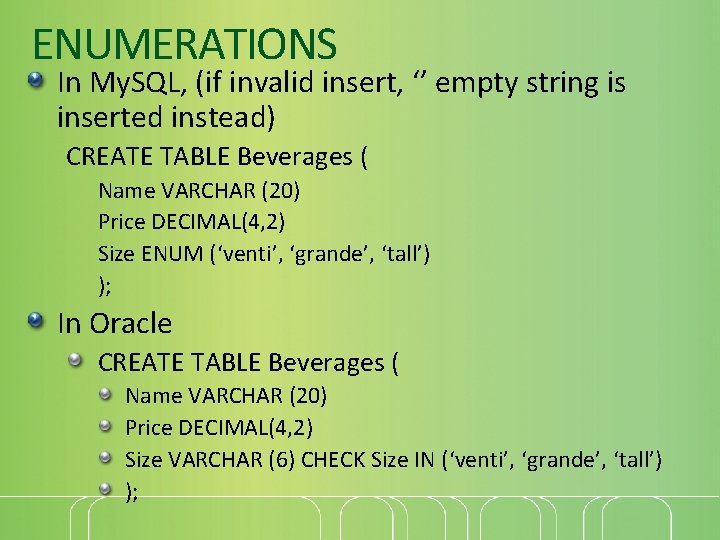
ENUMERATIONS In My. SQL, (if invalid insert, ‘’ empty string is inserted instead) CREATE TABLE Beverages ( Name VARCHAR (20) Price DECIMAL(4, 2) Size ENUM (‘venti’, ‘grande’, ‘tall’) ); In Oracle CREATE TABLE Beverages ( Name VARCHAR (20) Price DECIMAL(4, 2) Size VARCHAR (6) CHECK Size IN (‘venti’, ‘grande’, ‘tall’) );
Integrity Enhancement Feature Consider five types of integrity constraints: required data domain constraints entity integrity referential integrity general constraints. Pearson Education © 2014 13
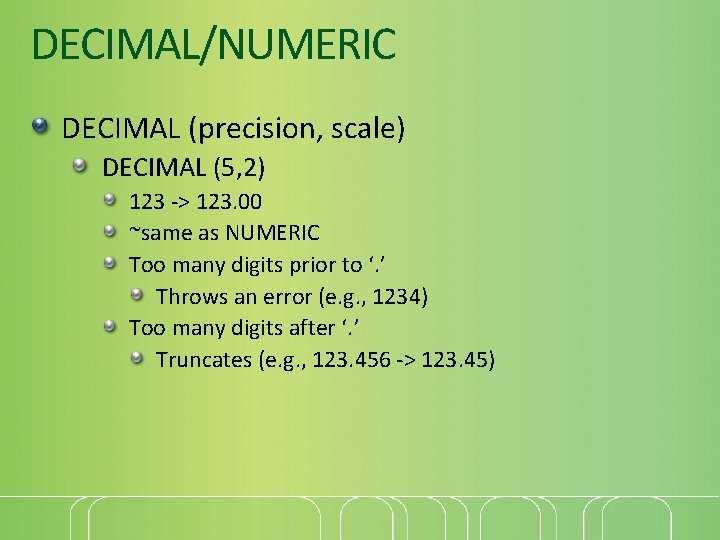
DECIMAL/NUMERIC DECIMAL (precision, scale) DECIMAL (5, 2) 123 -> 123. 00 ~same as NUMERIC Too many digits prior to ‘. ’ Throws an error (e. g. , 1234) Too many digits after ‘. ’ Truncates (e. g. , 123. 456 -> 123. 45)
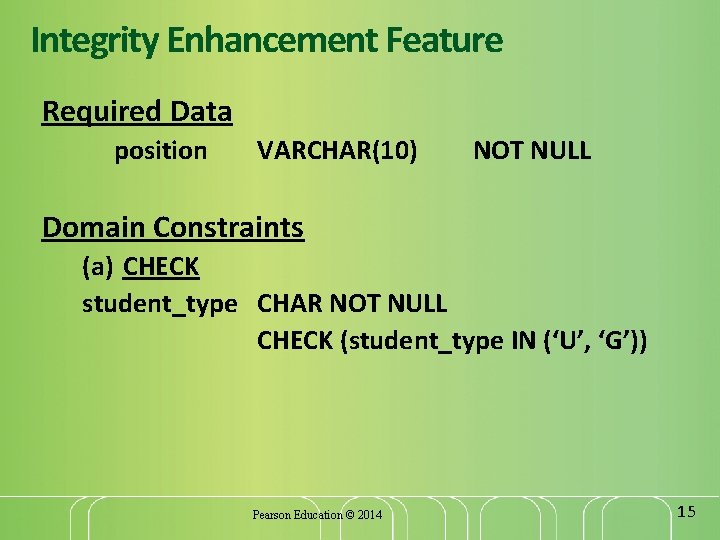
Integrity Enhancement Feature Required Data position VARCHAR(10) NOT NULL Domain Constraints (a) CHECK student_type CHAR NOT NULL CHECK (student_type IN (‘U’, ‘G’)) Pearson Education © 2014 15
Integrity Enhancement Feature (b) CREATE DOMAIN Domain. Name [AS] data. Type [DEFAULT default. Option] [CHECK (search. Condition)] For example: CREATE DOMAIN Student. Type AS CHAR CHECK (VALUE IN (‘U’, ‘G’)); In CREATE TABLE Student: student_type Student. Type NOT NULL Pearson Education © 2014 16
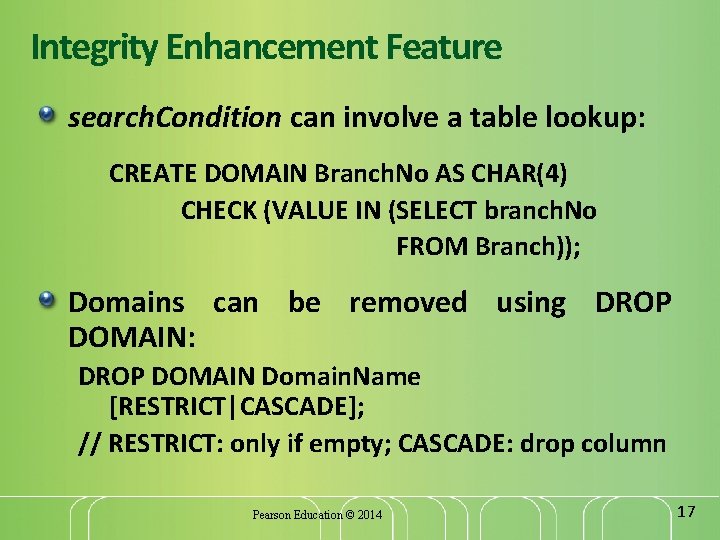
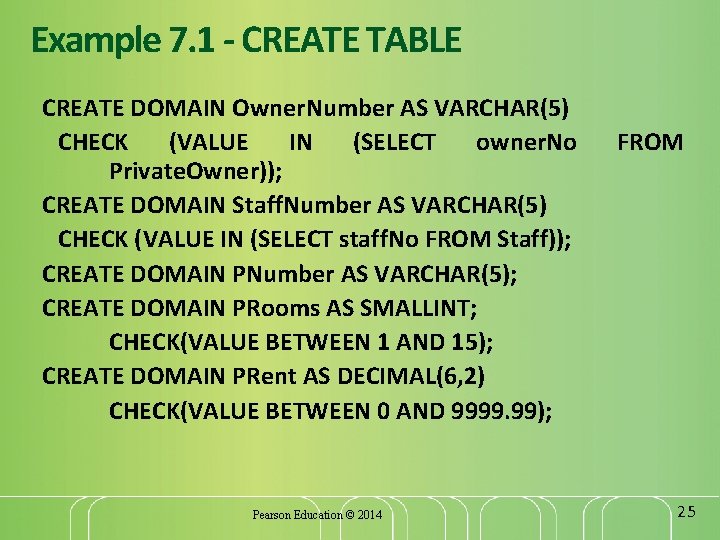
Integrity Enhancement Feature search. Condition can involve a table lookup: CREATE DOMAIN Branch. No AS CHAR(4) CHECK (VALUE IN (SELECT branch. No FROM Branch)); Domains can be removed using DROP DOMAIN: DROP DOMAIN Domain. Name [RESTRICT|CASCADE]; // RESTRICT: only if empty; CASCADE: drop column Pearson Education © 2014 17
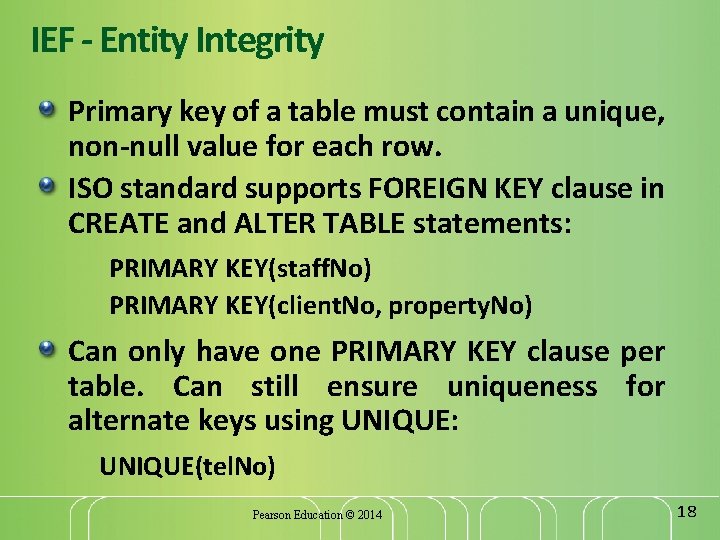
IEF - Entity Integrity Primary key of a table must contain a unique, non-null value for each row. ISO standard supports FOREIGN KEY clause in CREATE and ALTER TABLE statements: PRIMARY KEY(staff. No) PRIMARY KEY(client. No, property. No) Can only have one PRIMARY KEY clause per table. Can still ensure uniqueness for alternate keys using UNIQUE: UNIQUE(tel. No) Pearson Education © 2014 18
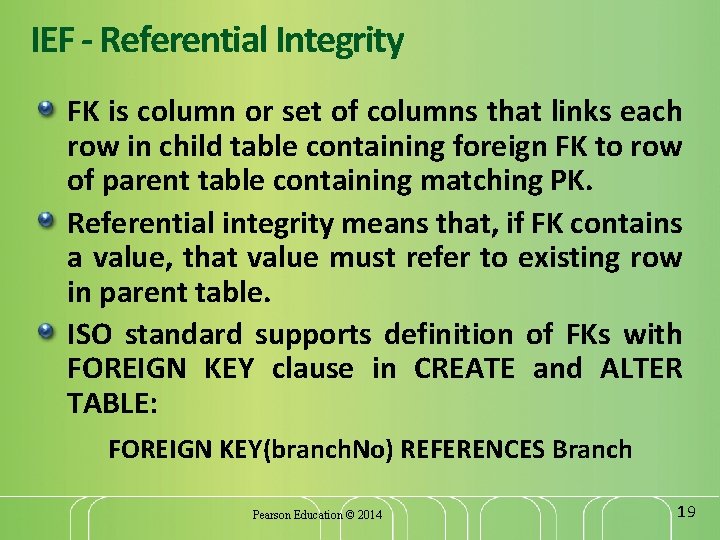
IEF - Referential Integrity FK is column or set of columns that links each row in child table containing foreign FK to row of parent table containing matching PK. Referential integrity means that, if FK contains a value, that value must refer to existing row in parent table. ISO standard supports definition of FKs with FOREIGN KEY clause in CREATE and ALTER TABLE: FOREIGN KEY(branch. No) REFERENCES Branch Pearson Education © 2014 19
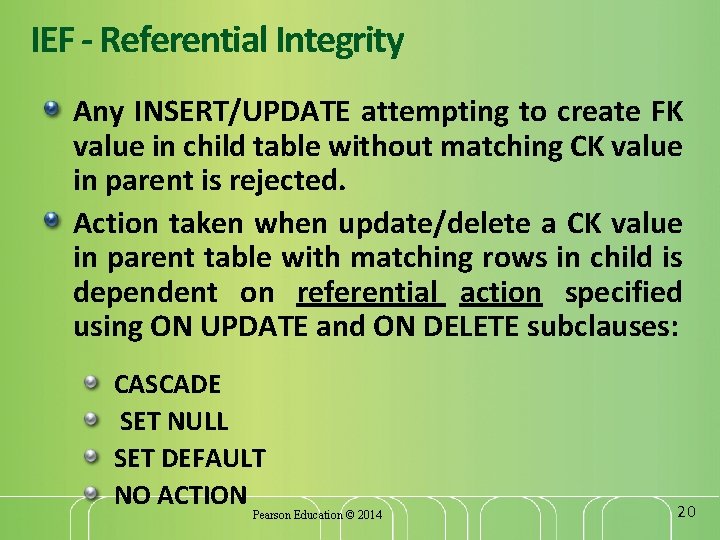
IEF - Referential Integrity Any INSERT/UPDATE attempting to create FK value in child table without matching CK value in parent is rejected. Action taken when update/delete a CK value in parent table with matching rows in child is dependent on referential action specified using ON UPDATE and ON DELETE subclauses: CASCADE SET NULL SET DEFAULT NO ACTION Pearson Education © 2014 20
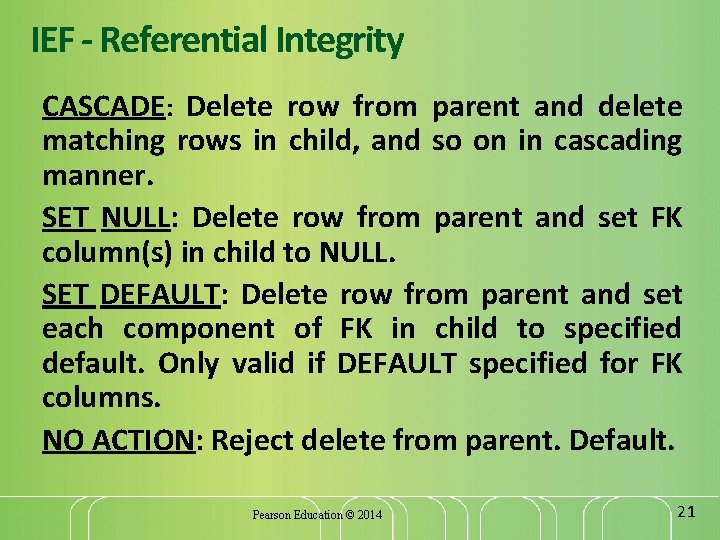
IEF - Referential Integrity CASCADE: Delete row from parent and delete matching rows in child, and so on in cascading manner. SET NULL: Delete row from parent and set FK column(s) in child to NULL. SET DEFAULT: Delete row from parent and set each component of FK in child to specified default. Only valid if DEFAULT specified for FK columns. NO ACTION: Reject delete from parent. Default. Pearson Education © 2014 21
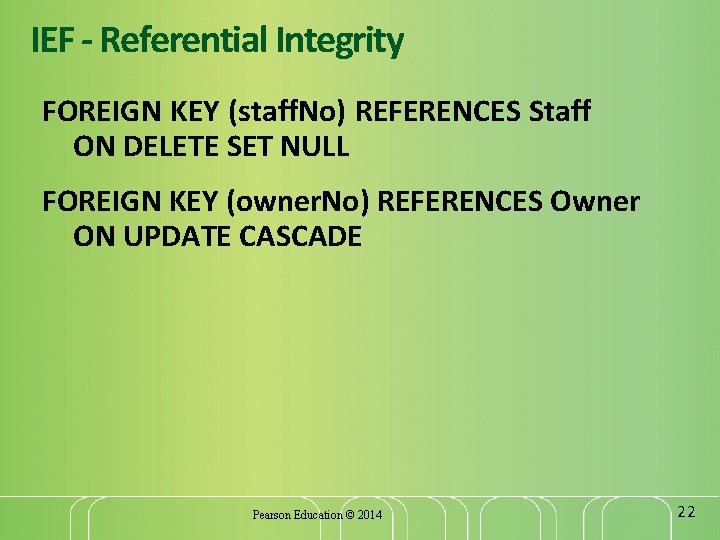
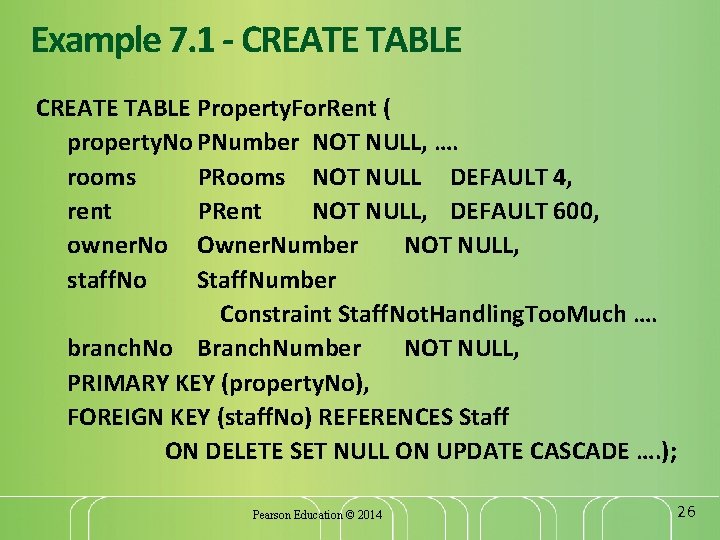
IEF - Referential Integrity FOREIGN KEY (staff. No) REFERENCES Staff ON DELETE SET NULL FOREIGN KEY (owner. No) REFERENCES Owner ON UPDATE CASCADE Pearson Education © 2014 22
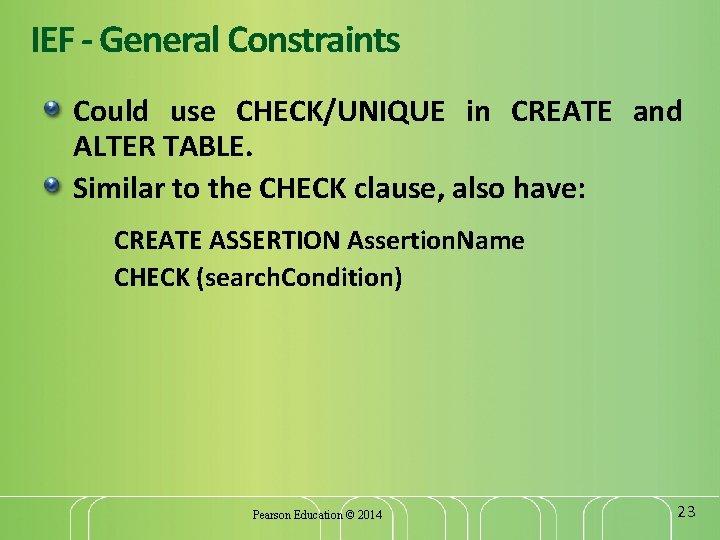
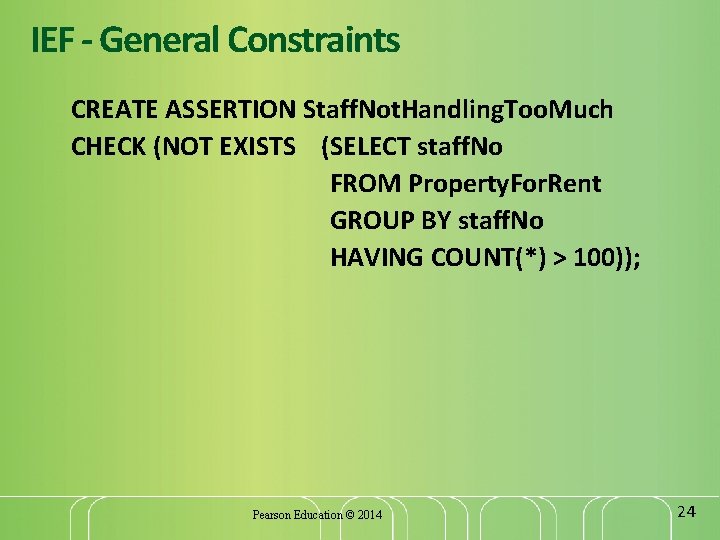
IEF - General Constraints Could use CHECK/UNIQUE in CREATE and ALTER TABLE. Similar to the CHECK clause, also have: CREATE ASSERTION Assertion. Name CHECK (search. Condition) Pearson Education © 2014 23
IEF - General Constraints CREATE ASSERTION Staff. Not. Handling. Too. Much CHECK (NOT EXISTS (SELECT staff. No FROM Property. For. Rent GROUP BY staff. No HAVING COUNT(*) > 100)); Pearson Education © 2014 24
Example 7. 1 - CREATE TABLE CREATE DOMAIN Owner. Number AS VARCHAR(5) CHECK (VALUE IN (SELECT owner. No Private. Owner)); CREATE DOMAIN Staff. Number AS VARCHAR(5) CHECK (VALUE IN (SELECT staff. No FROM Staff)); CREATE DOMAIN PNumber AS VARCHAR(5); CREATE DOMAIN PRooms AS SMALLINT; CHECK(VALUE BETWEEN 1 AND 15); CREATE DOMAIN PRent AS DECIMAL(6, 2) CHECK(VALUE BETWEEN 0 AND 9999. 99); Pearson Education © 2014 FROM 25
Example 7. 1 - CREATE TABLE Property. For. Rent ( property. No PNumber NOT NULL, …. rooms PRooms NOT NULL DEFAULT 4, rent PRent NOT NULL, DEFAULT 600, owner. No Owner. Number NOT NULL, staff. No Staff. Number Constraint Staff. Not. Handling. Too. Much …. branch. No Branch. Number NOT NULL, PRIMARY KEY (property. No), FOREIGN KEY (staff. No) REFERENCES Staff ON DELETE SET NULL ON UPDATE CASCADE …. ); Pearson Education © 2014 26
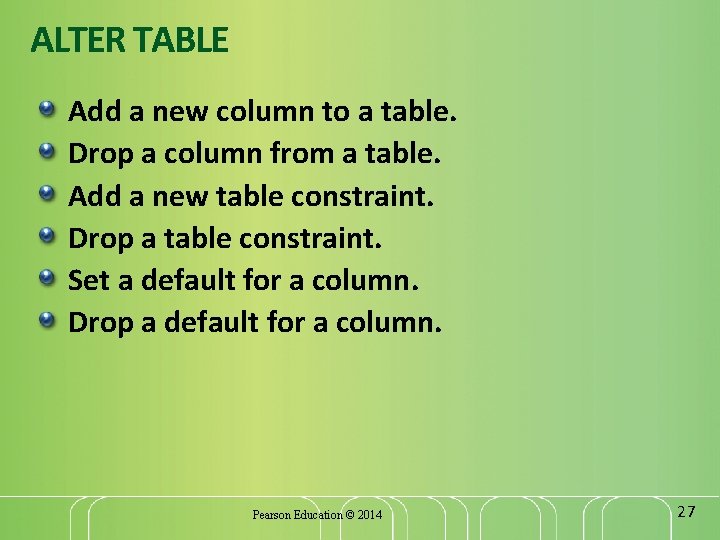
ALTER TABLE Add a new column to a table. Drop a column from a table. Add a new table constraint. Drop a table constraint. Set a default for a column. Drop a default for a column. Pearson Education © 2014 27
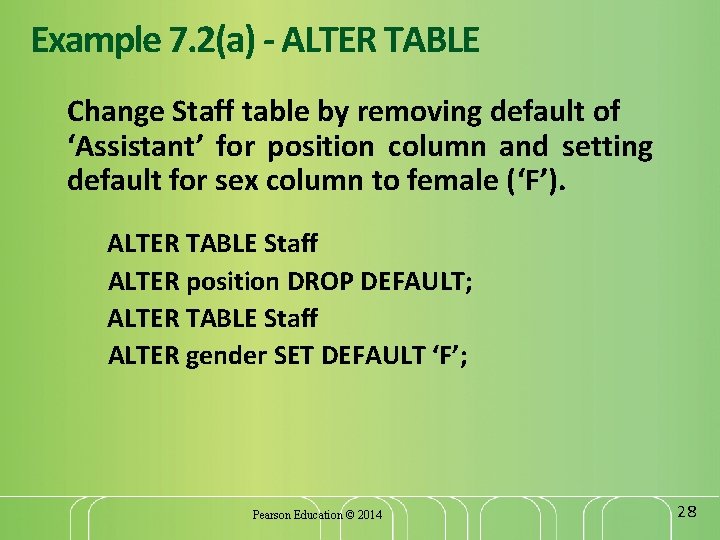
Example 7. 2(a) - ALTER TABLE Change Staff table by removing default of ‘Assistant’ for position column and setting default for sex column to female (‘F’). ALTER TABLE Staff ALTER position DROP DEFAULT; ALTER TABLE Staff ALTER gender SET DEFAULT ‘F’; Pearson Education © 2014 28
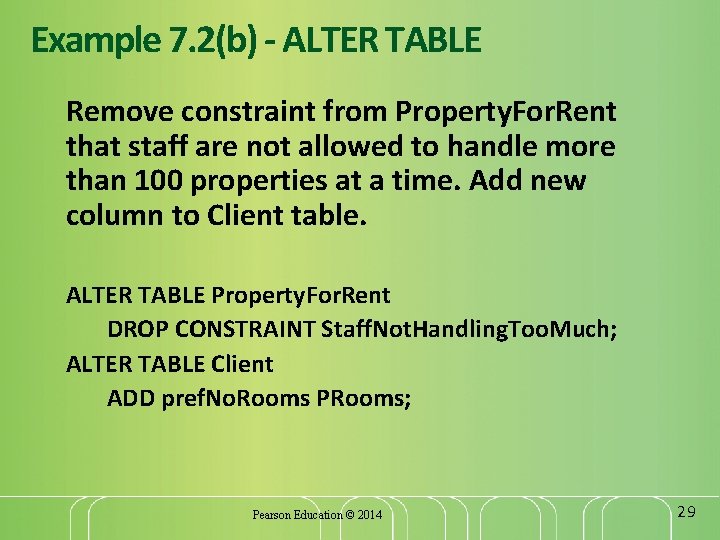
Example 7. 2(b) - ALTER TABLE Remove constraint from Property. For. Rent that staff are not allowed to handle more than 100 properties at a time. Add new column to Client table. ALTER TABLE Property. For. Rent DROP CONSTRAINT Staff. Not. Handling. Too. Much; ALTER TABLE Client ADD pref. No. Rooms PRooms; Pearson Education © 2014 29
DROP TABLE Table. Name [RESTRICT | CASCADE] e. g. DROP TABLE Property. For. Rent; Removes named table and all rows within it. With RESTRICT, if any other objects depend for their existence on continued existence of this table, SQL does not allow request. With CASCADE, SQL drops all dependent objects (and objects dependent on these objects). Pearson Education © 2014 30
Views View Dynamic result of one or more relational operations operating on base relations to produce another relation. Virtual relation that does not necessarily actually exist in the database but is produced upon request, at time of request. Pearson Education © 2014 31
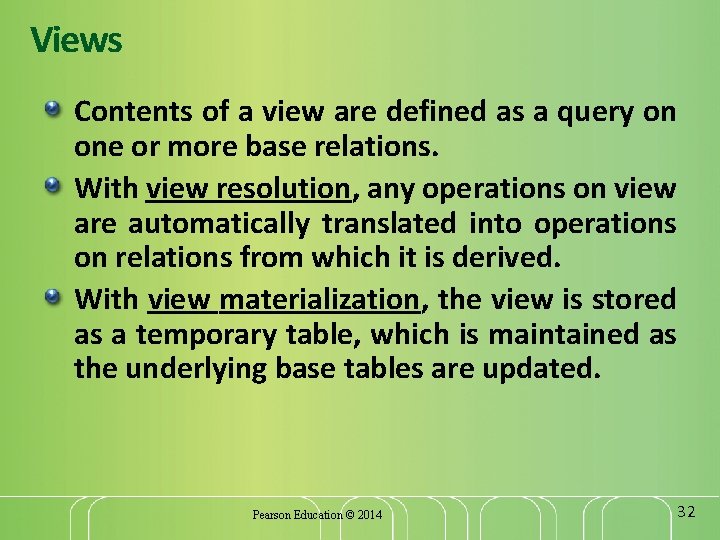
Views Contents of a view are defined as a query on one or more base relations. With view resolution, any operations on view are automatically translated into operations on relations from which it is derived. With view materialization, the view is stored as a temporary table, which is maintained as the underlying base tables are updated. Pearson Education © 2014 32
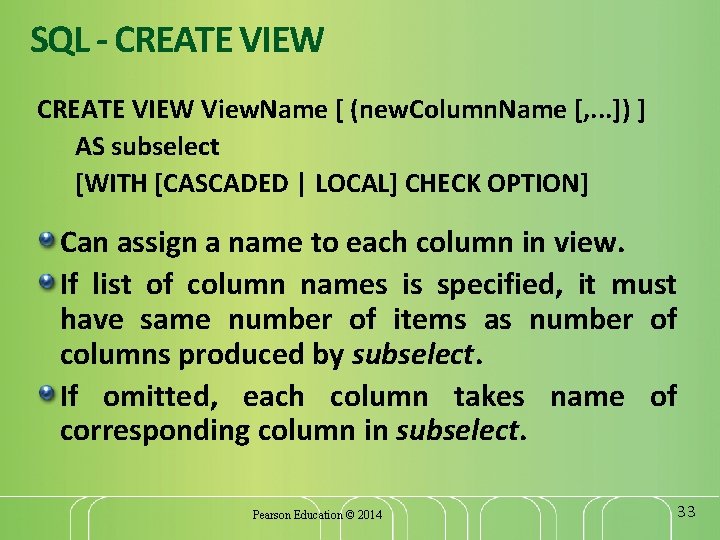
SQL - CREATE VIEW View. Name [ (new. Column. Name [, . . . ]) ] AS subselect [WITH [CASCADED | LOCAL] CHECK OPTION] Can assign a name to each column in view. If list of column names is specified, it must have same number of items as number of columns produced by subselect. If omitted, each column takes name of corresponding column in subselect. Pearson Education © 2014 33
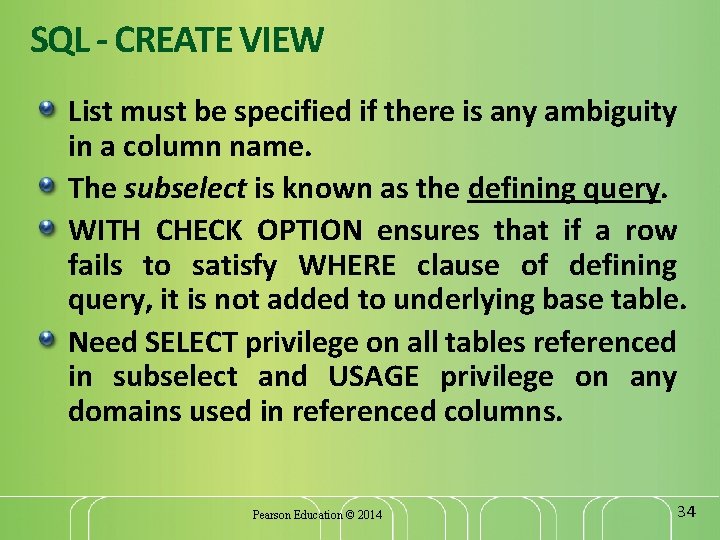
SQL - CREATE VIEW List must be specified if there is any ambiguity in a column name. The subselect is known as the defining query. WITH CHECK OPTION ensures that if a row fails to satisfy WHERE clause of defining query, it is not added to underlying base table. Need SELECT privilege on all tables referenced in subselect and USAGE privilege on any domains used in referenced columns. Pearson Education © 2014 34
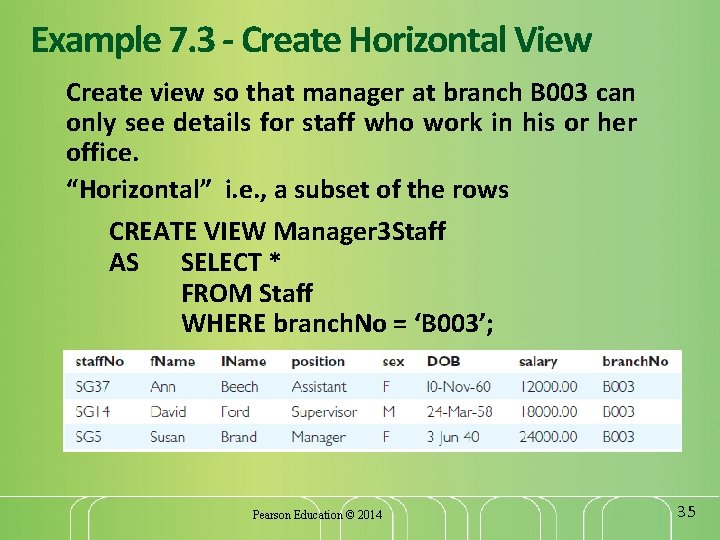
Example 7. 3 - Create Horizontal View Create view so that manager at branch B 003 can only see details for staff who work in his or her office. “Horizontal” i. e. , a subset of the rows CREATE VIEW Manager 3 Staff AS SELECT * FROM Staff WHERE branch. No = ‘B 003’; Pearson Education © 2014 35
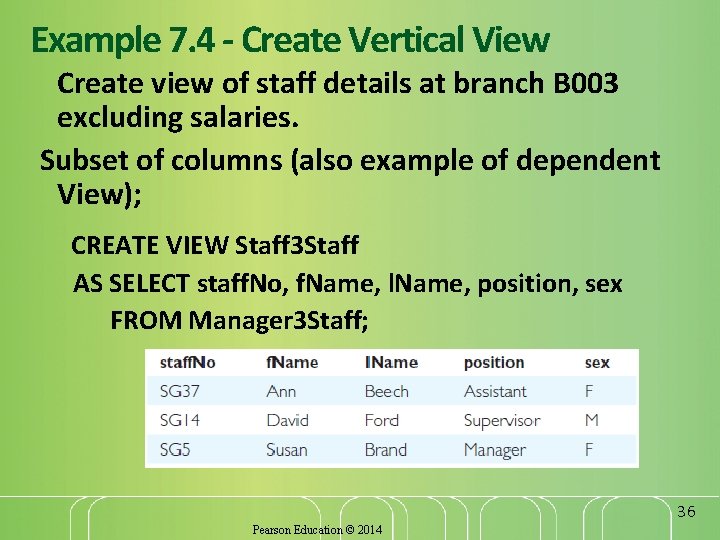
Example 7. 4 - Create Vertical View Create view of staff details at branch B 003 excluding salaries. Subset of columns (also example of dependent View); CREATE VIEW Staff 3 Staff AS SELECT staff. No, f. Name, l. Name, position, sex FROM Manager 3 Staff; 36 Pearson Education © 2014
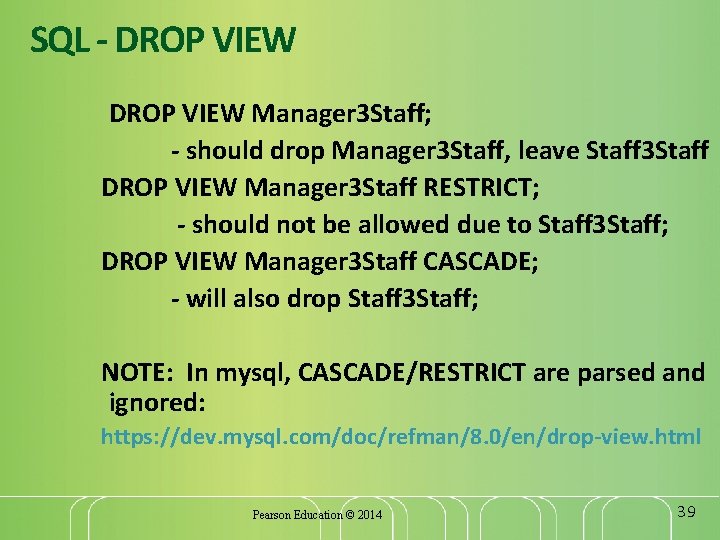
SQL - DROP VIEW View. Name [RESTRICT | CASCADE] Causes definition of view to be deleted from database. For example: DROP VIEW Manager 3 Staff RESTRICT; - should not be allowed due to Staff 3 Staff; DROP VIEW Manager 3 Staff; (Default: CASCADE? ] DROP VIEW Manager 3 Staff CASCADE; - will also drop Staff 3 Staff; Pearson Education © 2014 37
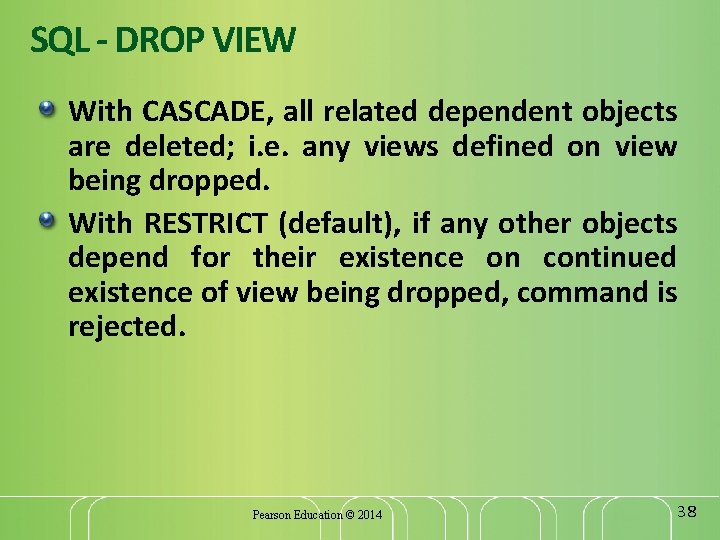
SQL - DROP VIEW With CASCADE, all related dependent objects are deleted; i. e. any views defined on view being dropped. With RESTRICT (default), if any other objects depend for their existence on continued existence of view being dropped, command is rejected. Pearson Education © 2014 38
SQL - DROP VIEW Manager 3 Staff; - should drop Manager 3 Staff, leave Staff 3 Staff DROP VIEW Manager 3 Staff RESTRICT; - should not be allowed due to Staff 3 Staff; DROP VIEW Manager 3 Staff CASCADE; - will also drop Staff 3 Staff; NOTE: In mysql, CASCADE/RESTRICT are parsed and ignored: https: //dev. mysql. com/doc/refman/8. 0/en/drop-view. html Pearson Education © 2014 39
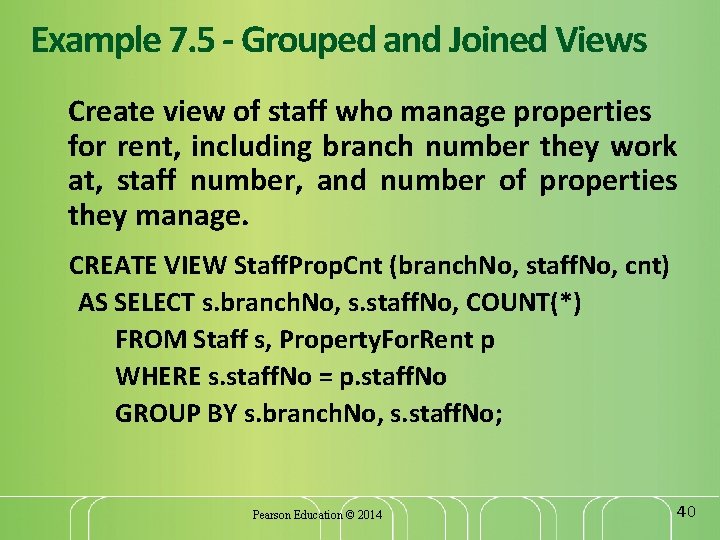
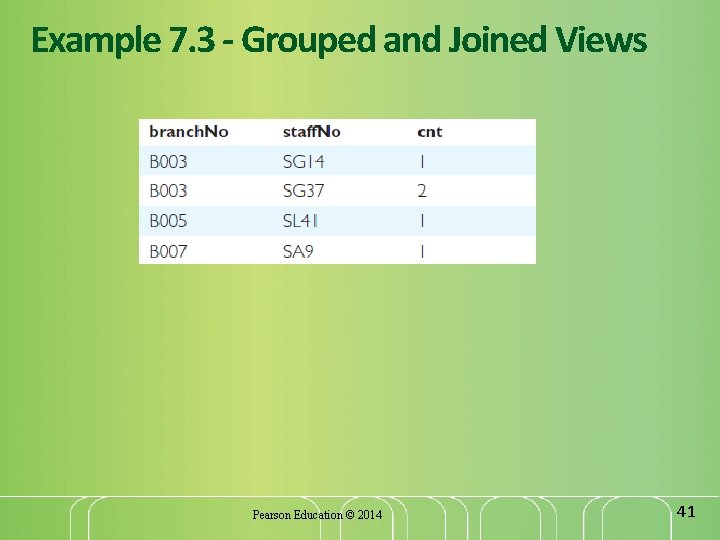
Example 7. 5 - Grouped and Joined Views Create view of staff who manage properties for rent, including branch number they work at, staff number, and number of properties they manage. CREATE VIEW Staff. Prop. Cnt (branch. No, staff. No, cnt) AS SELECT s. branch. No, s. staff. No, COUNT(*) FROM Staff s, Property. For. Rent p WHERE s. staff. No = p. staff. No GROUP BY s. branch. No, s. staff. No; Pearson Education © 2014 40
Example 7. 3 - Grouped and Joined Views Pearson Education © 2014 41
View Updatability All updates to base table reflected in all views that encompass base table. Similarly, may expect that if view is updated then base table(s) will reflect change. Pearson Education © 2014 42
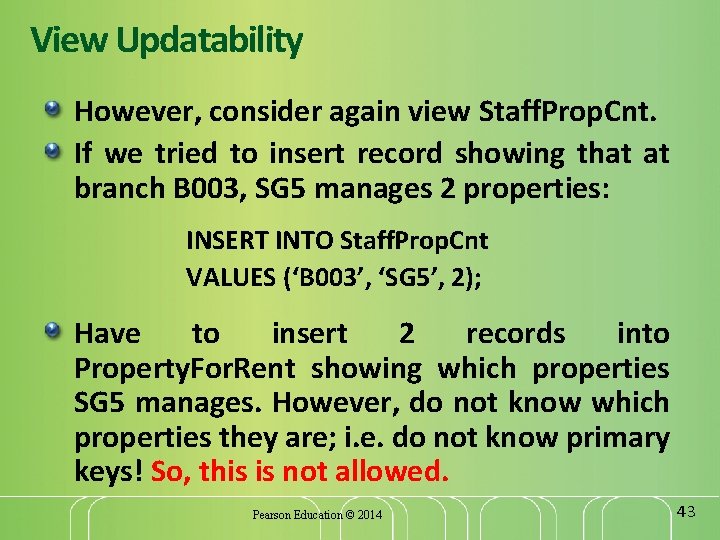
View Updatability However, consider again view Staff. Prop. Cnt. If we tried to insert record showing that at branch B 003, SG 5 manages 2 properties: INSERT INTO Staff. Prop. Cnt VALUES (‘B 003’, ‘SG 5’, 2); Have to insert 2 records into Property. For. Rent showing which properties SG 5 manages. However, do not know which properties they are; i. e. do not know primary keys! So, this is not allowed. Pearson Education © 2014 43
Updatable View For view to be updatable, DBMS must be able to trace any row or column back to its row or column in the source table. Pearson Education © 2014 44
Advantages of Views Data independence Currency Improved security Reduced complexity Convenience Customization Data integrity Pearson Education © 2014 45
Disadvantages of Views Update restriction Structure restriction Performance Pearson Education © 2014 46
View Materialization View resolution mechanism may be slow, particularly if view is accessed frequently. View materialization stores view as temporary table when view is first queried. Thereafter, queries based on materialized view can be faster than recomputing view each time. Difficulty is maintaining the currency of view while base tables(s) are being updated. Pearson Education © 2014 47
Access Control - Authorization Identifiers and Ownership Authorization identifier is normal SQL identifier used to establish identity of a user. Usually has an associated password. Used to determine which objects user may reference and what operations may be performed on those objects. Each object created in SQL has an owner, as defined in AUTHORIZATION clause of schema to which object belongs. Owner is only person who may know about it. Pearson Education © 2014 48
Privileges Actions user permitted to carry out on given base table or view: SELECT Retrieve data from a table. INSERT Insert new rows into a table. UPDATE Modify rows of data in a table. DELETE Delete rows of data from a table. REFERENCES Reference columns of named table in integrity constraints. USAGE Use domains, collations, character sets, and translations. Pearson Education © 2014 49
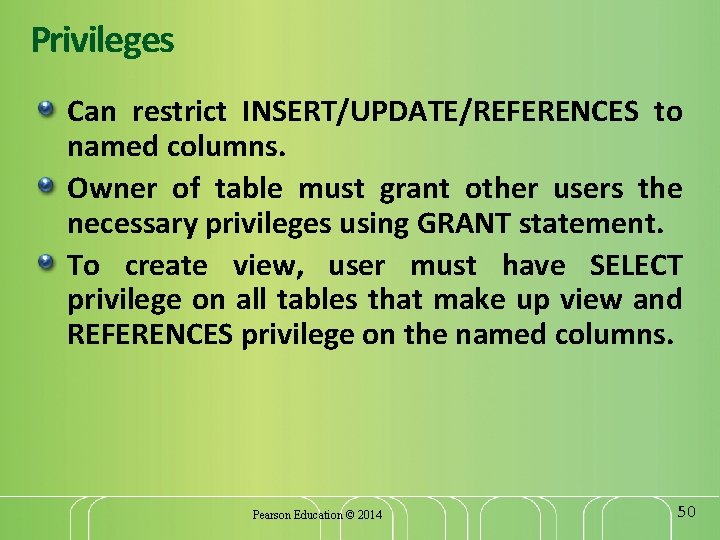
Privileges Can restrict INSERT/UPDATE/REFERENCES to named columns. Owner of table must grant other users the necessary privileges using GRANT statement. To create view, user must have SELECT privilege on all tables that make up view and REFERENCES privilege on the named columns. Pearson Education © 2014 50
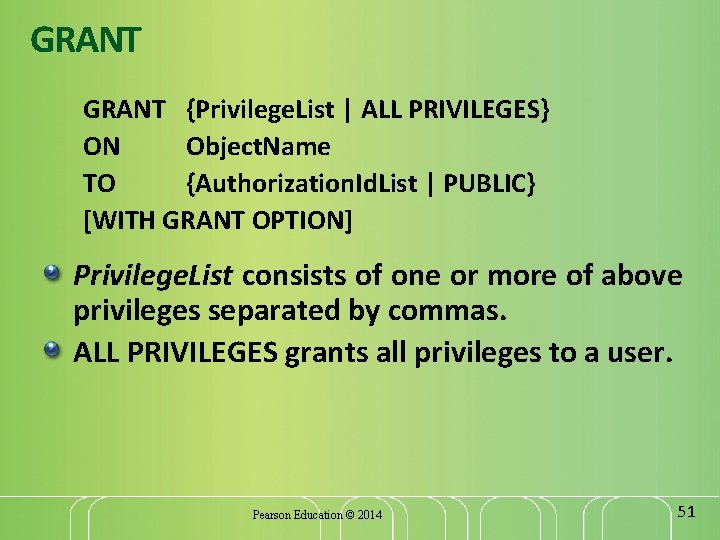
GRANT {Privilege. List | ALL PRIVILEGES} ON Object. Name TO {Authorization. Id. List | PUBLIC} [WITH GRANT OPTION] Privilege. List consists of one or more of above privileges separated by commas. ALL PRIVILEGES grants all privileges to a user. Pearson Education © 2014 51
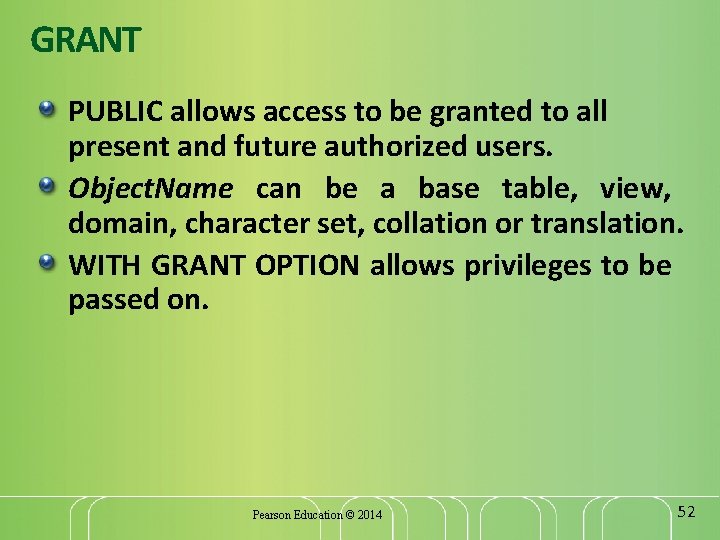
GRANT PUBLIC allows access to be granted to all present and future authorized users. Object. Name can be a base table, view, domain, character set, collation or translation. WITH GRANT OPTION allows privileges to be passed on. Pearson Education © 2014 52
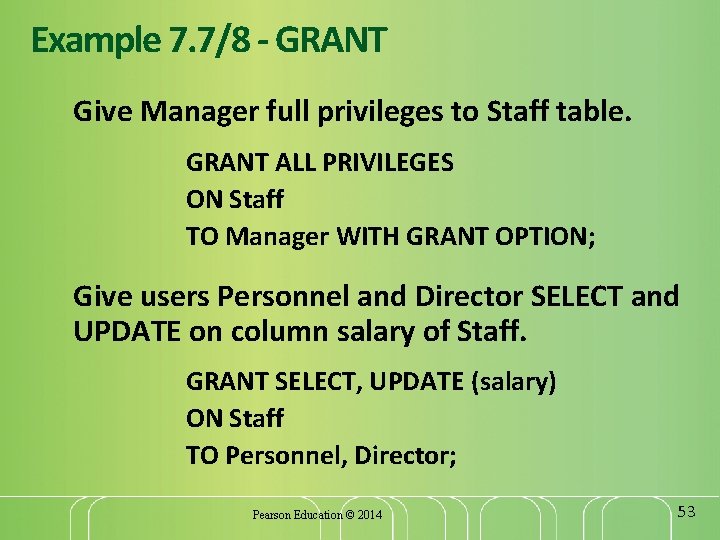
Example 7. 7/8 - GRANT Give Manager full privileges to Staff table. GRANT ALL PRIVILEGES ON Staff TO Manager WITH GRANT OPTION; Give users Personnel and Director SELECT and UPDATE on column salary of Staff. GRANT SELECT, UPDATE (salary) ON Staff TO Personnel, Director; Pearson Education © 2014 53
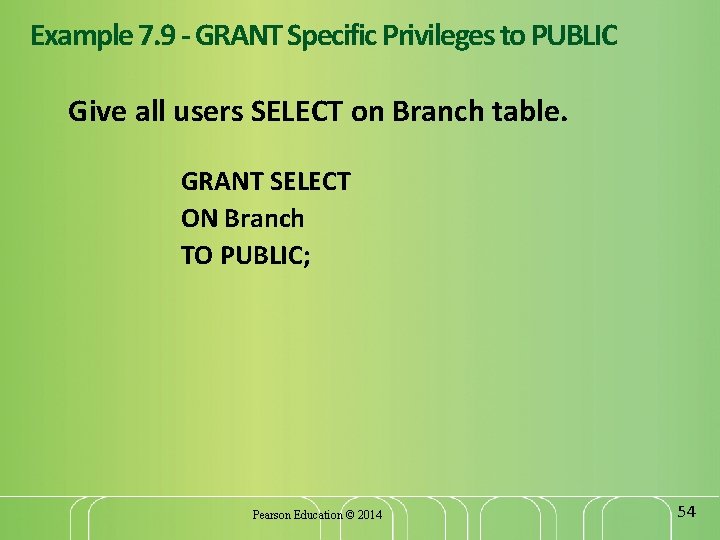
Example 7. 9 - GRANT Specific Privileges to PUBLIC Give all users SELECT on Branch table. GRANT SELECT ON Branch TO PUBLIC; Pearson Education © 2014 54
REVOKE takes away privileges granted with GRANT. REVOKE [GRANT OPTION FOR] {Privilege. List | ALL PRIVILEGES} ON Object. Name FROM {Authorization. Id. List | PUBLIC} [RESTRICT | CASCADE] ALL PRIVILEGES refers to all privileges granted to a user by user revoking privileges. Pearson Education © 2014 55
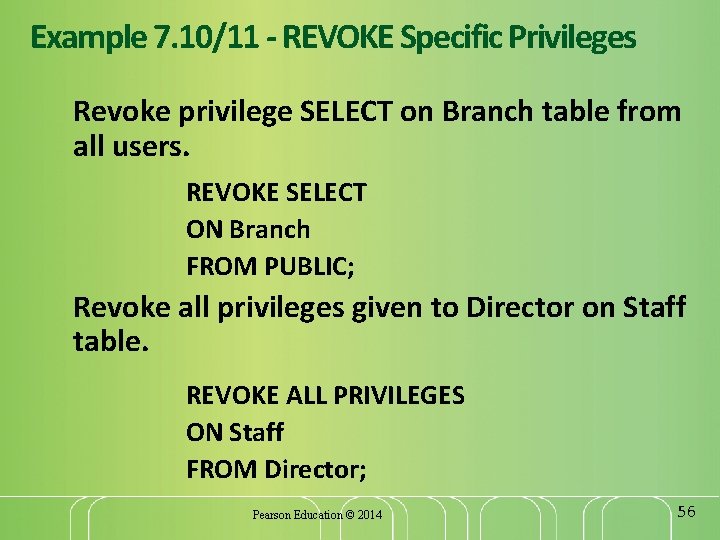
Example 7. 10/11 - REVOKE Specific Privileges Revoke privilege SELECT on Branch table from all users. REVOKE SELECT ON Branch FROM PUBLIC; Revoke all privileges given to Director on Staff table. REVOKE ALL PRIVILEGES ON Staff FROM Director; Pearson Education © 2014 56