
Chapter 7 Shells Drafts and Rib Indent and
Chapter 7 Shells, Drafts, and Rib, Indent and Deform 1
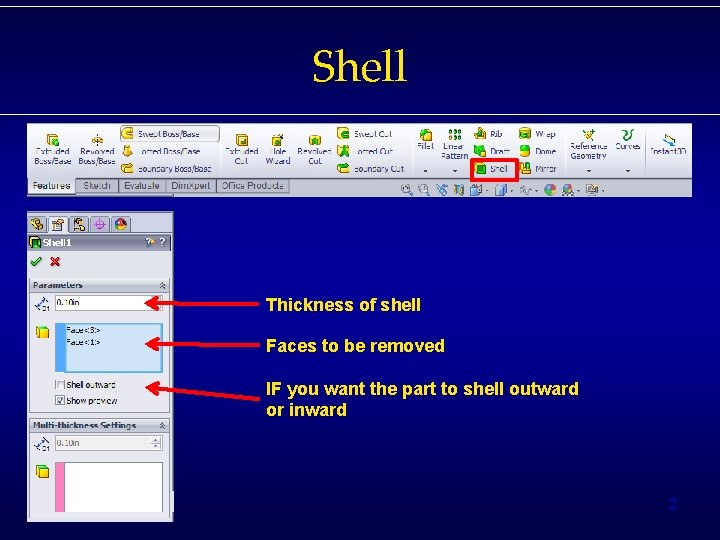
Shell Thickness of shell Faces to be removed IF you want the part to shell outward or inward 2
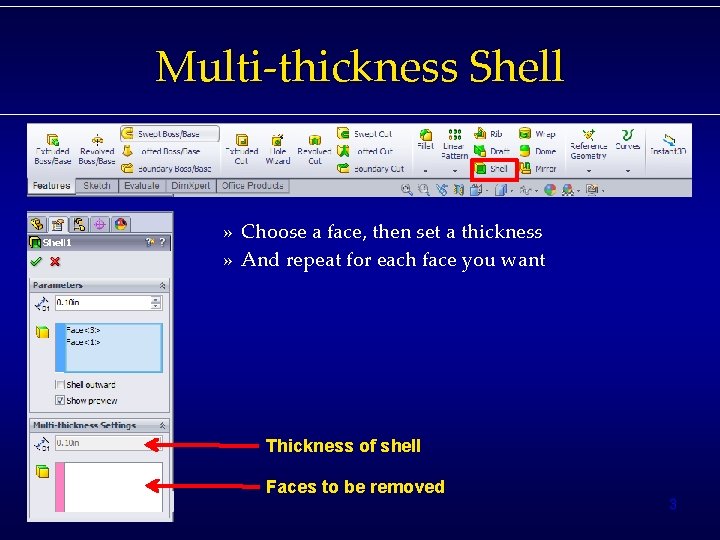
Multi-thickness Shell » Choose a face, then set a thickness » And repeat for each face you want Thickness of shell Faces to be removed 3

4

Split Lines – Used to make lines on surfaces – Curves >> Split lines • 3 Types: – Silhouette » Based off of a plane – Projection » Based off of a sketch – Intersection » Based off of planes and surfaces 5
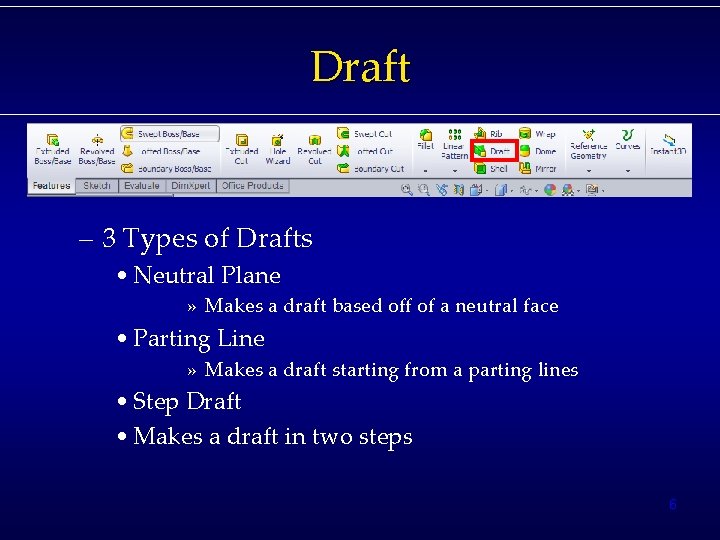
Draft – 3 Types of Drafts • Neutral Plane » Makes a draft based off of a neutral face • Parting Line » Makes a draft starting from a parting lines • Step Draft • Makes a draft in two steps 6
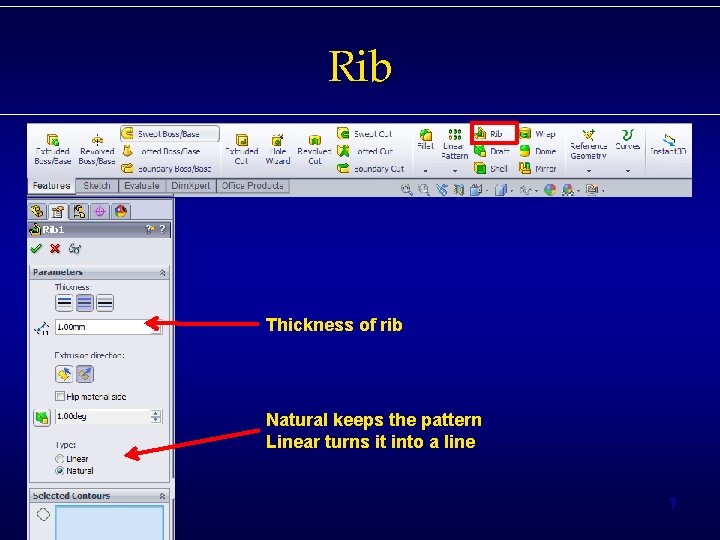
Rib Thickness of rib Natural keeps the pattern Linear turns it into a line 7
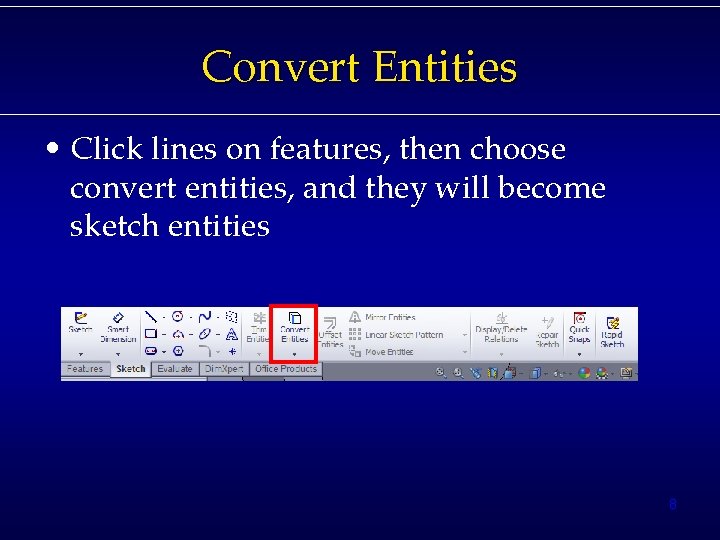
Convert Entities • Click lines on features, then choose convert entities, and they will become sketch entities 8
Indent • Insert >> Features >> Indent • Indent let’s you remove material from your part, by creating a new feature that will be removed. • Need: – Part – A feature inside that part (do not merge results) • Hide the added feature when finished. 9
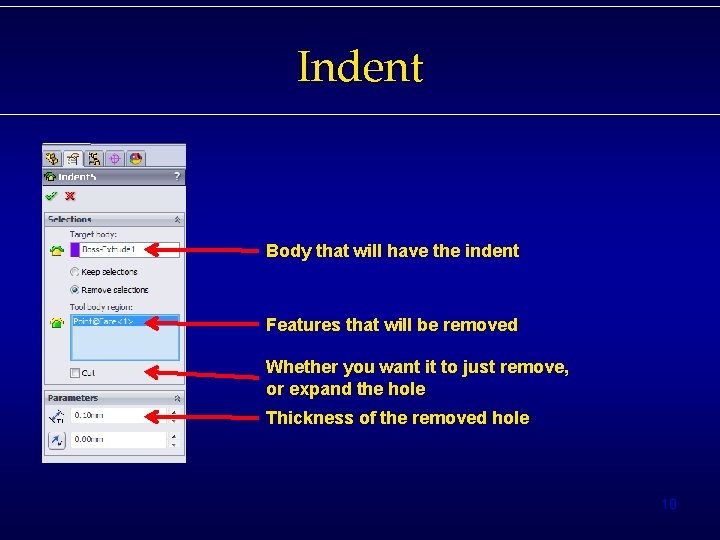
Indent Body that will have the indent Features that will be removed Whether you want it to just remove, or expand the hole Thickness of the removed hole 10
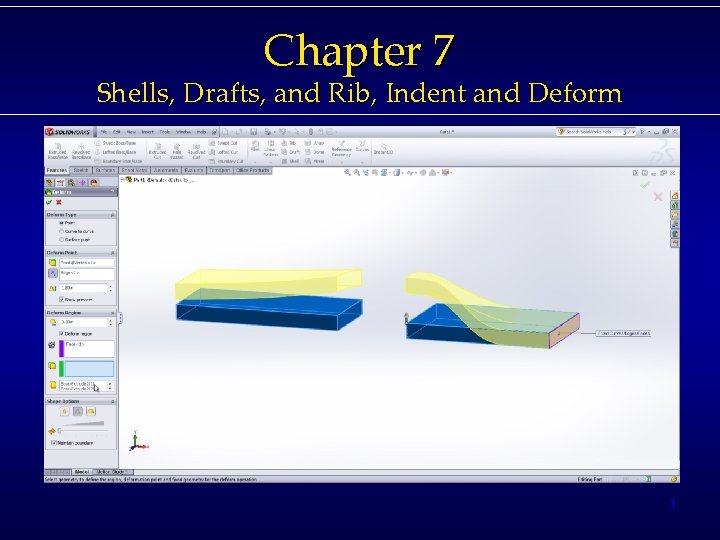
Deform • Insert >> Features >> Deform • 3 Types – Point deform » Deforms the body at a point – Curve to curve » Deforms the body onto a sketched curve – Surface Push » Deforms the body around an object » Either one of their objects, or a separate feature 11
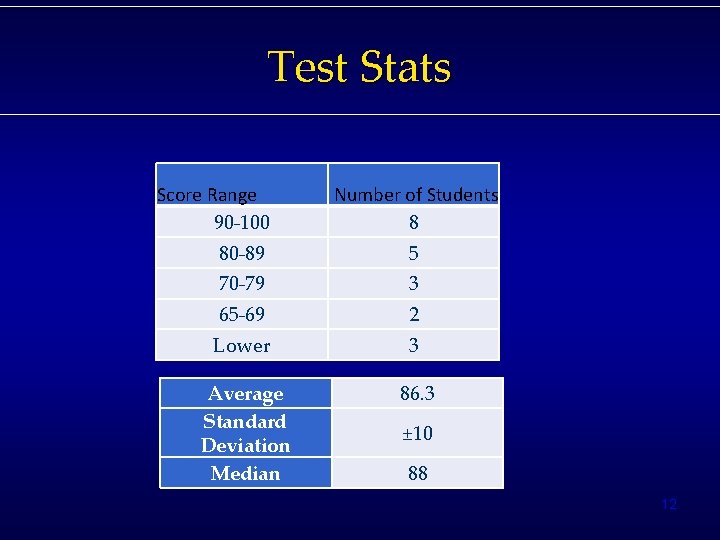
Test Stats Score Range 90 -100 Number of Students 8 80 -89 5 70 -79 3 65 -69 2 Lower 3 Average Standard Deviation Median 86. 3 ± 10 88 12
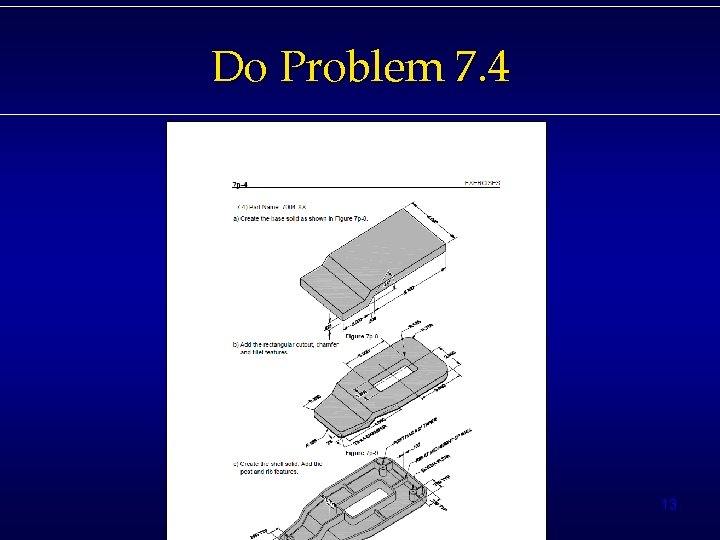
Do Problem 7. 4 13
- Slides: 13