
Chapter 7 Files By C Shing ITEC Dept

Chapter 7 Files By C. Shing ITEC Dept Radford University
Objectives n n Understand how to use file utilities Understand how to use files by file pointers Understand how to use files by file descriptors Understand how to interact with operating environment Slide 2
File n A stream of bytes n n Text file: user readable Binary file: machine readable, more efficient Slide 3
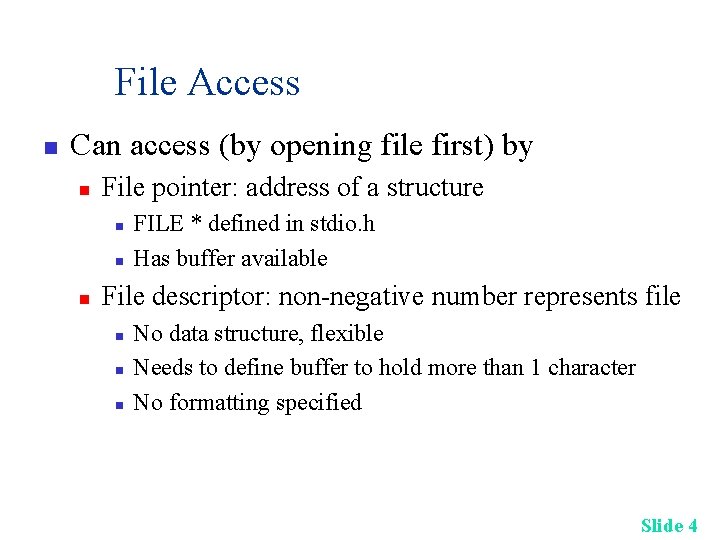
File Access n Can access (by opening file first) by n File pointer: address of a structure n n n FILE * defined in stdio. h Has buffer available File descriptor: non-negative number represents file n n n No data structure, flexible Needs to define buffer to hold more than 1 character No formatting specified Slide 4
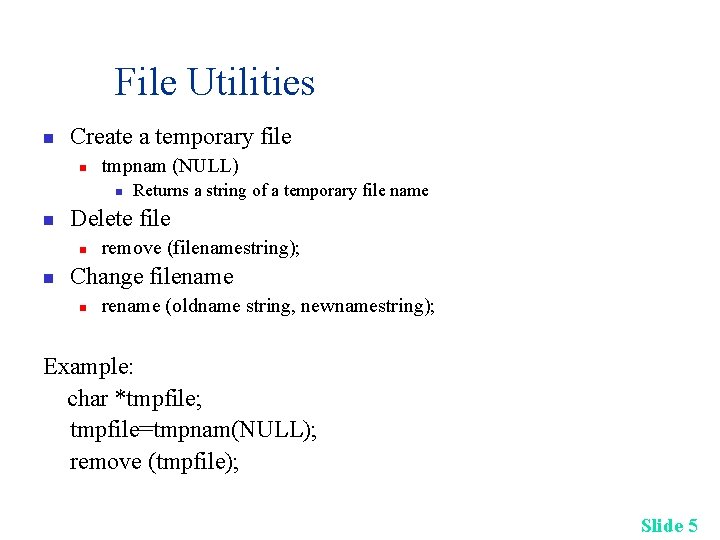
File Utilities n Create a temporary file n tmpnam (NULL) n n Delete file n n Returns a string of a temporary file name remove (filenamestring); Change filename n rename (oldname string, newnamestring); Example: char *tmpfile; tmpfile=tmpnam(NULL); remove (tmpfile); Slide 5
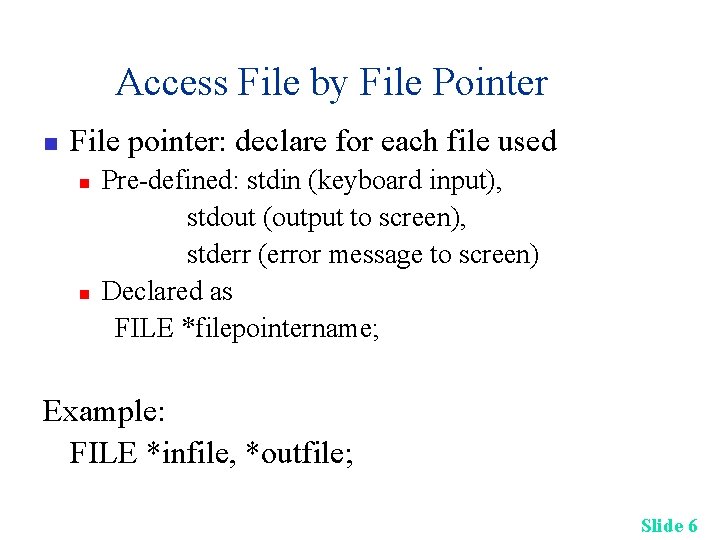
Access File by File Pointer n File pointer: declare for each file used n n Pre-defined: stdin (keyboard input), stdout (output to screen), stderr (error message to screen) Declared as FILE *filepointername; Example: FILE *infile, *outfile; Slide 6
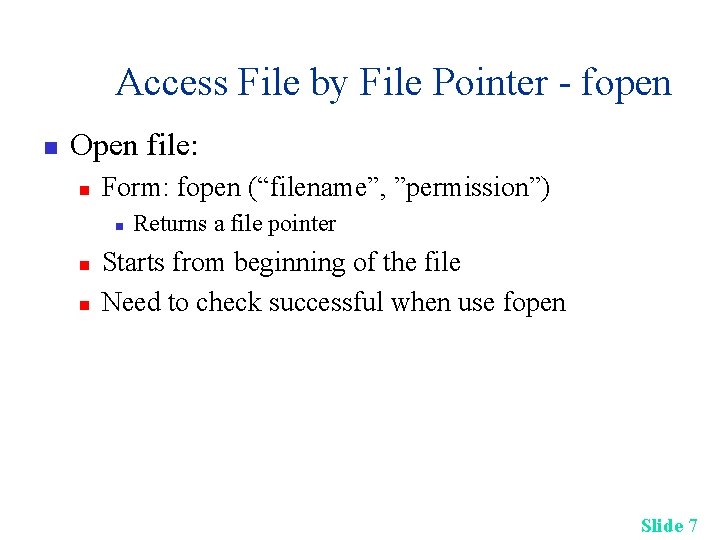
Access File by File Pointer - fopen n Open file: n Form: fopen (“filename”, ”permission”) n n n Returns a file pointer Starts from beginning of the file Need to check successful when use fopen Slide 7
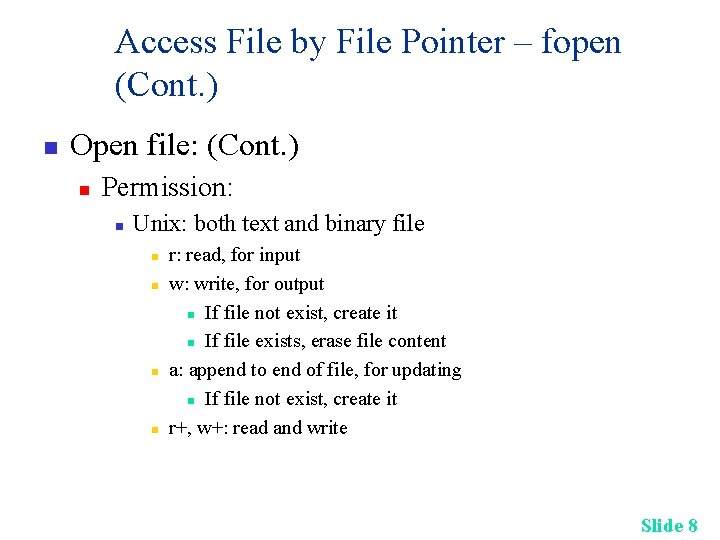
Access File by File Pointer – fopen (Cont. ) n Open file: (Cont. ) n Permission: n Unix: both text and binary file n n r: read, for input w: write, for output n If file not exist, create it n If file exists, erase file content a: append to end of file, for updating n If file not exist, create it r+, w+: read and write Slide 8
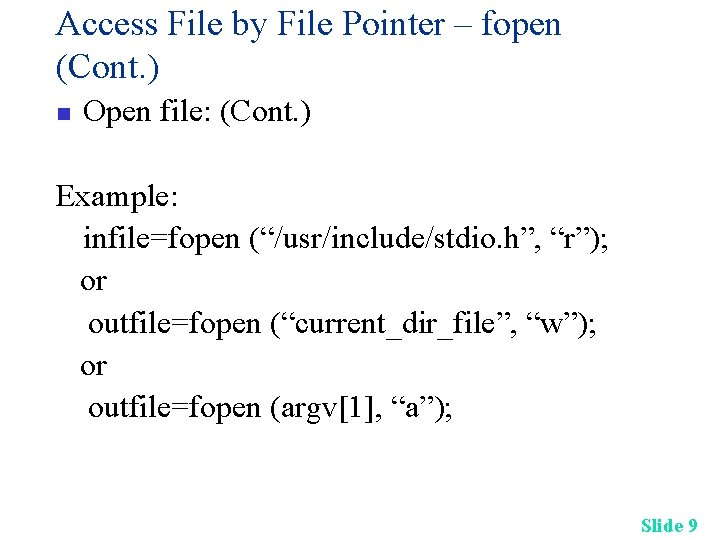
Access File by File Pointer – fopen (Cont. ) n Open file: (Cont. ) Example: infile=fopen (“/usr/include/stdio. h”, “r”); or outfile=fopen (“current_dir_file”, “w”); or outfile=fopen (argv[1], “a”); Slide 9
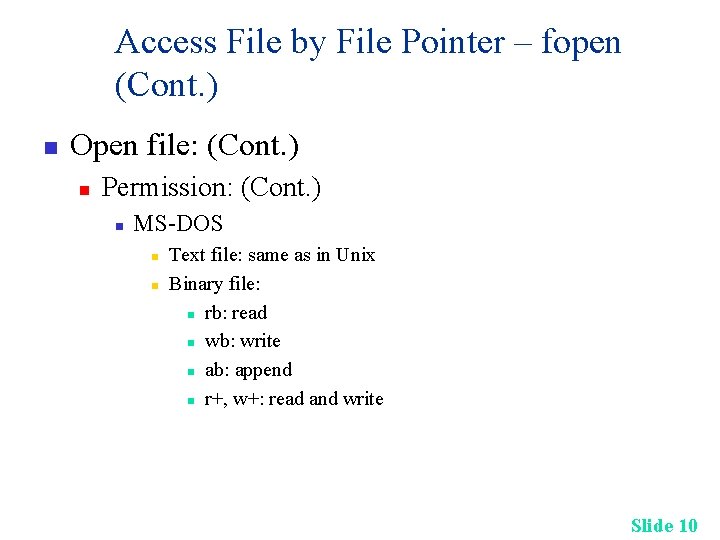
Access File by File Pointer – fopen (Cont. ) n Open file: (Cont. ) n Permission: (Cont. ) n MS-DOS n n Text file: same as in Unix Binary file: n rb: read n wb: write n ab: append n r+, w+: read and write Slide 10

Access File by File Pointer – fscanf, fprintf n Read/Write file: for text file n Any data type n n Input form: fscanf(inputfilepointer, “format”, variable_addr) Output form: fprintf(outputfilepointer, “format”, variable_list) Example: character; while (fscanf(infile, ”%c”, &character) != EOF) fprintf (outfile, ”%c”, character); Slide 11
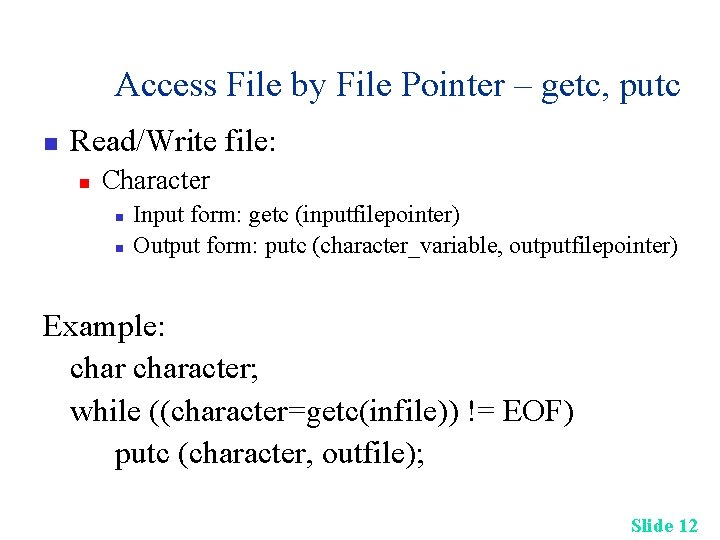
Access File by File Pointer – getc, putc n Read/Write file: n Character n n Input form: getc (inputfilepointer) Output form: putc (character_variable, outputfilepointer) Example: character; while ((character=getc(infile)) != EOF) putc (character, outfile); Slide 12
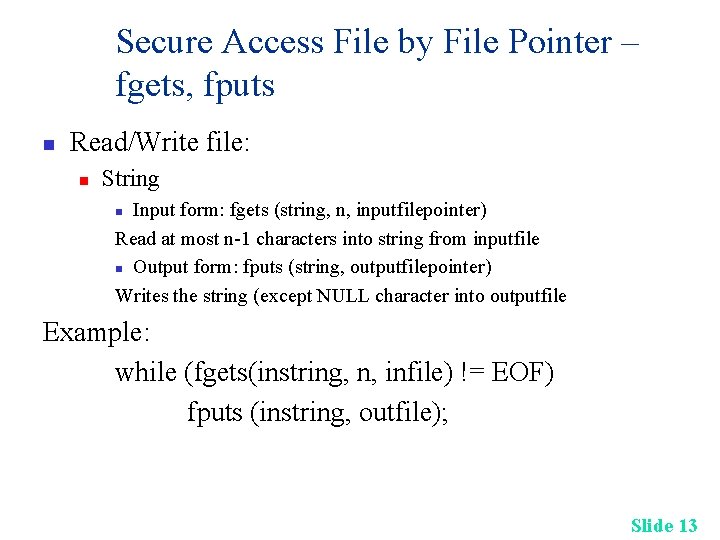
Secure Access File by File Pointer – fgets, fputs n Read/Write file: n String Input form: fgets (string, n, inputfilepointer) Read at most n-1 characters into string from inputfile n Output form: fputs (string, outputfilepointer) Writes the string (except NULL character into outputfile n Example: while (fgets(instring, n, infile) != EOF) fputs (instring, outfile); Slide 13
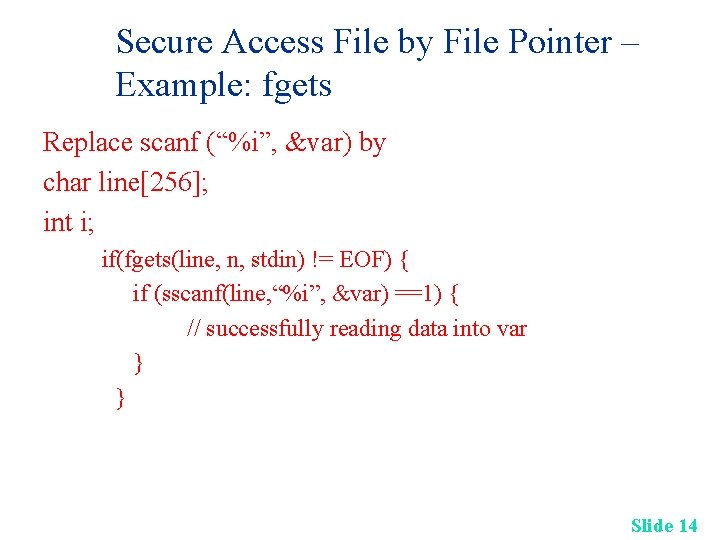
Secure Access File by File Pointer – Example: fgets Replace scanf (“%i”, &var) by char line[256]; int i; if(fgets(line, n, stdin) != EOF) { if (sscanf(line, “%i”, &var) ==1) { // successfully reading data into var } } Slide 14
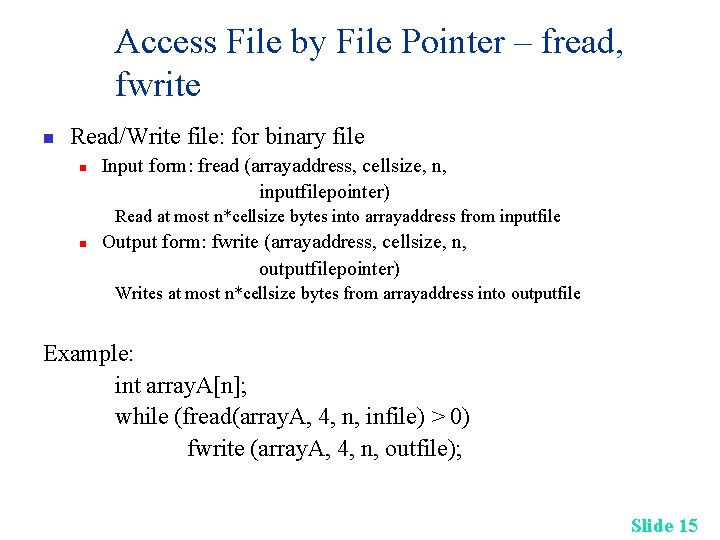
Access File by File Pointer – fread, fwrite n Read/Write file: for binary file n Input form: fread (arrayaddress, cellsize, n, inputfilepointer) Read at most n*cellsize bytes into arrayaddress from inputfile n Output form: fwrite (arrayaddress, cellsize, n, outputfilepointer) Writes at most n*cellsize bytes from arrayaddress into outputfile Example: int array. A[n]; while (fread(array. A, 4, n, infile) > 0) fwrite (array. A, 4, n, outfile); Slide 15
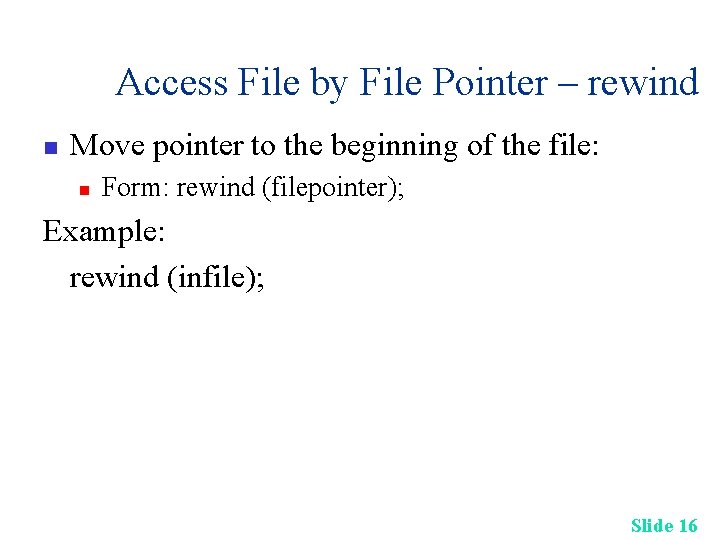
Access File by File Pointer – rewind n Move pointer to the beginning of the file: n Form: rewind (filepointer); Example: rewind (infile); Slide 16
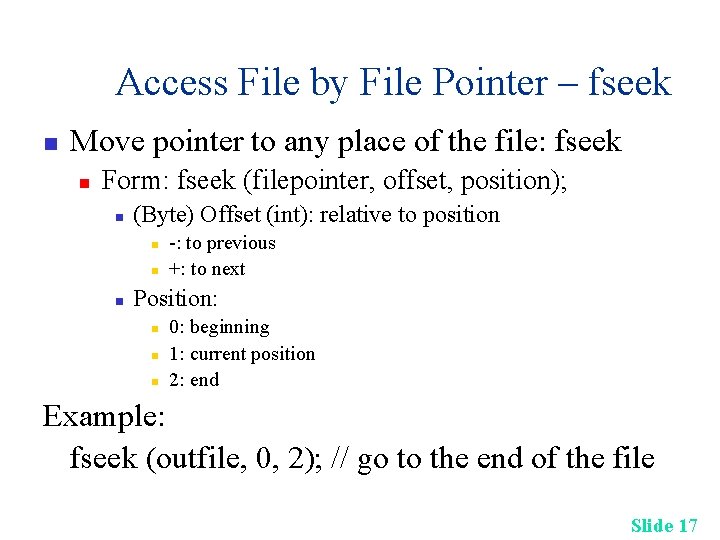
Access File by File Pointer – fseek n Move pointer to any place of the file: fseek n Form: fseek (filepointer, offset, position); n (Byte) Offset (int): relative to position n -: to previous +: to next Position: n n n 0: beginning 1: current position 2: end Example: fseek (outfile, 0, 2); // go to the end of the file Slide 17
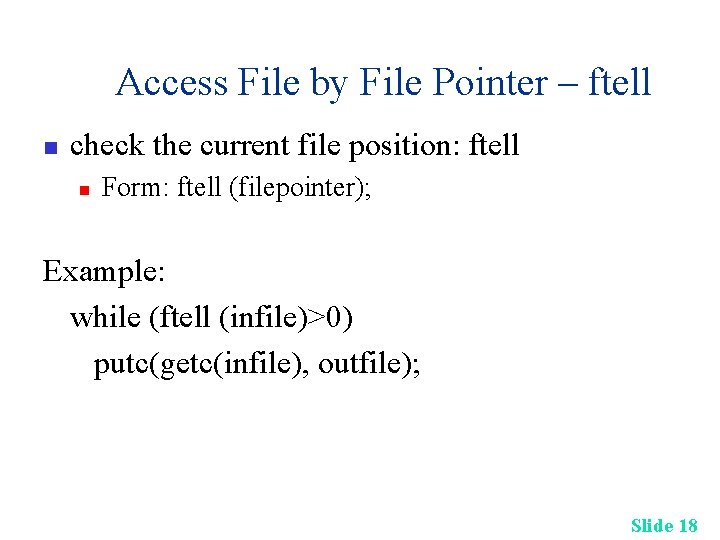
Access File by File Pointer – ftell n check the current file position: ftell n Form: ftell (filepointer); Example: while (ftell (infile)>0) putc(getc(infile), outfile); Slide 18
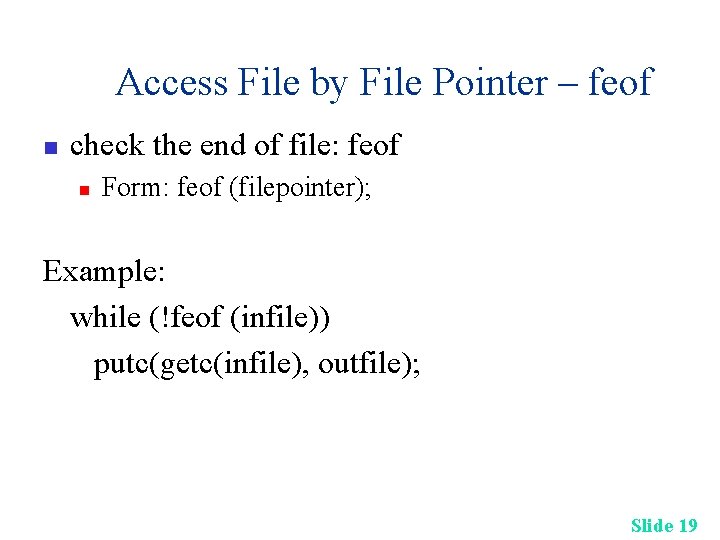
Access File by File Pointer – feof n check the end of file: feof n Form: feof (filepointer); Example: while (!feof (infile)) putc(getc(infile), outfile); Slide 19
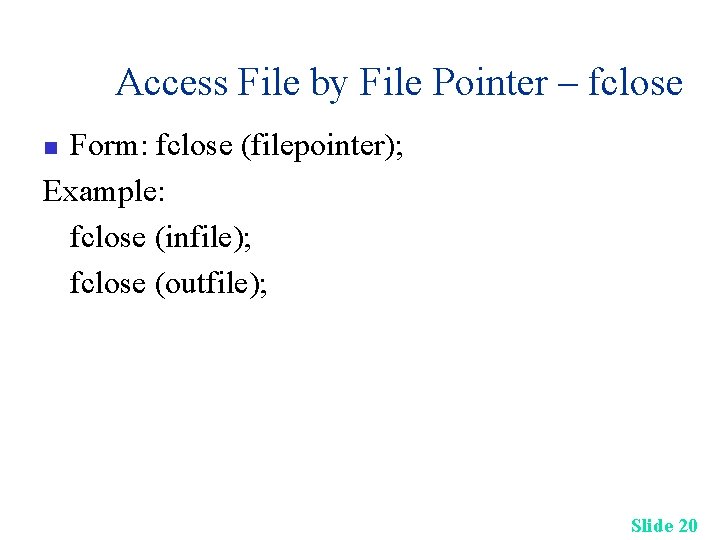
Access File by File Pointer – fclose Form: fclose (filepointer); Example: fclose (infile); fclose (outfile); n Slide 20
Access File by File Pointer (Cont. ) n Class Example: Example 1 (Bubble) Sort Structure using Files: Program, Data, Output Slide 21
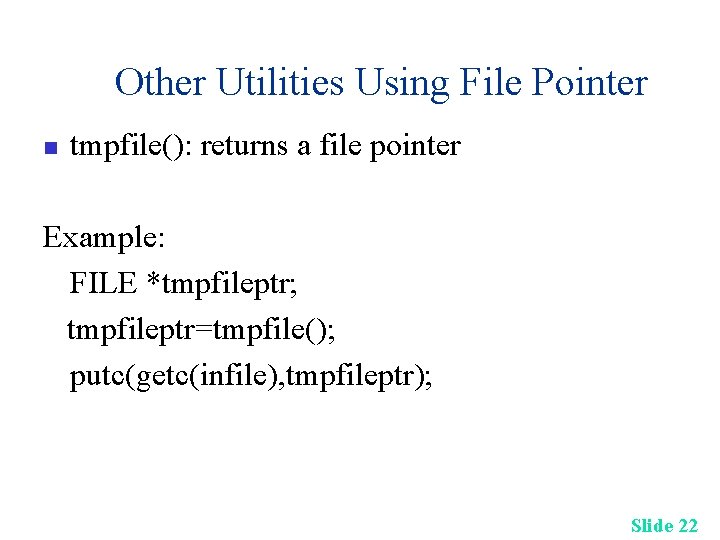
Other Utilities Using File Pointer n tmpfile(): returns a file pointer Example: FILE *tmpfileptr; tmpfileptr=tmpfile(); putc(getc(infile), tmpfileptr); Slide 22
Access File by File Descriptor n File descriptor: nonnegative integer for each file n n Reserved: 0 (stdin), 1 (stdout), 2 (stderr) The rest files starts using 3, created when use open() Slide 23
Access File by File Descriptor - open n Open file: n n Starts from beginning of the file Defined in unistd. h (in MS-DOS, use io. h) check successful when use open Form: open (“filename”, options, permission_octal) n Returns a file descriptor Slide 24
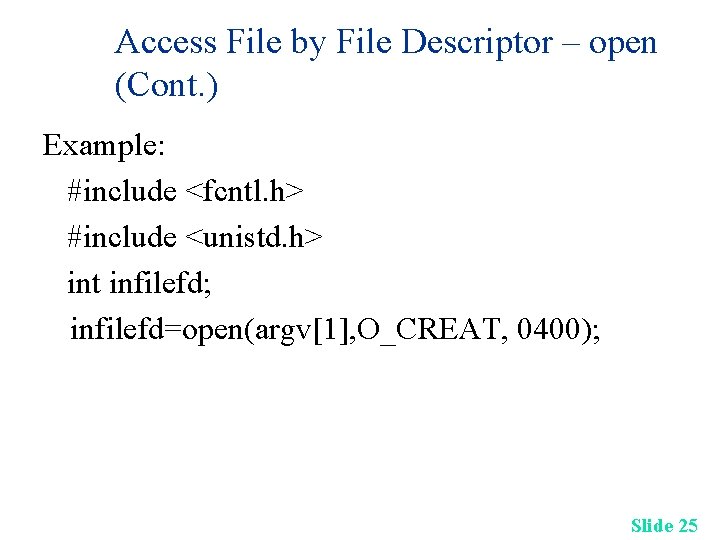
Access File by File Descriptor – open (Cont. ) Example: #include <fcntl. h> #include <unistd. h> int infilefd; infilefd=open(argv[1], O_CREAT, 0400); Slide 25
Access File by File Descriptor – open (Cont. ) n Open file: (Cont. ) n Permission: defined in /usr/include/fcntl. h, use | to collect rights n n n O_CREAT: create if not exists O_RDONLY: read only O_WRONLY: write only O_EXCL: give error if set O_CREAT and file exists O_RDWR: read and write Slide 26
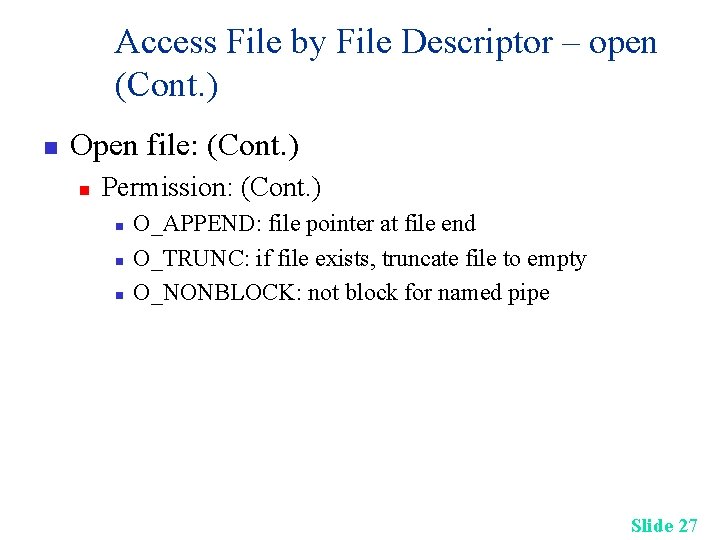
Access File by File Descriptor – open (Cont. ) n Open file: (Cont. ) n Permission: (Cont. ) n n n O_APPEND: file pointer at file end O_TRUNC: if file exists, truncate file to empty O_NONBLOCK: not block for named pipe Slide 27
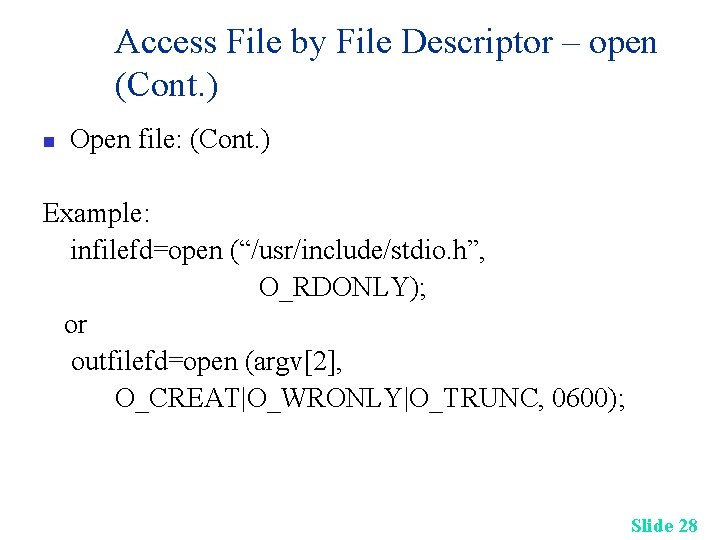
Access File by File Descriptor – open (Cont. ) n Open file: (Cont. ) Example: infilefd=open (“/usr/include/stdio. h”, O_RDONLY); or outfilefd=open (argv[2], O_CREAT|O_WRONLY|O_TRUNC, 0600); Slide 28
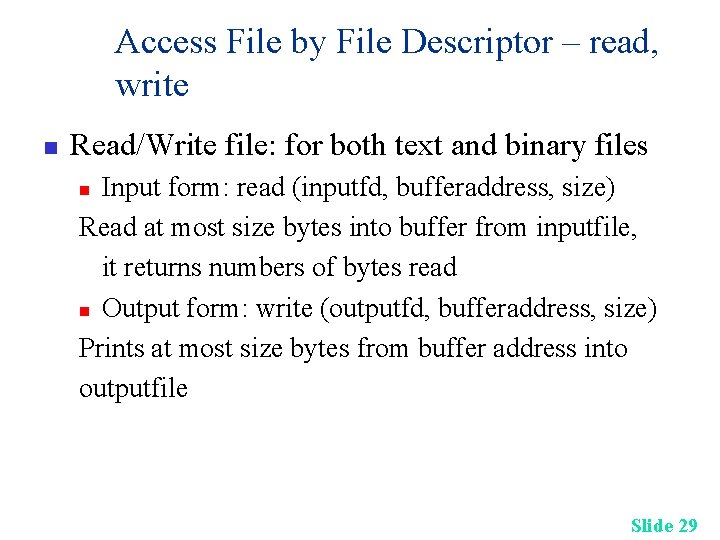
Access File by File Descriptor – read, write n Read/Write file: for both text and binary files Input form: read (inputfd, bufferaddress, size) Read at most size bytes into buffer from inputfile, it returns numbers of bytes read n Output form: write (outputfd, bufferaddress, size) Prints at most size bytes from buffer address into outputfile n Slide 29
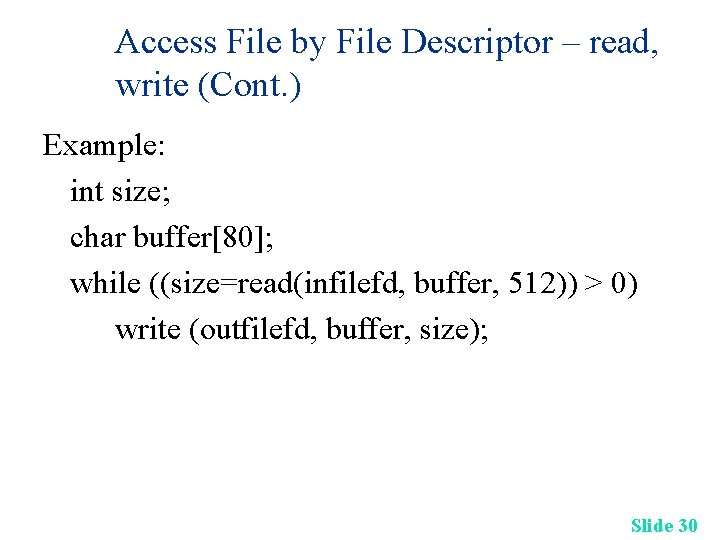
Access File by File Descriptor – read, write (Cont. ) Example: int size; char buffer[80]; while ((size=read(infilefd, buffer, 512)) > 0) write (outfilefd, buffer, size); Slide 30
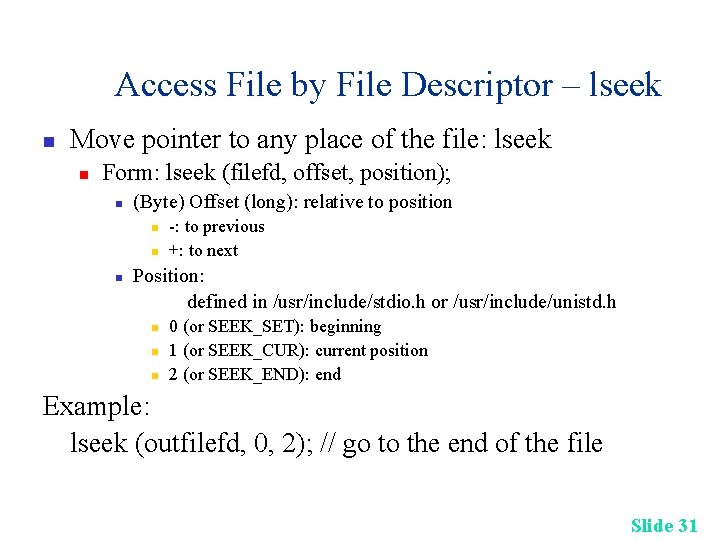
Access File by File Descriptor – lseek n Move pointer to any place of the file: lseek n Form: lseek (filefd, offset, position); n (Byte) Offset (long): relative to position n -: to previous +: to next Position: defined in /usr/include/stdio. h or /usr/include/unistd. h n n n 0 (or SEEK_SET): beginning 1 (or SEEK_CUR): current position 2 (or SEEK_END): end Example: lseek (outfilefd, 0, 2); // go to the end of the file Slide 31
Access File by File Descriptor – close Form: close (filedescriptor); Example: close (infilefd); close (outfilefd); n Slide 32
Access File by File Descriptor (Cont. ) n Class Example: Example 2 Slide 33
Access File by File Descriptor (Cont. ) n Example: sparse. c sparse. txt normal. txt Slide 34
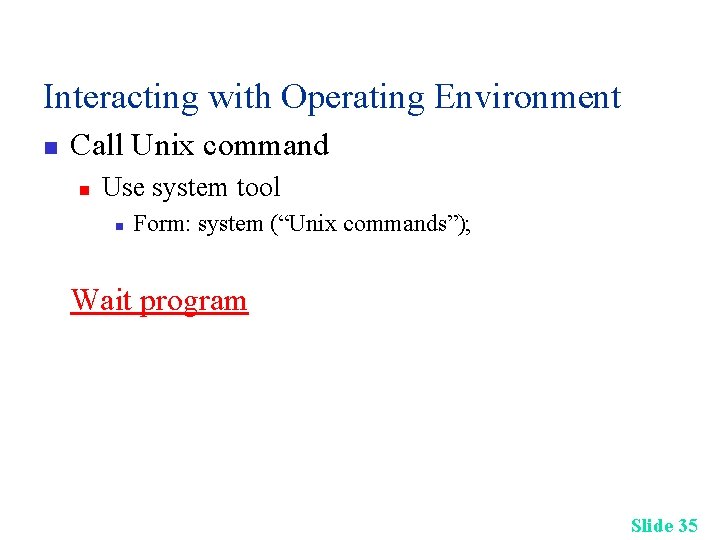
Interacting with Operating Environment n Call Unix command n Use system tool n Form: system (“Unix commands”); Wait program Slide 35
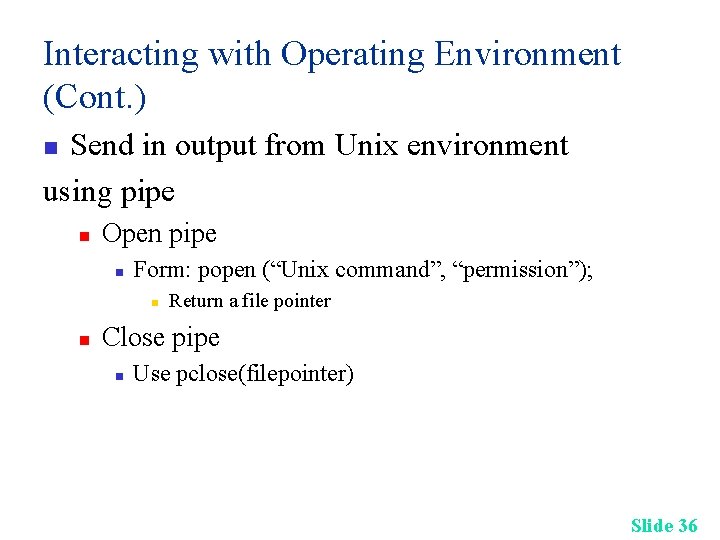
Interacting with Operating Environment (Cont. ) Send in output from Unix environment using pipe n n Open pipe n Form: popen (“Unix command”, “permission”); n n Return a file pointer Close pipe n Use pclose(filepointer) Slide 36
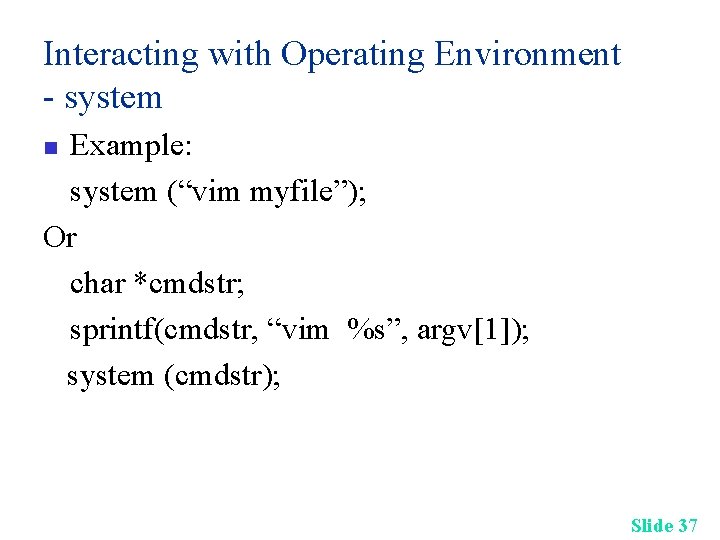
Interacting with Operating Environment - system Example: system (“vim myfile”); Or char *cmdstr; sprintf(cmdstr, “vim %s”, argv[1]); system (cmdstr); n Slide 37
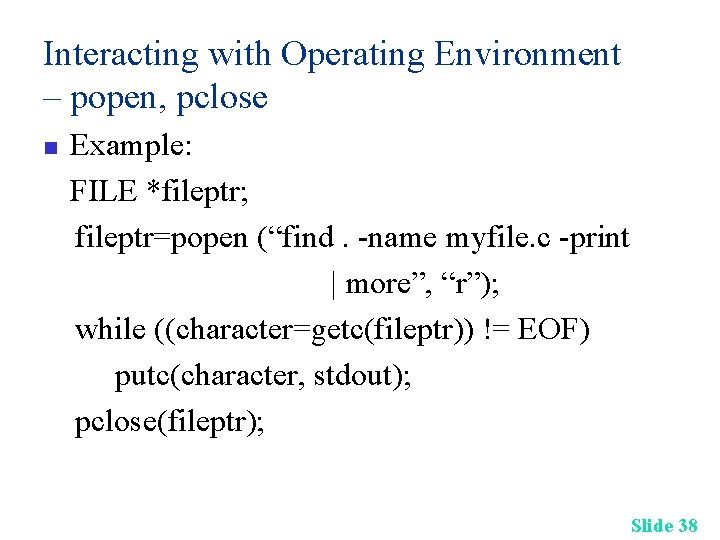
Interacting with Operating Environment – popen, pclose n Example: FILE *fileptr; fileptr=popen (“find. -name myfile. c -print | more”, “r”); while ((character=getc(fileptr)) != EOF) putc(character, stdout); pclose(fileptr); Slide 38
References Deitel & Deitel: C How to Program, 4 th ed. , Chapter 11, Prentice Hall n Slide 39
- Slides: 39