
Chapter 7 A Data Types Structures 7 13

- Slides: 25
Chapter 7 A Data Types – Structures
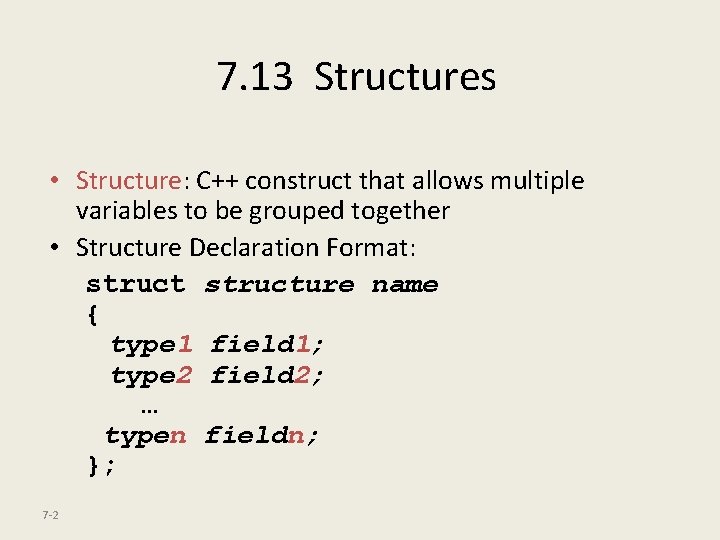
7. 13 Structures • Structure: C++ construct that allows multiple variables to be grouped together • Structure Declaration Format: structure name { type 1 field 1; type 2 field 2; … typen fieldn; }; 7 -2
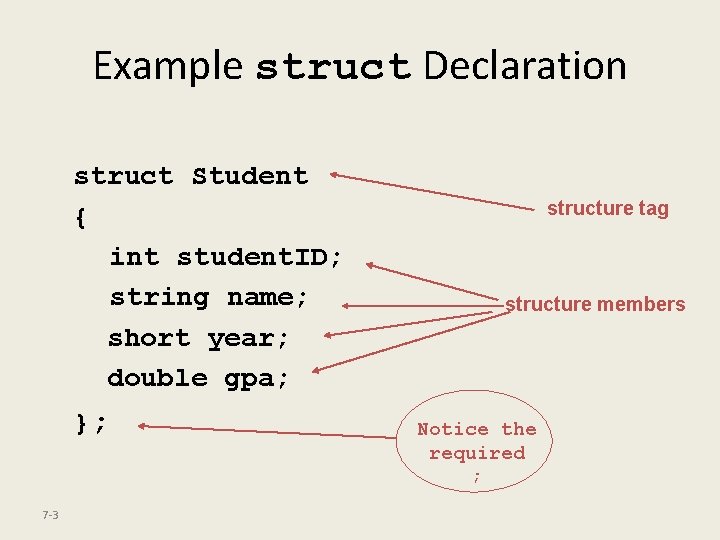
Example struct Declaration struct Student { int student. ID; string name; short year; double gpa; }; structure tag structure members Notice the required ; 7 -3
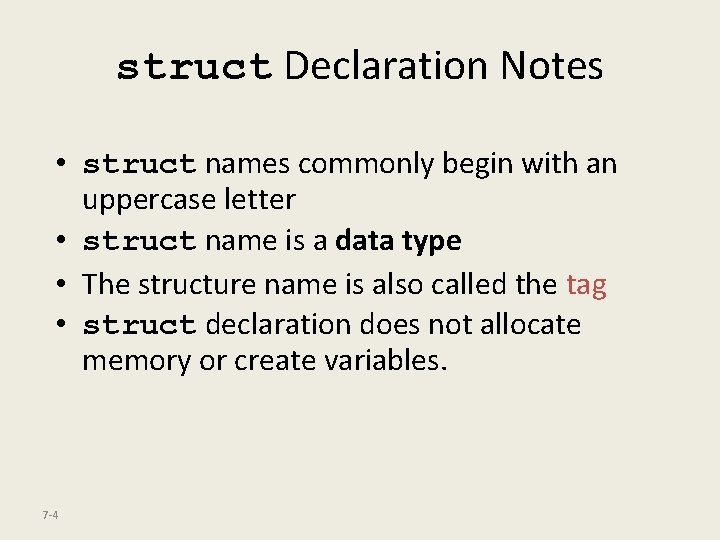
struct Declaration Notes • struct names commonly begin with an uppercase letter • struct name is a data type • The structure name is also called the tag • struct declaration does not allocate memory or create variables. 7 -4
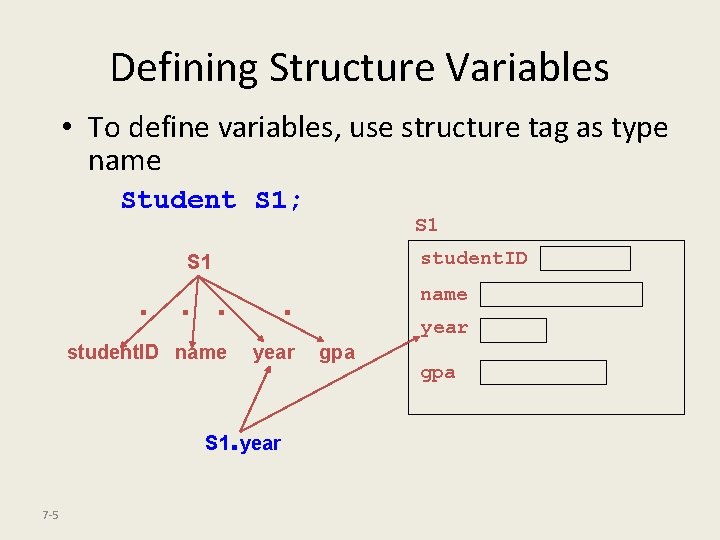
Defining Structure Variables • To define variables, use structure tag as type name Student S 1; S 1 student. ID S 1 . . student. ID name year . S 1 year 7 -5 name year gpa
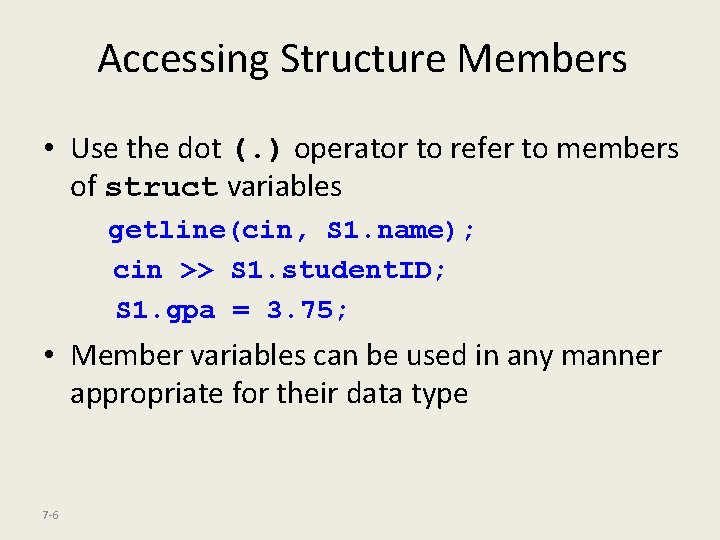
Accessing Structure Members • Use the dot (. ) operator to refer to members of struct variables getline(cin, S 1. name); cin >> S 1. student. ID; S 1. gpa = 3. 75; • Member variables can be used in any manner appropriate for their data type 7 -6
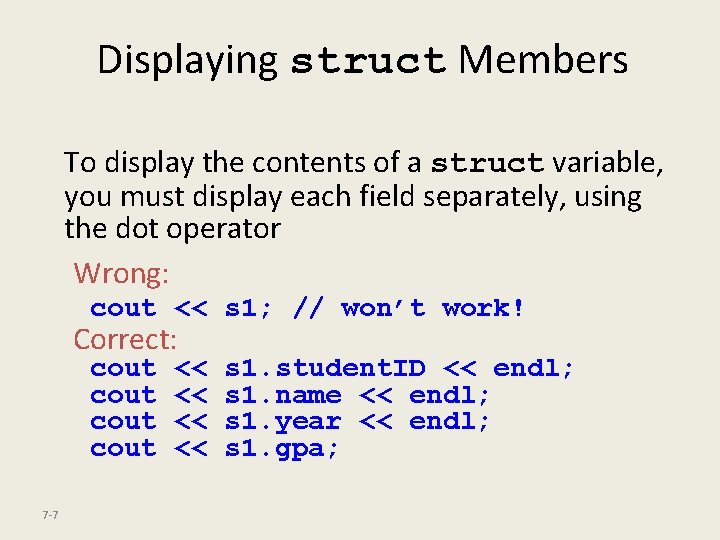
Displaying struct Members To display the contents of a struct variable, you must display each field separately, using the dot operator Wrong: cout << s 1; // won’t work! Correct: cout 7 -7 << << s 1. student. ID << endl; s 1. name << endl; s 1. year << endl; s 1. gpa;
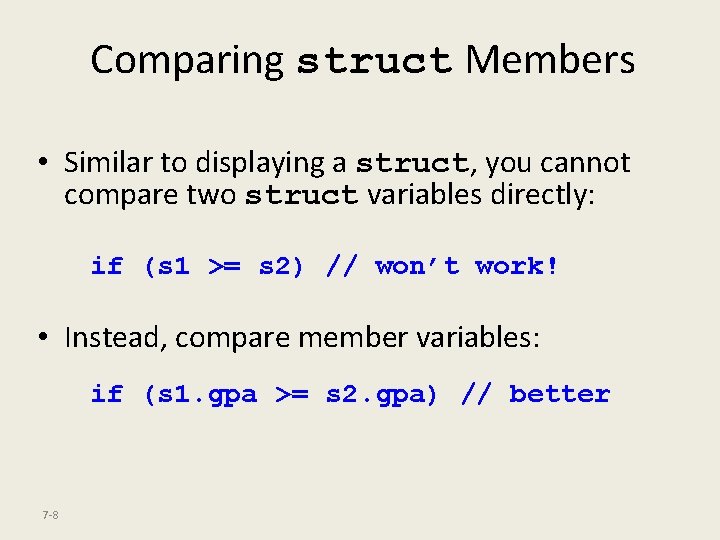
Comparing struct Members • Similar to displaying a struct, you cannot compare two struct variables directly: if (s 1 >= s 2) // won’t work! • Instead, compare member variables: if (s 1. gpa >= s 2. gpa) // better 7 -8
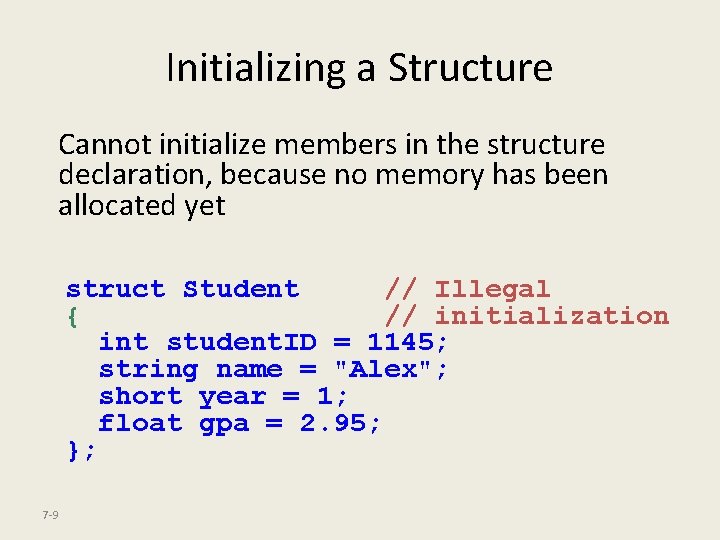
Initializing a Structure Cannot initialize members in the structure declaration, because no memory has been allocated yet struct Student // Illegal { // initialization int student. ID = 1145; string name = "Alex"; short year = 1; float gpa = 2. 95; }; 7 -9
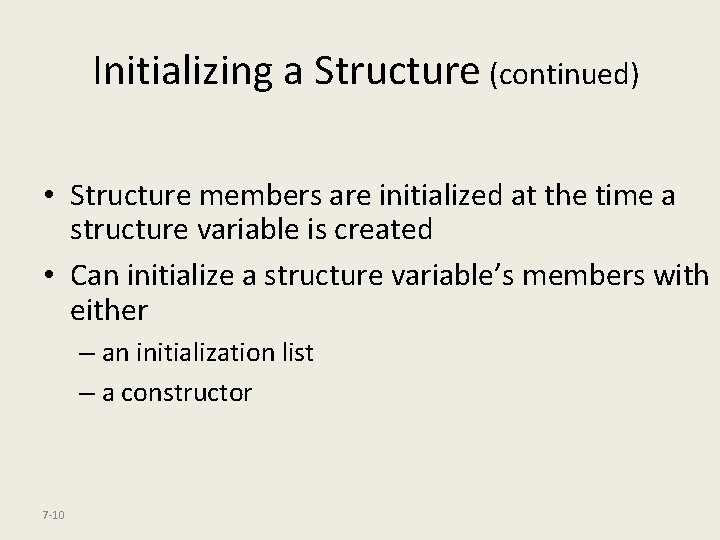
Initializing a Structure (continued) • Structure members are initialized at the time a structure variable is created • Can initialize a structure variable’s members with either – an initialization list – a constructor 7 -10
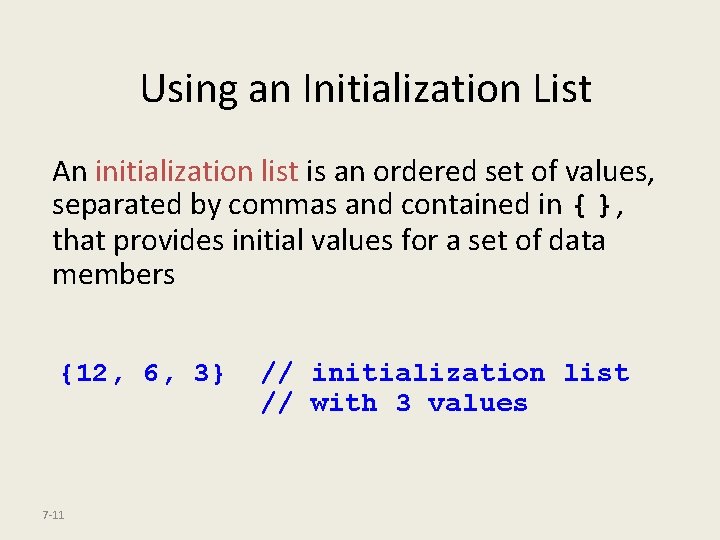
Using an Initialization List An initialization list is an ordered set of values, separated by commas and contained in { }, that provides initial values for a set of data members {12, 6, 3} 7 -11 // initialization list // with 3 values
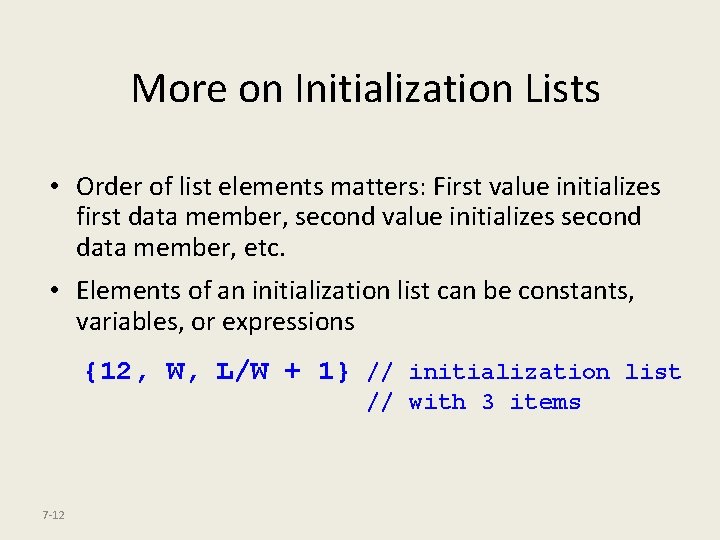
More on Initialization Lists • Order of list elements matters: First value initializes first data member, second value initializes second data member, etc. • Elements of an initialization list can be constants, variables, or expressions {12, W, L/W + 1} // initialization list // with 3 items 7 -12
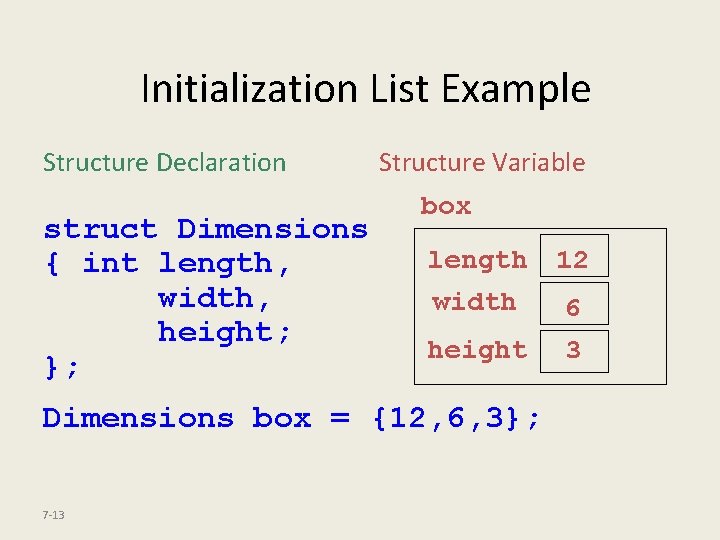
Initialization List Example Structure Declaration struct Dimensions { int length, width, height; }; Structure Variable box length 12 width 6 3 height Dimensions box = {12, 6, 3}; 7 -13
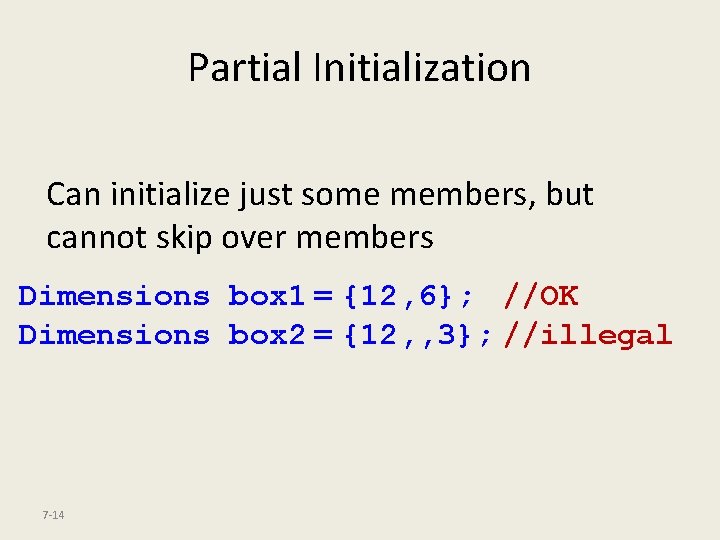
Partial Initialization Can initialize just some members, but cannot skip over members Dimensions box 1 = {12, 6}; //OK Dimensions box 2 = {12, , 3}; //illegal 7 -14
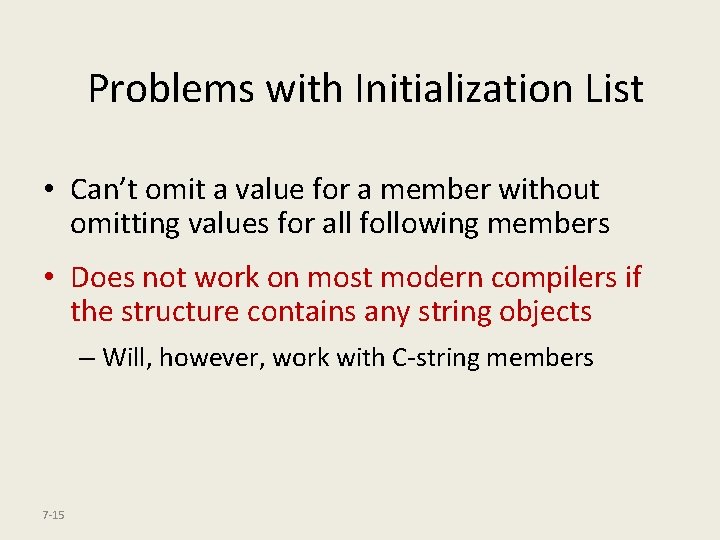
Problems with Initialization List • Can’t omit a value for a member without omitting values for all following members • Does not work on most modern compilers if the structure contains any string objects – Will, however, work with C-string members 7 -15
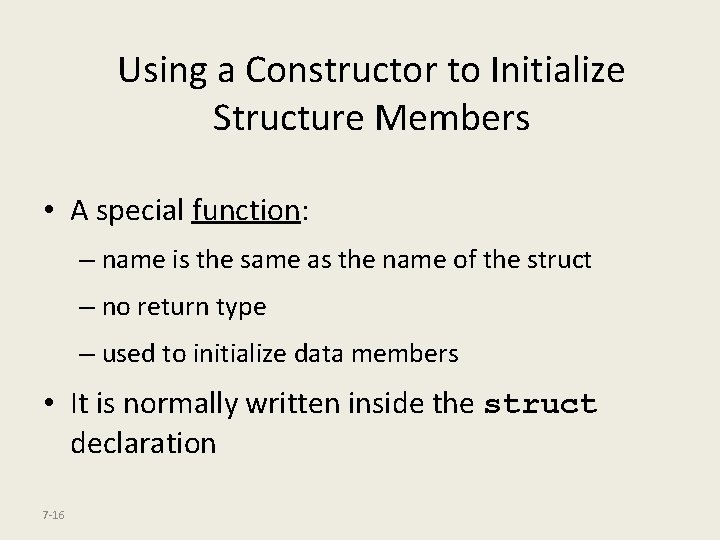
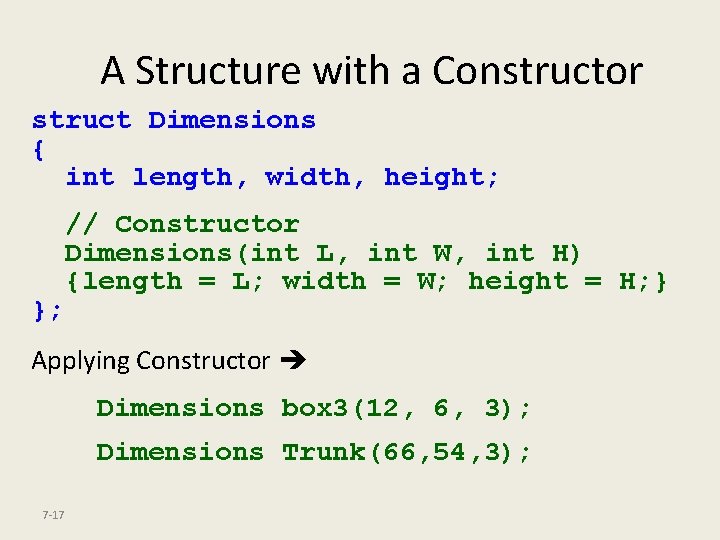
Using a Constructor to Initialize Structure Members • A special function: – name is the same as the name of the struct – no return type – used to initialize data members • It is normally written inside the struct declaration 7 -16
A Structure with a Constructor struct Dimensions { int length, width, height; }; // Constructor Dimensions(int L, int W, int H) {length = L; width = W; height = H; } Applying Constructor Dimensions box 3(12, 6, 3); Dimensions Trunk(66, 54, 3); 7 -17
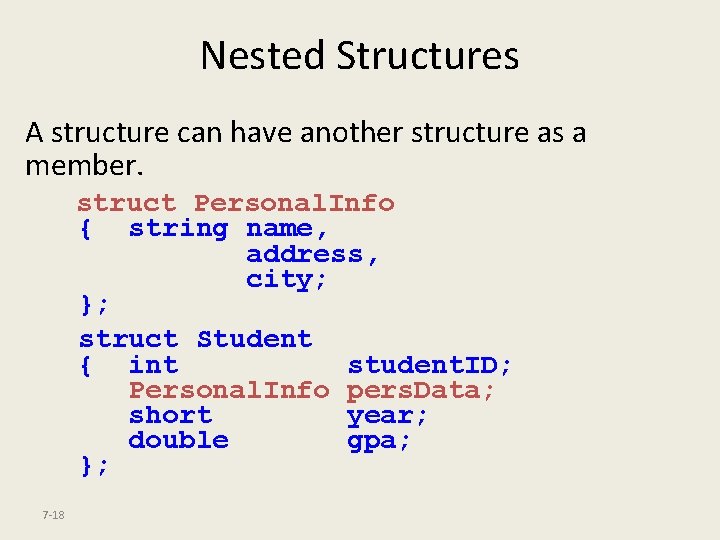
Nested Structures A structure can have another structure as a member. struct Personal. Info { string name, address, city; }; struct Student { int student. ID; Personal. Info pers. Data; short year; double gpa; }; 7 -18
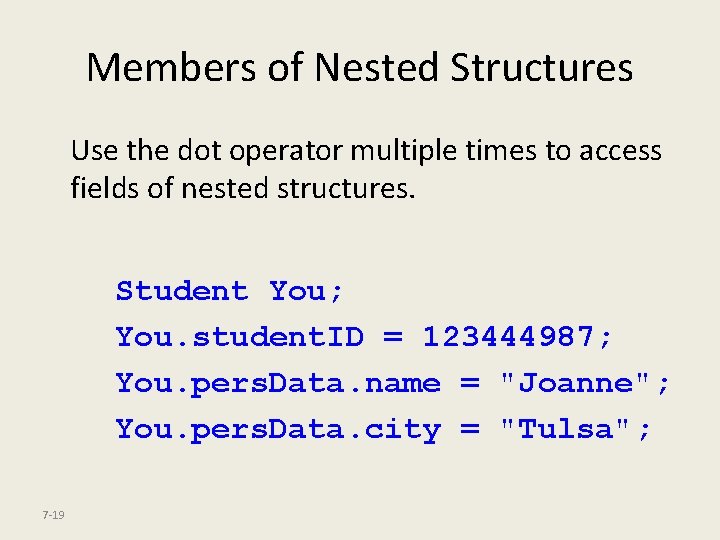
Members of Nested Structures Use the dot operator multiple times to access fields of nested structures. Student You; You. student. ID = 123444987; You. pers. Data. name = "Joanne"; You. pers. Data. city = "Tulsa"; 7 -19
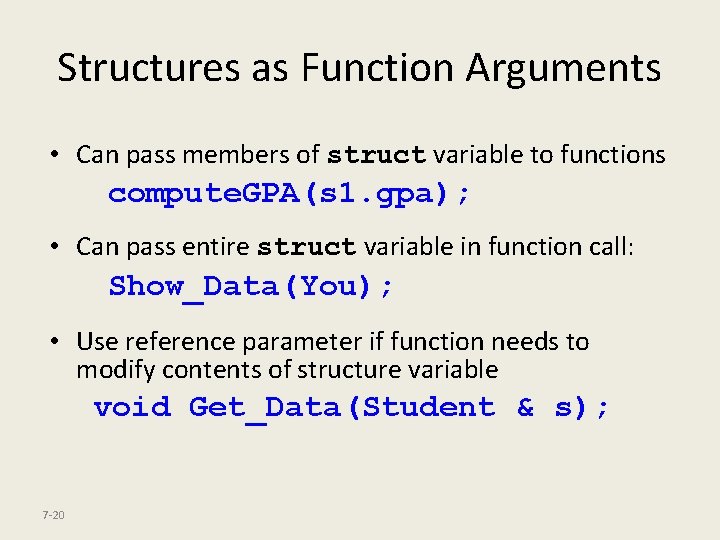
Structures as Function Arguments • Can pass members of struct variable to functions compute. GPA(s 1. gpa); • Can pass entire struct variable in function call: Show_Data(You); • Use reference parameter if function needs to modify contents of structure variable void Get_Data(Student & s); 7 -20
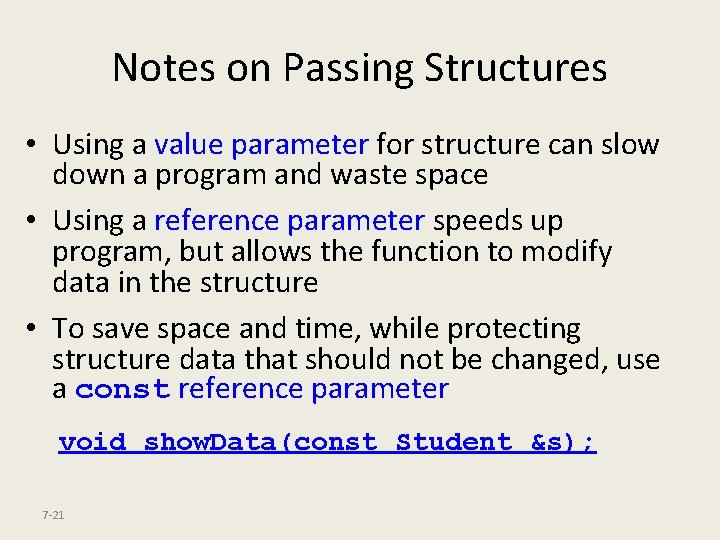
Notes on Passing Structures • Using a value parameter for structure can slow down a program and waste space • Using a reference parameter speeds up program, but allows the function to modify data in the structure • To save space and time, while protecting structure data that should not be changed, use a const reference parameter void show. Data(const Student &s); 7 -21
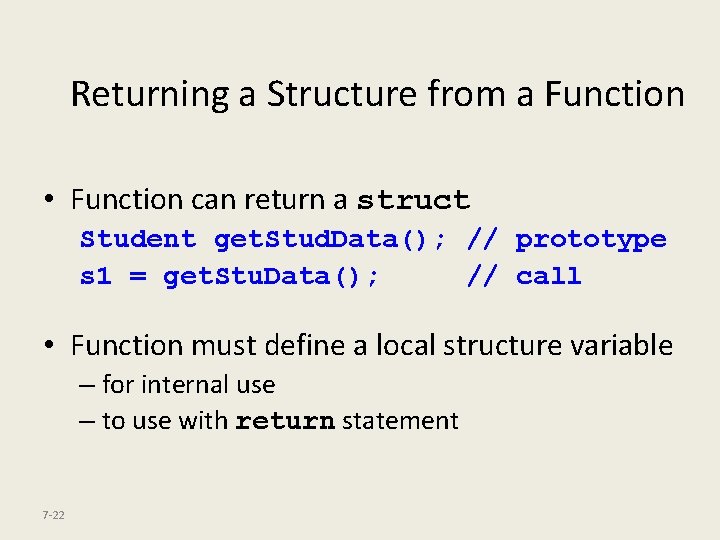
Returning a Structure from a Function • Function can return a struct Student get. Stud. Data(); // prototype s 1 = get. Stu. Data(); // call • Function must define a local structure variable – for internal use – to use with return statement 7 -22
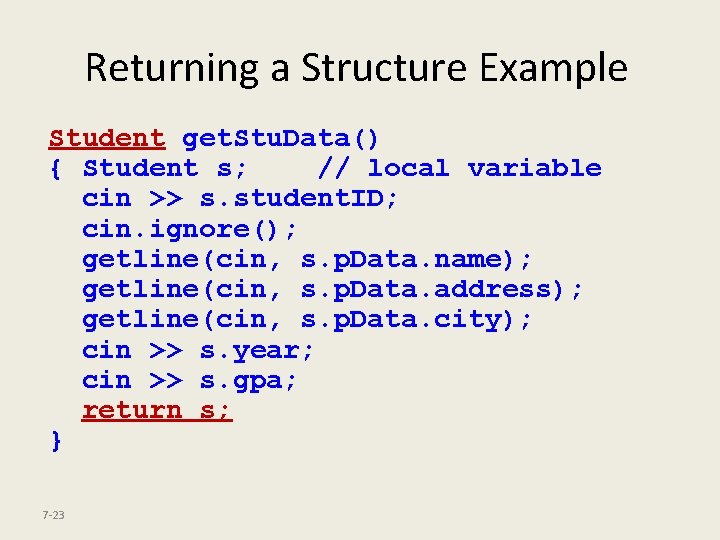
Returning a Structure Example Student get. Stu. Data() { Student s; // local variable cin >> s. student. ID; cin. ignore(); getline(cin, s. p. Data. name); getline(cin, s. p. Data. address); getline(cin, s. p. Data. city); cin >> s. year; cin >> s. gpa; return s; } 7 -23
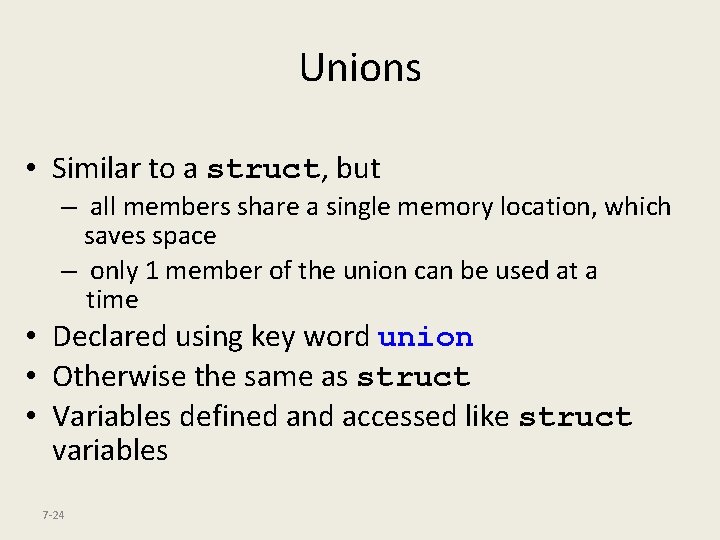
Unions • Similar to a struct, but – all members share a single memory location, which saves space – only 1 member of the union can be used at a time • Declared using key word union • Otherwise the same as struct • Variables defined and accessed like struct variables 7 -24
Example union Declaration union Wage. Info { double hourly. Rate; float annual. Salary; }; union tag union members Notice the required ; 7 -25