
Chapter 6 The System Unit Mc GrawHillIrwin Copyright
- Slides: 27
Chapter 6 The System Unit Mc. Graw-Hill/Irwin Copyright © 2007 by The Mc. Graw-Hill Companies, Inc. All rights reserved.
Competencies (1 of 2) • Describe the four basic types of system units • Discuss how a computer uses binary codes to represent data in electronic form • Describe each of the major system unit components • Discuss microprocessors, including specialty processors • Describe the different types of memory 2 Page 164
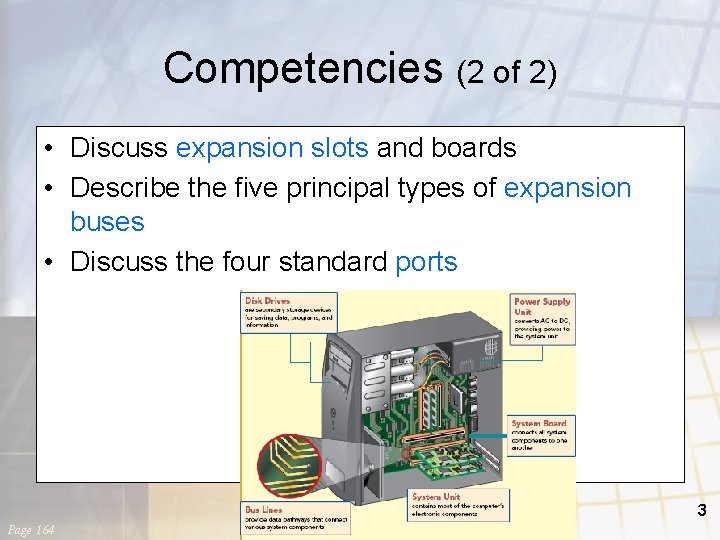
Competencies (2 of 2) • Discuss expansion slots and boards • Describe the five principal types of expansion buses • Discuss the four standard ports 3 Page 164
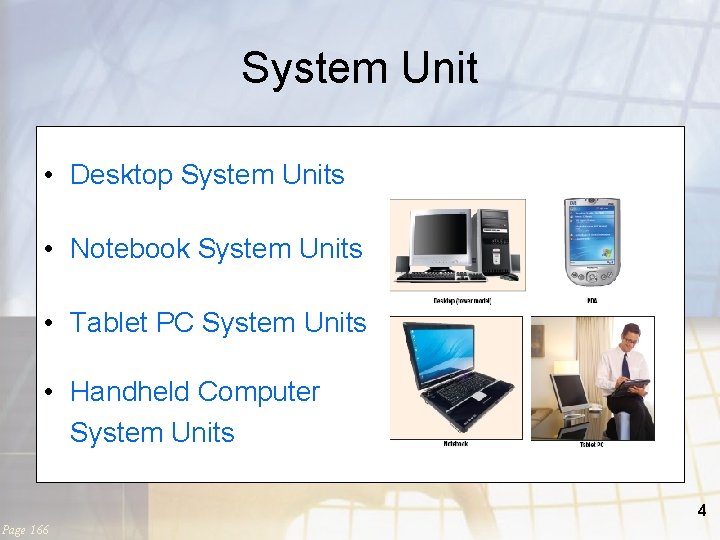
System Unit • Desktop System Units • Notebook System Units • Tablet PC System Units • Handheld Computer System Units 4 Page 166
Electronic Data and Instructions • Data and instructions are represented electronically • Two-state system or Binary System – – Off/on electrical states Characters represented by 0 s and 1 s Bits Bytes 5 Page 167
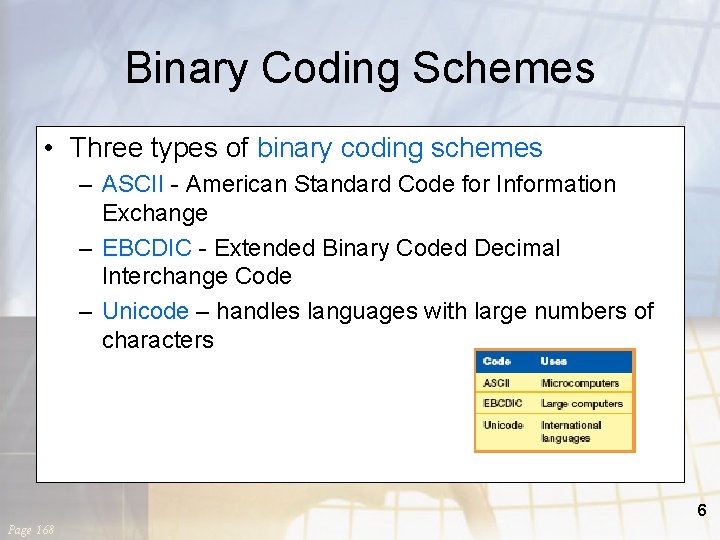
Binary Coding Schemes • Three types of binary coding schemes – ASCII - American Standard Code for Information Exchange – EBCDIC - Extended Binary Coded Decimal Interchange Code – Unicode – handles languages with large numbers of characters 6 Page 168
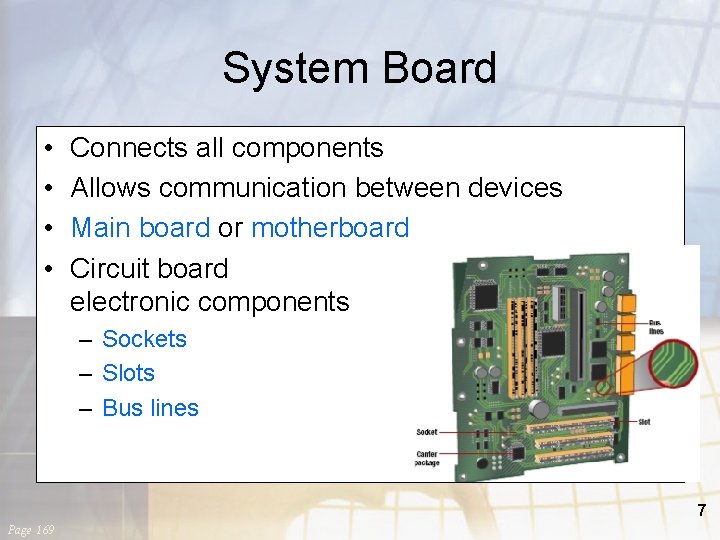
System Board • • Connects all components Allows communication between devices Main board or motherboard Circuit board electronic components – Sockets – Slots – Bus lines 7 Page 169
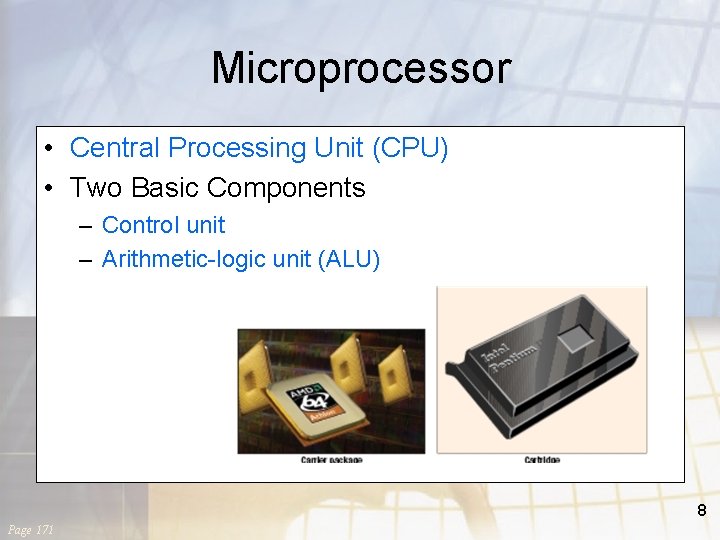
Microprocessor • Central Processing Unit (CPU) • Two Basic Components – Control unit – Arithmetic-logic unit (ALU) 8 Page 171
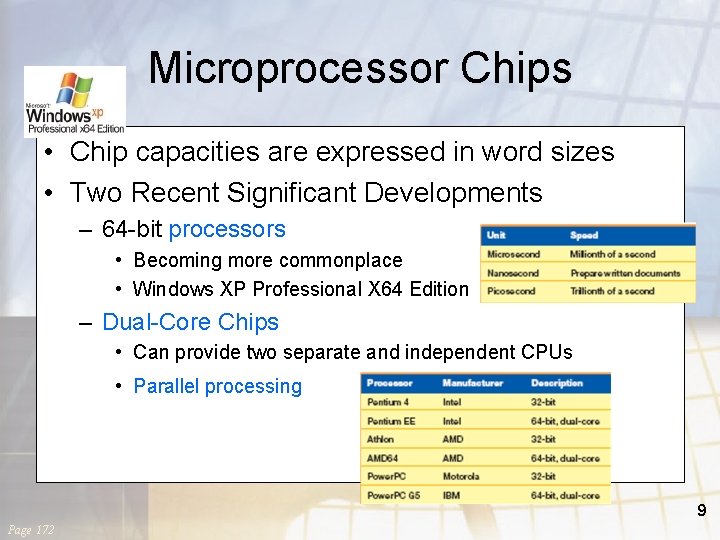
Microprocessor Chips • Chip capacities are expressed in word sizes • Two Recent Significant Developments – 64 -bit processors • Becoming more commonplace • Windows XP Professional X 64 Edition – Dual-Core Chips • Can provide two separate and independent CPUs • Parallel processing 9 Page 172
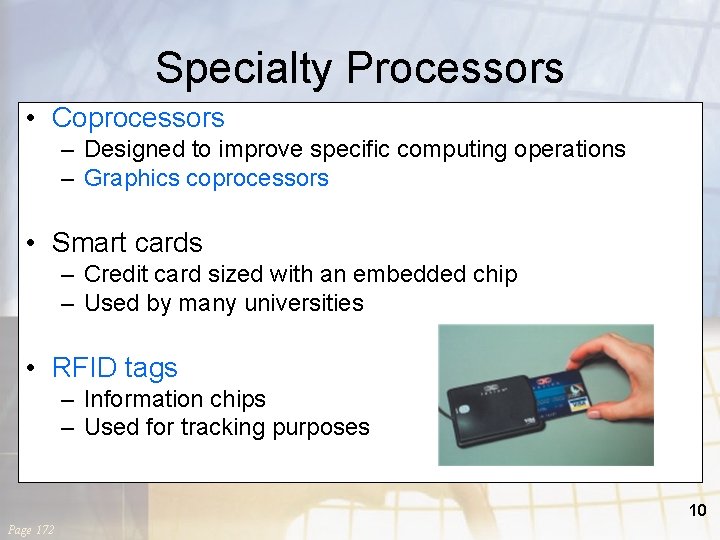
Specialty Processors • Coprocessors – Designed to improve specific computing operations – Graphics coprocessors • Smart cards – Credit card sized with an embedded chip – Used by many universities • RFID tags – Information chips – Used for tracking purposes 10 Page 172
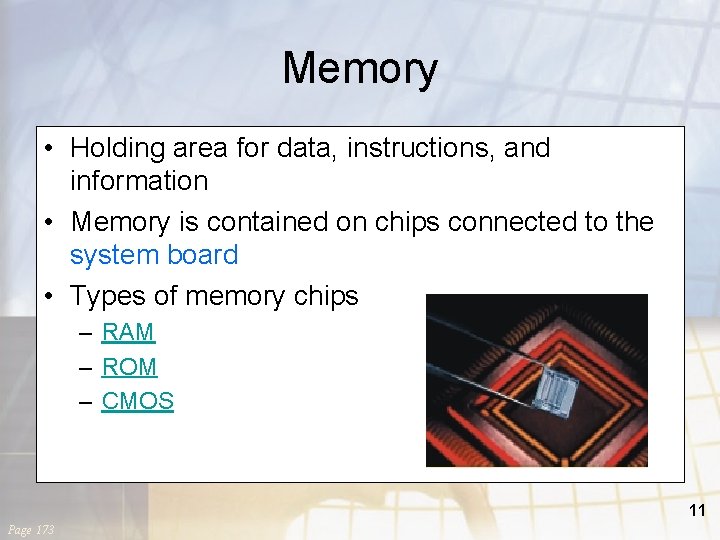
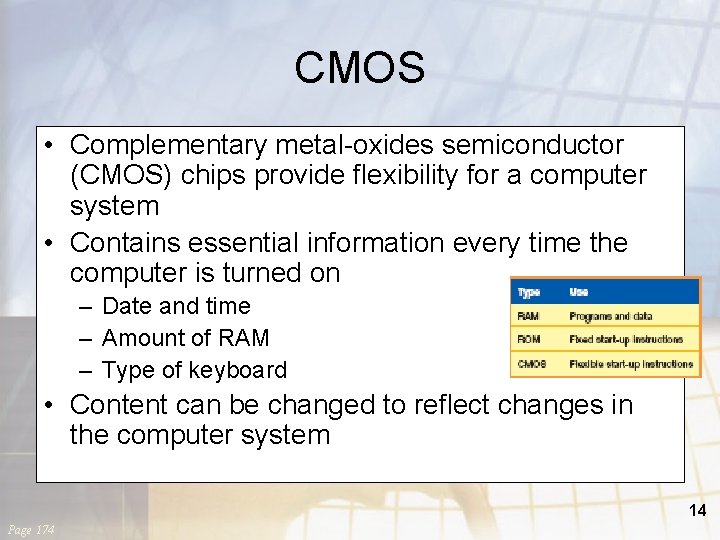
Memory • Holding area for data, instructions, and information • Memory is contained on chips connected to the system board • Types of memory chips – RAM – ROM – CMOS 11 Page 173
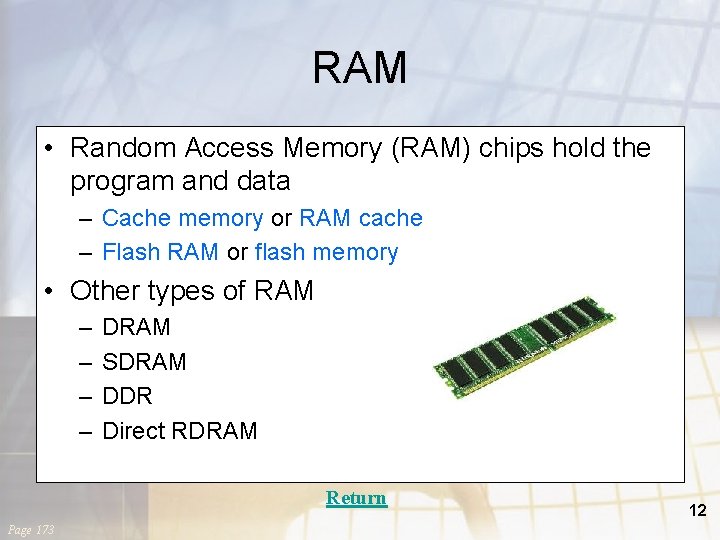
RAM • Random Access Memory (RAM) chips hold the program and data – Cache memory or RAM cache – Flash RAM or flash memory • Other types of RAM – – DRAM SDRAM DDR Direct RDRAM Return Page 173 12
ROM • Read-only memory (ROM) chips are not volatile and cannot be changed by the user • CPU can read, or retrieve data and programs but the computer cannot write • Contain special instructions – Needed to start a computer – Give keyboard keys their special capabilities – Put characters on screen Return Page 174 13
CMOS • Complementary metal-oxides semiconductor (CMOS) chips provide flexibility for a computer system • Contains essential information every time the computer is turned on – Date and time – Amount of RAM – Type of keyboard • Content can be changed to reflect changes in the computer system 14 Page 174
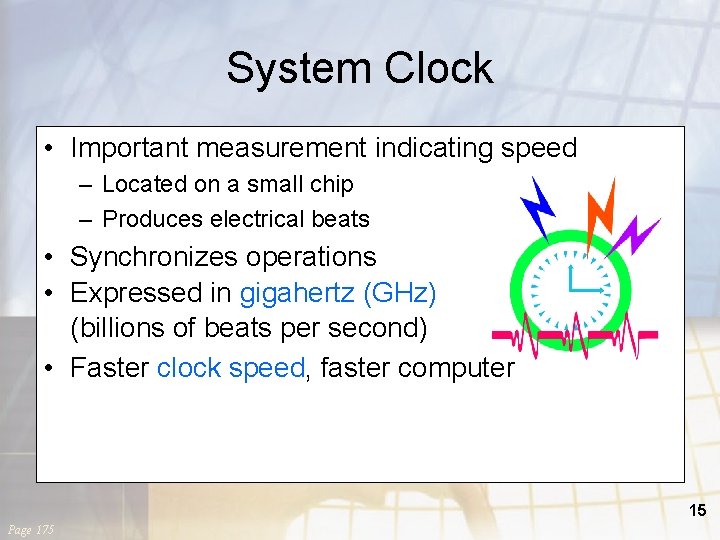
System Clock • Important measurement indicating speed – Located on a small chip – Produces electrical beats • Synchronizes operations • Expressed in gigahertz (GHz) (billions of beats per second) • Faster clock speed, faster computer 15 Page 175
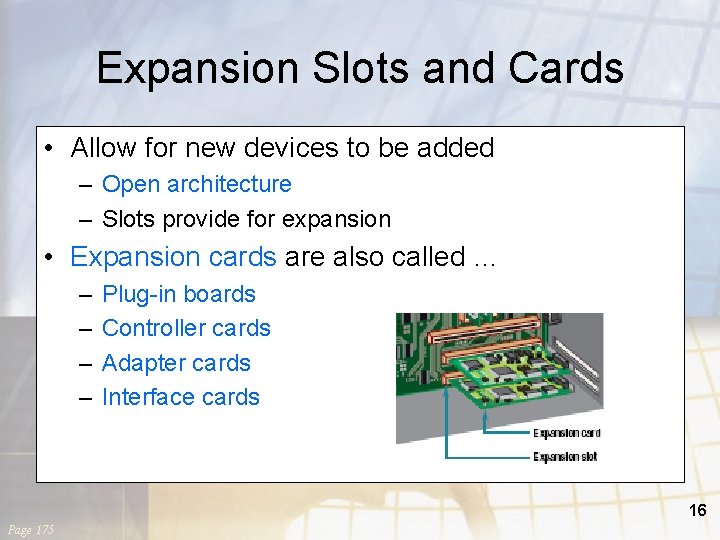
Expansion Slots and Cards • Allow for new devices to be added – Open architecture – Slots provide for expansion • Expansion cards are also called … – – Plug-in boards Controller cards Adapter cards Interface cards 16 Page 175
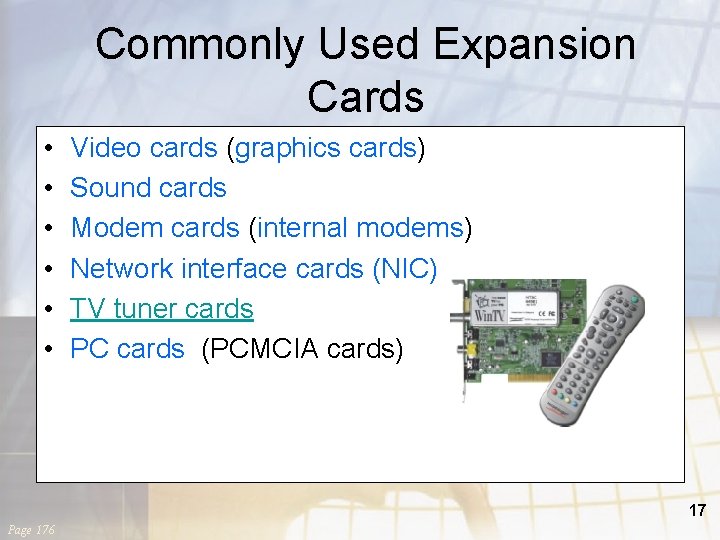
Commonly Used Expansion Cards • • • Video cards (graphics cards) Sound cards Modem cards (internal modems) Network interface cards (NIC) TV tuner cards PC cards (PCMCIA cards) 17 Page 176
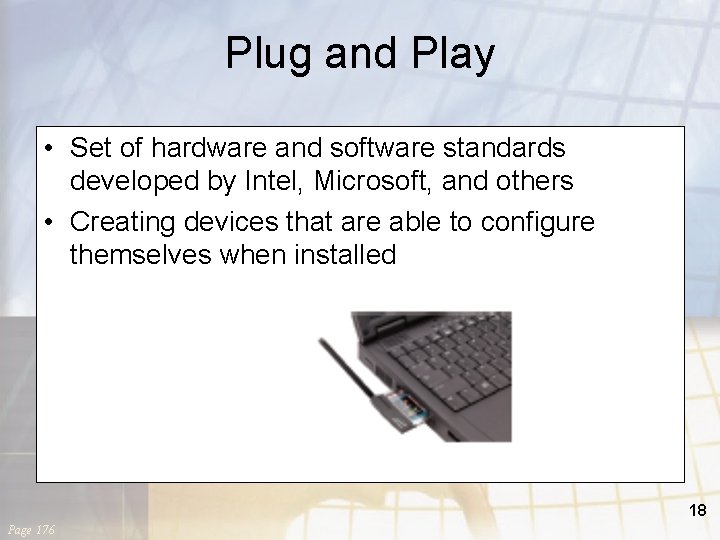
Plug and Play • Set of hardware and software standards developed by Intel, Microsoft, and others • Creating devices that are able to configure themselves when installed 18 Page 176
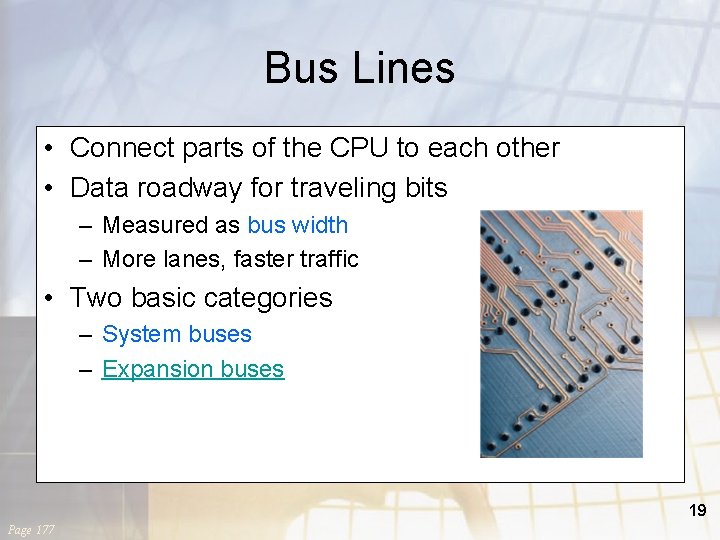
Bus Lines • Connect parts of the CPU to each other • Data roadway for traveling bits – Measured as bus width – More lanes, faster traffic • Two basic categories – System buses – Expansion buses 19 Page 177
Expansion Buses • Connects the CPU to other components on the system board, including expansion slots • Principal types – – – Industry Standard Architecture (ISA) Peripheral Component Interconnect (PCI) Accelerated Graphics Port (AGP) Universal serial bus (USB) Fire. Wire buses 20 Page 177
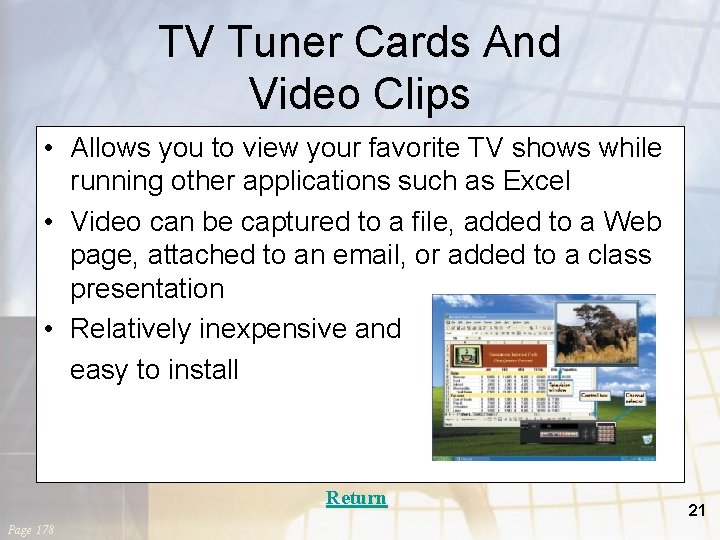
TV Tuner Cards And Video Clips • Allows you to view your favorite TV shows while running other applications such as Excel • Video can be captured to a file, added to a Web page, attached to an email, or added to a class presentation • Relatively inexpensive and easy to install Return Page 178 21
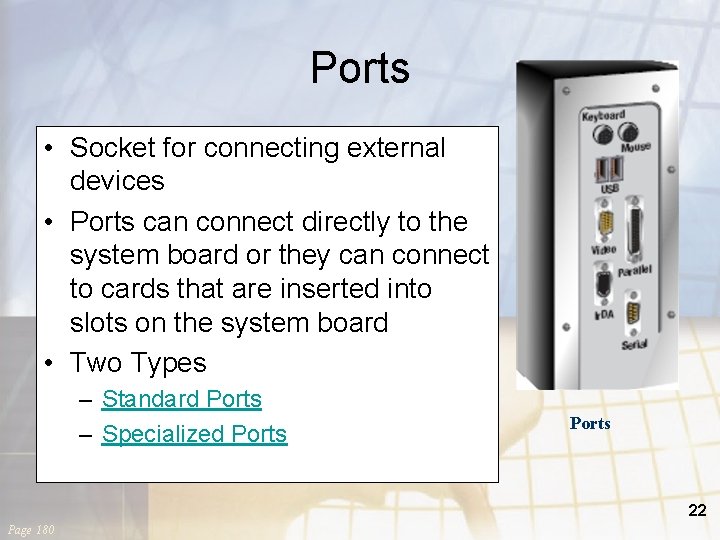
Ports • Socket for connecting external devices • Ports can connect directly to the system board or they can connect to cards that are inserted into slots on the system board • Two Types – Standard Ports – Specialized Ports 22 Page 180
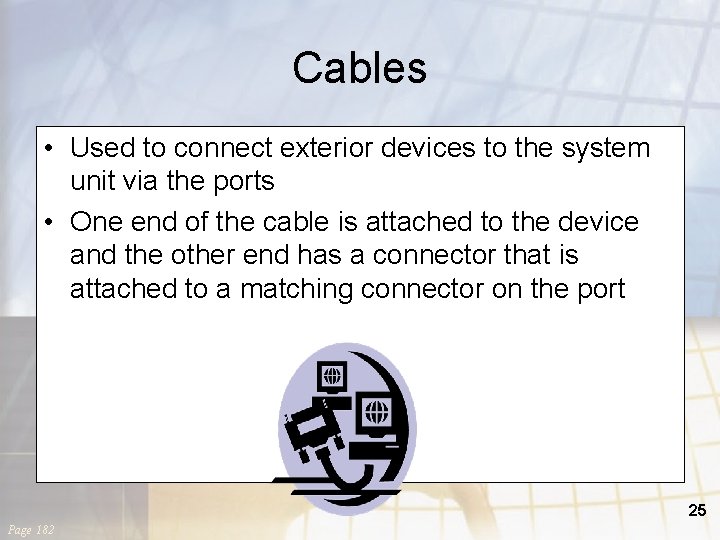
Cables • Used to connect exterior devices to the system unit via the ports • One end of the cable is attached to the device and the other end has a connector that is attached to a matching connector on the port 25 Page 182
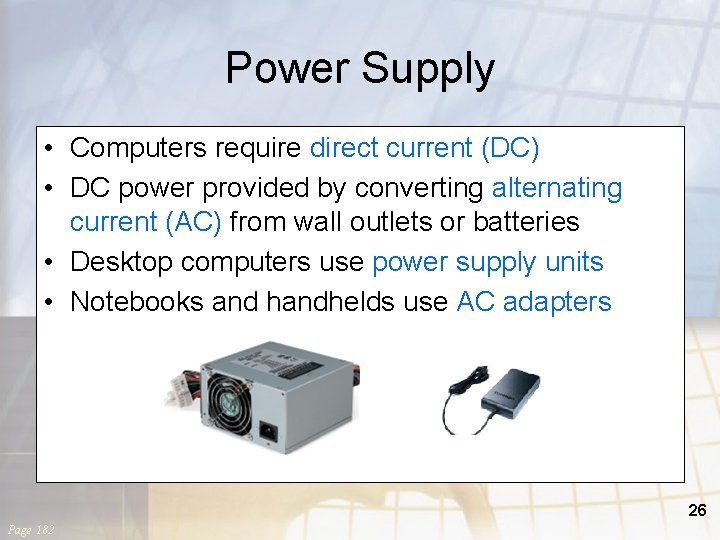
Power Supply • Computers require direct current (DC) • DC power provided by converting alternating current (AC) from wall outlets or batteries • Desktop computers use power supply units • Notebooks and handhelds use AC adapters 26 Page 182
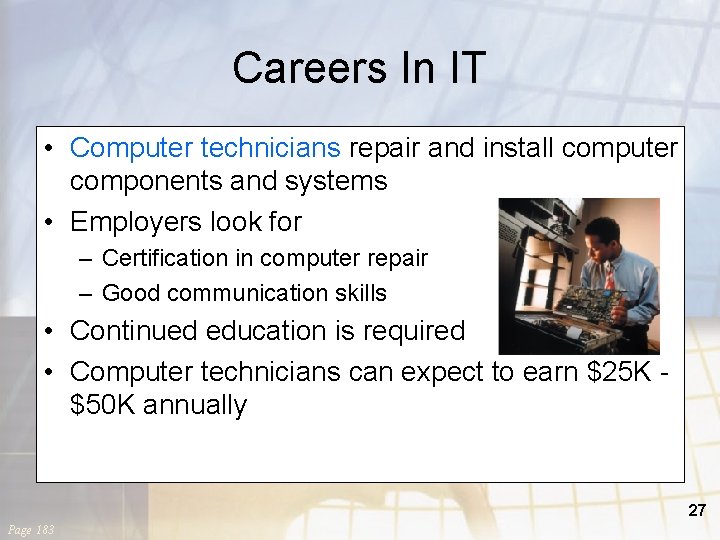
Careers In IT • Computer technicians repair and install computer components and systems • Employers look for – Certification in computer repair – Good communication skills • Continued education is required • Computer technicians can expect to earn $25 K $50 K annually 27 Page 183
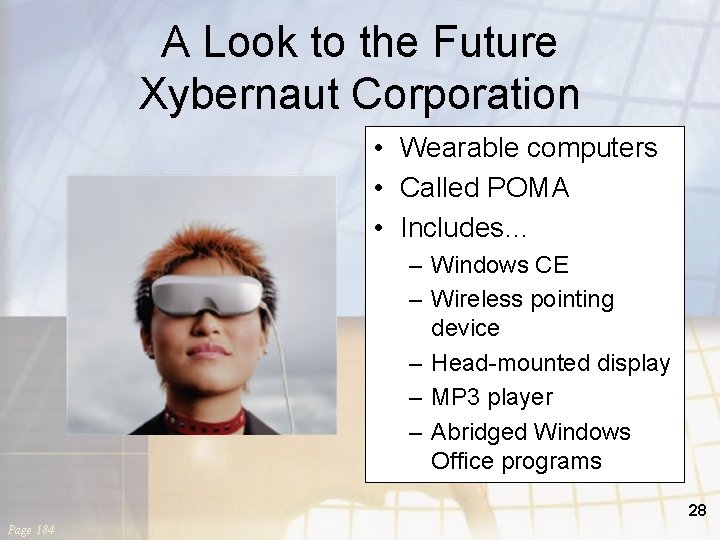
A Look to the Future Xybernaut Corporation • Wearable computers • Called POMA • Includes… – Windows CE – Wireless pointing device – Head-mounted display – MP 3 player – Abridged Windows Office programs 28 Page 184
Discussion Questions • Describe the four basic types of system units. • Describe the two basic components of the CPU. • What are the differences and similarities between the three types of memory? • Identify five expansion cards and describe the function of each. • Identify and describe four standard ports and three specialized ports. 29 Page 192