
Chapter 6 Repetition Chapter 6 Visual Basic Schneider
Chapter 6 Repetition Chapter 6 - Visual Basic Schneider 1
Outline & Objectives u Loop Structure u Elements of a Loop Structure u Processing Lists of Data with Do Loops Chapter 6 - Visual Basic Schneider 2
Types of LOOP Structures u u u Do While ……. Loop Do Until …… Loop For …… Next loop Chapter 6 - Visual Basic Schneider 3
Basic Definition u Looping: the process of repeating a series of statements multiple times until a criteria is met Chapter 6 - Visual Basic Schneider 4

Basic Components of Loops u Loop control variable: A variable used to determine whether a loop will be executed u Loop body: The statement (s) that are executed each time a loop repeats Chapter 6 - Visual Basic Schneider 5

The Do While ……. Loop Do While condition is true statement(s) Loop Chapter 6 - Visual Basic Schneider 6
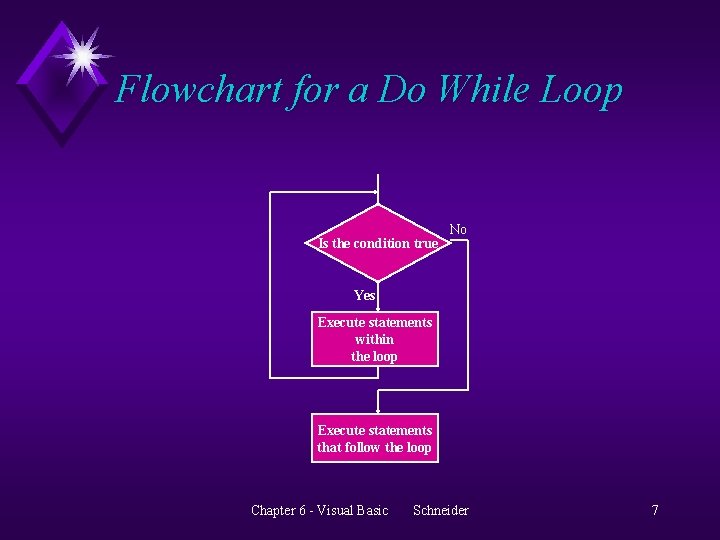
Flowchart for a Do While Loop Is the condition true No Yes Execute statements within the loop Execute statements that follow the loop Chapter 6 - Visual Basic Schneider 7
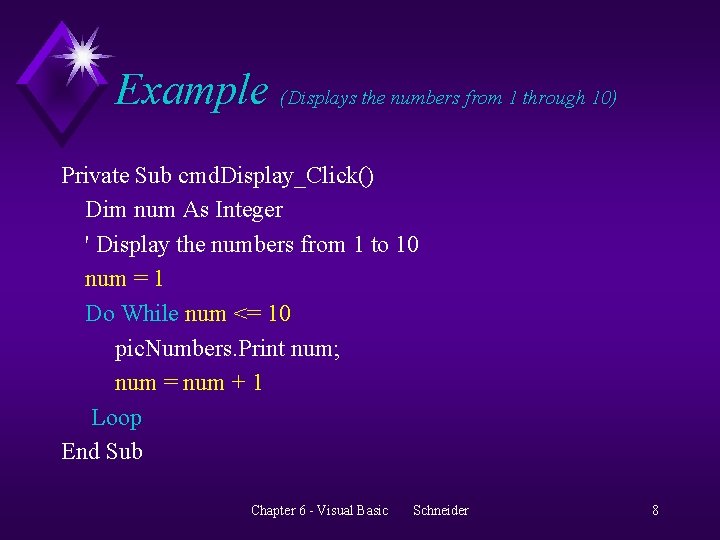
Example (Displays the numbers from 1 through 10) Private Sub cmd. Display_Click() Dim num As Integer ' Display the numbers from 1 to 10 num = 1 Do While num <= 10 pic. Numbers. Print num; num = num + 1 Loop End Sub Chapter 6 - Visual Basic Schneider 8
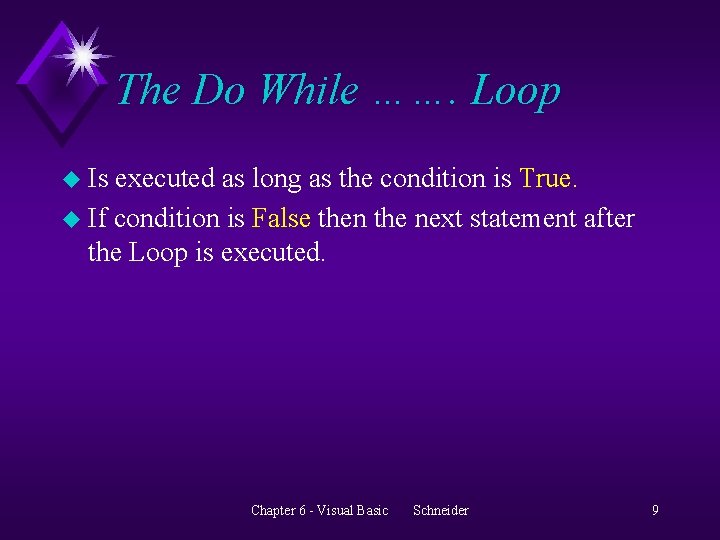
The Do While ……. Loop u Is executed as long as the condition is True. u If condition is False then the next statement after the Loop is executed. Chapter 6 - Visual Basic Schneider 9
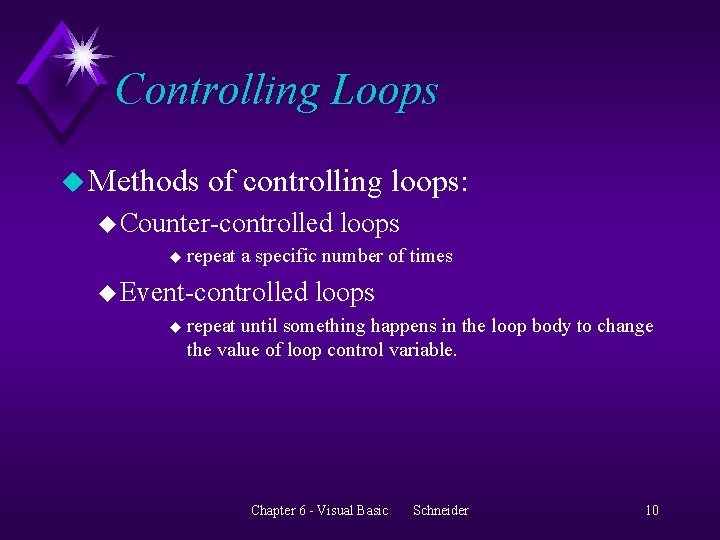
Controlling Loops u Methods of controlling loops: u Counter-controlled u repeat a specific number of times u Event-controlled u loops repeat until something happens in the loop body to change the value of loop control variable. Chapter 6 - Visual Basic Schneider 10
Example of event-controlled loops pass. Word = "" Do While pass. Word <> "SHAZAM" pass. Word = UCase(Input. Box("What is the password? ")) Loop Chapter 6 - Visual Basic Schneider 11
Counter-controlled Loops u Is useful when the programmer knows how many times the loop should be executed. u Initialize the counter by setting it to a beginning value before entering the loop. u The counter is incremented (or decremented) by the same value during each repetition. Chapter 6 - Visual Basic Schneider 12
Example num = 1 Do While num <= 10 pic. Output. Print num; num = num + 1 Loop Chapter 6 - Visual Basic Schneider 13
Do Until ……. Loop u Is executed until the condition becomes True u Any Do While…. Loop can be rewritten as a Do Until …. . Loop Chapter 6 - Visual Basic Schneider 14
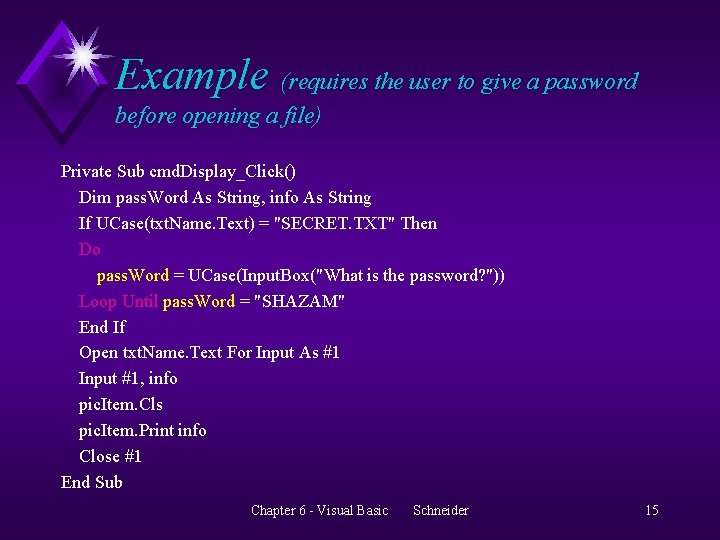
Example (requires the user to give a password before opening a file) Private Sub cmd. Display_Click() Dim pass. Word As String, info As String If UCase(txt. Name. Text) = "SECRET. TXT" Then Do pass. Word = UCase(Input. Box("What is the password? ")) Loop Until pass. Word = "SHAZAM" End If Open txt. Name. Text For Input As #1 Input #1, info pic. Item. Cls pic. Item. Print info Close #1 End Sub Chapter 6 - Visual Basic Schneider 15
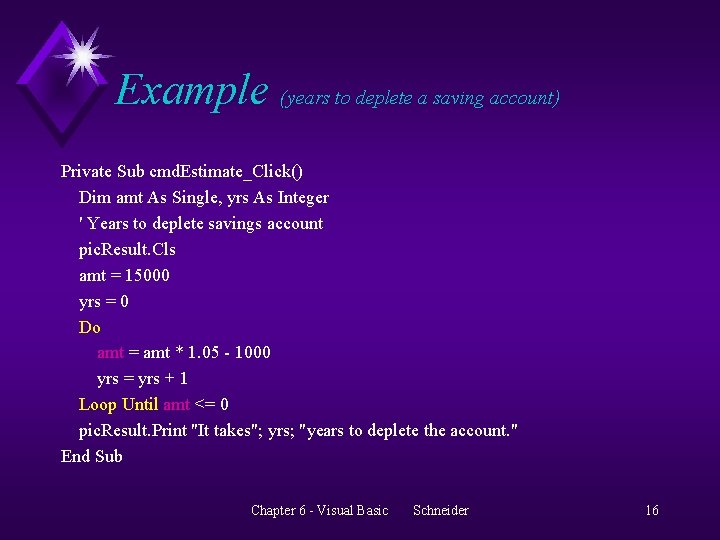
Example (years to deplete a saving account) Private Sub cmd. Estimate_Click() Dim amt As Single, yrs As Integer ' Years to deplete savings account pic. Result. Cls amt = 15000 yrs = 0 Do amt = amt * 1. 05 - 1000 yrs = yrs + 1 Loop Until amt <= 0 pic. Result. Print "It takes"; yrs; "years to deplete the account. " End Sub Chapter 6 - Visual Basic Schneider 16
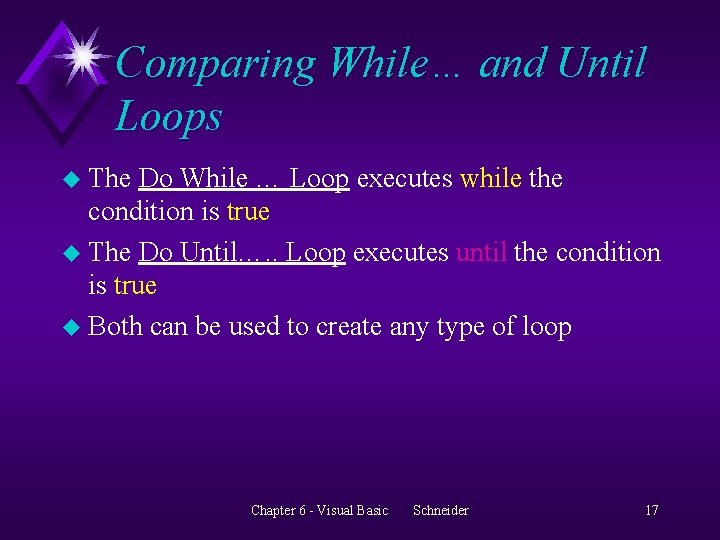
Comparing While… and Until Loops u The Do While … Loop executes while the condition is true u The Do Until…. . Loop executes until the condition is true u Both can be used to create any type of loop Chapter 6 - Visual Basic Schneider 17
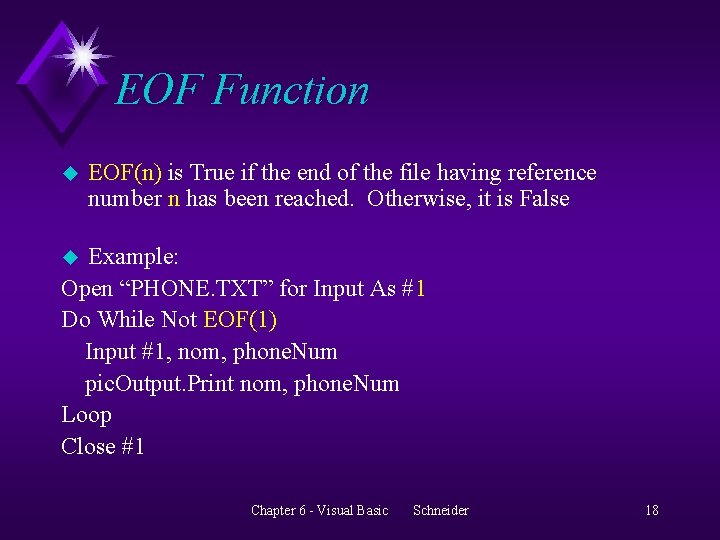
EOF Function u EOF(n) is True if the end of the file having reference number n has been reached. Otherwise, it is False Example: Open “PHONE. TXT” for Input As #1 Do While Not EOF(1) Input #1, nom, phone. Num pic. Output. Print nom, phone. Num Loop Close #1 u Chapter 6 - Visual Basic Schneider 18
Counters and Accumulators u. A counter is a numeric variable that keeps track of the number of items that have been processed in a loop. u An accumulator is a numeric variable that holds a sub-total during multiple passes through a loop. Chapter 6 - Visual Basic Schneider 19
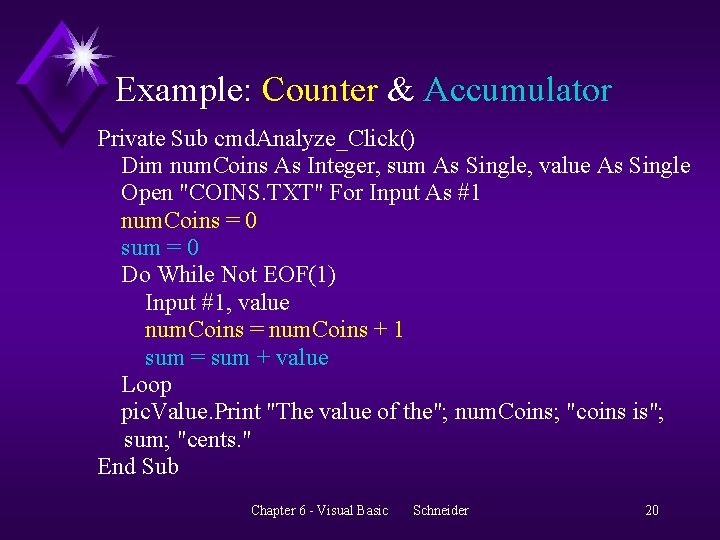
Example: Counter & Accumulator Private Sub cmd. Analyze_Click() Dim num. Coins As Integer, sum As Single, value As Single Open "COINS. TXT" For Input As #1 num. Coins = 0 sum = 0 Do While Not EOF(1) Input #1, value num. Coins = num. Coins + 1 sum = sum + value Loop pic. Value. Print "The value of the"; num. Coins; "coins is"; sum; "cents. " End Sub Chapter 6 - Visual Basic Schneider 20
Compare u Do While ……. Loop u Do ……. Loop While u Do ……. Loop Until u Do Until ……. Loop Chapter 6 - Visual Basic Schneider 21
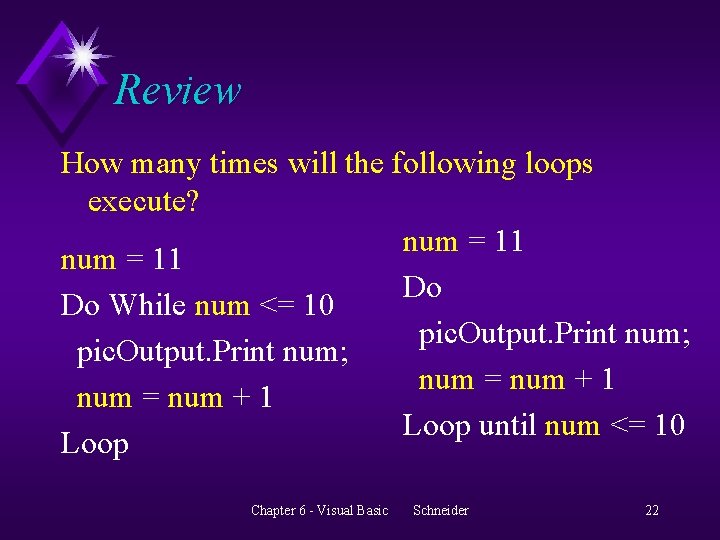
Review How many times will the following loops execute? num = 11 Do Do While num <= 10 pic. Output. Print num; num = num + 1 Loop until num <= 10 Loop Chapter 6 - Visual Basic Schneider 22
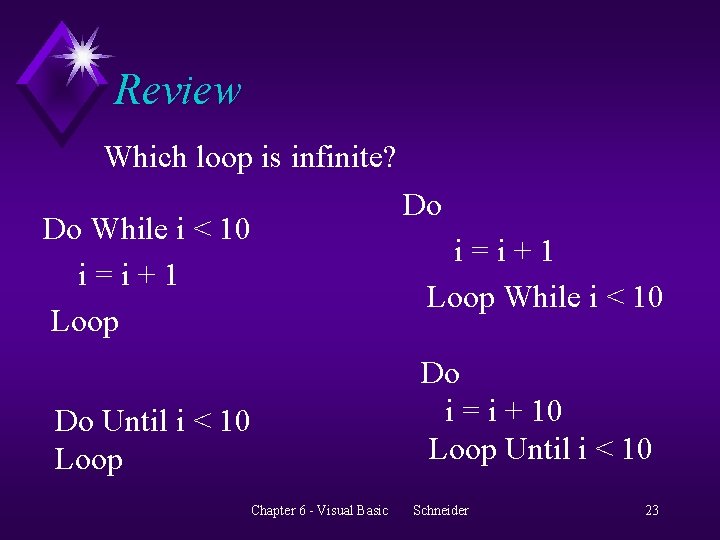
Review Which loop is infinite? Do While i < 10 i=i+1 Loop Do i=i+1 Loop While i < 10 Do i = i + 10 Loop Until i < 10 Do Until i < 10 Loop Chapter 6 - Visual Basic Schneider 23
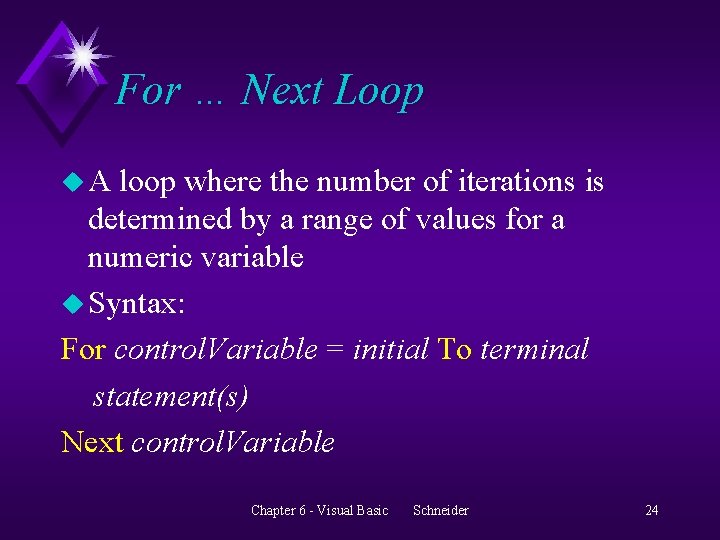
For … Next Loop u. A loop where the number of iterations is determined by a range of values for a numeric variable u Syntax: For control. Variable = initial To terminal statement(s) Next control. Variable Chapter 6 - Visual Basic Schneider 24
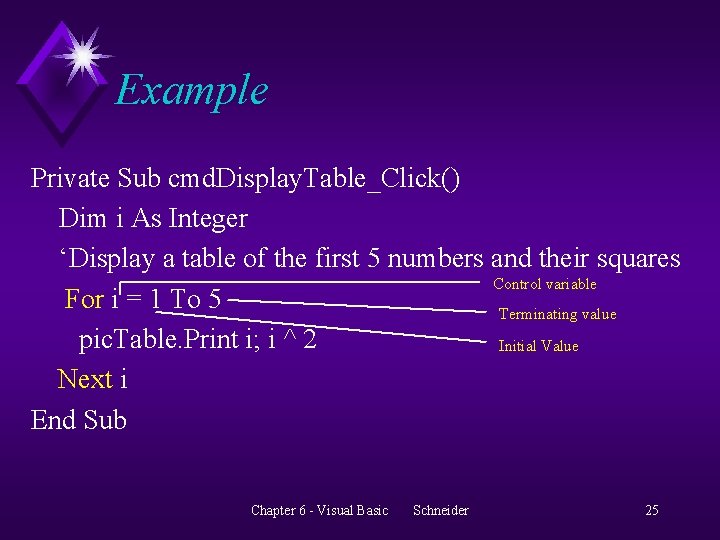
Example Private Sub cmd. Display. Table_Click() Dim i As Integer ‘Display a table of the first 5 numbers and their squares Control variable For i = 1 To 5 Terminating value pic. Table. Print i; i ^ 2 Initial Value Next i End Sub Chapter 6 - Visual Basic Schneider 25
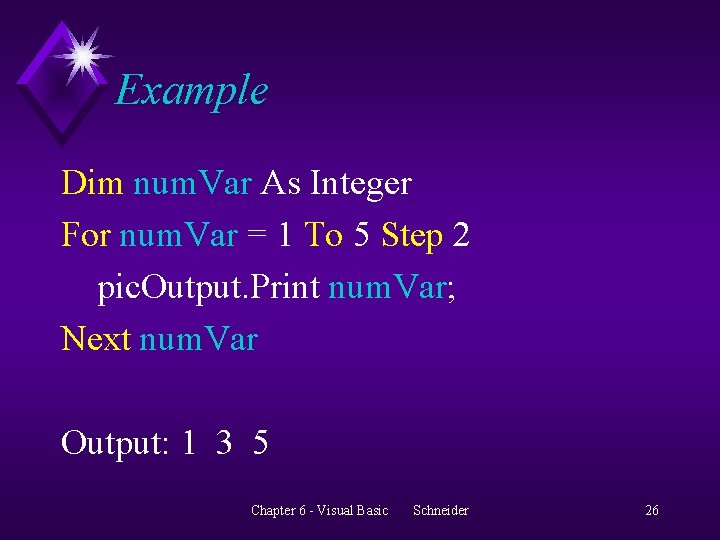
Example Dim num. Var As Integer For num. Var = 1 To 5 Step 2 pic. Output. Print num. Var; Next num. Var Output: 1 3 5 Chapter 6 - Visual Basic Schneider 26
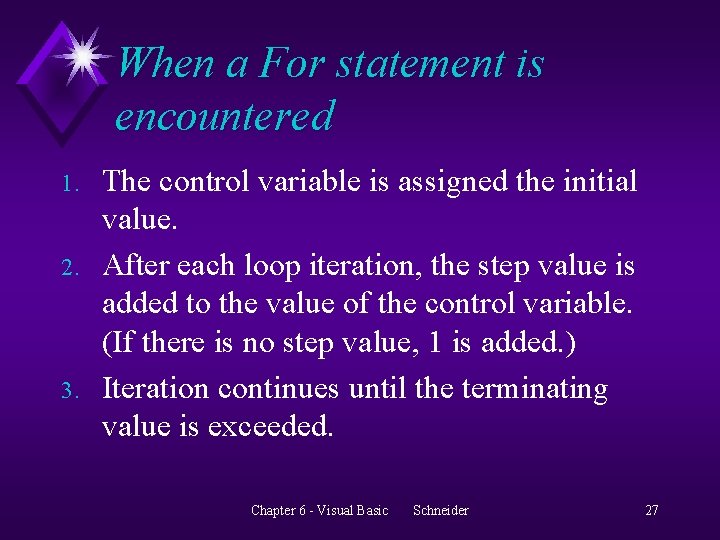
When a For statement is encountered 1. 2. 3. The control variable is assigned the initial value. After each loop iteration, the step value is added to the value of the control variable. (If there is no step value, 1 is added. ) Iteration continues until the terminating value is exceeded. Chapter 6 - Visual Basic Schneider 27
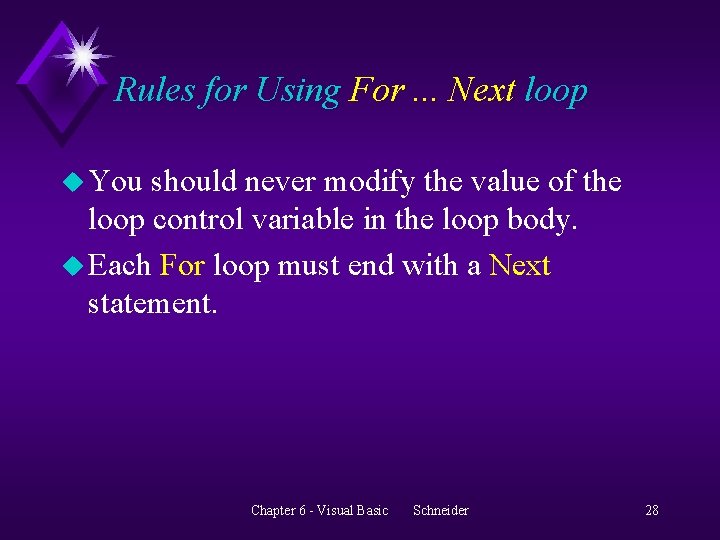
Rules for Using For. . . Next loop u You should never modify the value of the loop control variable in the loop body. u Each For loop must end with a Next statement. Chapter 6 - Visual Basic Schneider 28
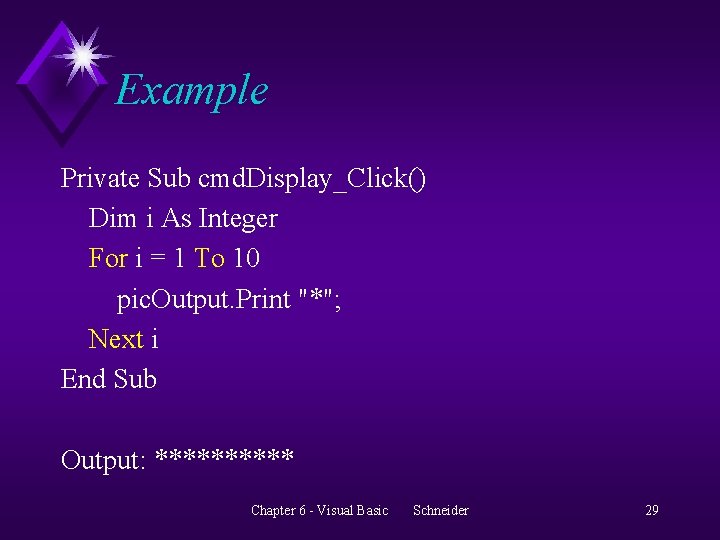
Example Private Sub cmd. Display_Click() Dim i As Integer For i = 1 To 10 pic. Output. Print "*"; Next i End Sub Output: ***** Chapter 6 - Visual Basic Schneider 29
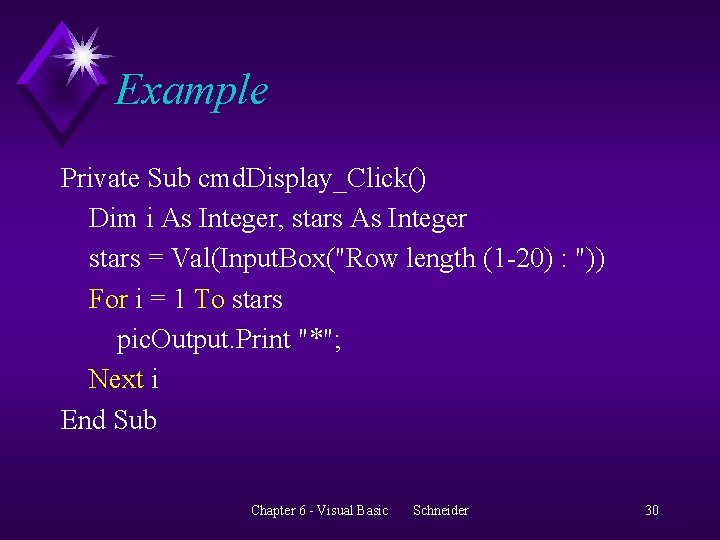
Example Private Sub cmd. Display_Click() Dim i As Integer, stars As Integer stars = Val(Input. Box("Row length (1 -20) : ")) For i = 1 To stars pic. Output. Print "*"; Next i End Sub Chapter 6 - Visual Basic Schneider 30
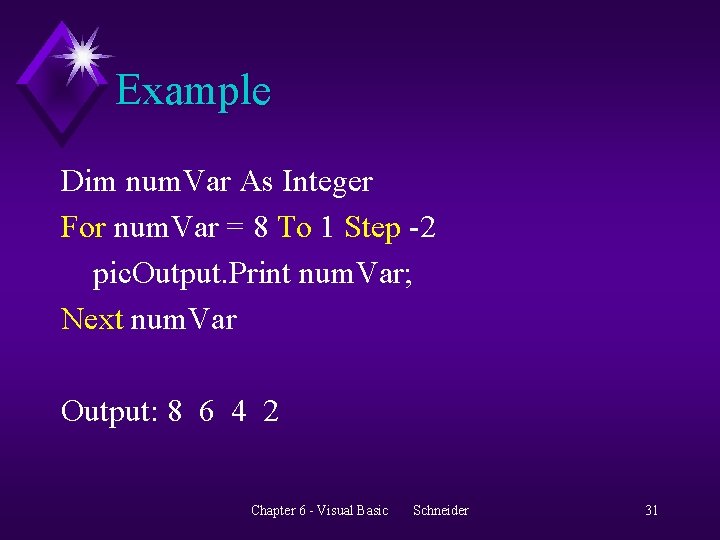
Example Dim num. Var As Integer For num. Var = 8 To 1 Step -2 pic. Output. Print num. Var; Next num. Var Output: 8 6 4 2 Chapter 6 - Visual Basic Schneider 31
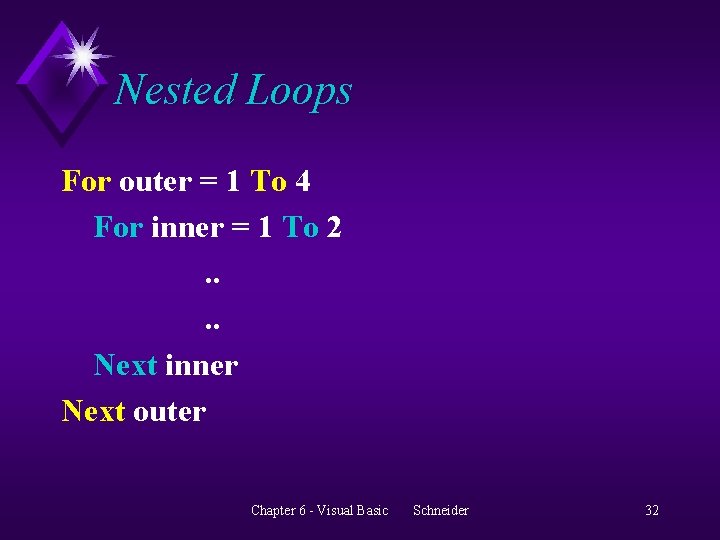
Nested Loops For outer = 1 To 4 For inner = 1 To 2. . Next inner Next outer Chapter 6 - Visual Basic Schneider 32
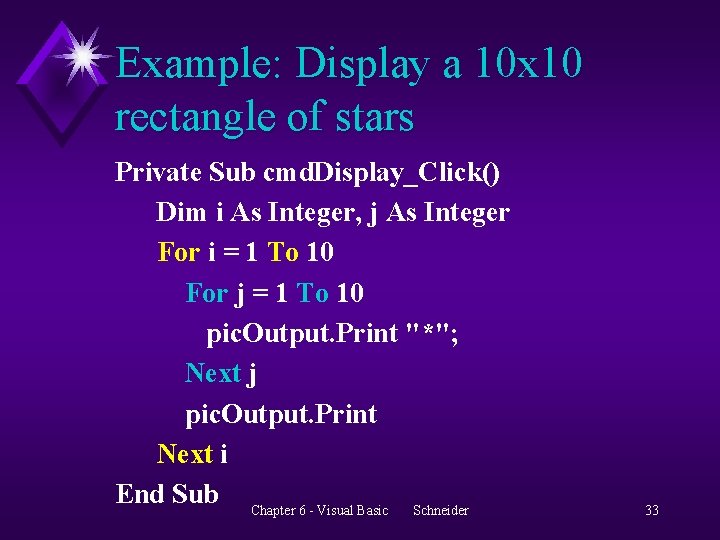
Example: Display a 10 x 10 rectangle of stars Private Sub cmd. Display_Click() Dim i As Integer, j As Integer For i = 1 To 10 For j = 1 To 10 pic. Output. Print "*"; Next j pic. Output. Print Next i End Sub Chapter 6 - Visual Basic Schneider 33
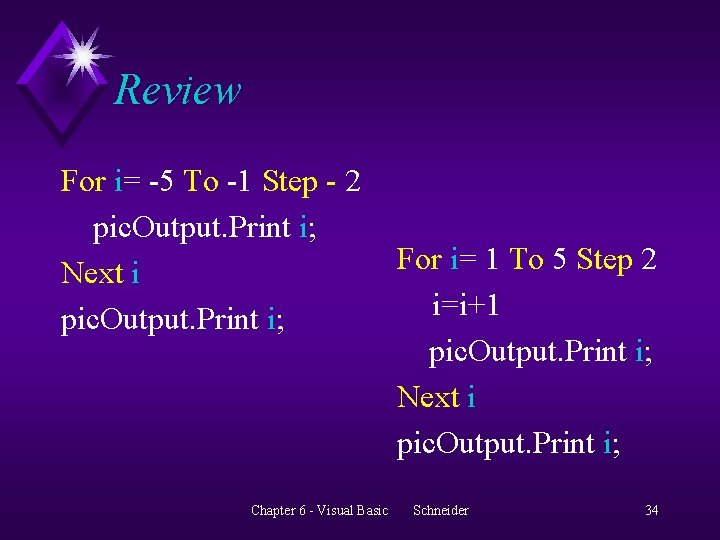
Review For i= -5 To -1 Step - 2 pic. Output. Print i; Next i pic. Output. Print i; Chapter 6 - Visual Basic For i= 1 To 5 Step 2 i=i+1 pic. Output. Print i; Next i pic. Output. Print i; Schneider 34
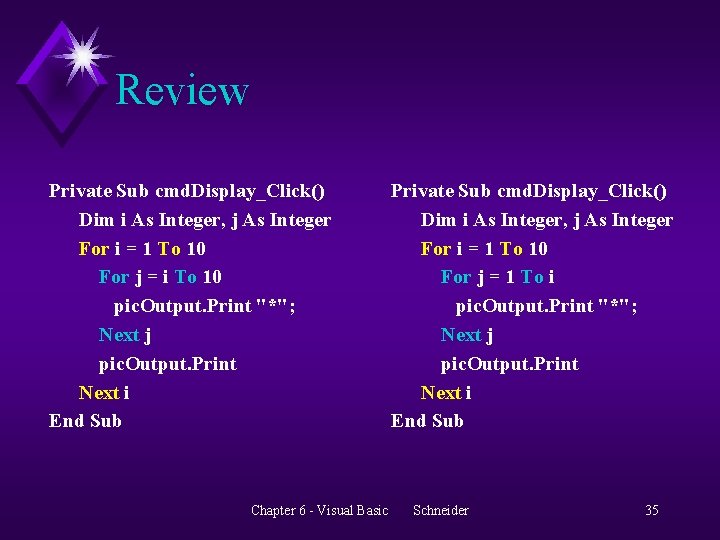
Review Private Sub cmd. Display_Click() Dim i As Integer, j As Integer For i = 1 To 10 For j = i To 10 pic. Output. Print "*"; Next j pic. Output. Print Next i End Sub Chapter 6 - Visual Basic Private Sub cmd. Display_Click() Dim i As Integer, j As Integer For i = 1 To 10 For j = 1 To i pic. Output. Print "*"; Next j pic. Output. Print Next i End Sub Schneider 35
- Slides: 35