
Chapter 6 Process Management JMH Associates 2004 All
![FILE SEARCHING USING MULTIPLE PROCESSES Parent Process grep pattern argv [2] Exit. Process grep](https://slidetodoc.com/presentation_image_h/fe4fb6e4b0dfce53bb379095dcfe33bd/image-9.jpg "FILE SEARCHING USING MULTIPLE PROCESSES Parent Process grep pattern argv [2] Exit. Process grep")
- Slides: 48
Chapter 6 Process Management JMH Associates © 2004, All rights reserved 1
OBJECTIVES Upon completing this chapter, you will be able to: w w Describe Windows processes Create and manage independent processes Describe and use the general purpose Windows object synchronization functions to synchronize processes Be prepared to learn interprocess communication and thread management JMH Associates © 2004, All rights reserved 2
TOPICS Topic I Windows Processes and Threads Topic II Process Management Topic III Object Sharing and Handle Inheritance Topic IV Process Termination and Synchronization Topic V Process Environments and Security Lab 6 -A Lab 6 -B JMH Associates © 2004, All rights reserved 3
TOPIC I Windows Processes and Threads JMH Associates © 2004, All rights reserved 4
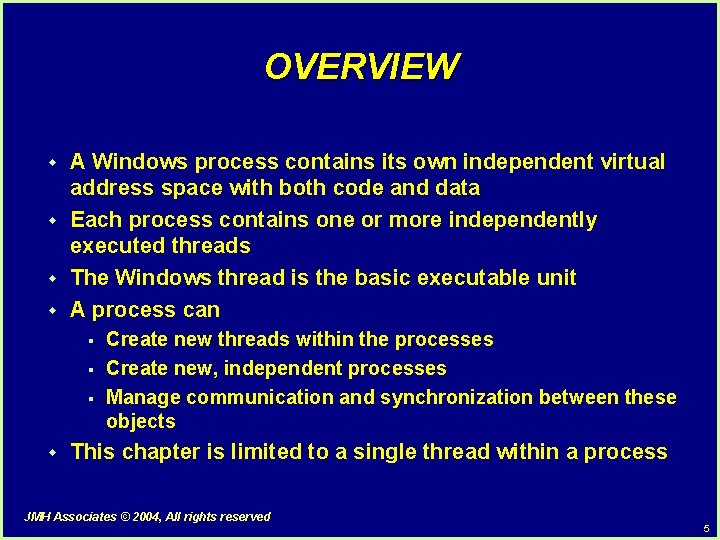
OVERVIEW w w A Windows process contains its own independent virtual address space with both code and data Each process contains one or more independently executed threads The Windows thread is the basic executable unit A process can § § § w Create new threads within the processes Create new, independent processes Manage communication and synchronization between these objects This chapter is limited to a single thread within a process JMH Associates © 2004, All rights reserved 5
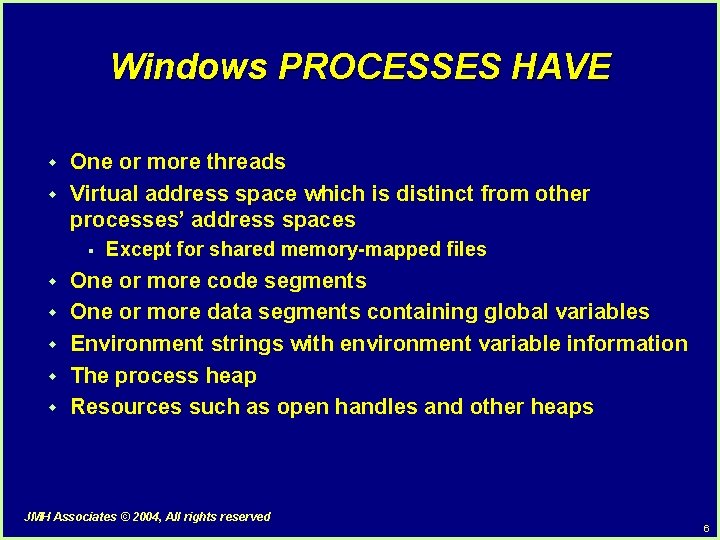
Windows PROCESSES HAVE w w One or more threads Virtual address space which is distinct from other processes’ address spaces § w w w Except for shared memory-mapped files One or more code segments One or more data segments containing global variables Environment strings with environment variable information The process heap Resources such as open handles and other heaps JMH Associates © 2004, All rights reserved 6
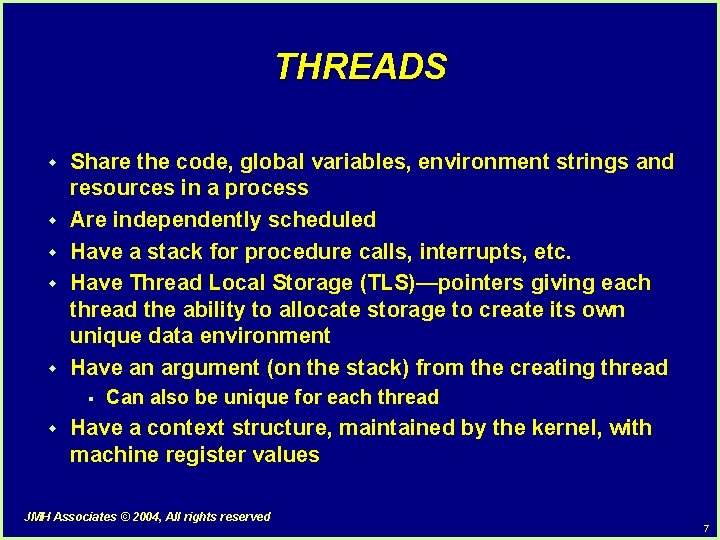
THREADS w w w Share the code, global variables, environment strings and resources in a process Are independently scheduled Have a stack for procedure calls, interrupts, etc. Have Thread Local Storage (TLS)—pointers giving each thread the ability to allocate storage to create its own unique data environment Have an argument (on the stack) from the creating thread § w Can also be unique for each thread Have a context structure, maintained by the kernel, with machine register values JMH Associates © 2004, All rights reserved 7
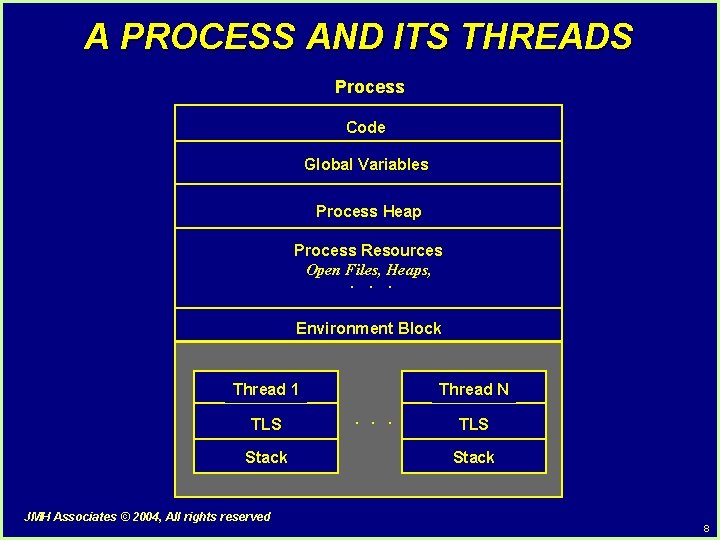
A PROCESS AND ITS THREADS Process Code Global Variables Process Heap Process Resources Open Files, Heaps, · · · Environment Block Thread 1 TLS Stack JMH Associates © 2004, All rights reserved Thread N · · · TLS Stack 8
FILE SEARCHING USING MULTIPLE PROCESSES Parent Process grep pattern argv [2] Exit. Process grep pattern argv [3] Exit. Process · · · grep pattern argv [N+1] Exit. Process All Searches Complete JMH Associates © 2004, All rights reserved argv [1], argv [2], . . . , argv [N+1] for (i = 1; i <= N; i++) { Start. Up. h. Std. Out = Create. File (Temp [i]) Create. Process (grep pattern argv [i + 1]) } Wait. For. Multiple. Objects; · · · /* Display search results */ for (i = 1; i <= N; i++) { Create. Process (cat Temp [i]) Wait. For. Single. Object; } Exit. Process 9
TOPIC II Process Management and Handle Inheritance JMH Associates © 2004, All rights reserved 10
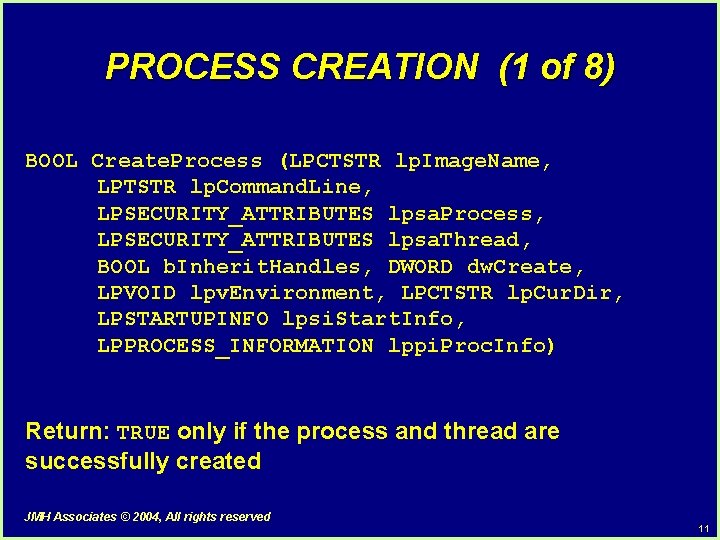
PROCESS CREATION (1 of 8) BOOL Create. Process (LPCTSTR lp. Image. Name, LPTSTR lp. Command. Line, LPSECURITY_ATTRIBUTES lpsa. Process, LPSECURITY_ATTRIBUTES lpsa. Thread, BOOL b. Inherit. Handles, DWORD dw. Create, LPVOID lpv. Environment, LPCTSTR lp. Cur. Dir, LPSTARTUPINFO lpsi. Start. Info, LPPROCESS_INFORMATION lppi. Proc. Info) Return: TRUE only if the process and thread are successfully created JMH Associates © 2004, All rights reserved 11
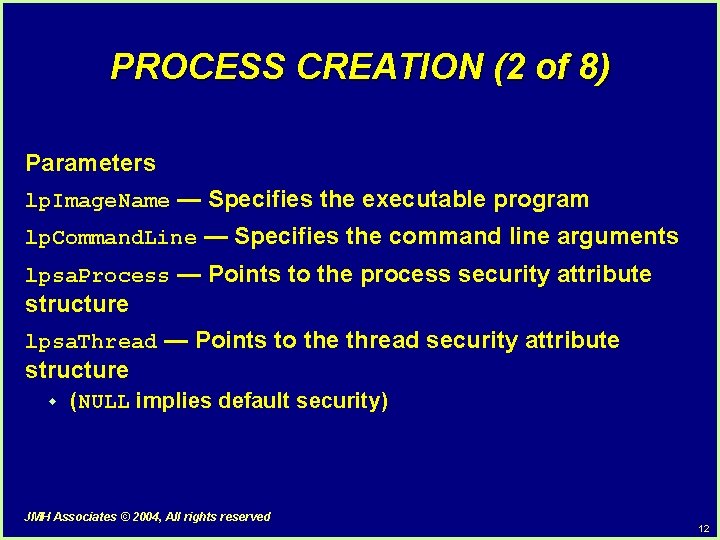
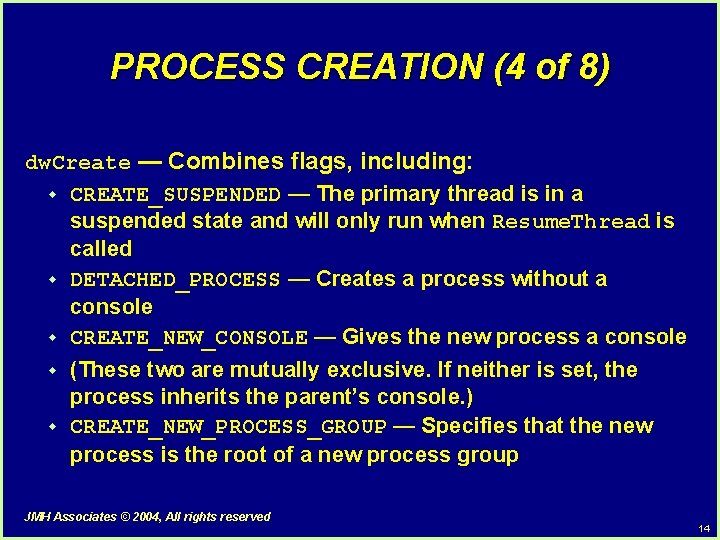
PROCESS CREATION (2 of 8) Parameters lp. Image. Name — Specifies the executable program lp. Command. Line — Specifies the command line arguments lpsa. Process — Points to the process security attribute structure lpsa. Thread — Points to the thread security attribute structure w (NULL implies default security) JMH Associates © 2004, All rights reserved 12
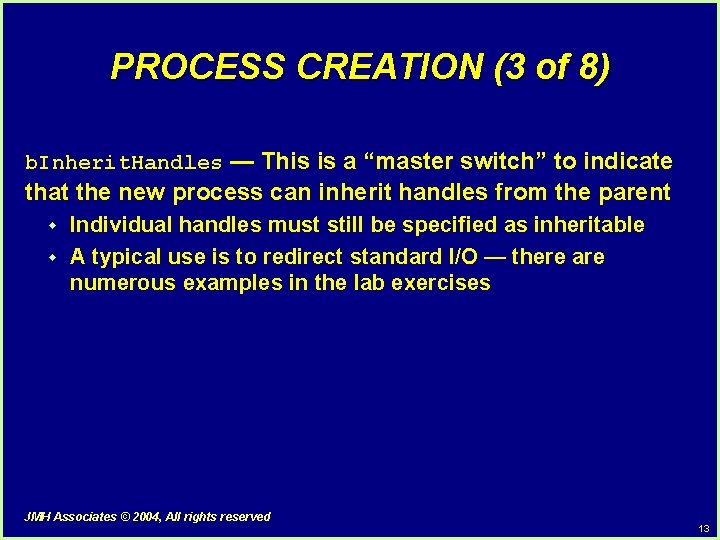
PROCESS CREATION (3 of 8) b. Inherit. Handles — This is a “master switch” to indicate that the new process can inherit handles from the parent w w Individual handles must still be specified as inheritable A typical use is to redirect standard I/O — there are numerous examples in the lab exercises JMH Associates © 2004, All rights reserved 13
PROCESS CREATION (4 of 8) dw. Create — Combines flags, including: w CREATE_SUSPENDED — The primary thread is in a suspended state and will only run when Resume. Thread is called w DETACHED_PROCESS — Creates a process without a console w CREATE_NEW_CONSOLE — Gives the new process a console w w (These two are mutually exclusive. If neither is set, the process inherits the parent’s console. ) CREATE_NEW_PROCESS_GROUP — Specifies that the new process is the root of a new process group JMH Associates © 2004, All rights reserved 14
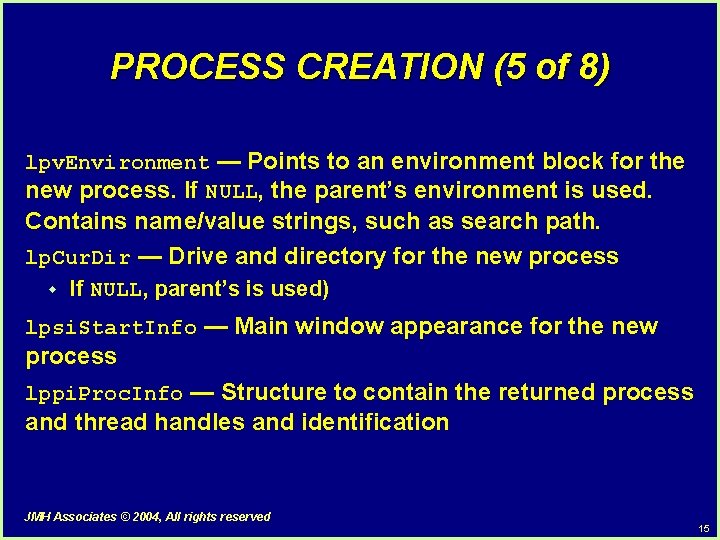
PROCESS CREATION (5 of 8) lpv. Environment — Points to an environment block for the new process. If NULL, the parent’s environment is used. Contains name/value strings, such as search path. lp. Cur. Dir — Drive and directory for the new process w If NULL, parent’s is used) lpsi. Start. Info — Main window appearance for the new process lppi. Proc. Info — Structure to contain the returned process and thread handles and identification JMH Associates © 2004, All rights reserved 15
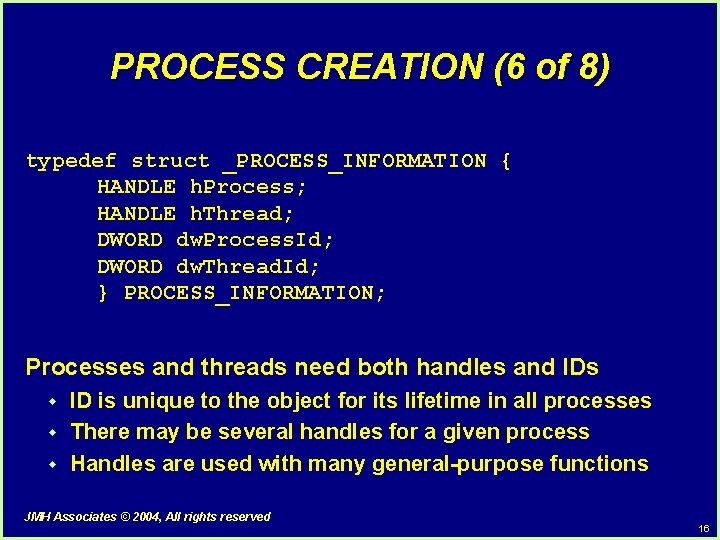
PROCESS CREATION (6 of 8) typedef struct _PROCESS_INFORMATION { HANDLE h. Process; HANDLE h. Thread; DWORD dw. Process. Id; DWORD dw. Thread. Id; } PROCESS_INFORMATION; Processes and threads need both handles and IDs w w w ID is unique to the object for its lifetime in all processes There may be several handles for a given process Handles are used with many general-purpose functions JMH Associates © 2004, All rights reserved 16
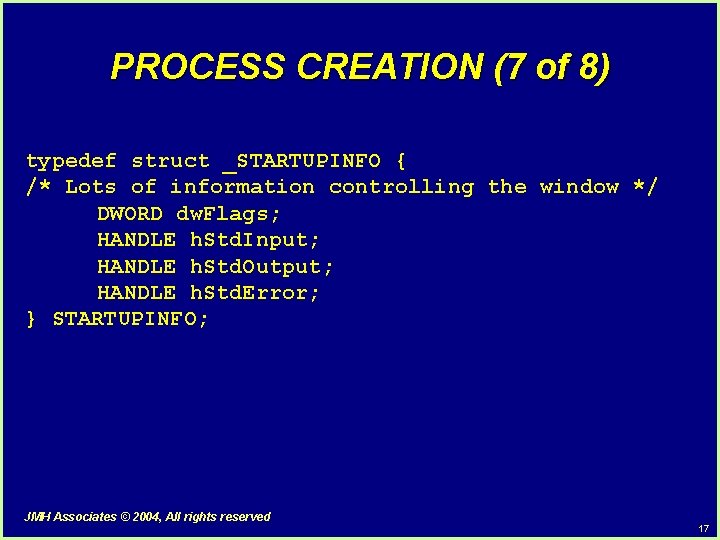
PROCESS CREATION (7 of 8) typedef struct _STARTUPINFO { /* Lots of information controlling the window */ DWORD dw. Flags; HANDLE h. Std. Input; HANDLE h. Std. Output; HANDLE h. Std. Error; } STARTUPINFO; JMH Associates © 2004, All rights reserved 17
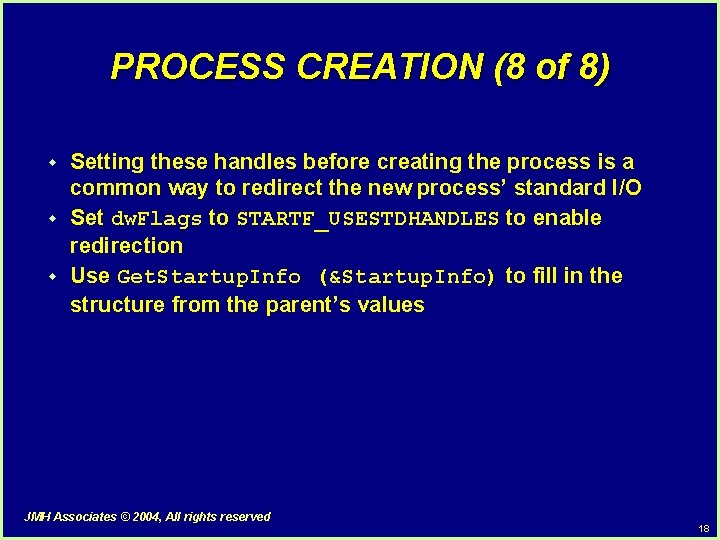
PROCESS CREATION (8 of 8) w w w Setting these handles before creating the process is a common way to redirect the new process’ standard I/O Set dw. Flags to STARTF_USESTDHANDLES to enable redirection Use Get. Startup. Info (&Startup. Info) to fill in the structure from the parent’s values JMH Associates © 2004, All rights reserved 18
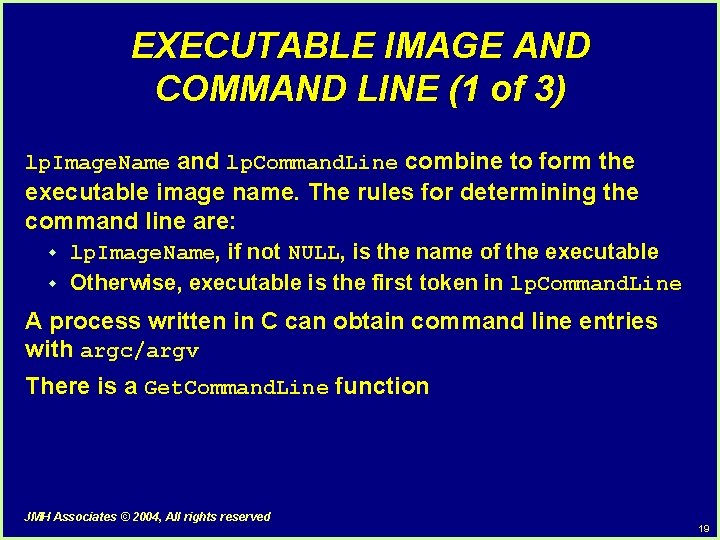
EXECUTABLE IMAGE AND COMMAND LINE (1 of 3) lp. Image. Name and lp. Command. Line combine to form the executable image name. The rules for determining the command line are: w w lp. Image. Name, if not NULL, is the name of the executable Otherwise, executable is the first token in lp. Command. Line A process written in C can obtain command line entries with argc/argv There is a Get. Command. Line function JMH Associates © 2004, All rights reserved 19
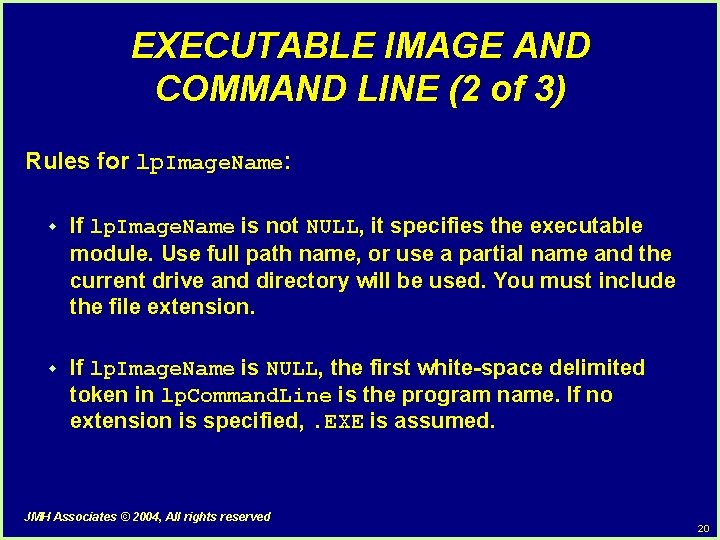
EXECUTABLE IMAGE AND COMMAND LINE (2 of 3) Rules for lp. Image. Name: w If lp. Image. Name is not NULL, it specifies the executable module. Use full path name, or use a partial name and the current drive and directory will be used. You must include the file extension. w If lp. Image. Name is NULL, the first white-space delimited token in lp. Command. Line is the program name. If no extension is specified, . EXE is assumed. JMH Associates © 2004, All rights reserved 20
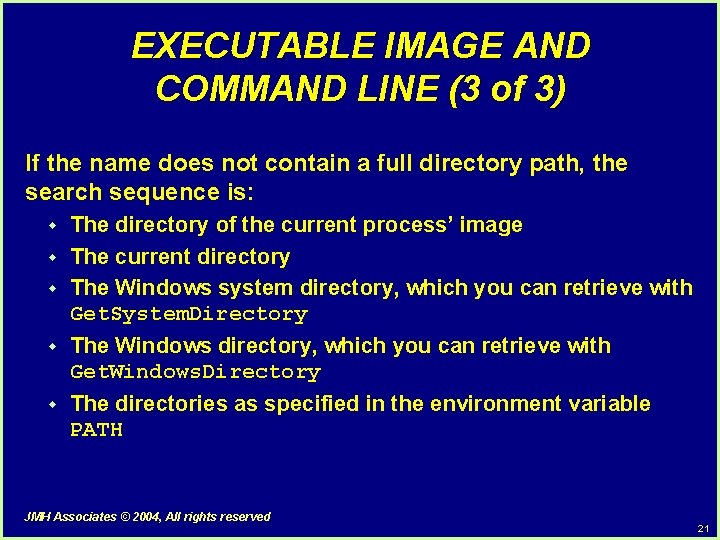
EXECUTABLE IMAGE AND COMMAND LINE (3 of 3) If the name does not contain a full directory path, the search sequence is: w w w The directory of the current process’ image The current directory The Windows system directory, which you can retrieve with Get. System. Directory w The Windows directory, which you can retrieve with Get. Windows. Directory w The directories as specified in the environment variable PATH JMH Associates © 2004, All rights reserved 21
TOPIC III Object Sharing and Handle Inheritance JMH Associates © 2004, All rights reserved 22
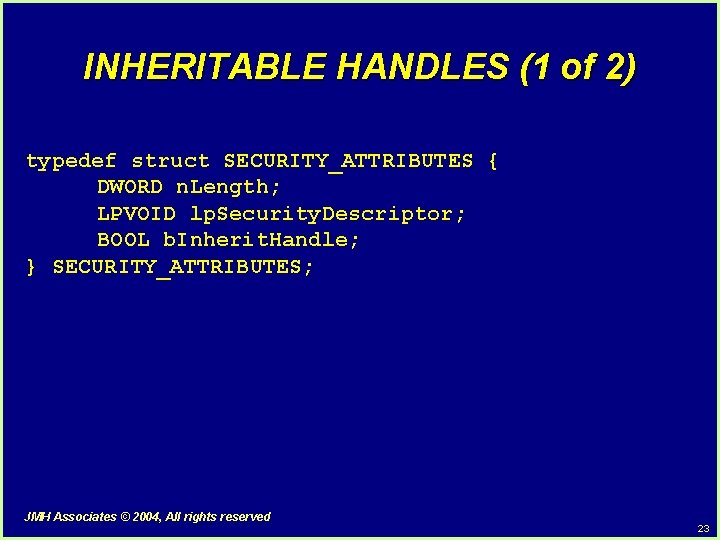
INHERITABLE HANDLES (1 of 2) typedef struct SECURITY_ATTRIBUTES { DWORD n. Length; LPVOID lp. Security. Descriptor; BOOL b. Inherit. Handle; } SECURITY_ATTRIBUTES; JMH Associates © 2004, All rights reserved 23
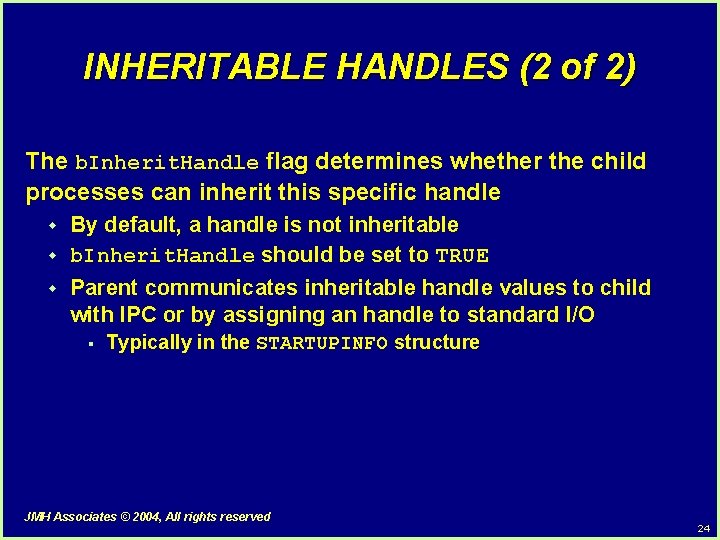
INHERITABLE HANDLES (2 of 2) The b. Inherit. Handle flag determines whether the child processes can inherit this specific handle w w w By default, a handle is not inheritable b. Inherit. Handle should be set to TRUE Parent communicates inheritable handle values to child with IPC or by assigning an handle to standard I/O § Typically in the STARTUPINFO structure JMH Associates © 2004, All rights reserved 24
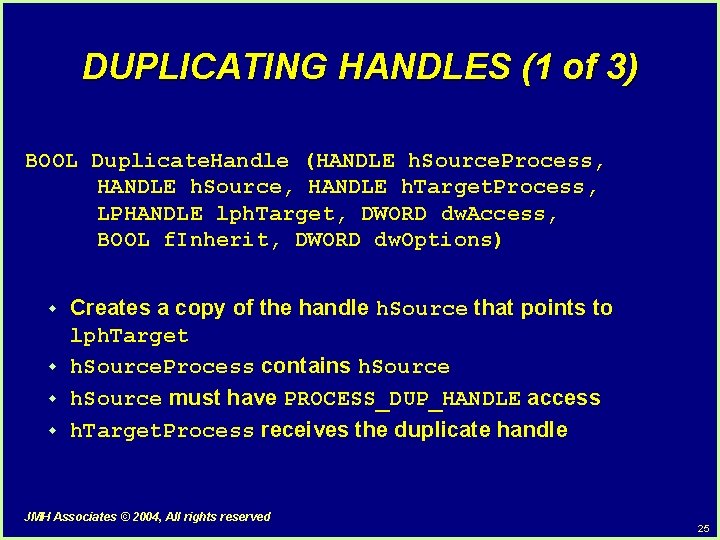
DUPLICATING HANDLES (1 of 3) BOOL Duplicate. Handle (HANDLE h. Source. Process, HANDLE h. Source, HANDLE h. Target. Process, LPHANDLE lph. Target, DWORD dw. Access, BOOL f. Inherit, DWORD dw. Options) w w Creates a copy of the handle h. Source that points to lph. Target h. Source. Process contains h. Source must have PROCESS_DUP_HANDLE access h. Target. Process receives the duplicate handle JMH Associates © 2004, All rights reserved 25
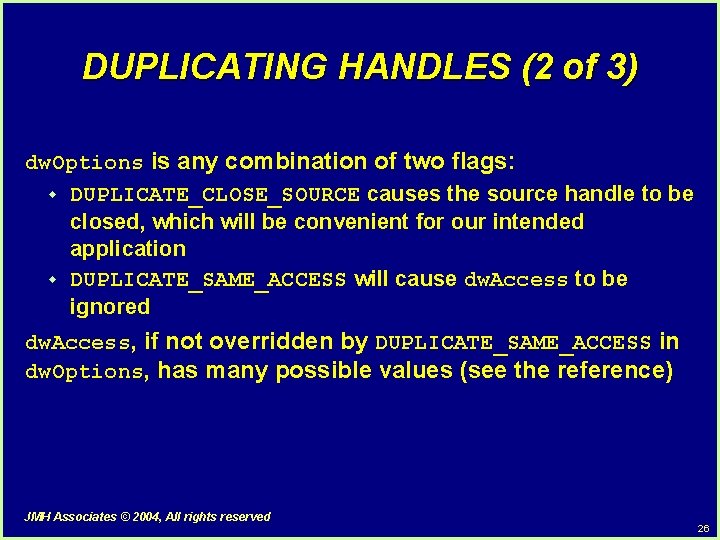
DUPLICATING HANDLES (2 of 3) dw. Options is any combination of two flags: w DUPLICATE_CLOSE_SOURCE causes the source handle to be closed, which will be convenient for our intended application w DUPLICATE_SAME_ACCESS will cause dw. Access to be ignored dw. Access, if not overridden by DUPLICATE_SAME_ACCESS in dw. Options, has many possible values (see the reference) JMH Associates © 2004, All rights reserved 26
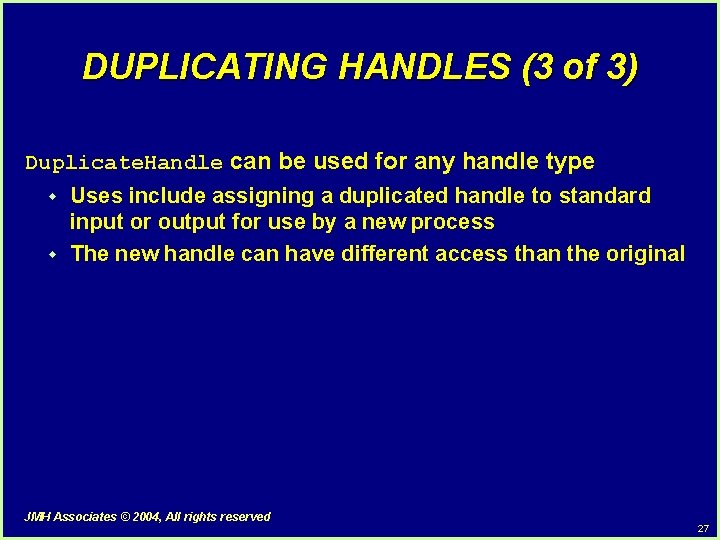
DUPLICATING HANDLES (3 of 3) Duplicate. Handle can be used for any handle type w w Uses include assigning a duplicated handle to standard input or output for use by a new process The new handle can have different access than the original JMH Associates © 2004, All rights reserved 27
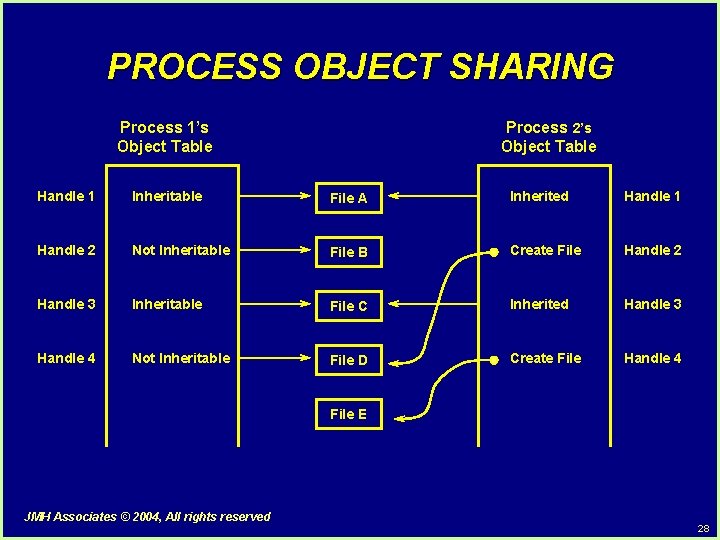
PROCESS OBJECT SHARING Process 1’s Object Table Process 2’s Object Table Handle 1 Inheritable File A Inherited Handle 1 Handle 2 Not Inheritable File B Create File Handle 2 Handle 3 Inheritable File C Inherited Handle 3 Handle 4 Not Inheritable File D Create File Handle 4 File E JMH Associates © 2004, All rights reserved 28
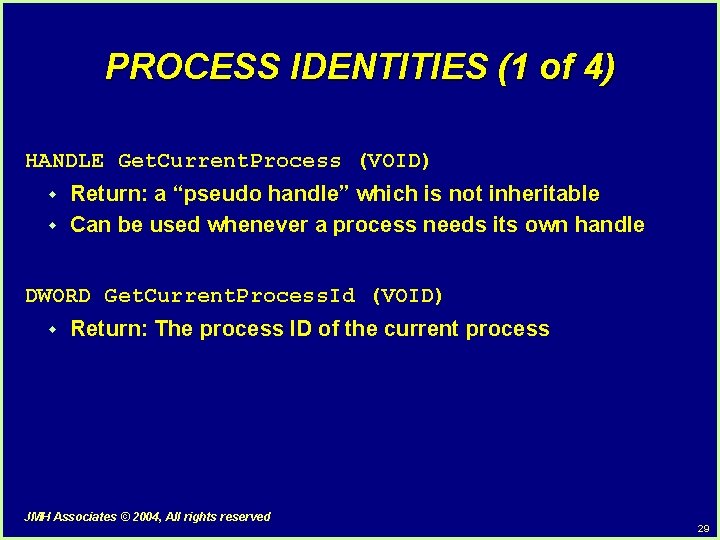
PROCESS IDENTITIES (1 of 4) HANDLE Get. Current. Process (VOID) w w Return: a “pseudo handle” which is not inheritable Can be used whenever a process needs its own handle DWORD Get. Current. Process. Id (VOID) w Return: The process ID of the current process JMH Associates © 2004, All rights reserved 29
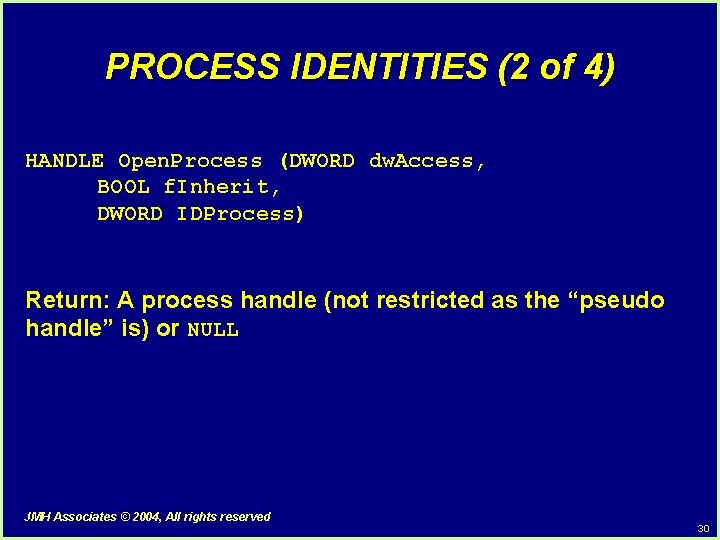
PROCESS IDENTITIES (2 of 4) HANDLE Open. Process (DWORD dw. Access, BOOL f. Inherit, DWORD IDProcess) Return: A process handle (not restricted as the “pseudo handle” is) or NULL JMH Associates © 2004, All rights reserved 30
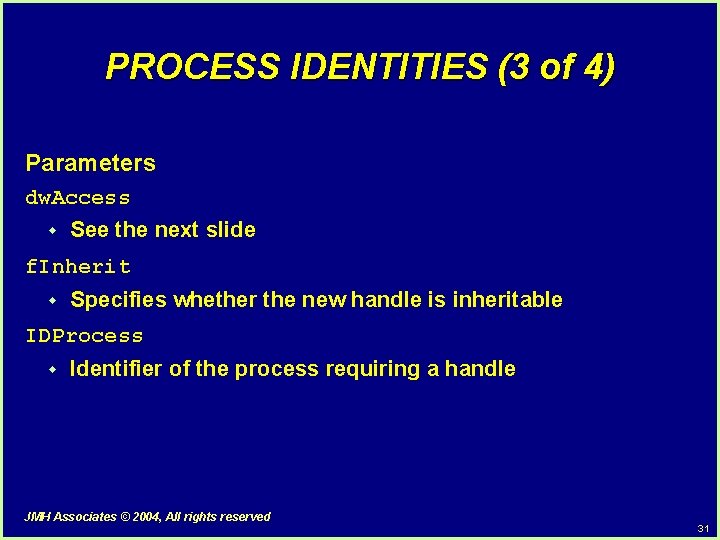
PROCESS IDENTITIES (3 of 4) Parameters dw. Access w See the next slide f. Inherit w Specifies whether the new handle is inheritable IDProcess w Identifier of the process requiring a handle JMH Associates © 2004, All rights reserved 31
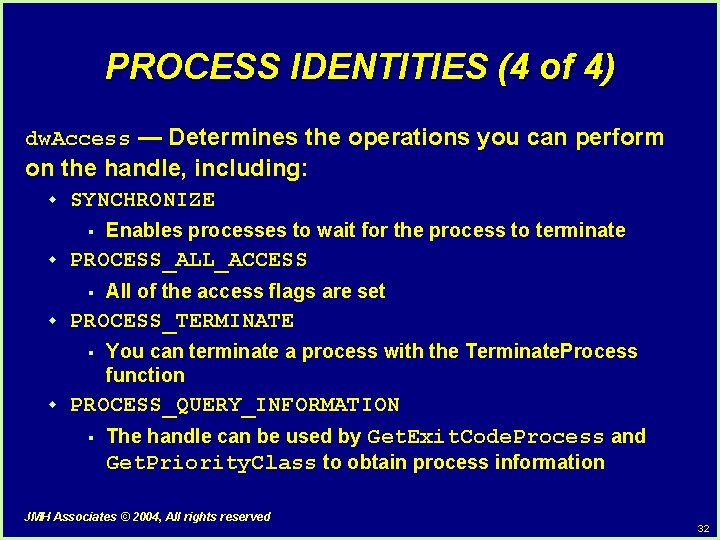
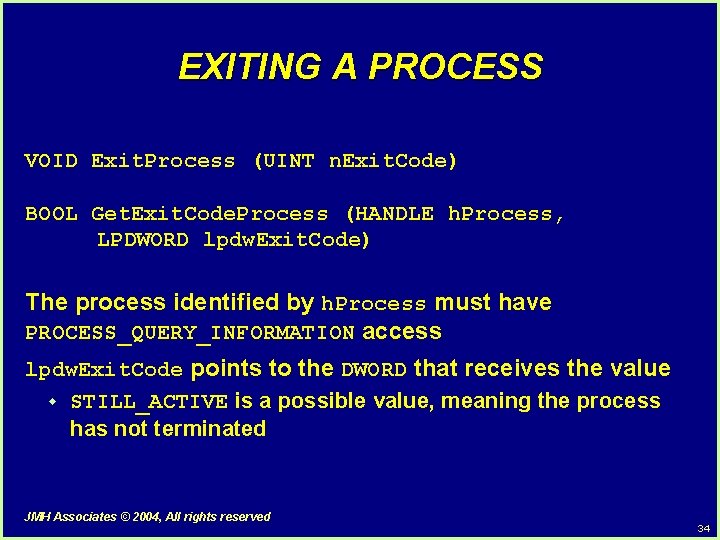
PROCESS IDENTITIES (4 of 4) dw. Access — Determines the operations you can perform on the handle, including: w SYNCHRONIZE § w PROCESS_ALL_ACCESS § w All of the access flags are set PROCESS_TERMINATE § w Enables processes to wait for the process to terminate You can terminate a process with the Terminate. Process function PROCESS_QUERY_INFORMATION § The handle can be used by Get. Exit. Code. Process and Get. Priority. Class to obtain process information JMH Associates © 2004, All rights reserved 32
TOPIC IV Process Termination and Synchronization JMH Associates © 2004, All rights reserved 33
EXITING A PROCESS VOID Exit. Process (UINT n. Exit. Code) BOOL Get. Exit. Code. Process (HANDLE h. Process, LPDWORD lpdw. Exit. Code) The process identified by h. Process must have PROCESS_QUERY_INFORMATION access lpdw. Exit. Code points to the DWORD that receives the value w STILL_ACTIVE is a possible value, meaning the process has not terminated JMH Associates © 2004, All rights reserved 34
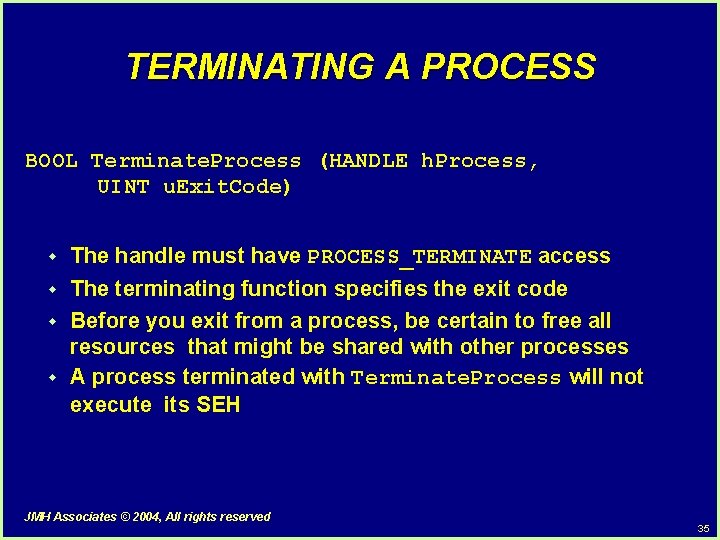
TERMINATING A PROCESS BOOL Terminate. Process (HANDLE h. Process, UINT u. Exit. Code) w The handle must have PROCESS_TERMINATE access w The terminating function specifies the exit code Before you exit from a process, be certain to free all resources that might be shared with other processes A process terminated with Terminate. Process will not execute its SEH w w JMH Associates © 2004, All rights reserved 35
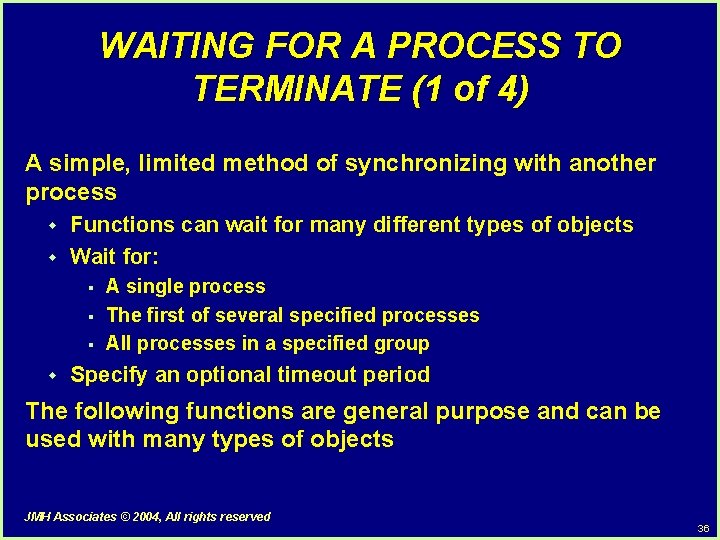
WAITING FOR A PROCESS TO TERMINATE (1 of 4) A simple, limited method of synchronizing with another process w w Functions can wait for many different types of objects Wait for: § § § w A single process The first of several specified processes All processes in a specified group Specify an optional timeout period The following functions are general purpose and can be used with many types of objects JMH Associates © 2004, All rights reserved 36
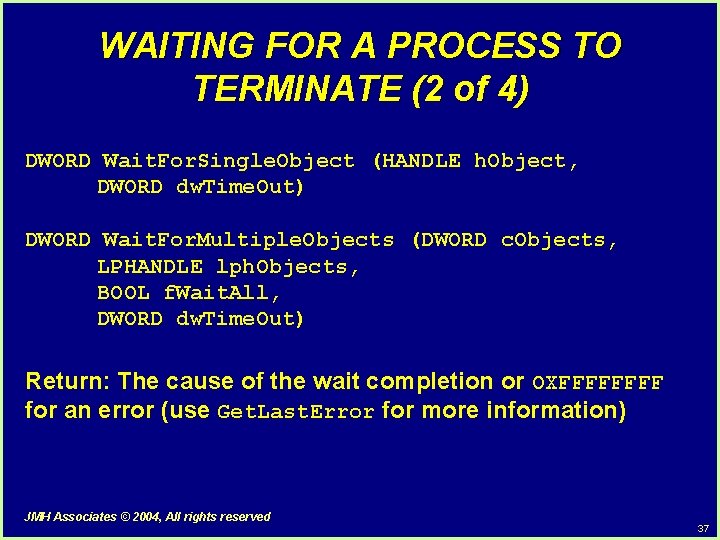
WAITING FOR A PROCESS TO TERMINATE (2 of 4) DWORD Wait. For. Single. Object (HANDLE h. Object, DWORD dw. Time. Out) DWORD Wait. For. Multiple. Objects (DWORD c. Objects, LPHANDLE lph. Objects, BOOL f. Wait. All, DWORD dw. Time. Out) Return: The cause of the wait completion or OXFFFF for an error (use Get. Last. Error for more information) JMH Associates © 2004, All rights reserved 37
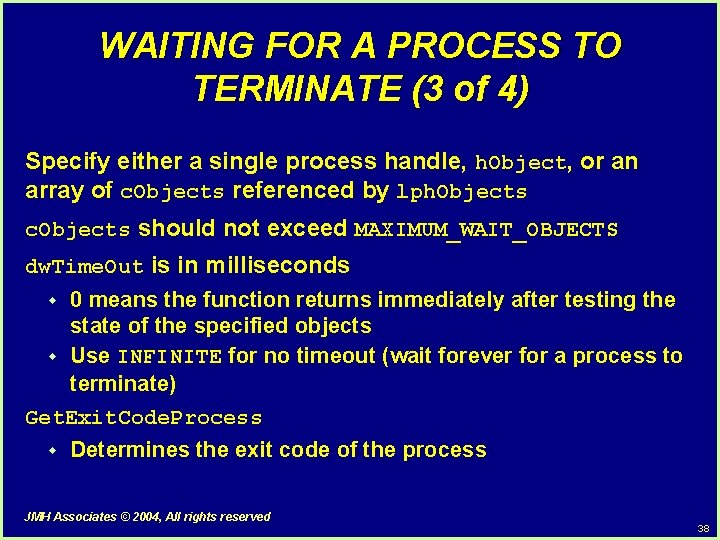
WAITING FOR A PROCESS TO TERMINATE (3 of 4) Specify either a single process handle, h. Object, or an array of c. Objects referenced by lph. Objects c. Objects should not exceed MAXIMUM_WAIT_OBJECTS dw. Time. Out is in milliseconds 0 means the function returns immediately after testing the state of the specified objects w Use INFINITE for no timeout (wait forever for a process to terminate) Get. Exit. Code. Process w w Determines the exit code of the process JMH Associates © 2004, All rights reserved 38
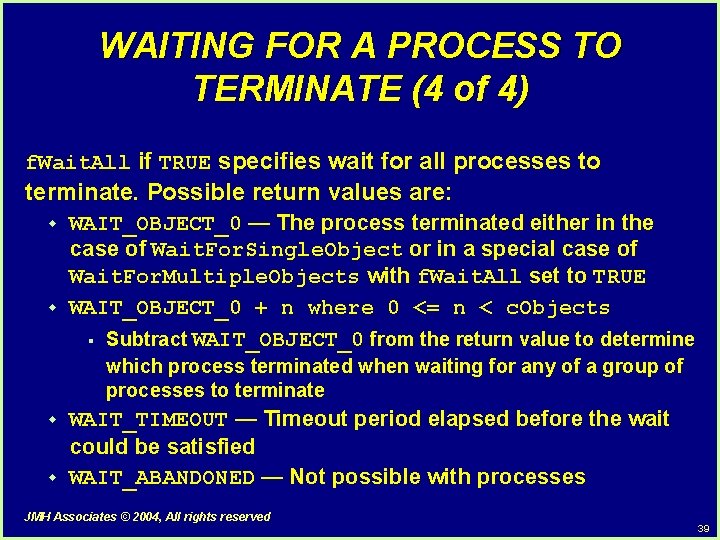
WAITING FOR A PROCESS TO TERMINATE (4 of 4) f. Wait. All if TRUE specifies wait for all processes to terminate. Possible return values are: w w WAIT_OBJECT_0 — The process terminated either in the case of Wait. For. Single. Object or in a special case of Wait. For. Multiple. Objects with f. Wait. All set to TRUE WAIT_OBJECT_0 + n where 0 <= n < c. Objects § Subtract WAIT_OBJECT_0 from the return value to determine which process terminated when waiting for any of a group of processes to terminate w w WAIT_TIMEOUT — Timeout period elapsed before the wait could be satisfied WAIT_ABANDONED — Not possible with processes JMH Associates © 2004, All rights reserved 39
TOPIC V Process Environments and Security JMH Associates © 2004, All rights reserved 40
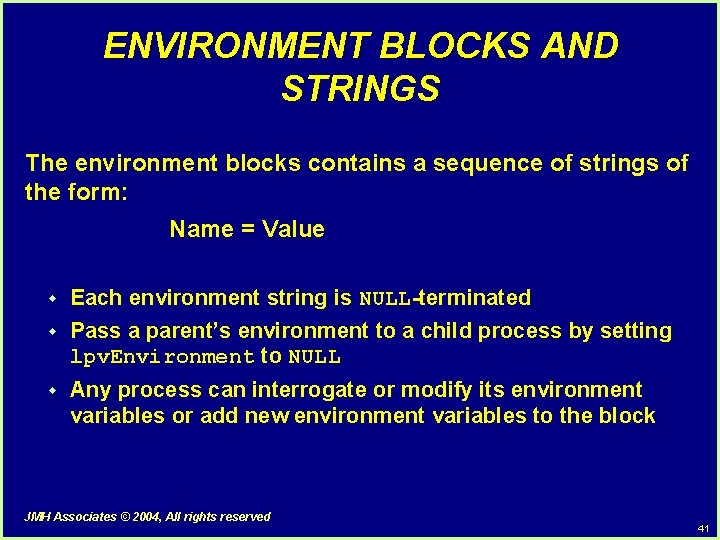
ENVIRONMENT BLOCKS AND STRINGS The environment blocks contains a sequence of strings of the form: Name = Value w Each environment string is NULL-terminated w Pass a parent’s environment to a child process by setting lpv. Environment to NULL w Any process can interrogate or modify its environment variables or add new environment variables to the block JMH Associates © 2004, All rights reserved 41
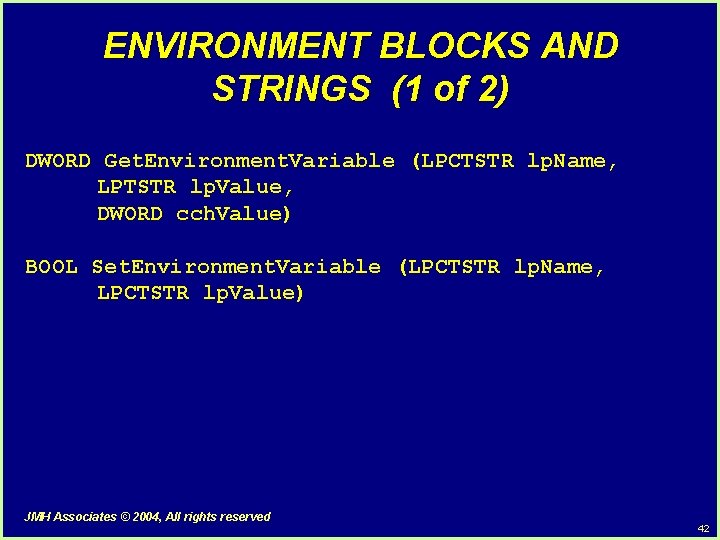
ENVIRONMENT BLOCKS AND STRINGS (1 of 2) DWORD Get. Environment. Variable (LPCTSTR lp. Name, LPTSTR lp. Value, DWORD cch. Value) BOOL Set. Environment. Variable (LPCTSTR lp. Name, LPCTSTR lp. Value) JMH Associates © 2004, All rights reserved 42
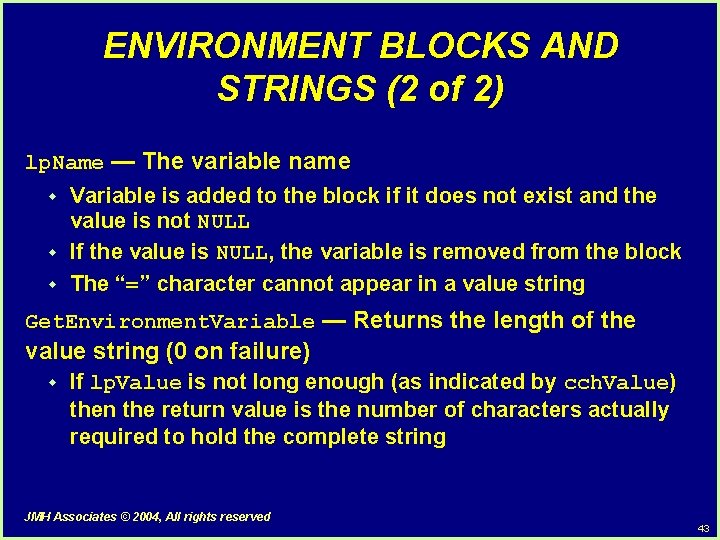
ENVIRONMENT BLOCKS AND STRINGS (2 of 2) lp. Name — The variable name w w w Variable is added to the block if it does not exist and the value is not NULL If the value is NULL, the variable is removed from the block The “=” character cannot appear in a value string Get. Environment. Variable — Returns the length of the value string (0 on failure) w If lp. Value is not long enough (as indicated by cch. Value) then the return value is the number of characters actually required to hold the complete string JMH Associates © 2004, All rights reserved 43
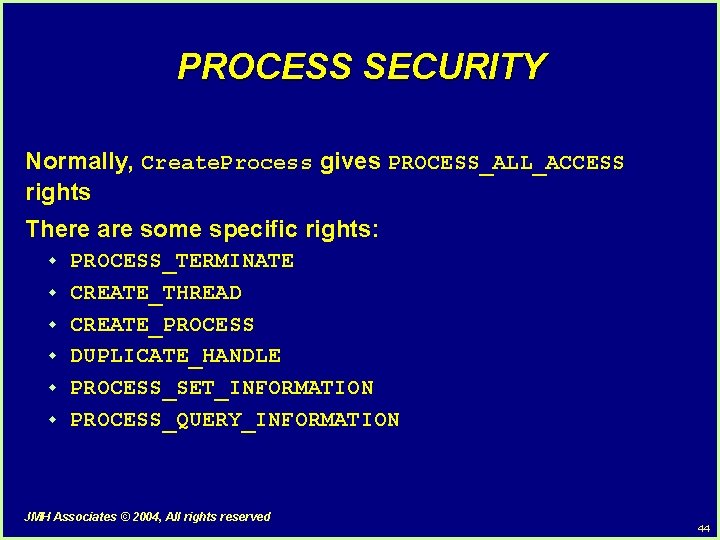
PROCESS SECURITY Normally, Create. Process gives PROCESS_ALL_ACCESS rights There are some specific rights: w w w PROCESS_TERMINATE CREATE_THREAD CREATE_PROCESS DUPLICATE_HANDLE PROCESS_SET_INFORMATION PROCESS_QUERY_INFORMATION JMH Associates © 2004, All rights reserved 44
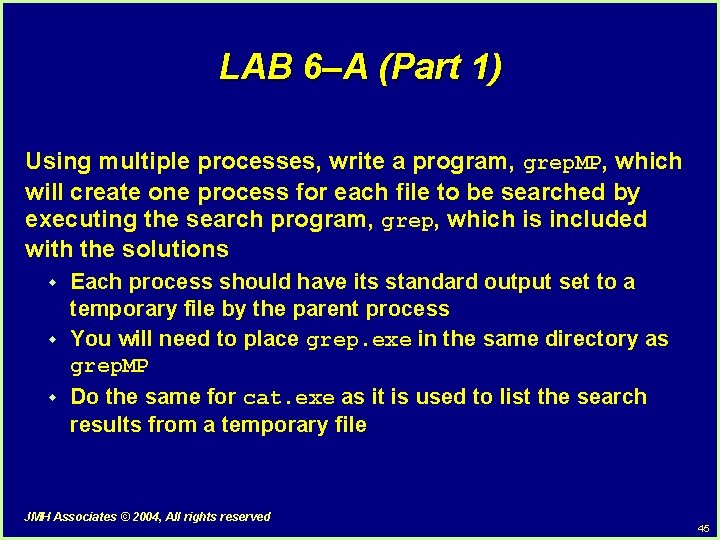
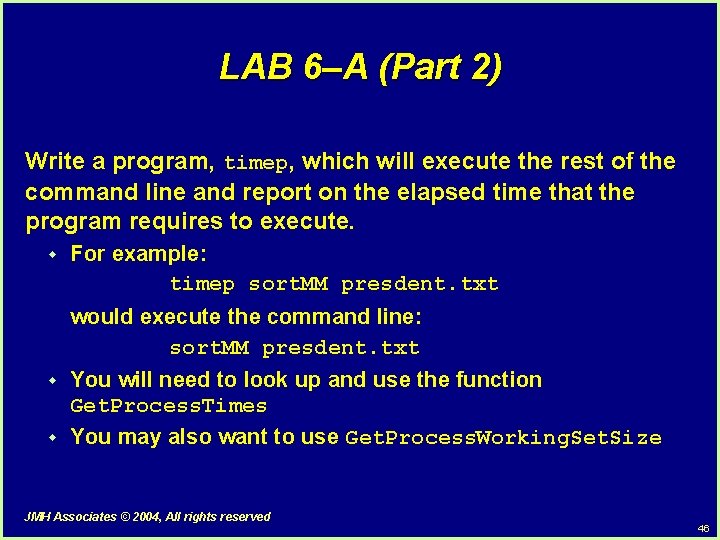
LAB 6–A (Part 1) Using multiple processes, write a program, grep. MP, which will create one process for each file to be searched by executing the search program, grep, which is included with the solutions w w w Each process should have its standard output set to a temporary file by the parent process You will need to place grep. exe in the same directory as grep. MP Do the same for cat. exe as it is used to list the search results from a temporary file JMH Associates © 2004, All rights reserved 45
LAB 6–A (Part 2) Write a program, timep, which will execute the rest of the command line and report on the elapsed time that the program requires to execute. w For example: timep sort. MM presdent. txt would execute the command line: sort. MM presdent. txt w w You will need to look up and use the function Get. Process. Times You may also want to use Get. Process. Working. Set. Size JMH Associates © 2004, All rights reserved 46
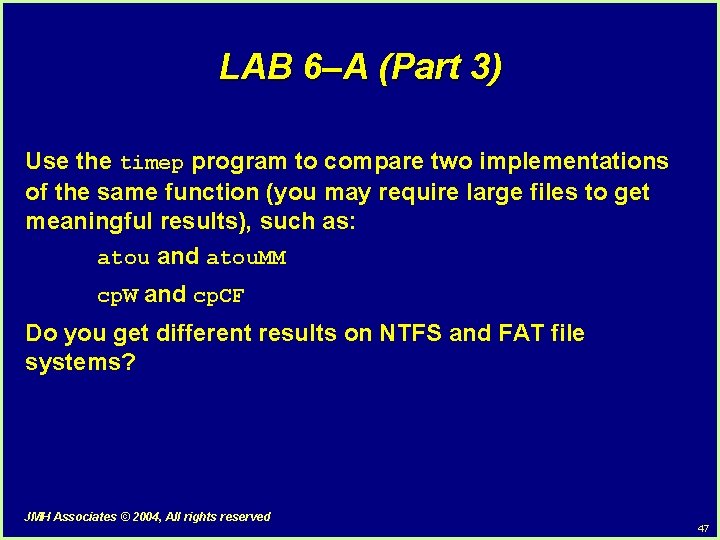
LAB 6–A (Part 3) Use the timep program to compare two implementations of the same function (you may require large files to get meaningful results), such as: atou and atou. MM cp. W and cp. CF Do you get different results on NTFS and FAT file systems? JMH Associates © 2004, All rights reserved 47
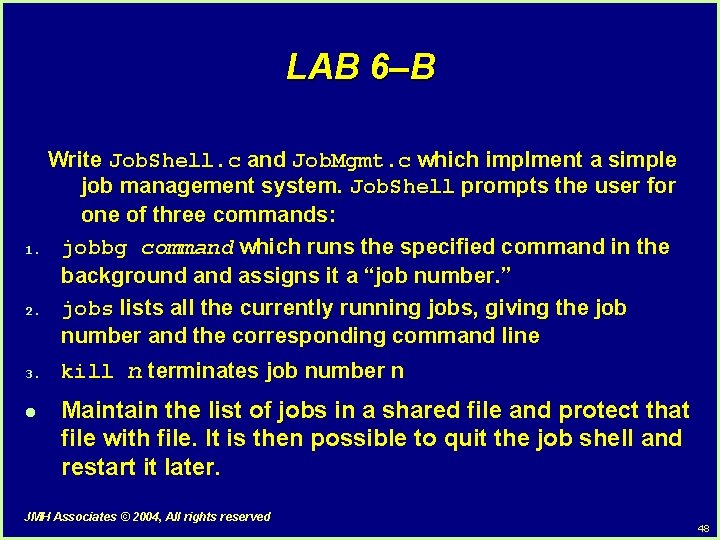
LAB 6–B Write Job. Shell. c and Job. Mgmt. c which implment a simple job management system. Job. Shell prompts the user for one of three commands: 1. jobbg command which runs the specified command in the background assigns it a “job number. ” 2. jobs lists all the currently running jobs, giving the job number and the corresponding command line 3. l kill n terminates job number n Maintain the list of jobs in a shared file and protect that file with file. It is then possible to quit the job shell and restart it later. JMH Associates © 2004, All rights reserved 48