
Chapter 6 Introduction to Objects and InputOutput Chapter

Chapter 6 Introduction to Objects and Input/Output Chapter Objectives • Learn about objects and reference variables • Explore how to use predefined methods in a program • Become familiar with the class String • Learn how to use input and output dialog boxes in a program 1
Chapter Objectives • Learn how to tokenize the input stream • Explore how to format the output of decimal numbers with the class Decimal. Format • Become familiar with file input and output 2
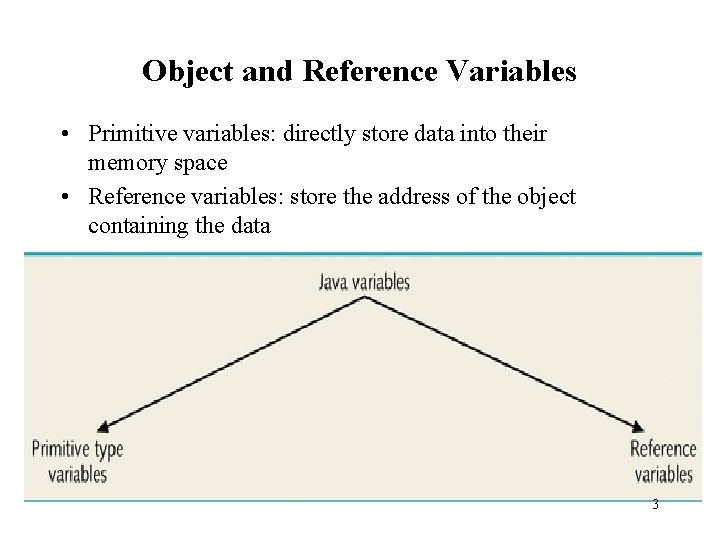
Object and Reference Variables • Primitive variables: directly store data into their memory space • Reference variables: store the address of the object containing the data 3
Object and Reference Variables • Declare a reference variable of a class type • Use the operator new to: – Allocate memory space for data – Instantiate an object of that class type • Store the address of the object in a reference variable 4
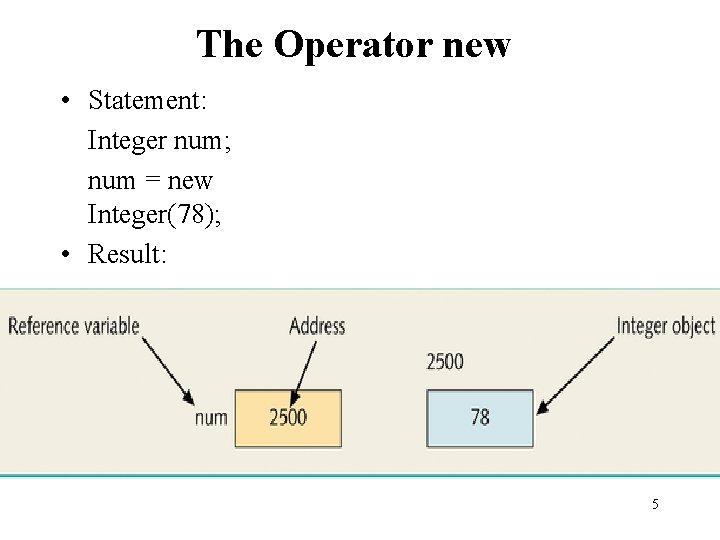
The Operator new • Statement: Integer num; num = new Integer(78); • Result: 5
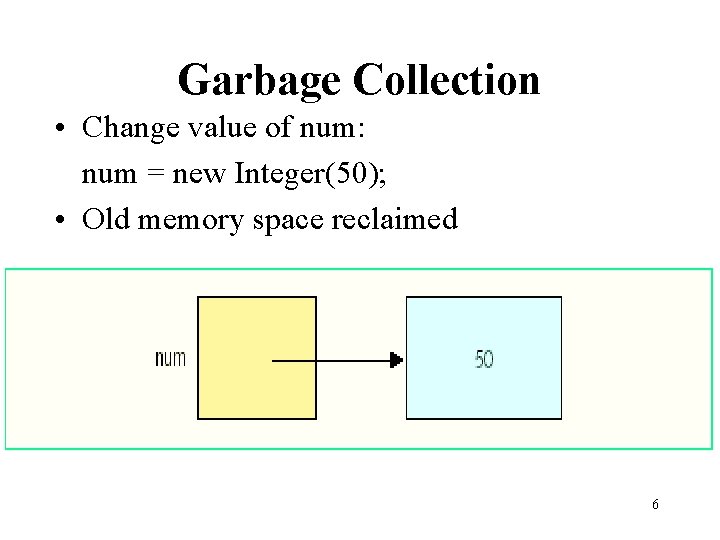
Garbage Collection • Change value of num: num = new Integer(50); • Old memory space reclaimed 6
Using Predefined Classes and Methods in a Program • Many predefined packages, classes, and methods in Java • Library: Collection of packages • Package: Contains several classes • Class: Contains several methods • Method: Set of instructions 7
Using Predefined Classes and Methods in a Program • To use a method you must know: – Name of class containing method (Math) – Name of package containing class (java. lang) – Name of method (pow), its parameters (int a, int b), and function (a^b) 8
Using Predefined Classes and Methods in a Program • Example method call: import java. lang; //imports package Math. pow(2, 3); //calls power method in //class Math • (Dot). Operator: used to access the method in the class 9
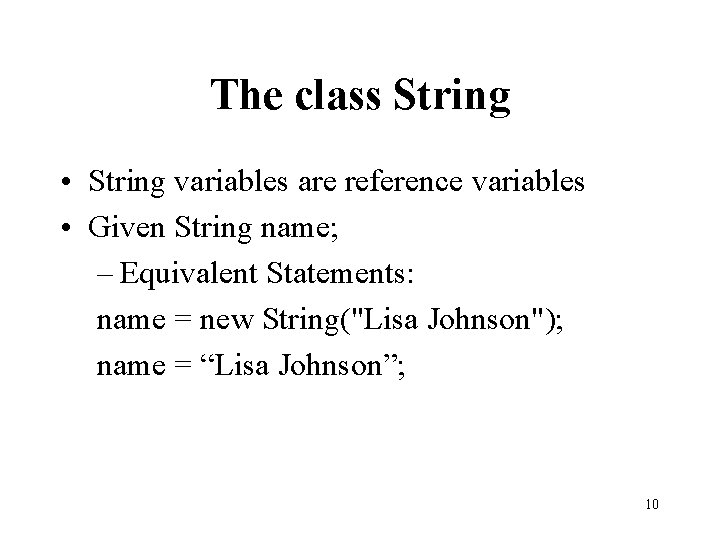
The class String • String variables are reference variables • Given String name; – Equivalent Statements: name = new String("Lisa Johnson"); name = “Lisa Johnson”; 10
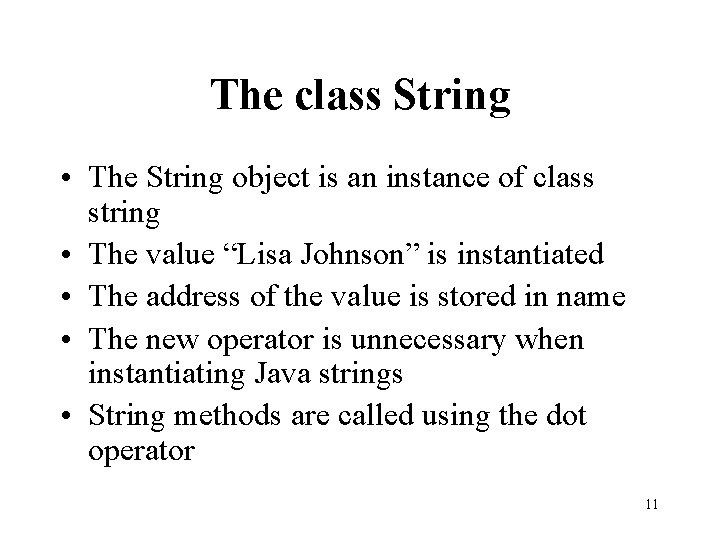
The class String • The String object is an instance of class string • The value “Lisa Johnson” is instantiated • The address of the value is stored in name • The new operator is unnecessary when instantiating Java strings • String methods are called using the dot operator 11
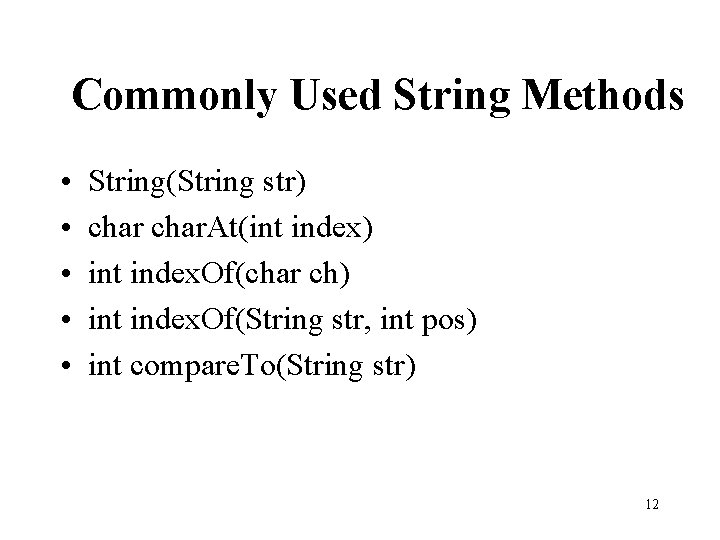
Commonly Used String Methods • • • String(String str) char. At(int index) int index. Of(char ch) int index. Of(String str, int pos) int compare. To(String str) 12
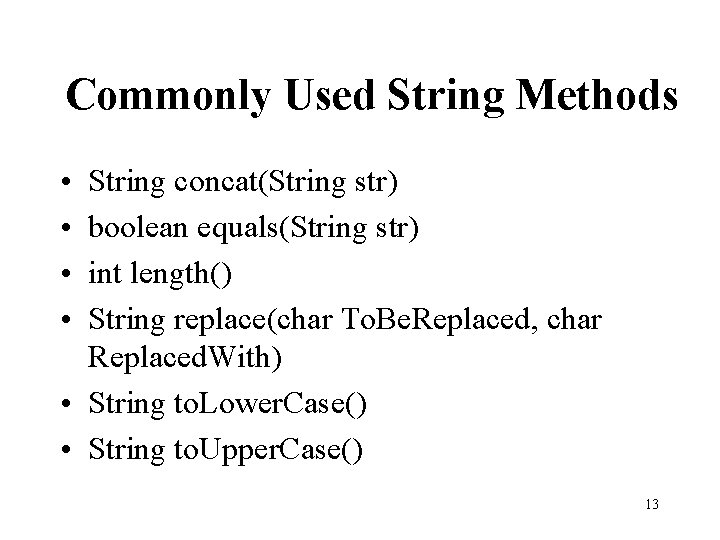
Commonly Used String Methods • • String concat(String str) boolean equals(String str) int length() String replace(char To. Be. Replaced, char Replaced. With) • String to. Lower. Case() • String to. Upper. Case() 13
Input/Output • • • Input Data Format Input Output Results String Tokenization Format Output Read From and Write to Files 14
Using Dialog Boxes for Input/Output • Use a graphical user interface (GUI) • class JOption. Pane – Contained in package javax. swing – Contains methods: show. Input. Dialog and show. Message. Dialog • Syntax: str = JOption. Pane. show. Input. Dialog(str. Expression) • Program must end with System. exit(0); 15
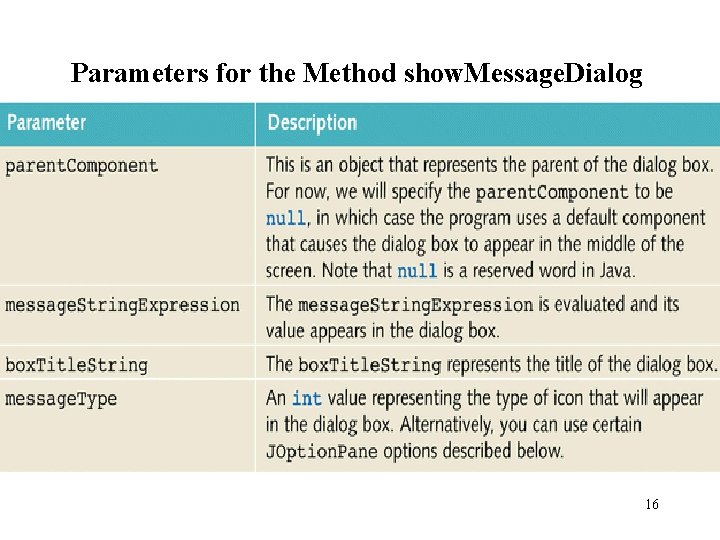
Parameters for the Method show. Message. Dialog 16
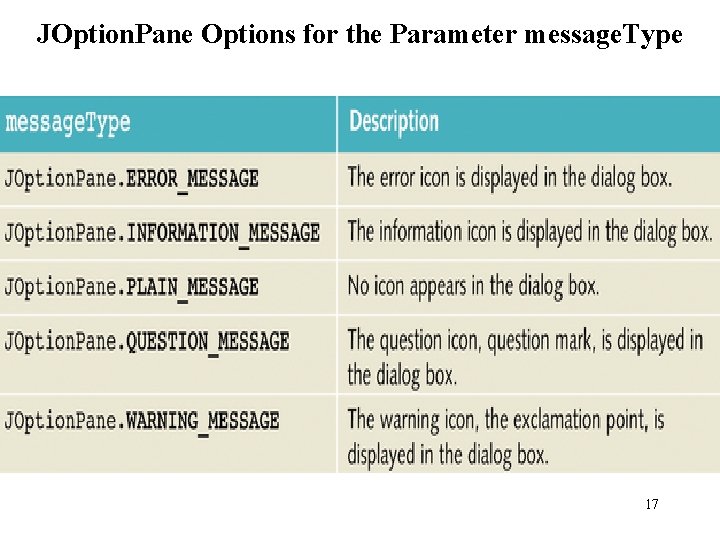
JOption. Pane Options for the Parameter message. Type 17
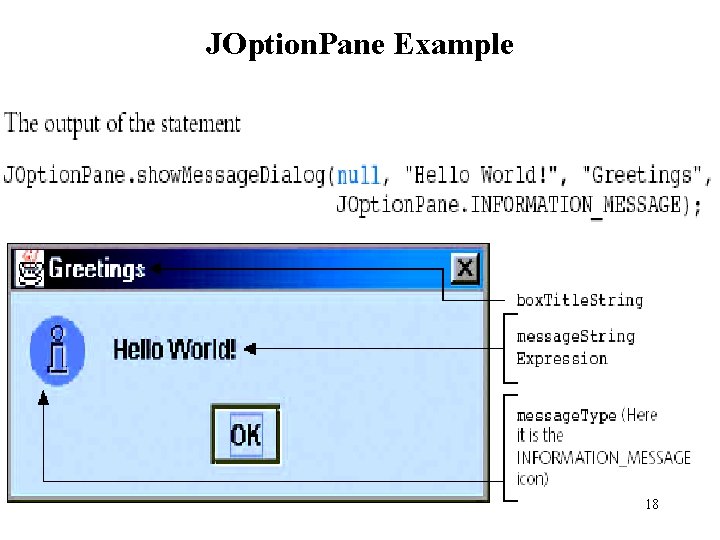
JOption. Pane Example 18
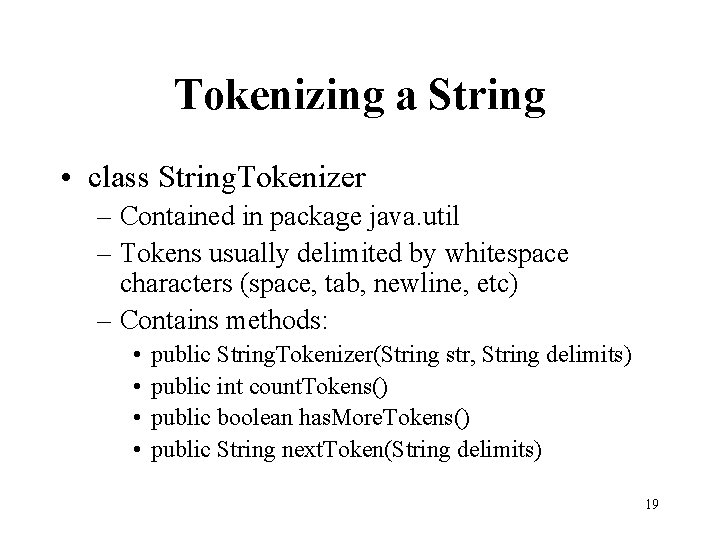
Tokenizing a String • class String. Tokenizer – Contained in package java. util – Tokens usually delimited by whitespace characters (space, tab, newline, etc) – Contains methods: • • public String. Tokenizer(String str, String delimits) public int count. Tokens() public boolean has. More. Tokens() public String next. Token(String delimits) 19
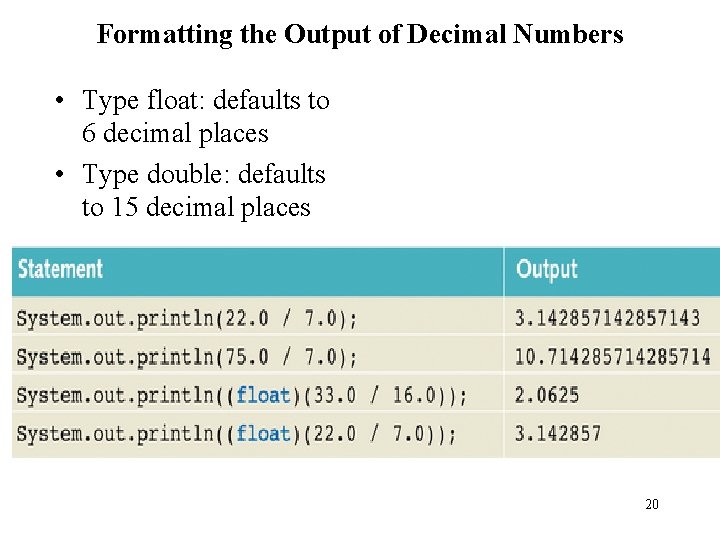
Formatting the Output of Decimal Numbers • Type float: defaults to 6 decimal places • Type double: defaults to 15 decimal places 20
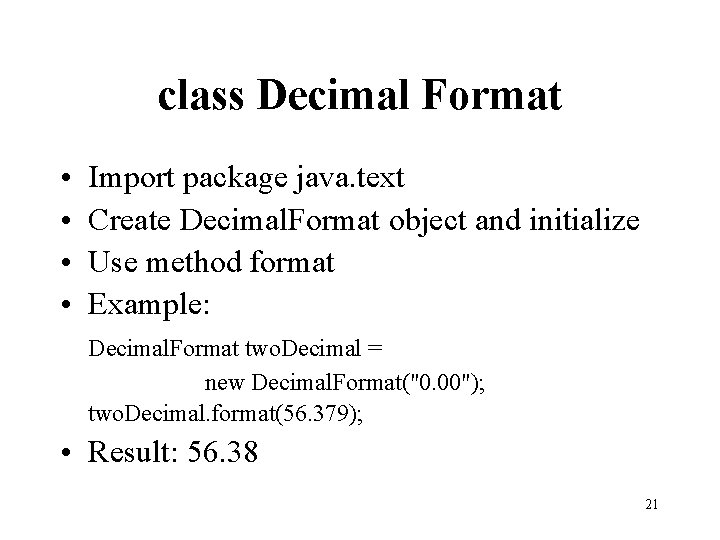
class Decimal Format • • Import package java. text Create Decimal. Format object and initialize Use method format Example: Decimal. Format two. Decimal = new Decimal. Format("0. 00"); two. Decimal. format(56. 379); • Result: 56. 38 21
File Input/Output • File: area in secondary storage used to hold information • class File. Reader is used to input data from a file • class File. Writer and class Print. Writer send output to files 22
File Input/Output • Java file I/O process: 1. Import classes from package java. io 2. Declare and associate appropriate variables with I/O sources 3. Use appropriate methods with declared variables 4. Close output file 23
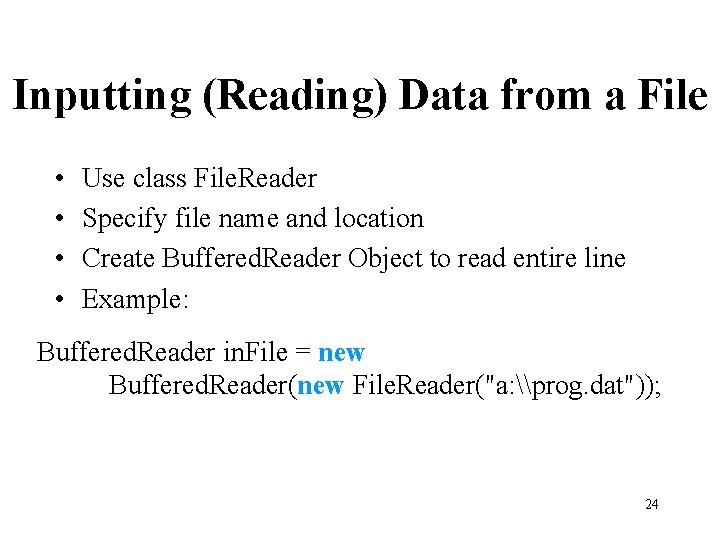
Inputting (Reading) Data from a File • • Use class File. Reader Specify file name and location Create Buffered. Reader Object to read entire line Example: Buffered. Reader in. File = new Buffered. Reader(new File. Reader("a: \prog. dat")); 24
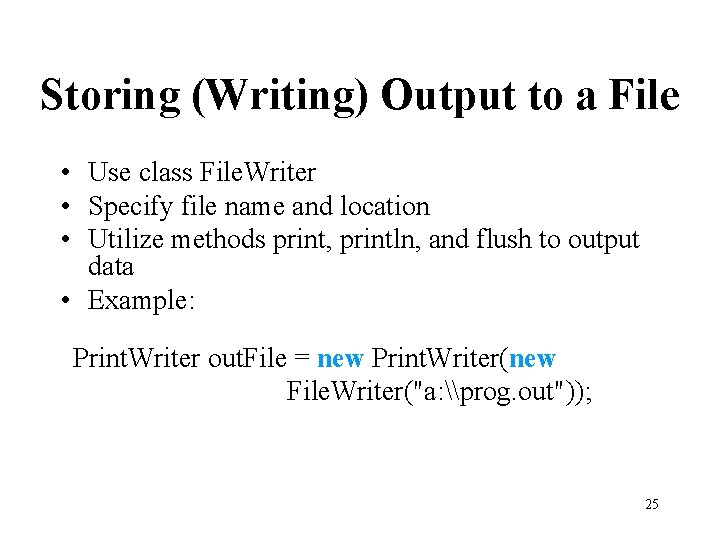
Storing (Writing) Output to a File • Use class File. Writer • Specify file name and location • Utilize methods print, println, and flush to output data • Example: Print. Writer out. File = new Print. Writer(new File. Writer("a: \prog. out")); 25
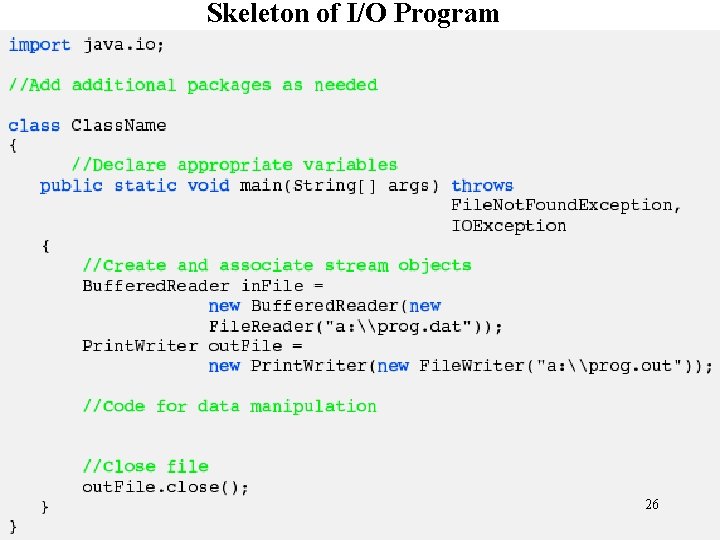
Skeleton of I/O Program 26
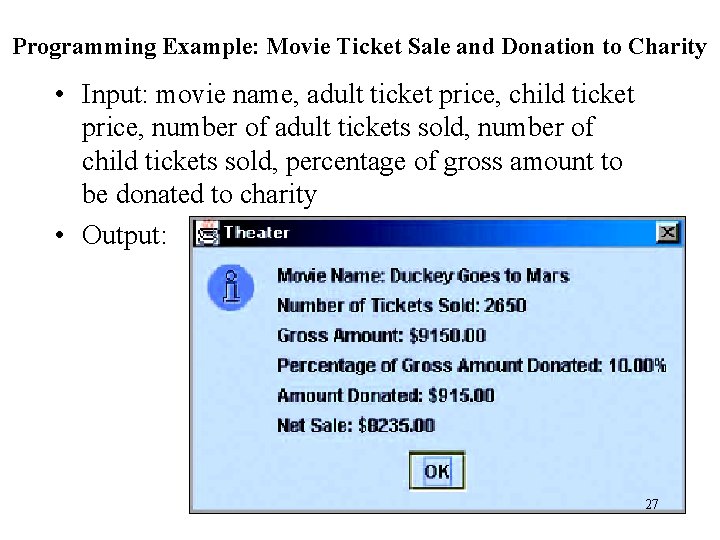
Programming Example: Movie Ticket Sale and Donation to Charity • Input: movie name, adult ticket price, child ticket price, number of adult tickets sold, number of child tickets sold, percentage of gross amount to be donated to charity • Output: 27
Programming Example: Movie Ticket Sale and Donation to Charity • Import appropriate packages • Get inputs from user using JOption. Pane. show. Input. Dialog • Parse and format inputs using Decimal. Format • Make appropriate calculations • Display Output using JOption. Pane. show. Message. Dialog 28
Programming Example: Student Grade • Input: file containing student’s first name, last name, five test scores • Output: file containing student’s first name, last name, five test scores, average of five test scores 29
Programming Example: Student Grade • Import appropriate packages • Get input from file using Buffered. Reader and File. Reader • Tokenize input from file using String. Tokenizer • Format input and take average of test scores • Open and write to output file using Print. Writer and File. Writer • Close files 30
Chapter Summary • Primitive type variables store data into their memory space • Reference variables store the address of the object containing the data • An object is an instance of a class • Operator new is used to instantiate an object • Garbage collection is reclaiming memory not being used 31
Chapter Summary • To use a predefined method you must know its name and the class and package it belongs to • The. (dot) operator is used to access a certain method in a class • Methods of the class string are used to manipulate input and output data • Dialog boxes can be used to input data and output results • String tokenization can be used to format input strings from files into data • Data can be read from and written to files • Data can be formatted using class Decimal. Format 32
- Slides: 32