
Chapter 6 Functions Starting Out with C Early



- Slides: 27
Chapter 6: Functions Starting Out with C++ Early Objects Ninth Edition by Tony Gaddis, Judy Walters, and Godfrey Muganda Copyright © 2017, 2014 Pearson Education, Inc.
Topics 6. 1 Modular Programming 6. 2 Defining and Calling Functions 6. 3 Function Prototypes 6. 4 Sending Data into a Function 6. 5 Passing Data by Value 6. 6 The return Statement 6. 7 Returning a Value from a Function 6. 13 Using Reference Variables as Parameters Copyright © 2017, 2014 Pearson Education, Inc. 6 -2
6. 1 Modular Programming • Modular programming: breaking a program up into smaller, manageable functions or modules • Motivation for modular programming – Improves maintainability of programs – Simplifies the process of writing programs Copyright © 2017, 2014 Pearson Education, Inc. 6 -3
6. 2 Declaring, Defining and Calling Functions • Function Declaration (or prototype): declares a function before its use • Function definition: statements that make up a function • Function call: statement that causes a function to execute Copyright © 2017, 2014 Pearson Education, Inc. 6 -4
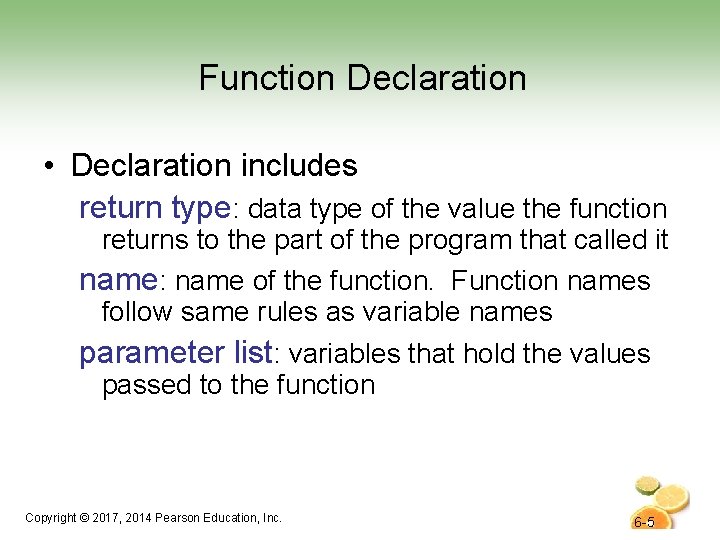
Function Declaration • Declaration includes return type: data type of the value the function returns to the part of the program that called it name: name of the function. Function names follow same rules as variable names parameter list: variables that hold the values passed to the function Copyright © 2017, 2014 Pearson Education, Inc. 6 -5
6. 3 Function Prototypes (Declarations) • Ways to notify the compiler about a function before a call to the function – Place function definition before calling function’s definition – Use a function prototype (similar to the heading of the function • Prototype: void print. Heading(); Copyright © 2017, 2014 Pearson Education, Inc. 6 -6
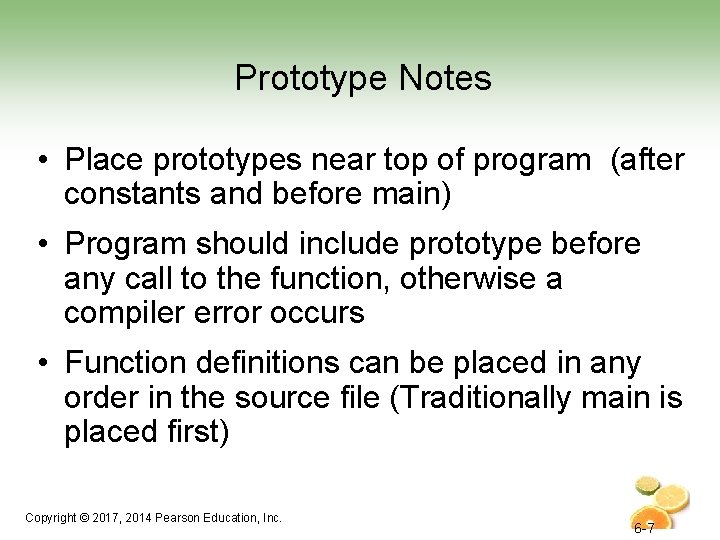
Prototype Notes • Place prototypes near top of program (after constants and before main) • Program should include prototype before any call to the function, otherwise a compiler error occurs • Function definitions can be placed in any order in the source file (Traditionally main is placed first) Copyright © 2017, 2014 Pearson Education, Inc. 6 -7
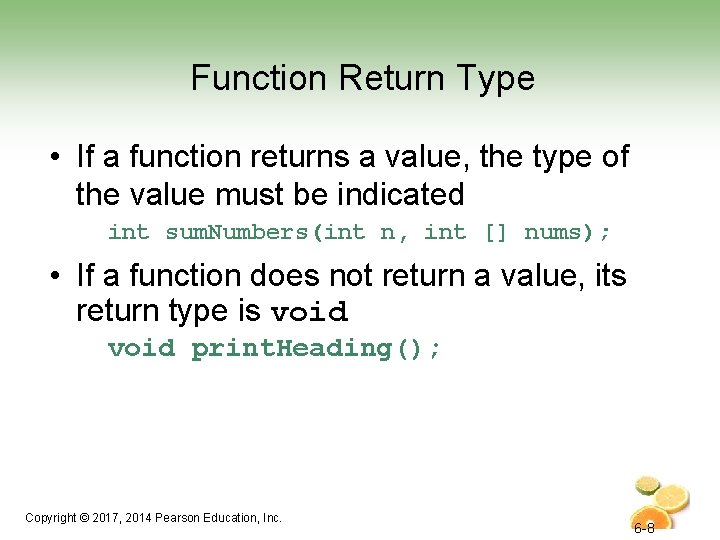
Function Return Type • If a function returns a value, the type of the value must be indicated int sum. Numbers(int n, int [] nums); • If a function does not return a value, its return type is void print. Heading(); Copyright © 2017, 2014 Pearson Education, Inc. 6 -8
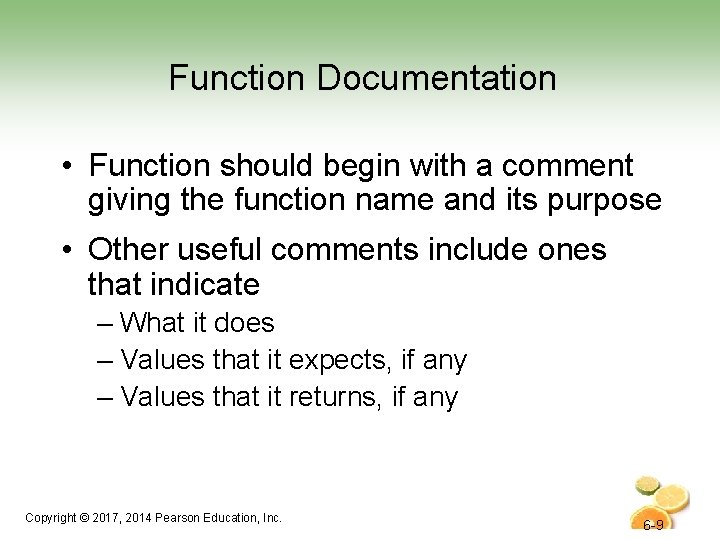
Function Documentation • Function should begin with a comment giving the function name and its purpose • Other useful comments include ones that indicate – What it does – Values that it expects, if any – Values that it returns, if any Copyright © 2017, 2014 Pearson Education, Inc. 6 -9
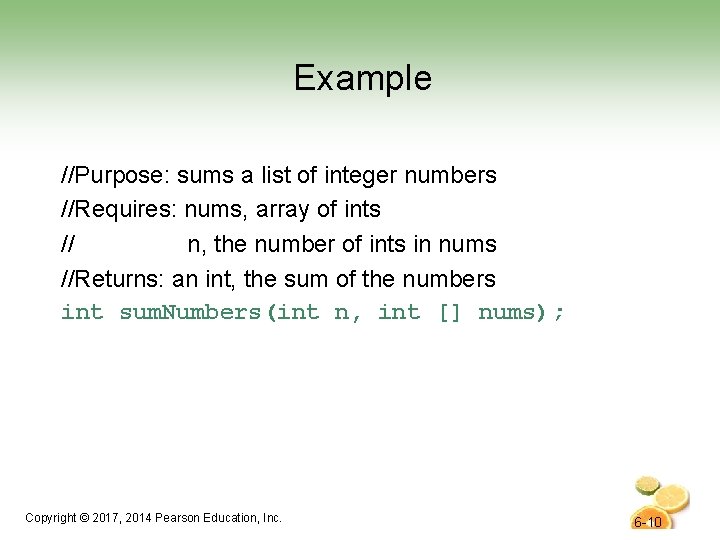
Example //Purpose: sums a list of integer numbers //Requires: nums, array of ints // n, the number of ints in nums //Returns: an int, the sum of the numbers int sum. Numbers(int n, int [] nums); Copyright © 2017, 2014 Pearson Education, Inc. 6 -10
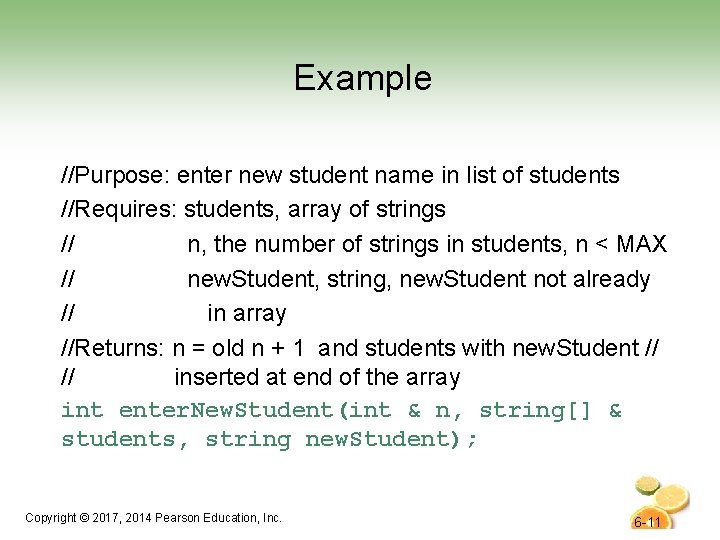
Example //Purpose: enter new student name in list of students //Requires: students, array of strings // n, the number of strings in students, n < MAX // new. Student, string, new. Student not already // in array //Returns: n = old n + 1 and students with new. Student // // inserted at end of the array int enter. New. Student(int & n, string[] & students, string new. Student); Copyright © 2017, 2014 Pearson Education, Inc. 6 -11
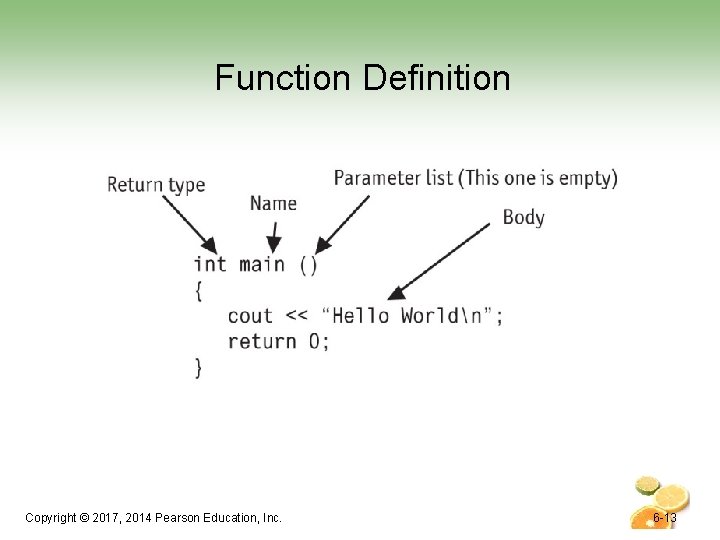
Function Definition • Definition includes heading: return type: data type of the value the function returns to the part of the program that called it name: name of the function. Function names follow same rules as variable names parameter list: variables that hold the values passed to the function body: statements that perform the function’s task Copyright © 2017, 2014 Pearson Education, Inc. 6 -12
Function Definition Copyright © 2017, 2014 Pearson Education, Inc. 6 -13
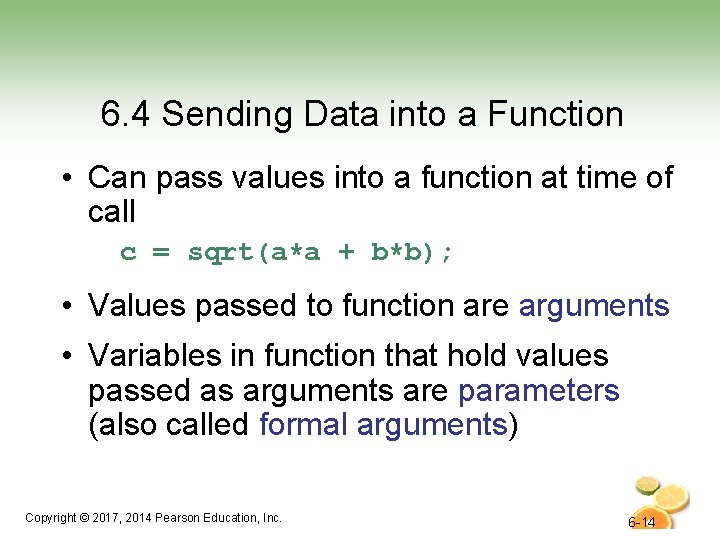
6. 4 Sending Data into a Function • Can pass values into a function at time of call c = sqrt(a*a + b*b); • Values passed to function are arguments • Variables in function that hold values passed as arguments are parameters (also called formal arguments) Copyright © 2017, 2014 Pearson Education, Inc. 6 -14
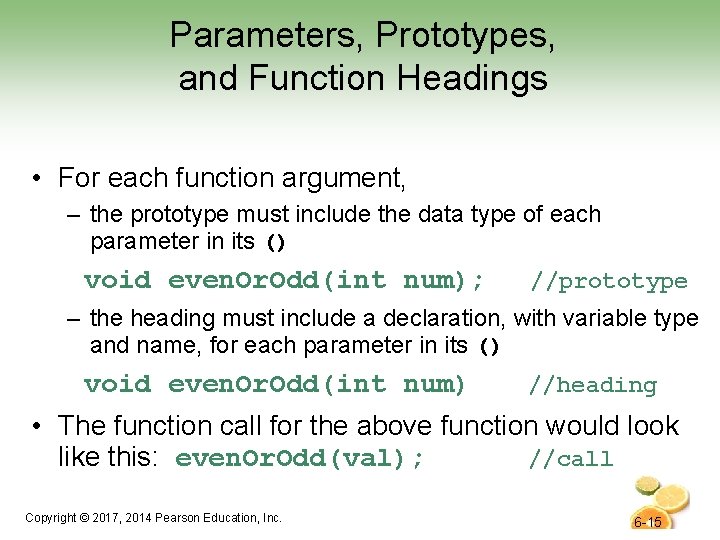
Parameters, Prototypes, and Function Headings • For each function argument, – the prototype must include the data type of each parameter in its () void even. Or. Odd(int num); //prototype – the heading must include a declaration, with variable type and name, for each parameter in its () void even. Or. Odd(int num) //heading • The function call for the above function would look like this: even. Or. Odd(val); //call Copyright © 2017, 2014 Pearson Education, Inc. 6 -15
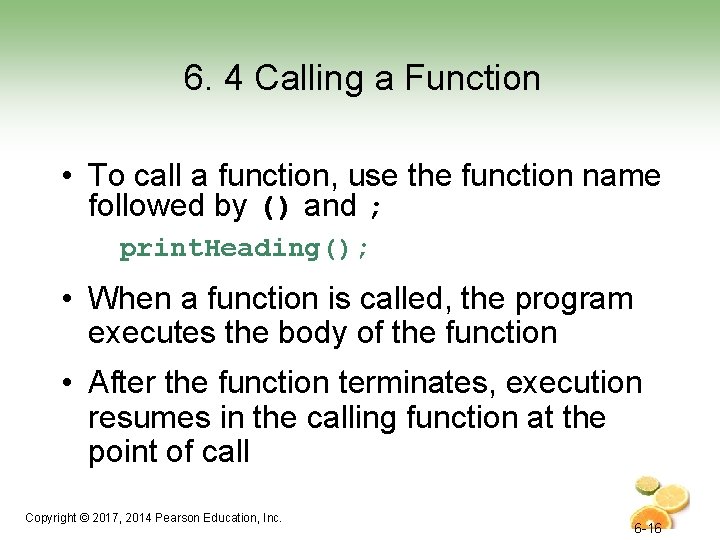
6. 4 Calling a Function • To call a function, use the function name followed by () and ; print. Heading(); • When a function is called, the program executes the body of the function • After the function terminates, execution resumes in the calling function at the point of call Copyright © 2017, 2014 Pearson Education, Inc. 6 -16
Calling a Function • main call any number of functions • Functions can call other functions • The compiler must know the following about a function before it is called – name – return type – number of parameters – data type of each parameter Copyright © 2017, 2014 Pearson Education, Inc. 6 -17
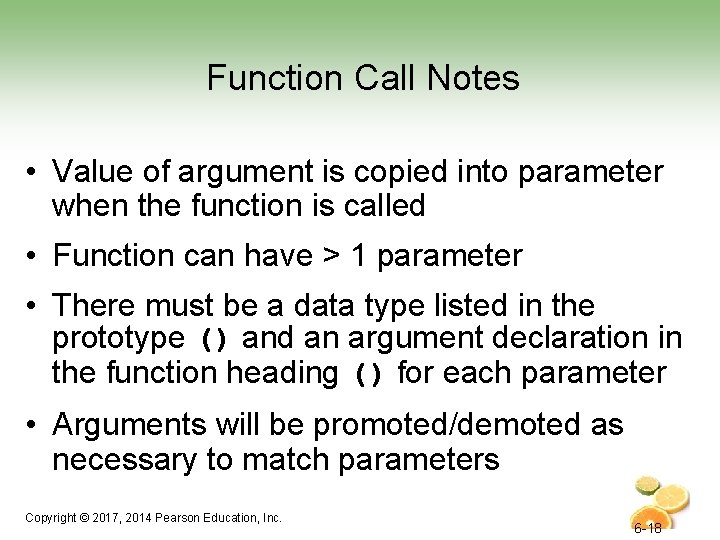
Function Call Notes • Value of argument is copied into parameter when the function is called • Function can have > 1 parameter • There must be a data type listed in the prototype () and an argument declaration in the function heading () for each parameter • Arguments will be promoted/demoted as necessary to match parameters Copyright © 2017, 2014 Pearson Education, Inc. 6 -18
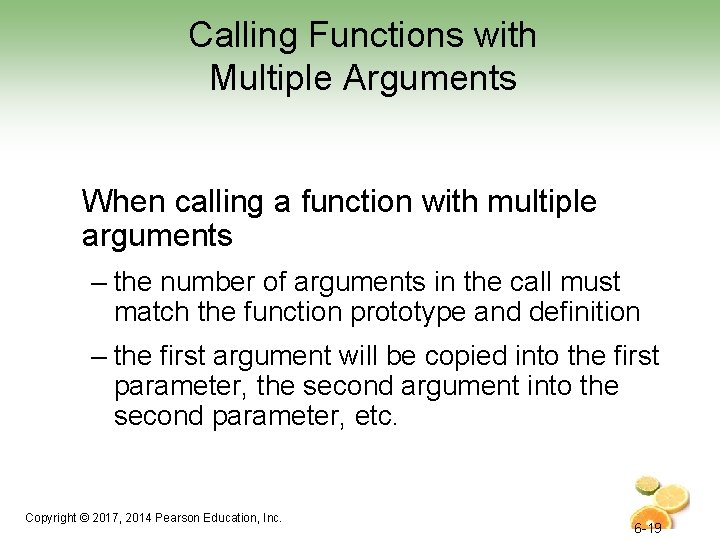
Calling Functions with Multiple Arguments When calling a function with multiple arguments – the number of arguments in the call must match the function prototype and definition – the first argument will be copied into the first parameter, the second argument into the second parameter, etc. Copyright © 2017, 2014 Pearson Education, Inc. 6 -19
Calling Functions with Multiple Arguments Illustration display. Data(height, weight); // call void display. Data(int h, int w)// heading { cout << “Height = “ << h << endl; cout << “Weight = “ << w << endl; } Copyright © 2017, 2014 Pearson Education, Inc. 6 -20
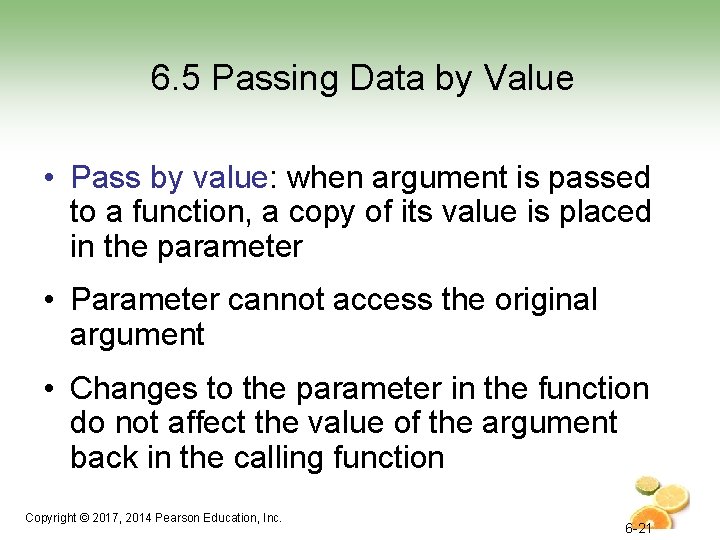
6. 5 Passing Data by Value • Pass by value: when argument is passed to a function, a copy of its value is placed in the parameter • Parameter cannot access the original argument • Changes to the parameter in the function do not affect the value of the argument back in the calling function Copyright © 2017, 2014 Pearson Education, Inc. 6 -21
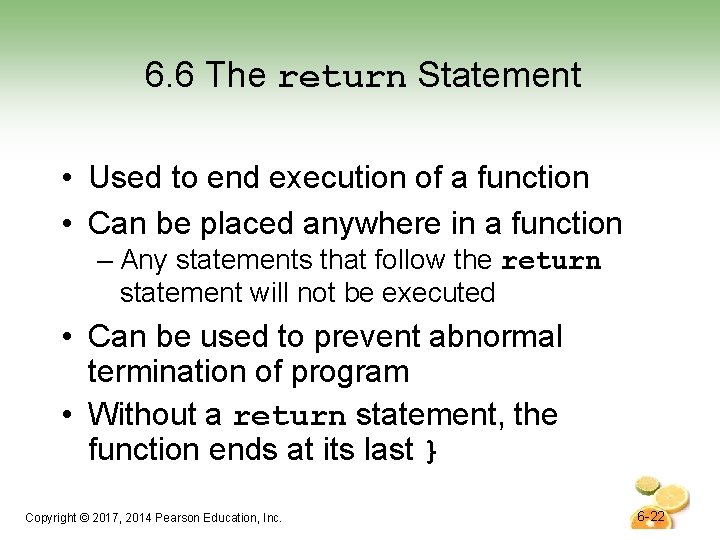
6. 6 The return Statement • Used to end execution of a function • Can be placed anywhere in a function – Any statements that follow the return statement will not be executed • Can be used to prevent abnormal termination of program • Without a return statement, the function ends at its last } Copyright © 2017, 2014 Pearson Education, Inc. 6 -22
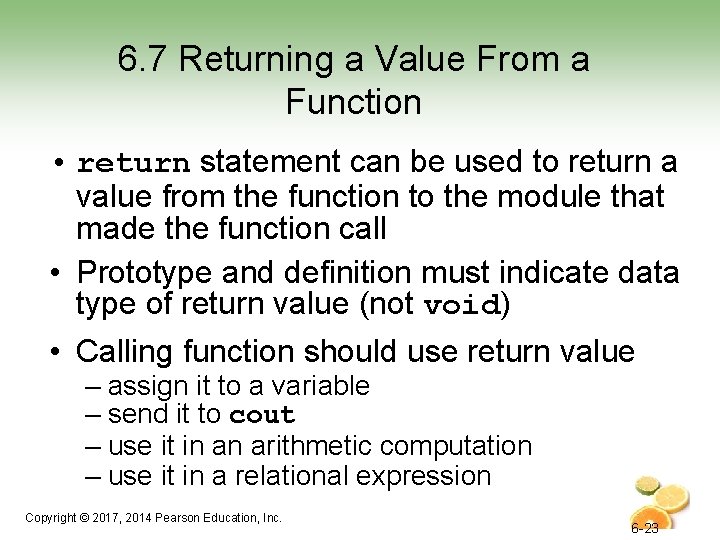
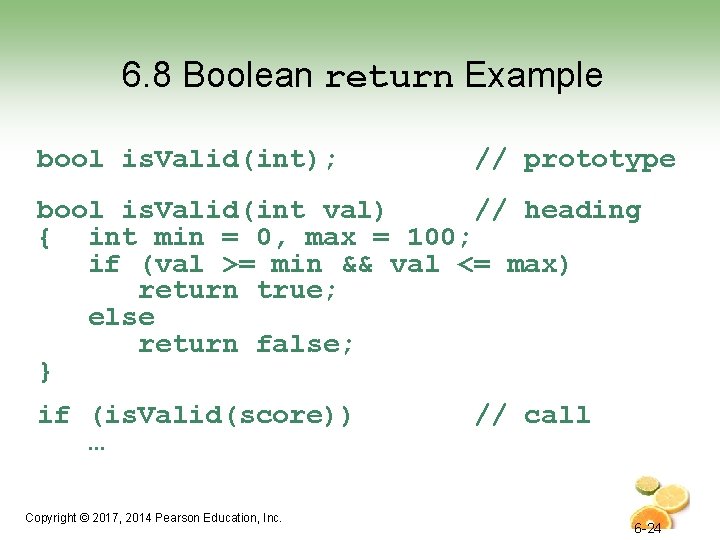
6. 7 Returning a Value From a Function • return statement can be used to return a value from the function to the module that made the function call • Prototype and definition must indicate data type of return value (not void) • Calling function should use return value – assign it to a variable – send it to cout – use it in an arithmetic computation – use it in a relational expression Copyright © 2017, 2014 Pearson Education, Inc. 6 -23
6. 8 Boolean return Example bool is. Valid(int); // prototype bool is. Valid(int val) // heading { int min = 0, max = 100; if (val >= min && val <= max) return true; else return false; } if (is. Valid(score)) … Copyright © 2017, 2014 Pearson Education, Inc. // call 6 -24
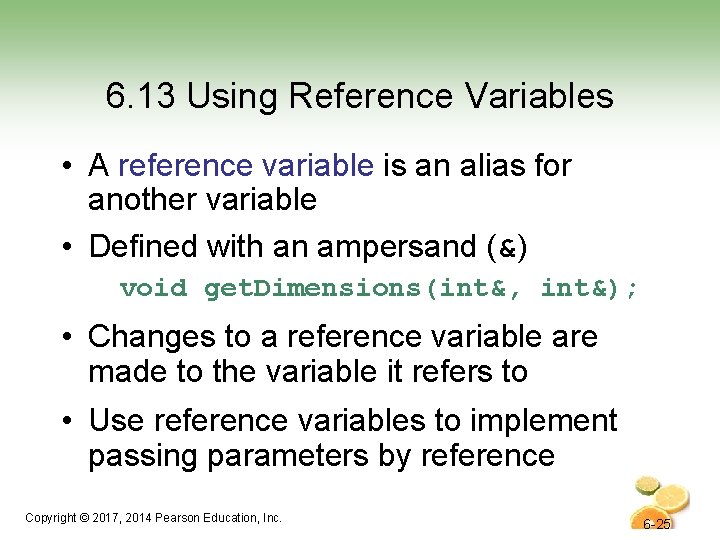
6. 13 Using Reference Variables • A reference variable is an alias for another variable • Defined with an ampersand (&) void get. Dimensions(int&, int&); • Changes to a reference variable are made to the variable it refers to • Use reference variables to implement passing parameters by reference Copyright © 2017, 2014 Pearson Education, Inc. 6 -25
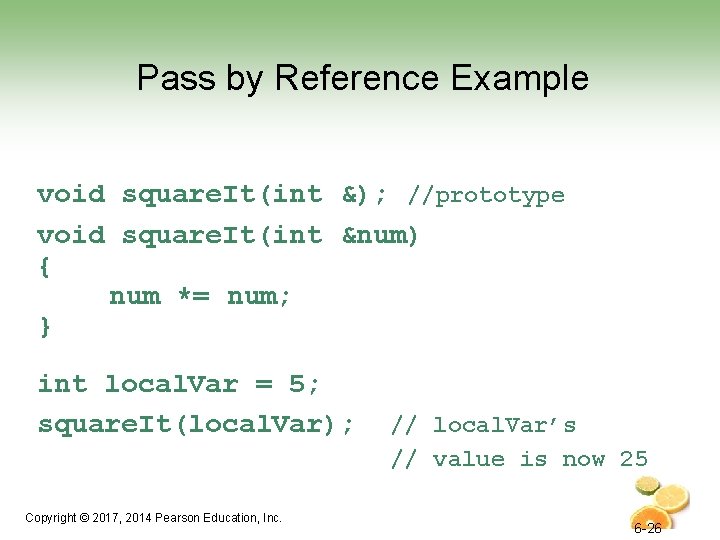
Pass by Reference Example void square. It(int &); //prototype void square. It(int &num) { num *= num; } int local. Var = 5; square. It(local. Var); Copyright © 2017, 2014 Pearson Education, Inc. // local. Var’s // value is now 25 6 -26
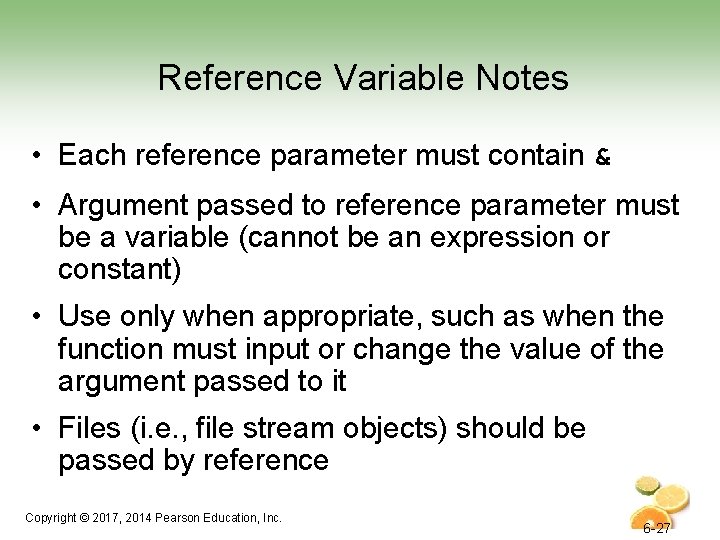
Reference Variable Notes • Each reference parameter must contain & • Argument passed to reference parameter must be a variable (cannot be an expression or constant) • Use only when appropriate, such as when the function must input or change the value of the argument passed to it • Files (i. e. , file stream objects) should be passed by reference Copyright © 2017, 2014 Pearson Education, Inc. 6 -27