
Chapter 6 Design Rules and Implementation Support 2

![Programming the application - 1 notification-based void main(String[] args) { Menu menu = new](https://slidetodoc.com/presentation_image_h2/aa35ae2ec0081bf10f1bbc5d4b40df41/image-35.jpg "Programming the application - 1 notification-based void main(String[] args) { Menu menu = new")
- Slides: 57
Chapter 6 Design Rules and Implementation Support
2 Outline � Principles to support usability � Standards � Guidelines � Golden rules and heuristics � Implementation support
3 Design rules � are rules that a designer can follow in order to usability of the system/product increase the � the goal of interaction design � Design rules should be used early in the lifecycle � Direction for design � Classified Based on the rule’s authority and generality � Authority indication of whether or not the rule must be followed in design or whether it is only suggested � Generality whether the rule can be applied to many design situations or whether it is focused on a more limited application situation � Vary in their level of abstraction,
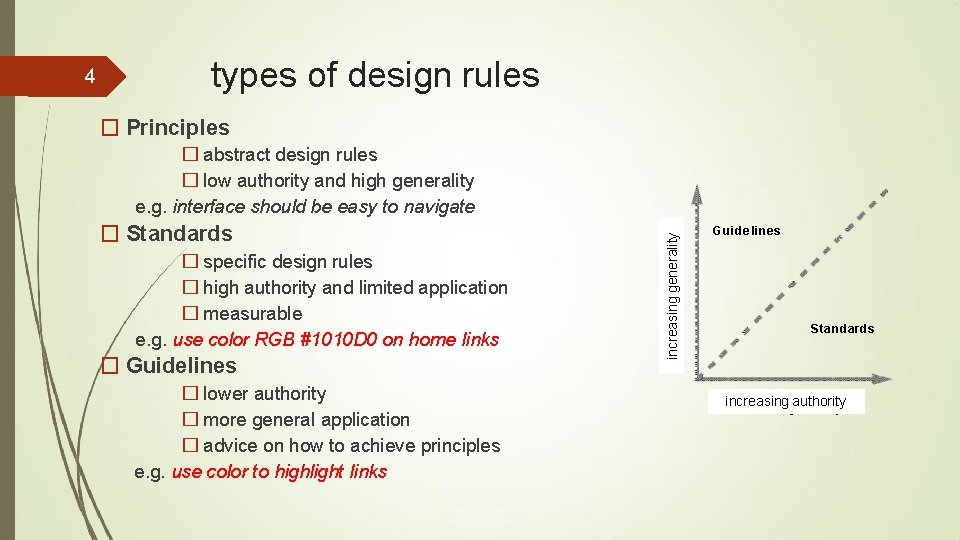
types of design rules � Principles � abstract design rules � low authority and high generality e. g. interface should be easy to navigate � Standards � specific design rules � high authority and limited application � measurable e. g. use color RGB #1010 D 0 on home links � Guidelines � lower authority � more general application � advice on how to achieve principles e. g. use color to highlight links yt i l ra e n e g g n i s a re cn i increasing generality 4 Guide lines Standards increasing authority
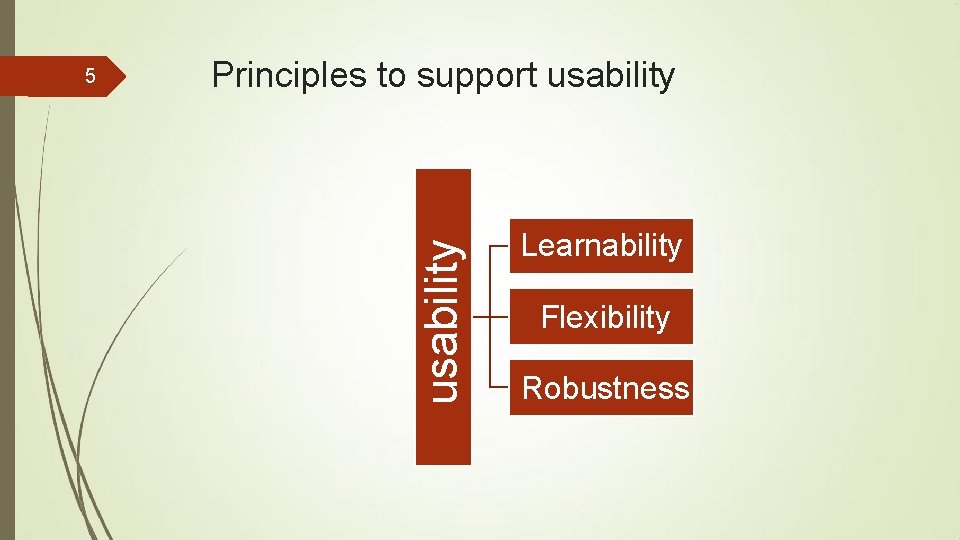
Principles to support usability 5 Learnability Flexibility Robustness
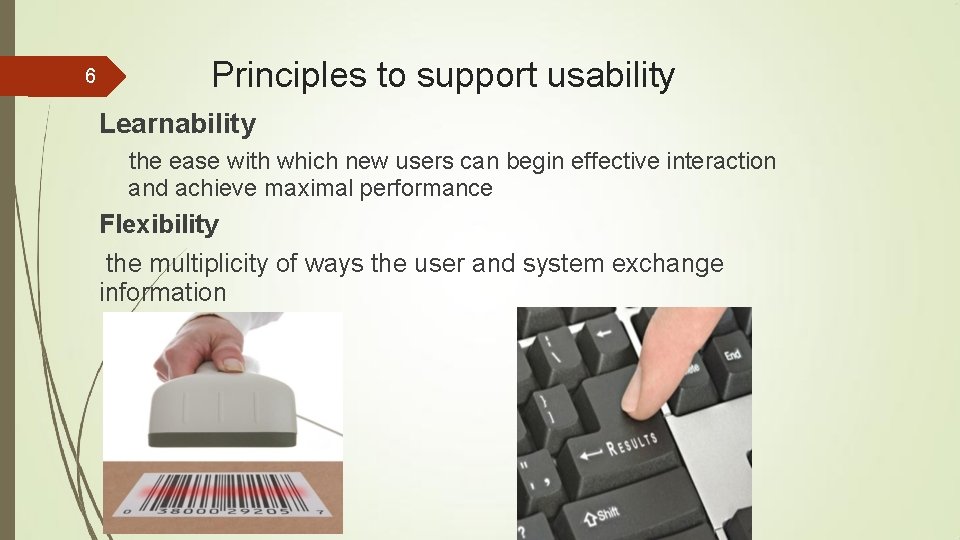
6 Principles to support usability Learnability the ease with which new users can begin effective interaction and achieve maximal performance Flexibility the multiplicity of ways the user and system exchange information
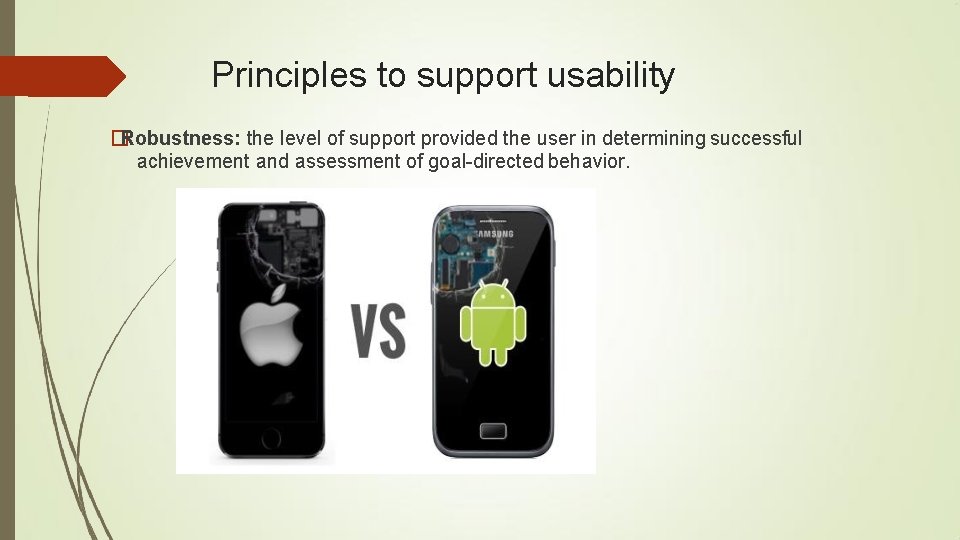
Principles to support usability �Robustness: the level of support provided the user in determining successful achievement and assessment of goal-directed behavior.
8 Principles of learnability Predictability � determining effect of future actions based on past interaction history � operation visibility - user actions should be matched by a response Synthesizability � assessing the effect of past actions � Honesty when an operation changes some aspect of the internal state, it is important that the change is seen by the user � immediate vs. eventual honesty
9 Principles of learnability (ctd) Familiarity � how prior knowledge applies to new system � guessability; affordance Generalizability � extending specific interaction knowledge to new situations Consistency � likeness in input/output behaviour arising from similar situations or task objectives
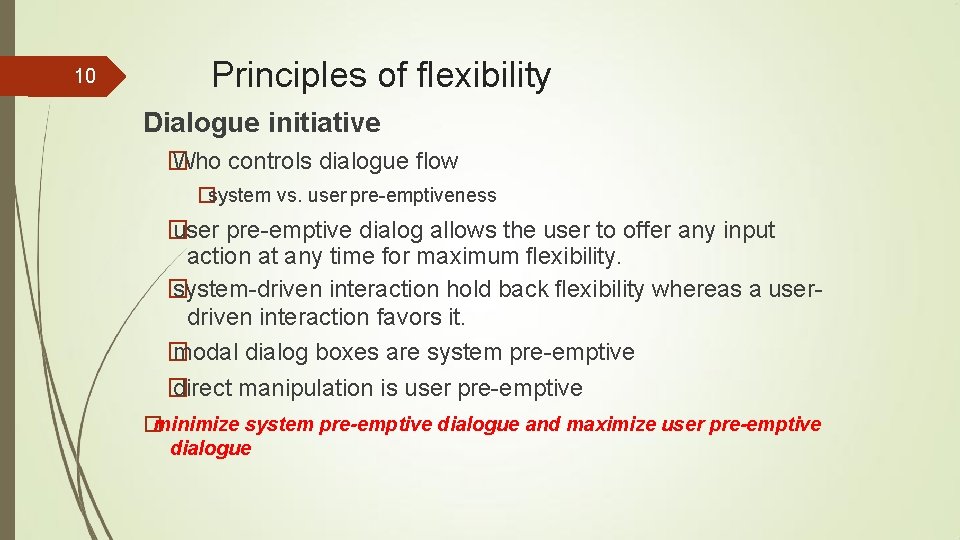
10 Principles of flexibility Dialogue initiative � Who controls dialogue flow �system vs. user pre-emptiveness � user pre-emptive dialog allows the user to offer any input action at any time for maximum flexibility. � system-driven interaction hold back flexibility whereas a userdriven interaction favors it. � modal dialog boxes are system pre-emptive � direct manipulation is user pre-emptive �minimize system pre-emptive dialogue and maximize user pre-emptive dialogue
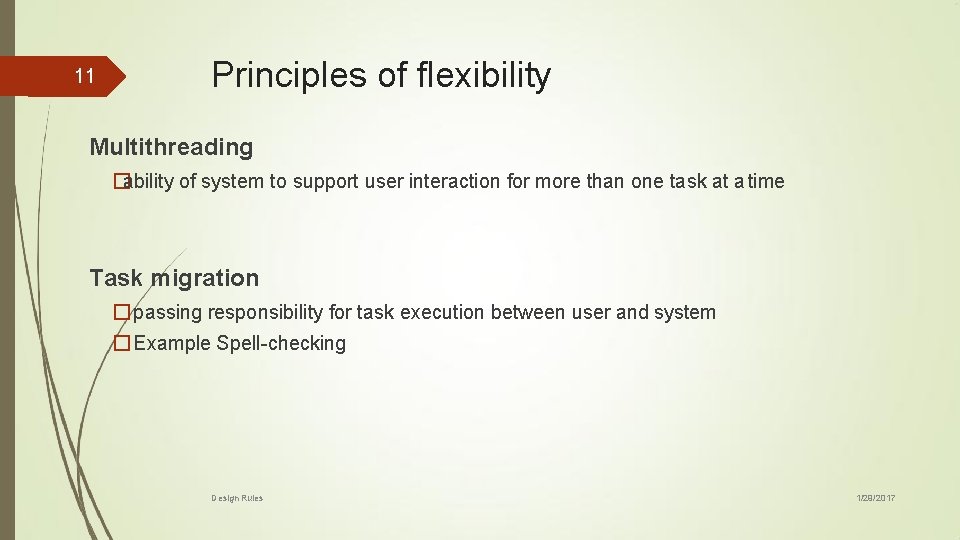
11 Principles of flexibility Multithreading �ability of system to support user interaction for more than one task at a time Task migration � passing responsibility for task execution between user and system � Example Spell-checking Design Rules 1/29/2017
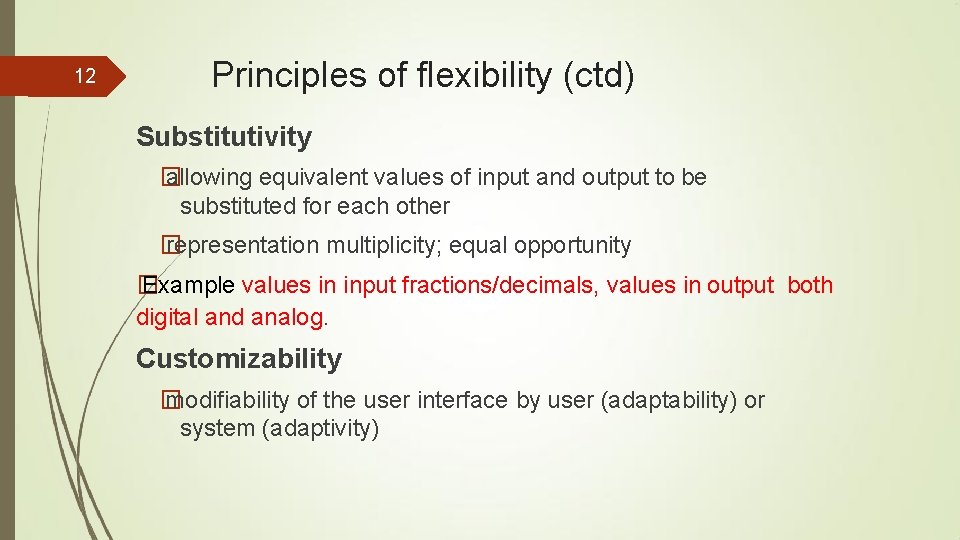
12 Principles of flexibility (ctd) Substitutivity � allowing equivalent values of input and output to be substituted for each other � representation multiplicity; equal opportunity � Example values in input fractions/decimals, values in output both digital and analog. Customizability � modifiability of the user interface by user (adaptability) or system (adaptivity)
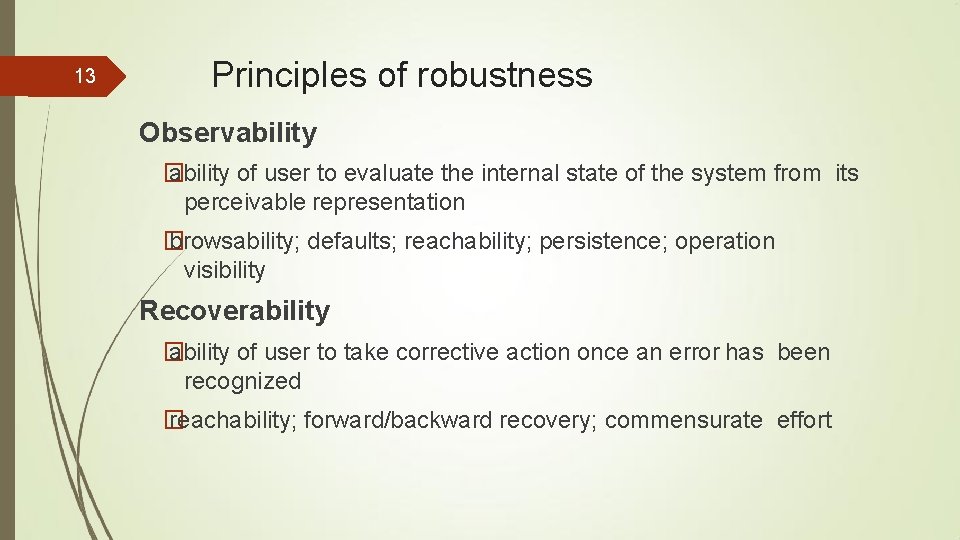
13 Principles of robustness Observability � ability of user to evaluate the internal state of the system from its perceivable representation � browsability; defaults; reachability; persistence; operation visibility Recoverability � ability of user to take corrective action once an error has been recognized � reachability; forward/backward recovery; commensurate effort
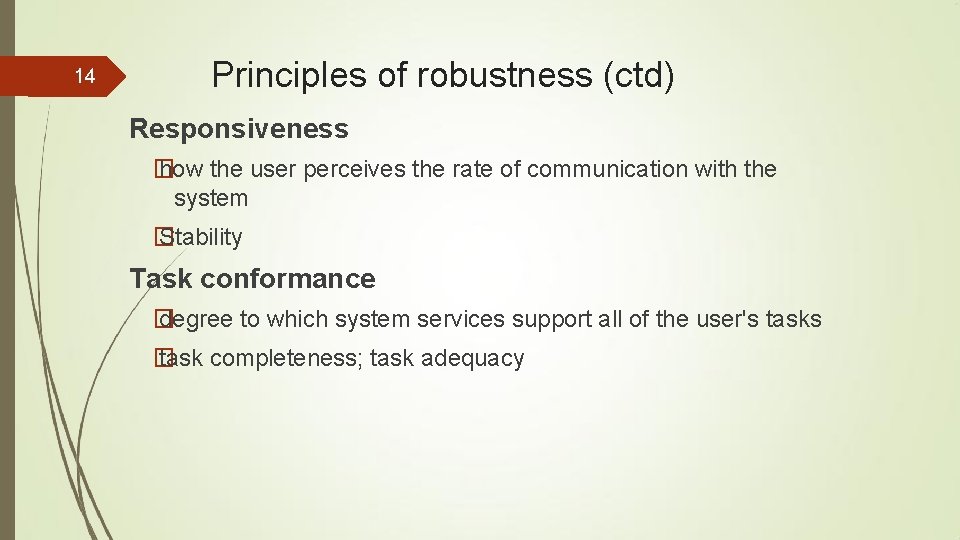
14 Principles of robustness (ctd) Responsiveness � how the user perceives the rate of communication with the system � Stability Task conformance � degree to which system services support all of the user's tasks � task completeness; task adequacy
15 Standards � set by national or international bodies to ensure compliance by a large community of designers standards require sound underlying theory and slowly changing technology � hardware standards more common than software: high authority and low level of detail � Example [of standards] - ISO 9241 "Ergonomic Requirements for Office Work with Visual Display Terminals (VDT)
16 Guidelines � more suggestive and general � many textbooks and reports full of guidelines � abstract guidelines (principles) applicable during early life cycle activities � detailed guidelines (style guides) applicable during later life cycle activities � understanding justification for guidelines aids in resolving conflicts
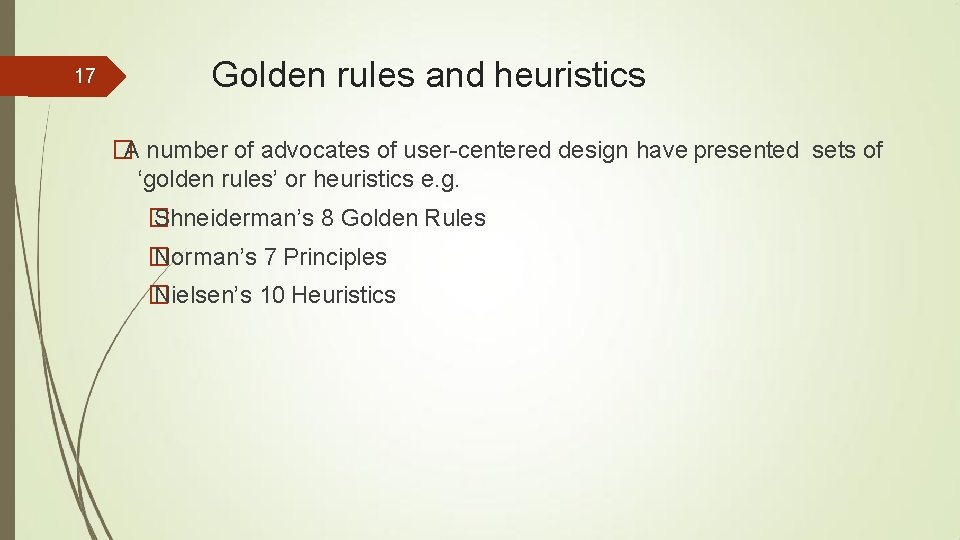
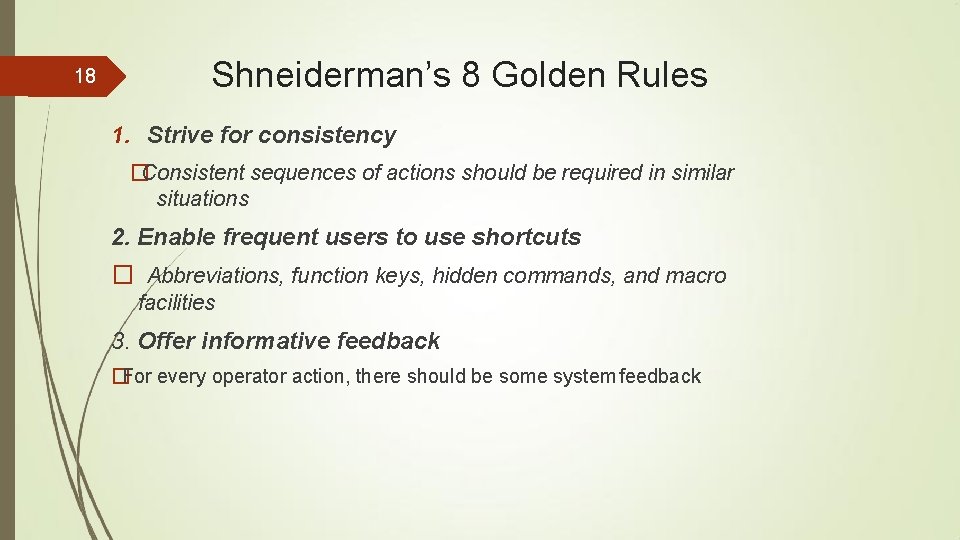
17 Golden rules and heuristics �A number of advocates of user-centered design have presented sets of ‘golden rules’ or heuristics e. g. � Shneiderman’s 8 Golden Rules � Norman’s 7 Principles � Nielsen’s 10 Heuristics
18 Shneiderman’s 8 Golden Rules 1. Strive for consistency �Consistent sequences of actions should be required in similar situations 2. Enable frequent users to use shortcuts � Abbreviations, function keys, hidden commands, and macro facilities 3. Offer informative feedback �For every operator action, there should be some system feedback
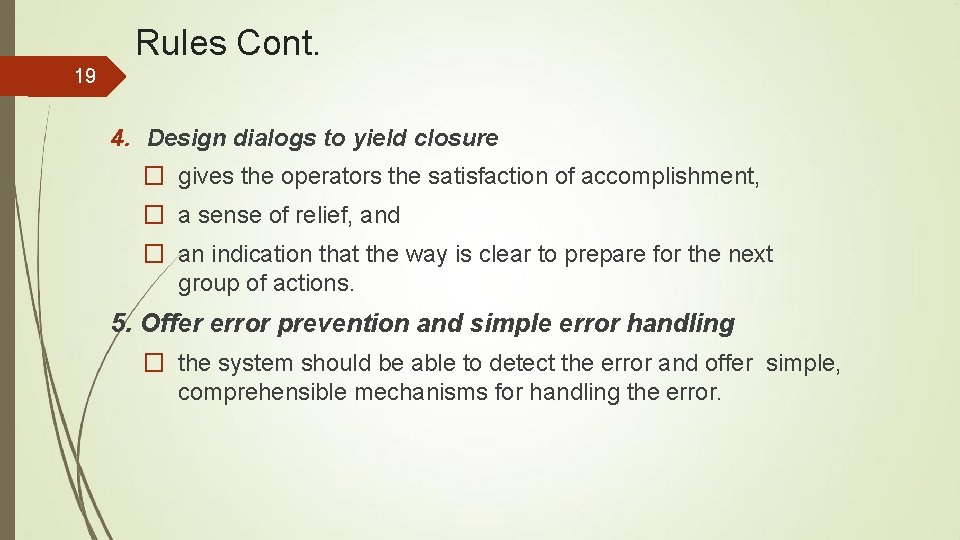
Rules Cont. 19 4. Design dialogs to yield closure � gives the operators the satisfaction of accomplishment, � a sense of relief, and � an indication that the way is clear to prepare for the next group of actions. 5. Offer error prevention and simple error handling � the system should be able to detect the error and offer simple, comprehensible mechanisms for handling the error.
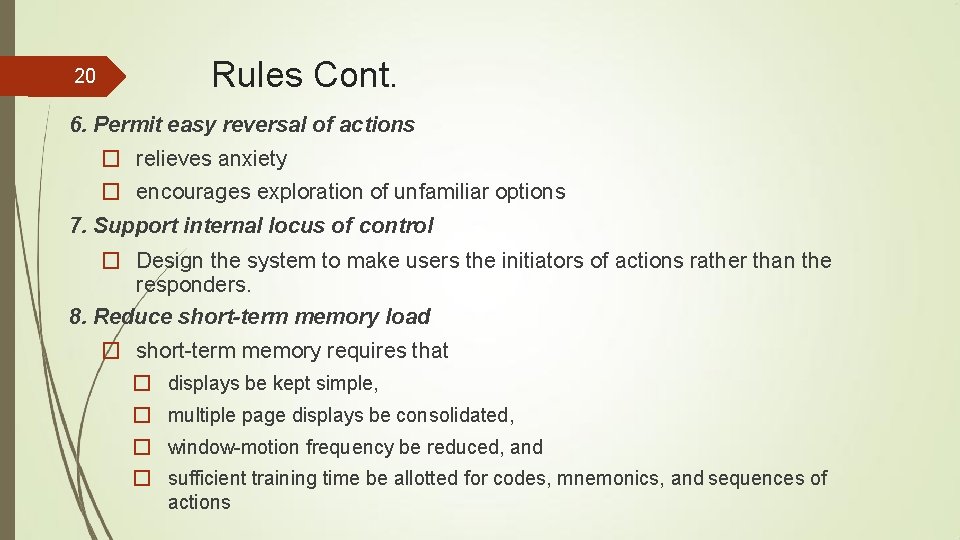
20 Rules Cont. 6. Permit easy reversal of actions � relieves anxiety � encourages exploration of unfamiliar options 7. Support internal locus of control � Design the system to make users the initiators of actions rather than the responders. 8. Reduce short-term memory load � short-term memory requires that � displays be kept simple, � multiple page displays be consolidated, � window-motion frequency be reduced, and � sufficient training time be allotted for codes, mnemonics, and sequences of actions
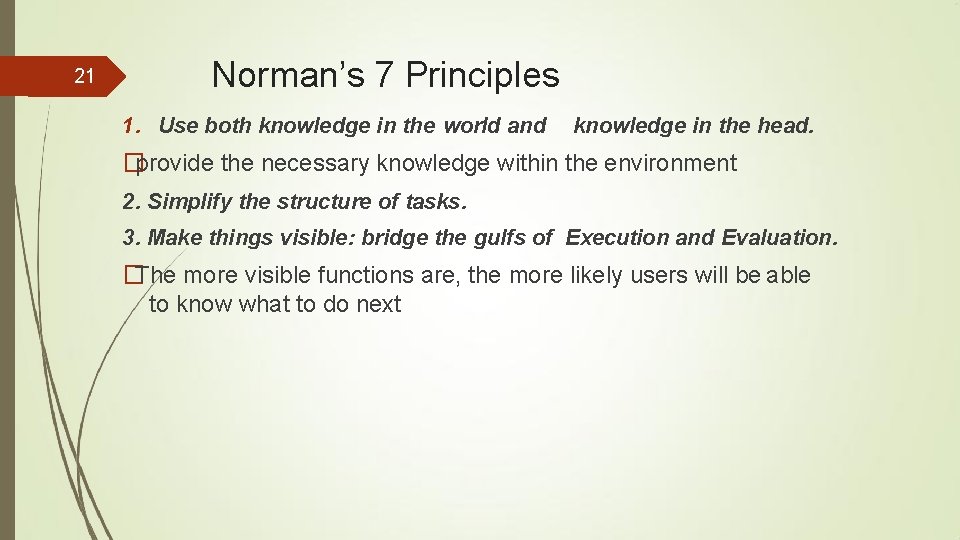
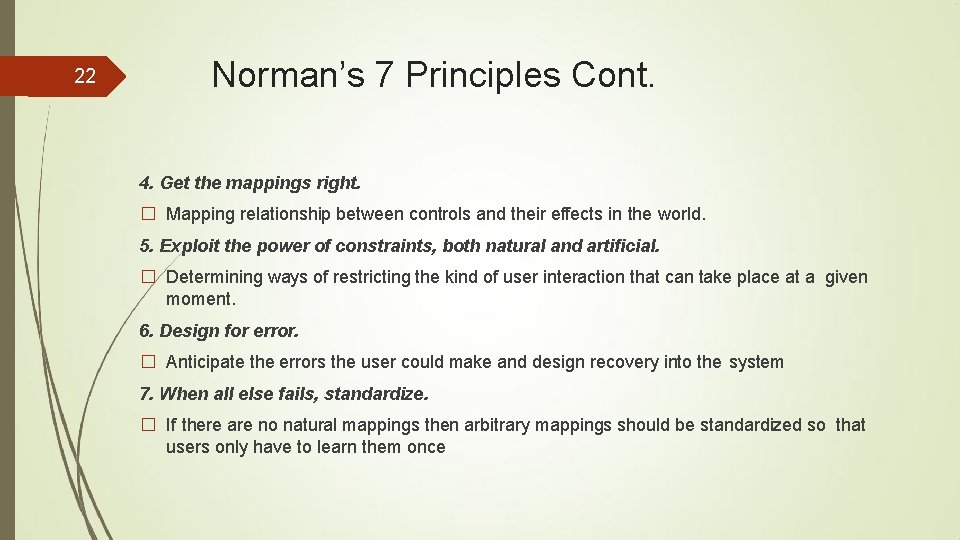
21 Norman’s 7 Principles 1. Use both knowledge in the world and knowledge in the head. �provide the necessary knowledge within the environment 2. Simplify the structure of tasks. 3. Make things visible: bridge the gulfs of Execution and Evaluation. �The more visible functions are, the more likely users will be able to know what to do next
22 Norman’s 7 Principles Cont. 4. Get the mappings right. � Mapping relationship between controls and their effects in the world. 5. Exploit the power of constraints, both natural and artificial. � Determining ways of restricting the kind of user interaction that can take place at a given moment. 6. Design for error. � Anticipate the errors the user could make and design recovery into the system 7. When all else fails, standardize. � If there are no natural mappings then arbitrary mappings should be standardized so that users only have to learn them once
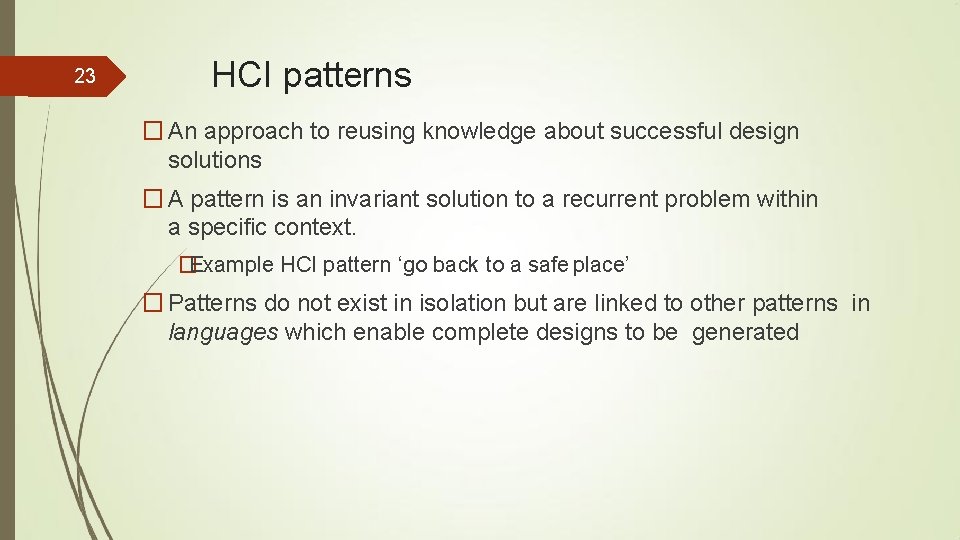
23 HCI patterns � An approach to reusing knowledge about successful design solutions � A pattern is an invariant solution to a recurrent problem within a specific context. �Example HCI pattern ‘go back to a safe place’ � Patterns do not exist in isolation but are linked to other patterns in languages which enable complete designs to be generated
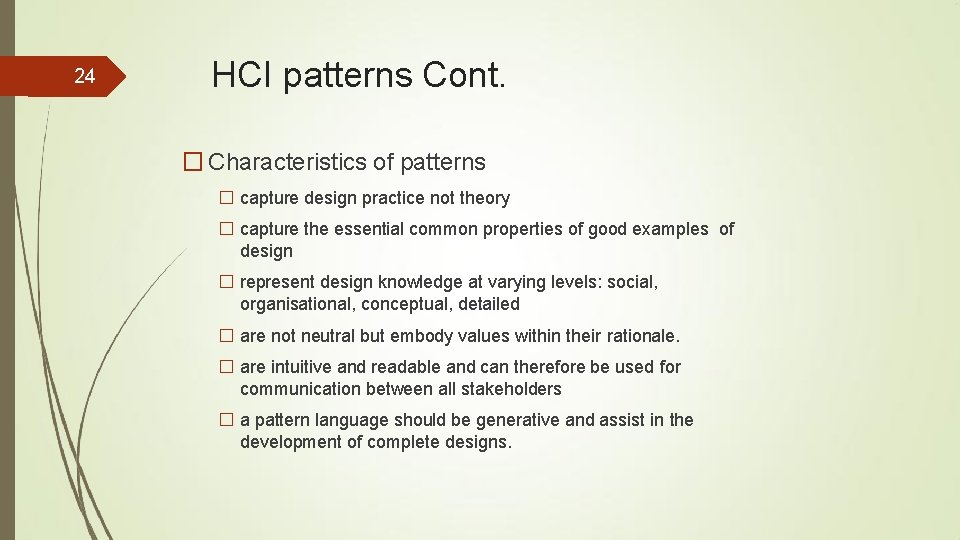
24 HCI patterns Cont. � Characteristics of patterns � capture design practice not theory � capture the essential common properties of good examples of design � represent design knowledge at varying levels: social, organisational, conceptual, detailed � are not neutral but embody values within their rationale. � are intuitive and readable and can therefore be used for communication between all stakeholders � a pattern language should be generative and assist in the development of complete designs.
25 Implementation support
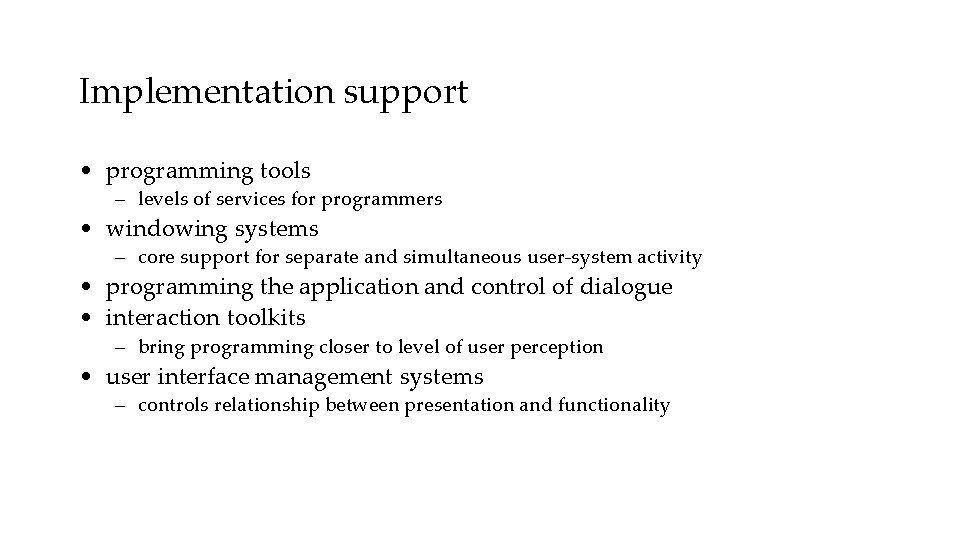
Implementation support • programming tools – levels of services for programmers • windowing systems – core support for separate and simultaneous user-system activity • programming the application and control of dialogue • interaction toolkits – bring programming closer to level of user perception • user interface management systems – controls relationship between presentation and functionality
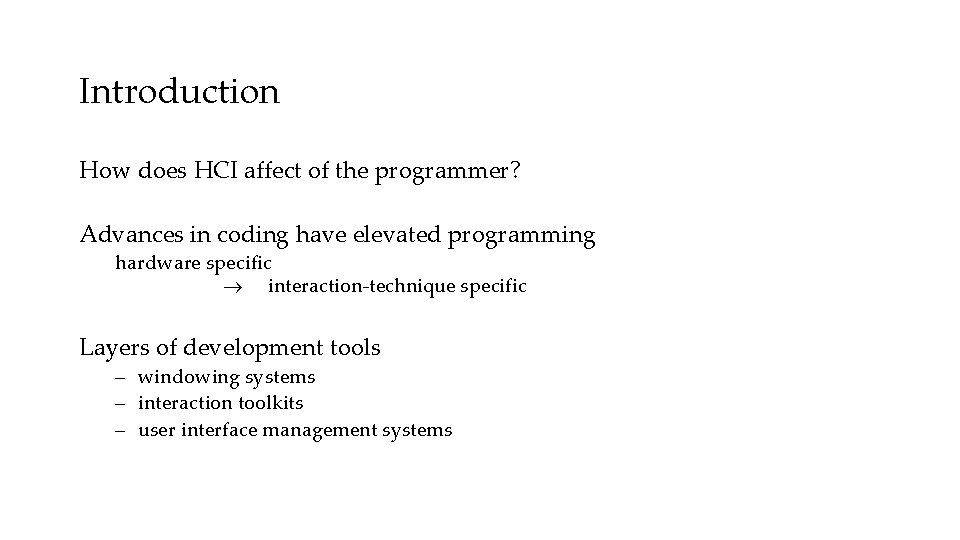
Introduction How does HCI affect of the programmer? Advances in coding have elevated programming hardware specific interaction-technique specific Layers of development tools – windowing systems – interaction toolkits – user interface management systems
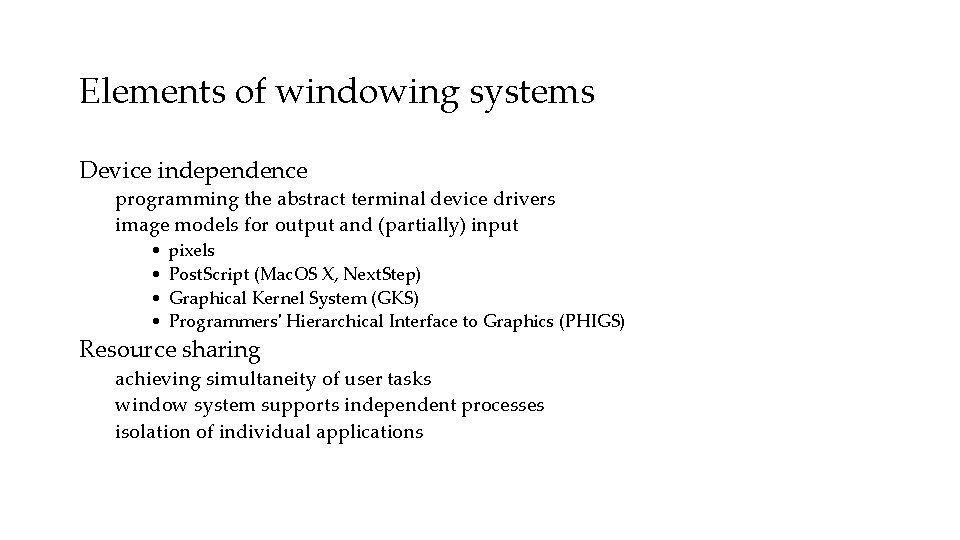
Elements of windowing systems Device independence programming the abstract terminal device drivers image models for output and (partially) input • • pixels Post. Script (Mac. OS X, Next. Step) Graphical Kernel System (GKS) Programmers' Hierarchical Interface to Graphics (PHIGS) Resource sharing achieving simultaneity of user tasks window system supports independent processes isolation of individual applications
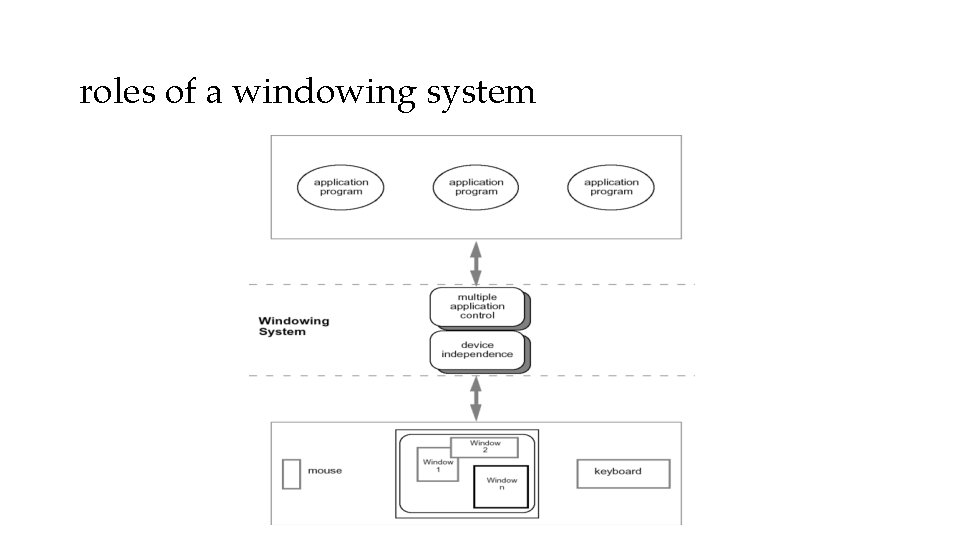
roles of a windowing system
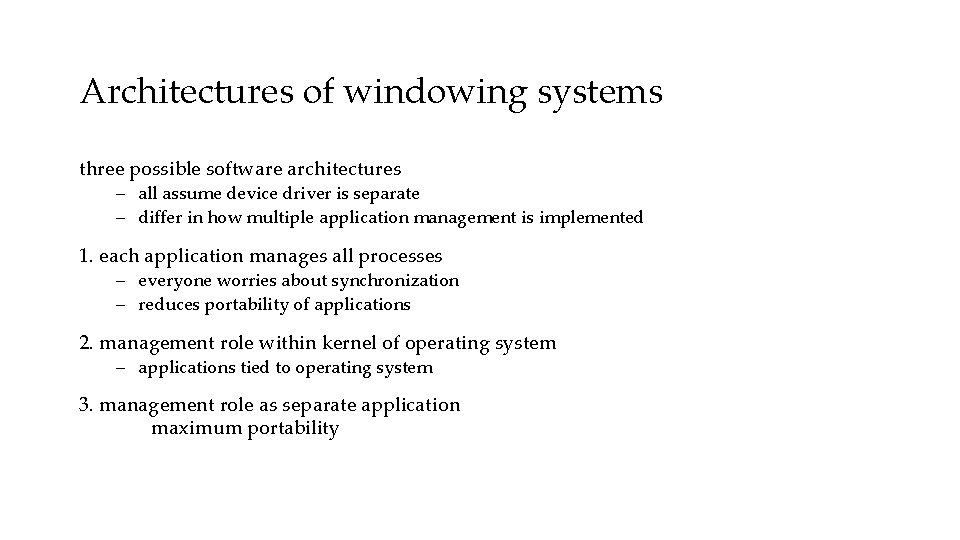
Architectures of windowing systems three possible software architectures – all assume device driver is separate – differ in how multiple application management is implemented 1. each application manages all processes – everyone worries about synchronization – reduces portability of applications 2. management role within kernel of operating system – applications tied to operating system 3. management role as separate application maximum portability
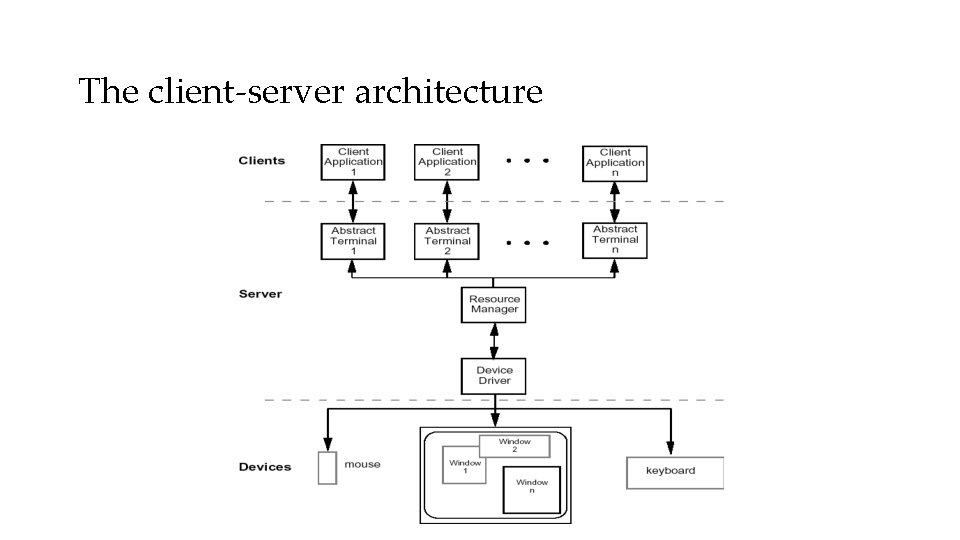
The client-server architecture
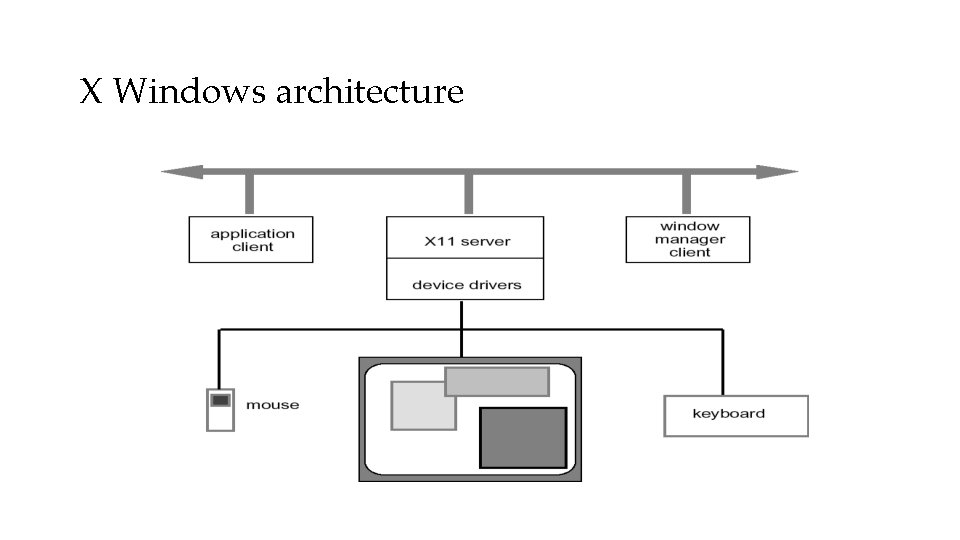
X Windows architecture
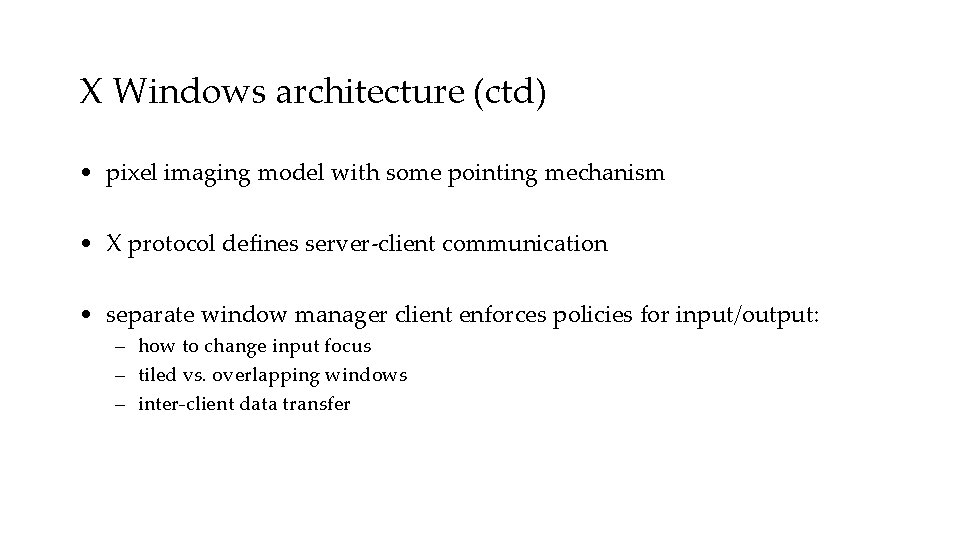
X Windows architecture (ctd) • pixel imaging model with some pointing mechanism • X protocol defines server-client communication • separate window manager client enforces policies for input/output: – how to change input focus – tiled vs. overlapping windows – inter-client data transfer
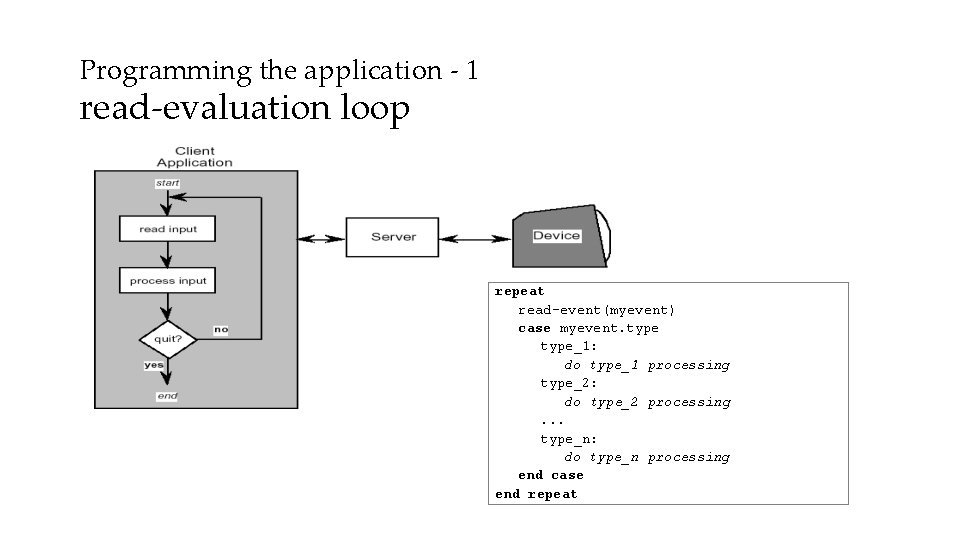
Programming the application - 1 read-evaluation loop repeat read-event(myevent) case myevent. type_1: do type_1 processing type_2: do type_2 processing. . . type_n: do type_n processing end case end repeat
Programming the application - 1 notification-based void main(String[] args) { Menu menu = new Menu(); menu. set. Option(“Save”); menu. set. Option(“Quit”); menu. set. Action(“Save”, my. Save) menu. set. Action(“Quit”, my. Quit). . . } int my. Save(Event e) { // save the current file } int my. Quit(Event e) { // close down }
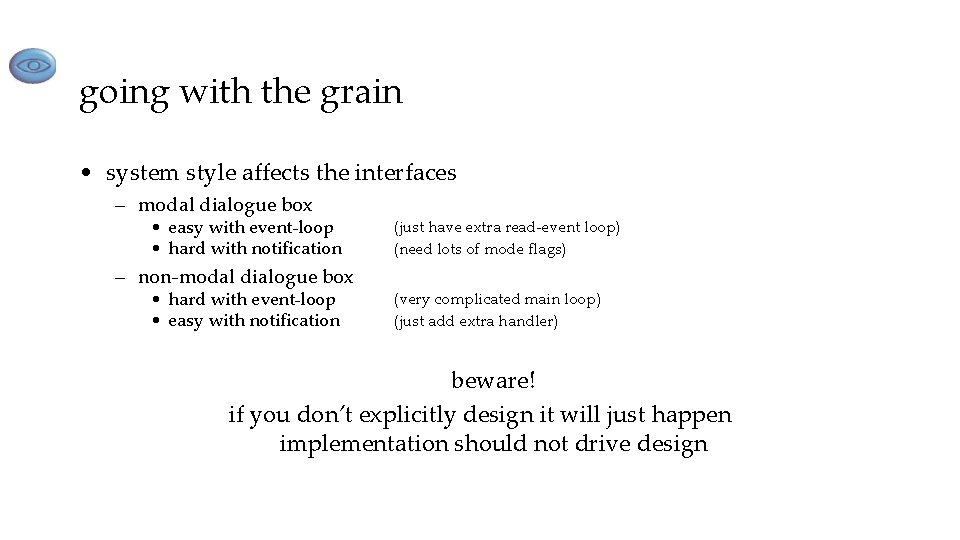
going with the grain • system style affects the interfaces – modal dialogue box • easy with event-loop • hard with notification – non-modal dialogue box • hard with event-loop • easy with notification (just have extra read-event loop) (need lots of mode flags) (very complicated main loop) (just add extra handler) beware! if you don’t explicitly design it will just happen implementation should not drive design
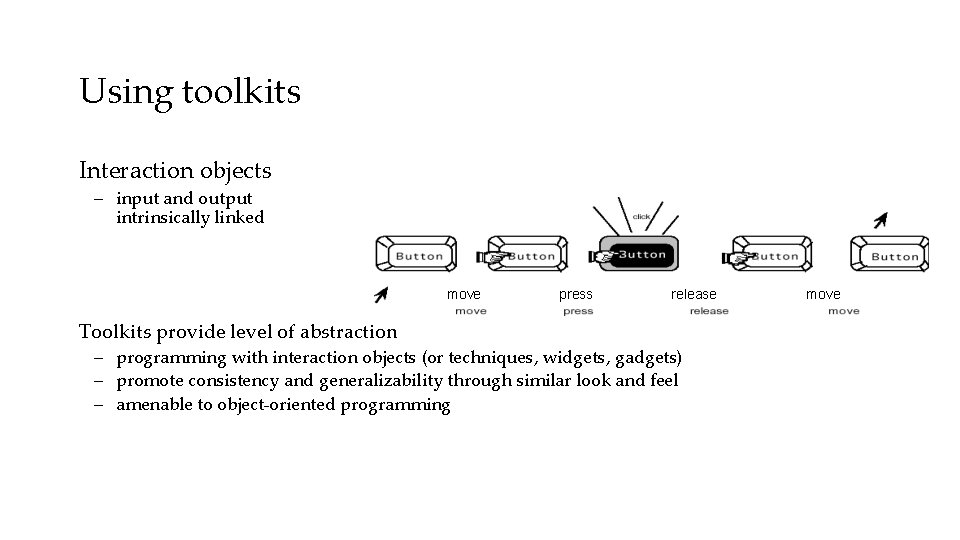
Using toolkits Interaction objects – input and output intrinsically linked move Toolkits provide level of abstraction press release – programming with interaction objects (or techniques, widgets, gadgets) – promote consistency and generalizability through similar look and feel – amenable to object-oriented programming move
interfaces in Java • Java toolkit – AWT (abstract windowing toolkit) • Java classes for buttons, menus, etc. • Notification based; – AWT 1. 0 – need to subclass basic widgets – AWT 1. 1 and beyond -– callback objects • Swing toolkit – built on top of AWT – higher level features – uses MVC architecture (see later)
User Interface Management Systems (UIMS) • UIMS add another level above toolkits – toolkits too difficult for non-programmers • concerns of UIMS – conceptual architecture – implementation techniques – support infrastructure • non-UIMS terms: – UI development system (UIDS) – UI development environment (UIDE) • e. g. Visual Basic
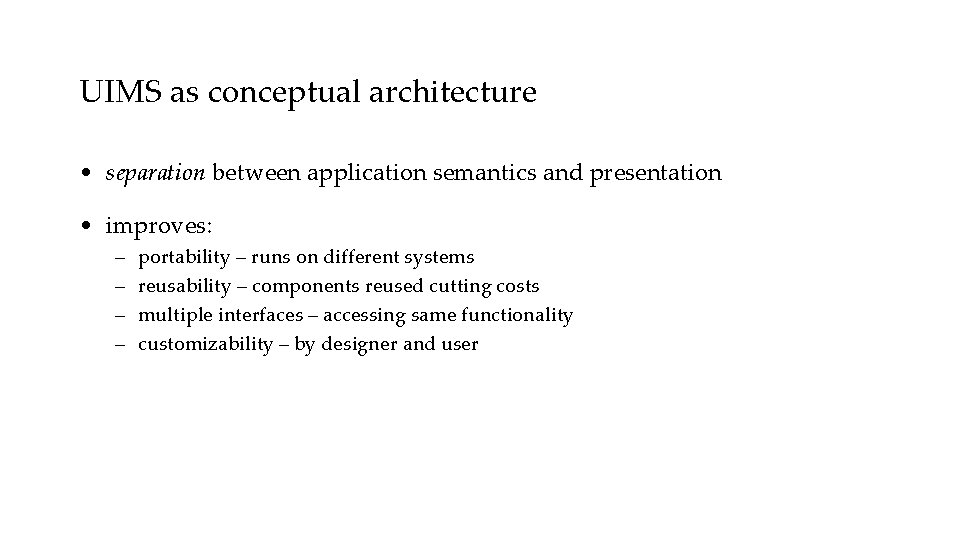
UIMS as conceptual architecture • separation between application semantics and presentation • improves: – – portability – runs on different systems reusability – components reused cutting costs multiple interfaces – accessing same functionality customizability – by designer and user
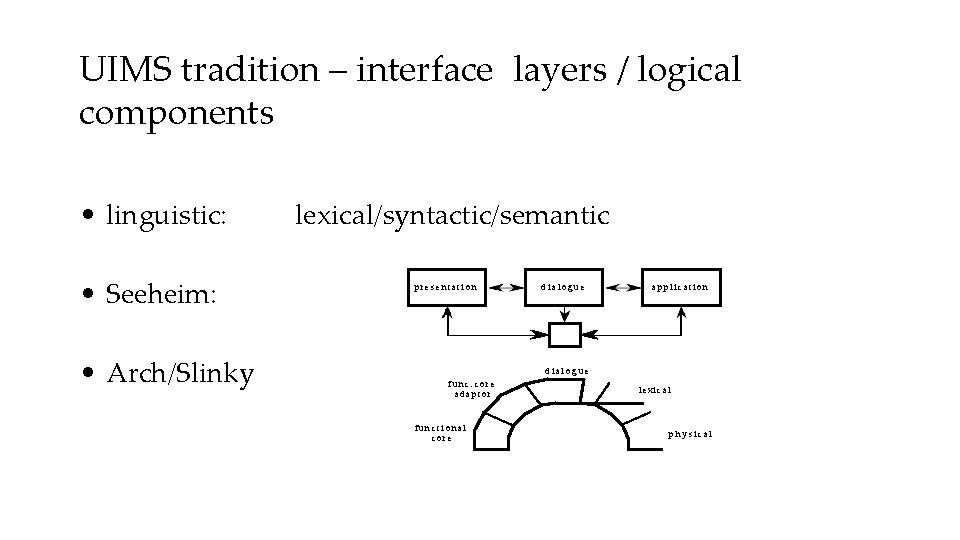
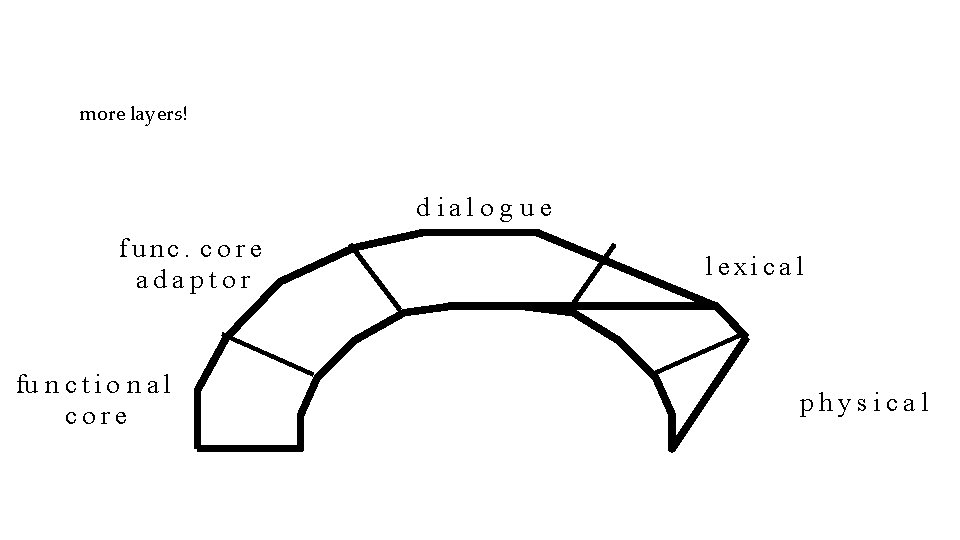
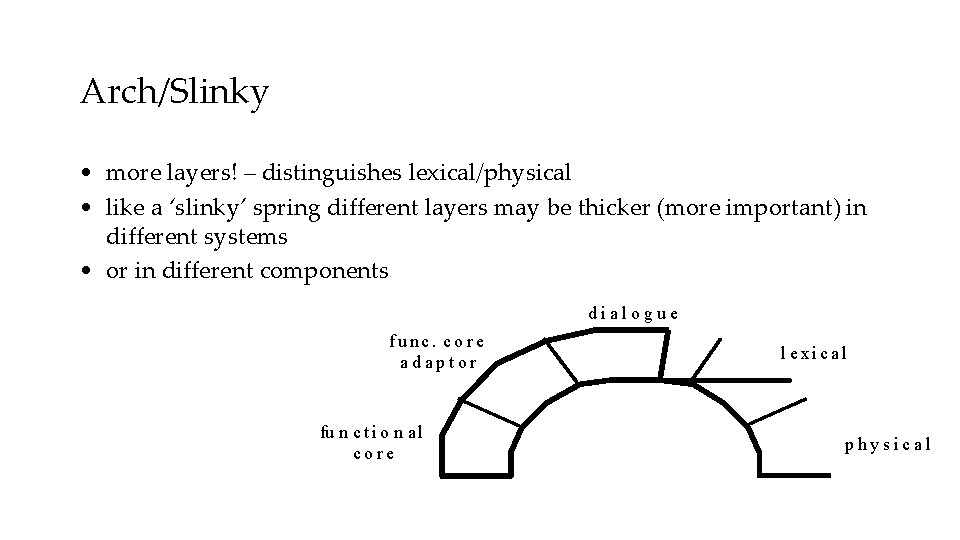
UIMS tradition – interface layers / logical components • linguistic: • Seeheim: • Arch/Slinky lexical/syntactic/semantic presentation dialogue application dial o g u e func. core adaptor fu n c t i o n al core l e xi c a l p h y s ical
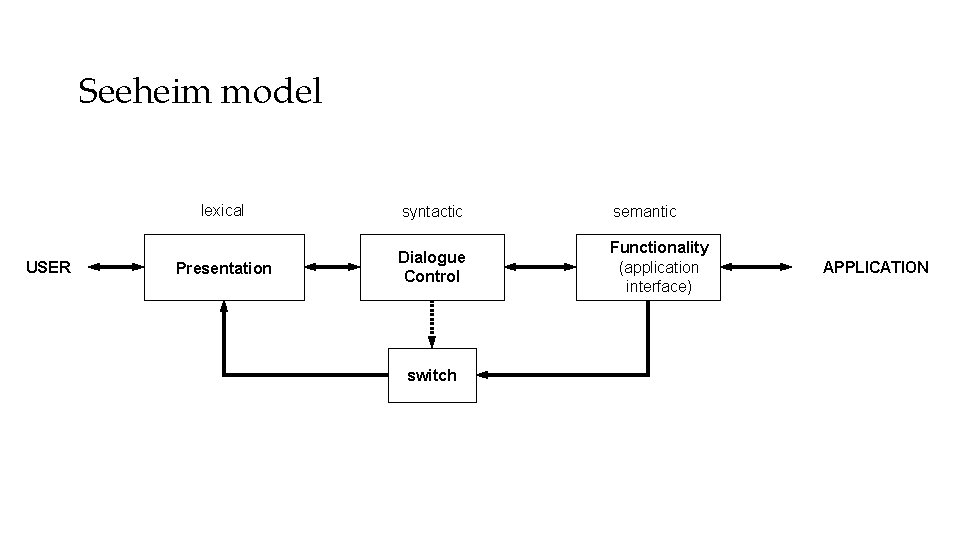
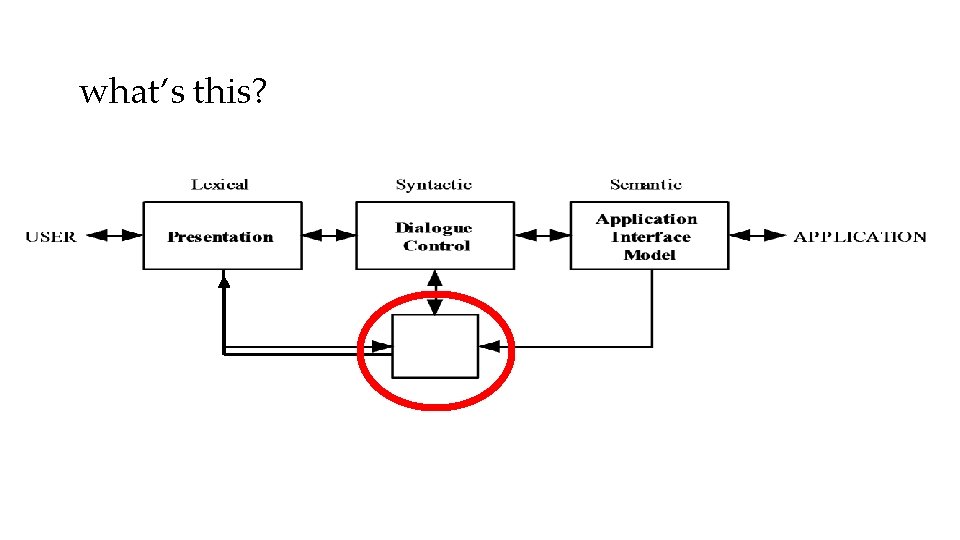
Seeheim model USER lexical syntactic semantic Presentation Dialogue Control Functionality (application interface) switch APPLICATION
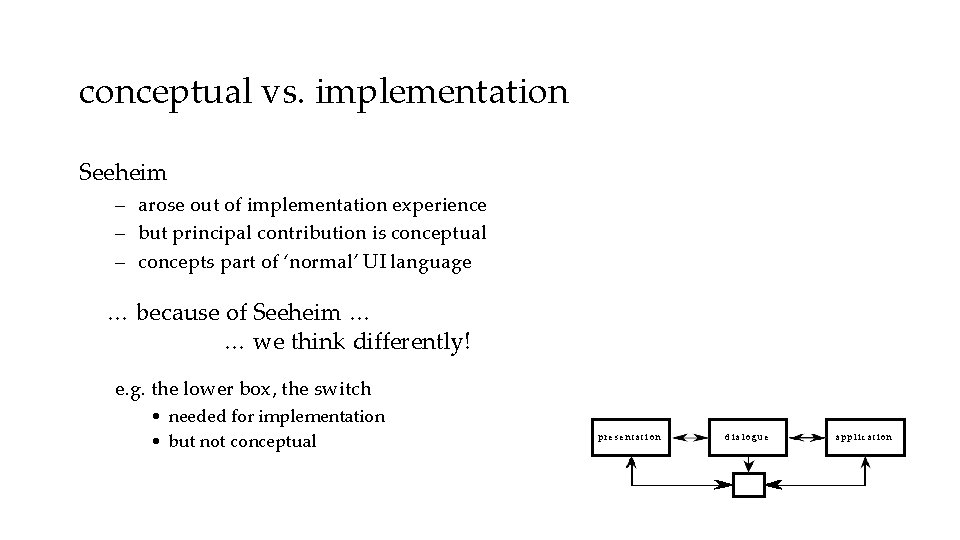
conceptual vs. implementation Seeheim – arose out of implementation experience – but principal contribution is conceptual – concepts part of ‘normal’ UI language … because of Seeheim … … we think differently! e. g. the lower box, the switch • needed for implementation • but not conceptual presentation dialogue application
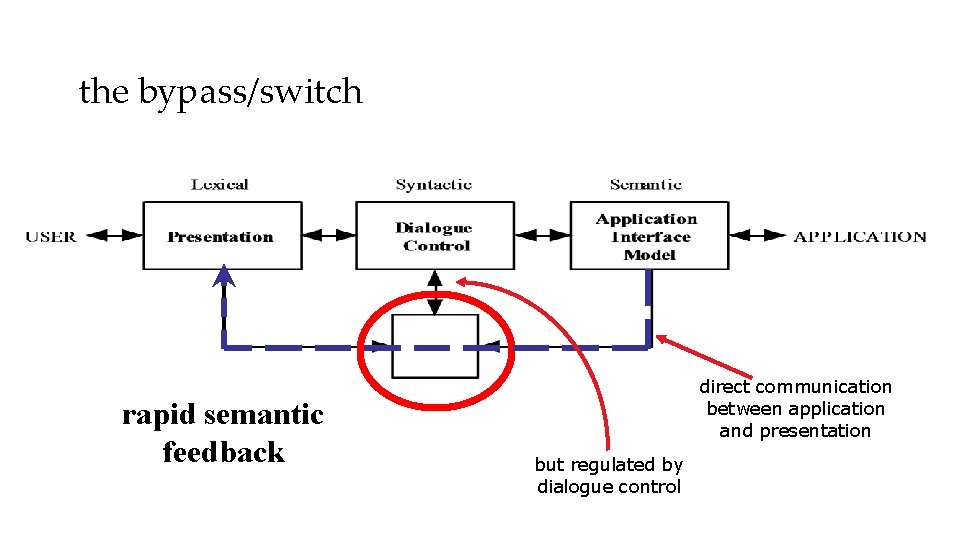
semantic feedback • different kinds of feedback: – lexical – movement of mouse – syntactic – menu highlights – semantic – sum of numbers changes • semantic feedback often slower – use rapid lexical/syntactic feedback • but may need rapid semantic feedback – freehand drawing – highlight trash can or folder when file dragged
what’s this?
the bypass/switch rapid semantic feedback direct communication between application and presentation but regulated by dialogue control
more layers! d ial o g u e func. core adaptor fu n c t i o n a l core l e xi c a l physical
Arch/Slinky • more layers! – distinguishes lexical/physical • like a ‘slinky’ spring different layers may be thicker (more important) in different systems • or in different components dialogue func. core adaptor fu n c t i o n a l core l e xi c a l physical
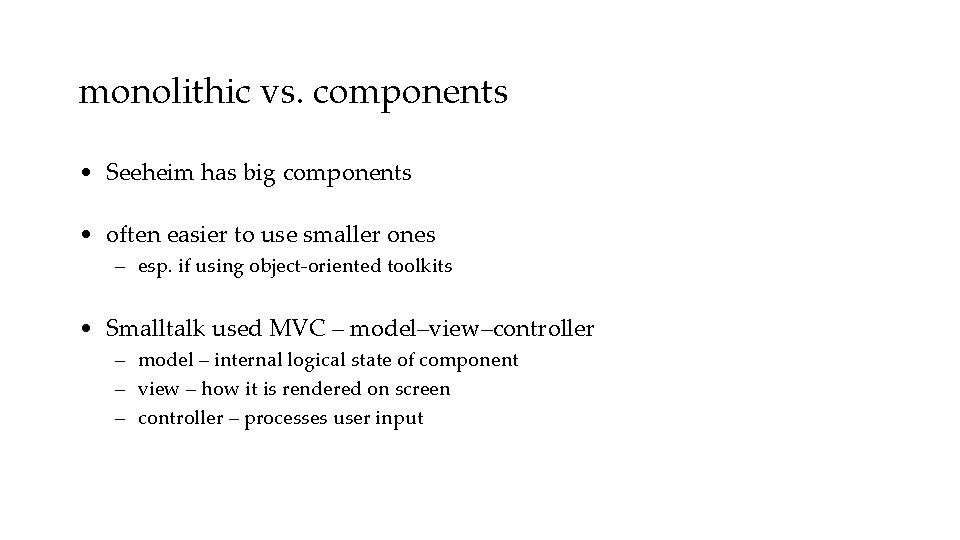
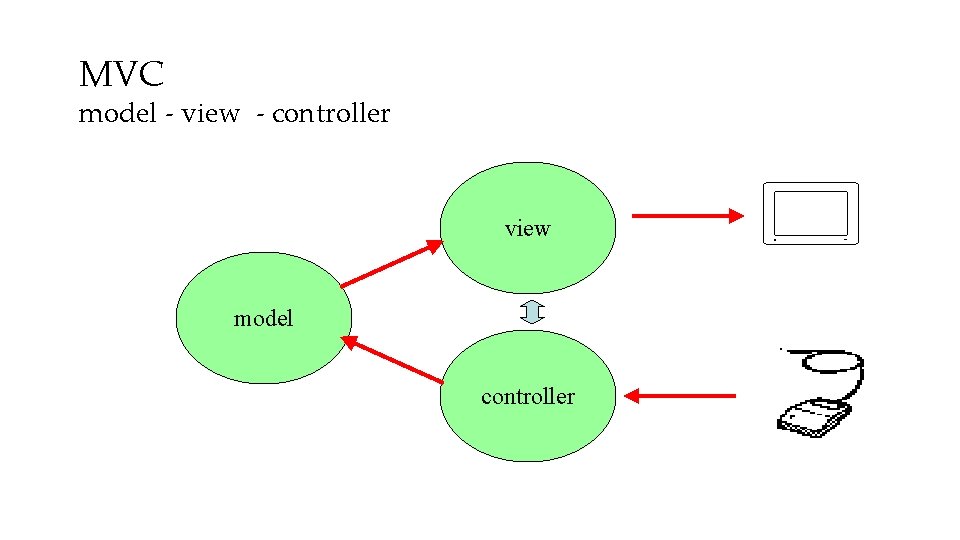
monolithic vs. components • Seeheim has big components • often easier to use smaller ones – esp. if using object-oriented toolkits • Smalltalk used MVC – model–view–controller – model – internal logical state of component – view – how it is rendered on screen – controller – processes user input
MVC model - view - controller view model controller
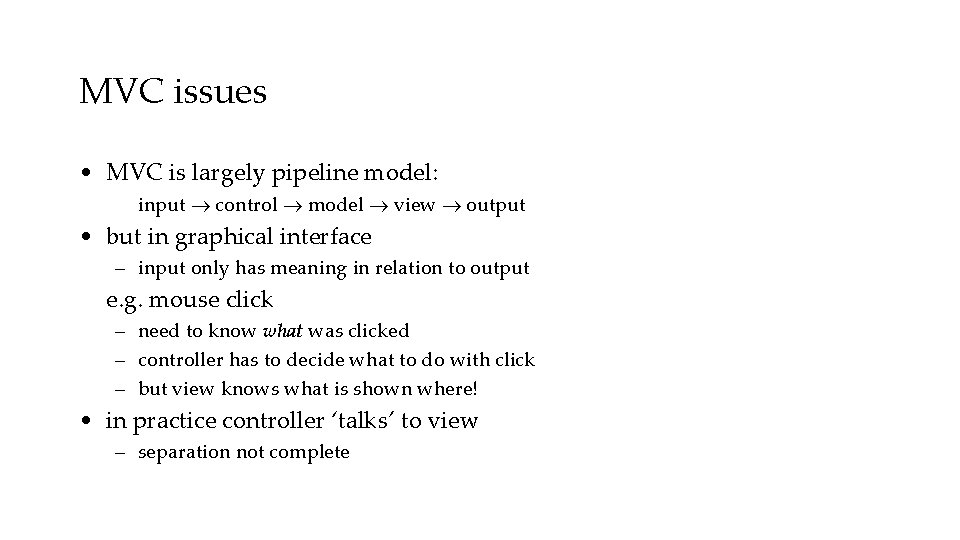
MVC issues • MVC is largely pipeline model: input control model view output • but in graphical interface – input only has meaning in relation to output e. g. mouse click – need to know what was clicked – controller has to decide what to do with click – but view knows what is shown where! • in practice controller ‘talks’ to view – separation not complete
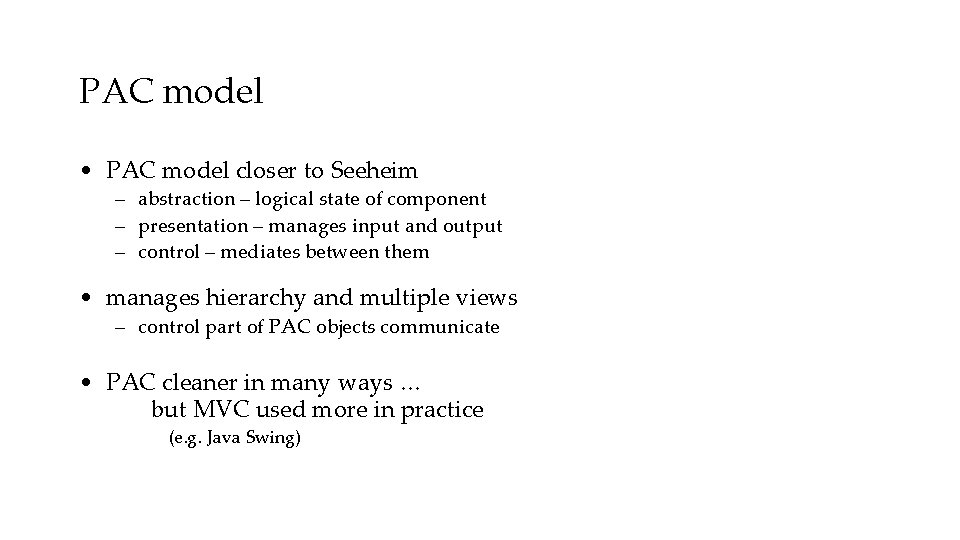
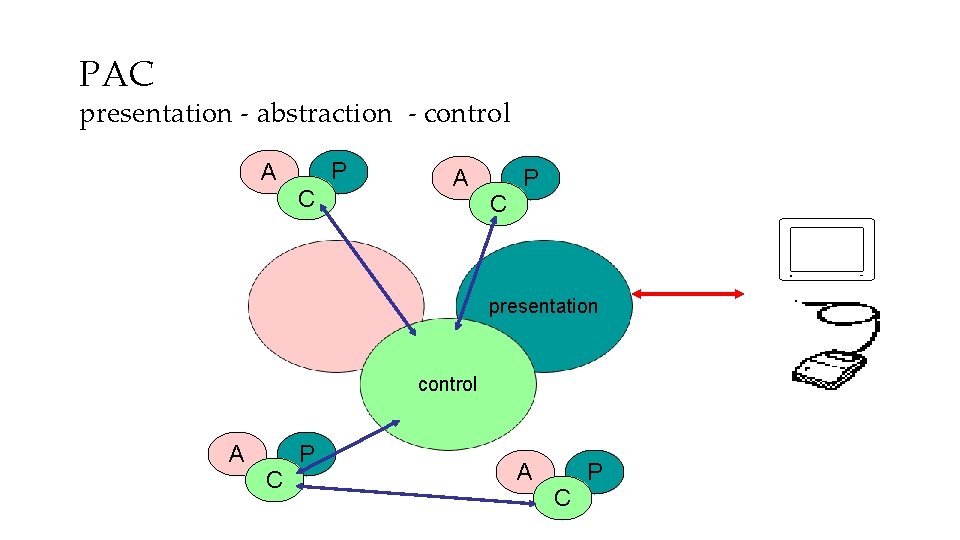
PAC model • PAC model closer to Seeheim – abstraction – logical state of component – presentation – manages input and output – control – mediates between them • manages hierarchy and multiple views – control part of PAC objects communicate • PAC cleaner in many ways … but MVC used more in practice (e. g. Java Swing)
PAC presentation - abstraction - control A P C A abstraction C P presentation control A C P
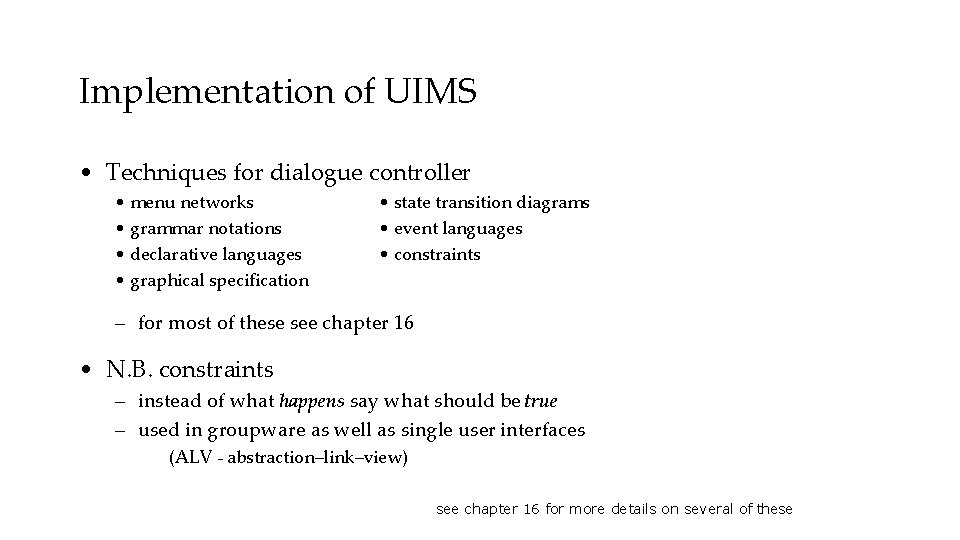
Implementation of UIMS • Techniques for dialogue controller • menu networks • grammar notations • declarative languages • graphical specification • state transition diagrams • event languages • constraints – for most of these see chapter 16 • N. B. constraints – instead of what happens say what should be true – used in groupware as well as single user interfaces (ALV - abstraction–link–view) see chapter 16 for more details on several of these
graphical specification • what it is – draw components on screen – set actions with script or links to program • in use – with raw programming most popular technique – e. g. Visual Basic, Dreamweaver, Flash • local vs. global – hard to ‘see’ the paths through system – focus on what can be seen on one screen
The drift of dialogue control • internal control (e. g. , read-evaluation loop) • external control (independent of application semantics or presentation) • presentation control (e. g. , graphical specification)
Summary Levels of programming support tools • Windowing systems – device independence – multiple tasks • Paradigms for programming the application – read-evaluation loop – notification-based • Toolkits – programming interaction objects • UIMS – conceptual architectures for separation – techniques for expressing dialogue