
Chapter 6 Computer Hardware Ruth Watson Operating Systems
- Slides: 26
Chapter 6 Computer Hardware Ruth Watson Operating Systems Concepts 1/e Ruth Watson Chapter 6
Objectives (1 of 2) n Explain the difference between RAM and ROM n Explain the difference between RAM and storage n Explain what a motherboard is n Explain what a processor does n Explain the what RAID is n Explain what a UPS is n Demonstrate how to write-protect a disk n Explain the difference between a partition and a disk Operating Systems Concepts 1/e Ruth Watson Chapter 6 2
Objectives (2 of 2) n n n n Explain the role of the boot. ini file Explain why binary math is important to computers Explain the difference between a modem and a network interface card Explain the difference between a parallel and serial connection Identify at least 4 different ports, by sight, on a computer Demonstrate how to clean a mouse Explain what a driver is Explain what an interrupt is Operating Systems Concepts 1/e Ruth Watson Chapter 6 3
Introduction n Computers are made up of hardware and software n The software tells the hardware what to do n Computers receive input via the keyboard and mouse or other input devices n Processing happens though the motherboard via ROM, RAM, and the processor n The output comes through the monitor, printer, sound card, or more Operating Systems Concepts 1/e Ruth Watson Chapter 6 4
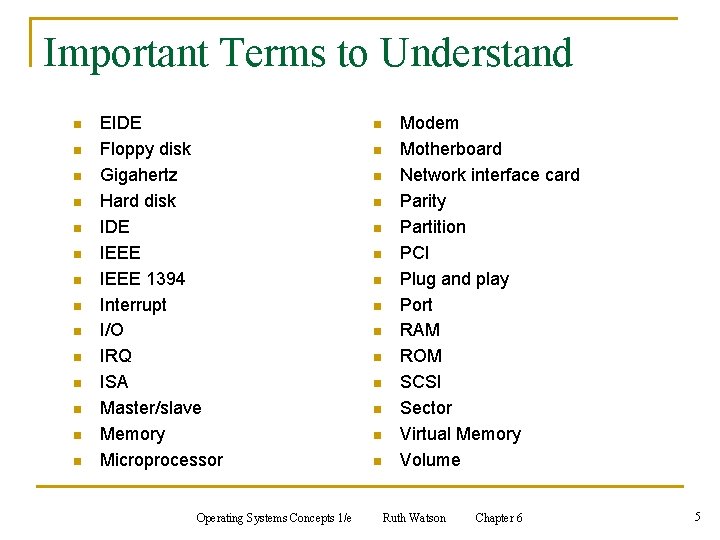
Important Terms to Understand n n n n EIDE Floppy disk Gigahertz Hard disk IDE IEEE 1394 Interrupt I/O IRQ ISA Master/slave Memory Microprocessor Operating Systems Concepts 1/e n n n n Modem Motherboard Network interface card Parity Partition PCI Plug and play Port RAM ROM SCSI Sector Virtual Memory Volume Ruth Watson Chapter 6 5
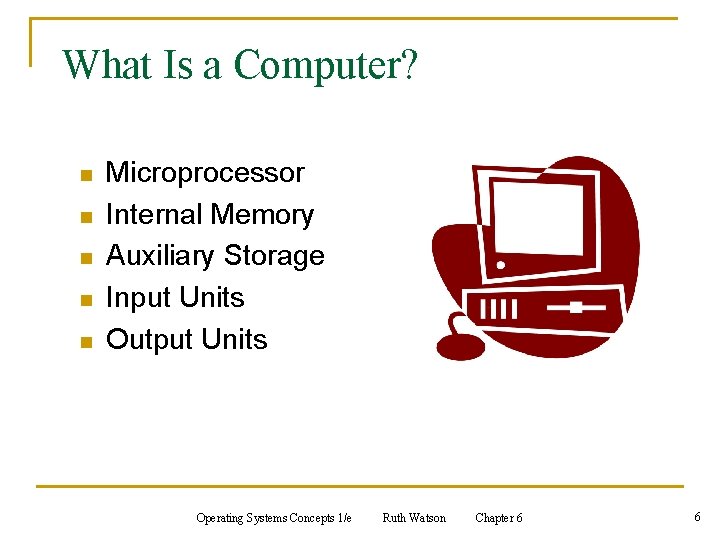
What Is a Computer? n n n Microprocessor Internal Memory Auxiliary Storage Input Units Output Units Operating Systems Concepts 1/e Ruth Watson Chapter 6 6
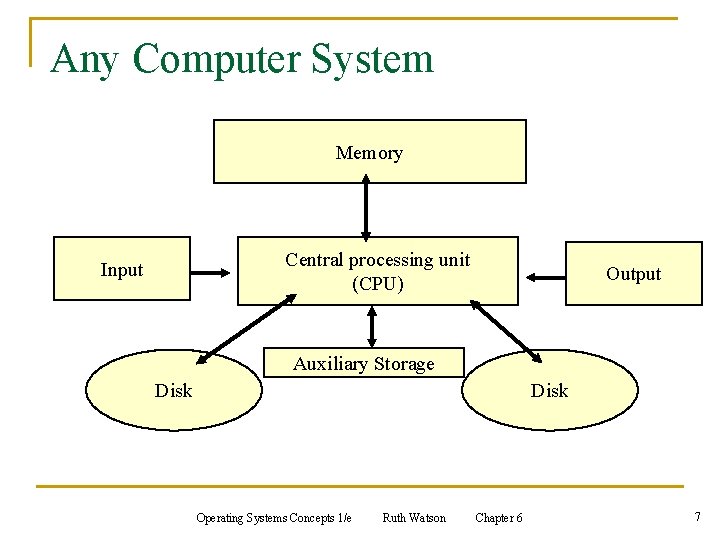
Any Computer System Memory Central processing unit (CPU) Input Output Auxiliary Storage Disk Operating Systems Concepts 1/e Ruth Watson Chapter 6 7
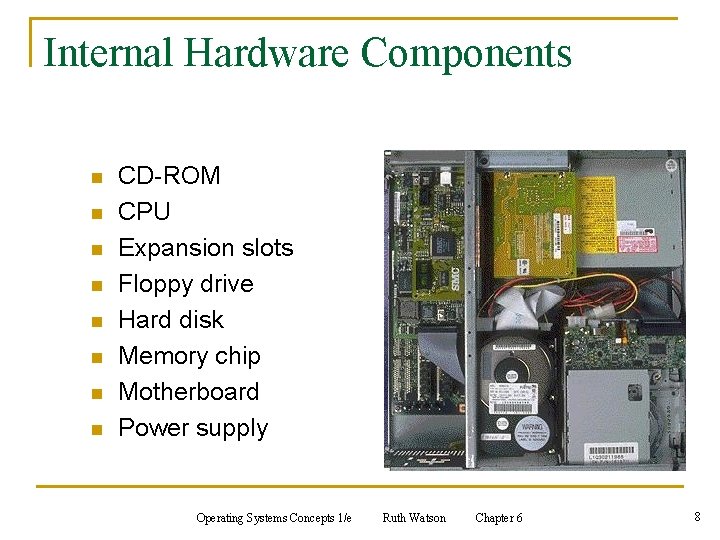
Internal Hardware Components n n n n CD-ROM CPU Expansion slots Floppy drive Hard disk Memory chip Motherboard Power supply Operating Systems Concepts 1/e Ruth Watson Chapter 6 8
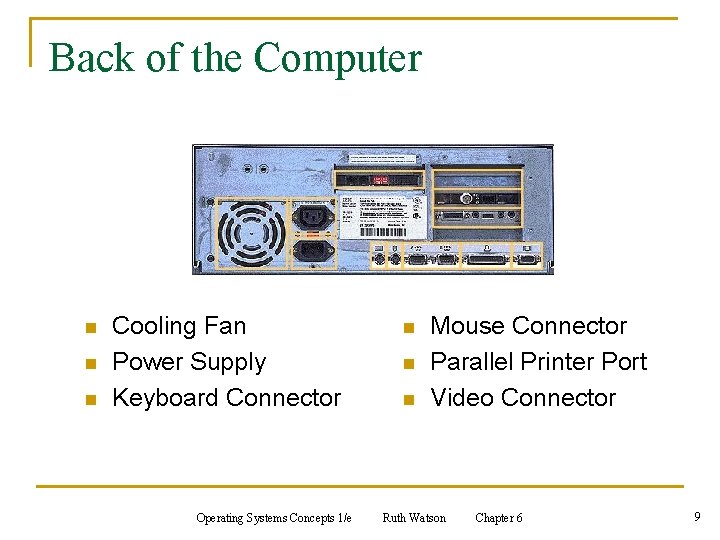
Back of the Computer n n n Cooling Fan Power Supply Keyboard Connector Operating Systems Concepts 1/e n n n Mouse Connector Parallel Printer Port Video Connector Ruth Watson Chapter 6 9
Processor n Brain of the computer n Current chips for PC n q Intel (Celeron, Pentium III, and Pentium IV) q AMD (K-6 and Athlon) Which do I buy? q Pentium or Athlon for graphic-intensive programs q K-6 or Celeron for business and Internet browsing Operating Systems Concepts 1/e Ruth Watson Chapter 6 10
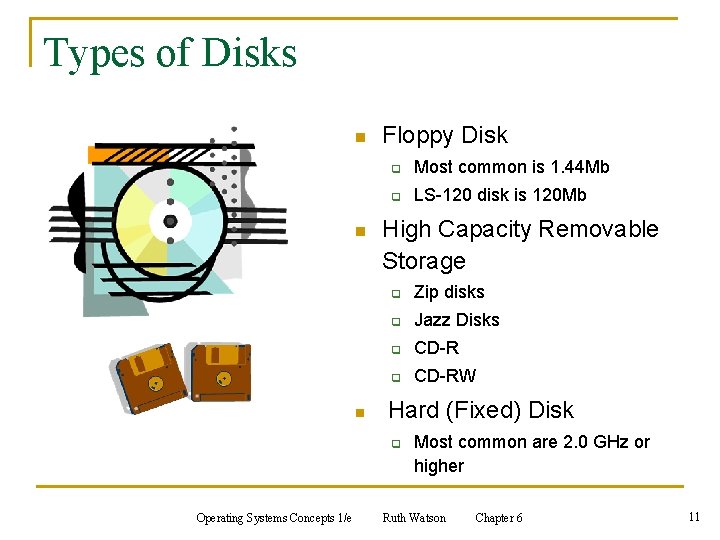
Types of Disks n n n Floppy Disk q Most common is 1. 44 Mb q LS-120 disk is 120 Mb High Capacity Removable Storage q Zip disks q Jazz Disks q CD-RW Hard (Fixed) Disk q Operating Systems Concepts 1/e Most common are 2. 0 GHz or higher Ruth Watson Chapter 6 11
Care of a Disk n Disk can be damaged easily n Power spikes can harm hard disks n A UPS can help with power surges n Floppy disks can be damaged when exposed to extreme heat or cold conditions Operating Systems Concepts 1/e Ruth Watson Chapter 6 12
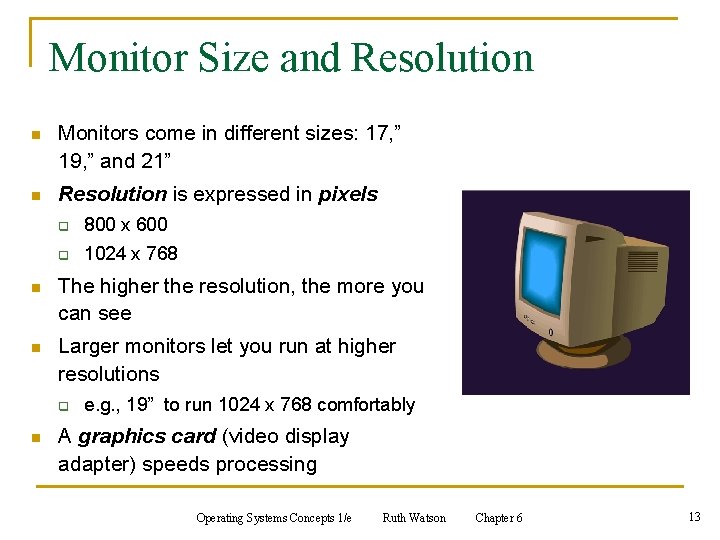
Monitor Size and Resolution n Monitors come in different sizes: 17, ” 19, ” and 21” n Resolution is expressed in pixels q 800 x 600 q 1024 x 768 n The higher the resolution, the more you can see n Larger monitors let you run at higher resolutions q n e. g. , 19” to run 1024 x 768 comfortably A graphics card (video display adapter) speeds processing Operating Systems Concepts 1/e Ruth Watson Chapter 6 13
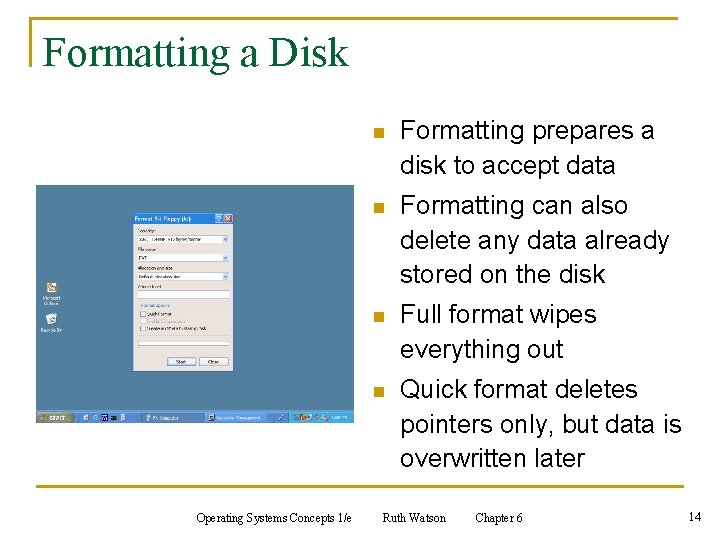
Formatting a Disk Operating Systems Concepts 1/e n Formatting prepares a disk to accept data n Formatting can also delete any data already stored on the disk n Full format wipes everything out n Quick format deletes pointers only, but data is overwritten later Ruth Watson Chapter 6 14
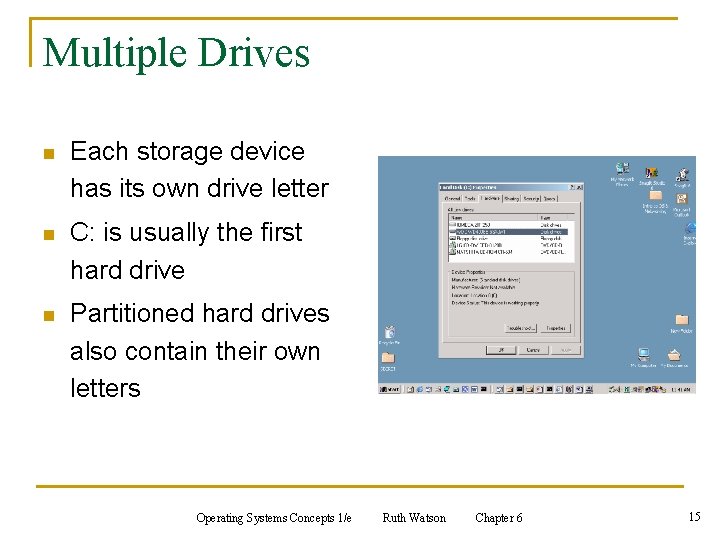
Multiple Drives n Each storage device has its own drive letter n C: is usually the first hard drive n Partitioned hard drives also contain their own letters Operating Systems Concepts 1/e Ruth Watson Chapter 6 15
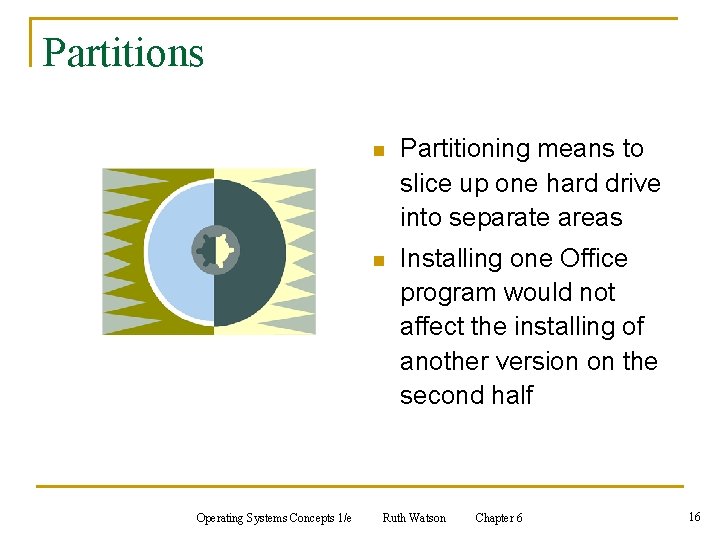
Partitions Operating Systems Concepts 1/e n Partitioning means to slice up one hard drive into separate areas n Installing one Office program would not affect the installing of another version on the second half Ruth Watson Chapter 6 16
Boot Options n The boot file boot. ini is responsible for creating boot options for your OS n The boot file gives you the option to go into different OS installed on either side of a partition Operating Systems Concepts 1/e Ruth Watson Chapter 6 17
Storage- Internal Memory (RAM) n Temporary (erased when power is turned off) n Measured in bytes n q 1 Byte = 1 character (8 bits) q 1 Kilobyte = 210 (~1, 000 bytes) q 1 Megabyte = 220 (~1, 000 bytes) q 1 Gigabyte = 230 (~1, 000, 000 bytes) Need 512 MB of RAM q Keep multiple programs & data files in memory q Graphic-intensive programs demand a lot of memory q ROM is read only memory that contains instructions burned in at the computer factory Operating Systems Concepts 1/e Ruth Watson Chapter 6 18
Data Transfer and Format n Data travels along the computer bus via a series of pathways q connects the hardware components to the processor n The wider the pathway, the faster the data moves n Data is transferred in the form of electronic signals represented by two states: 0 or 1 (off or on) n ASCII code translates computer language into something we can understand Operating Systems Concepts 1/e Ruth Watson Chapter 6 19
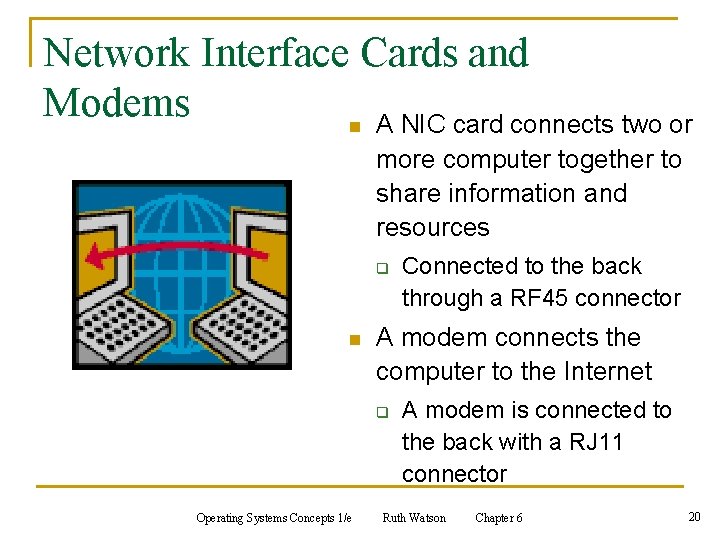
Network Interface Cards and Modems n A NIC card connects two or more computer together to share information and resources q n A modem connects the computer to the Internet q Operating Systems Concepts 1/e Connected to the back through a RF 45 connector A modem is connected to the back with a RJ 11 connector Ruth Watson Chapter 6 20
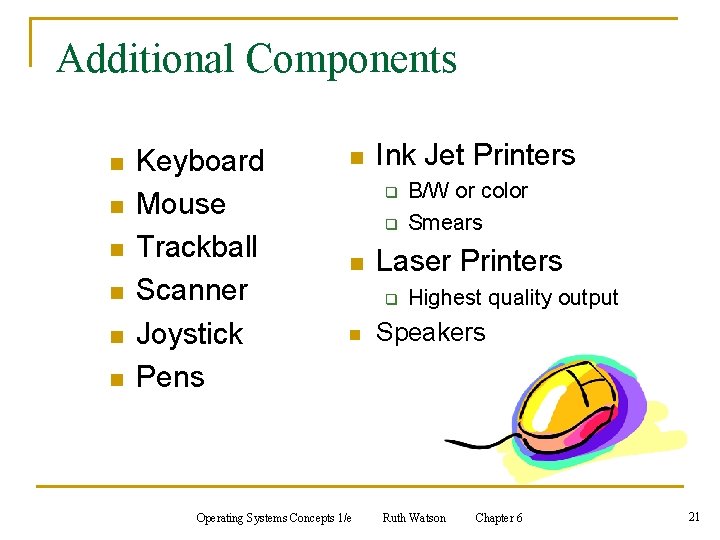
Additional Components n n n Keyboard Mouse Trackball Scanner Joystick Pens n Ink Jet Printers q q n Laser Printers q n Operating Systems Concepts 1/e B/W or color Smears Highest quality output Speakers Ruth Watson Chapter 6 21
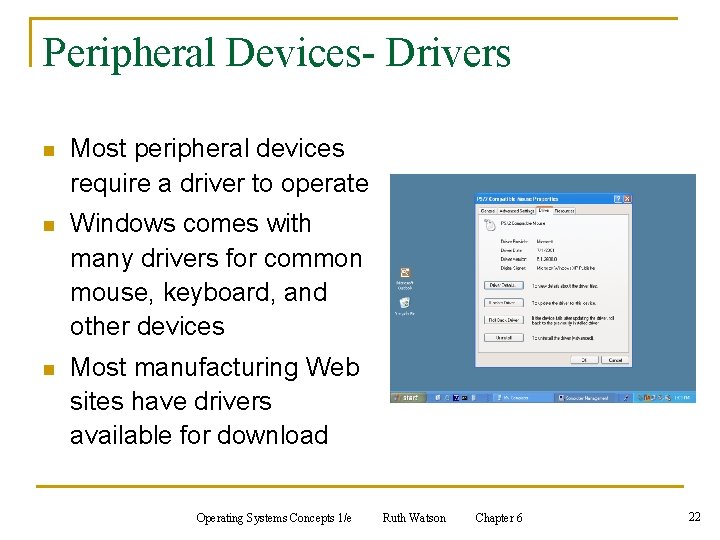
Peripheral Devices- Drivers n Most peripheral devices require a driver to operate n Windows comes with many drivers for common mouse, keyboard, and other devices n Most manufacturing Web sites have drivers available for download Operating Systems Concepts 1/e Ruth Watson Chapter 6 22
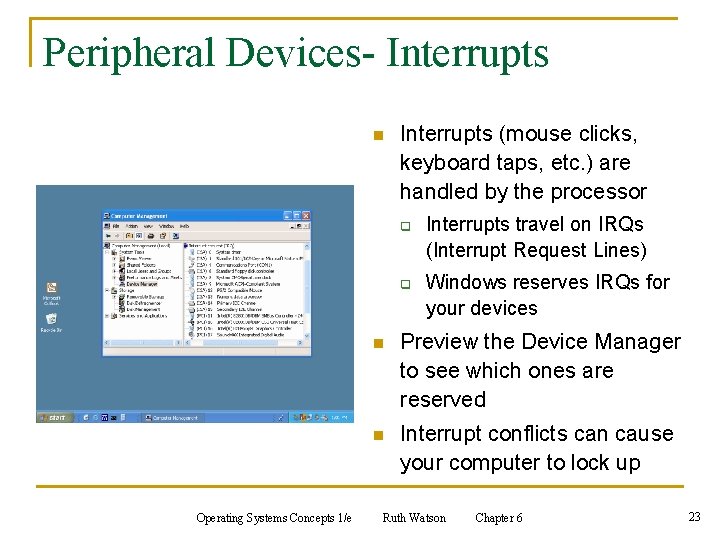
Peripheral Devices- Interrupts n Interrupts (mouse clicks, keyboard taps, etc. ) are handled by the processor q q Operating Systems Concepts 1/e Interrupts travel on IRQs (Interrupt Request Lines) Windows reserves IRQs for your devices n Preview the Device Manager to see which ones are reserved n Interrupt conflicts can cause your computer to lock up Ruth Watson Chapter 6 23
Installing Hardware n Hardware can be upgraded q Increase RAM q Increase your Processor q Add another drive n Must understand your system to purchase the correct upgrades n Add/Remove hardware components using Add/Remove Hardware Wizard Operating Systems Concepts 1/e Ruth Watson Chapter 6 24
Summary n n Sometimes you will want to open up your computer and to add upgraded hardware IT professionals must understand q q n n the role of the processor, what ROM does, the difference between RAM and storage space and how to partition your hard disk Newer computer systems do a better job handling interrupt conflicts Newer computer systems have more drivers to add upgrades Operating Systems Concepts 1/e Ruth Watson Chapter 6 25
Questions? Operating Systems Concepts 1/e Ruth Watson Chapter 6 26