
Chapter 6 Academic Software Michelle Ingram ETEC 562
- Slides: 15
Chapter 6 Academic Software Michelle Ingram ETEC 562
Academic Software • • Assists and supports teaching and learning Review and select carefully
Authoring Systems • • 1. 2. Creates customized software to fit students’ needs 2 Types: Hypermedia Authoring Systems Web Authoring Systems
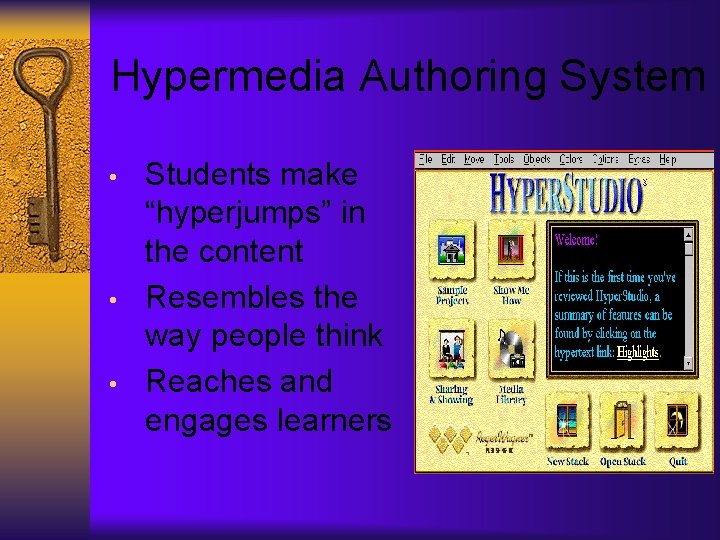
Hypermedia Authoring System • • • Students make “hyperjumps” in the content Resembles the way people think Reaches and engages learners
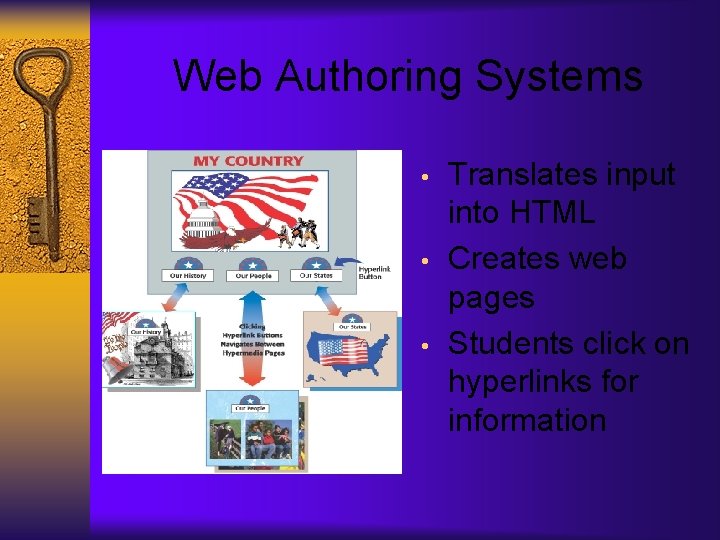
Web Authoring Systems • • • Translates input into HTML Creates web pages Students click on hyperlinks for information
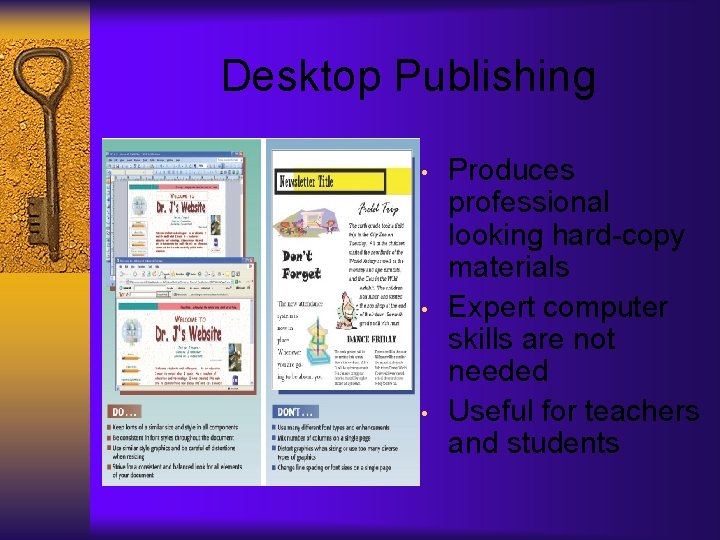
Desktop Publishing • • • Produces professional looking hard-copy materials Expert computer skills are not needed Useful for teachers and students
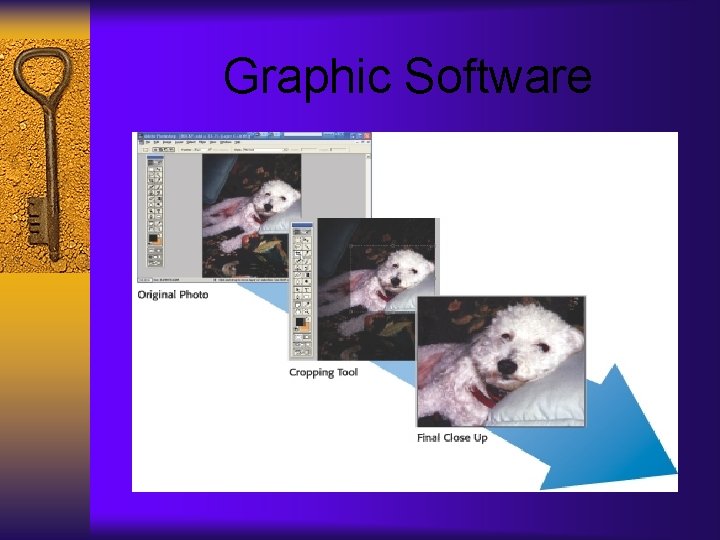
Graphics Software • • • 1. 2. 3. Creates, edits, or enhances digital images Uses Clip Art Libraries 3 Types: Paint and Draw Software Imaging Software Editing Software
Graphic Software
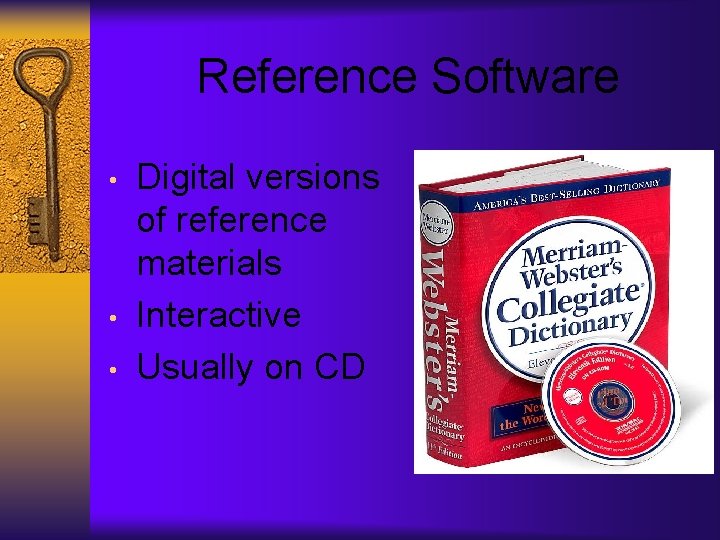
Reference Software • • • Digital versions of reference materials Interactive Usually on CD
Tutorials and Drill-and-Practice Software • 1. 2. • 2 Types of Tutorials: Linear Use a hypermedia approach Drill and Practice or “Drill-and-Kill”
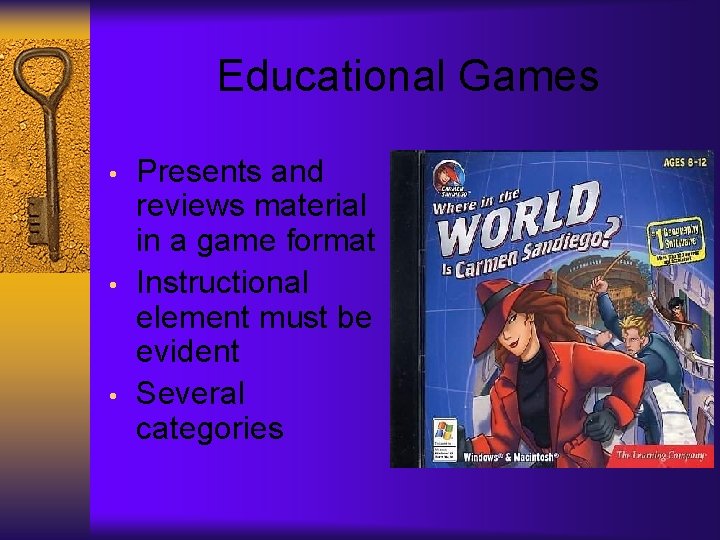
Educational Games • • • Presents and reviews material in a game format Instructional element must be evident Several categories
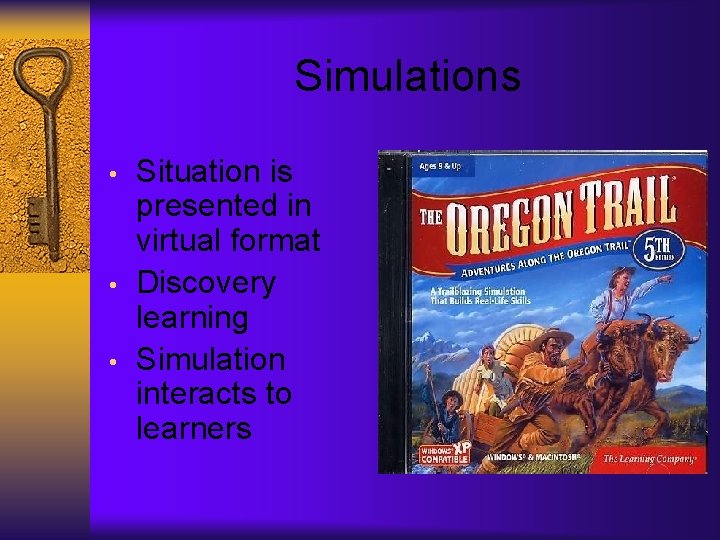
Simulations • • • Situation is presented in virtual format Discovery learning Simulation interacts to learners
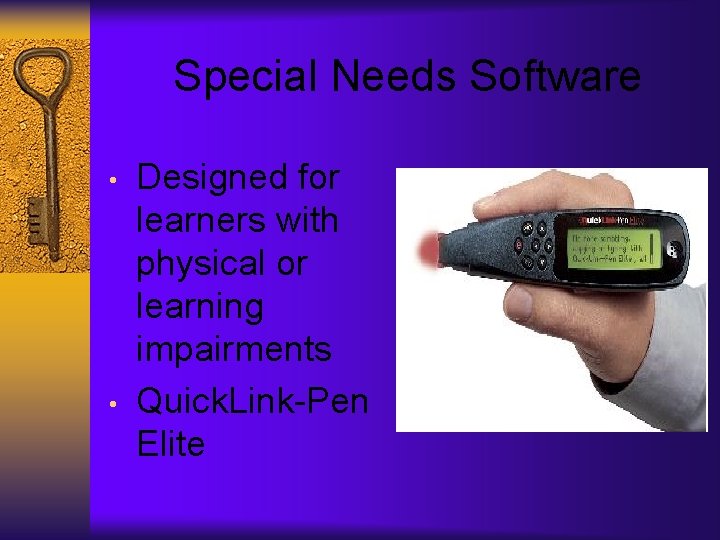
Special Needs Software • • Designed for learners with physical or learning impairments Quick. Link-Pen Elite
Other Academic Software • • Computer-Assisted Instruction (CAI) uses computer to tutor or review content • • Computer. Managed Instruction (CMI) software that manages instruction and keeps track of student progress
Academic Software Evaluation Rubric • • Use this rubric to evaluate software Use rubric before purchasing software