
Chapter 6 7 Animation Overview n When to

- Slides: 9
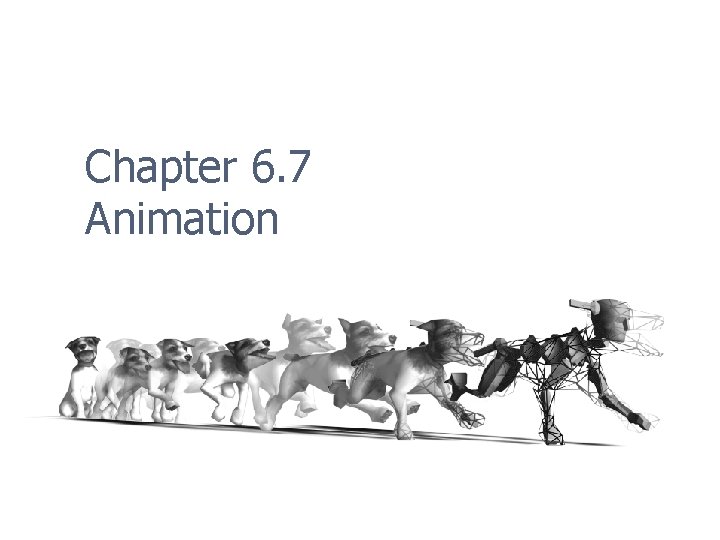
Chapter 6. 7 Animation
Overview n When to use animation n n Feedback to player about interaction with UI and in-game action Communicating environmental conditions Conveying emotion and expression in player characters and NPC For visual appeal and dynamic interest 2
About the Animator n Responsibilities n n n Hand animate simple and complex objects and characters Set up character rigs (skeletons) Export, test, and revise motions Work with motion capture data Expectation n n Understand animation principles Design custom, often specialized moves that “read” 3
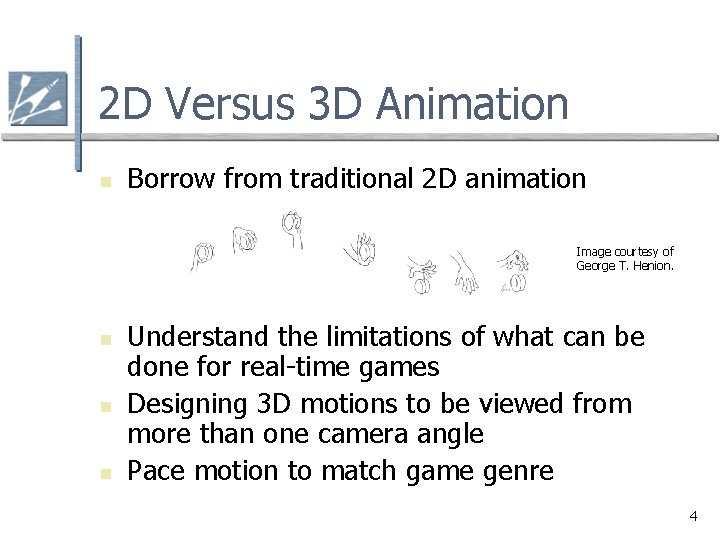
2 D Versus 3 D Animation n Borrow from traditional 2 D animation Image courtesy of George T. Henion. n n n Understand the limitations of what can be done for real-time games Designing 3 D motions to be viewed from more than one camera angle Pace motion to match game genre 4
Production Workflow n Modeling and texturing objects to move n n n Setting up a skeletal system n n Mesh design to support bending Single mesh vs. segmented mesh design Proper placement of bones and joints IK vs. FK systems Setting up controls - pros and cons Binding the mesh to the skeleton 5
Binding a Mesh to a Rig n Vertex weighting n n n How to assign and define bone influence Adjusting envelops Testing and trouble shooting n n How to revise vertex weight values to address problems Finer single vertex control 6
Keyframed Animation n The timeline n n n Pose-to-pose approach n n n Creating and adjusting keys Adjusting playback speed Extreme poses In-between motion Kinematics systems n n Forwards kinematics (FK) Inverse kinematics (IK) 7
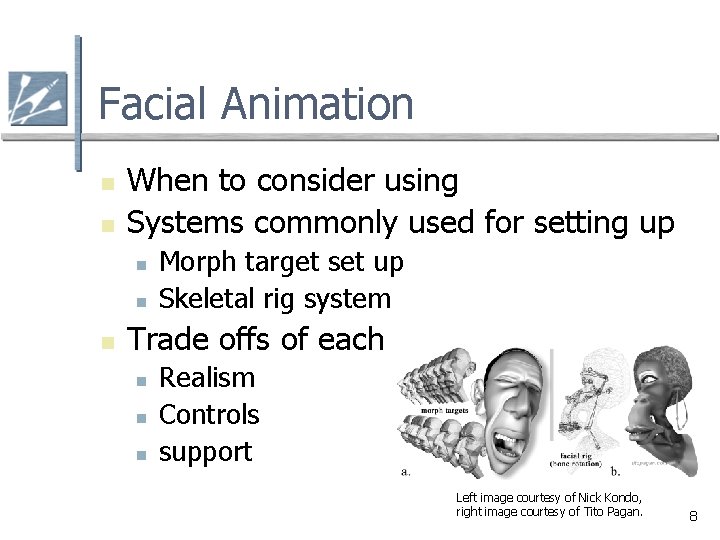
Facial Animation n n When to consider using Systems commonly used for setting up n n n Morph target set up Skeletal rig system Trade offs of each n n n Realism Controls support Left image courtesy of Nick Kondo, right image courtesy of Tito Pagan. 8
Motion Capture n When to consider using mocap n n n Style considerations Specialized moves Cost effectiveness Technical understanding of data Preplanning for a “shoot” n n n Creating a well planned Move or Shot List Knowing the pipeline to be used Finding and directing skilled talent 9