
Chapter 5 Teaching with Software Tools Beyond the
Chapter 5 Teaching with Software Tools: Beyond the Basic Programs M. D. Roblyer Integrating Educational Technology into Teaching, 4/E Copyright © 2006 by Pearson Education, Inc. Upper Saddle River, New Jersey 07458 All rights reserved.
Technology Integration Example: A Desktop-Published Literary Anthology • Phase 1: Relative advantage • Phase 2: Objectives and Assessments • Phase 3: Integration Strategies • Phase 4: Instructional Environment • Phase 5: Evaluating and Revising M. D. Roblyer Integrating Educational Technology into Teaching, 4/E Copyright © 2006 by Pearson Education, Inc. Upper Saddle River, New Jersey 07458 All rights reserved. 2

Benefits of Using Software Tools • Improves efficiency and productivity • Improves appearance • Better accuracy and timeliness of information and • More support for interaction and sharing M. D. Roblyer Integrating Educational Technology into Teaching, 4/E Copyright © 2006 by Pearson Education, Inc. Upper Saddle River, New Jersey 07458 All rights reserved. 3
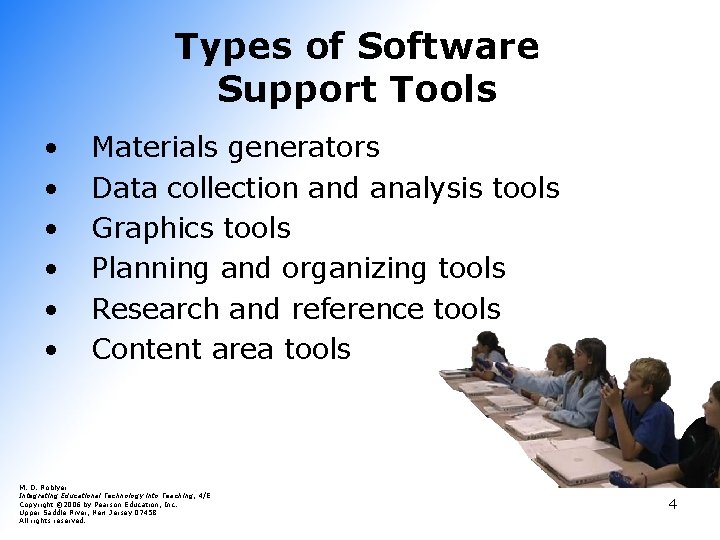
Types of Software Support Tools • • • Materials generators Data collection and analysis tools Graphics tools Planning and organizing tools Research and reference tools Content area tools M. D. Roblyer Integrating Educational Technology into Teaching, 4/E Copyright © 2006 by Pearson Education, Inc. Upper Saddle River, New Jersey 07458 All rights reserved. 4
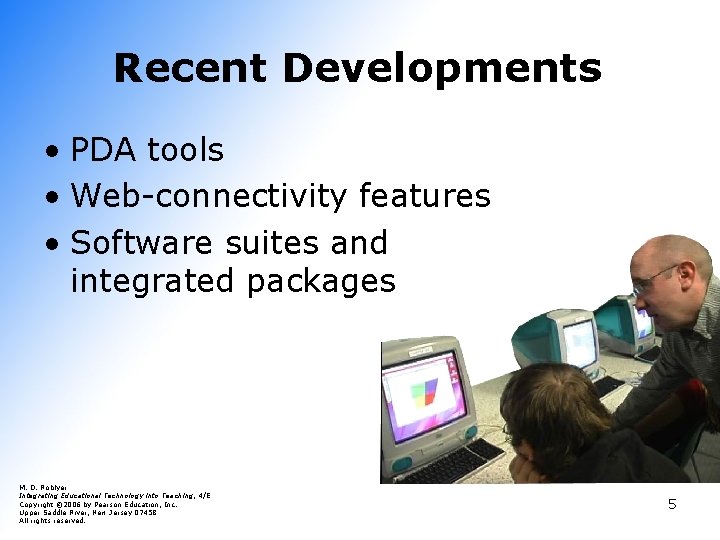
Recent Developments • PDA tools • Web-connectivity features • Software suites and integrated packages M. D. Roblyer Integrating Educational Technology into Teaching, 4/E Copyright © 2006 by Pearson Education, Inc. Upper Saddle River, New Jersey 07458 All rights reserved. 5
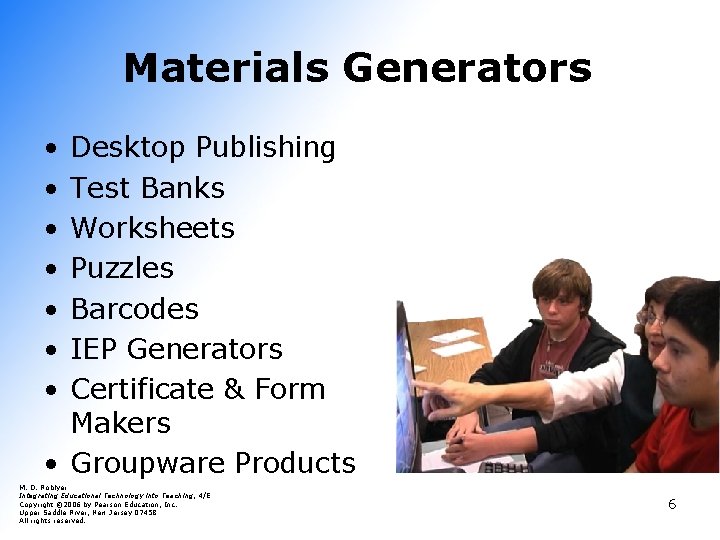
Materials Generators • • Desktop Publishing Test Banks Worksheets Puzzles Barcodes IEP Generators Certificate & Form Makers • Groupware Products M. D. Roblyer Integrating Educational Technology into Teaching, 4/E Copyright © 2006 by Pearson Education, Inc. Upper Saddle River, New Jersey 07458 All rights reserved. 6
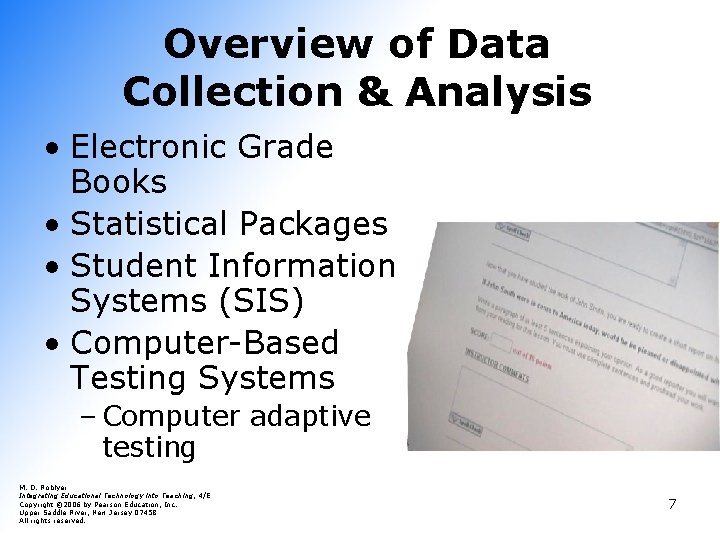
Overview of Data Collection & Analysis • Electronic Grade Books • Statistical Packages • Student Information Systems (SIS) • Computer-Based Testing Systems – Computer adaptive testing M. D. Roblyer Integrating Educational Technology into Teaching, 4/E Copyright © 2006 by Pearson Education, Inc. Upper Saddle River, New Jersey 07458 All rights reserved. 7
Graphic Tools • Draw/Paint & Image Programs • Image Editing • Charting & Graphing • Digitizing & Video Development Systems • Clip Art, Video, & Sound Collections M. D. Roblyer Integrating Educational Technology into Teaching, 4/E Copyright © 2006 by Pearson Education, Inc. Upper Saddle River, New Jersey 07458 All rights reserved. 5. 8
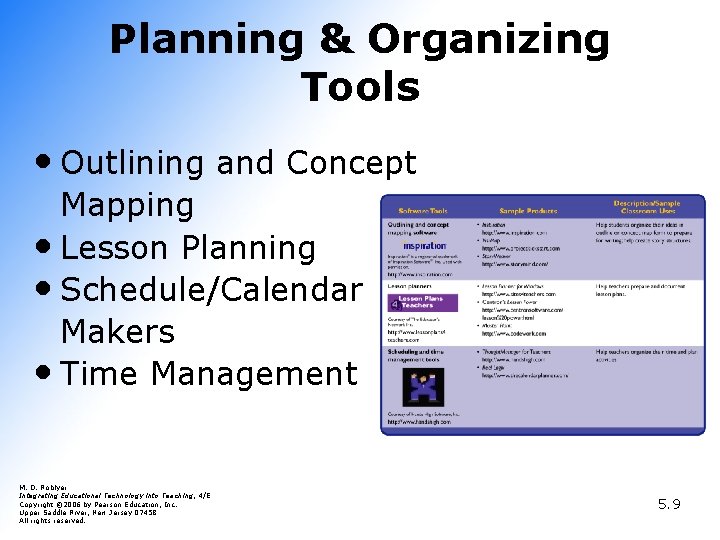
Planning & Organizing Tools • Outlining and Concept Mapping • Lesson Planning • Schedule/Calendar Makers • Time Management M. D. Roblyer Integrating Educational Technology into Teaching, 4/E Copyright © 2006 by Pearson Education, Inc. Upper Saddle River, New Jersey 07458 All rights reserved. 5. 9
Overview of Planning & Organization Tools • Outlining and Concept Mapping • Lesson Planning • Schedule/Calendar Makers • Time Management M. D. Roblyer Integrating Educational Technology into Teaching, 4/E Copyright © 2006 by Pearson Education, Inc. Upper Saddle River, New Jersey 07458 All rights reserved. 5. 10

Research & Reference Tools • Electronic Encyclopedias • Electronic Atlases and Mapping • Dictionaries and Thesauruses – Word Atlases M. D. Roblyer Integrating Educational Technology into Teaching, 4/E Copyright © 2006 by Pearson Education, Inc. Upper Saddle River, New Jersey 07458 All rights reserved. 11

Content Specific Tools • • Computer Aided Design (CAD) Music Editors & Synthesizers Reading Tools Microcomputer-based Labs – Probeware • Graphing Calculators – Calculator-based labs (CBL) • Geographic Information Systems (GIS) • Global Positioning Systems (GPS) M. D. Roblyer Integrating Educational Technology into Teaching, 4/E Copyright © 2006 by Pearson Education, Inc. Upper Saddle River, New Jersey 07458 All rights reserved. 12
- Slides: 12