
Chapter 5 System Software 5 2 Competencies Page
- Slides: 26
Chapter 5 System Software
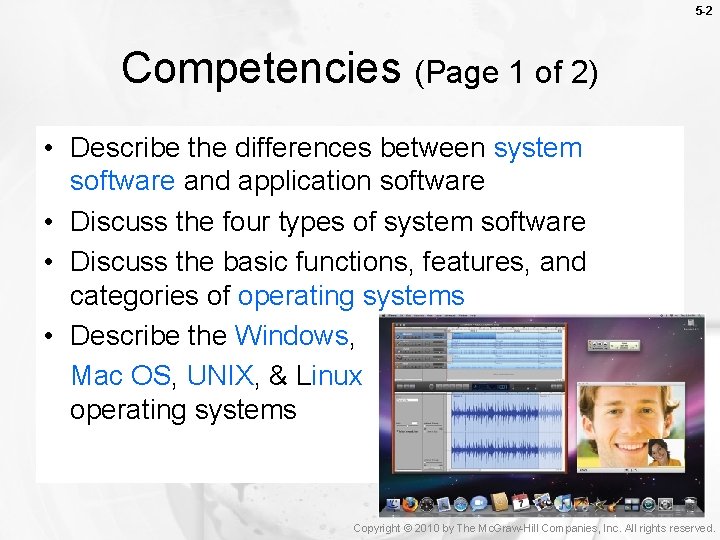
5 -2 Competencies (Page 1 of 2) • Describe the differences between system software and application software • Discuss the four types of system software • Discuss the basic functions, features, and categories of operating systems • Describe the Windows, Mac OS, UNIX, & Linux operating systems Copyright © 2010 by The Mc. Graw-Hill Companies, Inc. All rights reserved.
5 -3 Competencies (Page 2 of 2) • Describe the purpose of utilities and utility suites • Identify the five most essential utilities • Discuss Windows utility programs • Describe device drivers, including printer drivers Copyright © 2010 by The Mc. Graw-Hill Companies, Inc. All rights reserved.
5 -4 Introduction Computers and computer applications are ubiquitous in our lives so much so that we expect them to “be there when we need them”. We often give little thought to the processes and programs running behind the scenes to keep our computers functioning effectively. These kinds of programs and processes (i. e. operating systems, utility programs, device drivers, etc…) fall under the topic of system software and are covered in this chapter. Copyright © 2010 by The Mc. Graw-Hill Companies, Inc. All rights reserved.
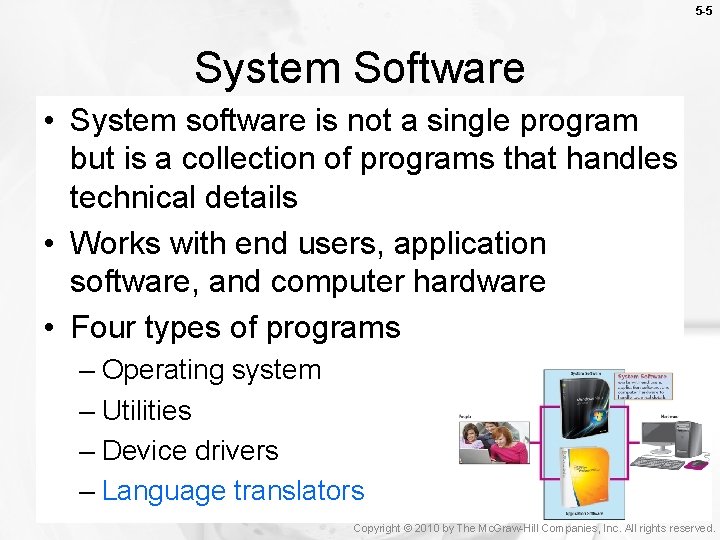
5 -5 System Software • System software is not a single program but is a collection of programs that handles technical details • Works with end users, application software, and computer hardware • Four types of programs – Operating system – Utilities – Device drivers – Language translators Copyright © 2010 by The Mc. Graw-Hill Companies, Inc. All rights reserved.
5 -6 Operating Systems • Manage computer resources (memory, processing, storage…etc). • Provide an interface between the users and computer (character vs. graphical user interface) • Loads and runs applications (support multitasking). Copyright © 2010 by The Mc. Graw-Hill Companies, Inc. All rights reserved.
Functions of an Operating System 5 -7 • Performs three types of functions – Manages computer resources • Coordinate memory, processing storage, and printers • Monitor system performance • Provide security • Start-up the computer – Provides user interface • Character-based interface • Graphical user interface (GUI) – Runs applications • Multitasking Copyright © 2010 by The Mc. Graw-Hill Companies, Inc. All rights reserved.
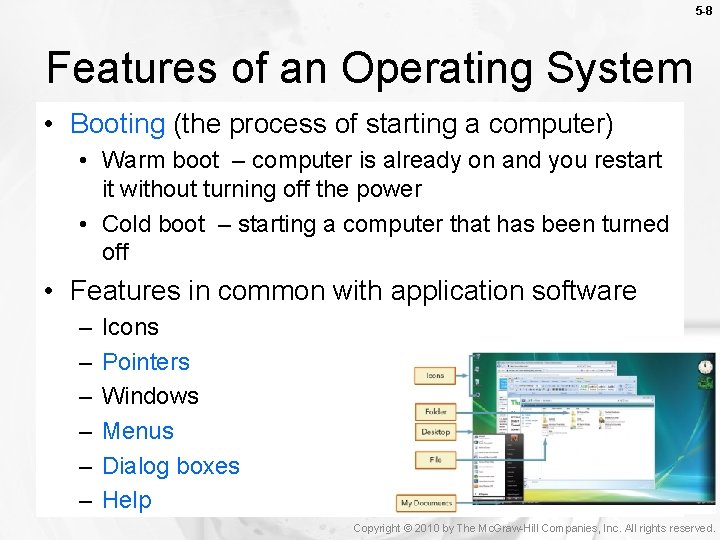
5 -8 Features of an Operating System • Booting (the process of starting a computer) • Warm boot – computer is already on and you restart it without turning off the power • Cold boot – starting a computer that has been turned off • Features in common with application software – – – Icons Pointers Windows Menus Dialog boxes Help Copyright © 2010 by The Mc. Graw-Hill Companies, Inc. All rights reserved.
Categories of Operating Systems 5 -9 • Hundreds of operating systems (sometimes called software environment) • Three basic categories – Embedded operating systems – hand-held • Used for handheld devices, video games consoles (Windows CE, Windows XP embedded). – Network operating systems – linked computers • Network server: coordinates all communication between the other computers (Windows server, UNIX) – Stand-alone operating systems – desktop • may also be referred to as a client operating system Copyright © 2010 by The Mc. Graw-Hill Companies, Inc. All rights reserved.
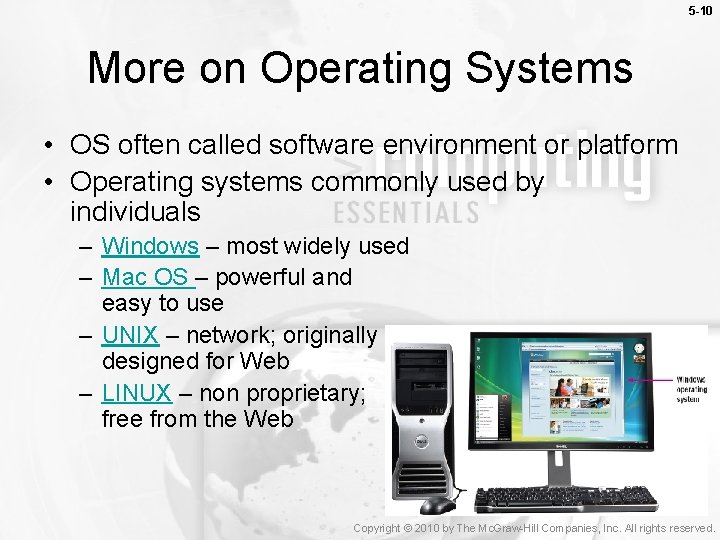
5 -10 More on Operating Systems • OS often called software environment or platform • Operating systems commonly used by individuals – Windows – most widely used – Mac OS – powerful and easy to use – UNIX – network; originally designed for Web – LINUX – non proprietary; free from the Web Copyright © 2010 by The Mc. Graw-Hill Companies, Inc. All rights reserved.
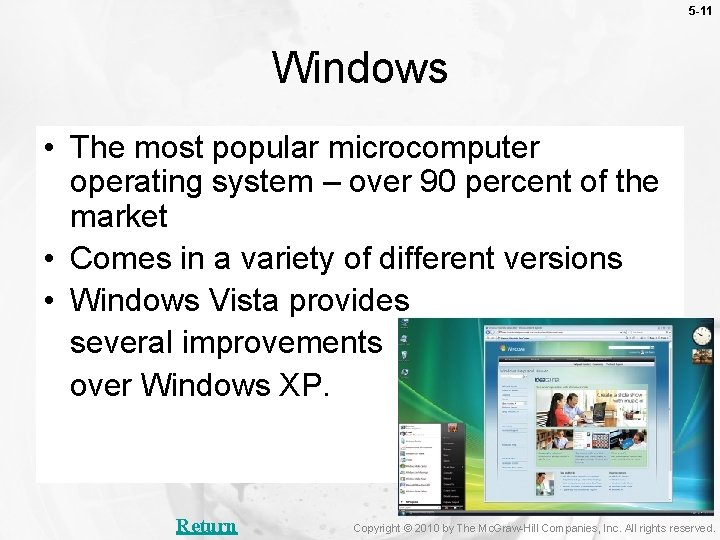
5 -11 Windows • The most popular microcomputer operating system – over 90 percent of the market • Comes in a variety of different versions • Windows Vista provides several improvements over Windows XP. Return Copyright © 2010 by The Mc. Graw-Hill Companies, Inc. All rights reserved.
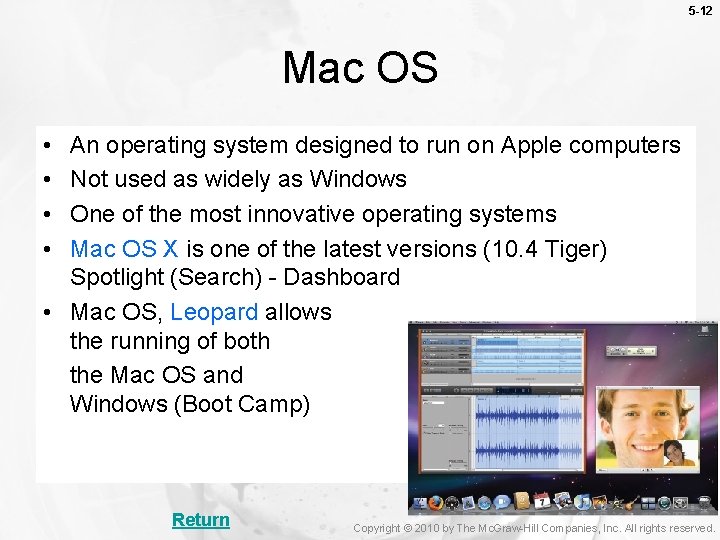
5 -12 Mac OS • • An operating system designed to run on Apple computers Not used as widely as Windows One of the most innovative operating systems Mac OS X is one of the latest versions (10. 4 Tiger) Spotlight (Search) - Dashboard • Mac OS, Leopard allows the running of both the Mac OS and Windows (Boot Camp) Return Copyright © 2010 by The Mc. Graw-Hill Companies, Inc. All rights reserved.
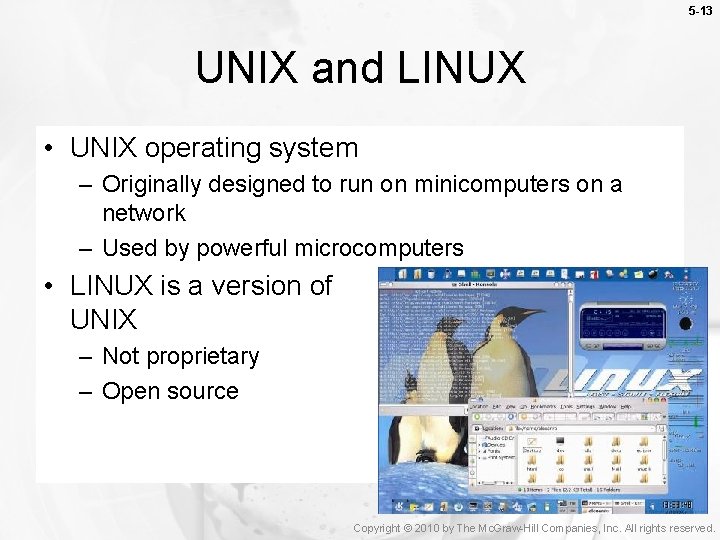
5 -13 UNIX and LINUX • UNIX operating system – Originally designed to run on minicomputers on a network – Used by powerful microcomputers • LINUX is a version of UNIX – Not proprietary – Open source Copyright © 2010 by The Mc. Graw-Hill Companies, Inc. All rights reserved.
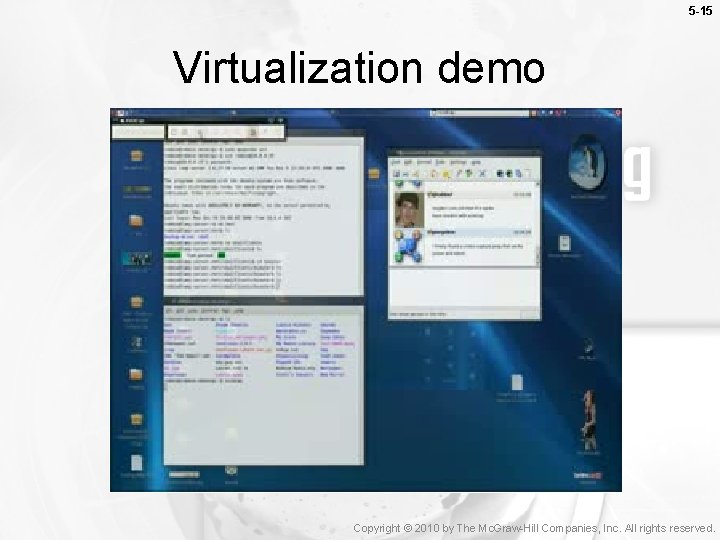
Virtualization 5 -14 • Virtualization is a process that allows a single physical computer to support multiple operating systems that operate independently. • Virtualization software creates virtual machines. – Host operating system runs on the physical machine. – Guest operating system operate on virtual machines. Copyright © 2010 by The Mc. Graw-Hill Companies, Inc. All rights reserved.
5 -15 Virtualization demo Copyright © 2010 by The Mc. Graw-Hill Companies, Inc. All rights reserved.
What are the benefits of virtualization? 5 -16 • Reduce the amount of space required for the different machines. • Flexibility in running applications. • Testing projects can be easier and faster. • Others? ? Copyright © 2010 by The Mc. Graw-Hill Companies, Inc. All rights reserved.
5 -17 Utilities • Specialized programs to make computing easier • Most essential utilities – – – Troubleshooting or diagnostic programs Antivirus programs Uninstall programs Backup programs File compression programs Copyright © 2010 by The Mc. Graw-Hill Companies, Inc. All rights reserved.
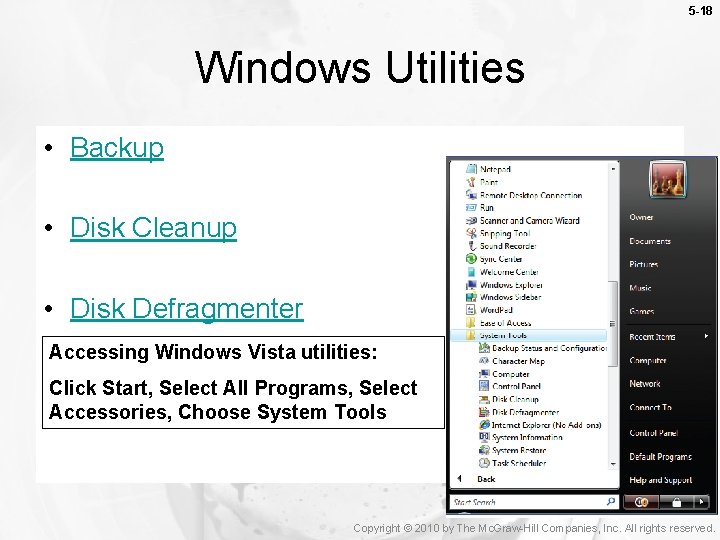
5 -18 Windows Utilities • Backup • Disk Cleanup • Disk Defragmenter Accessing Windows Vista utilities: Click Start, Select All Programs, Select Accessories, Choose System Tools Copyright © 2010 by The Mc. Graw-Hill Companies, Inc. All rights reserved.
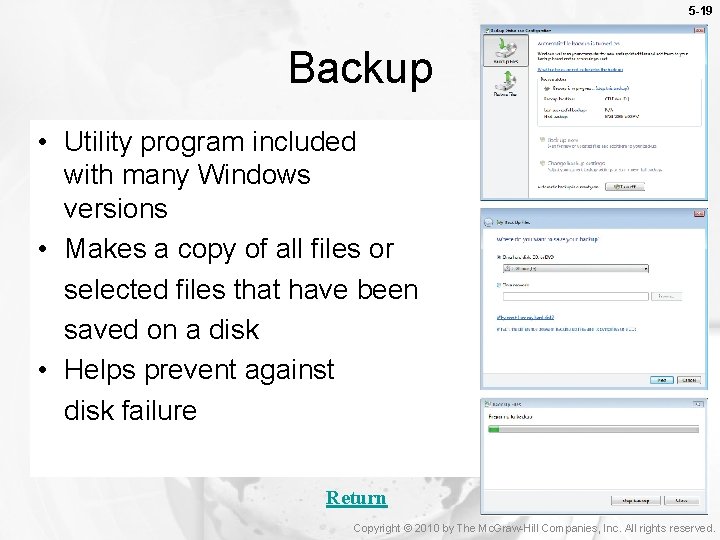
5 -19 Backup • Utility program included with many Windows versions • Makes a copy of all files or selected files that have been saved on a disk • Helps prevent against disk failure Return Copyright © 2010 by The Mc. Graw-Hill Companies, Inc. All rights reserved.
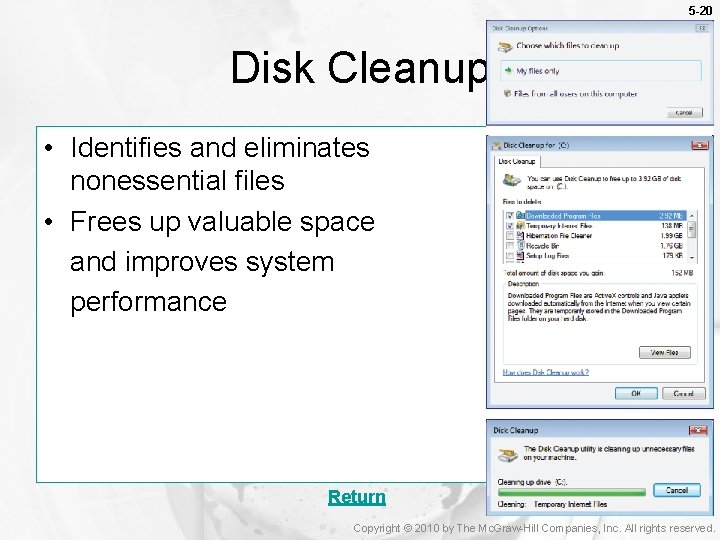
5 -20 Disk Cleanup • Identifies and eliminates nonessential files • Frees up valuable space and improves system performance Return Copyright © 2010 by The Mc. Graw-Hill Companies, Inc. All rights reserved.
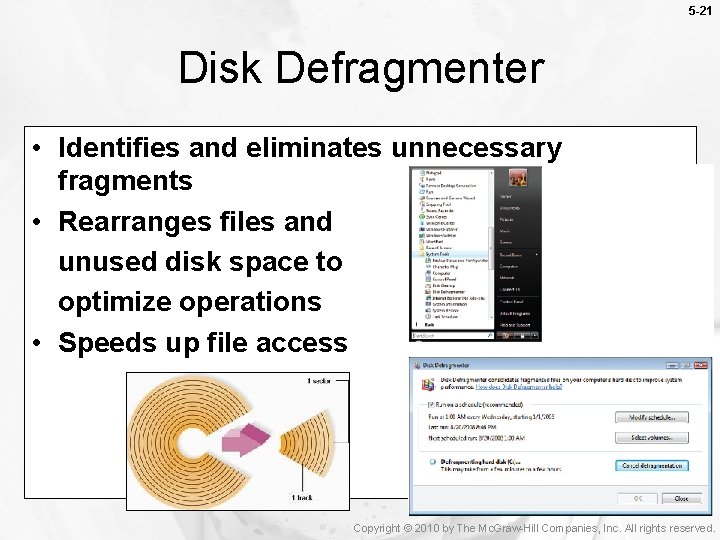
5 -21 Disk Defragmenter • Identifies and eliminates unnecessary fragments • Rearranges files and unused disk space to optimize operations • Speeds up file access Copyright © 2010 by The Mc. Graw-Hill Companies, Inc. All rights reserved.
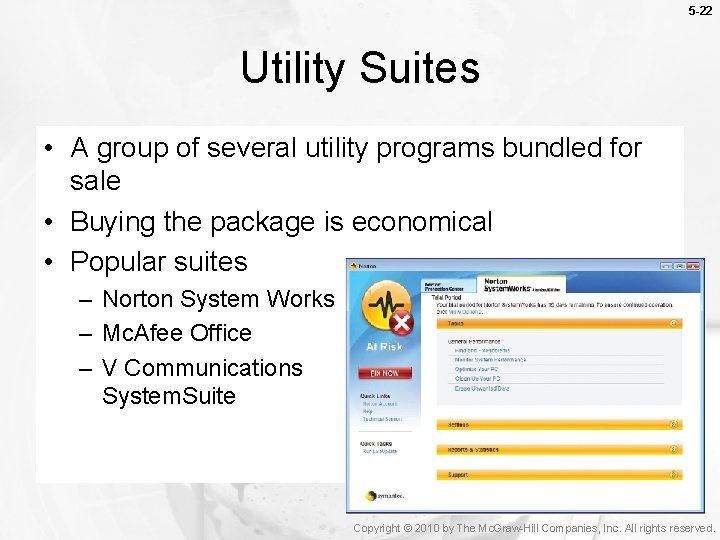
5 -22 Utility Suites • A group of several utility programs bundled for sale • Buying the package is economical • Popular suites – Norton System Works – Mc. Afee Office – V Communications System. Suite Copyright © 2010 by The Mc. Graw-Hill Companies, Inc. All rights reserved.
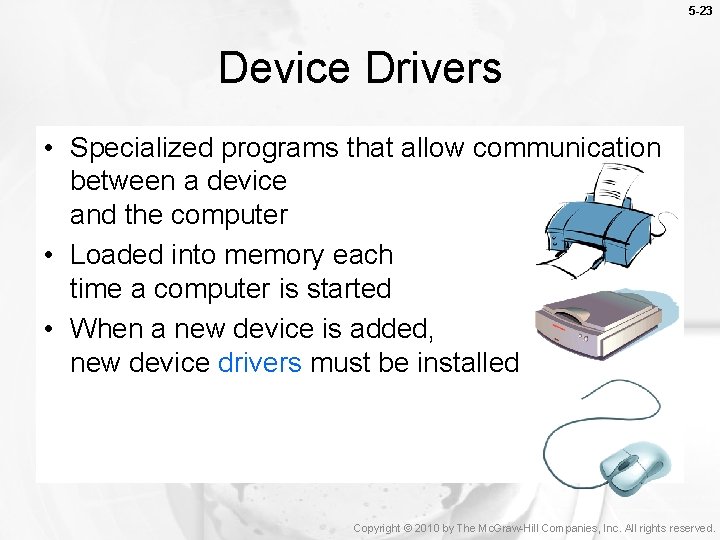
5 -23 Device Drivers • Specialized programs that allow communication between a device and the computer • Loaded into memory each time a computer is started • When a new device is added, new device drivers must be installed Copyright © 2010 by The Mc. Graw-Hill Companies, Inc. All rights reserved.
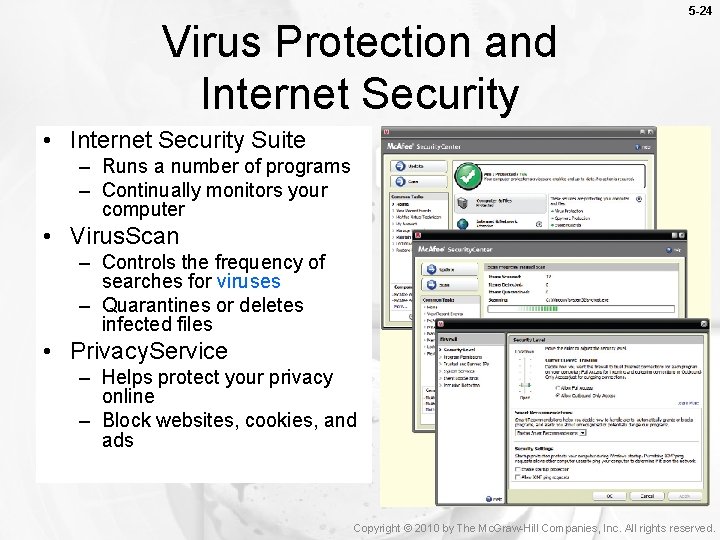
Virus Protection and Internet Security 5 -24 • Internet Security Suite – Runs a number of programs – Continually monitors your computer • Virus. Scan – Controls the frequency of searches for viruses – Quarantines or deletes infected files • Privacy. Service – Helps protect your privacy online – Block websites, cookies, and ads Copyright © 2010 by The Mc. Graw-Hill Companies, Inc. All rights reserved.
5 -25 Careers In IT • Computer support specialist provide technical support to customers and other users • Resolve common networking problems and use troubleshooting programs to diagnose problems • Employers look for a bachelors degree, good analytical and communication skills • Computer support specialist can expect to earn $31 K - $53 K annually Copyright © 2010 by The Mc. Graw-Hill Companies, Inc. All rights reserved.
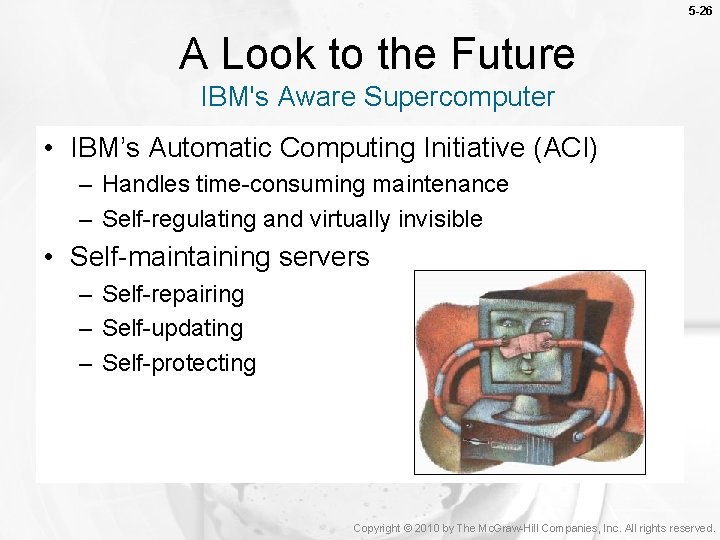
5 -26 A Look to the Future IBM's Aware Supercomputer • IBM’s Automatic Computing Initiative (ACI) – Handles time-consuming maintenance – Self-regulating and virtually invisible • Self-maintaining servers – Self-repairing – Self-updating – Self-protecting Copyright © 2010 by The Mc. Graw-Hill Companies, Inc. All rights reserved.