
Chapter 5 Software Tools and Practice Copyright 2005
- Slides: 25
Chapter 5 Software Tools and Practice Copyright © 2005, Pearson Education, Inc.
Specification Methods • Design requires a good notation to record and discuss alternate possibilities: – The default language for specifications in any field is natural language, e. g. , English – Communication medium, e. g. , sketchpad, or blackboard • Natural-language specifications tend to be: – lengthy – vague – ambiguous • Therefore often are difficult to prove: – correct – consistent – complete Copyright © 2005, Pearson Education, Inc.
Specification Methods (cont. ) • Functional Specifications – Multi-part documents • What the software does (often bullet lists) • Sometimes, what the software does not do • External behavior (UI descriptions) – Often done in conjunction with a separate internal design document – These specs are a ‘contract’ between engineering and sales/marketing Copyright © 2005, Pearson Education, Inc.
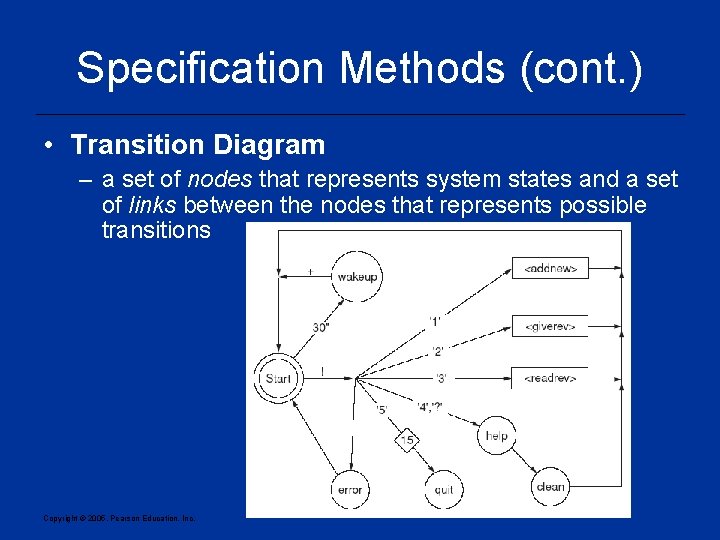
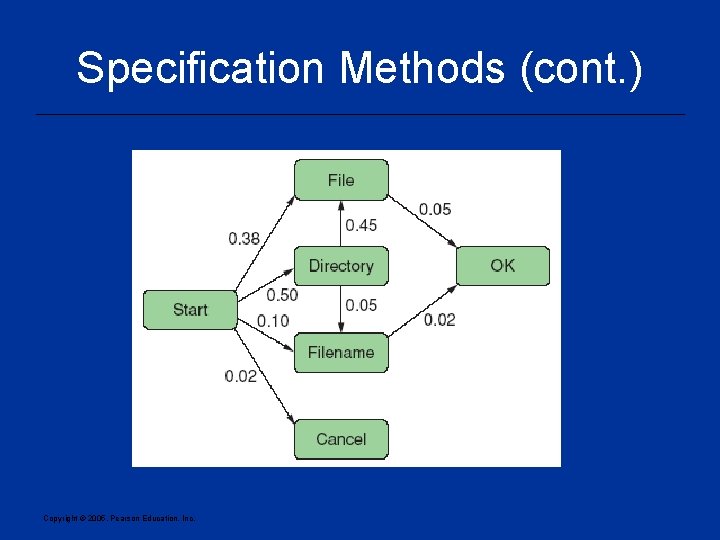
Specification Methods (cont. ) • Transition Diagram – a set of nodes that represents system states and a set of links between the nodes that represents possible transitions Copyright © 2005, Pearson Education, Inc.
Specification Methods (cont. ) Copyright © 2005, Pearson Education, Inc.
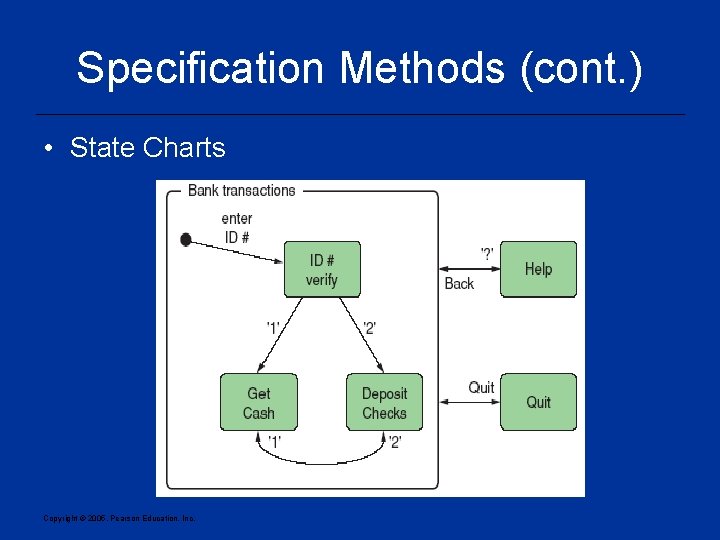
Specification Methods (cont. ) • State Charts Copyright © 2005, Pearson Education, Inc.
Interface-Building Tools Features of Interface-Building Tools. • User Interface Independence – – – Separate interface design from internals Enable multiple user interface strategies Enable multiple platform support Establish user interface architect role Enforce standards • Methodology & Notation – Develop design procedures – Find ways to talk about design – Create project management Copyright © 2005, Pearson Education, Inc.
Interface-Building Tools (cont. ) • Rapid Prototyping – Try out ideas very early – Test, revise, test, revise, . . . – Engage end users, managers, and others • Software Support – – Increase productivity Offer some constraint & consistency checks Facilitate team approaches Ease maintenance Copyright © 2005, Pearson Education, Inc.
Interface-Building Tools (cont. ) User interface mockup tools • Examples – – Paper and pencil Word processors Slide-show software Macromedia Director, Flash MX, or Dreamweaver • Visual Editing – Microsoft Visual Studio – Borland JBuilder Copyright © 2005, Pearson Education, Inc.
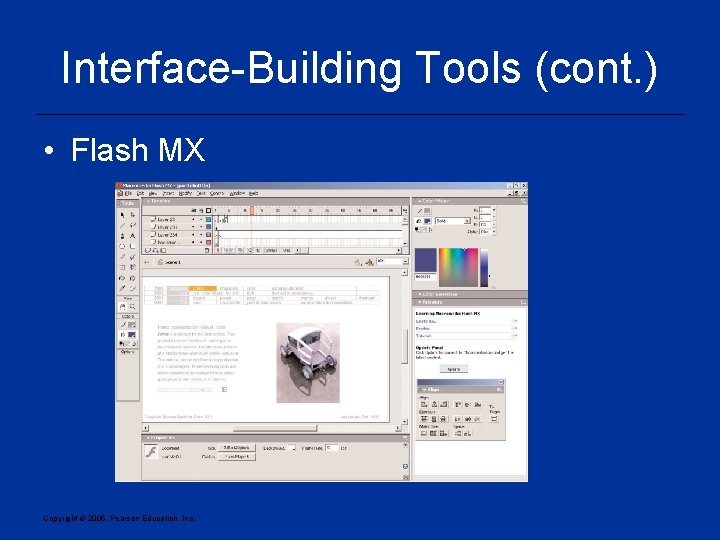
Interface-Building Tools (cont. ) • Flash MX Copyright © 2005, Pearson Education, Inc.
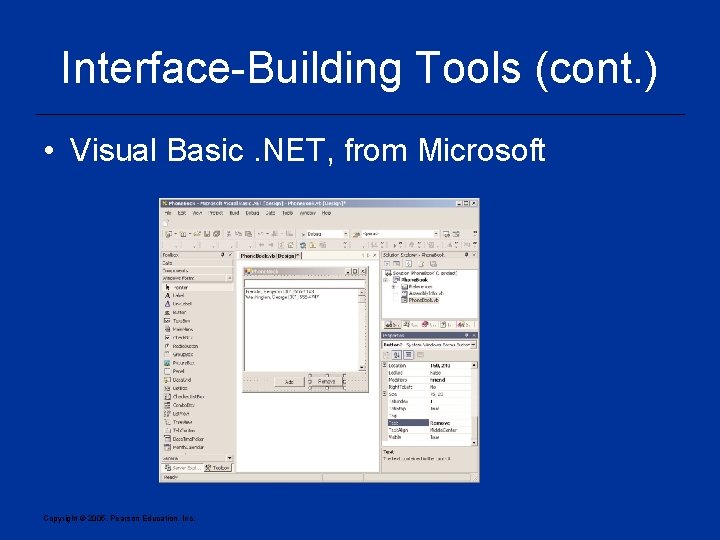
Interface-Building Tools (cont. ) • Visual Basic. NET, from Microsoft Copyright © 2005, Pearson Education, Inc.
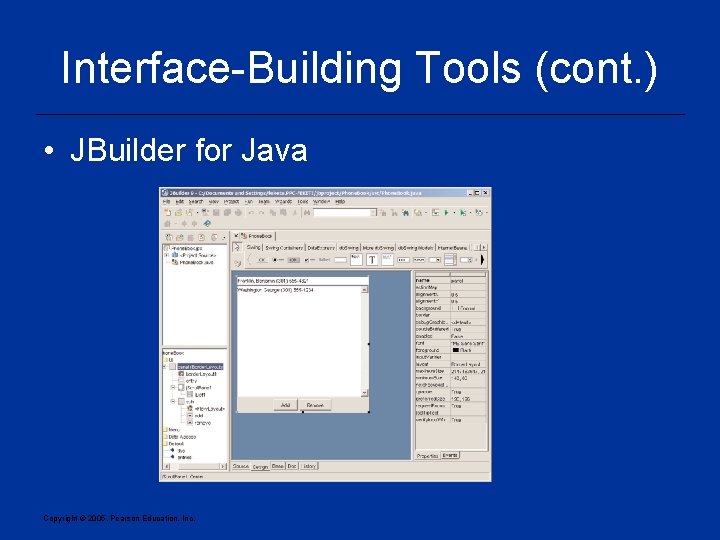
Interface-Building Tools (cont. ) • JBuilder for Java Copyright © 2005, Pearson Education, Inc.
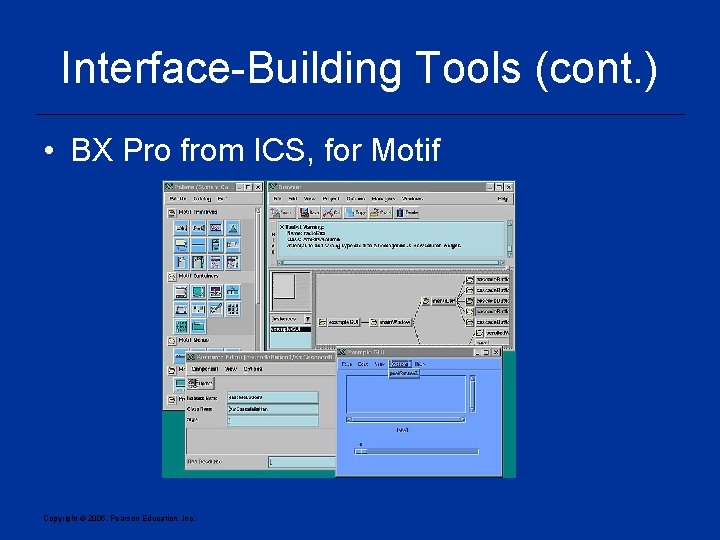
Interface-Building Tools (cont. ) • BX Pro from ICS, for Motif Copyright © 2005, Pearson Education, Inc.
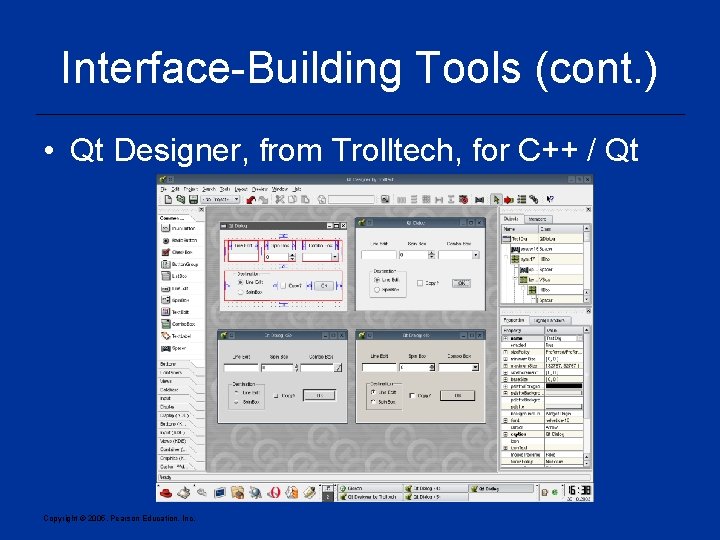
Interface-Building Tools (cont. ) • Qt Designer, from Trolltech, for C++ / Qt Copyright © 2005, Pearson Education, Inc.
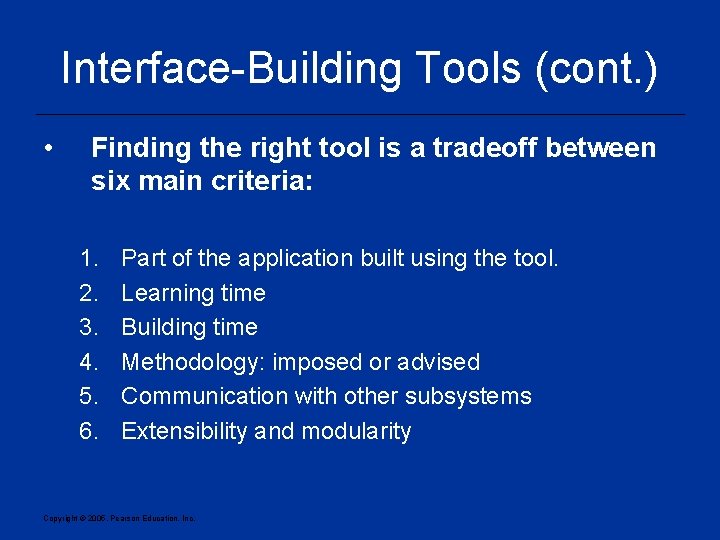
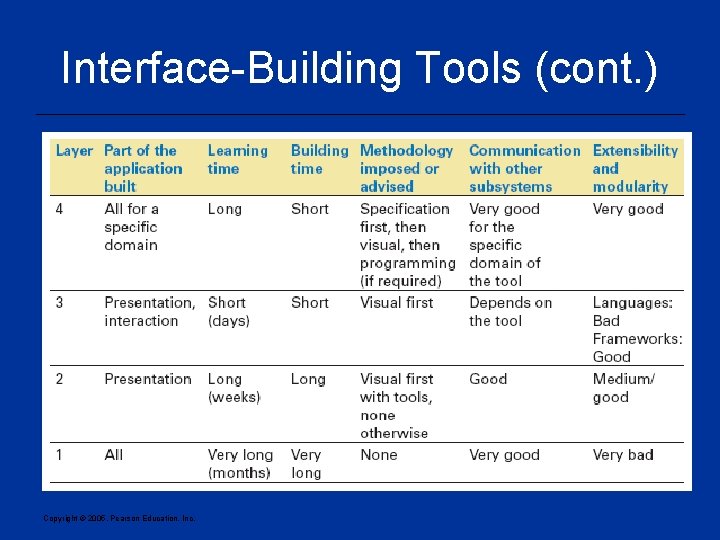
Interface-Building Tools (cont. ) • Finding the right tool is a tradeoff between six main criteria: 1. 2. 3. 4. 5. 6. Part of the application built using the tool. Learning time Building time Methodology: imposed or advised Communication with other subsystems Extensibility and modularity Copyright © 2005, Pearson Education, Inc.
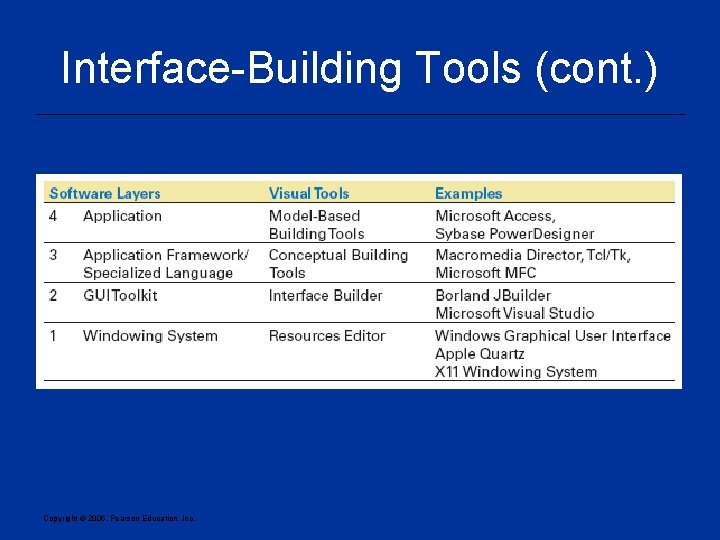
Interface-Building Tools (cont. ) Copyright © 2005, Pearson Education, Inc.
Interface-Building Tools (cont. ) Copyright © 2005, Pearson Education, Inc.
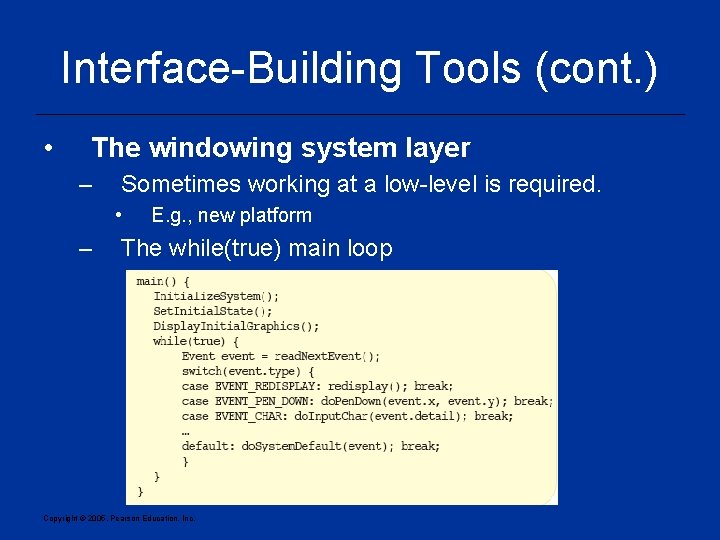
Interface-Building Tools (cont. ) • The windowing system layer – Sometimes working at a low-level is required. • – E. g. , new platform The while(true) main loop Copyright © 2005, Pearson Education, Inc.
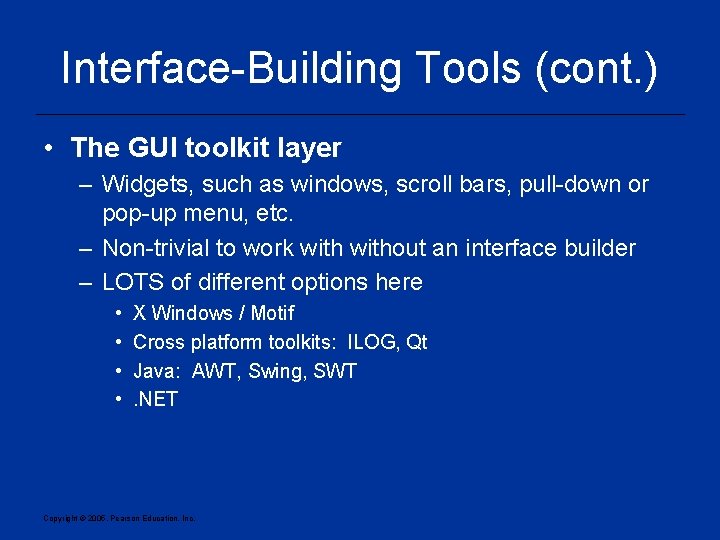
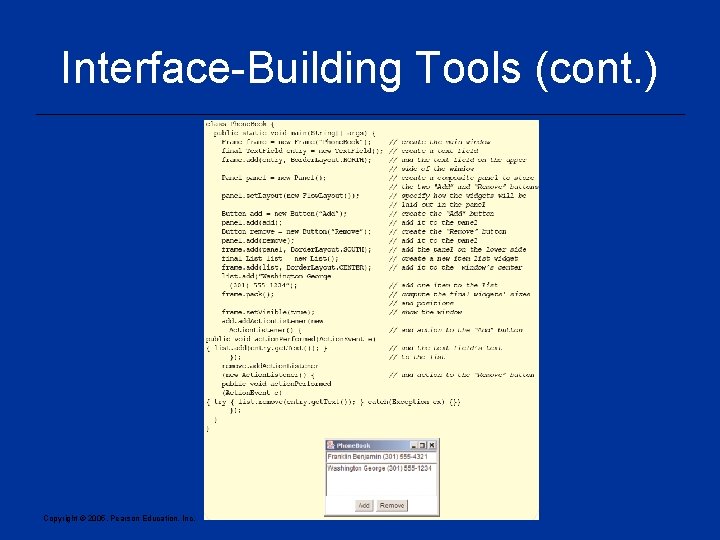
Interface-Building Tools (cont. ) • The GUI toolkit layer – Widgets, such as windows, scroll bars, pull-down or pop-up menu, etc. – Non-trivial to work without an interface builder – LOTS of different options here • • X Windows / Motif Cross platform toolkits: ILOG, Qt Java: AWT, Swing, SWT. NET Copyright © 2005, Pearson Education, Inc.
Interface-Building Tools (cont. ) Copyright © 2005, Pearson Education, Inc.
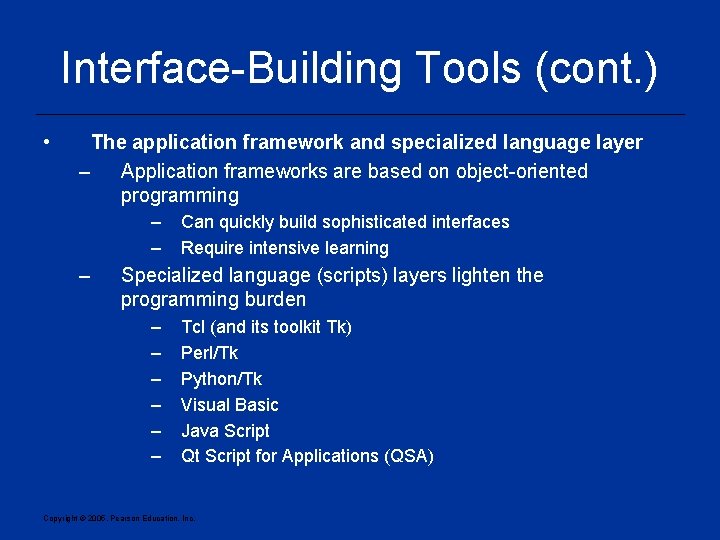
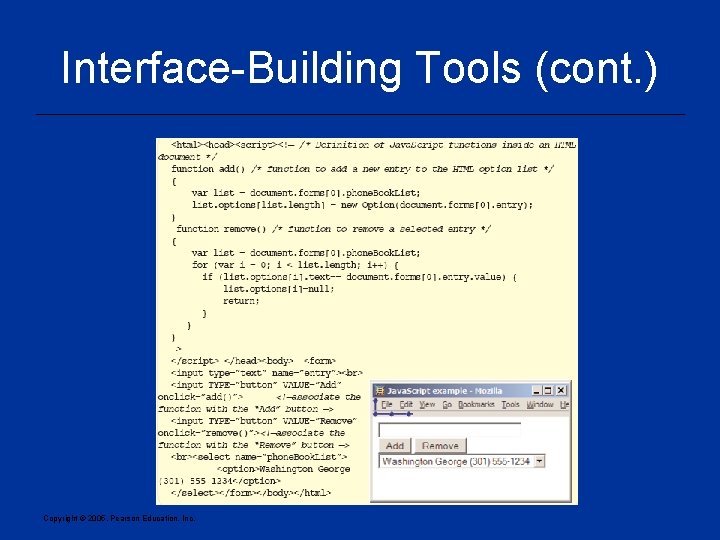
Interface-Building Tools (cont. ) • The application framework and specialized language layer – Application frameworks are based on object-oriented programming – – – Can quickly build sophisticated interfaces Require intensive learning Specialized language (scripts) layers lighten the programming burden – – – Tcl (and its toolkit Tk) Perl/Tk Python/Tk Visual Basic Java Script Qt Script for Applications (QSA) Copyright © 2005, Pearson Education, Inc.
Interface-Building Tools (cont. ) Copyright © 2005, Pearson Education, Inc.
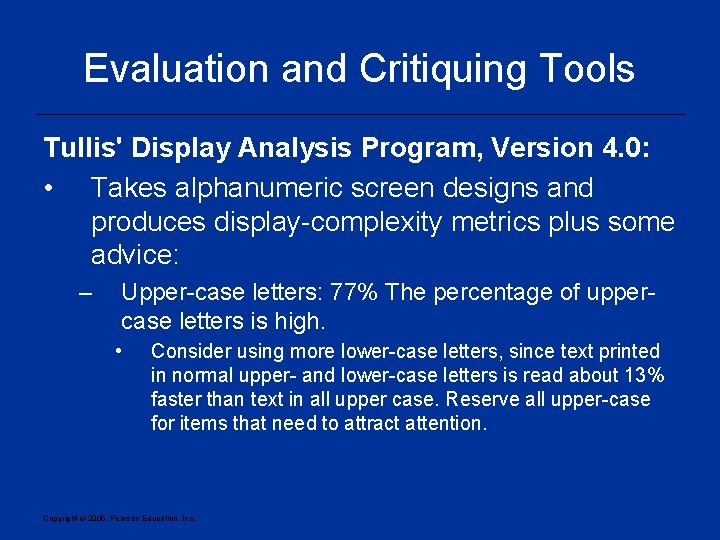
Evaluation and Critiquing Tools Tullis' Display Analysis Program, Version 4. 0: • Takes alphanumeric screen designs and produces display-complexity metrics plus some advice: – Upper-case letters: 77% The percentage of uppercase letters is high. • Consider using more lower-case letters, since text printed in normal upper- and lower-case letters is read about 13% faster than text in all upper case. Reserve all upper-case for items that need to attract attention. Copyright © 2005, Pearson Education, Inc.
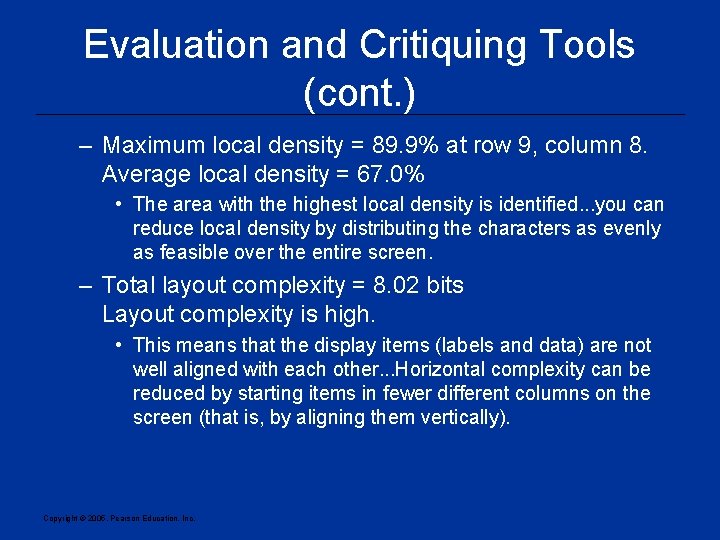
Evaluation and Critiquing Tools (cont. ) – Maximum local density = 89. 9% at row 9, column 8. Average local density = 67. 0% • The area with the highest local density is identified. . . you can reduce local density by distributing the characters as evenly as feasible over the entire screen. – Total layout complexity = 8. 02 bits Layout complexity is high. • This means that the display items (labels and data) are not well aligned with each other. . . Horizontal complexity can be reduced by starting items in fewer different columns on the screen (that is, by aligning them vertically). Copyright © 2005, Pearson Education, Inc.
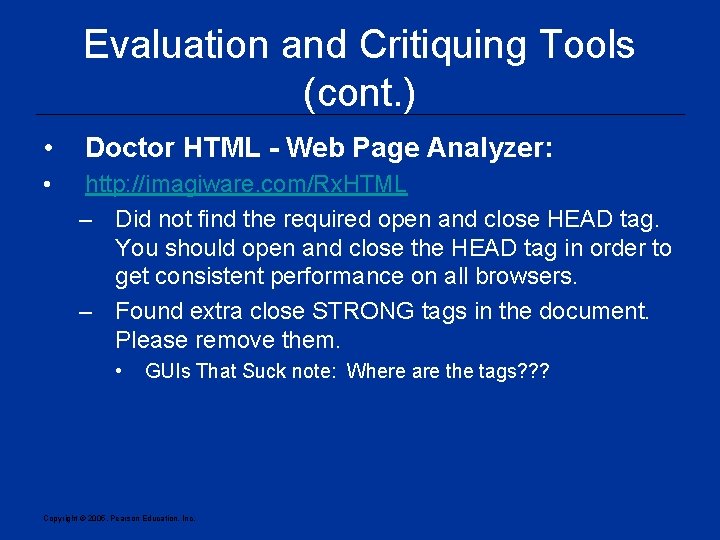
Evaluation and Critiquing Tools (cont. ) • Doctor HTML - Web Page Analyzer: • http: //imagiware. com/Rx. HTML – Did not find the required open and close HEAD tag. You should open and close the HEAD tag in order to get consistent performance on all browsers. – Found extra close STRONG tags in the document. Please remove them. • GUIs That Suck note: Where are the tags? ? ? Copyright © 2005, Pearson Education, Inc.