
Chapter 5 More SQL Complex Queries Triggers Views



- Slides: 63
Chapter 5 More SQL: Complex Queries, Triggers, Views, and Schema Modification Copyright © 2011 Pearson Education, Inc. Publishing as Pearson Addison-Wesley
Chapter 5 More SQL: Complex Queries, Triggers, Views, and Schema Modification Copyright © 2011 Pearson Education, Inc. Publishing as Pearson Addison-Wesley
Chapter 5 Outline • More Complex SQL Retrieval Queries • Specifying Additional Constraints and Actions in SQL – CREATE ASSERTION – CREATE TRIGGER • Views (virtual tables) in SQL – CREATE VIEW • Schema Modification in SQL – ADD, DROP statements Copyright © 2011 Pearson Education, Inc. Publishing as Pearson Addison-Wesley
Outline of Topics for More Complex SQL Retrieval Queries • Handling NULLs, 3 -valued Logic in SQL • Nested Queries – Correlated vs. uncorrelated – EXISTS function • Joined Tables, Inner Joins, and Outer Joins • Aggregate Functions and Grouping in SQL – COUNT, AVG, SUM, MIN, MAX functions – GROUP BY, HAVING clauses Copyright © 2011 Pearson Education, Inc. Publishing as Pearson Addison-Wesley
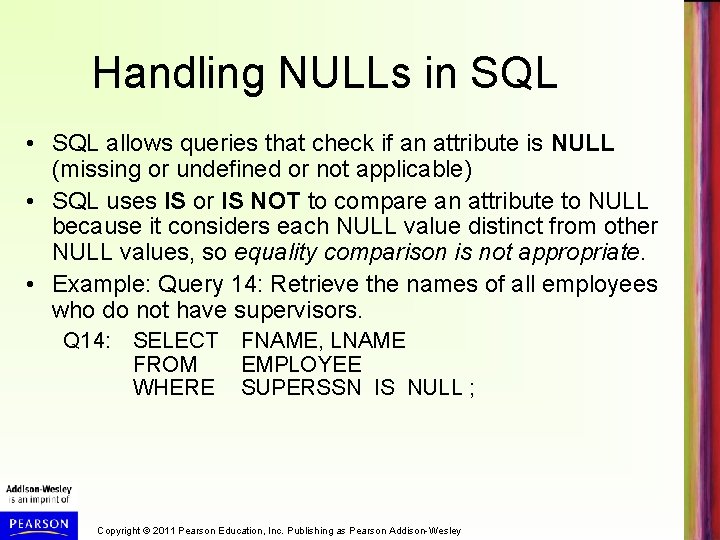
Handling NULLs in SQL • SQL allows queries that check if an attribute is NULL (missing or undefined or not applicable) • SQL uses IS or IS NOT to compare an attribute to NULL because it considers each NULL value distinct from other NULL values, so equality comparison is not appropriate. • Example: Query 14: Retrieve the names of all employees who do not have supervisors. Q 14: SELECT FROM WHERE FNAME, LNAME EMPLOYEE SUPERSSN IS NULL ; Copyright © 2011 Pearson Education, Inc. Publishing as Pearson Addison-Wesley
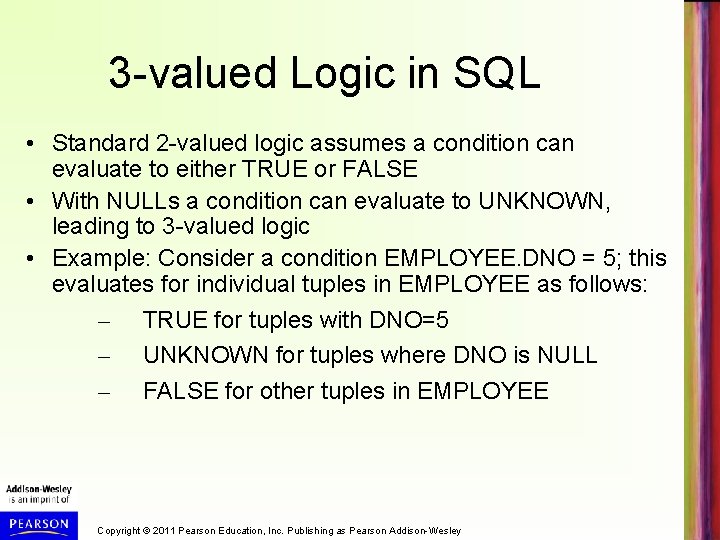
3 -valued Logic in SQL • Standard 2 -valued logic assumes a condition can evaluate to either TRUE or FALSE • With NULLs a condition can evaluate to UNKNOWN, leading to 3 -valued logic • Example: Consider a condition EMPLOYEE. DNO = 5; this evaluates for individual tuples in EMPLOYEE as follows: – TRUE for tuples with DNO=5 – UNKNOWN for tuples where DNO is NULL – FALSE for other tuples in EMPLOYEE Copyright © 2011 Pearson Education, Inc. Publishing as Pearson Addison-Wesley
3 -valued Logic in SQL (cont. ) • Combining individual conditions using AND, OR, NOT logical connectives must consider UNKNOWN in addition to TRUE and FALSE • Next slide (Table 5. 1) shows the truth tables for 3 -valued logic Copyright © 2011 Pearson Education, Inc. Publishing as Pearson Addison-Wesley
Copyright © 2011 Pearson Education, Inc. Publishing as Pearson Addison-Wesley
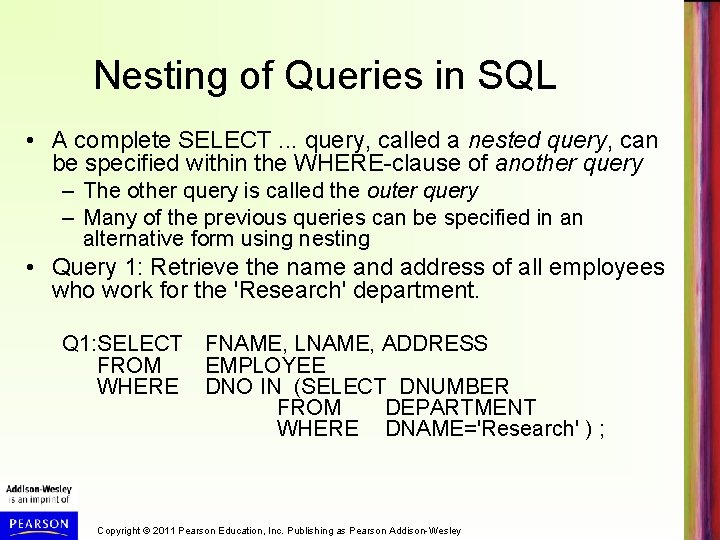
Nesting of Queries in SQL • A complete SELECT. . . query, called a nested query, can be specified within the WHERE-clause of another query – The other query is called the outer query – Many of the previous queries can be specified in an alternative form using nesting • Query 1: Retrieve the name and address of all employees who work for the 'Research' department. Q 1: SELECT FNAME, LNAME, ADDRESS FROM EMPLOYEE WHERE DNO IN (SELECT DNUMBER FROM DEPARTMENT WHERE DNAME='Research' ) ; Copyright © 2011 Pearson Education, Inc. Publishing as Pearson Addison-Wesley
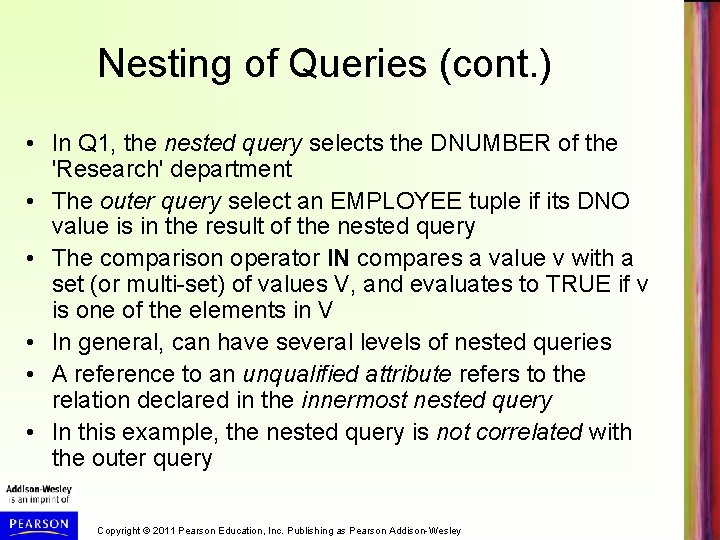
Nesting of Queries (cont. ) • In Q 1, the nested query selects the DNUMBER of the 'Research' department • The outer query select an EMPLOYEE tuple if its DNO value is in the result of the nested query • The comparison operator IN compares a value v with a set (or multi-set) of values V, and evaluates to TRUE if v is one of the elements in V • In general, can have several levels of nested queries • A reference to an unqualified attribute refers to the relation declared in the innermost nested query • In this example, the nested query is not correlated with the outer query Copyright © 2011 Pearson Education, Inc. Publishing as Pearson Addison-Wesley
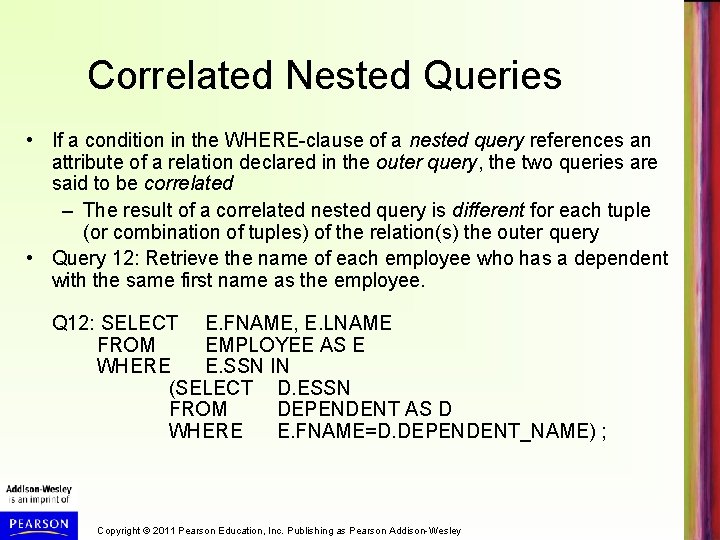
Correlated Nested Queries • If a condition in the WHERE-clause of a nested query references an attribute of a relation declared in the outer query, the two queries are said to be correlated – The result of a correlated nested query is different for each tuple (or combination of tuples) of the relation(s) the outer query • Query 12: Retrieve the name of each employee who has a dependent with the same first name as the employee. Q 12: SELECT E. FNAME, E. LNAME FROM EMPLOYEE AS E WHERE E. SSN IN (SELECT D. ESSN FROM DEPENDENT AS D WHERE E. FNAME=D. DEPENDENT_NAME) ; Copyright © 2011 Pearson Education, Inc. Publishing as Pearson Addison-Wesley
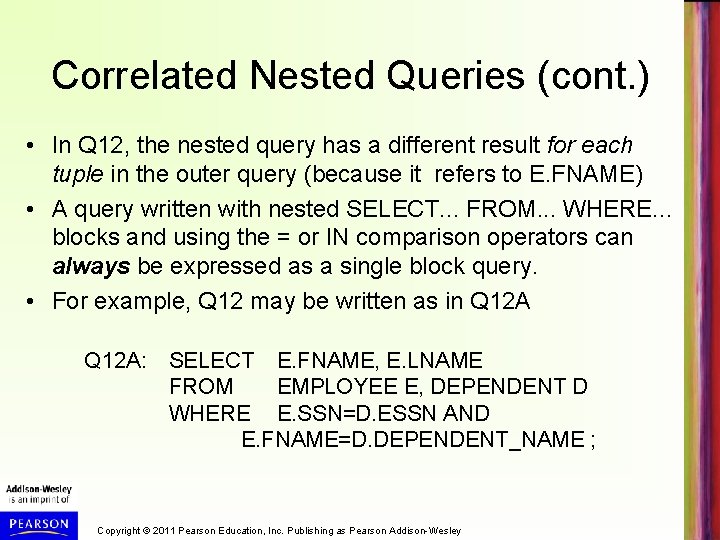
Correlated Nested Queries (cont. ) • In Q 12, the nested query has a different result for each tuple in the outer query (because it refers to E. FNAME) • A query written with nested SELECT. . . FROM. . . WHERE. . . blocks and using the = or IN comparison operators can always be expressed as a single block query. • For example, Q 12 may be written as in Q 12 A: SELECT E. FNAME, E. LNAME FROM EMPLOYEE E, DEPENDENT D WHERE E. SSN=D. ESSN AND E. FNAME=D. DEPENDENT_NAME ; Copyright © 2011 Pearson Education, Inc. Publishing as Pearson Addison-Wesley
Correlated Nested Queries (cont. ) • The original SQL as specified for SYSTEM R also had a CONTAINS comparison operator, which is used in conjunction with nested correlated queries – This operator was dropped from the language, possibly because of the difficulty in implementing it efficiently – Most implementations of SQL do not have this operator – The CONTAINS operator compares two sets of values, and returns TRUE if one set contains all values in the other set • Reminiscent of the division operation of algebra (see Chapter 6) Copyright © 2011 Pearson Education, Inc. Publishing as Pearson Addison-Wesley
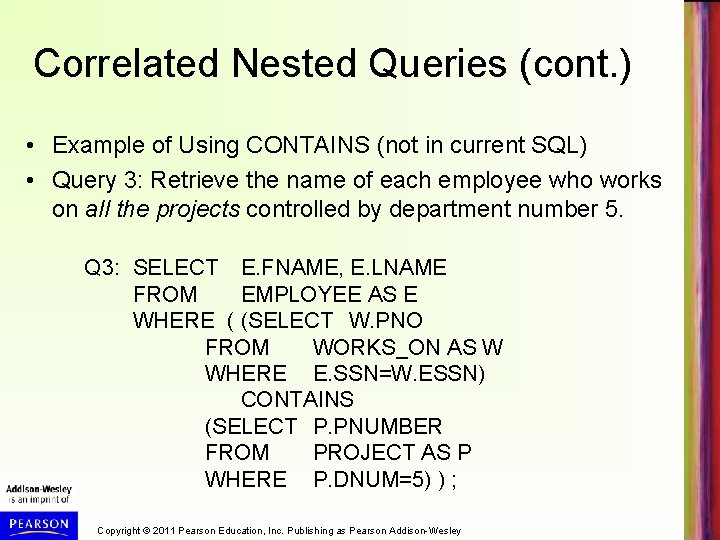
Correlated Nested Queries (cont. ) • Example of Using CONTAINS (not in current SQL) • Query 3: Retrieve the name of each employee who works on all the projects controlled by department number 5. Q 3: SELECT E. FNAME, E. LNAME FROM EMPLOYEE AS E WHERE ( (SELECT W. PNO FROM WORKS_ON AS W WHERE E. SSN=W. ESSN) CONTAINS (SELECT P. PNUMBER FROM PROJECT AS P WHERE P. DNUM=5) ) ; Copyright © 2011 Pearson Education, Inc. Publishing as Pearson Addison-Wesley
Correlated Nested Queries (cont. ) • In Q 3, the second nested query, which is not correlated with the outer query, retrieves the project numbers of all projects controlled by department 5 • The first nested query, which is correlated, retrieves the project numbers on which the employee works; this is different for each employee tuple because it references E. SSN Copyright © 2011 Pearson Education, Inc. Publishing as Pearson Addison-Wesley
The EXISTS Function in SQL • EXISTS is used to check whether the result of a query is empty (contains no tuples) or not (contains one or more tuples) – Applied to a query, but returns a boolean result (TRUE or FALSE) – Can be used in the WHERE-clause as a condition – EXISTS (Q) evaluates to TRUE if the result of Q has one or more tuple; evaluates to FALSE if the result of Q has no tuples Copyright © 2011 Pearson Education, Inc. Publishing as Pearson Addison-Wesley
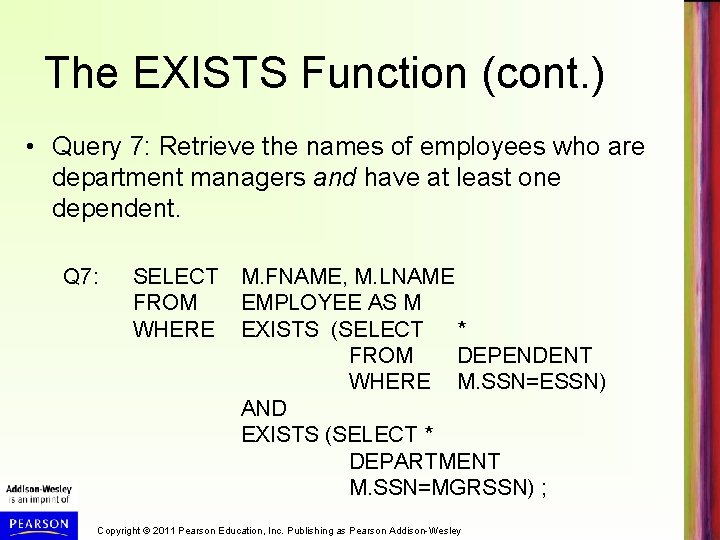
The EXISTS Function (cont. ) • Query 7: Retrieve the names of employees who are department managers and have at least one dependent. Q 7: SELECT FROM WHERE M. FNAME, M. LNAME EMPLOYEE AS M EXISTS (SELECT * FROM DEPENDENT WHERE M. SSN=ESSN) AND EXISTS (SELECT * DEPARTMENT M. SSN=MGRSSN) ; Copyright © 2011 Pearson Education, Inc. Publishing as Pearson Addison-Wesley
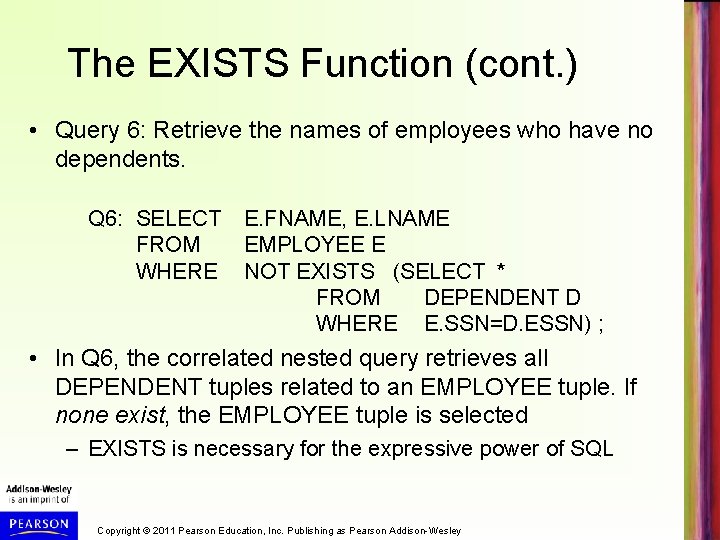
The EXISTS Function (cont. ) • Query 6: Retrieve the names of employees who have no dependents. Q 6: SELECT FROM WHERE E. FNAME, E. LNAME EMPLOYEE E NOT EXISTS (SELECT * FROM DEPENDENT D WHERE E. SSN=D. ESSN) ; • In Q 6, the correlated nested query retrieves all DEPENDENT tuples related to an EMPLOYEE tuple. If none exist, the EMPLOYEE tuple is selected – EXISTS is necessary for the expressive power of SQL Copyright © 2011 Pearson Education, Inc. Publishing as Pearson Addison-Wesley
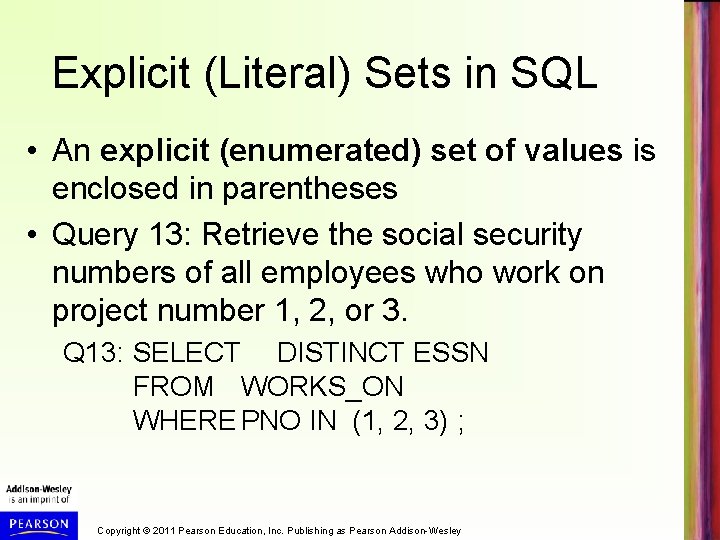
Explicit (Literal) Sets in SQL • An explicit (enumerated) set of values is enclosed in parentheses • Query 13: Retrieve the social security numbers of all employees who work on project number 1, 2, or 3. Q 13: SELECT DISTINCT ESSN FROM WORKS_ON WHERE PNO IN (1, 2, 3) ; Copyright © 2011 Pearson Education, Inc. Publishing as Pearson Addison-Wesley
Joined Tables (Relations) in SQL • Can specify a "joined relation" in the FROMclause – Looks like any other relation but is the result of a join – Allows the user to specify different types of joins (INNER JOIN, NATURAL JOIN, LEFT OUTER JOIN, RIGHT OUTER JOIN, CROSS JOIN, etc) – see the next slides – Each join type can specify a different query and produce a different result Copyright © 2011 Pearson Education, Inc. Publishing as Pearson Addison-Wesley
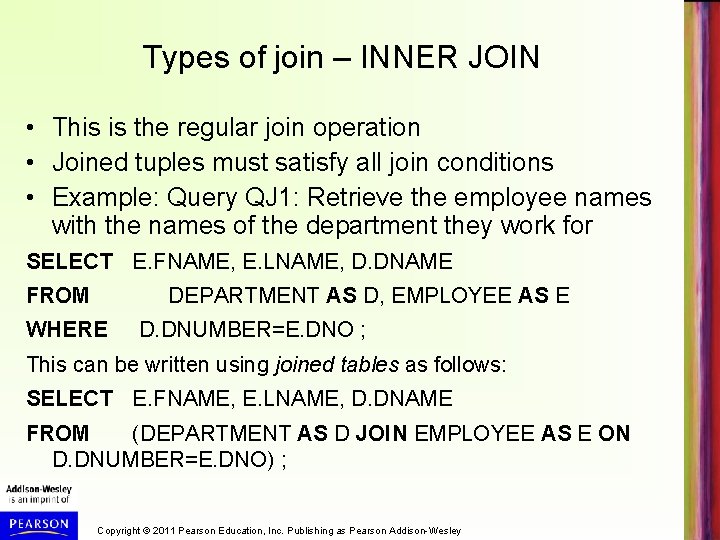
Types of join – INNER JOIN • This is the regular join operation • Joined tuples must satisfy all join conditions • Example: Query QJ 1: Retrieve the employee names with the names of the department they work for SELECT E. FNAME, E. LNAME, D. DNAME FROM DEPARTMENT AS D, EMPLOYEE AS E WHERE D. DNUMBER=E. DNO ; This can be written using joined tables as follows: SELECT E. FNAME, E. LNAME, D. DNAME FROM (DEPARTMENT AS D JOIN EMPLOYEE AS E ON D. DNUMBER=E. DNO) ; Copyright © 2011 Pearson Education, Inc. Publishing as Pearson Addison-Wesley
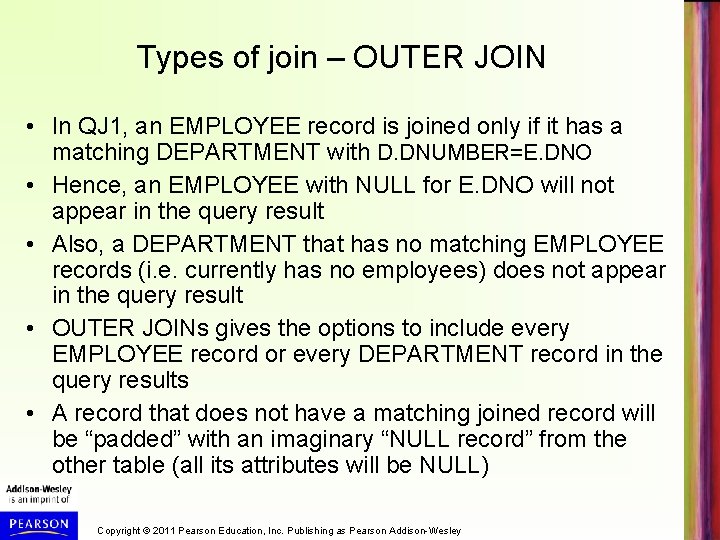
Types of join – OUTER JOIN • In QJ 1, an EMPLOYEE record is joined only if it has a matching DEPARTMENT with D. DNUMBER=E. DNO • Hence, an EMPLOYEE with NULL for E. DNO will not appear in the query result • Also, a DEPARTMENT that has no matching EMPLOYEE records (i. e. currently has no employees) does not appear in the query result • OUTER JOINs gives the options to include every EMPLOYEE record or every DEPARTMENT record in the query results • A record that does not have a matching joined record will be “padded” with an imaginary “NULL record” from the other table (all its attributes will be NULL) Copyright © 2011 Pearson Education, Inc. Publishing as Pearson Addison-Wesley
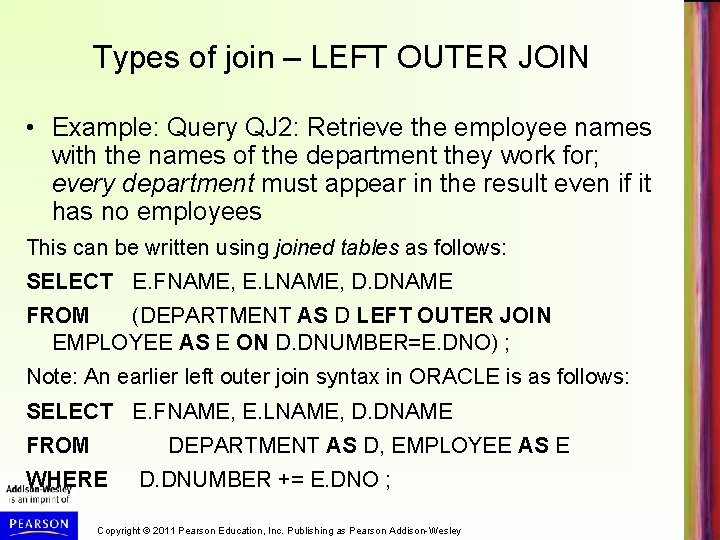
Types of join – LEFT OUTER JOIN • Example: Query QJ 2: Retrieve the employee names with the names of the department they work for; every department must appear in the result even if it has no employees This can be written using joined tables as follows: SELECT E. FNAME, E. LNAME, D. DNAME FROM (DEPARTMENT AS D LEFT OUTER JOIN EMPLOYEE AS E ON D. DNUMBER=E. DNO) ; Note: An earlier left outer join syntax in ORACLE is as follows: SELECT E. FNAME, E. LNAME, D. DNAME FROM DEPARTMENT AS D, EMPLOYEE AS E WHERE D. DNUMBER += E. DNO ; Copyright © 2011 Pearson Education, Inc. Publishing as Pearson Addison-Wesley
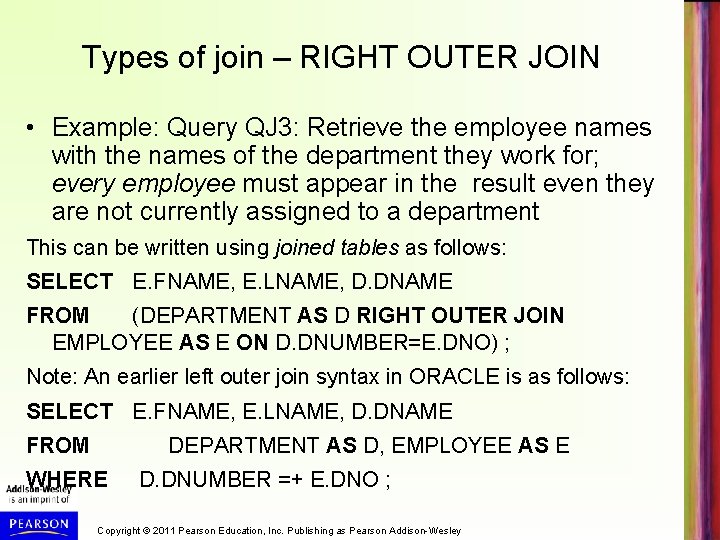
Types of join – RIGHT OUTER JOIN • Example: Query QJ 3: Retrieve the employee names with the names of the department they work for; every employee must appear in the result even they are not currently assigned to a department This can be written using joined tables as follows: SELECT E. FNAME, E. LNAME, D. DNAME FROM (DEPARTMENT AS D RIGHT OUTER JOIN EMPLOYEE AS E ON D. DNUMBER=E. DNO) ; Note: An earlier left outer join syntax in ORACLE is as follows: SELECT E. FNAME, E. LNAME, D. DNAME FROM DEPARTMENT AS D, EMPLOYEE AS E WHERE D. DNUMBER =+ E. DNO ; Copyright © 2011 Pearson Education, Inc. Publishing as Pearson Addison-Wesley
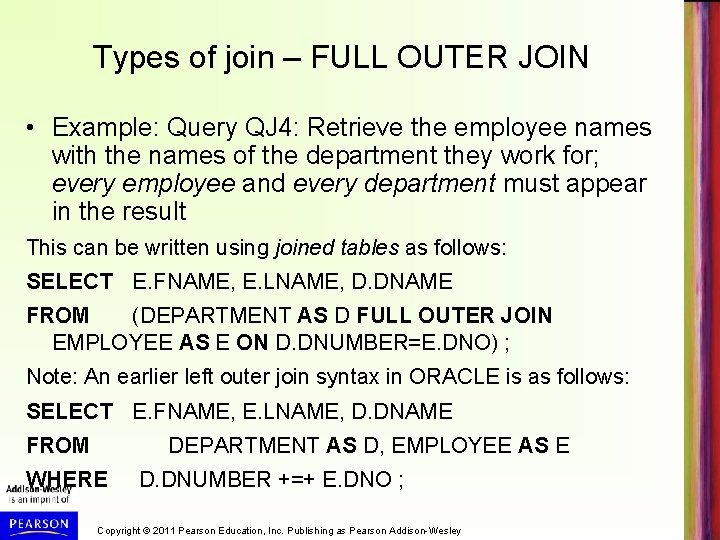
Types of join – FULL OUTER JOIN • Example: Query QJ 4: Retrieve the employee names with the names of the department they work for; every employee and every department must appear in the result This can be written using joined tables as follows: SELECT E. FNAME, E. LNAME, D. DNAME FROM (DEPARTMENT AS D FULL OUTER JOIN EMPLOYEE AS E ON D. DNUMBER=E. DNO) ; Note: An earlier left outer join syntax in ORACLE is as follows: SELECT E. FNAME, E. LNAME, D. DNAME FROM DEPARTMENT AS D, EMPLOYEE AS E WHERE D. DNUMBER +=+ E. DNO ; Copyright © 2011 Pearson Education, Inc. Publishing as Pearson Addison-Wesley
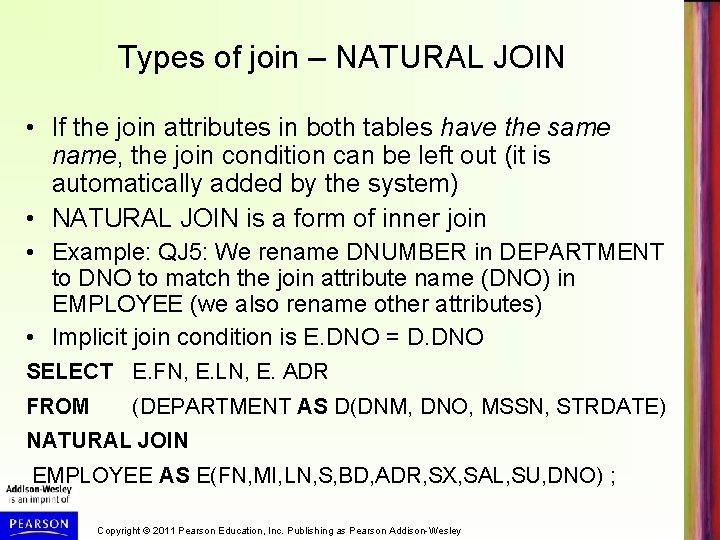
Types of join – NATURAL JOIN • If the join attributes in both tables have the same name, the join condition can be left out (it is automatically added by the system) • NATURAL JOIN is a form of inner join • Example: QJ 5: We rename DNUMBER in DEPARTMENT to DNO to match the join attribute name (DNO) in EMPLOYEE (we also rename other attributes) • Implicit join condition is E. DNO = D. DNO SELECT E. FN, E. LN, E. ADR FROM (DEPARTMENT AS D(DNM, DNO, MSSN, STRDATE) NATURAL JOIN EMPLOYEE AS E(FN, MI, LN, S, BD, ADR, SX, SAL, SU, DNO) ; Copyright © 2011 Pearson Education, Inc. Publishing as Pearson Addison-Wesley
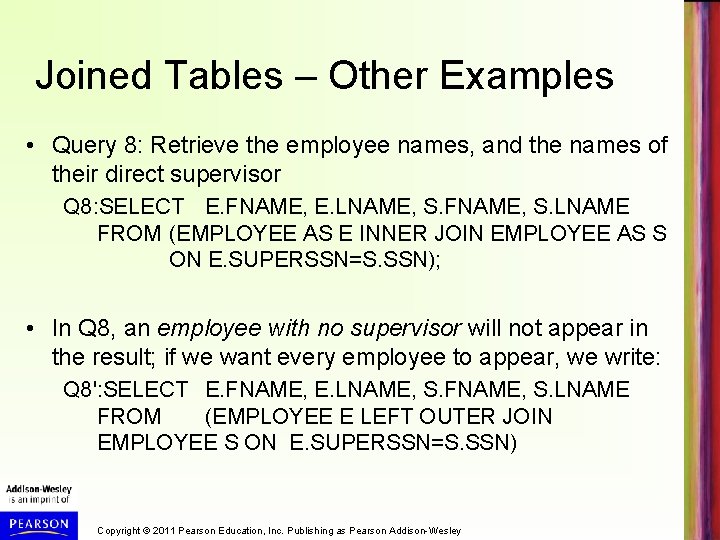
Joined Tables – Other Examples • Query 8: Retrieve the employee names, and the names of their direct supervisor Q 8: SELECT E. FNAME, E. LNAME, S. FNAME, S. LNAME FROM (EMPLOYEE AS E INNER JOIN EMPLOYEE AS S ON E. SUPERSSN=S. SSN); • In Q 8, an employee with no supervisor will not appear in the result; if we want every employee to appear, we write: Q 8': SELECT E. FNAME, E. LNAME, S. FNAME, S. LNAME FROM (EMPLOYEE E LEFT OUTER JOIN EMPLOYEE S ON E. SUPERSSN=S. SSN) Copyright © 2011 Pearson Education, Inc. Publishing as Pearson Addison-Wesley
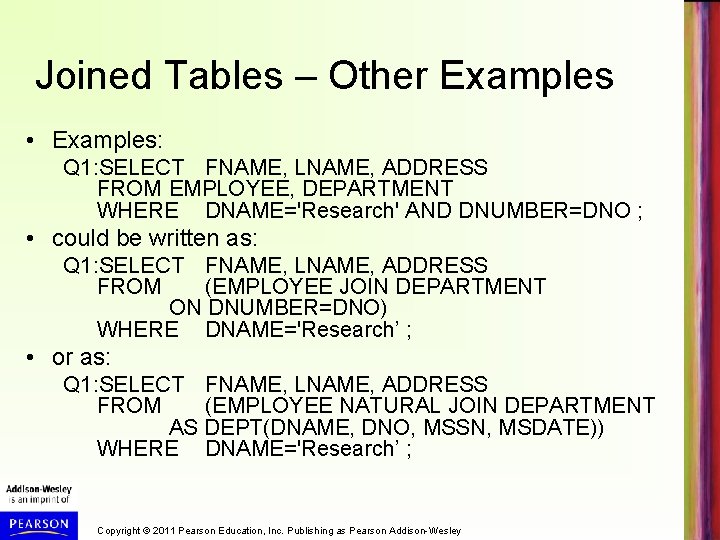
Joined Tables – Other Examples • Examples: Q 1: SELECT FNAME, LNAME, ADDRESS FROM EMPLOYEE, DEPARTMENT WHERE DNAME='Research' AND DNUMBER=DNO ; • could be written as: Q 1: SELECT FNAME, LNAME, ADDRESS FROM (EMPLOYEE JOIN DEPARTMENT ON DNUMBER=DNO) WHERE DNAME='Research’ ; • or as: Q 1: SELECT FNAME, LNAME, ADDRESS FROM (EMPLOYEE NATURAL JOIN DEPARTMENT AS DEPT(DNAME, DNO, MSSN, MSDATE)) WHERE DNAME='Research’ ; Copyright © 2011 Pearson Education, Inc. Publishing as Pearson Addison-Wesley
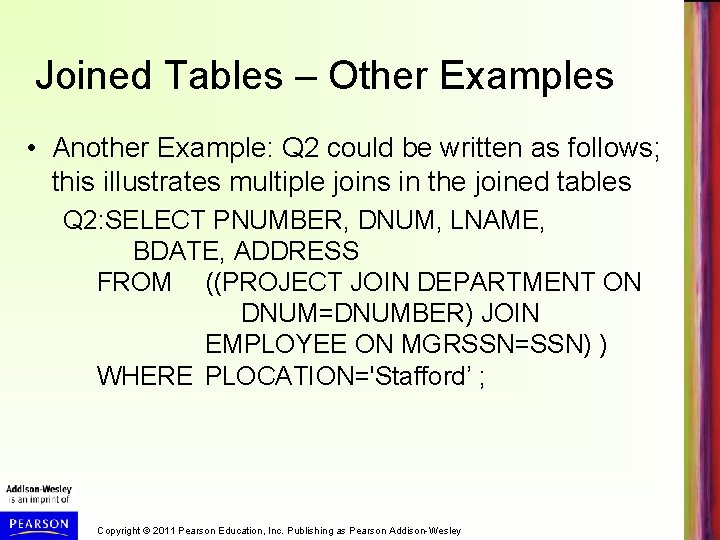
Joined Tables – Other Examples • Another Example: Q 2 could be written as follows; this illustrates multiple joins in the joined tables Q 2: SELECT PNUMBER, DNUM, LNAME, BDATE, ADDRESS FROM ((PROJECT JOIN DEPARTMENT ON DNUM=DNUMBER) JOIN EMPLOYEE ON MGRSSN=SSN) ) WHERE PLOCATION='Stafford’ ; Copyright © 2011 Pearson Education, Inc. Publishing as Pearson Addison-Wesley
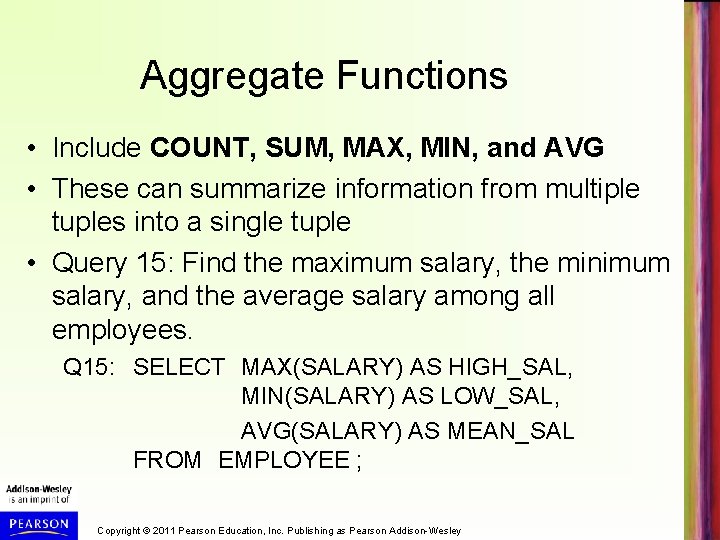
Aggregate Functions • Include COUNT, SUM, MAX, MIN, and AVG • These can summarize information from multiple tuples into a single tuple • Query 15: Find the maximum salary, the minimum salary, and the average salary among all employees. Q 15: SELECT MAX(SALARY) AS HIGH_SAL, MIN(SALARY) AS LOW_SAL, AVG(SALARY) AS MEAN_SAL FROM EMPLOYEE ; Copyright © 2011 Pearson Education, Inc. Publishing as Pearson Addison-Wesley
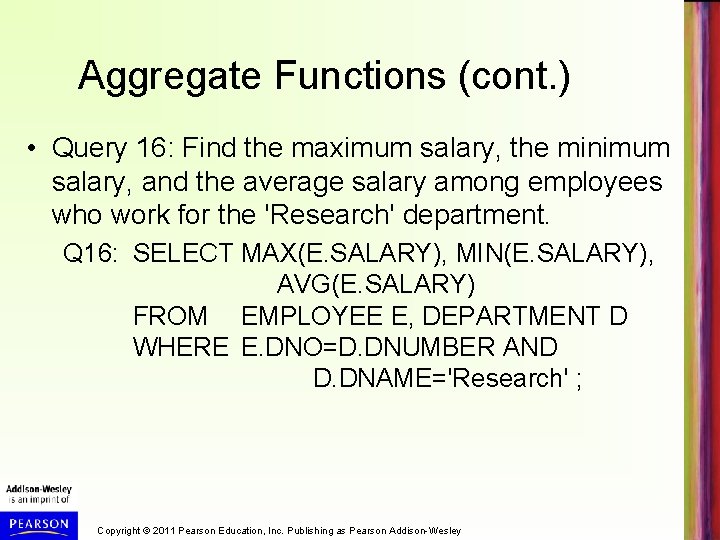
Aggregate Functions (cont. ) • Query 16: Find the maximum salary, the minimum salary, and the average salary among employees who work for the 'Research' department. Q 16: SELECT MAX(E. SALARY), MIN(E. SALARY), AVG(E. SALARY) FROM EMPLOYEE E, DEPARTMENT D WHERE E. DNO=D. DNUMBER AND D. DNAME='Research' ; Copyright © 2011 Pearson Education, Inc. Publishing as Pearson Addison-Wesley
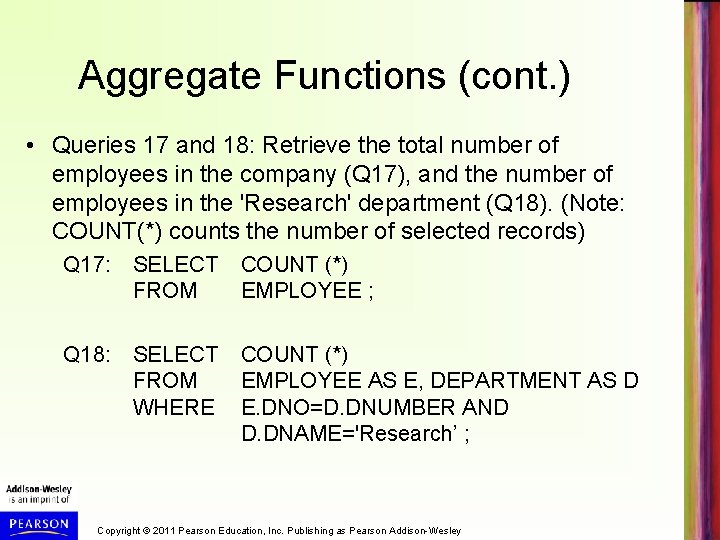
Aggregate Functions (cont. ) • Queries 17 and 18: Retrieve the total number of employees in the company (Q 17), and the number of employees in the 'Research' department (Q 18). (Note: COUNT(*) counts the number of selected records) Q 17: SELECT FROM COUNT (*) EMPLOYEE ; Q 18: SELECT FROM WHERE COUNT (*) EMPLOYEE AS E, DEPARTMENT AS D E. DNO=D. DNUMBER AND D. DNAME='Research’ ; Copyright © 2011 Pearson Education, Inc. Publishing as Pearson Addison-Wesley
Grouping (Partitioning Records into Subgroups) • In many cases, we want to apply the aggregate functions to subgroups of tuples in a relation • Each subgroup of tuples consists of the set of tuples that have the same value for the grouping attribute(s) – for example, employees who work in the same department (have the same DNO) • The aggregate functions are applied to each subgroup independently • SQL has a GROUP BY-clause for specifying the grouping attributes, which must also appear in the SELECT-clause Copyright © 2011 Pearson Education, Inc. Publishing as Pearson Addison-Wesley
Grouping (cont. ) • Query 20: For each department, retrieve the department number, the number of employees in the department, and their average salary. Q 20: SELECT DNO, COUNT (*), AVG (SALARY) FROM EMPLOYEE GROUP BY DNO ; – In Q 20, the EMPLOYEE tuples are divided into groups • Each group has same value for the grouping attribute DNO – The COUNT and AVG functions are applied to each such group of tuples separately (see Figure 5. 1(a), next slide) – The SELECT-clause includes only the grouping attribute and the functions to be applied on each group of tuples Copyright © 2011 Pearson Education, Inc. Publishing as Pearson Addison-Wesley
Continued next page… Copyright © 2011 Pearson Education, Inc. Publishing as Pearson Addison-Wesley
Grouping (cont. ) • A join condition can be used with grouping • Query 21: For each project, retrieve the project number, project name, and the number of employees who work on that project. Q 21: SELECT P. PNUMBER, P. PNAME, COUNT (*) FROM PROJECT AS P, WORKS_ON AS W WHERE P. PNUMBER=W. PNO GROUP BY P. PNUMBER, P. PNAME ; – In this case, the grouping and aggregate functions are applied after the joining of the two relations Copyright © 2011 Pearson Education, Inc. Publishing as Pearson Addison-Wesley
The HAVING-clause • Sometimes we want to retrieve the values of these aggregate functions for only those groups that satisfy certain conditions • The HAVING-clause is used for specifying a selection condition on groups (rather than on individual tuples) Copyright © 2011 Pearson Education, Inc. Publishing as Pearson Addison-Wesley
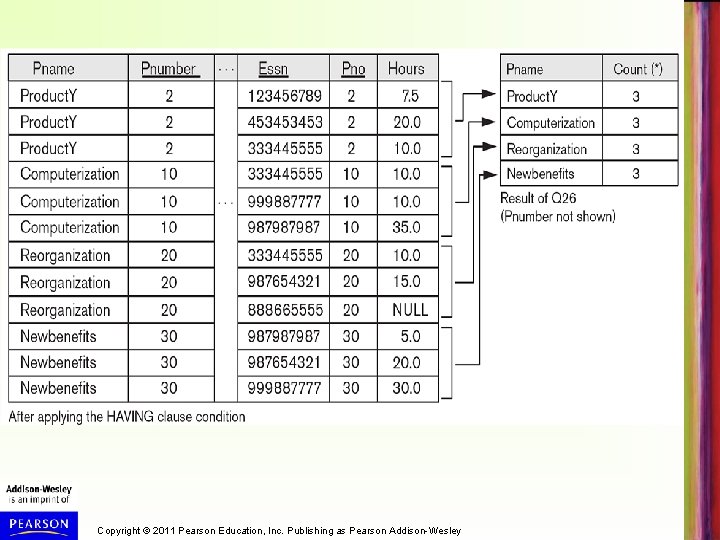
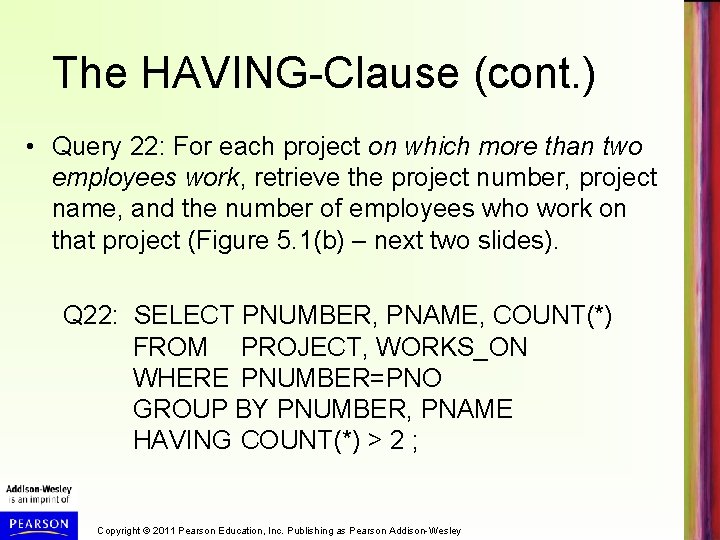
The HAVING-Clause (cont. ) • Query 22: For each project on which more than two employees work, retrieve the project number, project name, and the number of employees who work on that project (Figure 5. 1(b) – next two slides). Q 22: SELECT PNUMBER, PNAME, COUNT(*) FROM PROJECT, WORKS_ON WHERE PNUMBER=PNO GROUP BY PNUMBER, PNAME HAVING COUNT(*) > 2 ; Copyright © 2011 Pearson Education, Inc. Publishing as Pearson Addison-Wesley
Continued next page… Copyright © 2011 Pearson Education, Inc. Publishing as Pearson Addison-Wesley
Copyright © 2011 Pearson Education, Inc. Publishing as Pearson Addison-Wesley
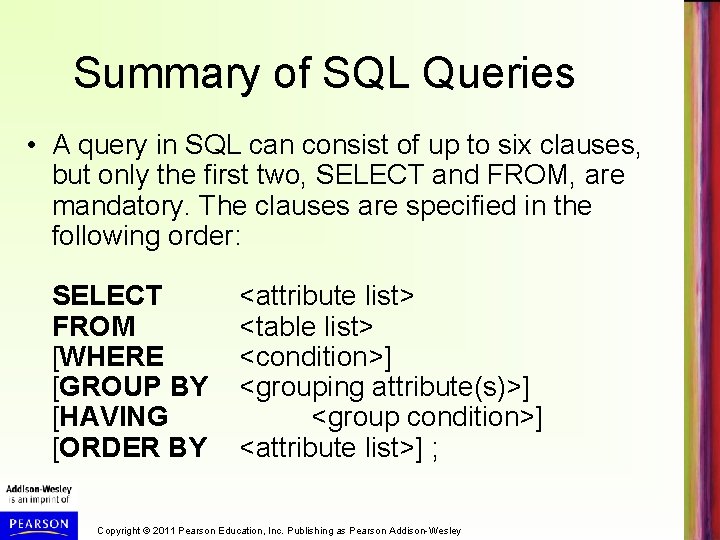
Summary of SQL Queries • A query in SQL can consist of up to six clauses, but only the first two, SELECT and FROM, are mandatory. The clauses are specified in the following order: SELECT FROM [WHERE [GROUP BY [HAVING [ORDER BY <attribute list> <table list> <condition>] <grouping attribute(s)>] <group condition>] <attribute list>] ; Copyright © 2011 Pearson Education, Inc. Publishing as Pearson Addison-Wesley
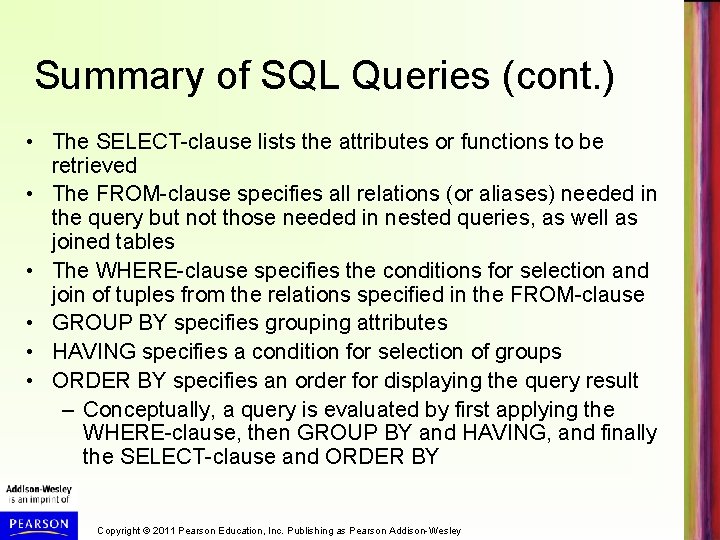
Summary of SQL Queries (cont. ) • The SELECT-clause lists the attributes or functions to be retrieved • The FROM-clause specifies all relations (or aliases) needed in the query but not those needed in nested queries, as well as joined tables • The WHERE-clause specifies the conditions for selection and join of tuples from the relations specified in the FROM-clause • GROUP BY specifies grouping attributes • HAVING specifies a condition for selection of groups • ORDER BY specifies an order for displaying the query result – Conceptually, a query is evaluated by first applying the WHERE-clause, then GROUP BY and HAVING, and finally the SELECT-clause and ORDER BY Copyright © 2011 Pearson Education, Inc. Publishing as Pearson Addison-Wesley
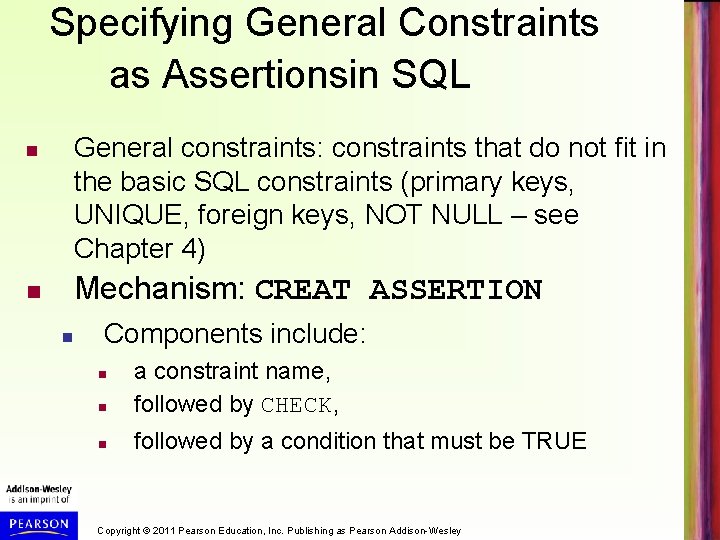
Specifying General Constraints as Assertionsin SQL General constraints: constraints that do not fit in the basic SQL constraints (primary keys, UNIQUE, foreign keys, NOT NULL – see Chapter 4) Mechanism: CREAT ASSERTION Components include: a constraint name, followed by CHECK, followed by a condition that must be TRUE Copyright © 2011 Pearson Education, Inc. Publishing as Pearson Addison-Wesley
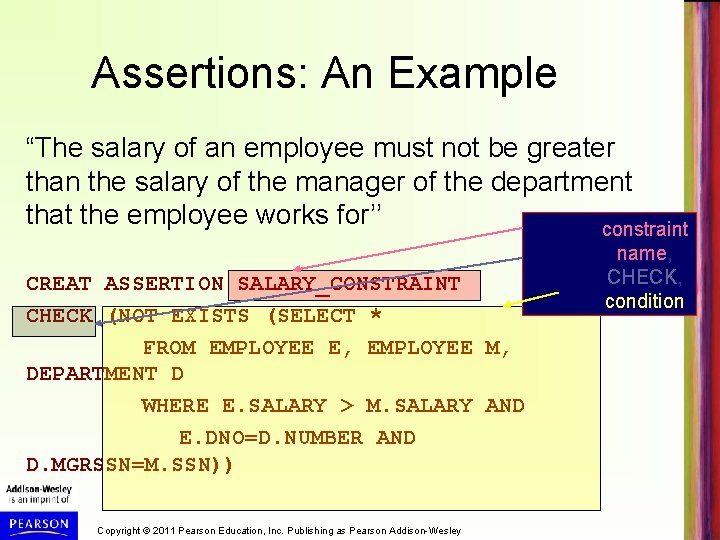
Assertions: An Example “The salary of an employee must not be greater than the salary of the manager of the department that the employee works for’’ constraint CREAT ASSERTION SALARY_CONSTRAINT CHECK (NOT EXISTS (SELECT * FROM EMPLOYEE E, EMPLOYEE M, DEPARTMENT D WHERE E. SALARY > M. SALARY AND E. DNO=D. NUMBER AND D. MGRSSN=M. SSN)) Copyright © 2011 Pearson Education, Inc. Publishing as Pearson Addison-Wesley name, CHECK, condition
Using General Assertions 1. Specify a query that violates the condition; include inside a NOT EXISTS clause 2. Query result must be empty; apply NOT EXISTS to it in the CHECK clause 3. If the query result is not empty, the assertion has been violated (CHECK will evaluate to FALSE) Copyright © 2011 Pearson Education, Inc. Publishing as Pearson Addison-Wesley
SQL Triggers - Used to monitor a database and initiate action when certain events and conditions occur (see Section 26. 1 for details) - Triggers are expressed in a syntax similar to assertions and include the following: Event • Such as an insert, deleted, or update operation Condition Action • To be taken when the condition is satisfied Copyright © 2011 Pearson Education, Inc. Publishing as Pearson Addison-Wesley
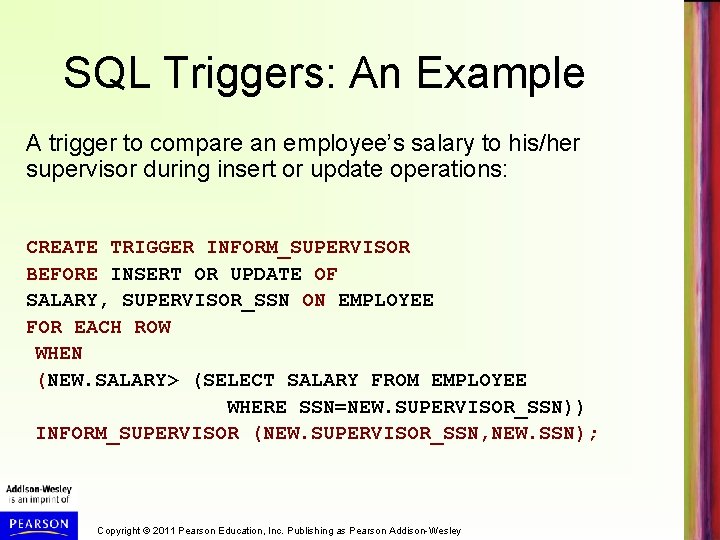
SQL Triggers: An Example A trigger to compare an employee’s salary to his/her supervisor during insert or update operations: CREATE TRIGGER INFORM_SUPERVISOR BEFORE INSERT OR UPDATE OF SALARY, SUPERVISOR_SSN ON EMPLOYEE FOR EACH ROW WHEN (NEW. SALARY> (SELECT SALARY FROM EMPLOYEE WHERE SSN=NEW. SUPERVISOR_SSN)) INFORM_SUPERVISOR (NEW. SUPERVISOR_SSN, NEW. SSN); Copyright © 2011 Pearson Education, Inc. Publishing as Pearson Addison-Wesley
Views in SQL - A view is a “virtual” table that is derived from other tables - Allows for limited update operations (since the table may not physically be stored) - Allows full query operations - A convenience for defining complex operations once and reusing the definition - Can also be used as a security mechanism Copyright © 2011 Pearson Education, Inc. Publishing as Pearson Addison-Wesley
Specification of Views SQL command: CREATE VIEW - a virtual table (view) name - a possible list of attribute names (for example, when arithmetic operations are specified or when we want the names to be different from the attributes in the base relations) - a query to specify the view contents Copyright © 2011 Pearson Education, Inc. Publishing as Pearson Addison-Wesley
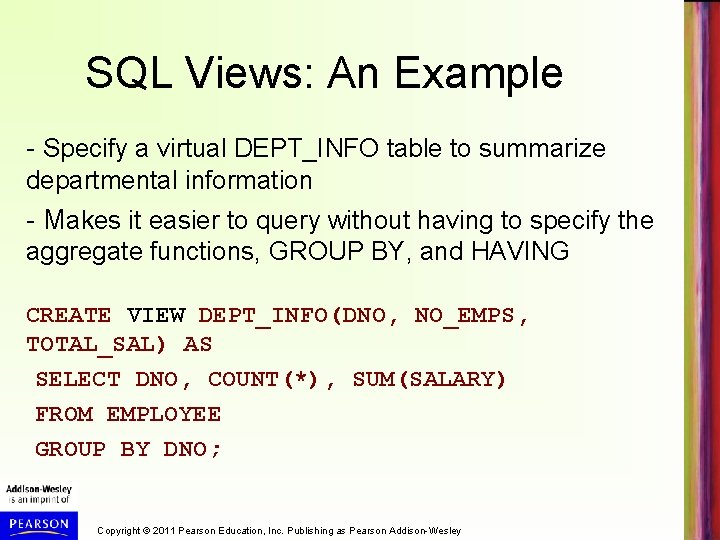
SQL Views: An Example - Specify a virtual DEPT_INFO table to summarize departmental information - Makes it easier to query without having to specify the aggregate functions, GROUP BY, and HAVING CREATE VIEW DEPT_INFO(DNO, NO_EMPS, TOTAL_SAL) AS SELECT DNO, COUNT(*), SUM(SALARY) FROM EMPLOYEE GROUP BY DNO; Copyright © 2011 Pearson Education, Inc. Publishing as Pearson Addison-Wesley
Querying the View - We can specify SQL retrieval queries on a view table, same as on a base table: SELECT DNO FROM DEPT_INFO WHERE NO_OF_EMPS > 100; - Can also specify joins and other retrieval operations on the view Copyright © 2011 Pearson Education, Inc. Publishing as Pearson Addison-Wesley
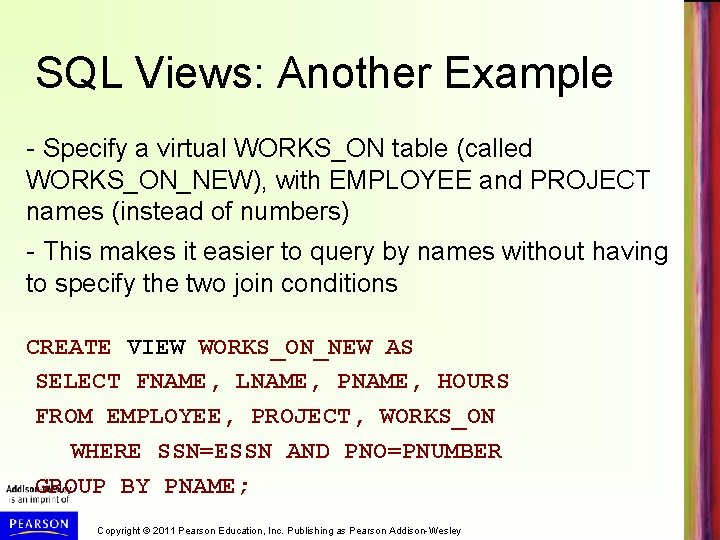
SQL Views: Another Example - Specify a virtual WORKS_ON table (called WORKS_ON_NEW), with EMPLOYEE and PROJECT names (instead of numbers) - This makes it easier to query by names without having to specify the two join conditions CREATE VIEW WORKS_ON_NEW AS SELECT FNAME, LNAME, PNAME, HOURS FROM EMPLOYEE, PROJECT, WORKS_ON WHERE SSN=ESSN AND PNO=PNUMBER GROUP BY PNAME; Copyright © 2011 Pearson Education, Inc. Publishing as Pearson Addison-Wesley
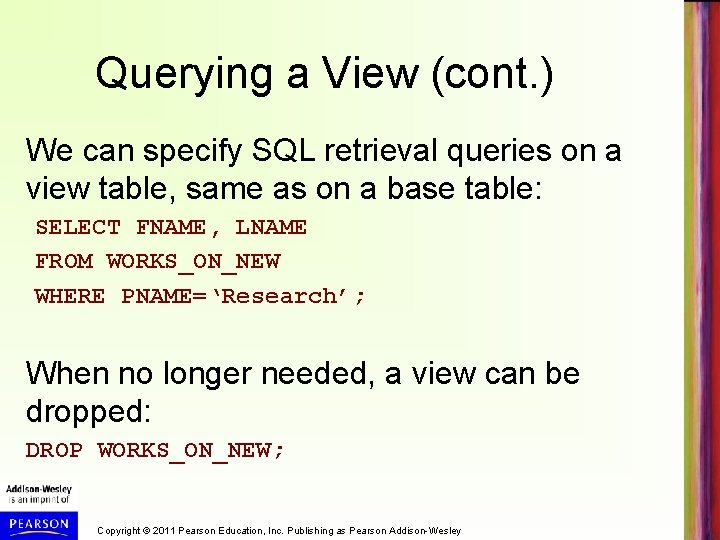
Querying a View (cont. ) We can specify SQL retrieval queries on a view table, same as on a base table: SELECT FNAME, LNAME FROM WORKS_ON_NEW WHERE PNAME=‘Research’; When no longer needed, a view can be dropped: DROP WORKS_ON_NEW; Copyright © 2011 Pearson Education, Inc. Publishing as Pearson Addison-Wesley
View Implementation - View implementation is hidden from the user - Two main techniques 1. Query modification: DBMS automatically modifies the view query into a query on the underlying base tables Disadvantage: Inefficient for views defined via complex queries • Especially if many queries are to be applied to the view within a short time period Copyright © 2011 Pearson Education, Inc. Publishing as Pearson Addison-Wesley
View Implementation (cont. ) 2. View materialization: - Involves physically creating and keeping a temporary table that holds the view query result - Assumes that other queries on the view will follow Concerns: - Maintaining correspondence between the base tables and view when the base tables are updated Strategy: - Incremental update of the temporary view table Copyright © 2011 Pearson Education, Inc. Publishing as Pearson Addison-Wesley
Updating of Views - All views can be queried for retrievals, but many views cannot be updated - Update on a view on a single table without aggregate operations: If view includes key and NOT NULL attributes, view update may map to an update on the base table - Views involving joins and aggregate functions are generally not updatable unless they can be mapped to unique updates on the base tables Copyright © 2011 Pearson Education, Inc. Publishing as Pearson Addison-Wesley
Checking Views for Updatability - When a user intends to update a view, must add the clause WITH CHECK OPTION at the end of the CREATE VIEW statement - This allows the system to check for updatability - If view is not updatable, and error will be generated - If view is updatable, system will create a mapping strategy to process view updates Copyright © 2011 Pearson Education, Inc. Publishing as Pearson Addison-Wesley
Schema modification in SQL - There are two many commands for modifying schema constructs - DROP statement can remove named schema constructs, such as tables, constraints, assertions, views, and even schemas - ALTER statement can be used to change a table by adding or dropping of attributes and table constraints Copyright © 2011 Pearson Education, Inc. Publishing as Pearson Addison-Wesley
Example: DROP TABLE • Used to remove a relation (base table) and its definition • The relation can no longer be used in queries, updates, or any other commands since its description no longer exists • Example: DROP TABLE DEPENDENT; Copyright © 2011 Pearson Education, Inc. Publishing as Pearson Addison-Wesley
Example: DROP TABLE (cont. ) • If the table being dropped is referenced from other tables, it cannot be dropped an error is generated • By adding CASCADE, all references to the table are automatically removed • Example: DROP TABLE DEPENDENT CASCADE; Copyright © 2011 Pearson Education, Inc. Publishing as Pearson Addison-Wesley
Example: ALTER TABLE • Can be used to add or drop an attribute from a base relation – Suppose we want to remove the attribute BDATE from the EMPLOYEE table • Example: ALTER TABLE EMPLOYEE DROP BDATE ; • If the attribute is referenced from another table, an error is generated unless CASCADE is used Copyright © 2011 Pearson Education, Inc. Publishing as Pearson Addison-Wesley
Example: ALTER TABLE (cont. ) • Suppose we want to add an attribute JOB – Will have NULLs (or some default) in all the tuples after command is executed; hence, NOT NULL not allowed for new JOB attribute • Example: ALTER TABLE EMPLOYEE ADD JOB VARCHAR(12); • The database users must enter values for the new attribute JOB for each EMPLOYEE tuple. – This can be done using the UPDATE command. Copyright © 2011 Pearson Education, Inc. Publishing as Pearson Addison-Wesley
Chapter 5 Summary • More Complex SQL Retrieval Queries • Specifying Additional Constraints and Actions in SQL – CREATE ASSERTION – CREATE TRIGGER • Views (virtual tables) in SQL – CREATE VIEW • Schema Modification in SQL – ADD, DROP statements Copyright © 2011 Pearson Education, Inc. Publishing as Pearson Addison-Wesley