
Chapter 5 Layout and Design Chapter 5 Layout


- Slides: 37
Chapter 5 Layout and Design
Chapter 5 Layout and Design Overview • • • The Web as a Medium Web Design Principles Web Design Issues Separation of Content and Format Other Design Issues
Chapter 5 The Web as a Medium • Potential cultural impact – Web is world's most dynamic publishing phenomenon – Impacts • Communication • Our daily lives • Commerce
Chapter 5 The Web as a Medium • Web vs. Print vs. TV – role of graphic designer changed • Delivery and presentation different than other media • Web designer must be ready and willing to accept change as part of his/her profession
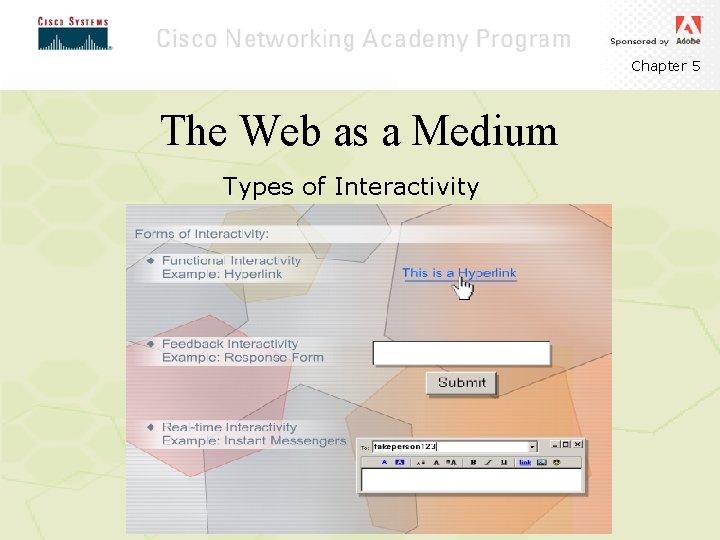
Chapter 5 The Web as a Medium • Interactivity – Web interactivity is non-linear – User controls extent, depth, and time of interactivity – Three types • Functional (links, animation, sound) • Feedback (asks users for input) • Real-time (instant messengers, chat rooms)
Chapter 5 The Web as a Medium Types of Interactivity
Chapter 5 The Web as a Medium • Hypertext – Hyperlinks most essential ingredient – Objects (text, graphics, animations) may be linked to each other – Special features • Characteristic blue underline (may be changed) • Pointing finger to indicate link when mouse is hovered over link
Chapter 5 The Web as a Medium • Readability – Web designer must • provide text in smaller chunks • Use large and clear typeface • High contrast – Web designer should • Work “above the fold” • Highlight most important links, info • Test pages with 3 different screen resolutions
Chapter 5 The Web as a Medium • Content currency and availability – Keeps your pages credible – Encourages users to return to your site – Provides up-to-date information for visitors
Chapter 5 Web Design Principles • Overview – Users want • Clear, uncluttered sites • Clearly presented information • Clear navigation – Important to adhere to design principles • Clarity, Consistency, Contrast • Simplicity, Structure and Emphasis
Chapter 5 Web Design Principles • Clarity – Users should immediately know purpose of site – Imagery and symbols should be easily identifiable – Keep navigation dependable and predictable
Chapter 5 Web Design Principles • Consistency and Unity Def: how site is organized, how items are grouped, how a style is set – Group similar objects by proximity or similarity – Develop detailed interface style standards – Set standards for all graphics in terms of sizes, line widths, and colors
Chapter 5 Web Design Principles • Contrast – Contrast improves site's usability • Text vs. background – Black text on white background easier to read than white text on black • Distinguish sections or elements on the website by using different fonts and sizes • Separate headings from body text by font weight and style
Chapter 5 Web Design Principles • Simplicity – Keep pages uncluttered – Info in small chunks, body copy short – Use links to more details – Use negative space for visual interest – Let viewer decide what he/she wants to view
Chapter 5 Web Design Principles • Structure – Use beginning to engage, middle to provide info, end to interact • Prominence – Show importance with size and weight of typeface • Relation – Visually group related items; use headings to distinguish one group from another
Chapter 5 Web Design Principles • Emphasis – Guides the movement of the eye – Achieved by use of • Color • Placement • Text formatting
Chapter 5 Web Design Issues • Web vs. print media – Uncontrollable factors • Screen size • Layout of browser window
Chapter 5 Web Design Issues • Browser display inconsistencies – Leads Web designers to build multiple versions of same pages – Netscape and Internet Explorer account for more than 90% of Web use • Many views use older versions of these browsers • Support for cutting edge technologies is uneven – Web designers must become aware of differences between browsers, versions, and platforms, and test on several
Chapter 5 Web Design Issues • Monitor display inconsistencies – Viewer’s display affected by • Monitor calibration, quality and age • Browser differences in measurement – Web designer has no control over these factors, but must remain aware of their effects
Chapter 5 Web Design Issues • Resolution and color – Have great effect on image quality • Macintosh RGB monitors @ 72 pixels/inch • Windows VGA monitors @ 96 pixels/inch – Web designer must accommodate differences
Chapter 5 Web Design Issues • Color on the Web – Aids unity, sets mood, stimulates emotions • Use limited set of harmonious colors • Establish a dominant color theme • Balance color relationships – Important to use “browser-safe” palette • Avoids dithering • Makes color more consistent over multiple platforms
Chapter 5 Web Design Issues • Content surfacing Def: placing important info where users are most likely to see it – Important headlines should have a direct link to the page with relevant information – Provides a convenient shortcut to important or frequently visited areas
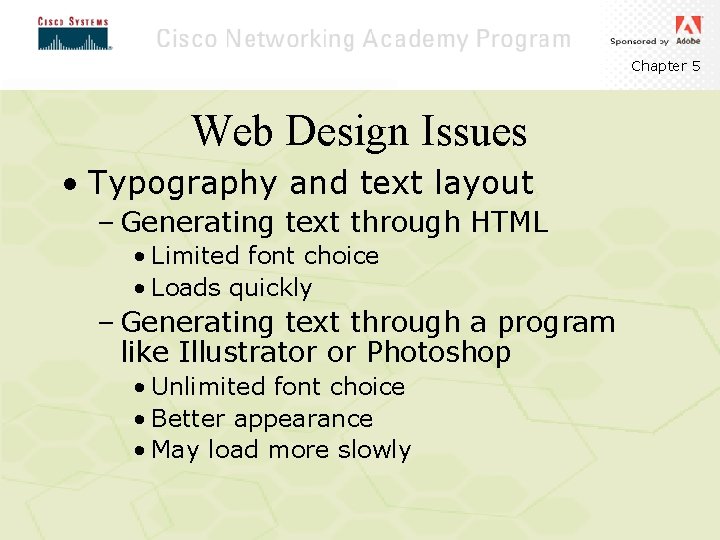
Chapter 5 Web Design Issues • Typography and text layout – Generating text through HTML • Limited font choice • Loads quickly – Generating text through a program like Illustrator or Photoshop • Unlimited font choice • Better appearance • May load more slowly
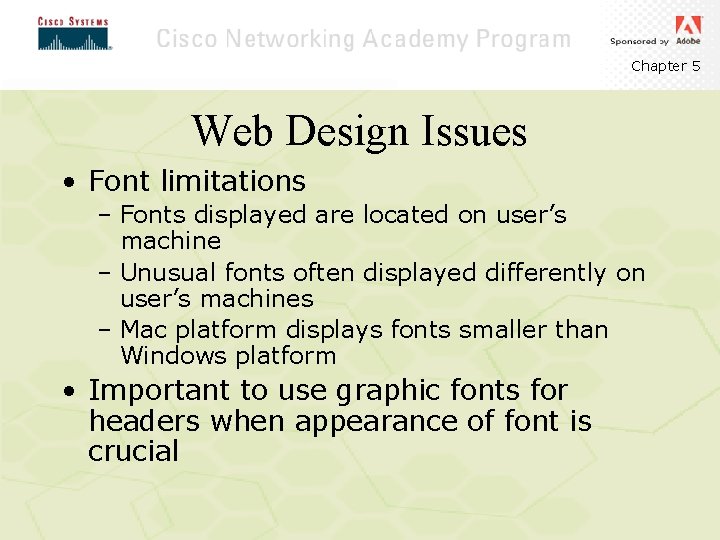
Chapter 5 Web Design Issues • Font limitations – Fonts displayed are located on user’s machine – Unusual fonts often displayed differently on user’s machines – Mac platform displays fonts smaller than Windows platform • Important to use graphic fonts for headers when appearance of font is crucial
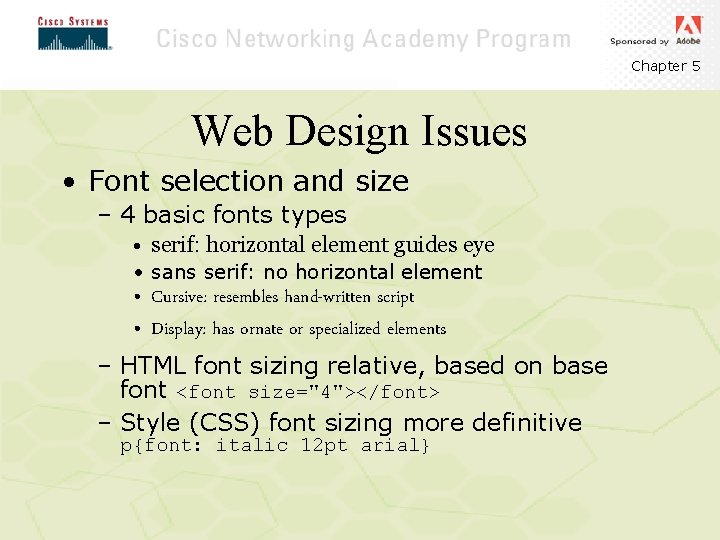
Chapter 5 Web Design Issues • Font selection and size – 4 basic fonts types • serif: horizontal element guides eye • sans serif: no horizontal element • Cursive: resembles hand-written script • Display: has ornate or specialized elements – HTML font sizing relative, based on base font <font size="4"></font> – Style (CSS) font sizing more definitive p{font: italic 12 pt arial}
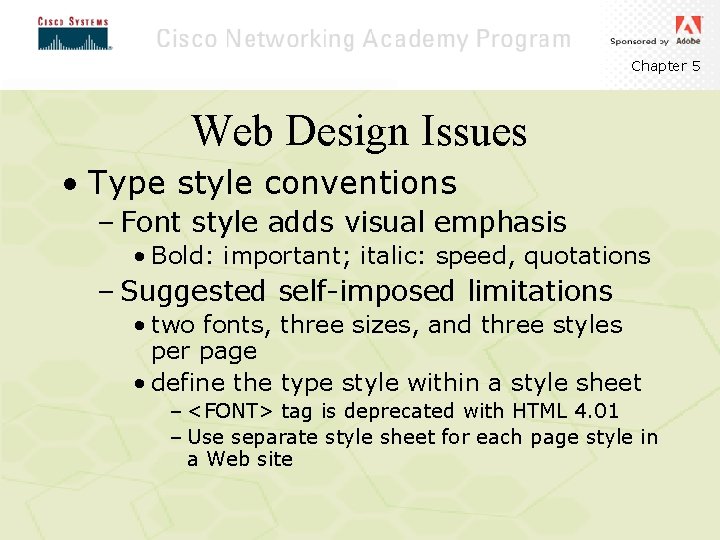
Chapter 5 Web Design Issues • Type style conventions – Font style adds visual emphasis • Bold: important; italic: speed, quotations – Suggested self-imposed limitations • two fonts, three sizes, and three styles per page • define the type style within a style sheet – <FONT> tag is deprecated with HTML 4. 01 – Use separate style sheet for each page style in a Web site
Chapter 5 Web Design Issues • Adjustment and line breaks – HTML allows for left, center, right – Stabilizes the viewer's eye movement – CSS allows much more control of alignment and leading • Leading: space between lines of text • May also be accomplished through graphically generated text
Chapter 5 Web Design Issues • File sizes and download times – Biggest viewer complaint is slow download times – Files must be optimized so that they download efficiently • Use “Save for Web…” feature to preview and save smaller graphic files • May also use slicing feature in Photoshop or Image. Ready
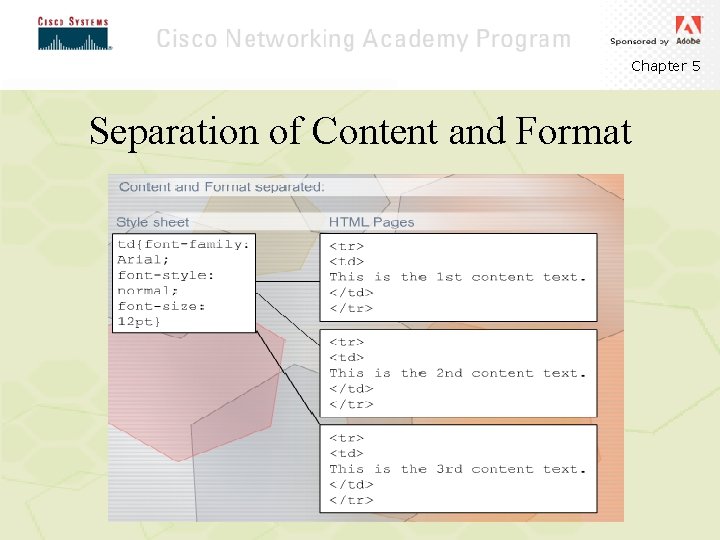
Chapter 5 Separation of Content and Format • Overview – Need to leave HTML for structure • Use tables for logical tabular information • Use fonts for headings, not display – HTML 4. 01 and future versions separate content and format through cascading style sheets
Chapter 5 Separation of Content and Format
Chapter 5 Separation of Content and Format • Style sheets – Template file specifying how each type of element should be treated – Spells out exactly which styles get priority – Must be supported by browser in order to work
Chapter 5 Other Design Issues • Hooking the audience – Three opportunities • Home page loads quickly • Navigation is easy to use • Clear and concise content is updated regularly
Chapter 5 Other Design Issues • The home page – Two choices • Graphical, animated home page – Entices users • Layout more like a magazine cover – Gets users information quickly – Important to let individual needs of client determine style of home page • Should introduce identity of client • Should convey purpose of site
Chapter 5 Other Design Issues • Background graphics and colors – Often set a tone for site – Should enhance, not detract, from readability of site – <BODY background=“URL”> deprecated, but used widely – CSS replaces it, and can specify number of times a graphic “tiles” (repeats) in the background • body {background: url(line. gif) no-repeat top}
Chapter 5 Other Design Issues • Accommodating advertising – Internet Advertising Bureau guidelines • Standard ad banner is 468 x 60 pixels • Other sizes – 234 x 60 pixels to 400 x 40 pixels – Simple GIF animations appropriate – Include a link to advertiser’s site
Chapter 5 Other Design Issues • Frames considerations – Divide page into individually controllable sections – Not supported evenly by all browsers – May also be problem for sightimpaired visitors – Particularly useful for fixed navigation schemes
Chapter 5 Other Design Issues • “Stickiness” Def: qualities about a Web site that cause visitors to return – Frequent updates show new material at top – Use interactive section on page to gather email addresses – Announce product promotions through email – Provide user contribution database or chat room